 Pixlio AI
Start creating and editing images with the AI image editor below.
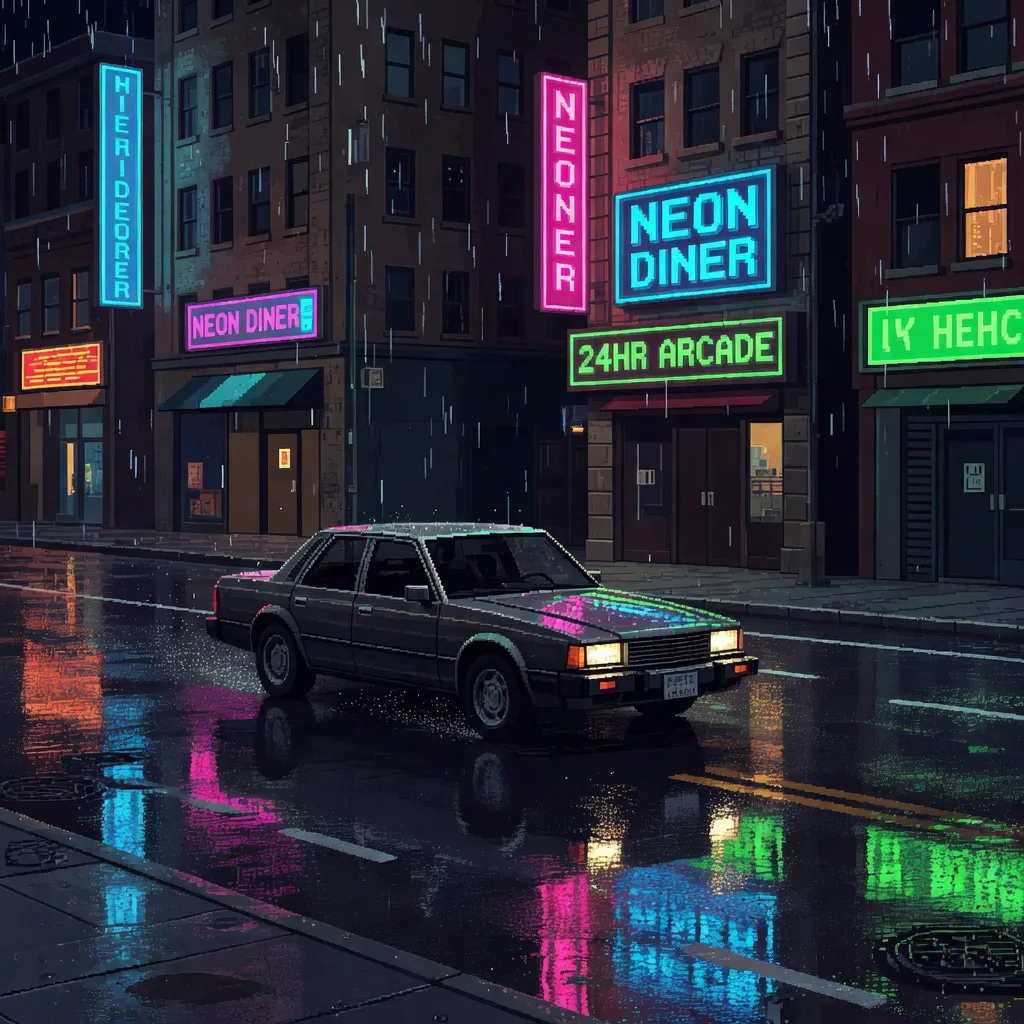
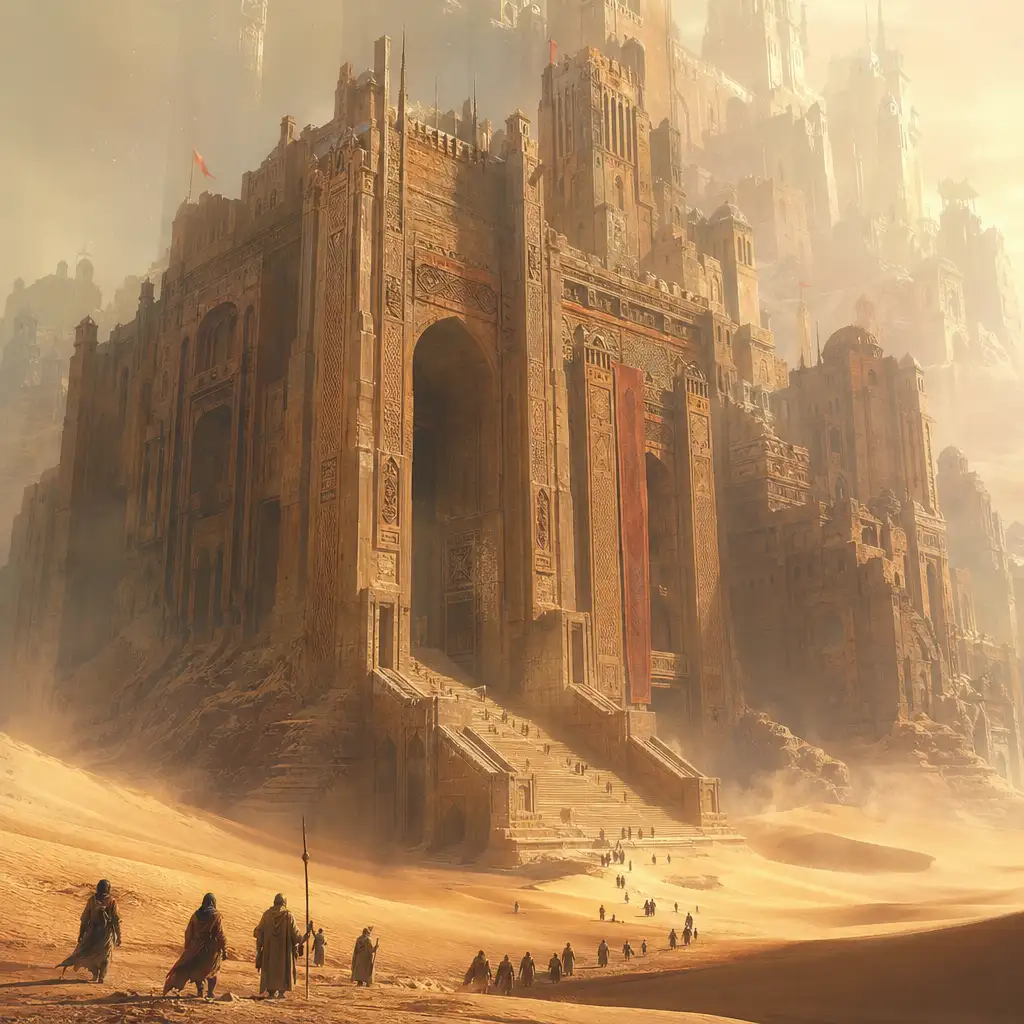
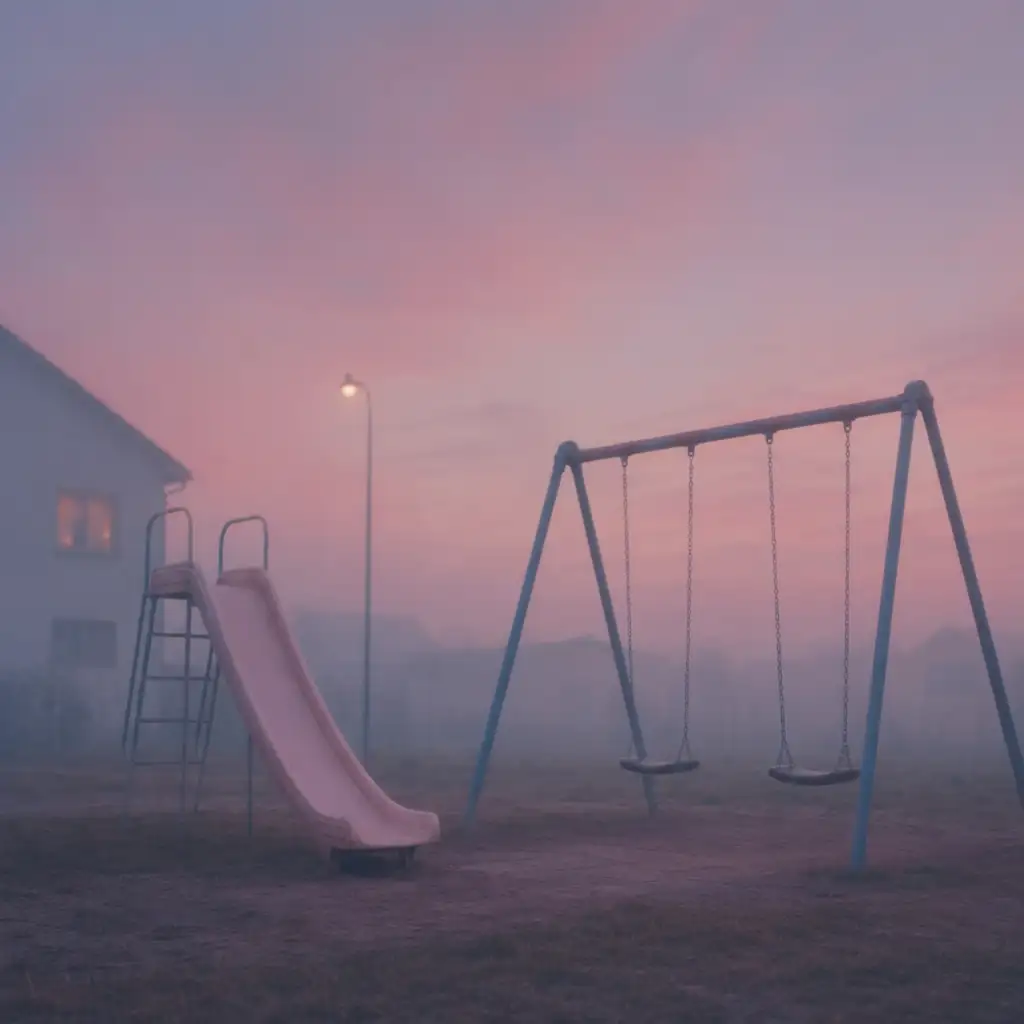
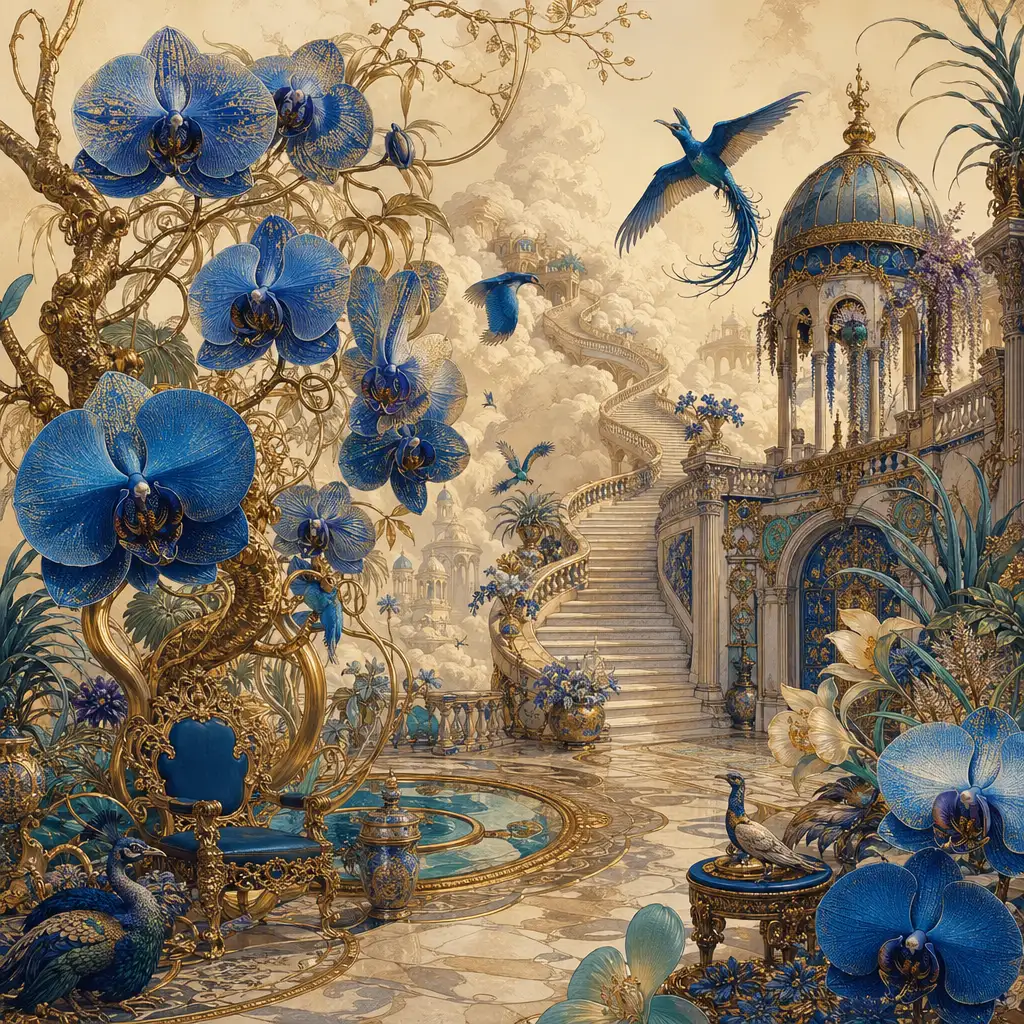
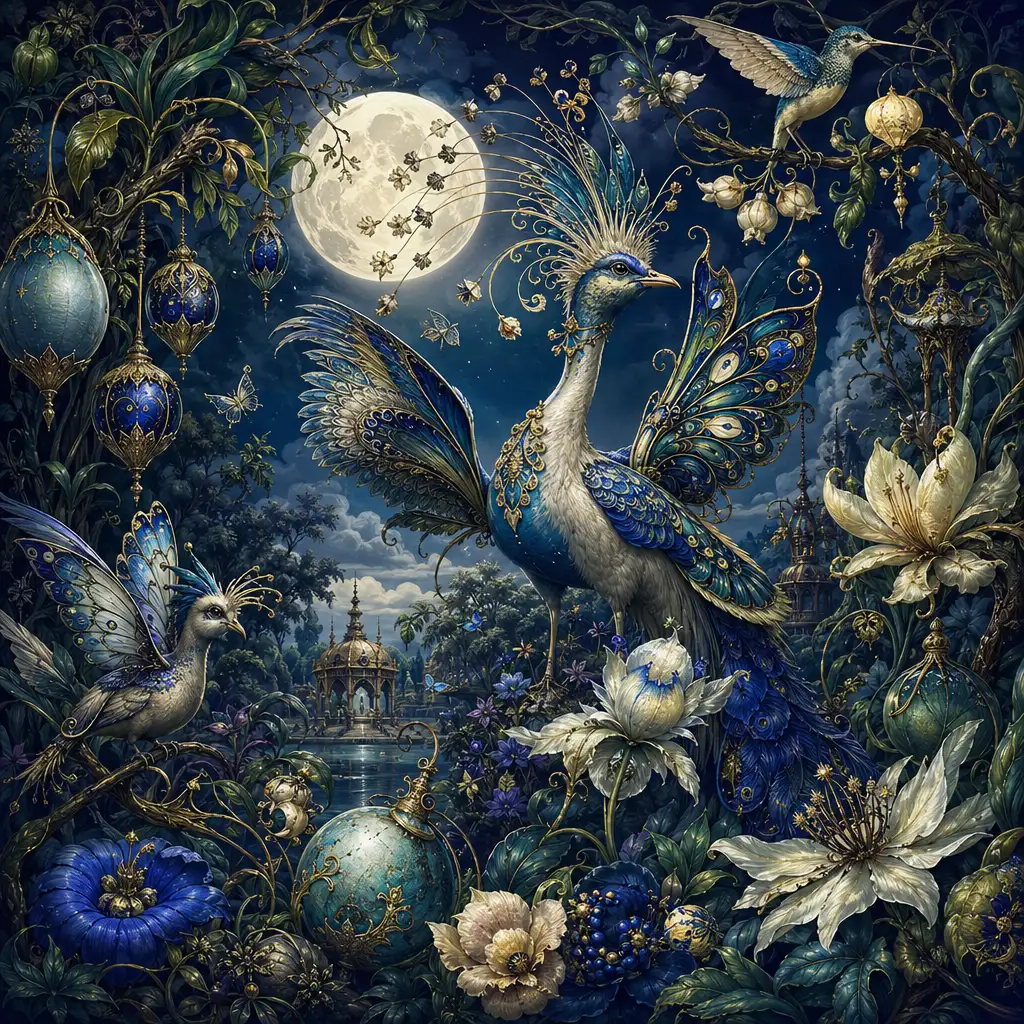
AI Image Editor — Create and Edit Stunning Images in Seconds
Transform your creative workflow with Pixlio's AI image editor—the all-in-one platform for generating original images from text prompts and intelligently editing existing photos. Whether you need to create eye-catching visuals from scratch using text-to-image generation or transform uploaded photos with image-to-image editing, our browser-based AI image editor delivers professional results in seconds. Choose from multiple AI models, apply style presets like Photoreal, Ghibli Art, or Pixar 3D, and customize aspect ratios, output formats, and seeds for complete creative control. No software installation required—just open your browser, describe your vision, and let the AI image editor bring it to life.
Why Pixlio's AI Image Editor Stands Out
Create professional visuals with intelligent AI that understands your prompts and transforms your ideas into stunning images. Our AI image editor combines powerful text-to-image generation with flexible image-to-image editing, giving you complete creative freedom in one seamless platform. Perfect for marketers, designers, content creators, and anyone who needs high-quality images without the complexity of traditional editing software.
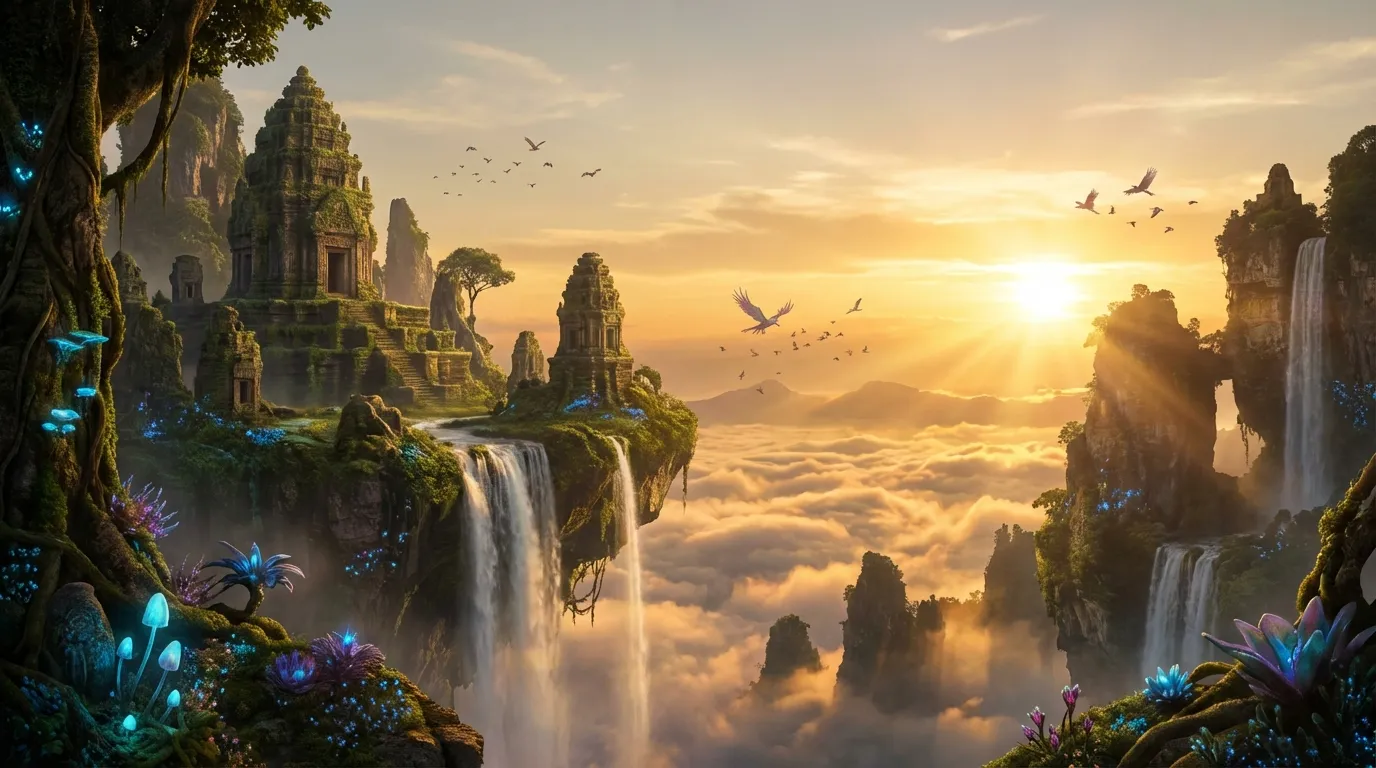
Text-to-Image Generation: From Prompt to Picture
Describe your vision in words and watch the AI image editor create it. Enter a detailed prompt—specifying subject, style, lighting, mood, and composition—and generate original images in seconds. The text-to-image feature supports prompts up to 3,000 characters, giving you room to be precise about every detail. Choose from multiple AI models including Nano Banana for consistency, and Seedream v5 for high-fidelity results. Each model brings unique strengths to your AI image editor workflow, whether you need rapid iteration or maximum quality.
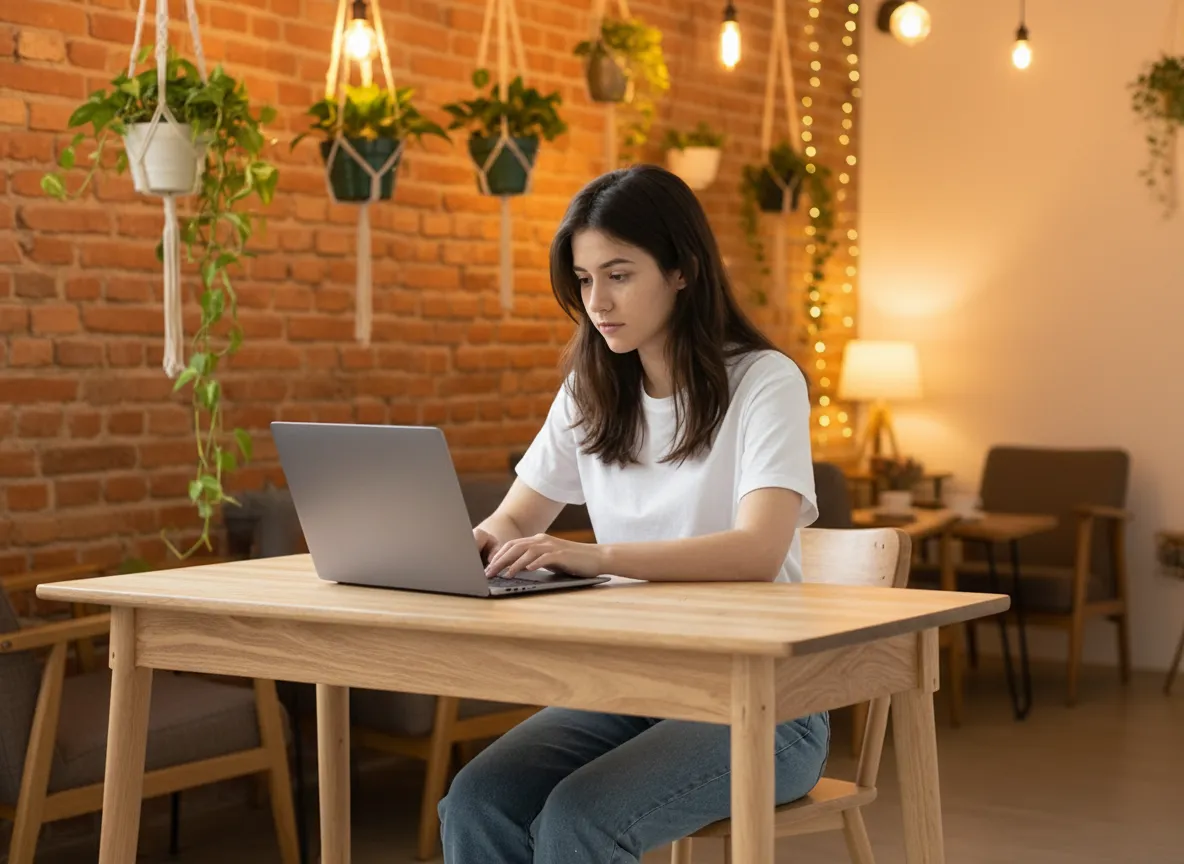
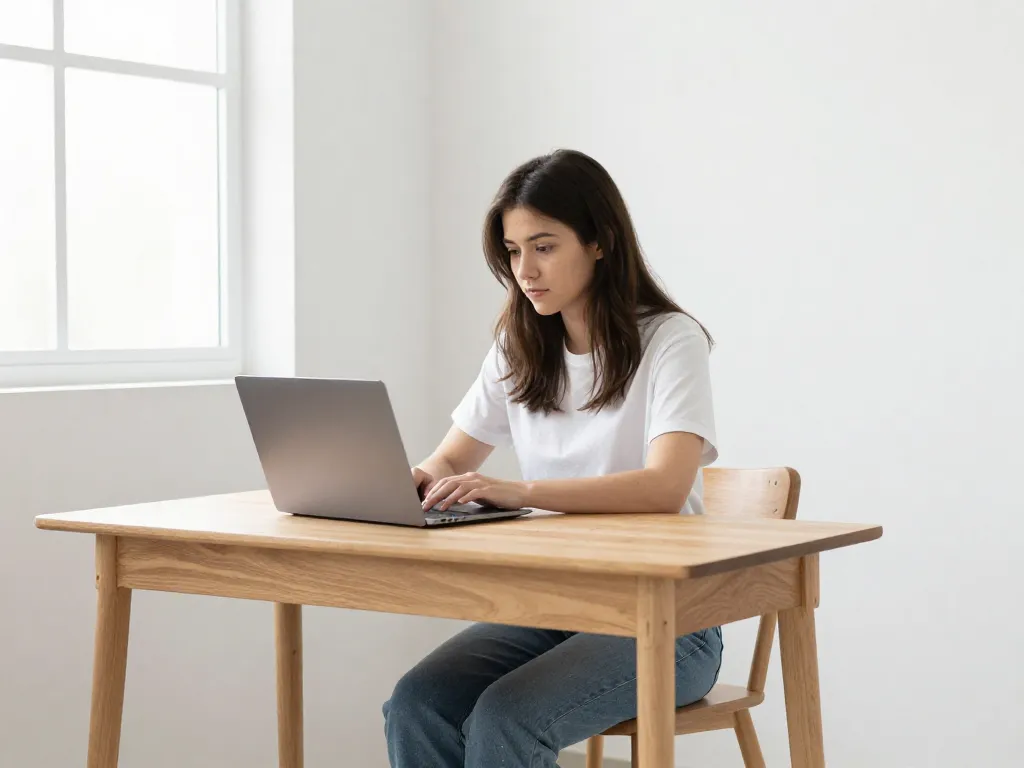
Image-to-Image Editing: Transform Your Photos
Upload existing images and guide the AI image editor with prompts to transform, enhance, or completely reimagine them. The image-to-image mode accepts JPG, PNG, and WebP files up to 10MB, with some models supporting multiple input images for complex compositions. Describe what you want changed—swap backgrounds, alter styles, add elements, or shift the entire aesthetic—and the AI interprets your instructions while preserving key details. This makes our AI image editor ideal for product photography touch-ups, creative remixes, and iterative design workflows where you start with reference material.

Powered by the Latest AI Models
Choose from a diverse lineup of cutting-edge image models, each bringing unique strengths to your creative workflow. Generate with Nano Banana and Nano Banana Pro for precision-driven character consistency, GPT Image 2 for strong prompt adherence and fine-grained detail, Grok Imagine Image for highly aesthetic outputs from xAI, or Seedream 4.5 for cinematic 4K quality with crisp text rendering. Additional options like Grok Imagine Image round out the selection, covering everything from rapid iteration to photorealism. With models from leading AI labs continuously added, the AI image editor ensures you always have access to the best tools for every project.
Style Presets and Creative Control
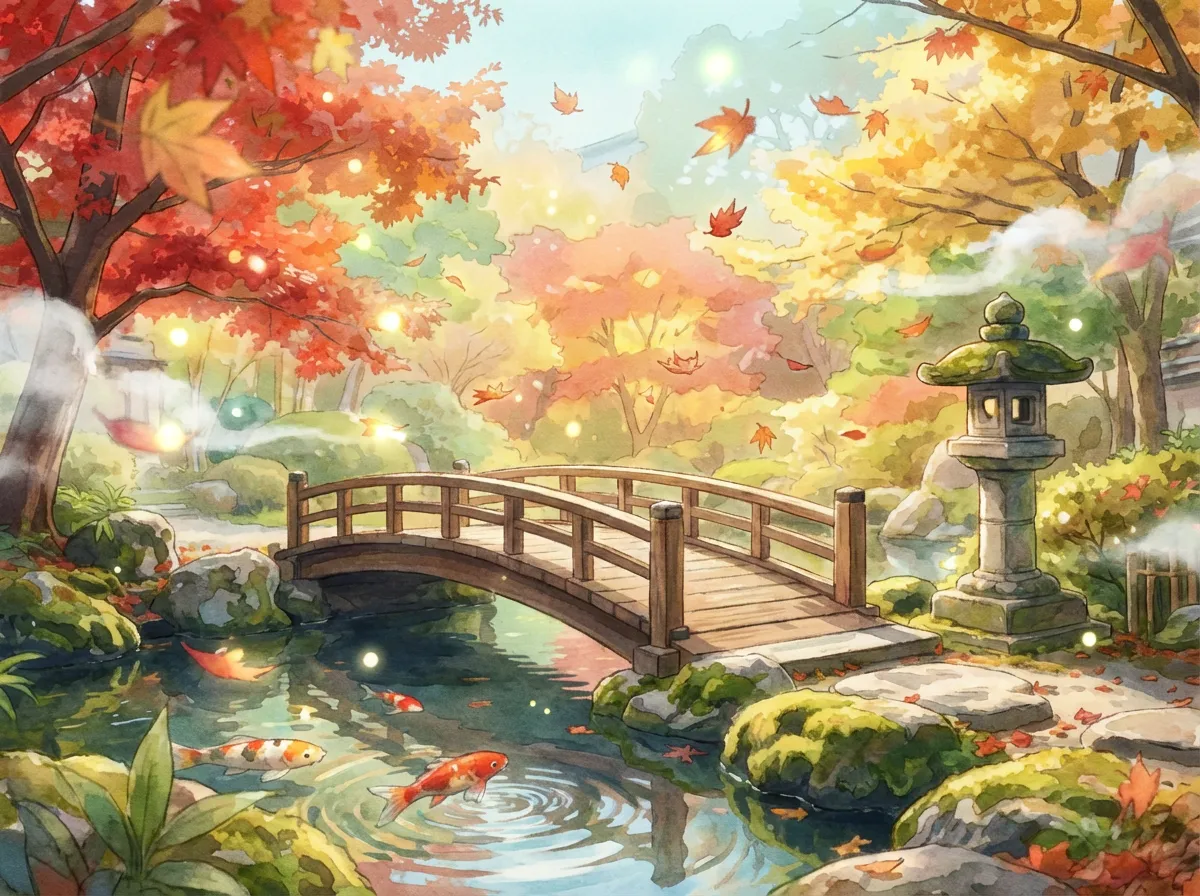
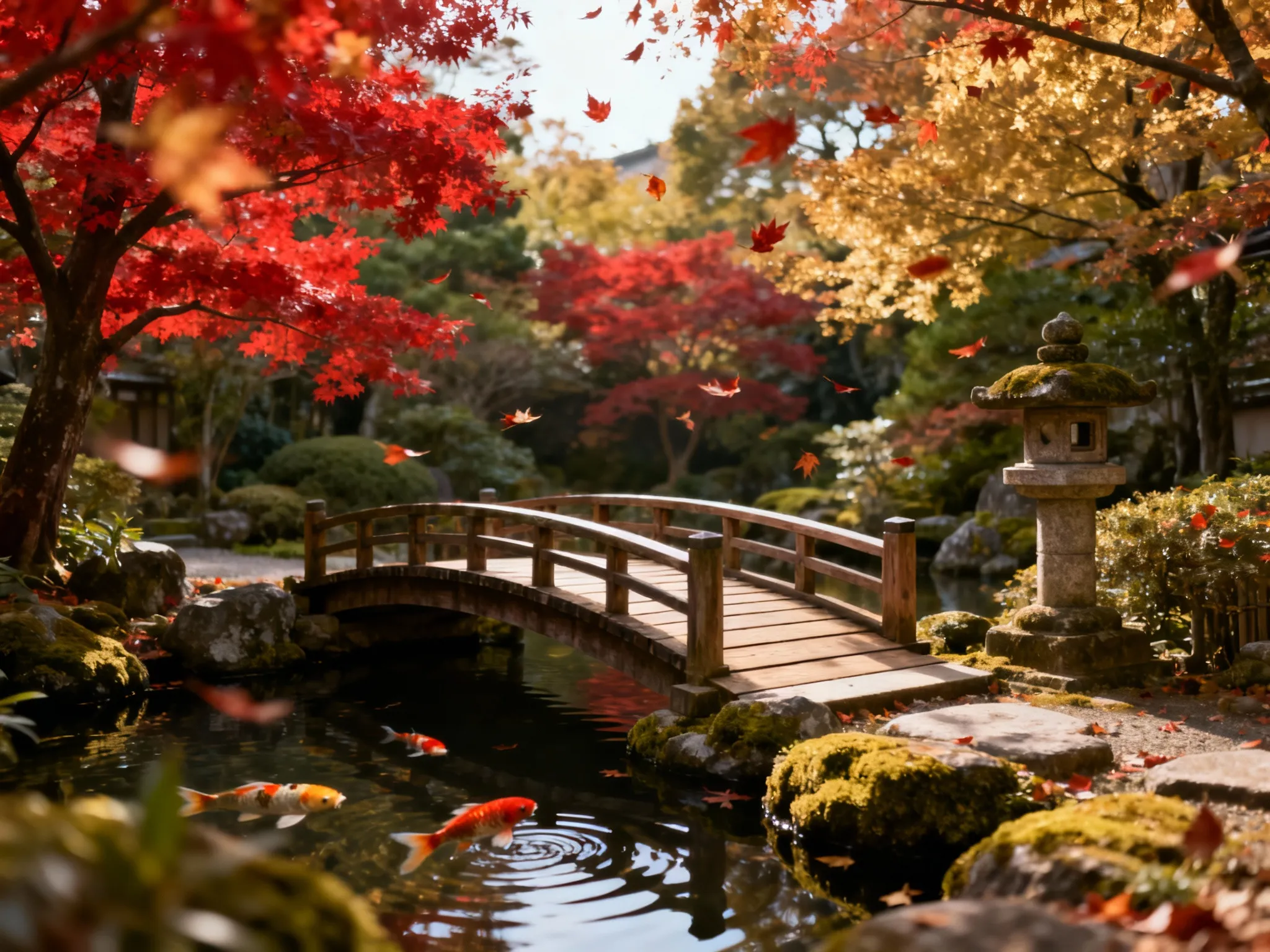
Apply professional aesthetics instantly with curated style presets. The AI image editor offers presets like Photoreal for lifelike imagery, Ghibli Art for anime-inspired scenes, Pixar 3D for animated characters, Pixel Art for retro gaming visuals, and more. Beyond styles, you control aspect ratios (Square, Portrait, Landscape, plus model-specific options like 21:9 and Auto presets), output formats (JPEG for smaller files, PNG for lossless quality), and seeds for reproducible results. This level of customization makes our AI image editor suitable for both quick concepts and polished final deliverables.
Fast Processing, Browser-Based Convenience
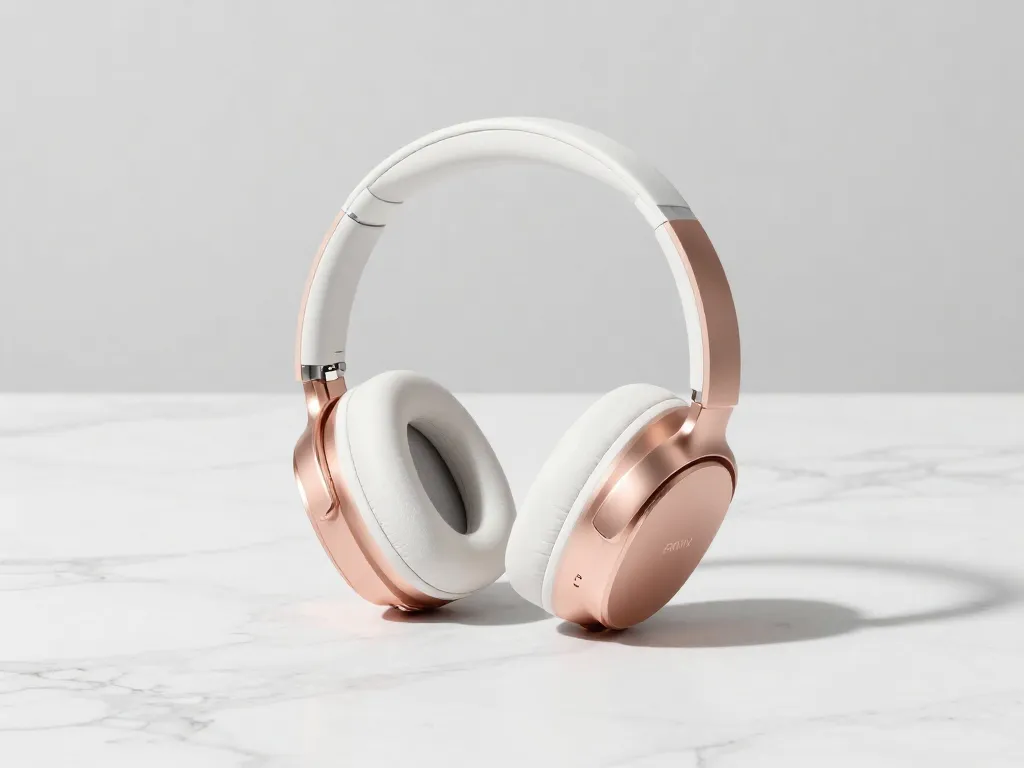
Generate and edit images without installing software or learning complex tools. The AI image editor runs entirely in your web browser, accessible from any modern device. Most operations complete in 5-20 seconds, and you see estimated credit costs before generating so there are no surprises. The streamlined interface keeps everything intuitive—pick a mode, enter your prompt, adjust settings if desired, and click generate. Results appear right in the preview panel, ready to download, view details, or continue editing. This speed and accessibility make our AI image editor practical for busy professionals and casual creators alike.
How to Use the AI Image Editor: Simple Steps to Stunning Images
Getting started with Pixlio's AI image editor takes just minutes. Whether you're creating images from text prompts or transforming existing photos, the intuitive workflow guides you from idea to finished visual without a learning curve. Follow these steps to unlock professional-quality image creation and editing.
Transform Your Creative Workflow with AI Image Editing
From social media graphics to e-commerce product shots, the AI image editor serves creators and businesses across every visual need. See how different users leverage text-to-image generation and image-to-image editing to produce professional content faster than ever.

Social Media and Marketing Content
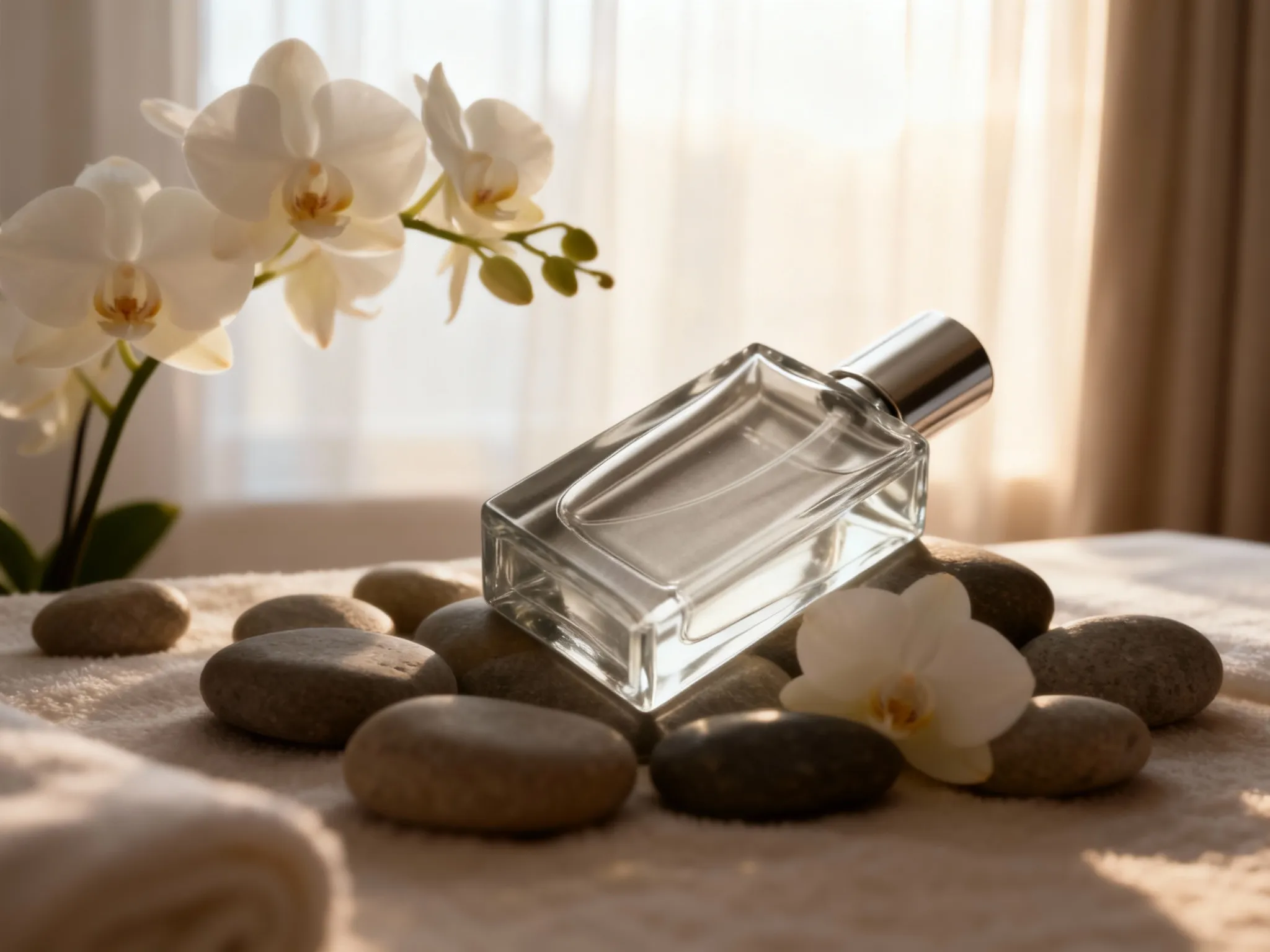
Marketing teams and content creators use the AI image editor to produce campaign visuals at scale. Generate original hero images from text prompts, then use image-to-image editing to create variations with different backgrounds, lighting, or styling. Create consistent branded content across platforms by applying the same style presets to multiple generations. The speed of our AI image editor means you can test concepts, iterate on feedback, and deliver polished assets in a single session—perfect for tight deadlines and A/B testing different creative directions.
E-commerce Product Photography
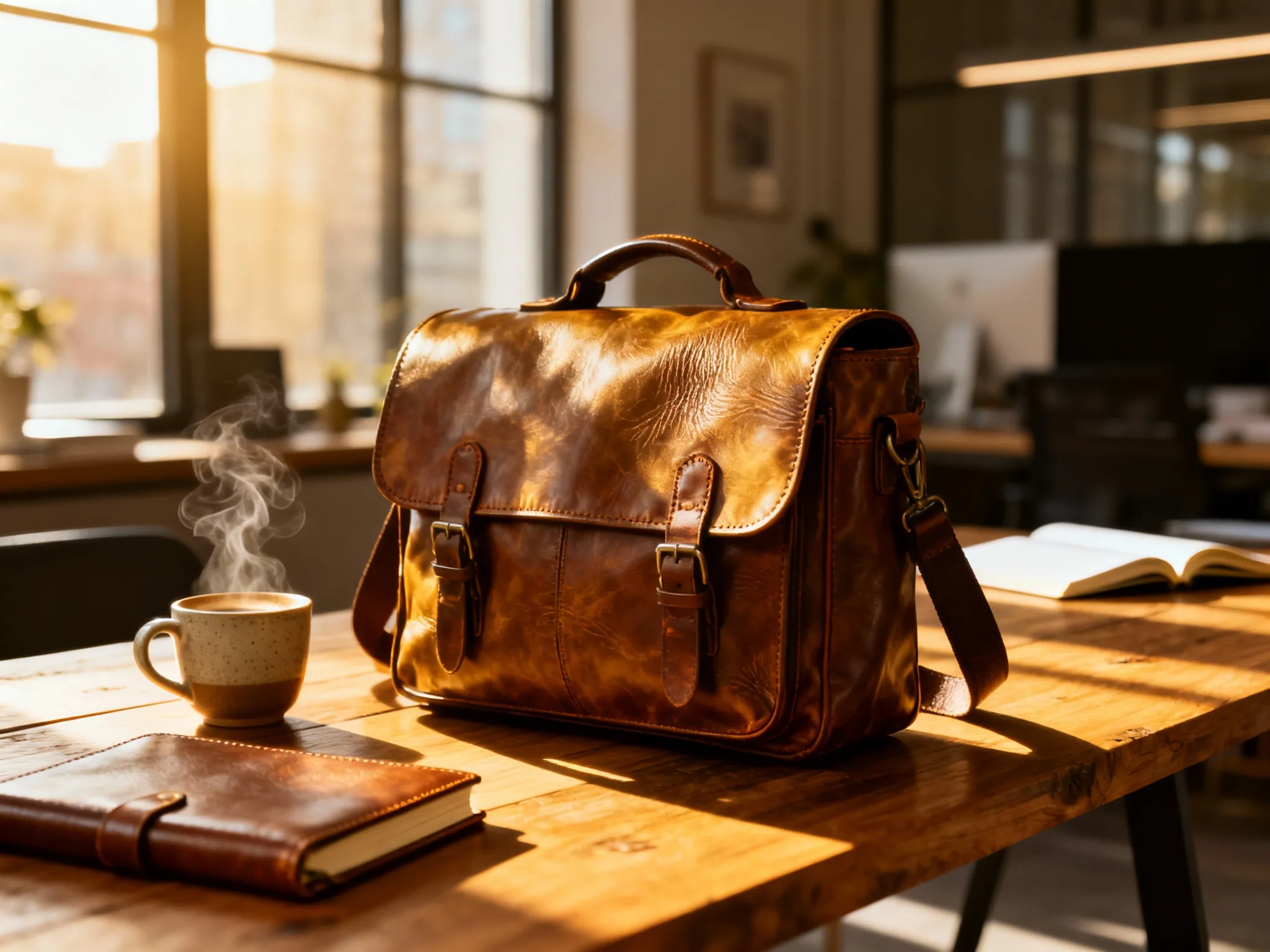
Online sellers rely on the AI image editor to create compelling product listings without expensive photoshoots. Upload product photos and use image-to-image mode to place items in lifestyle settings, swap backgrounds for clean white or contextual scenes, and generate multiple angle variations from a single source. The text-to-image feature helps prototype product concepts before manufacturing, visualize colorways, or create aspirational imagery that drives conversions. Commercial usage rights included with paid credits mean you can use AI image editor outputs directly in your store.
Creative Projects and Illustrations
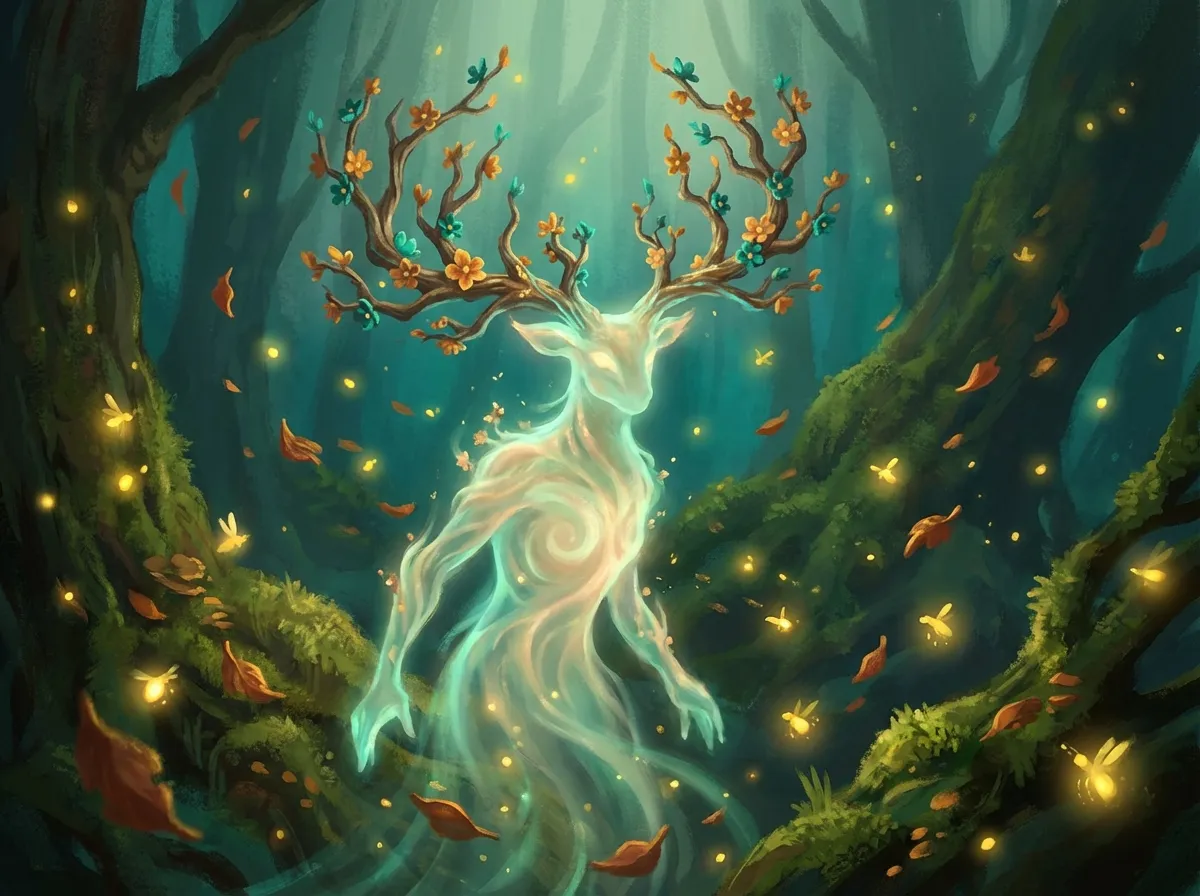
Designers, illustrators, and creative professionals use the AI image editor as a rapid ideation tool. Generate concept art, moodboard visuals, and style explorations in seconds rather than hours. Apply presets like Ghibli Art, Pixel Art, or Photoreal to match project aesthetics, then refine outputs with image-to-image editing for precise adjustments. Whether you're storyboarding a video, designing game assets, or creating artwork for personal projects, the AI image editor accelerates your creative process while giving you the control to achieve your vision.
AI Image Editor: Frequently Asked Questions
What is an AI image editor?
An AI image editor is a tool that uses artificial intelligence to create new images from text descriptions and intelligently edit existing photos. Pixlio's AI image editor combines text-to-image generation—where you describe what you want and the AI creates it—with image-to-image editing, where you upload photos and guide transformations with prompts. This dual capability means you can both create original visuals from scratch and enhance or reimagine existing images in one platform.
What's the difference between text-to-image and image-to-image?
Text-to-image creates entirely new images based on your written prompt. You describe the subject, style, lighting, and composition, and the AI image editor generates a matching visual from nothing. Image-to-image starts with an uploaded photo and uses your prompt to guide edits or transformations—change backgrounds, apply new styles, add or remove elements, or shift the entire aesthetic while preserving core features. Both modes are available in the AI image editor, and you can switch between them based on your project needs.
Do I get free credits to try the AI image editor?
Yes, every new user receives complimentary credits to explore both text-to-image and image-to-image features. No credit card required to sign up—try the AI image editor risk-free and see the quality of results before purchasing additional credits. The estimated cost for each generation is shown before you click Generate, so you always know how many credits an operation will use. Check the pricing page for current credit details and subscription options.
What output formats and aspect ratios are supported?
The AI image editor supports JPEG (smaller file size, recommended for most uses) and PNG (lossless, best for pixel-exact work) output formats. Aspect ratio options include quick tiles for Square (1:1 and HD), Portrait (3:4, 9:16), and Landscape (4:3, 16:9). Additional model-specific options like 21:9, 3:2, 2:3, 5:4, 4:5, and Auto presets are available in the expanded dropdown. The interface adapts based on your selected model to show all supported options.
Can I use images commercially?
Yes, all images created or edited with Pixlio's AI image editor using paid credits come with commercial usage rights. Use them in client projects, marketing campaigns, products, online stores, and business materials with confidence. Review the Terms of Service for complete details on usage rights and any content restrictions.
How long does image generation take?
Most AI image editor generations complete in 5-20 seconds depending on the model, image size, and current server load. The status indicator shows progress (queued, running, succeeded), and if polling times out, a Refresh button lets you fetch results without additional cost. This speed makes it practical to iterate rapidly, testing different prompts, styles, and settings to find the perfect result.
What AI models are available?
Pixlio's AI image editor integrates multiple models to suit different needs. For text-to-image: Grok Imagine Image delivers highly aesthetic outputs, Nano Banana and Nano Banana Pro ensure character consistency and scene preservation, Nano Banana 2 adds web-search grounding for accurate visuals, GPT Image 2 and GPT Image 1.5 provides strong prompt adherence with fine-grained detail, and Seedream v4/v4.5/v5 Lite deliver high-fidelity results with ultra-fast inference. For image-to-image editing: Nano Banana Edit variants offer precision editing with multi-image support, GPT Image 2 Edit handles detailed transformations, Grok Imagine Image Edit provides aesthetic editing, and Seedream Edit variants deliver high-fidelity transformations. The interface shows each model's name, description, and credit cost so you can choose based on your priorities.
How do style presets work?
Style presets are curated configurations that nudge the AI image editor toward specific aesthetics. Options include Photoreal for lifelike imagery, Ghibli Art for anime-inspired scenes, Pixar 3D for animated character looks, Pixel Art for retro gaming visuals, and more. Select a preset to influence the visual style while your prompt controls the content and composition. You can change presets anytime and combine them with any aspect ratio or output format for complete creative flexibility.