 Pixlio AI
Use the tool below to generate new viewpoints with 3D camera control.

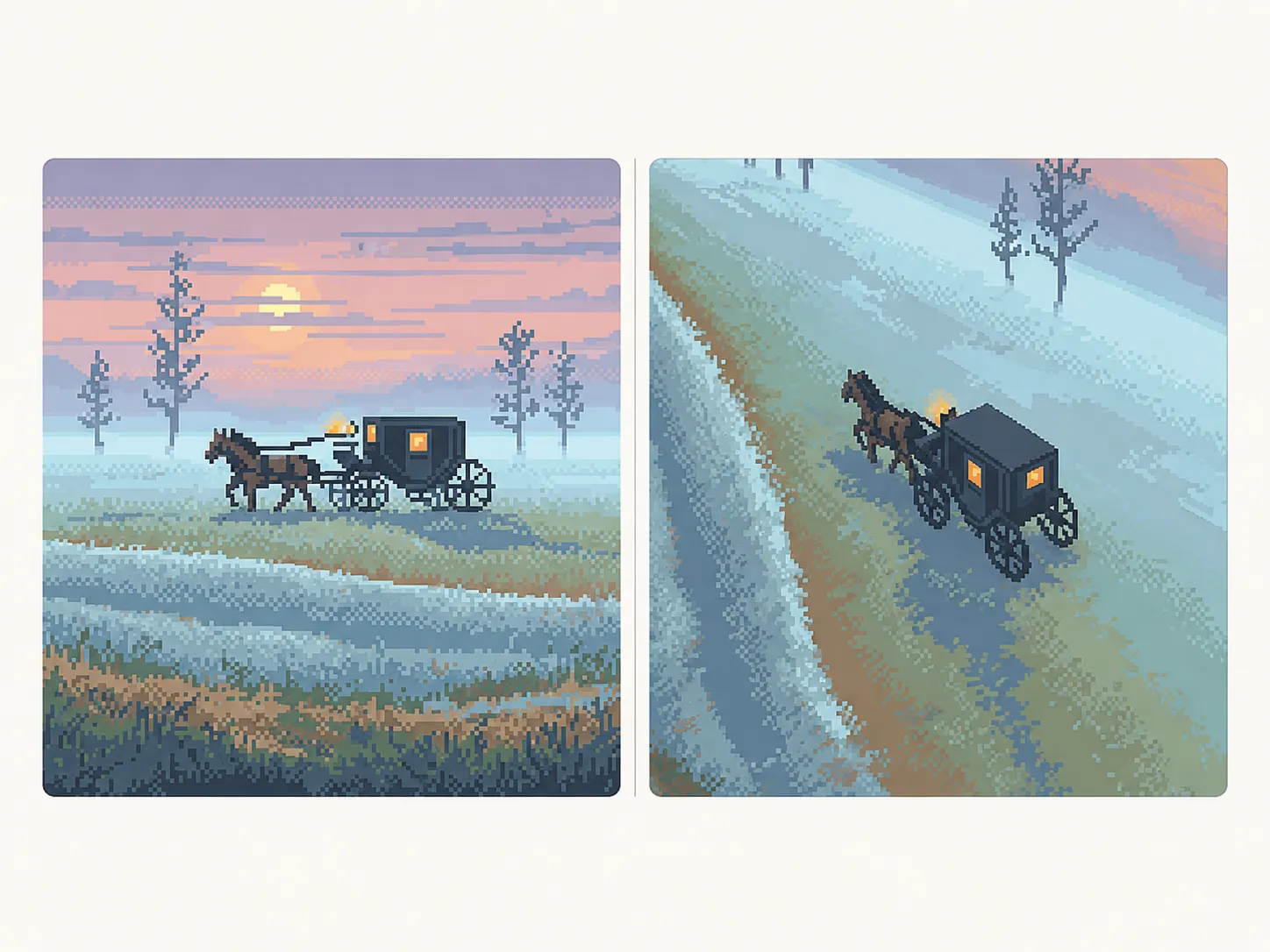
More AI Image Tools
Explore our collection of AI-powered image tools designed for different creative needs and styles






























3D Camera Control — Generate Multiple Angles from One Image
Need product photos from every angle but only have one shot? Pixlio's 3D camera control tool lets you rotate, tilt, and zoom around any subject without reshooting. Upload a single image—whether it's a product, character, or object—and use intuitive virtual camera controls to generate new perspectives in seconds. This AI 3D camera control simulates viewpoint changes that would normally require a full photo studio or 3D modeling software. Choose from quick presets like Front, Side, or Back, or dial in precise angles with sliders for Rotate (0–360°), Tilt (-30° to 90°), and Zoom. The online 3D camera control tool preserves your original composition while creating realistic alternate views. Download in PNG, JPEG, or WebP format—ready for e-commerce listings, creative projects, or design presentations. Want to enhance your generated images? Try our Image Upscaler for sharper, higher-resolution results.
Why Pixlio Is the Best 3D Camera Control Tool
Traditional photography requires multiple shots from different angles—expensive, time-consuming, and often impractical. Pixlio's 3D camera control changes that. Upload one image and generate any viewpoint you need, powered by AI that understands depth and perspective.
Virtual Camera Rotation
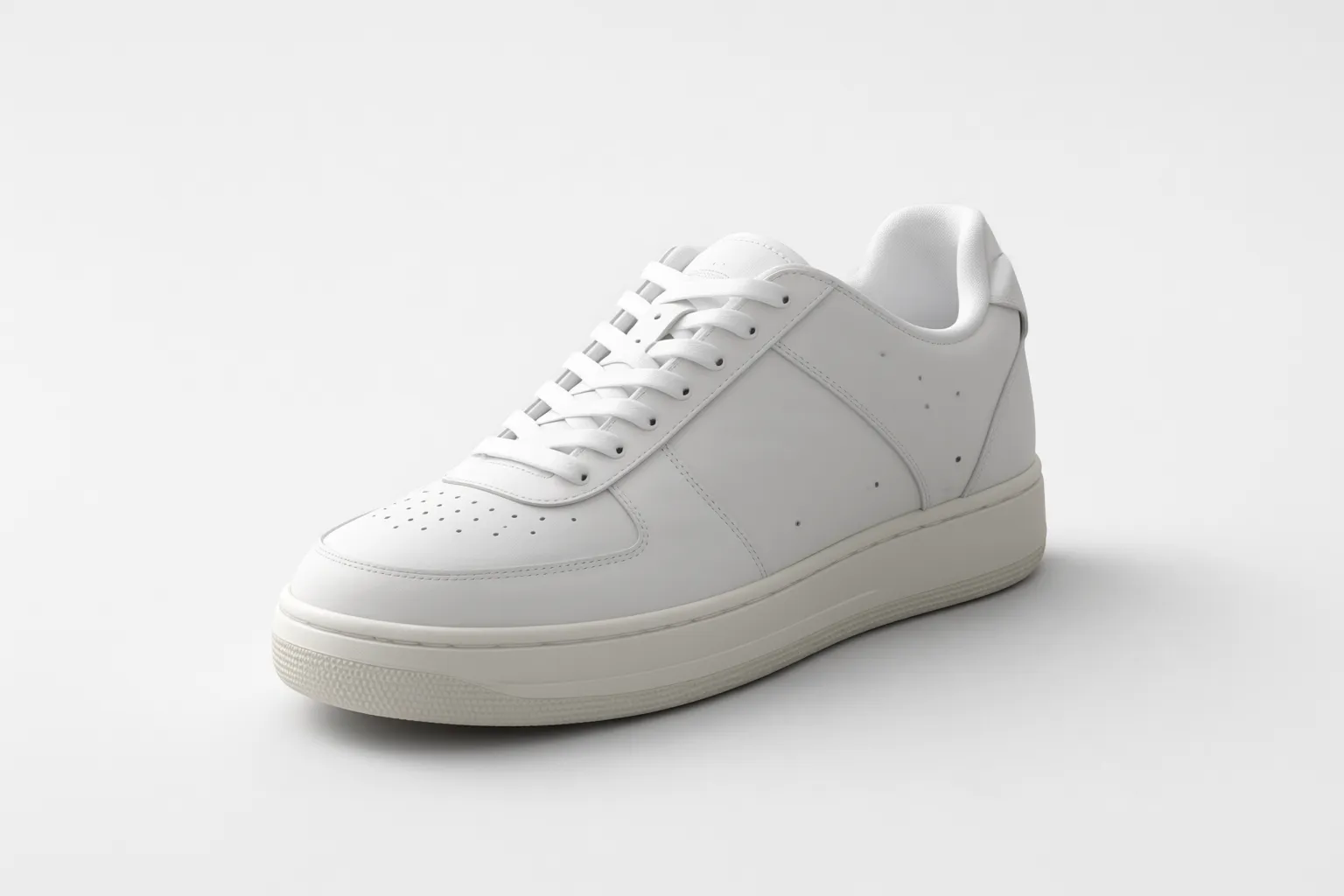
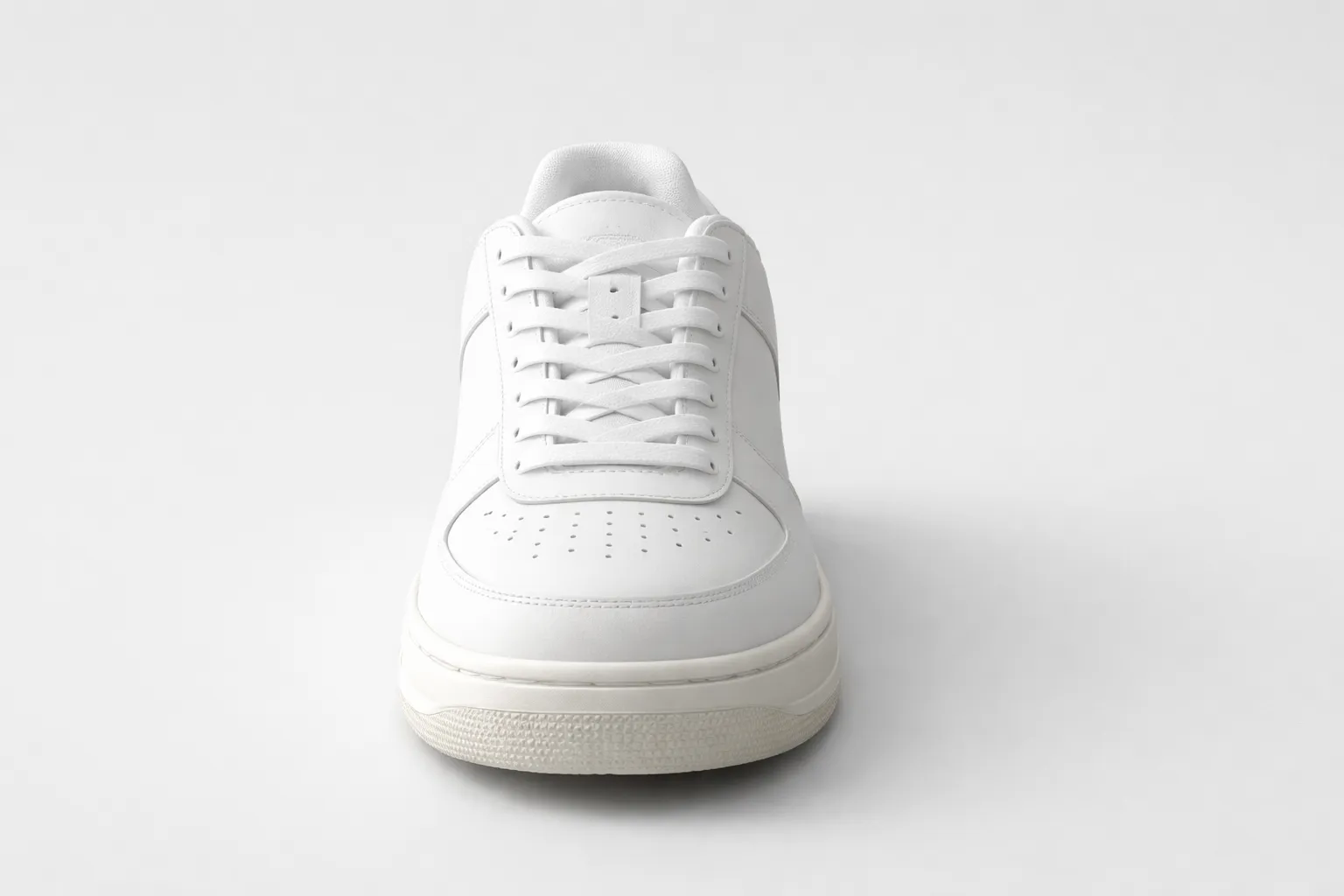
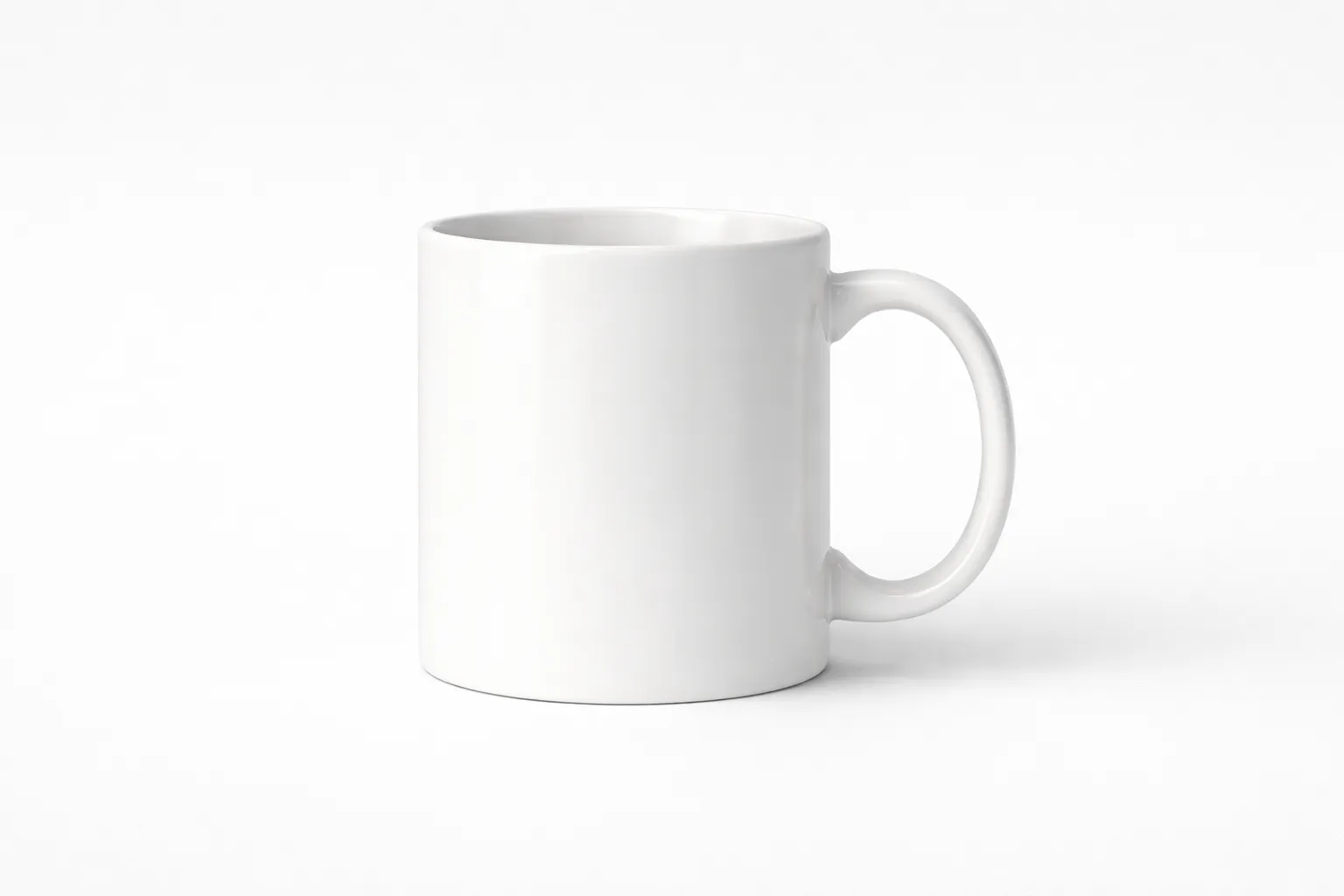
Imagine placing your subject on a turntable and spinning it to any angle. That's exactly what Pixlio's 3D camera control delivers—without the physical setup. The Rotate slider (0–360°) lets you orbit around your subject horizontally, generating views from front, side, back, or any angle in between. E-commerce sellers can create product carousels from a single hero image. Character artists can generate consistent multi-angle reference sheets. Designers can explore camera framing options in seconds instead of hours. This camera angle changer works intelligently, inferring depth and structure to produce realistic rotated perspectives.
One-Click Angle Presets
Not sure where to start? Pixlio's 3D camera control includes smart presets for the most common viewpoints. Orbit presets set your horizontal angle instantly: Front (0°), 3/4 Right (45°), Right (90°), Back (180°), and Left (270°). Tilt presets adjust vertical perspective: Low (-20°), Level (0°), High (30°), and Top (60°). Click any preset and the sliders update automatically—no guesswork required. These presets are especially useful for e-commerce product photography, where consistent angles across your catalog build buyer trust. Use presets as starting points, then fine-tune with sliders for the exact perspective you need.
Precise Tilt and Zoom Control
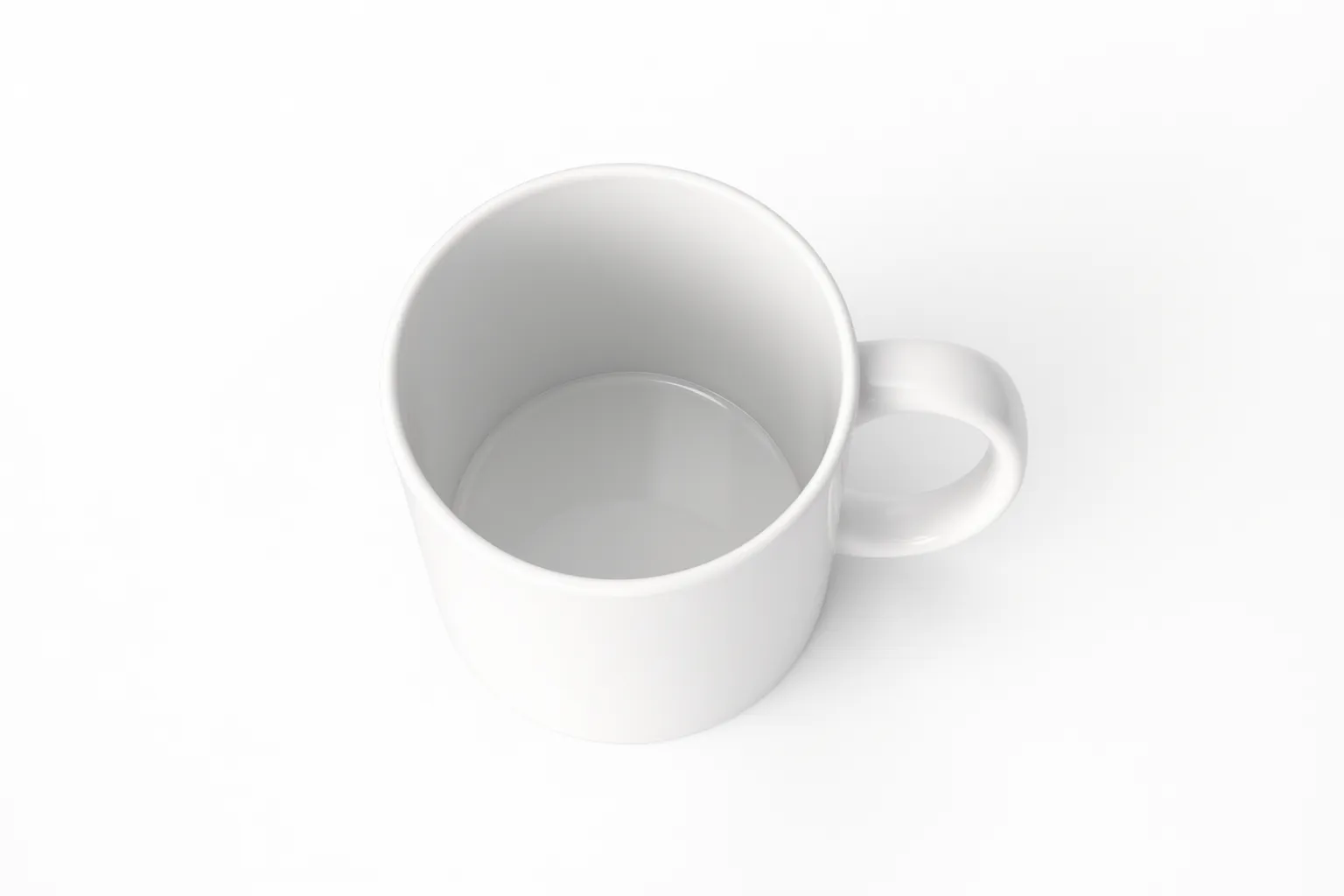
Beyond rotation, Pixlio's 3D camera control gives you full command over camera height and distance. The Tilt slider (-30° to 90°) adjusts your virtual camera's vertical angle—from dramatic low-angle shots that make products look imposing, to top-down views perfect for flat-lay compositions. The Zoom slider (0–10) controls how close or far the camera appears, letting you capture wide context or tight detail. Together, these controls let you simulate professional photography techniques: bird's-eye views, hero shots, detail close-ups, and everything in between. All from a single uploaded image.
Flexible Output Formats
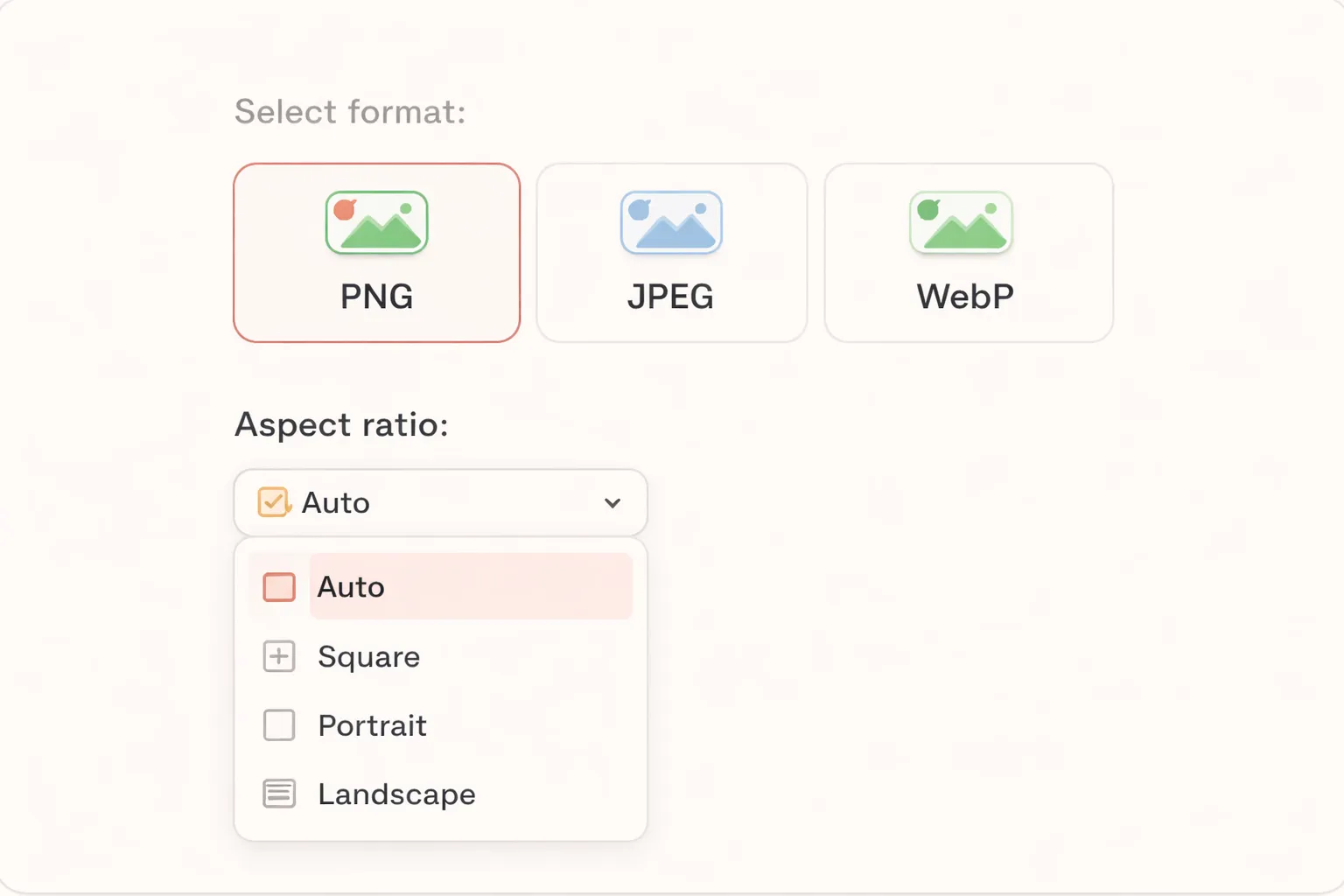
Different projects require different file types. Pixlio's 3D camera control lets you choose your output format before generating. Select PNG for lossless quality—ideal when you need maximum detail or plan to edit further. Choose JPEG for smaller file sizes, perfect for web galleries and email attachments. Pick WebP for modern compression that balances quality and performance on fast-loading websites. Your aspect ratio options include auto (preserves input dimensions), square, portrait, or landscape orientations. Every generated viewpoint downloads exactly as you need it, ready for immediate use.
How to Use 3D Camera Control in 3 Simple Steps
Generating new viewpoints takes less than a minute. Follow these steps to create multiple angles from a single image—no photography equipment or 3D software required.
Who Uses 3D Camera Control?
From online sellers needing product shots to artists building character references, Pixlio's 3D camera control serves anyone who needs multiple angles without multiple photo shoots. Here's how different users put this camera angle changer to work.
E-Commerce and Product Photography
Generate alternate product viewpoints from a single hero image. Use 3D camera control to create the front, side, and back views that marketplaces require—without scheduling additional photo shoots. Consistent multi-angle product images build buyer confidence and reduce returns.
Content Creators and Artists
Build consistent multi-angle reference sheets for characters, props, or objects. The 3D camera control tool helps illustrators and 3D modelers visualize subjects from every side. Generate front, 3/4, and back references from a single concept image.
Designers and Creative Teams
Iterate on camera framing quickly without setting up a full 3D pipeline. Use Pixlio's 3D camera control to explore composition options, present mockups from different angles, or generate assets for presentations—all from existing images.
Portfolio and Catalog Presentation
Showcase products, artwork, or projects from multiple perspectives. The rotate image angle feature of 3D camera control tool helps you present work more completely, whether for client pitches, online portfolios, or printed catalogs. One image becomes a comprehensive visual story.
3D Camera Control FAQ
What is 3D camera control?
3D camera control is an AI-powered tool that generates new viewpoints of your image from different angles. Unlike traditional photo editing, it simulates rotating a virtual camera around your subject—letting you create front, side, back, and angled views from a single upload.
Is Pixlio's 3D camera control free to try?
Yes. Pixlio offers free credits when you sign up, so you can try the 3D camera control tool right away. Additional credits can be purchased as needed for continued use.
What file formats does the 3D camera control tool support?
Pixlio's 3D camera control accepts JPG, PNG, and WebP uploads up to 10MB. You can download your generated viewpoint in PNG (lossless), JPEG (smaller size), or WebP (modern compression).
How much does 3D camera control cost?
3D camera control costs 10 credits per generated output image. The estimated cost is shown before you generate, so there are no surprises.
Does 3D camera control create true 3D models?
No. This tool uses AI to generate viewpoint-conditioned images—it simulates what your subject might look like from a different angle, but it does not create actual 3D geometry or models. Results are new 2D images rendered from the perspective you choose.
Can I adjust custom angles beyond the presets?
Yes. While quick presets cover common views like Front, Side, and Back, you can use the sliders for precise control: Rotate (0–360°), Tilt (-30° to 90°), and Zoom (0–10). This gives you full creative freedom over the virtual camera position.
Does 3D camera control work with any image?
3D camera control tool works best with images that have a clear subject—products, characters, objects, or scenes with defined depth. Complex backgrounds, extreme close-ups, or abstract imagery may produce less predictable results. Experiment to find what works for your use case.