Pixlio AI
Use the tool below to create an AI Christmas photo online.
AI Christmas Photo — Transform Any Image into a Festive Holiday Masterpiece
Want to create an AI Christmas photo without complicated editing software? Pixlio's free AI Christmas photo generator makes it effortless. Upload any selfie, family portrait, or room photo and watch as festive holiday lighting, cozy decorations, and winter magic transform your image in seconds. Choose People mode for identity-preserving portraits of selfies, couples, families, and pets—or switch to Scene mode for rooms, outdoor scenery, and product shots. Dial in your preferred decoration level, optionally add a custom prompt, then download a high-quality PNG. Looking for more winter effects? Try our AI Snow Photo Generator for snowy portrait transformations.
Why Pixlio Is the Best AI Christmas Photo Generator
Creating an AI Christmas photo has never been easier. Pixlio delivers professional holiday effects without requiring design skills or expensive software. Whether you need subtle festive touches or a full Christmas transformation, you have complete creative control.
People Mode: Identity-Preserving Christmas Portraits
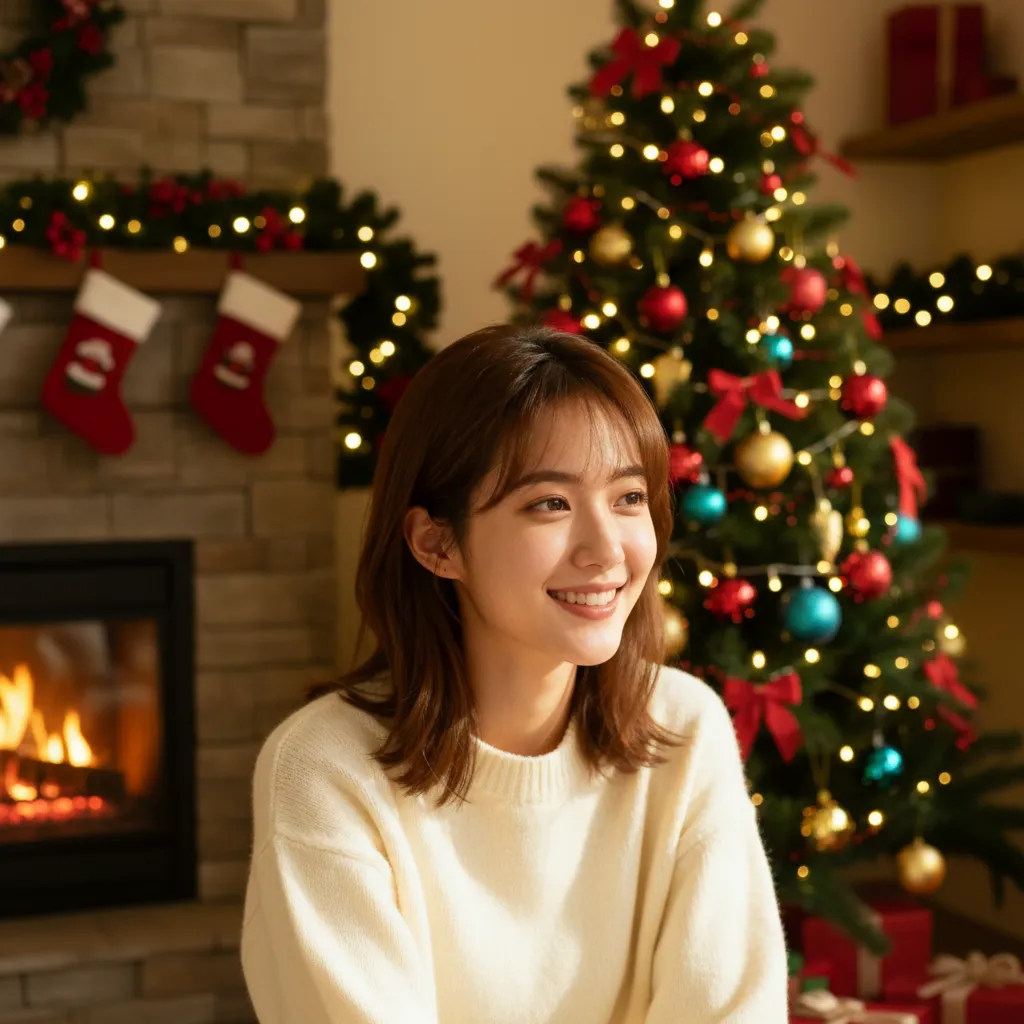
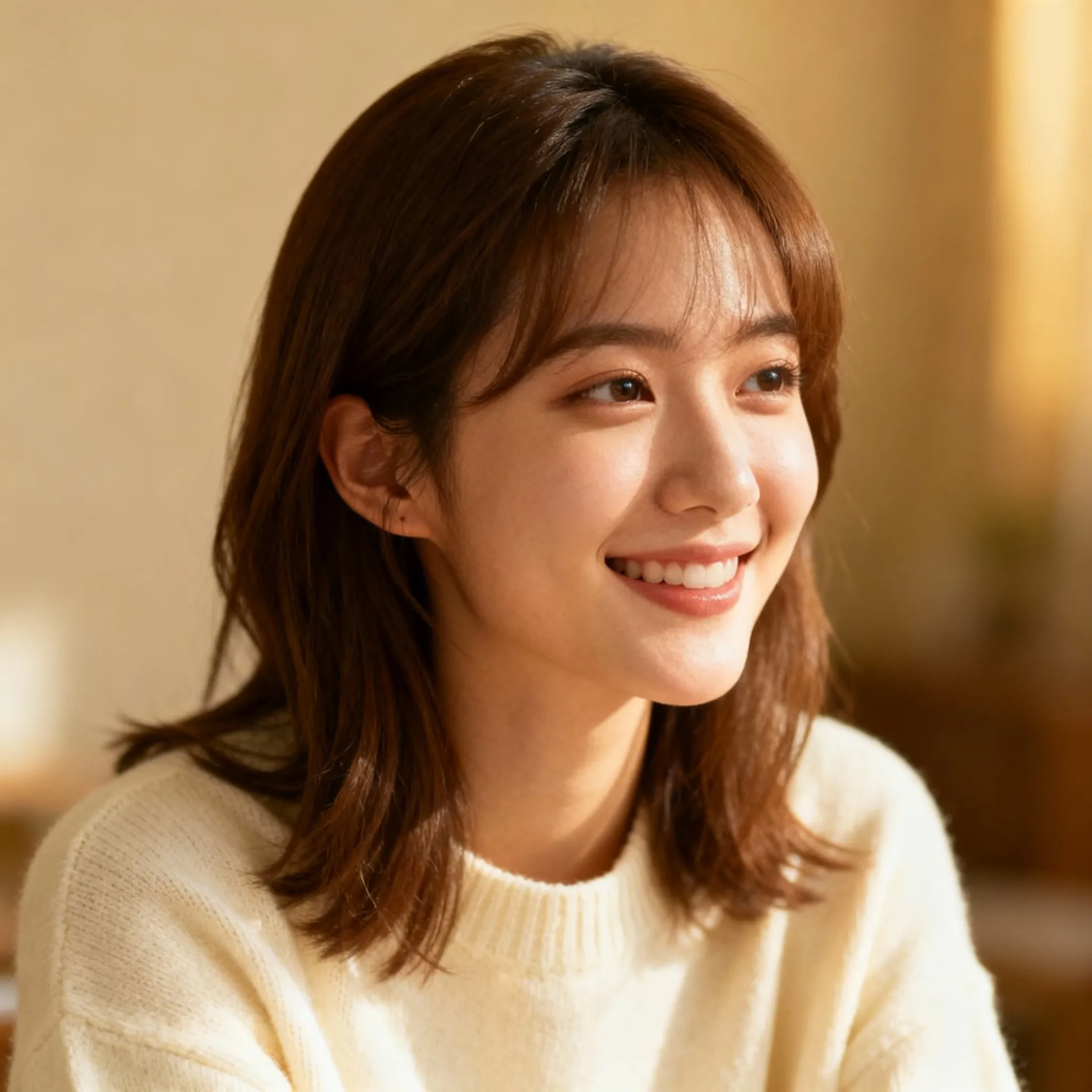
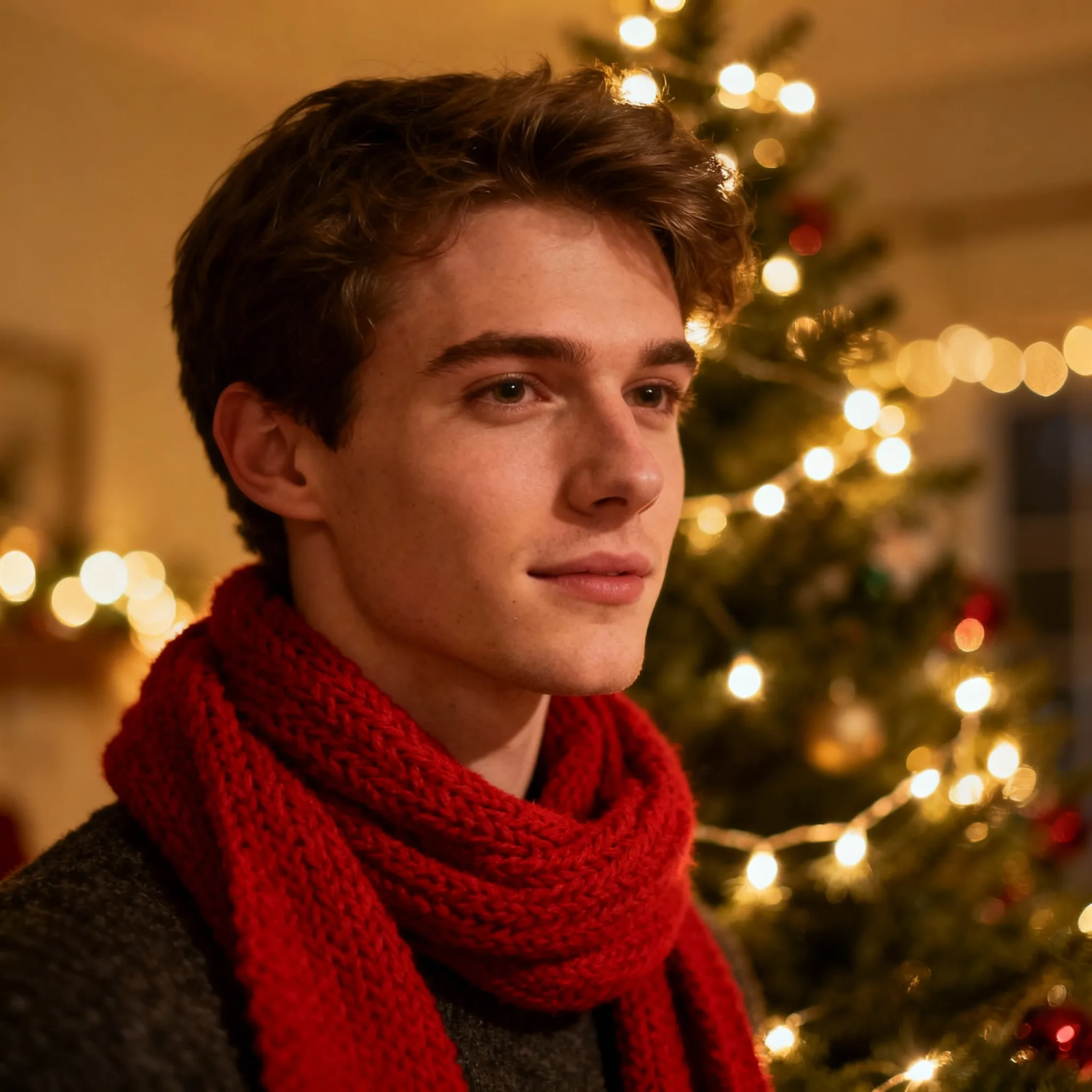
When you create an AI Christmas photo using People mode, Pixlio preserves what matters most—your face and the faces of everyone in your photo. The AI maintains natural expressions while adding festive holiday lighting and cozy decorations. Choose from eight curated style presets including Classic Christmas Portrait, Santa Hat, and Family Christmas Card Photo. Each AI Christmas photo preset delivers photorealistic results that look like actual holiday celebrations, not digital edits.


Scene Mode: Transform Rooms and Scenery
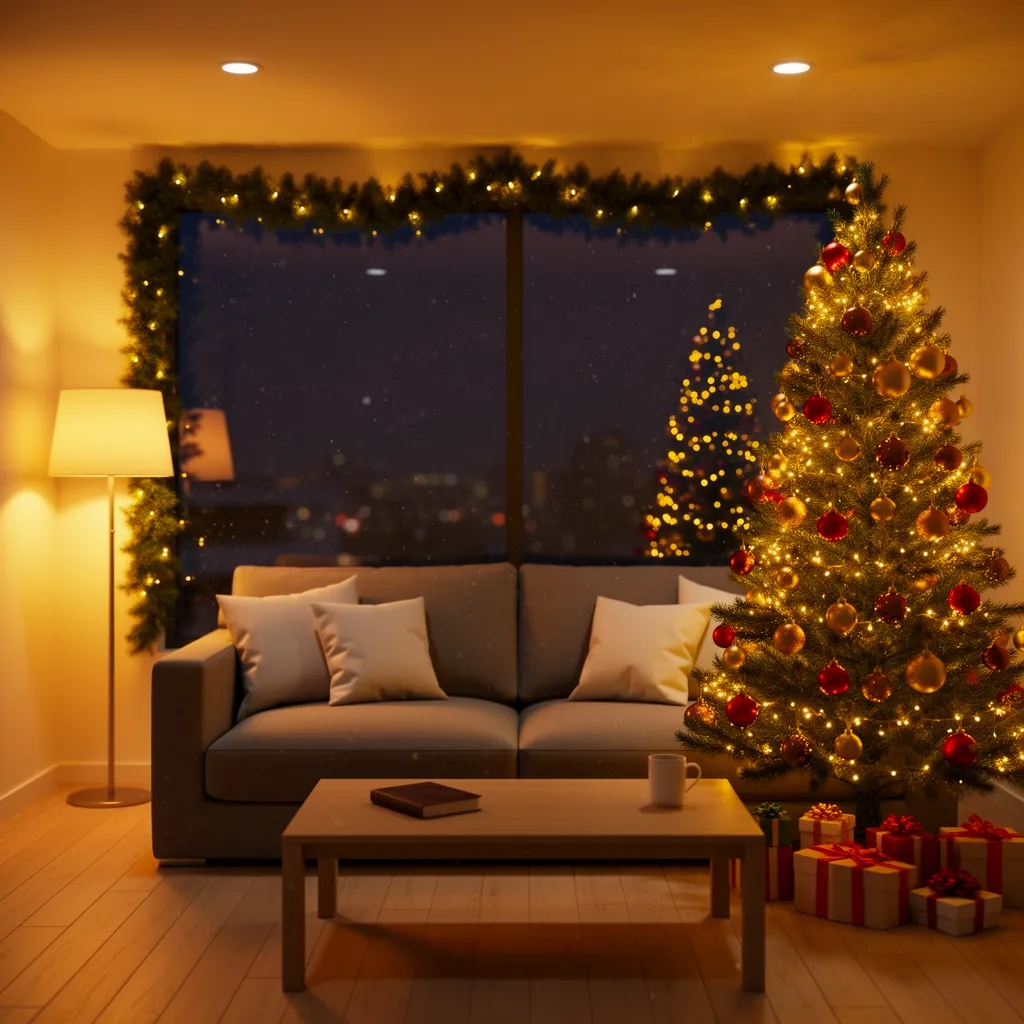
Scene mode is optimized for creating an AI Christmas photo from rooms, outdoor landscapes, storefronts, and product setups. The AI adds Christmas trees, garlands, string lights, and cozy holiday lighting while preserving your original composition. Perfect for real estate listings, e-commerce seasonal campaigns, or giving your living room a festive makeover. The AI Christmas photo generator respects camera angles, ensuring decorations appear naturally integrated.

Three Decoration Levels for Every Vision
Not every AI Christmas photo calls for maximum festivity. Pixlio offers three decoration levels to match your creative vision. Subtle adds gentle holiday touches—ideal for professional headshots needing seasonal flair. Balanced delivers noticeable Christmas atmosphere that feels natural. Festive creates dramatic transformations with rich decorations and warm lighting. Each level maintains image quality while delivering the AI Christmas photo effect you want.
Optional Custom Prompt for Fine-Tuning
While Pixlio's AI Christmas photo generator works beautifully with presets alone, you can optionally add a custom prompt to refine specific details. Request more fairy lights, add a red scarf, or ask for more garlands. The AI interprets your preferences while maintaining guardrails that prevent unwanted text or identity changes. This gives you preset simplicity with flexibility to personalize each AI Christmas photo.
How to Create an AI Christmas Photo in 3 Simple Steps
Transforming your images into festive holiday photos takes less than a minute. Follow these steps to create stunning AI Christmas photo results without any design experience.
Perfect for Holiday Cards, Social Posts, and Seasonal Promotions
Our AI Christmas photo generator serves diverse creative needs. From individuals creating festive profile pictures to businesses preparing holiday campaigns, realistic Christmas effects elevate visual content across all use cases.
Holiday Profile Pictures and Social Posts
Create a cozy AI Christmas photo for your social media profiles and holiday posts. People mode presets like Classic Christmas Portrait add warm festive lighting while preserving your natural appearance. Generate multiple variations to find the perfect AI Christmas photo for Instagram, Facebook, or LinkedIn—all without a professional photoshoot.
Family Christmas Card Photos
Transform any family portrait into a Christmas-card-ready AI Christmas photo with the Family Christmas Card Photo preset. The AI preserves everyone's identity while adding balanced festive decorations. Couples, families, and pet portraits work wonderfully. Download your AI Christmas photo as a PNG for any card design tool.
Seasonal Marketing and Product Promotions
Prepare your business visuals for holiday season with AI Christmas photo transformations. Use Scene mode to add decorations to storefronts and product displays. People mode works for team photos. Create cohesive AI Christmas photo imagery for email campaigns and social ads—in minutes instead of hours.
AI Christmas Photo FAQ
What is an AI Christmas photo?
An AI Christmas photo is a Christmas-themed edit of an existing image created by artificial intelligence. Pixlio's AI Christmas photo generator adds festive lighting, decorations, and warm effects while preserving your photo's composition and identity in People mode.
Is Pixlio's AI Christmas photo generator free to try?
Yes. Pixlio offers free credits when you sign up, so you can create an AI Christmas photo immediately. Each generation uses credits, and you'll see the estimated cost before generating.
How do People mode and Scene mode differ?
People mode is optimized for portraits—selfies, couples, families, and pets. It provides eight style presets and preserves facial identity. Scene mode is for rooms, scenery, and products—it adds decorations without introducing new people.
Can I add a custom prompt to my AI Christmas photo?
Yes. Short prompts like 'more fairy lights' can refine your AI Christmas photo results. The tool maintains guardrails that prevent generating text, watermarks, and identity changes.
Can I use the AI Christmas photo result in a Christmas card?
Absolutely. Download your AI Christmas photo as a PNG and use it in any card design tool. For text greetings, use a dedicated card creator rather than this photo generator.
What file formats work with the AI Christmas photo tool?
Pixlio accepts JPG, PNG, and WebP formats up to 10MB. Higher resolution images produce better AI Christmas photo results, though the tool works well with various qualities.
More AI Image Tools
Explore our collection of AI-powered image tools designed for different creative needs and styles