 Pixlio AI
Use the background remover tool below to create transparent cutouts online.

Background Remover — Remove Image Backgrounds Instantly with AI
Need to remove background from a photo without complicated editing software? Pixlio's free AI background remover makes it effortless. Upload any JPG, PNG, or WebP image and watch as artificial intelligence isolates your subject and erases the background in seconds. Whether you're preparing product photos for e-commerce, creating profile pictures with transparent backgrounds, or designing marketing materials, this image background remover delivers clean, professional cutouts every time. Choose your preferred output format—PNG for maximum compatibility, WebP for smaller files, or GIF for legacy needs—and download your transparent result with one click. Looking for more AI image tools? Explore our AI Christmas Photo Generator for festive transformations.
Why Pixlio Is the Best AI Background Remover
Creating transparent cutouts has never been easier. Pixlio's background remover delivers professional-quality results without requiring design skills or expensive software. Whether you need a quick product cutout or a polished portrait with subject isolation, you get studio-ready results in seconds.
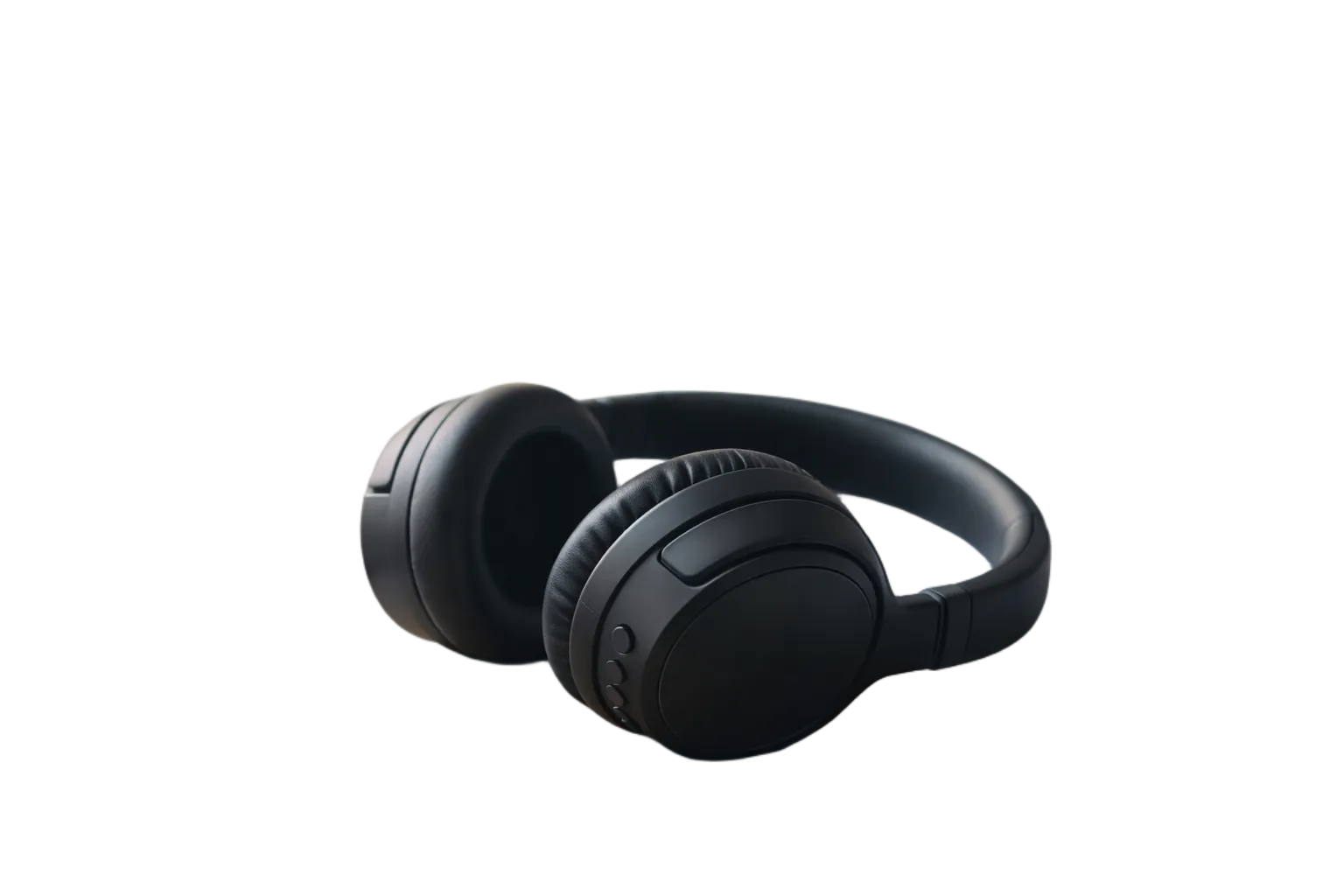

One-Click Background Removal
Pixlio's AI background remover works in a single click. Upload your photo, hit the button, and the AI automatically detects your subject and erases the background. No manual selection, no complicated masks, no learning curve. The photo background remover handles portraits, products, pets, and complex scenes equally well. Advanced machine learning ensures accurate subject detection even when colors blend or edges are subtle. You get a transparent cutout ready for any project—no editing experience required.
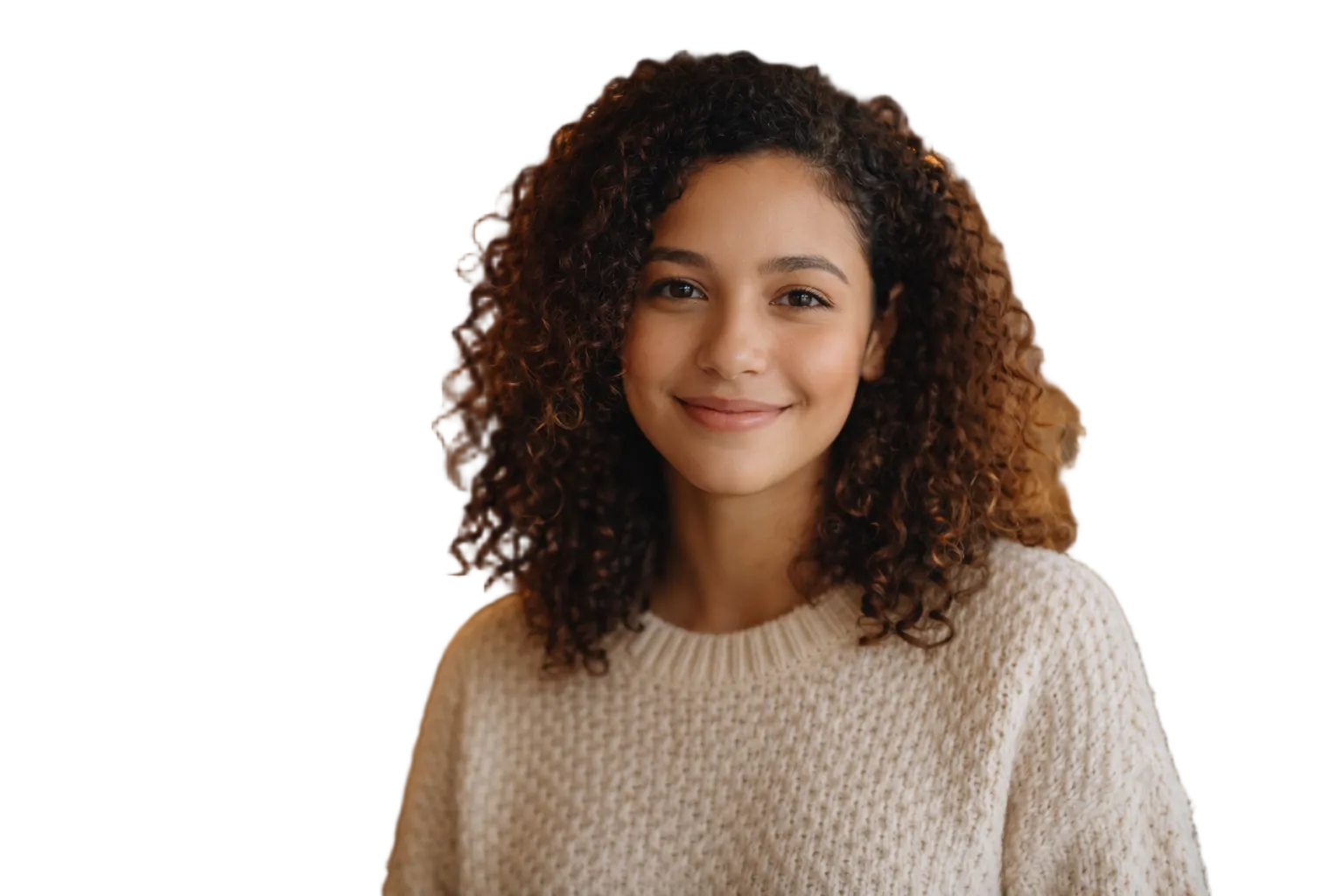

Clean Edges and Detail Preservation
What separates a good background remover from a great one is edge quality. Pixlio's image background remover uses refined foreground processing to preserve fine details like hair strands, fur, intricate jewelry, and delicate fabric edges. The AI analyzes each pixel boundary to create smooth, natural-looking cutouts that don't appear artificially cropped. Whether you're isolating a person, a product, or a pet, the transparent cutout maintains the integrity of your original subject with professional precision.
Multiple Output Formats Including GIF
Every project has different requirements, so Pixlio's background remover offers flexible output options. Choose PNG for maximum quality and universal compatibility—ideal for print and web graphics. Select WebP for significantly smaller file sizes while maintaining transparency—perfect for websites and apps where performance matters. Need a GIF background remover? We support that too, though PNG or WebP are recommended for cleaner transparency. Pick the format that fits your workflow and download instantly.
Free to Try, Fast Results
Pixlio's background remover is free to try with credits you receive at signup. Most images process in just seconds, so you can remove backgrounds from multiple photos without waiting. Pro and Max subscribers enjoy unlimited background removal with zero credit cost per image—ideal for e-commerce sellers, designers, and marketers who need high-volume output. No watermarks, no resolution limits, no hidden fees. Just fast, reliable AI background removal whenever you need it.
How to Remove Background from Any Image in 3 Steps
Erasing backgrounds and creating transparent cutouts takes less than a minute. Follow these simple steps to use Pixlio's background remover and get professional results without any design experience.
Perfect for E-Commerce, Social Media, and Design Projects
Pixlio's background remover serves diverse creative and commercial needs. From entrepreneurs preparing product listings to designers building marketing campaigns, transparent cutouts elevate visual content across every industry and platform.
E-Commerce Product Photos
Online marketplaces like Amazon, Etsy, and Shopify often require product images with white or transparent backgrounds. Pixlio's background remover lets you transform cluttered product shots into clean, professional listings in seconds. Remove distracting backgrounds from jewelry, clothing, electronics, or handmade goods. Create consistent product catalogs that build buyer trust and meet marketplace guidelines—all without hiring a photographer or learning Photoshop.
Profile Pictures and Social Media
Stand out on LinkedIn, Instagram, or your personal website with a polished profile photo. Use this photo background remover to isolate yourself from a busy background, then place your cutout on a solid color, gradient, or branded backdrop. Create stickers, thumbnails, and social graphics with clean subject isolation. The AI preserves natural edges around hair and clothing for results that look professionally edited.
Marketing Materials and Presentations
Designers and marketers rely on transparent cutouts for banners, flyers, slide decks, and digital ads. Pixlio's image background remover accelerates your workflow by delivering ready-to-composite assets in seconds. Drop product shots or team headshots into any layout without manual masking. Maintain visual consistency across campaigns and create compelling visuals that capture attention—all with a free online tool.
Background Remover FAQ
What is a background remover?
A background remover is an AI tool that automatically detects the main subject in your photo and erases everything behind it, leaving a transparent cutout. Pixlio's background remover handles this in seconds without manual selection.
Is this background remover free to try?
Yes. You receive free credits when you sign up, letting you try the background remover immediately. Pro and Max subscribers get unlimited usage at no credit cost per image.
What image formats can I upload?
The background remover accepts JPG, JPEG, PNG, and WebP images up to 10MB. Clear, well-lit photos with distinct subjects produce the best results.
What output formats are available?
Download your transparent cutout as PNG (recommended), WebP (smaller files), or GIF (legacy support). All formats preserve transparency for flexible use in any project.
Will it preserve fine details like hair?
Yes. Pixlio's AI uses refined foreground processing to maintain fine details such as hair, fur, and intricate edges. The result is a clean, natural-looking cutout.
How fast does background removal take?
Most images process in just a few seconds. Upload, click Remove Background, and your transparent cutout is ready to preview and download almost instantly.