 Pixlio AI
Start generating embroidery-style images with the AI Embroidery Generator below.
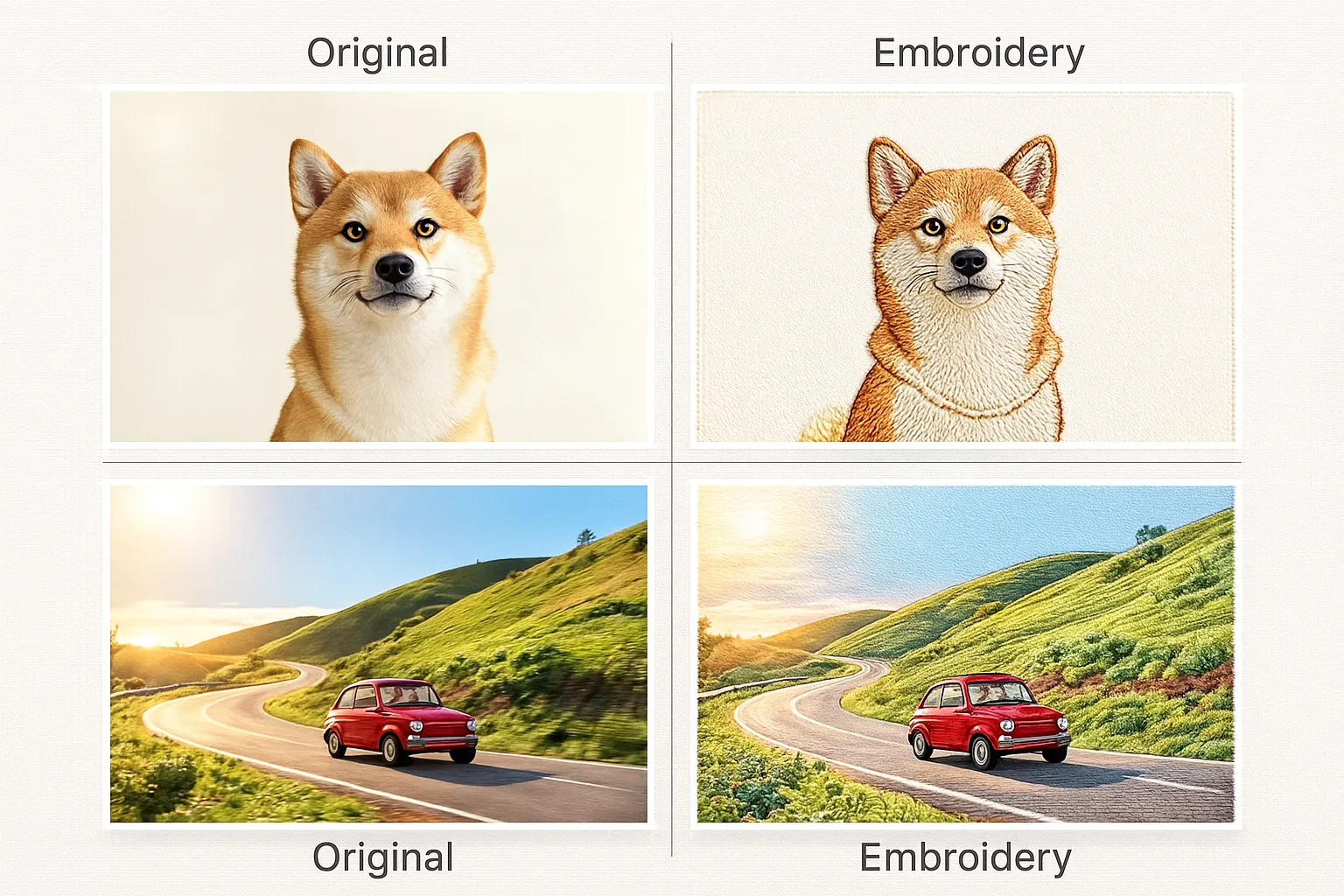
AI Embroidery Generator — Turn Text & Photos Into Embroidery Designs
Transform any idea into embroidery-style artwork in seconds with Pixlio's AI Embroidery Generator. Type a description or upload a photo, then watch as the AI creates patch designs, cross-stitch patterns, and stitch-ready visuals perfect for planning real embroidery projects. This embroidery style generator gives you instant control over stitch types—from bold patch badges to delicate satin fills—along with practical color palette options that match real thread collections. Whether you're prototyping merch designs, planning hoop art, or creating client mockups for apparel, our AI-powered embroidery tool delivers embroidery-aware compositions with simplified shapes, clear contrast, and limited colors that make digitizing faster and more predictable. No complex software required—just upload, customize, and generate embroidery artwork ready to guide your production workflow.
Why Choose Pixlio's AI Embroidery Generator?
Skip the guesswork and visualize embroidery concepts before investing time in digitizing software. Our embroidery pattern generator creates stitch-aware artwork that respects real-world embroidery constraints—limited thread colors, simplified shapes, and clear edges—making it easier to translate AI-generated designs into actual stitched products. Perfect for patch designers, apparel teams, digitizers, and hobbyists who need fast, realistic embroidery previews that look and feel like the real thing.

Dual Input Modes: Text or Photo, Your Choice
Start your embroidery design from anywhere with flexible input options. Use Text → Embroidery mode when you have a clear idea but no artwork yet—just describe your subject, composition, and background, and the AI embroidery generator adds appropriate stitch details, thread groupings, and color handling automatically. Switch to Image → Embroidery mode when you already have a sketch, logo, reference photo, or existing design. Upload your JPG, PNG, or WebP file (up to 10MB), and watch as the digital embroidery creator reinterprets your subject with embroidery aesthetics while respecting your chosen style and palette. Both modes give you instant embroidery-style interpretations that stay faithful to your original concept while optimizing for stitchability, making this tool perfect for rapid concept exploration whether you're starting from scratch or refining existing artwork.
Five Embroidery Styles Tuned for Real Production
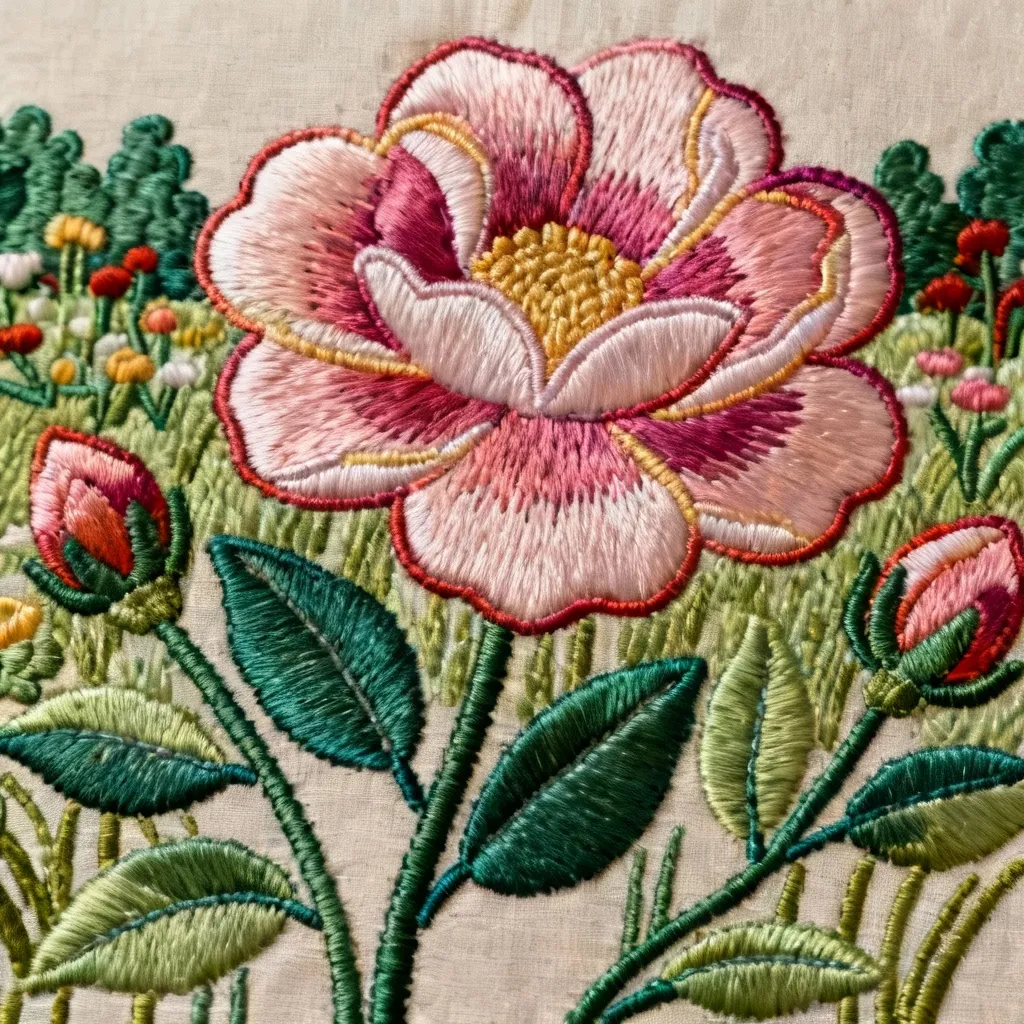
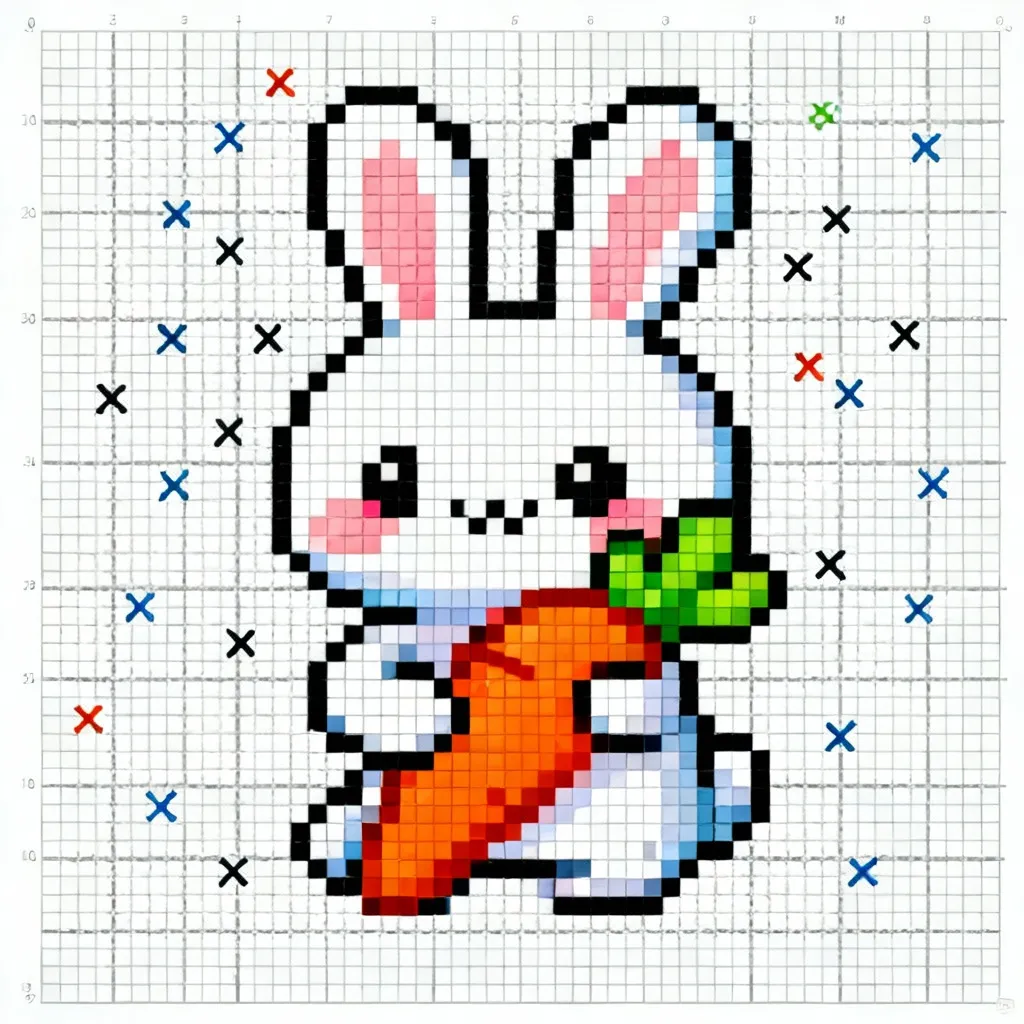
Not all embroidery looks the same, and this AI embroidery design tool knows it. Choose from five distinct style presets that mirror actual embroidery techniques and applications. Auto mode lets the system intelligently select stitch treatment based on your content. Cross-stitch creates blocky, grid-aligned patterns perfect for pixel-style designs and traditional needlework planning. Patch / Badge mode delivers bold silhouettes with clear edges and patch-friendly compositions ideal for jackets, caps, and bags. Outline / Linework emphasizes contour stitching and monoline details, great for minimalist or monochrome embroidery. Satin Fill produces smooth filled areas with directional stitch flow, perfect for logos and iconography that need clean, professional fills. Each embroidery style generator preset automatically adjusts texture, edge treatment, and internal structure to match real-world embroidery characteristics, giving you concept artwork that truly reflects how your final stitched piece will look and behave during production.
Thread-Smart Color Palettes for Easier Digitizing
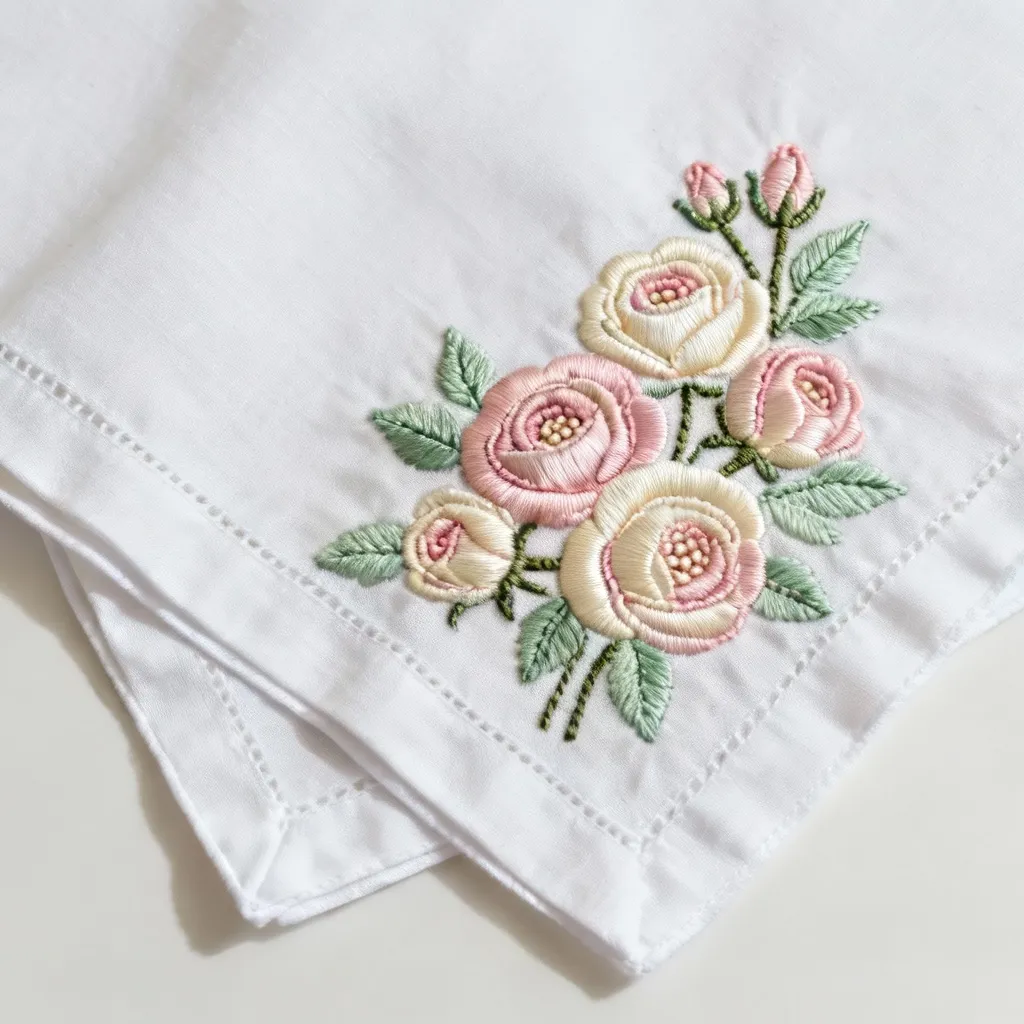
Real embroidery means real thread limitations, and our AI-powered embroidery tool respects that from the start. Choose color palette options designed around actual embroidery workflows. Auto lets the AI decide a full palette from your prompt or reference image. Mono forces single-color or near-monochrome results, perfect for simple linework or budget-conscious single-thread designs. The 2–3 colors option creates restrained palettes that are significantly easier and cheaper to stitch in production while still delivering visual interest and depth. Pastel generates softer, low-saturation thread colors for gentle, cozy embroidery perfect for baby items or vintage aesthetics. Vivid produces high-saturation, punchy colors for eye-catching patches and bold motifs that demand attention. By constraining color choices upfront, the embroidery artwork generator helps you avoid the common digitizing headache of trying to reduce a complex design's color count after the fact, saving hours of manual editing and thread color substitution work.
Instant Browser-Based Workflow with No Learning Curve
Create professional embroidery mockups without installing digitizing software, learning complex tools, or waiting for file exports. This AI embroidery generator runs entirely in your web browser on any modern device—desktop, laptop, or tablet. The streamlined interface takes you from idea to downloadable embroidery-style PNG in under a minute. Upload or describe your concept, adjust a few intuitive controls for style and color, then generate your stitch-inspired artwork instantly. No subscriptions to heavy desktop software, no plugin installations, no technical prerequisites. Generate as many variations as you need to explore different compositions, color combinations, and style treatments. Save your favorites directly to your device and import them into your preferred digitizing software as visual references, or share them with clients and collaborators for fast approval cycles. Perfect for busy designers, small embroidery shops, and creative professionals who need embroidery concept artwork now, not after hours of manual setup and learning.
How to Use the AI Embroidery Generator: Three Simple Steps
Creating embroidery-style artwork with our AI embroidery design tool takes less than a minute. Whether you're preparing client presentations, prototyping patch concepts, or planning hoop art compositions, you'll go from blank canvas to downloadable embroidery mockup faster than opening your digitizing software. The intelligent embroidery pattern generator handles all the complex decisions about stitch direction, thread grouping, and color application while you focus on creative direction.
Real-World Applications for AI Embroidery Design
Professional embroiderers, designers, small businesses, and creative hobbyists rely on our embroidery pattern generator to accelerate concept development, streamline client presentations, and reduce production risk. By visualizing embroidery aesthetics before investing time in digitizing software or creating physical samples, users make better design decisions faster while cutting costs and meeting tighter deadlines. Discover how different creators integrate the AI embroidery generator into their workflows.
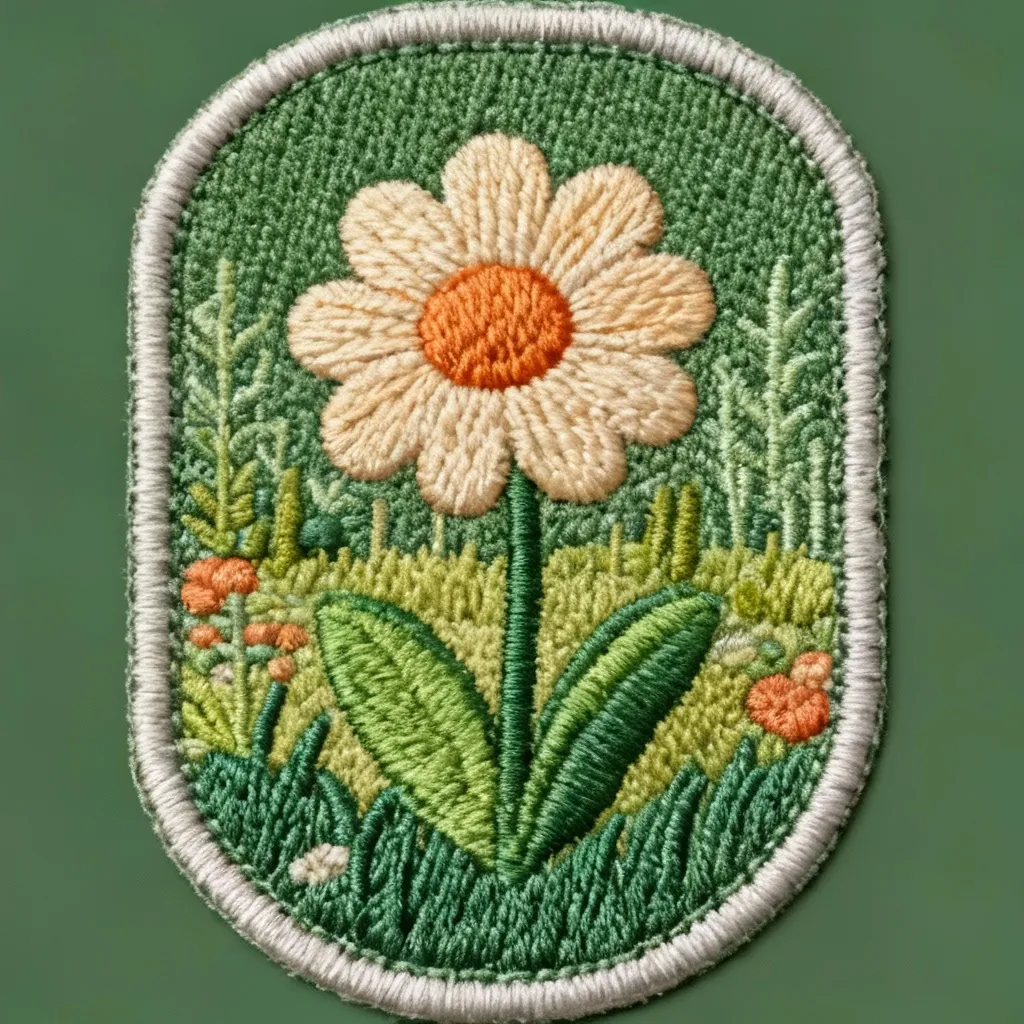
Patch, Badge, and Pin Designers: Prototype Faster, Digitize Smarter
Patch and badge designers face constant pressure to show clients multiple concepts quickly while keeping digitizing costs under control. Our AI embroidery generator solves this by letting you explore dozens of layout variations, color combinations, and motif treatments in minutes instead of hours. Generate patch designs in the Patch / Badge style to see bold silhouettes with clear edges that work well on jackets, caps, and bags. Test 2–3 color palettes to ensure your design stays within realistic thread counts for cost-effective production. Use the Square 1:1 aspect ratio for standard patch formats, or explore Portrait and Landscape options for specialty shapes. Once you identify winning concepts through rapid iteration with the embroidery style generator, you can confidently invest digitizing time only on the designs most likely to succeed in production. Share AI-generated embroidery previews with clients during initial consultations to set accurate expectations about what's achievable with real stitching, reducing revision cycles and improving client satisfaction. The embroidery artwork generator becomes your concept sketching tool—fast, flexible, and focused on embroidery-specific constraints that matter for actual manufacturing.
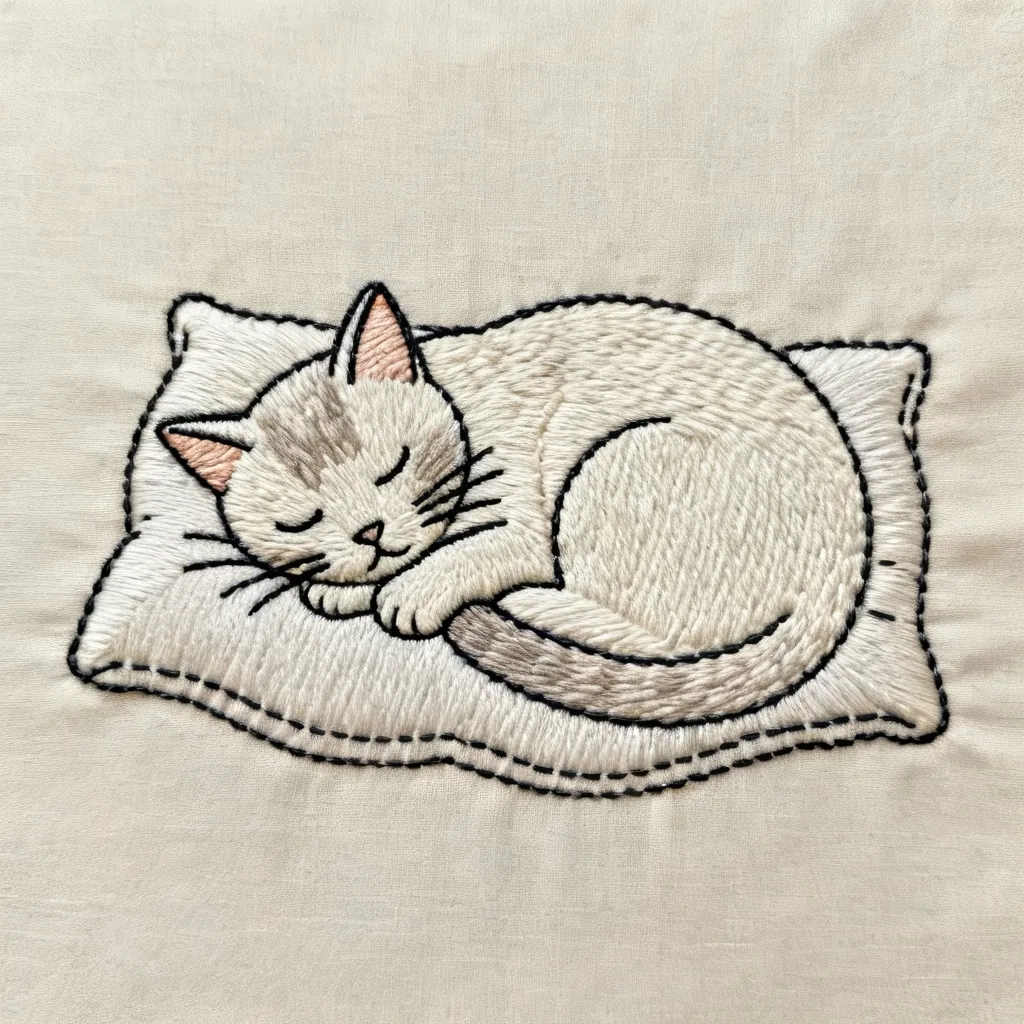
Hoop Art, Cross-Stitch, and Decorative Embroidery Planning
Before investing hours into stitching a large hoop art piece or complex cross-stitch pattern, use the AI embroidery design tool to test compositional ideas and color schemes. Generate designs in Cross-stitch mode to see how pixel-style grid patterns will look at scale, or try Outline / Linework mode for minimalist monoline designs perfect for modern hoop art. The Pastel color palette option helps you explore softer, vintage-inspired color schemes ideal for nursery art and cozy home decor, while Mono mode shows you how single-color designs will read from a distance. Upload a reference photo or sketch in Image → Embroidery mode to see how the digital embroidery creator interprets your composition with embroidery-appropriate simplification—discovering early if fine details will get lost or if your subject translates well to thread and fabric. This preview capability is invaluable for hobbyists and professional fiber artists who want to plan large projects before committing thread, fabric, and time. Use different aspect ratios to match your preferred hoop sizes, and generate multiple color variations to decide which thread palette to purchase before starting your project. The embroidery pattern generator becomes your creative planning assistant, helping you make confident decisions about materials and time investment.
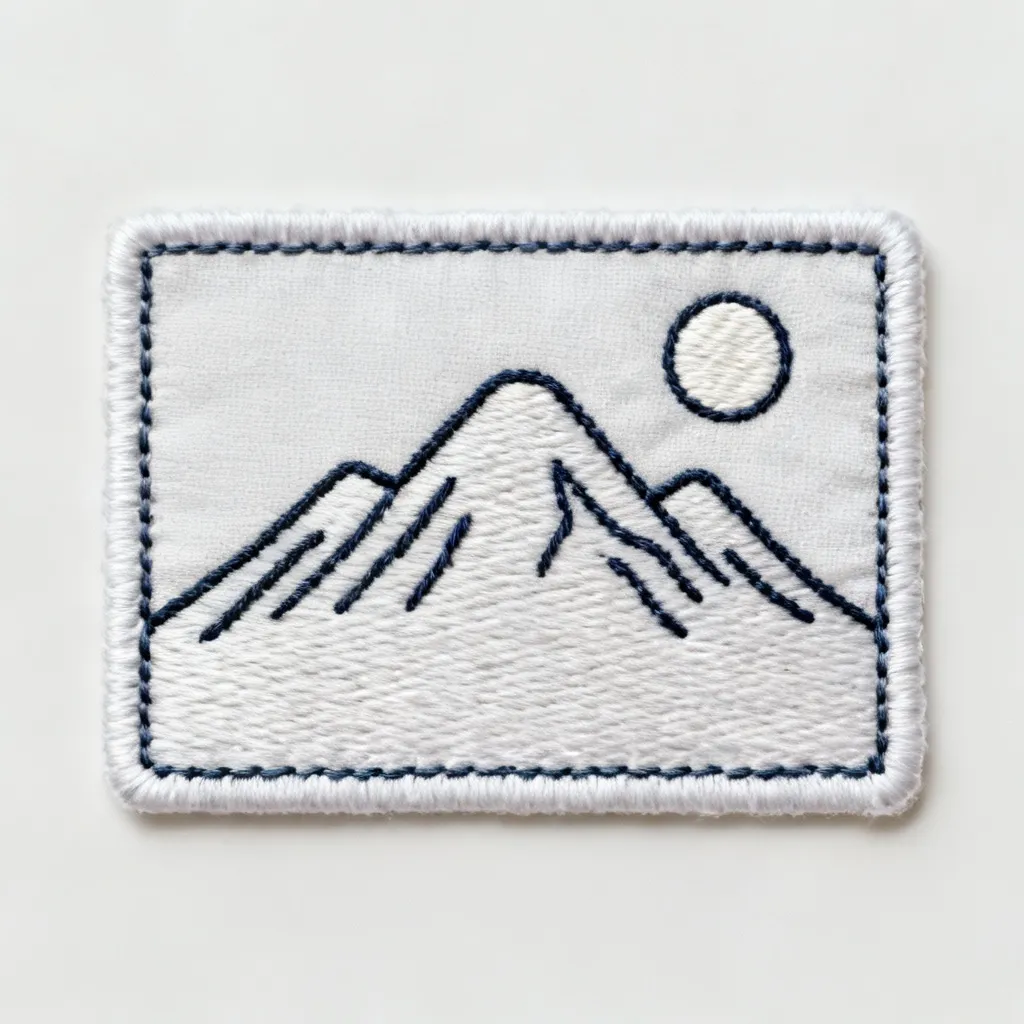
Logo Embroidery and Merch Mockups for Apparel Businesses
Apparel decorators, promotional product companies, and merch sellers need to show customers what their logos will look like embroidered on caps, jackets, polo shirts, and tote bags—without producing expensive physical samples for every pitch. The AI embroidery generator delivers instant logo mockups in embroidery style, complete with realistic stitch texture and production-appropriate color limitations. Upload a client's flat logo file and generate versions in Satin Fill style for that classic logo embroidery look with smooth, directional stitching. Try the 2–3 colors palette to show how thread count reduction affects the design, helping clients understand why their 12-color gradient logo needs simplification for embroidery. Generate multiple aspect ratios to show how the logo adapts to different placement areas—square for left chest, landscape for back panels, portrait for sleeve positions. Use these AI-generated embroidery previews in sales presentations, quote proposals, and client approval workflows to set accurate expectations and reduce post-production surprises. The embroidery artwork generator helps you close deals faster by showing professional-looking results immediately, and it protects your business by revealing potential digitizing challenges before you commit to fixed-price contracts. Perfect for screen printers adding embroidery services, startup merch brands, and established decoration shops looking to streamline their sales process with realistic visual aids.
AI Embroidery Generator: Your Questions Answered
What is an AI Embroidery Generator?
An AI Embroidery Generator is a tool that uses artificial intelligence to transform text descriptions or photos into embroidery-style artwork. Pixlio's AI embroidery generator analyzes your input and creates images with stitch-like textures, simplified shapes, limited color palettes, and clear edges that mirror real embroidery characteristics. Unlike generic art generators, this embroidery pattern generator is specifically trained to understand embroidery constraints—thread limitations, stitch directions, and production considerations—making the outputs useful for planning actual embroidery projects. The tool creates PNG or JPEG images, not machine stitch files, so use the results as visual references when working in your digitizing software to create production-ready embroidery files.
Does this create machine-ready embroidery files like PES or DST?
No, the AI embroidery generator creates embroidery-style images in standard PNG or JPEG formats, not machine stitch files such as PES, DST, JEF, or other embroidery machine formats. Think of this embroidery design tool as a concept and mockup generator rather than a complete digitizing replacement. The AI-generated artwork shows you what your embroidery could look like with realistic stitch textures, appropriate color schemes, and production-friendly compositions. Use these outputs as visual references inside professional digitizing software like Wilcom, Hatch, or PE-Design to manually create actual stitch files with proper underlay, density settings, and machine-specific formatting. This workflow lets you validate design concepts quickly before investing time in full digitizing, reducing wasted effort on ideas that don't translate well to thread and fabric.
How many thread colors should I use for real embroidery production?
Most embroidery machines and production workflows work best with limited thread colors—typically 1-6 colors depending on the design complexity and application. Our AI embroidery design tool reflects this reality with practical color palette options. The Mono setting creates single-color or near-monochrome designs perfect for simple, budget-friendly embroidery. The 2–3 colors option is ideal for most patch and logo work, balancing visual interest with production efficiency and cost control. These restricted palettes match real-world thread collections and help you avoid the common digitizing problem of trying to reduce a complex design's color count after generation. Starting with thread-smart color limitations means less manual editing, faster digitizing, and more predictable production costs. For concept exploration without production constraints, use the Auto, Pastel, or Vivid palettes, but remember you'll likely need to consolidate colors when creating your final embroidery file.
Can I use AI-generated embroidery designs for commercial projects?
Yes, Pixlio is built specifically for creators, designers, small businesses, and commercial users who need embroidery artwork for professional applications. Many users incorporate embroidery style generator outputs into client presentations, product mockups, sales proposals, marketing materials, and e-commerce listings. The tool is designed for commercial embroidery shops, apparel decorators, merch brands, and freelance designers who need fast concept artwork and realistic mockups. Review your specific Pixlio plan details and our Terms of Service for complete information about usage rights, commercial licensing, and any content restrictions. The embroidery pattern generator creates original artwork based on your prompts and images, giving you creative assets suitable for business use including client approvals, portfolio pieces, social media marketing, and pre-production planning. Always ensure your input images and prompts respect intellectual property rights when creating commercial embroidery designs.
What's the difference between the embroidery style presets?
Each embroidery style preset in the AI embroidery generator produces distinctly different stitch aesthetics suited to specific applications. Auto mode lets the system intelligently choose stitch treatment based on your content and prompt. Cross-stitch creates blocky, grid-aligned patterns perfect for traditional needlework planning and pixel-style designs with that classic counted-thread look. Patch / Badge delivers bold silhouettes with clearly defined edges and patch-friendly compositions ideal for apparel applications like jackets, caps, and bags where durability and visual impact matter. Outline / Linework emphasizes contour stitching and monoline details, great for minimalist designs, text-heavy layouts, or monochrome embroidery where you want defined edges without dense fills. Satin Fill produces smooth filled areas with directional stitch flow, perfect for logos, icons, and professional embroidery that needs clean, polished fills with that classic embroidered look. Choose your style based on your final application—patches need different treatments than hoop art or logo embroidery.
More AI Image Tools
Explore our collection of AI-powered image tools designed for different creative needs and styles
















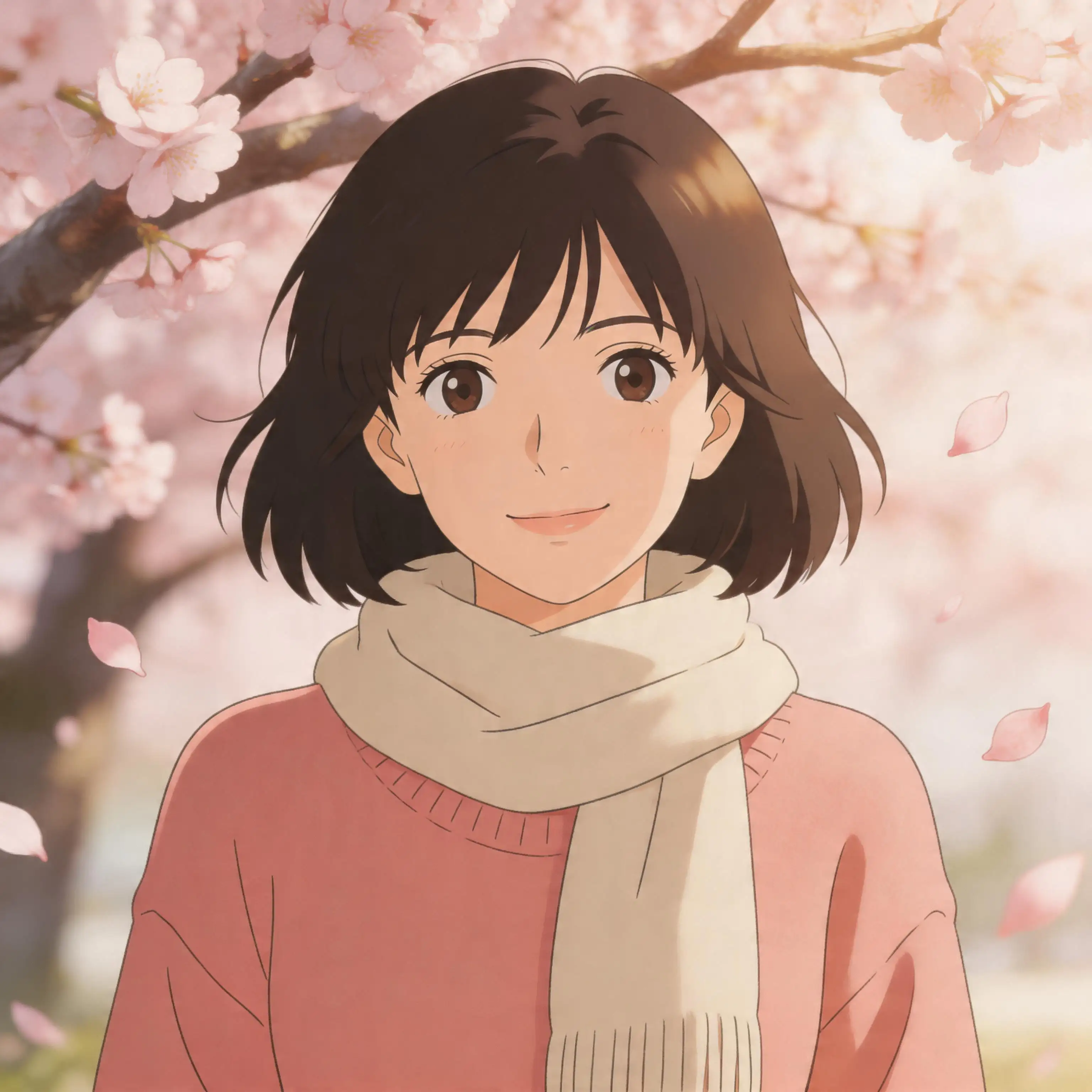













Ready to Create Your First AI Embroidery Design?
Stop guessing how your embroidery will look and start seeing results instantly. Transform text prompts or photos into stitch-ready artwork with our AI Embroidery Generator. FREE credits on signup let you explore embroidery styles, test color palettes, and validate design concepts before investing time in digitizing software. Join thousands of embroiderers, patch designers, and apparel decorators who use Pixlio's embroidery pattern generator to accelerate concept development and deliver better results to clients. Generate your first embroidery-style mockup now—no software installation, no learning curve, just instant embroidery artwork in your browser.