Pixlio AI
Start generating AI snow photos with the AI snow photo generator below.
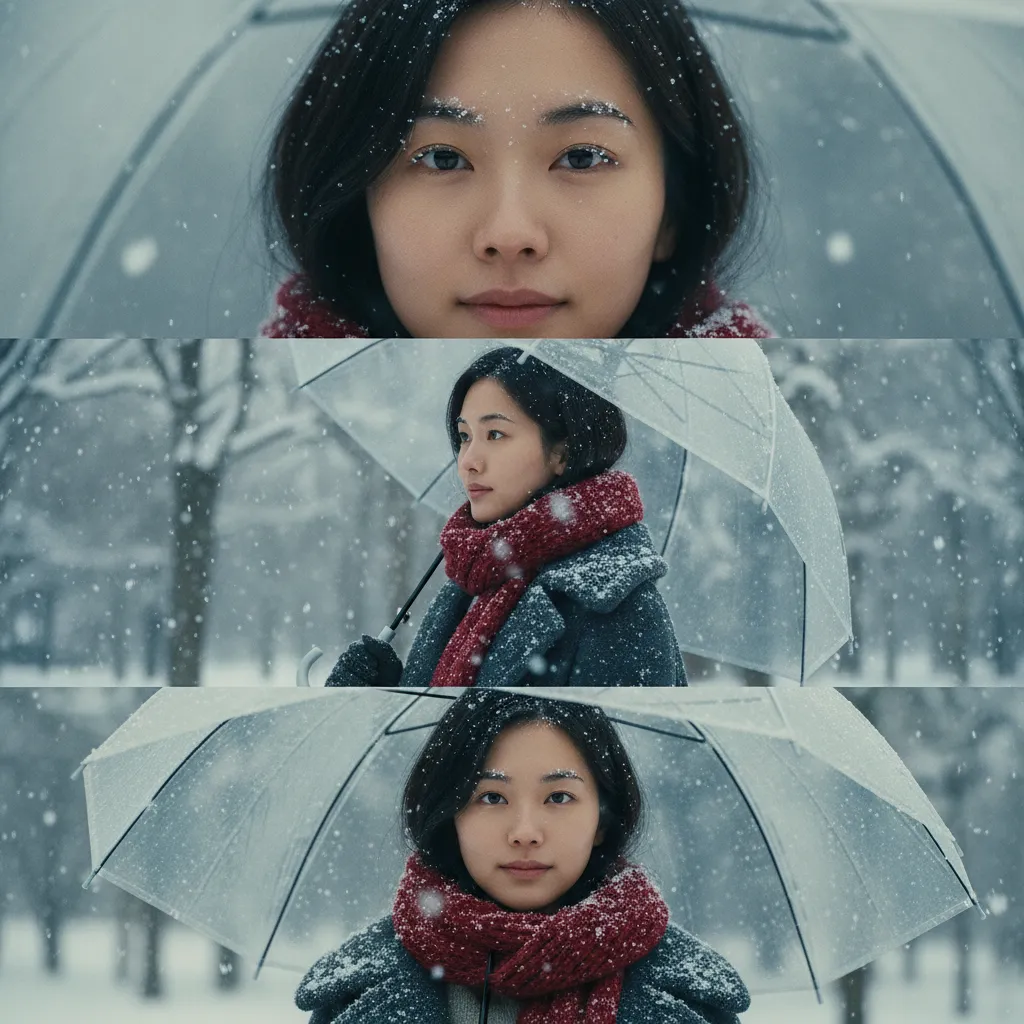
AI Snow Photo Generator — Create Magical Winter Scenes in Seconds
Transform any portrait or product photo into a stunning winter masterpiece with Pixlio's AI snow photo generator. Add realistic snowflakes, frosty lighting, and cinematic winter vibes to your images in seconds—no Photoshop skills or complex editing required. Our intelligent snow effect generator preserves natural facial features while creating that perfect seasonal atmosphere you're looking for. Whether you need romantic K-drama style snow portraits, cozy holiday selfies, or professional product shots with winter appeal, this browser-based tool delivers instant results with just a few clicks.
Why Our AI Snow Photo Generator Stands Out
Create professional winter scenes with intelligent AI that understands lighting, atmosphere, and natural snow effects. Our AI snow photo generator combines speed, quality, and creative control so you can transform ordinary images into extraordinary seasonal content. Perfect for social media creators, photographers, businesses, and anyone who wants to add winter magic to their photos without waiting for actual snow.
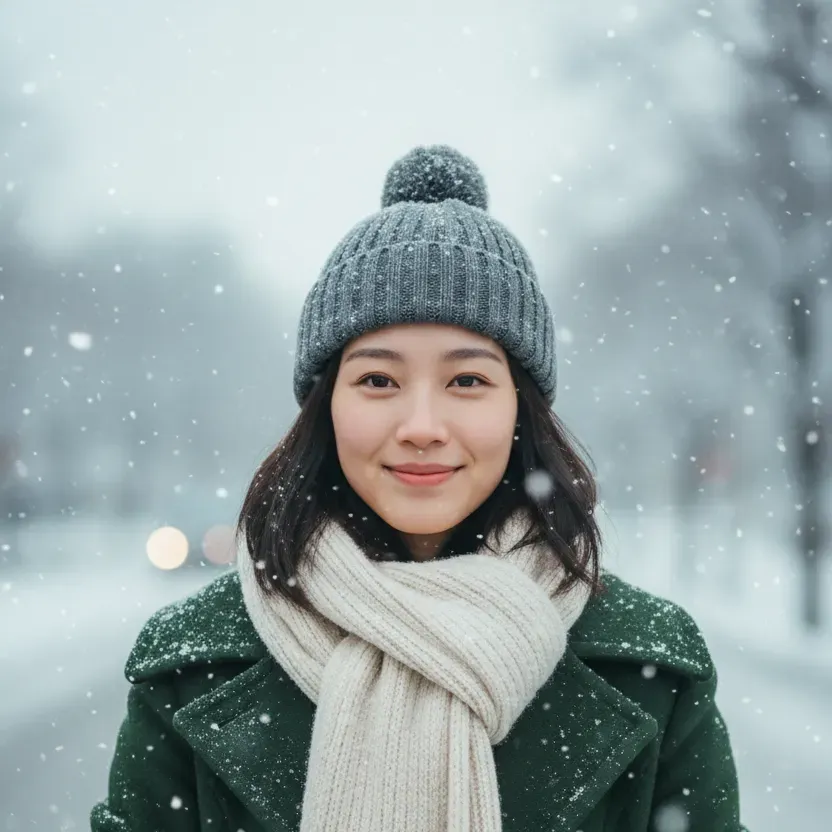
Instant Winter Transformation: From Summer to Snow in Seconds
Our AI snow photo generator works incredibly fast, analyzing your image and applying realistic winter effects in just moments. Upload a portrait, couple photo, or product shot, choose your snow intensity, and watch as the AI adds falling snowflakes, adjusts lighting for that crisp winter feel, and creates atmospheric depth. The snow effect generator intelligently places snowflakes based on your image composition, ensuring natural-looking results every time. No more waiting for winter weather or spending hours in editing software—get professional snow photography effects instantly, right in your browser.
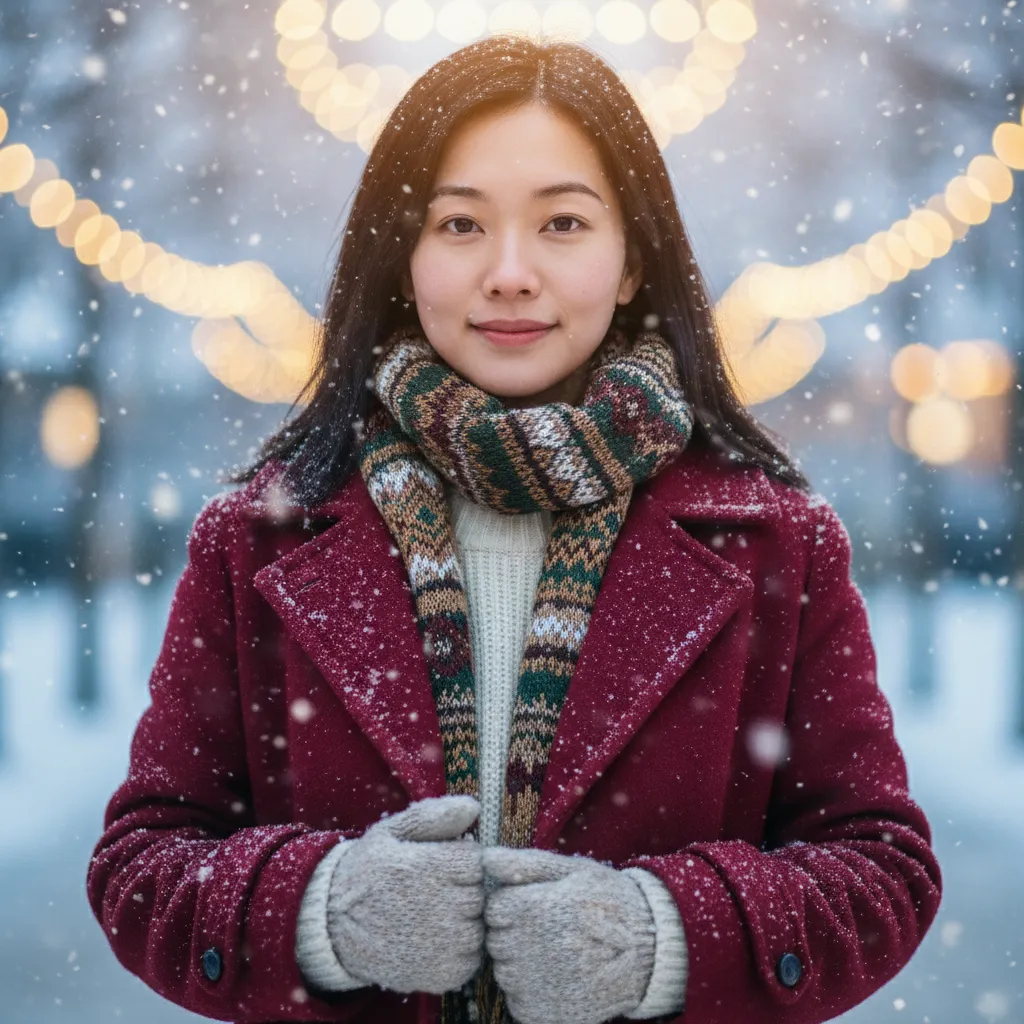
Natural Results That Preserve Your Features
Unlike generic filters that distort faces or create artificial-looking effects, our AI snow photo tool is trained to maintain natural facial features and important image details. The technology understands human faces, product shapes, and scene composition, adding snow and winter atmosphere without compromising the integrity of your original photo. Skin tones remain natural, expressions stay clear, and your subject remains the focus while the AI enhances the environment with realistic snowfall, frosty air particles, and winter lighting. Perfect for portraits where authenticity matters alongside creative winter styling.
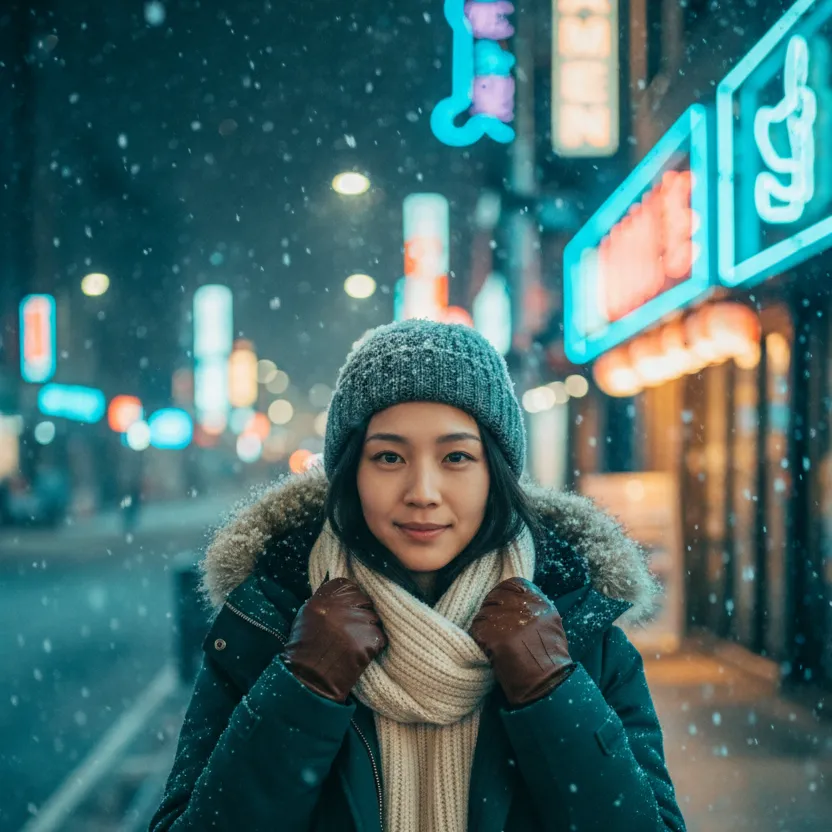
Multiple Styles for Every Winter Mood
Choose from carefully crafted style presets that deliver distinct winter aesthetics. The Cinematic Portrait preset adds shallow depth of field and film-like quality perfect for romantic snow photos. Holiday Glow creates warm, festive lighting ideal for seasonal greetings and family photos. Urban Night Snow brings city street atmosphere with neon reflections for edgy, modern winter shots. Each style preset works with our three snow intensity levels—Light, Medium, and Heavy—giving you creative control over the final look. Mix and match styles and intensities to find the perfect winter vibe for your AI snow photo, whether you want subtle elegance or dramatic snowstorm effects.

Browser-Based Convenience: No Downloads, No Hassle
Create stunning AI snow photos without installing software or learning complex editing tools. Our snow effect generator runs entirely in your web browser, making it accessible from any modern device. Simply open the page, upload your photo, adjust a few simple controls for snow intensity and style, then generate your winter scene. The streamlined interface keeps the process fast and intuitive—perfect for busy creators, small business owners, and anyone who needs professional winter photo effects without the professional learning curve. Save your results instantly and use them wherever you need seasonal visual content.
How the AI Snow Photo Generator Works: Three Simple Steps
Creating beautiful winter scenes with our AI snow photo tool is straightforward and fast. Whether you're preparing social media content, holiday cards, or seasonal marketing materials, you'll go from original photo to snow-covered masterpiece in under a minute. The intelligent snow effect generator handles all the complex work—lighting adjustments, snowflake placement, atmospheric effects—while you focus on choosing the perfect style and intensity for your vision.
Transform Your Photos for Every Winter Occasion
The AI snow photo generator serves creators, businesses, and individuals across countless scenarios. From personal social media to professional marketing campaigns, realistic winter effects elevate visual content and capture seasonal attention. Discover how different users leverage our snow effect generator to create compelling winter imagery without waiting for actual snow or hiring expensive photographers.
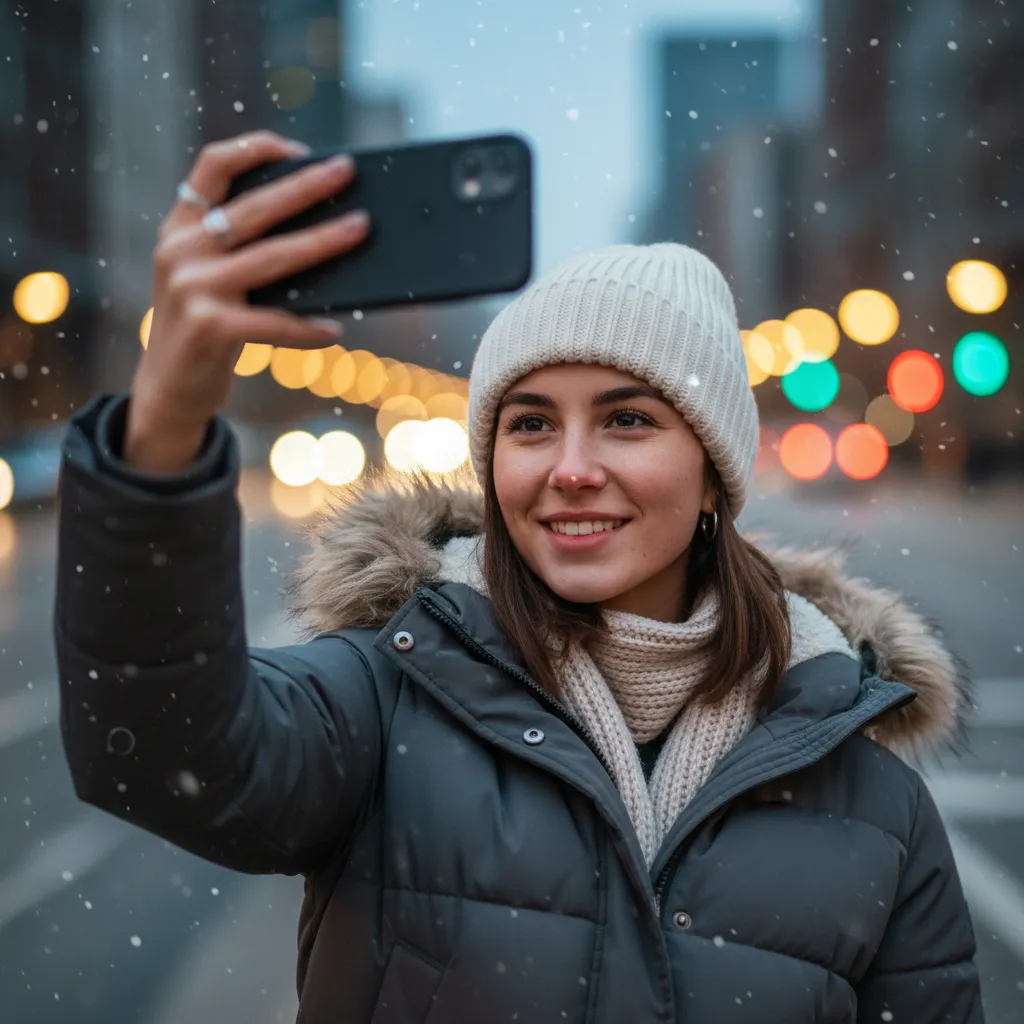
Social Media & Winter Selfies
Content creators and influencers use our AI snow photo tool to produce eye-catching seasonal posts that stand out in crowded feeds. Add romantic snowfall to selfies for Instagram, create trending winter content for TikTok, or design festive stories that capture holiday spirit. The snow effect generator helps you ride seasonal trends and boost engagement with visually striking winter scenes—even if you live somewhere that never sees snow. Perfect for maintaining consistent posting schedules with fresh, seasonal content that your audience loves. The natural-looking results ensure your face and features remain clear while the winter atmosphere adds that magical touch that drives likes, shares, and comments.

Couple & Family Photos
Transform cherished memories into romantic winter keepsakes with AI snow photo effects. Create K-drama style couple portraits with gentle snowfall and cinematic lighting, perfect for anniversary posts or Valentine's Day content. Turn family photos into holiday card material with festive snow scenes that feel warm and magical. The AI preserves everyone's natural expressions and features while adding that enchanting winter atmosphere that makes photos feel special and memorable. Ideal for creating seasonal greetings, anniversary tributes, or simply adding romantic winter vibes to your favorite relationship photos. The Holiday Glow preset works particularly well for family gatherings, creating cozy, festive scenes that capture the warmth of togetherness against beautiful winter backdrops.
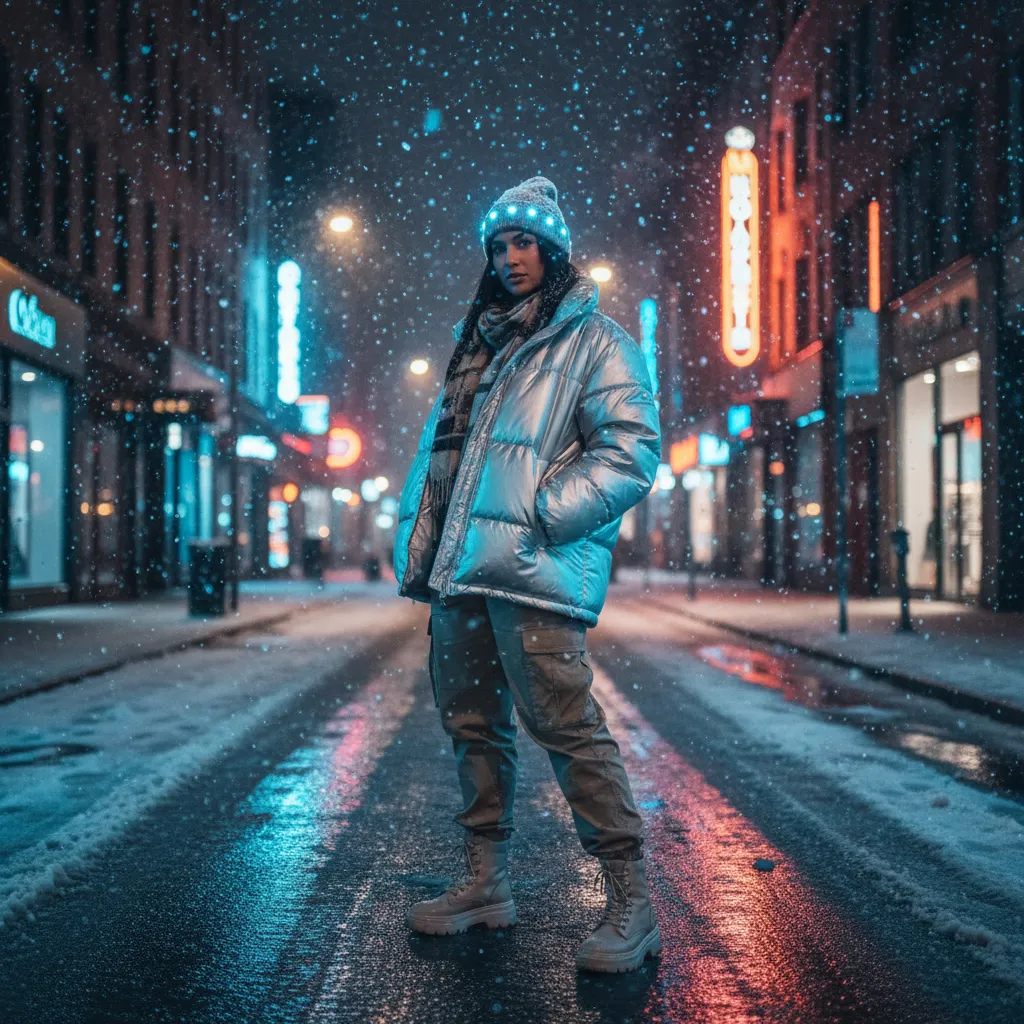
Content Creators & Influencers
Professional creators rely on our snow effect generator to produce campaign visuals and branded content without weather dependencies or location constraints. Shoot your content in comfortable conditions, then add realistic winter effects in post-production using the AI snow photo tool. This workflow saves time, reduces costs, and gives you complete creative control over the final aesthetic. Create cohesive winter campaign series with consistent snow effects across multiple images, or experiment with different intensity levels and style presets to match specific brand guidelines. The Urban Night Snow preset delivers edgy, modern winter looks perfect for fashion and lifestyle brands, while Cinematic Portrait creates aspirational, magazine-quality results that elevate any creator's portfolio.
AI Snow Photo Generator: Your Questions Answered
What is an AI snow photo generator?
An AI snow photo generator is a tool that uses artificial intelligence to add realistic winter snow effects to any photo. Pixlio's AI snow photo tool analyzes your image and intelligently adds falling snowflakes, frosty lighting, and winter atmosphere while preserving natural facial features and important details. Unlike simple filters or overlays, our snow effect generator understands image composition, lighting, and depth, creating natural-looking winter scenes that feel authentic rather than artificial. It's perfect for anyone who wants professional winter photography effects without actual snow or complex editing skills.
Is Pixlio's AI snow photo tool free to try?
Yes, Pixlio offers free credits on signup so you can try the AI snow photo generator immediately. Each generation uses a small number of credits, and you can see the estimated cost before creating your winter scene. This transparent pricing lets you experiment with different snow intensities and style presets to find the perfect look. Additional credits are available through affordable plans if you need to create multiple AI snow photos or use other Pixlio tools. The free credits give you a genuine opportunity to test the snow effect generator and see the quality of results before committing to a paid plan.
Will the AI change my face or features?
No, the AI snow photo generator is designed to preserve your natural facial features and important details. It adds snow effects, adjusts lighting for a winter atmosphere, and creates a frosty ambiance without distorting faces or altering core characteristics of your photo. The technology specifically recognizes human faces and important subject matter, ensuring that while the environment transforms into a winter scene, your appearance remains authentic and recognizable. This makes our tool ideal for portraits, couple photos, and any image where maintaining natural features is essential alongside creative winter styling.
What types of photos work best with the snow effect generator?
Portrait photos, couple shots, family pictures, and product photography all work excellently with our AI snow photo tool. Clear, well-lit images with good contrast produce the most realistic winter transformations. Both indoor and outdoor photos can be enhanced with snow effects—the AI adapts to your image's existing lighting and composition. Photos where the subject is clearly defined tend to produce the best results, as the snow effect generator can intelligently place snowflakes and adjust atmosphere around your main focus. Headshots, full-body portraits, product shots with clean backgrounds, and group photos all transform beautifully into winter scenes.
Can I adjust the snow intensity?
Absolutely. The AI snow photo generator offers three intensity levels: Light for gentle snowfall perfect for subtle winter atmosphere, Medium for balanced snow coverage ideal for most photos, and Heavy for dramatic snowstorm effects that make bold creative statements. You can also choose from multiple style presets including Cinematic Portrait (romantic shallow depth of field), Holiday Glow (warm festive lighting), Urban Night Snow (city street vibes with neon reflections), and more. Each combination of intensity and style creates unique results, giving you extensive creative control over your final AI snow photo aesthetic.
Can I use these AI snow photos commercially?
Pixlio focuses on creating licensable outputs for everyday creators, businesses, and content producers. Our AI snow photo generator is designed with commercial use cases in mind, from social media marketing to e-commerce product listings. Review your specific plan details and our Terms of Service for complete information about commercial usage rights and any content restrictions. Many businesses, influencers, and online sellers use our snow effect generator for professional purposes including advertising, product photography, social media campaigns, and seasonal marketing materials.
How long does it take to generate an AI snow photo?
Most AI snow photo generations complete in just a few seconds. Upload your image, select your preferred snow intensity and style preset, then click generate. The AI processes your photo and delivers a winter-ready result almost instantly. The actual processing time depends on image size and server load, but typically you'll see your snow effect applied within 5-10 seconds. This speed makes it practical to experiment with multiple intensity levels and styles quickly, helping you find the perfect winter look for your project without long waits between iterations.
What's the difference between the style presets?
Each style preset applies a different aesthetic to your AI snow photo. Cinematic Portrait adds shallow depth of field and film-like quality perfect for romantic winter portraits and professional-looking results. Holiday Glow creates warm festive lighting with cozy ambiance, ideal for family photos and seasonal greetings. Urban Night Snow delivers city street atmosphere with neon reflections and edgy modern vibes, great for fashion and lifestyle content. Each preset is carefully tuned to work with our snow effect generator, ensuring the winter atmosphere matches the overall aesthetic. You can combine any style preset with any snow intensity level for even more creative possibilities.
More AI Image Tools
Explore our collection of AI-powered image tools designed for different creative needs and styles