 Pixlio AI
Start creating with the text to image generator below.
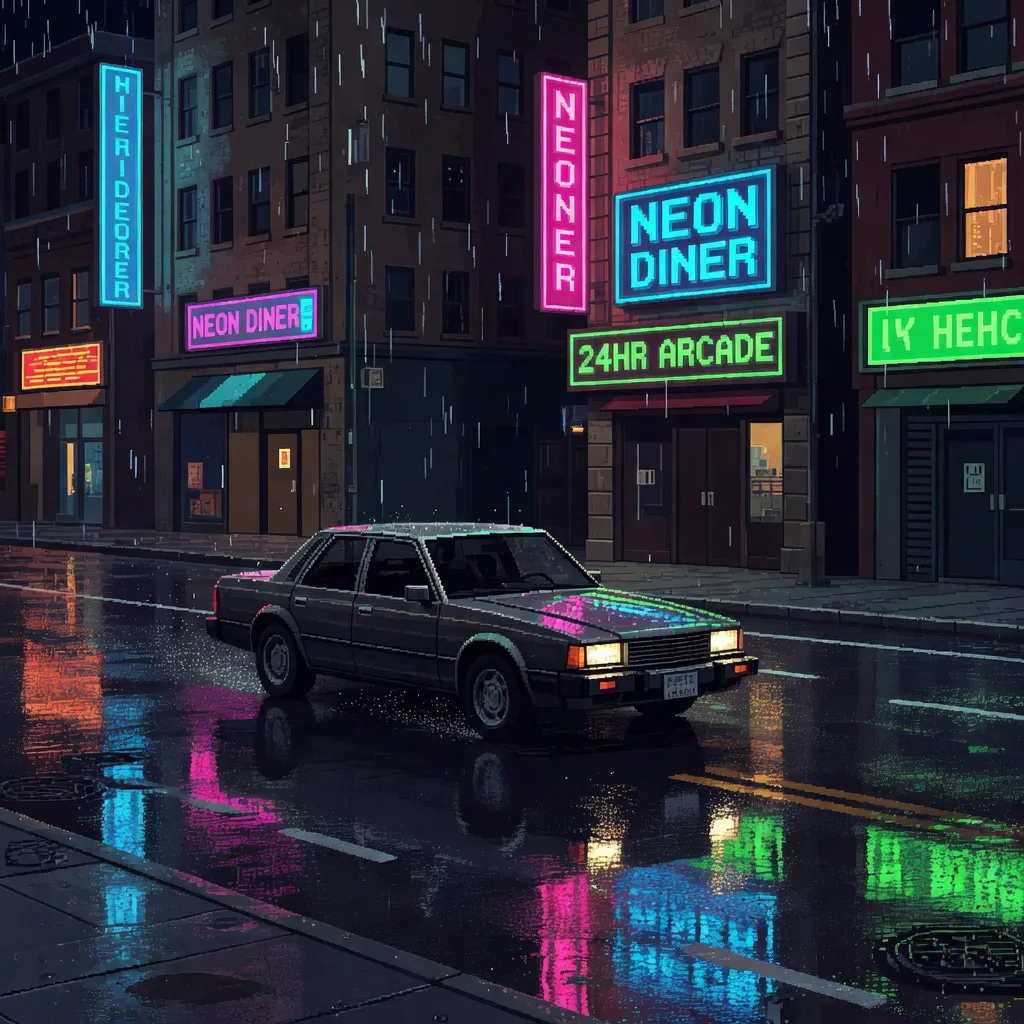
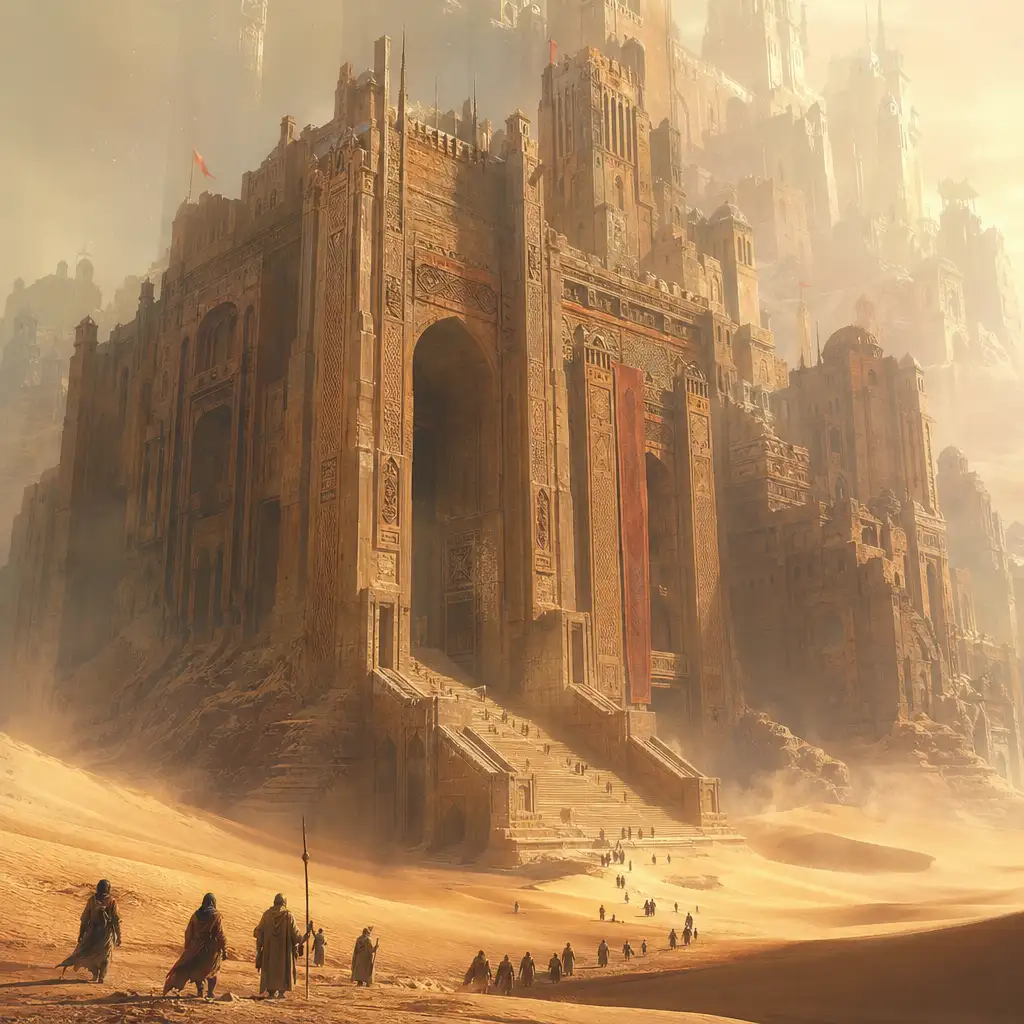
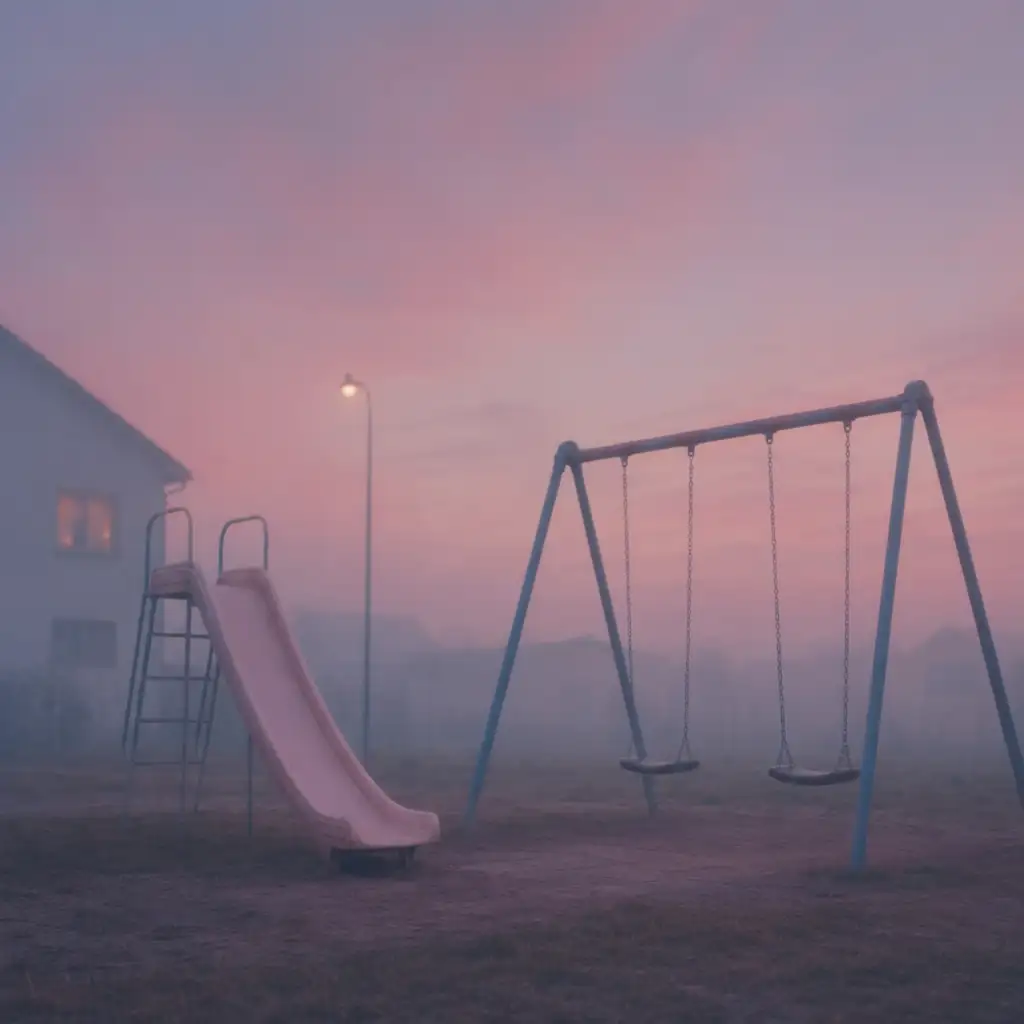
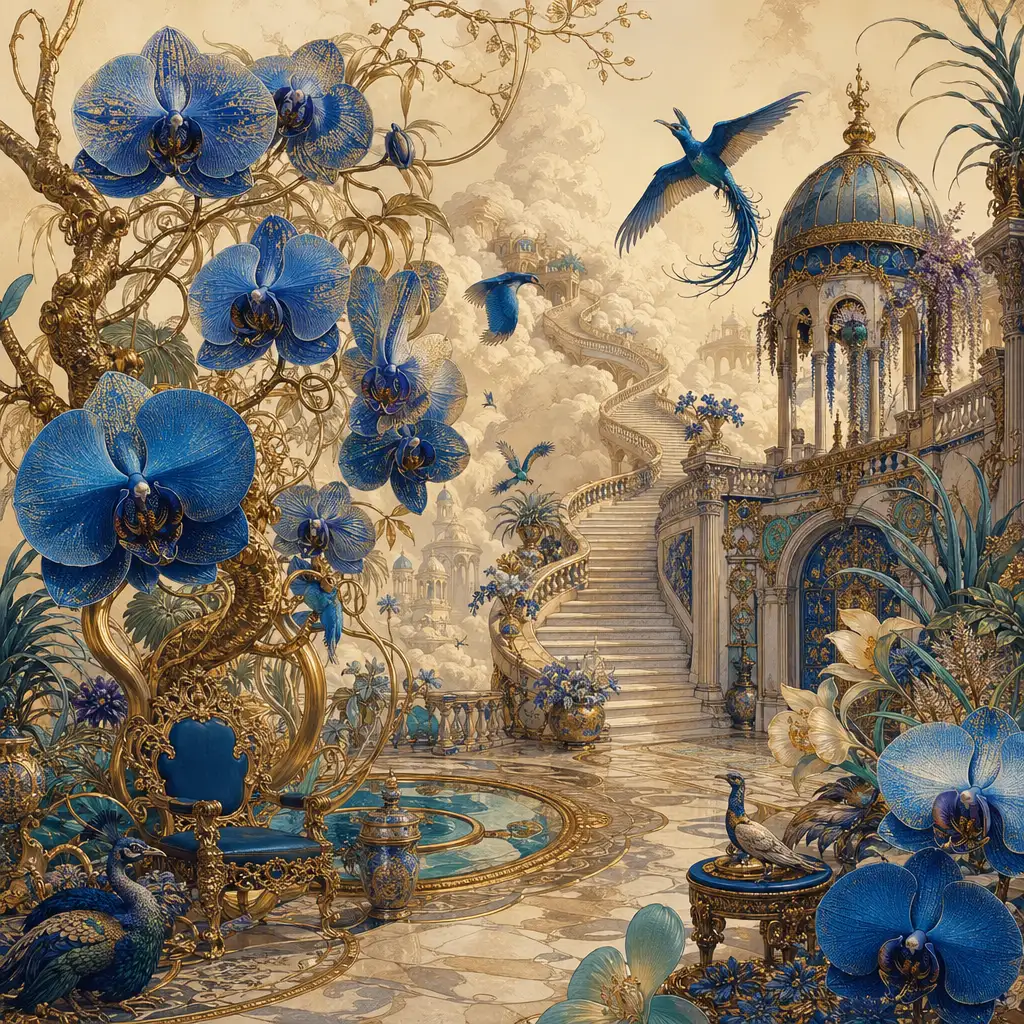
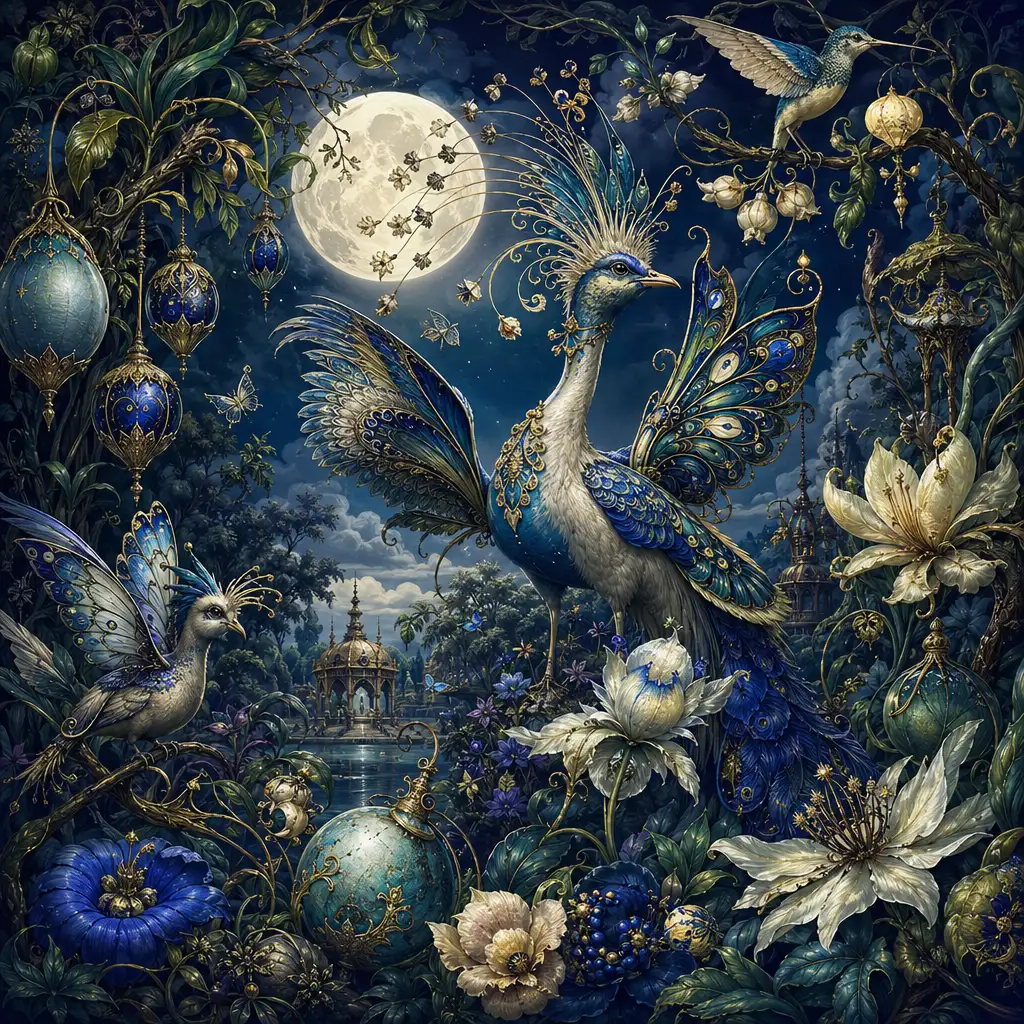
Text to Image AI - Create Images from Any Prompt
Turn ideas into visuals with Pixlio's text to image AI. It runs in your browser, loads quickly, and uses fast, modern models so you can generate images in seconds - no setup required.
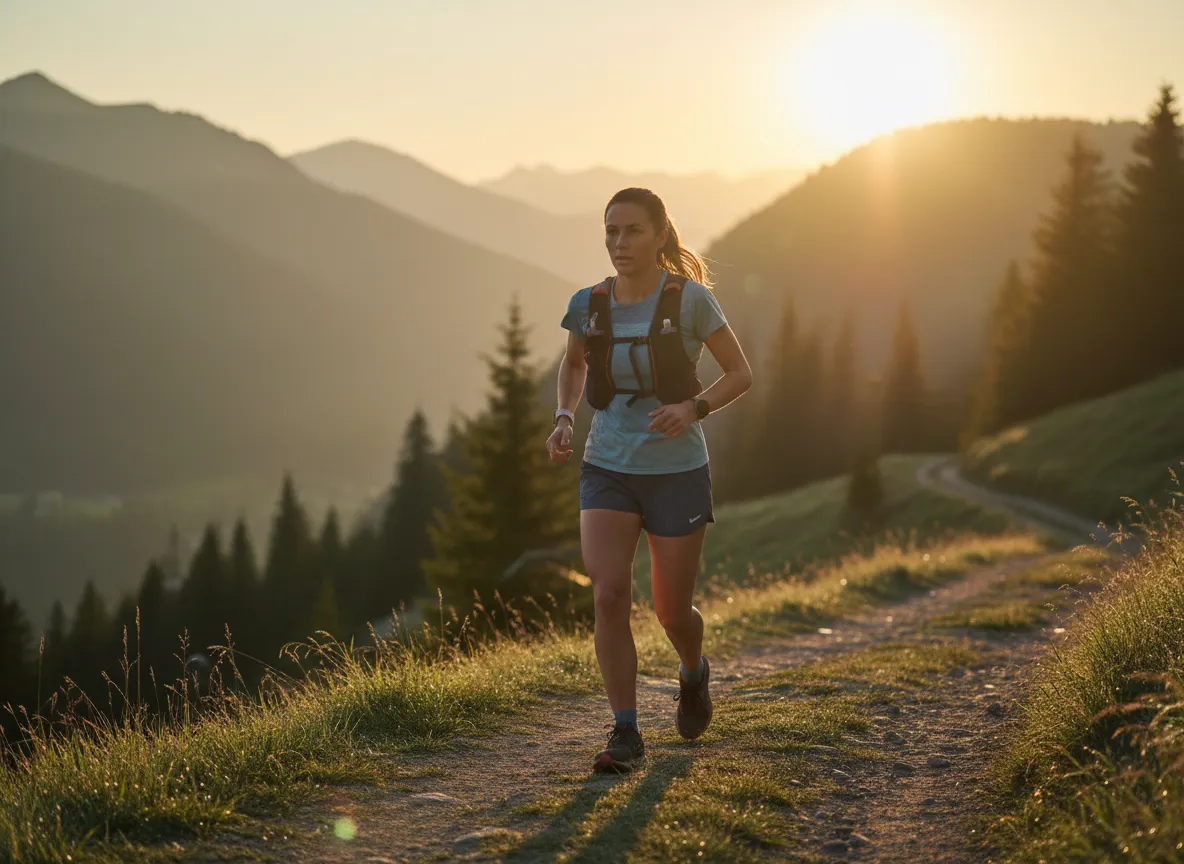
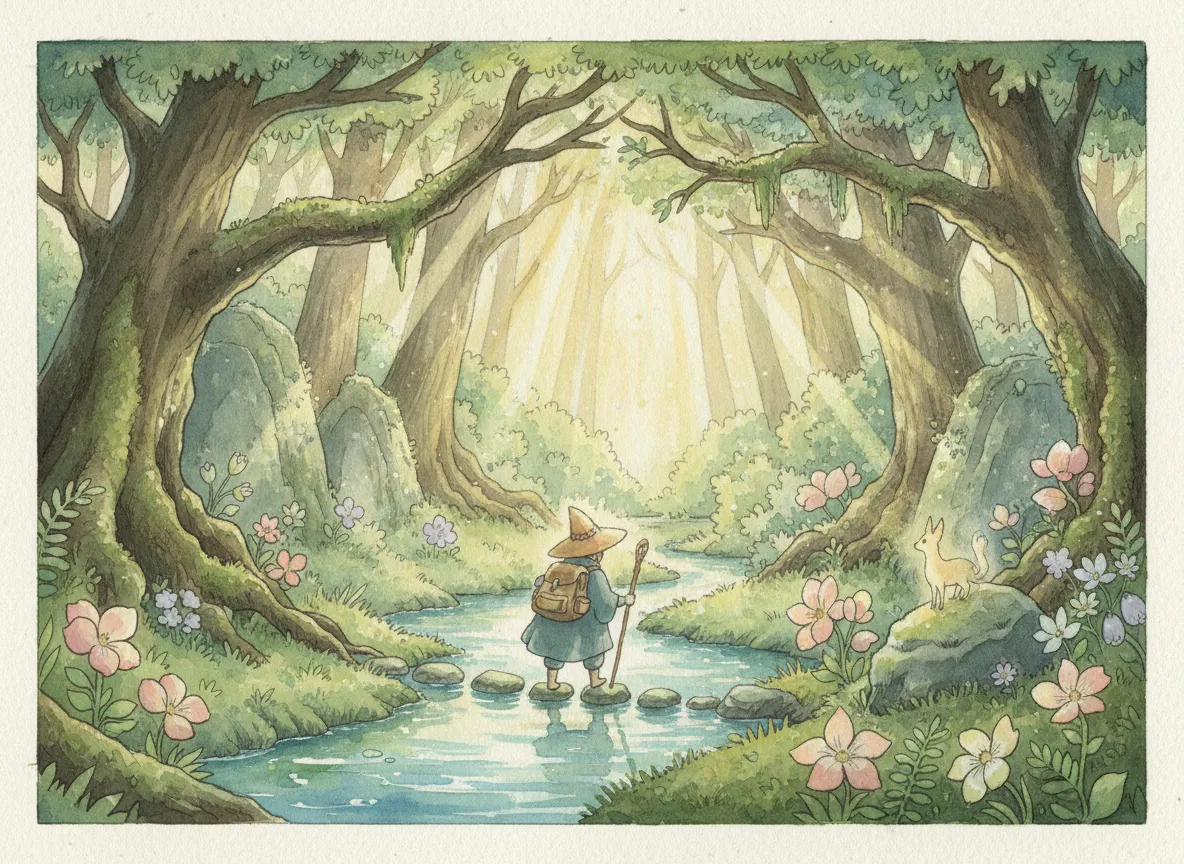
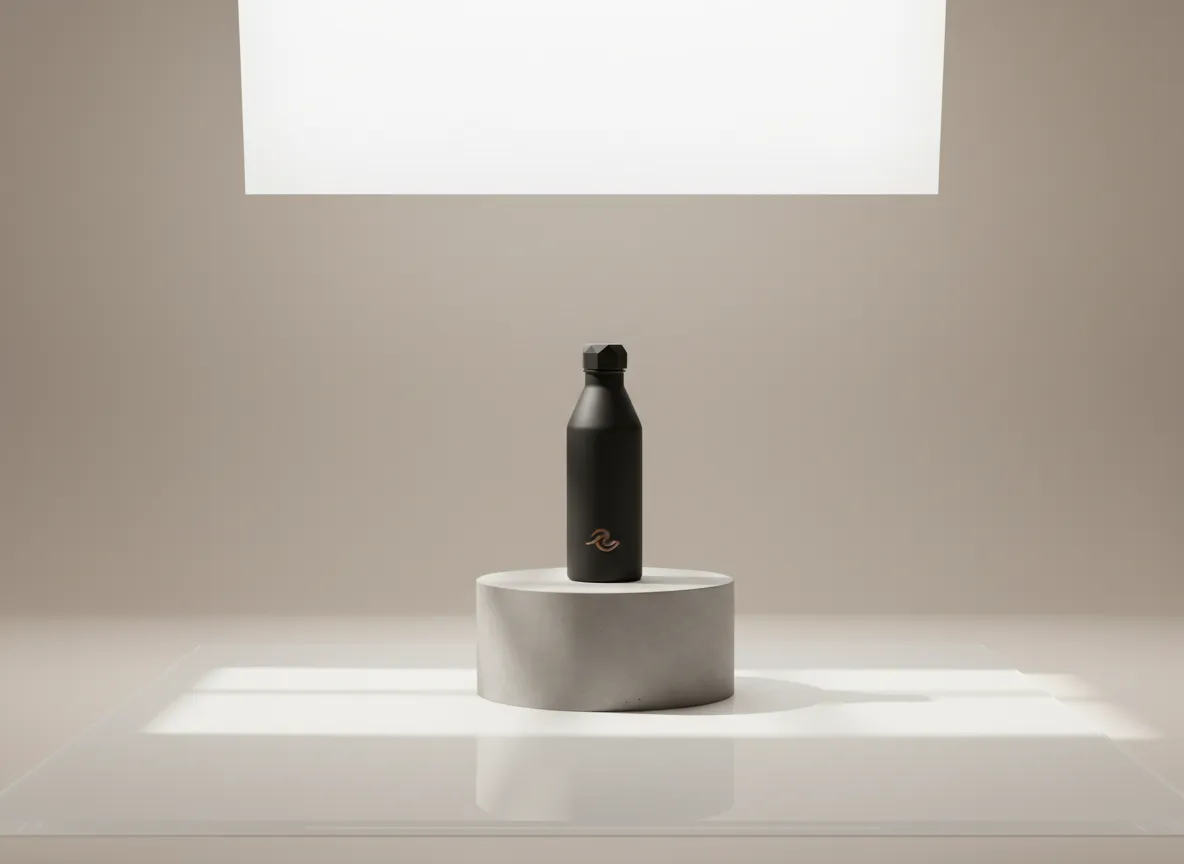
Why Our Text to Image AI Stands Out
A fast, friendly AI image generator that keeps you in control. Simple options, predictable credits, and results that look the way you intended. Whether you are making social graphics, ad creatives, thumbnails, or product mockups, Pixlio streamlines the prompt-to-image flow so you can focus on ideas instead of setup.
Lightning-Fast Creation: Ideas to Images in Seconds
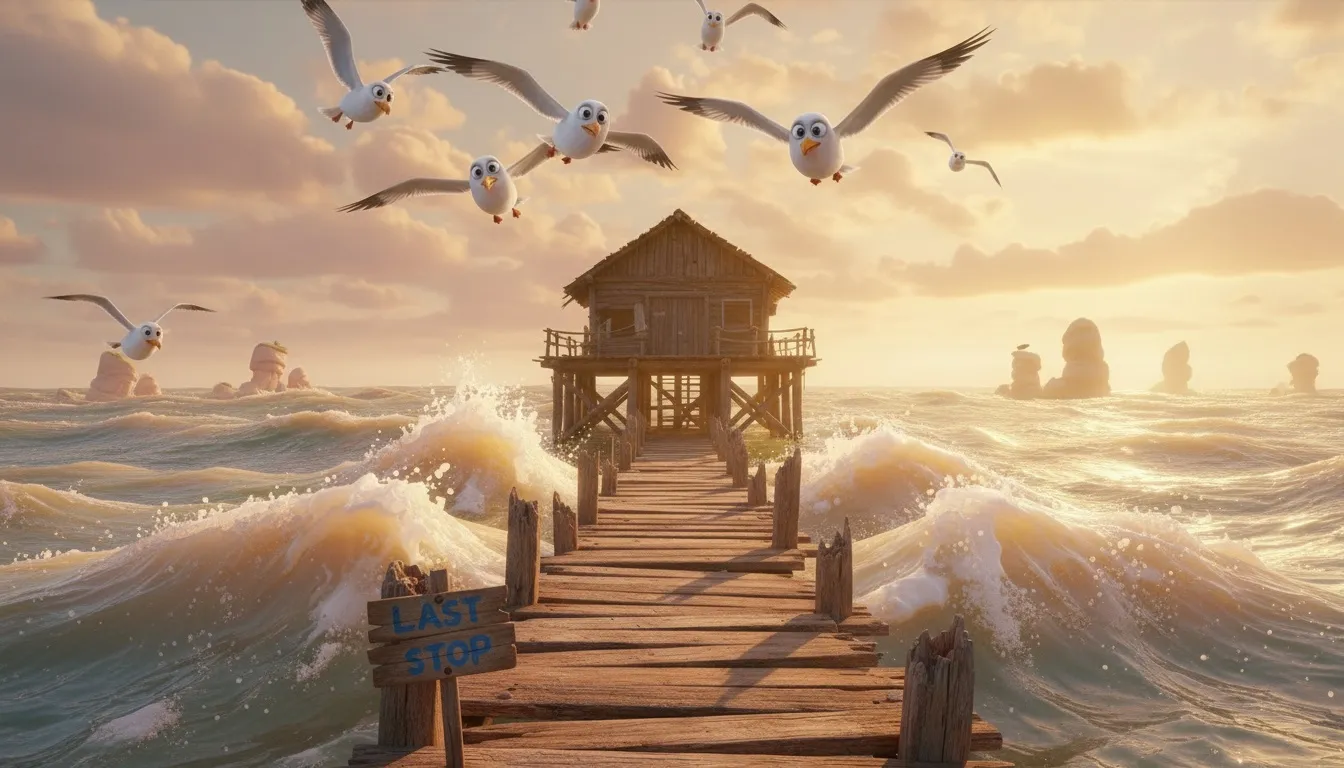
Generate in seconds using streamlined text-to-image models that balance speed and quality. Grok Imagine Image and Seedream v4 are optimized for rapid iteration so you can explore multiple concepts quickly. When you want more fidelity or steadier output across a set, Nano Banana Pro and GPT Image 2 provide dependable structure and detail.
One Prompt, Endless Possibilities
Guide the look with compact controls that do more with less. Style presets gently steer the model, aspect ratios match destinations, and seeds help you reproduce results or explore variations without prompt bloat. Our text to image AI adapts to your creative vision.
Visualize Beyond Imagination. Right in Your Browser
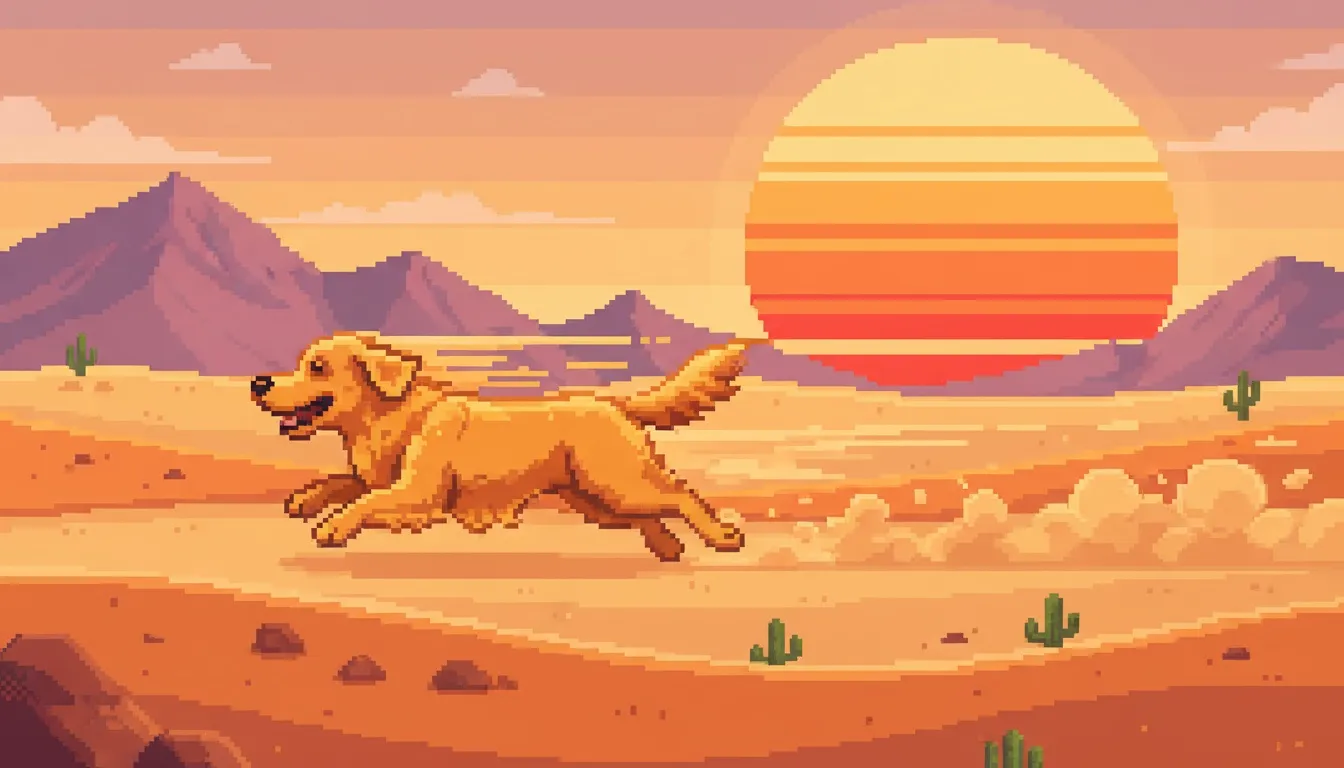
No installs. Just open the page and start. Pixlio's text to image AI runs entirely in your browser for a smooth, lightweight experience across modern devices. Create anywhere, anytime, without barriers.
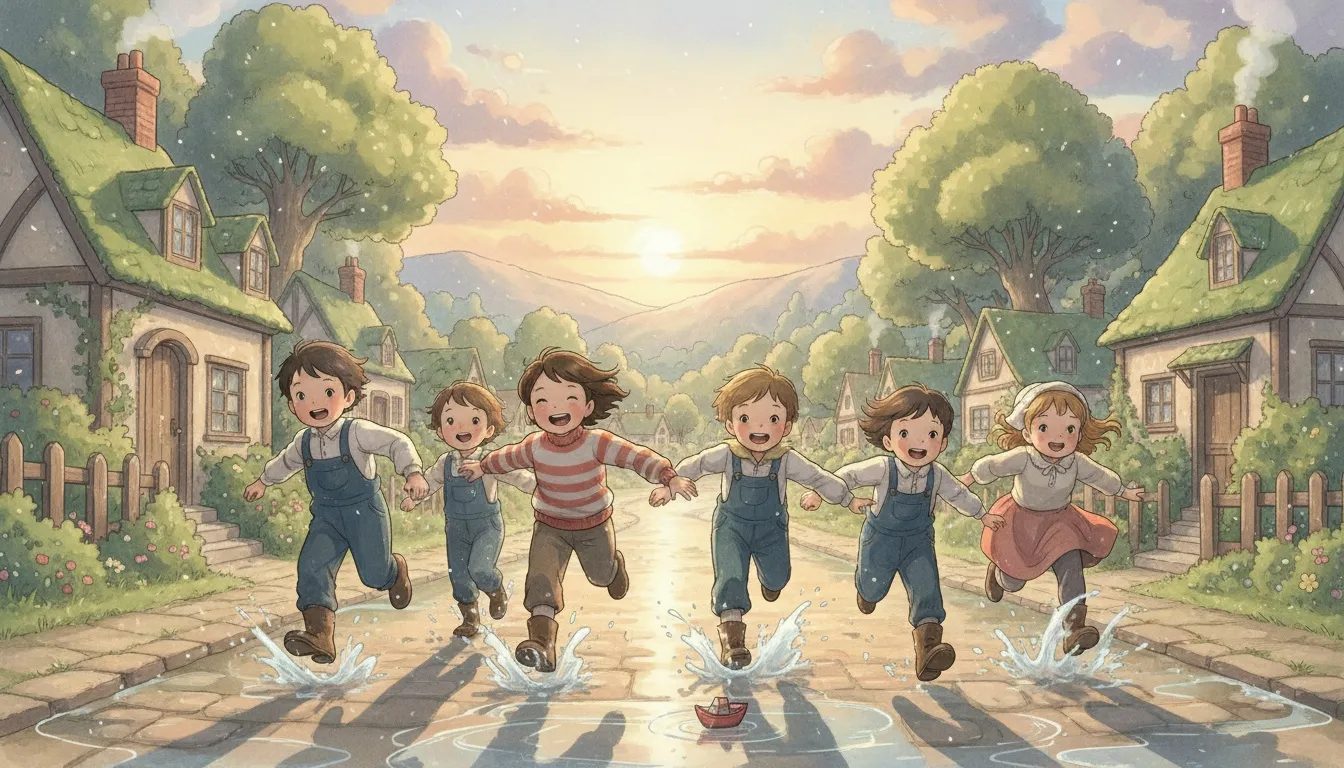
Iterate Without Limits: Perfect Every Detail
Continue Edit jumps into image-to-image refinement so you can improve a result without starting over. Reuse seeds to keep characters or products consistent across a series. Your text to image AI workflow stays fluid and creative.
How Text to Image AI Works: Three Simple Steps
Describe your idea, pick a model and options, then generate and refine. Pixlio's text-to-image workflow stays fast and simple end-to-end. You will go from prompt to publishable visuals in minutes, with controls that make sense in the middle of real projects, not just demos.
Text to Image AI: Your Questions Answered
What is text to image AI and how does Pixlio use it?
It's a tool that turns a written idea into an image. Pixlio integrates fast, modern models in a simple web app so you can type a prompt, pick options, and create visuals in seconds. No installs or setup required. The goal is to make professional-looking images accessible to anyone, from students to marketers and indie builders.
Which models are available and how do I choose?
You can select from Grok Imagine Image (highly aesthetic outputs), Nano Banana (great for consistency), Nano Banana Pro (studio-quality precision), GPT Image 2 and GPT Image 1.5 (strong prompt adherence), and Seedream v4/v4.5/v5 Lite (high-fidelity results). The interface adapts controls per model. If you need quick variations, pick Grok Imagine Image or Seedream v4; if you care about steadier structure across a series, try Nano Banana; if fidelity and detail matter most, use GPT Image 2 or GPT Image 1.5 or Seedream v5 Lite.
What resolutions, aspect ratios, and formats can I export?
Use common square, portrait, and landscape ratios, plus model-aware extras when available. Export JPEG for smaller files or PNG for lossless clarity. The generator shows quick ratio tiles and more options per model so you can choose the right canvas for social, ads, product pages, or presentations.
Can I keep characters or products consistent across images?
Yes! You can set a seed to reproduce results, then make small prompt edits to evolve the look. You can also continue editing a result to refine it without starting over. Reusing seeds is a practical way to keep character features, product angles, or color palettes consistent across many outputs.
How fast are generations and how do credits work?
Most prompts complete in a few seconds. Each model shows an estimated credit cost before you generate so your spend is always predictable. If you run low on credits, you can top up or subscribe, and the estimate helps you plan runs efficiently.
Can I continue editing a generated image?
Absolutely! Use Continue Edit to switch into an image-to-image flow, apply adjustments, and iterate until you're happy. This keeps your creative flow intact while you fine-tune composition, lighting, and style.
Are outputs watermarked, and can I use them commercially?
Pixlio focuses on practical, licensable outputs for everyday creators. Some models may include provenance features. Review your plan and the Terms of Service for details, including permitted commercial usage and any content restrictions.
Do I need to install anything to use the generator?
No! Everything runs in your browser. Just open the page and start creating with the text image generator. Because it's web-based, it works on modern devices without extra setup.