 Pixlio AI
Use the tool below to generate an AI age progression photo.
Result
Generated image appears here. You can download once ready.
More AI Image Tools
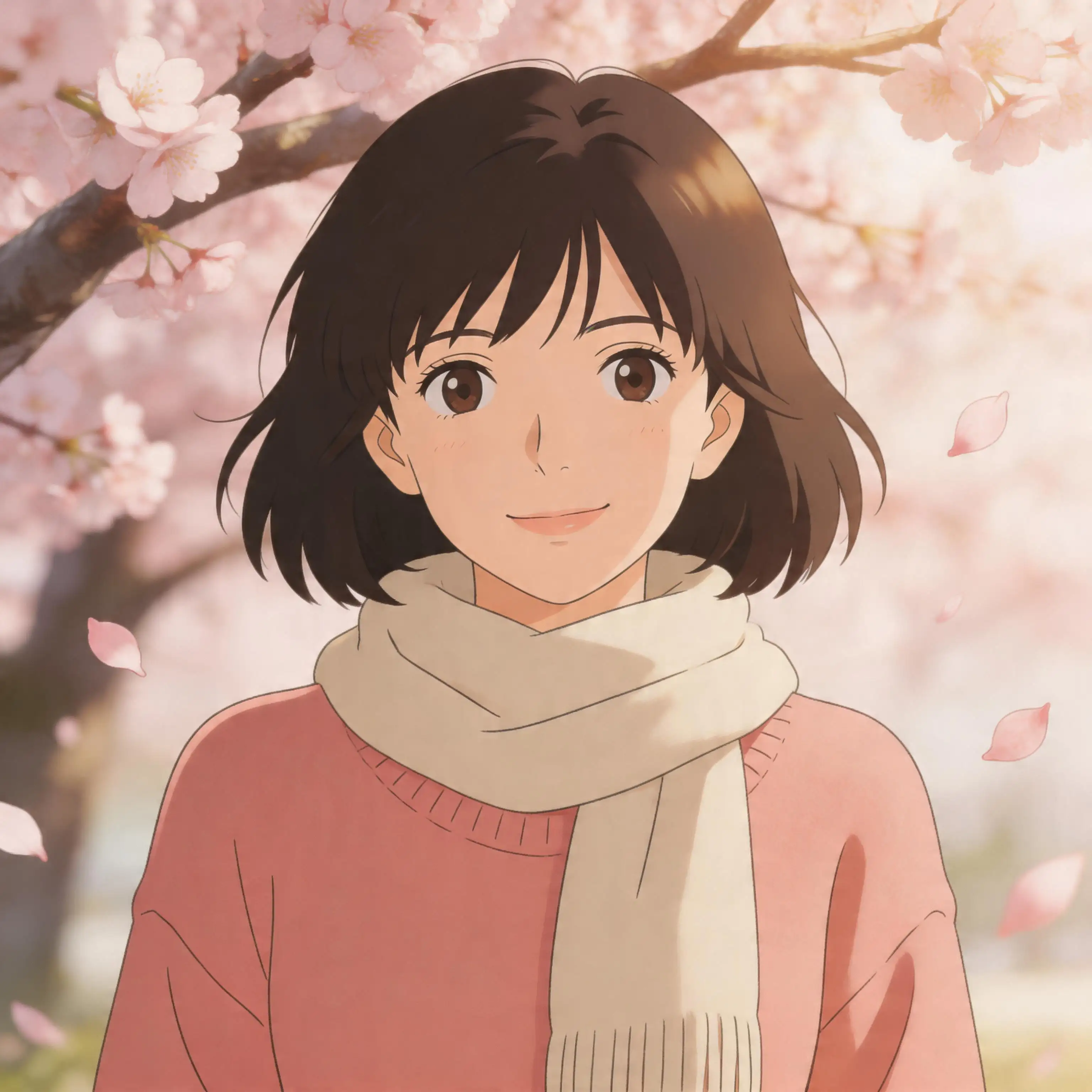
Explore our collection of AI-powered image tools designed for different creative needs and styles






























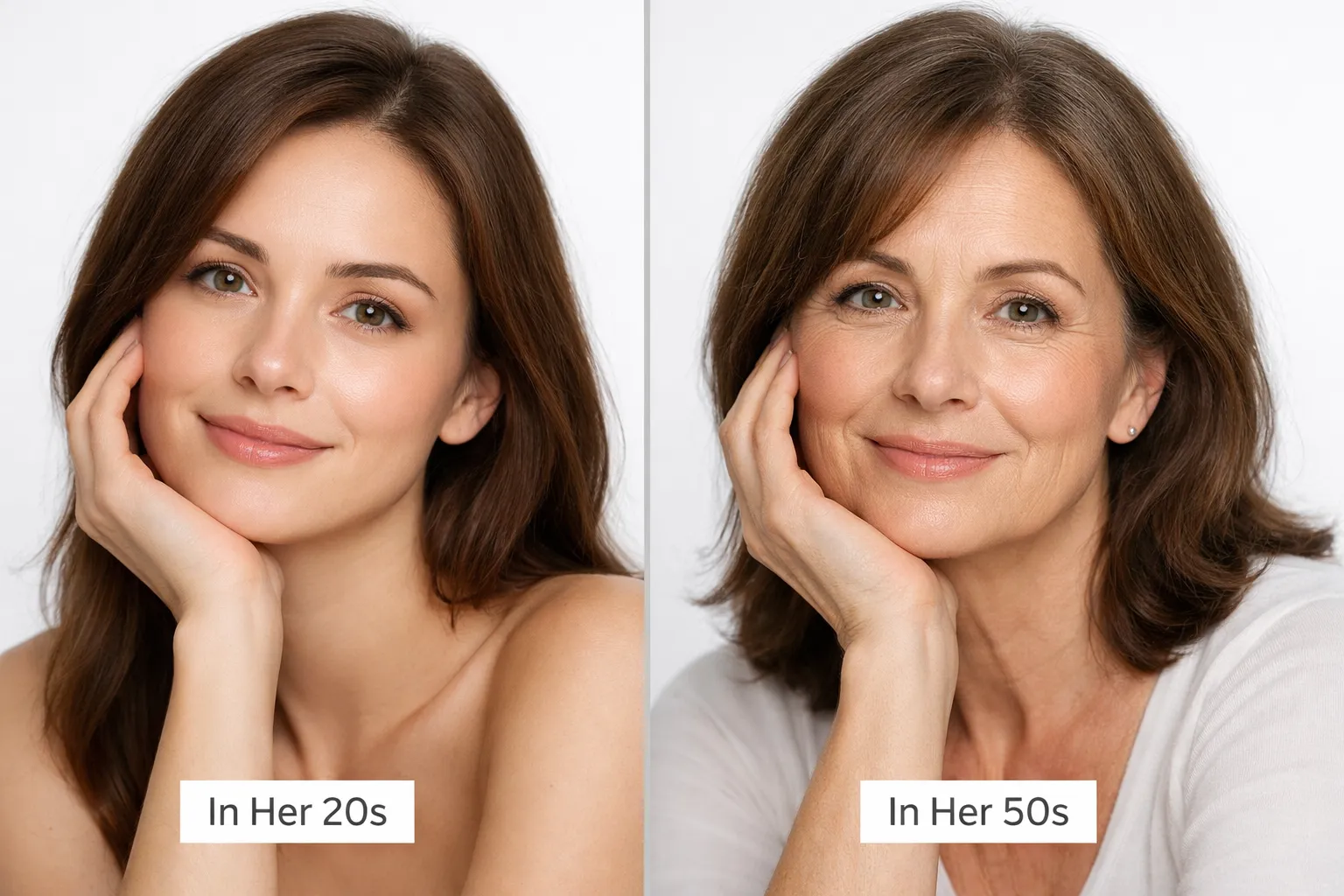
AI Age Progression — See Your Future Me in Seconds
Ever wondered what you'll look like when you're older? Pixlio's AI age progression tool transforms any portrait into a realistic future me photo in seconds. Upload a selfie, choose from preset decades (20s, 30s, 50s, or 70s) or enter a specific age between 6 and 100, and watch the AI generate an identity-preserving age progression picture. The tool changes only age-related details—skin texture, fine lines, and subtle facial volume shifts—while keeping your unique features intact. No complicated prompts or design skills required. Whether you're curious about your future self or creating fun before-and-after content, this age progression photo generator delivers photorealistic results you can download and share instantly. Want to turn back the clock on your photos? Try our Remove Wrinkles from Photo tool for smooth, youthful-looking portraits.
Identity-Preserving Age Transformation
Pixlio's AI age progression technology focuses on realistic aging cues while keeping you recognizable. The result is a fun, shareable future me photo that maintains your unique identity throughout the transformation.
No prompt required
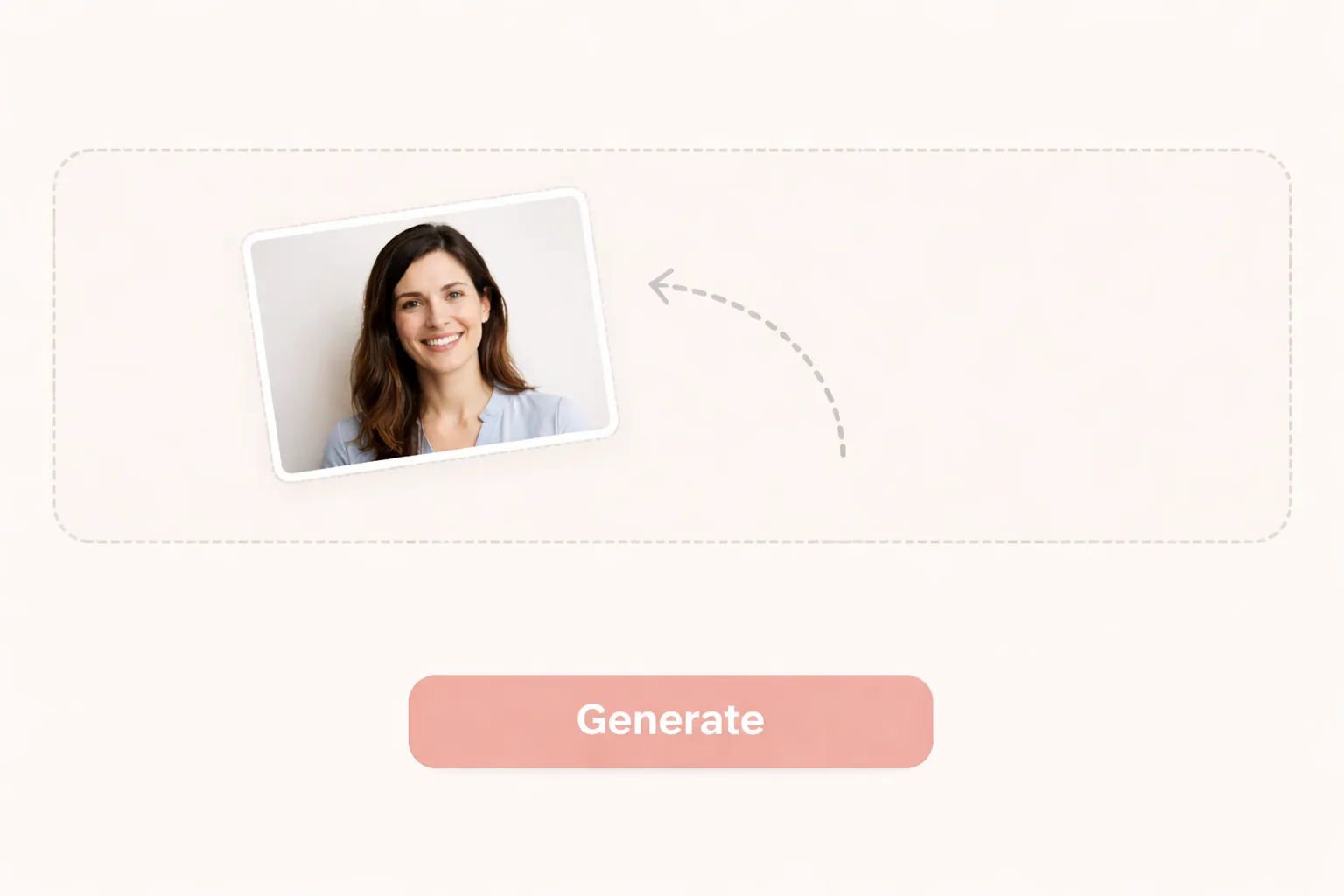
Unlike complex AI image tools, this age progression photo generator works with zero text prompts. Just upload a portrait and select your target age. The AI applies fixed guardrails to avoid unwanted changes—no extra faces, no gender shifts, no identity drift—ensuring clean, photorealistic age progression results every time.
Preset decades for quick results
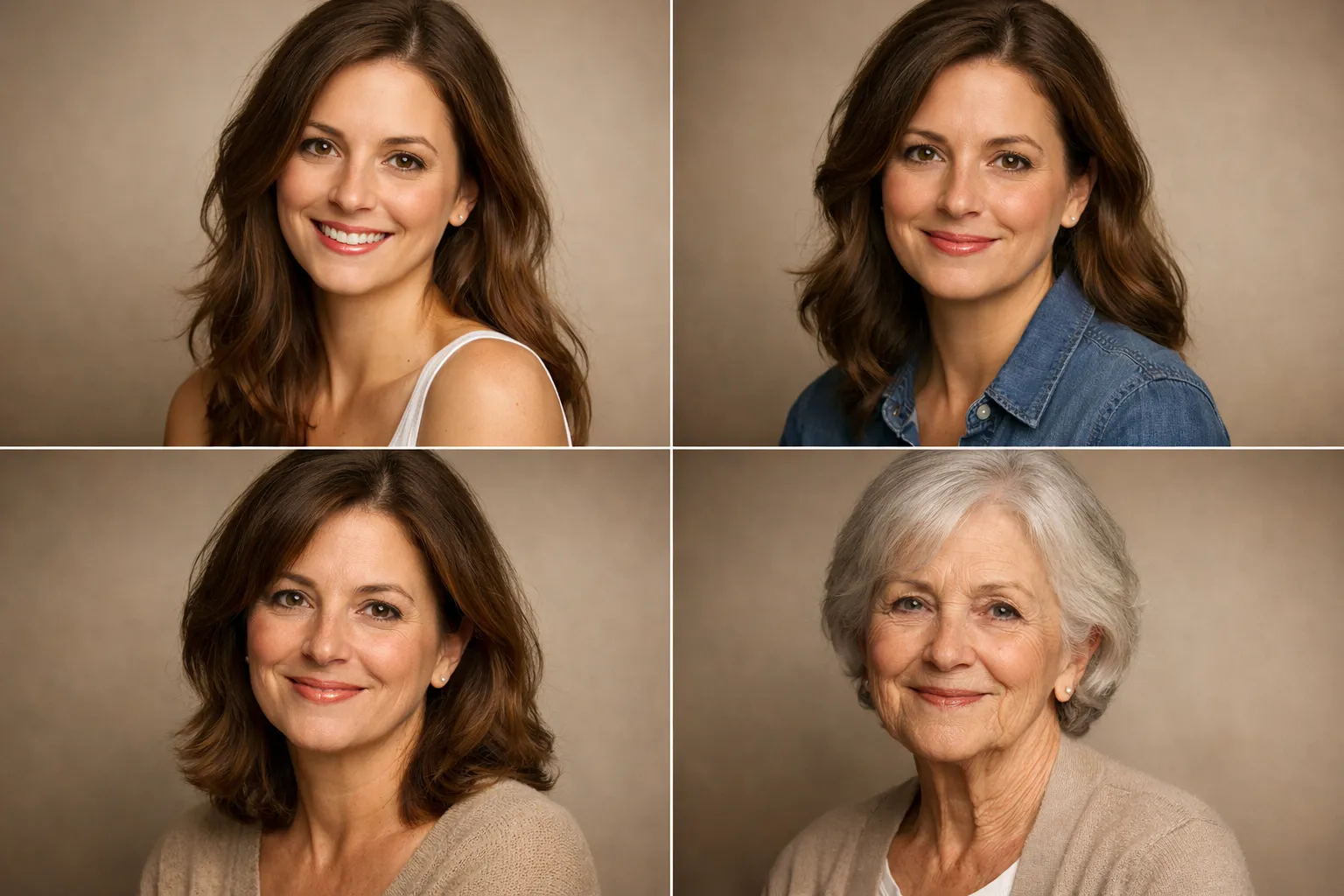
Choose from four preset age ranges: 20s for a youthful adult look, 30s for subtle maturity, 50s for realistic midlife aging cues, and 70s for a senior appearance with natural wrinkles and gray hair tendencies. Each preset delivers consistent, identity-preserving age progression photos without any guesswork.
Custom age for precise control
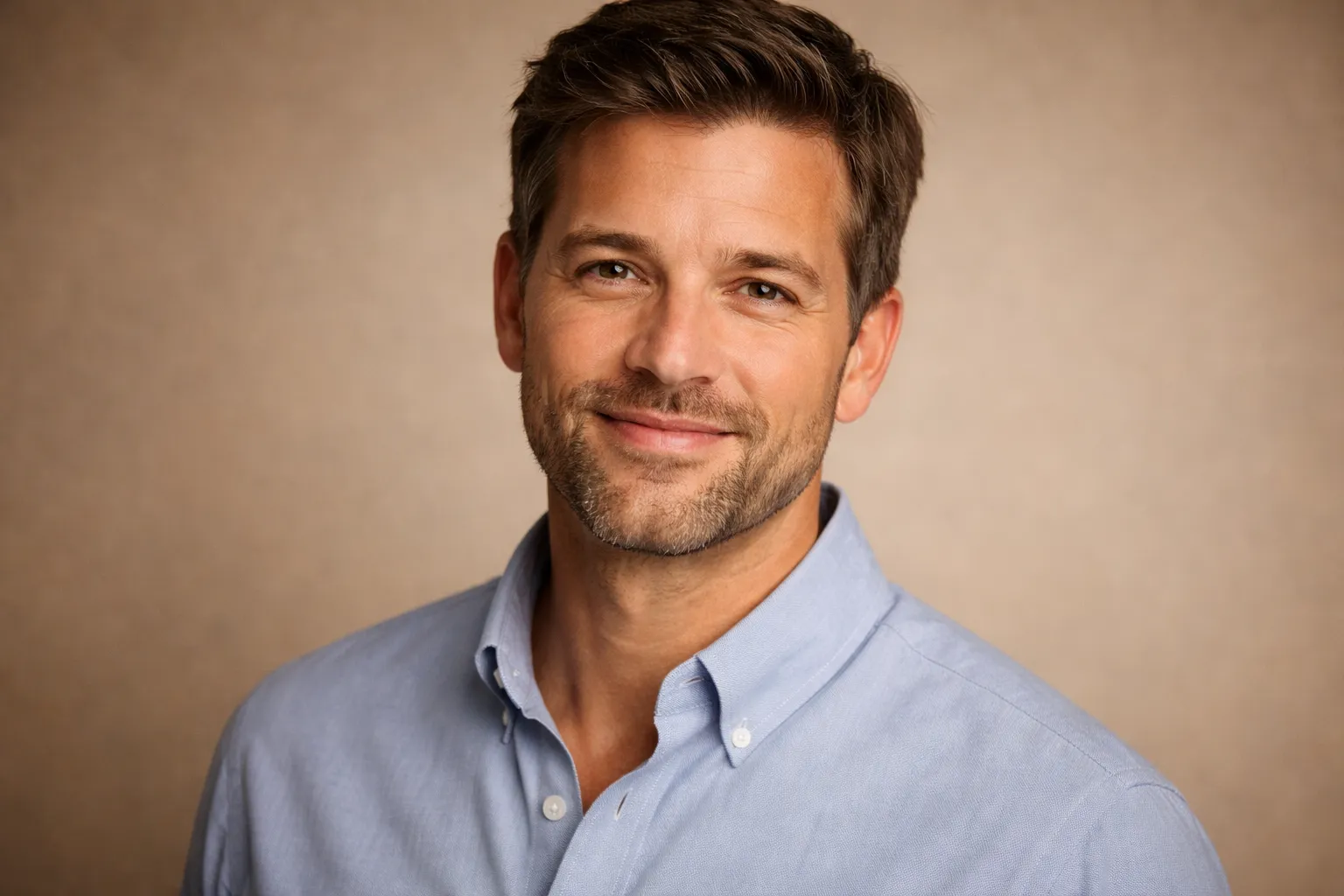
Enter any specific age from 6 to 100 for complete flexibility. This is perfect for visualizing milestone birthdays—see yourself at 18, 40, 65, or any age in between. The custom age feature gives you precise control over your future me photo experiments.
Identity preservation technology
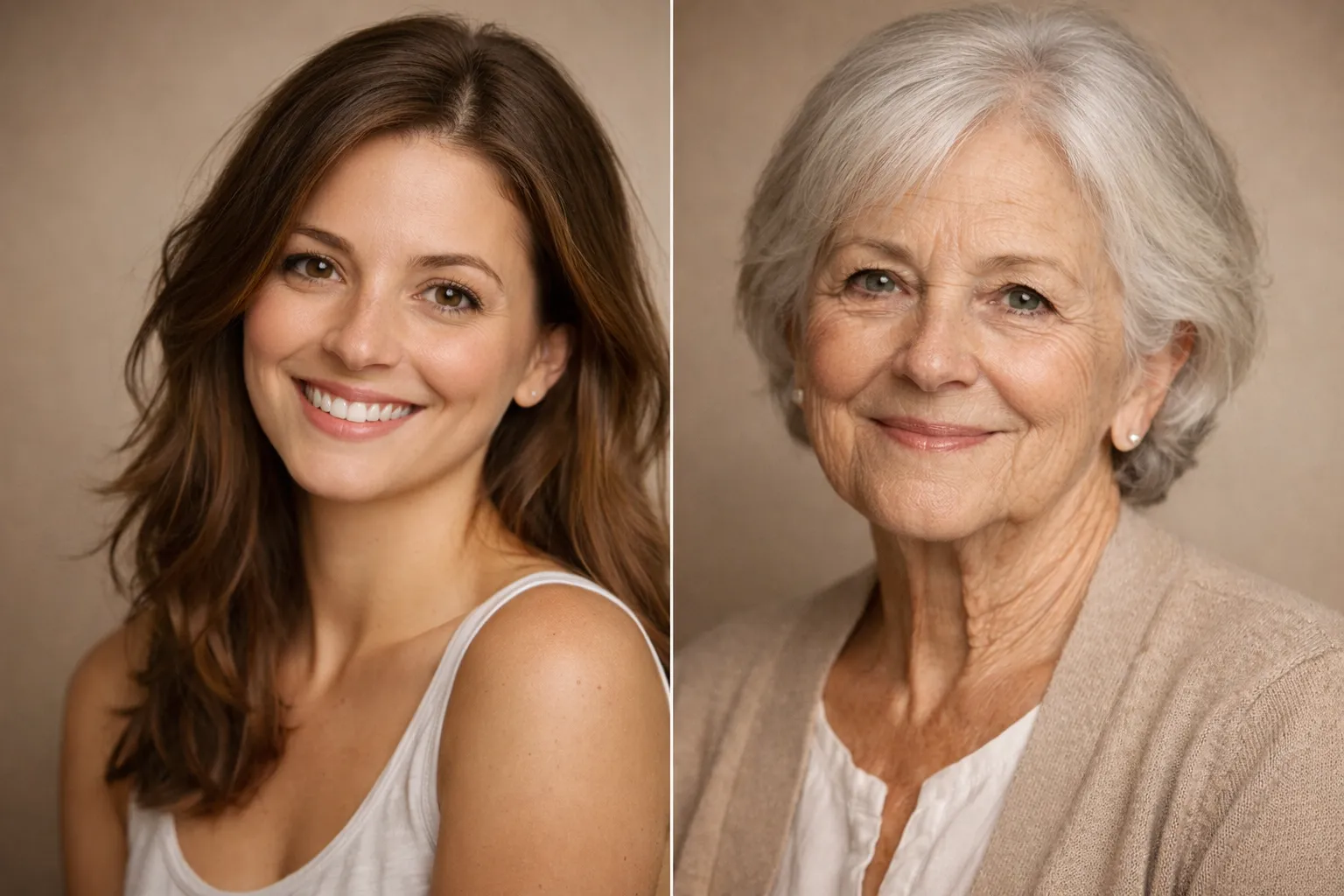
The AI is trained to maintain facial structure, eye color, and unique features while transforming only age-related attributes. Your expression, camera angle, and background remain stable, so the age progression picture still looks unmistakably like you—just at a different stage of life.
How to Create an AI Age Progression Photo
Transforming a portrait into a different age takes less than a minute. Follow these three simple steps to generate your own future me photo with realistic aging effects.
Who Uses AI Age Progression?
From personal curiosity to professional content creation, age progression photos offer a fast, entertaining way to visualize how faces change over time. Here's how people use this AI age progression tool.
Future-me curiosity
Wondering what you'll look like in your 50s or 70s? The AI age progression tool satisfies that curiosity in seconds. Generate a realistic future me photo from any selfie while keeping your identity consistent. It's a fun, lighthearted way to glimpse your future self without waiting decades.
Before-and-after creator content
Content creators use age progression pictures for engaging social media posts, reels, and videos. The clean, realistic results make for compelling before-and-after transformations that audiences love to share. Generate shareable age progression content in minutes instead of hours of manual editing.
Milestone age visualization
Enter any specific age from 6 to 100, making it easy to visualize milestone birthdays. See yourself at graduation age, turning 40, or reaching retirement at 65. These personalized future me photos make thoughtful conversation starters and memorable keepsakes.
AI Age Progression FAQ
What is AI age progression?
AI age progression is an identity-preserving photo transformation that makes a person look younger or older while keeping their face recognizable. Pixlio's age progression photo generator uses a portrait-focused AI model to apply realistic aging cues—such as fine lines, skin texture changes, and natural hair graying—without requiring any text prompts or design expertise. The result is a photorealistic future me photo you can generate in seconds.
Is this accurate or just for fun?
This tool is designed for fun and illustrative purposes. The AI generates plausible aging effects based on typical patterns, but results are not a medical or scientific prediction of how you will actually age. Everyone ages differently based on genetics, lifestyle, and environmental factors. Treat your age progression picture as entertainment rather than a forecast.
Will it keep my identity the same?
Yes. The AI age progression tool is specifically designed to preserve your identity. It maintains your facial structure, unique features, expression, and camera angle while modifying only age-related details like skin texture, fine lines, and hair color. The goal is to ensure your age progression photo still looks unmistakably like you.
What photos work best for age progression?
Clear, well-lit portraits with one main face produce the best results. Front-facing or slight-angle selfies work particularly well. For optimal AI age progression output, avoid photos with heavy Instagram filters, sunglasses covering the eyes, extreme angles, or very low resolution. Natural lighting and minimal obstructions help the AI accurately interpret and transform your features.
Can I choose any age?
Free users can choose from four preset decades: 20s, 30s, 50s, and 70s. These presets cover common age visualization needs and deliver consistent results. Subscribers unlock custom age input and can enter any specific age from 6 to 100, perfect for visualizing milestone birthdays or specific life stages in your future me photo.
Why does the result sometimes look different from me?
The AI interprets aging based on learned patterns from training data, so results can vary depending on your photo's lighting, resolution, and facial angle. Unusual poses, heavy filters, or low-quality images may produce less accurate age progression pictures. For the most realistic results, use a clear, well-lit portrait with your face clearly visible.
Can I use the result commercially?
Yes. Generated age progression images belong to you and can be used for personal or commercial purposes, subject to Pixlio's terms of service. This includes social media content, marketing materials, and creative projects. Always ensure you have the rights to the original photo you upload before using the output commercially.
Does Pixlio store my uploads?
Pixlio stores generated outputs in your account's creations so you can download and view them later. Original uploads are processed securely and are not shared with third parties. You maintain control over your generated age progression photos and can delete them from your account at any time.
Create Your AI Age Progression Photo Now
Upload a portrait and generate an identity-preserving age progression in seconds. See what you might look like decades from now with realistic aging effects—no design skills or prompts needed. Try it free with credits on signup.
For fun and illustrative results. Not a medical or scientific prediction.