 Pixlio AI
Use the tool below to upscale images online with AI.
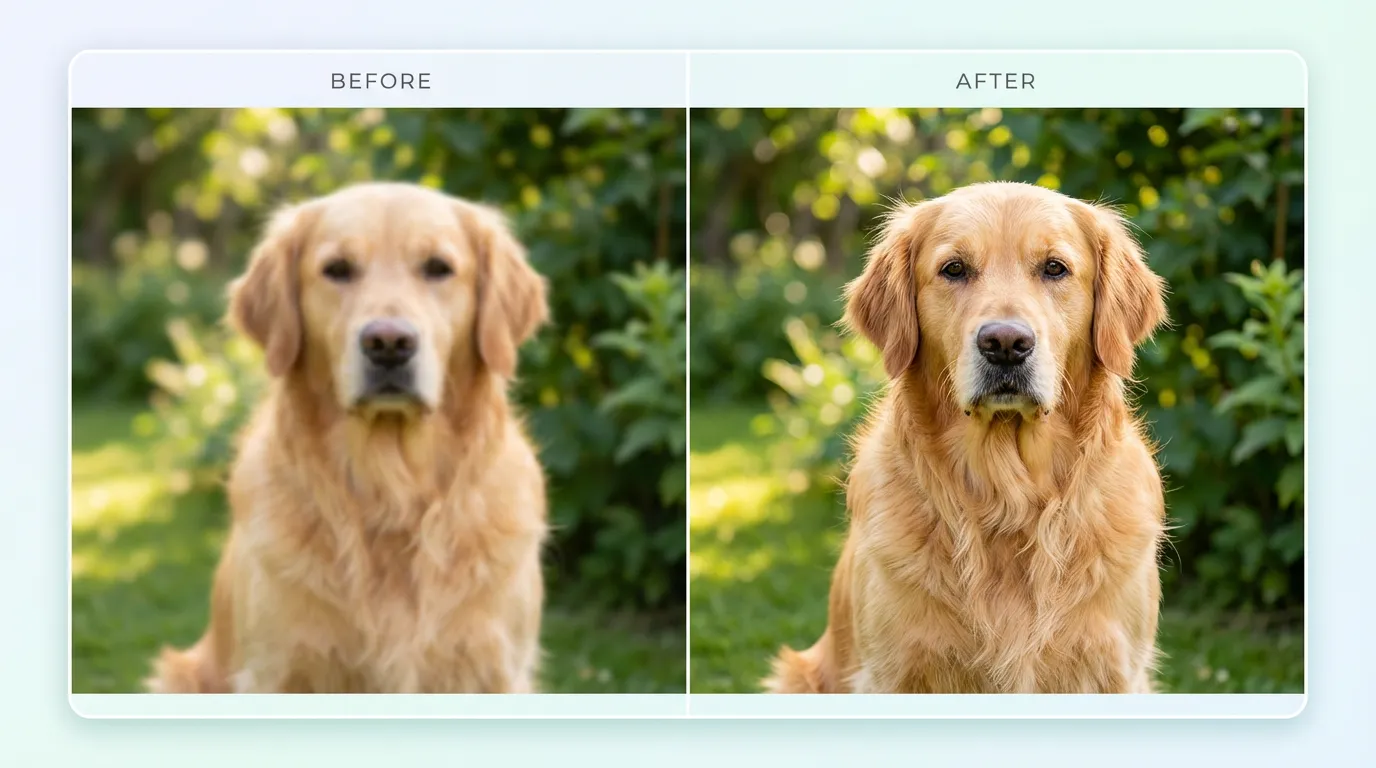
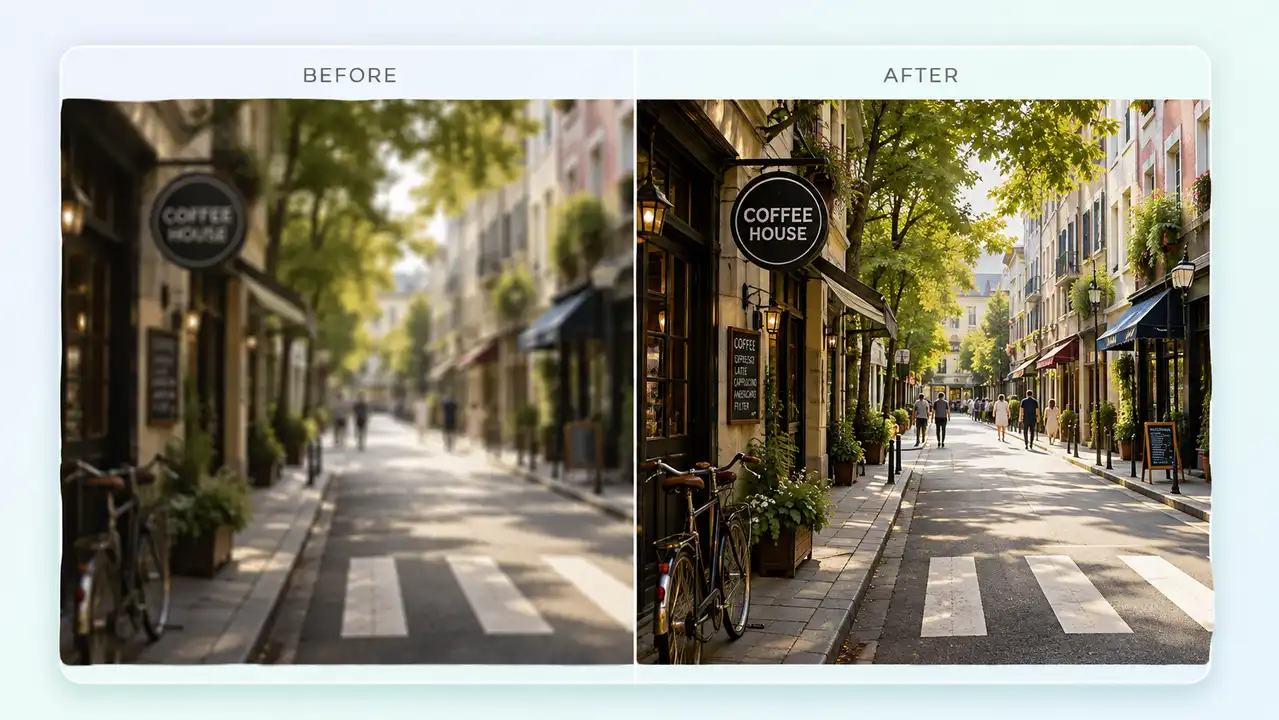
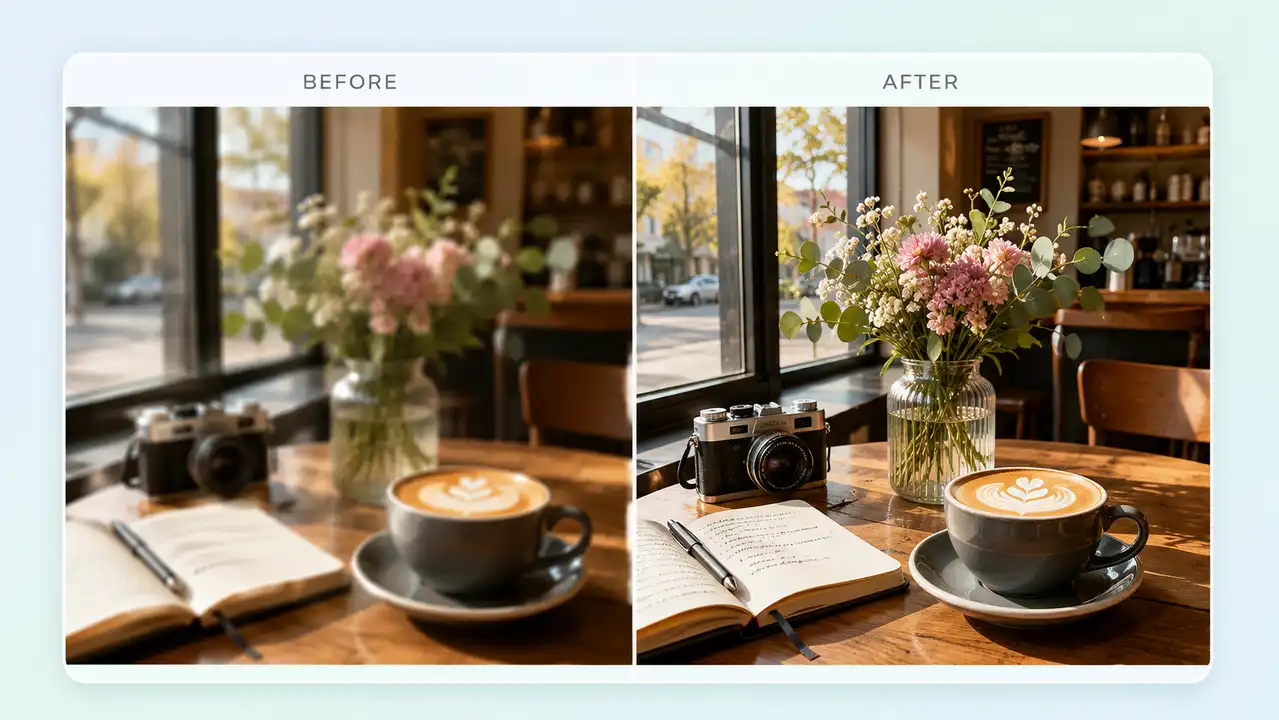
AI Image Upscaler — Enhance Photo Resolution Online in One Click
Need to upscale an image without complicated editing software? Pixlio's AI image upscaler makes it effortless. Upload any photo—portraits, landscapes, product shots, or graphics—and watch as intelligent enhancement brings out sharper details and higher resolution in seconds. Our AI photo upscaler preserves your original composition while the AI image enhancer adds realistic clarity.
Why Pixlio Is the Best AI Image Upscaler
Upscaling images has never been simpler. Pixlio's AI image upscaler delivers professional photo enhancement without requiring design skills or expensive software. Whether you need subtle sharpening or significant resolution increases, this AI image upscaler handles it automatically.

AI-Powered Photo Enhancement
Traditional upscaling stretches pixels and creates blur. Pixlio's AI image upscaler works differently—it analyzes your photo and intelligently reconstructs fine details that simple interpolation cannot recover. Hair strands, fabric textures, text, and edges all benefit from this smart image enhancer. The result is a higher-resolution image that looks naturally sharp, not artificially processed. Whether you're enhancing old family photos or preparing social media content, this photo upscaler delivers the clarity you need.
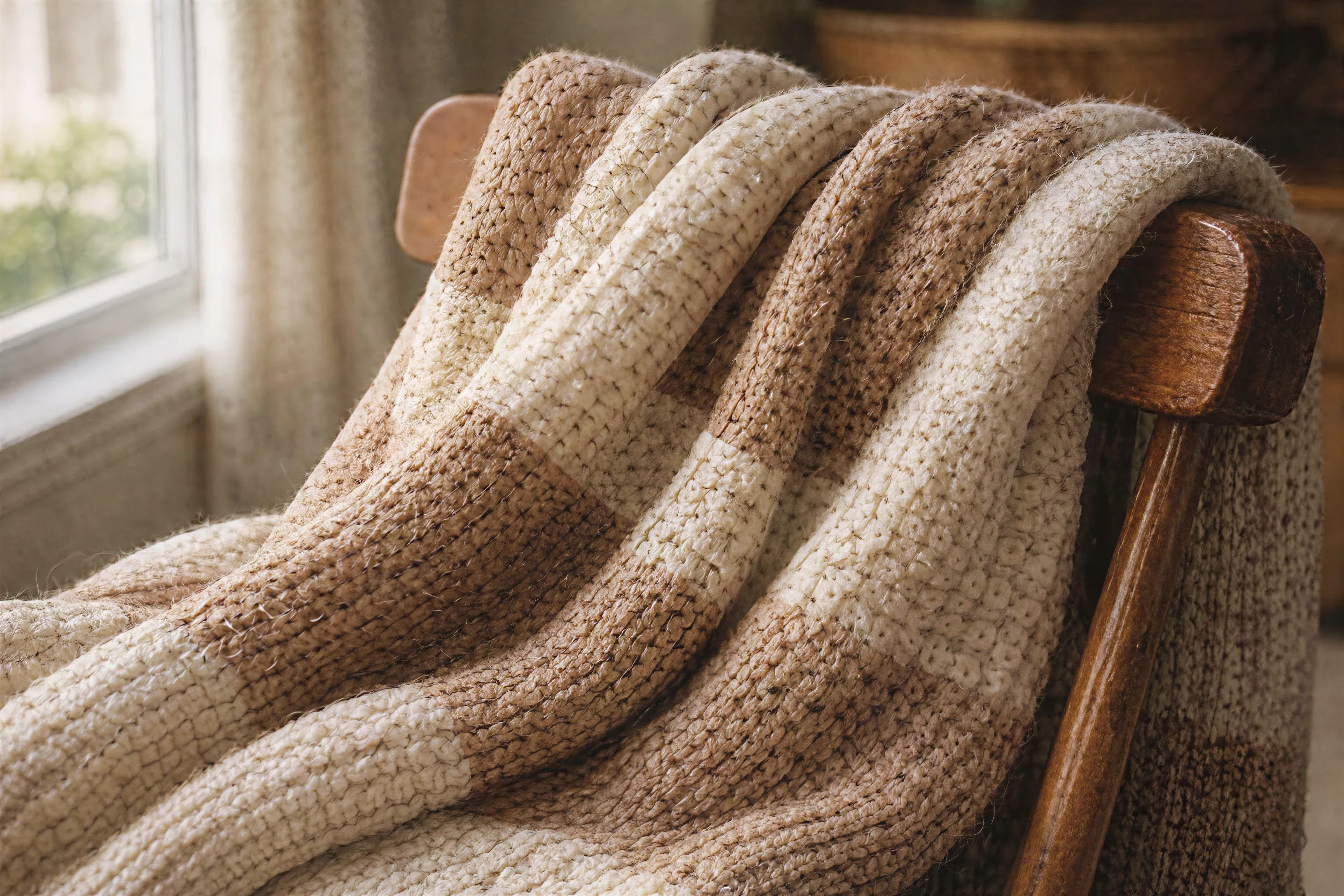

Clean Upscales Without Artifacts
Many free image upscalers introduce noise, halos, or unnatural sharpening. Pixlio's AI upscaling technology avoids these common problems. The image enhancer preserves smooth gradients in skies and skin tones while sharpening edges where it matters. You get clean, artifact-free results whether you're upscaling product photos for e-commerce or enlarging personal snapshots for printing. This attention to quality separates a true AI image upscaler from basic resize tools.
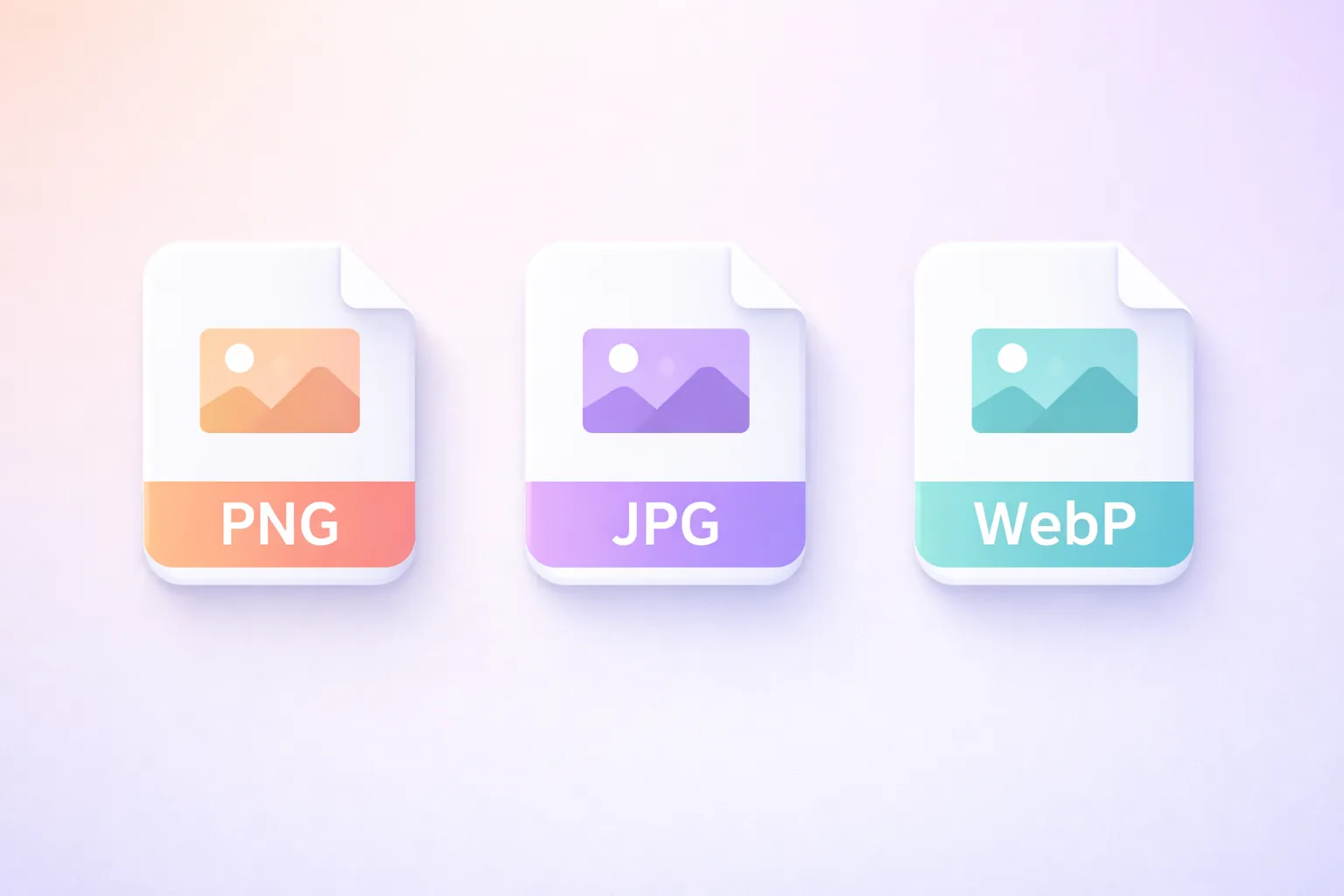
Three Output Format Options
Different projects need different file formats. Pixlio's image upscaler lets you choose PNG for lossless quality (ideal for graphics and transparency), JPG for smaller file sizes (perfect for web and email), or WebP for modern compression (great for fast-loading websites). Each format preserves the enhanced resolution from the AI upscaling process. Select your format before generating, and your upscaled image downloads exactly as you need it.

Simple One-Click Interface
Pixlio's AI image upscaler keeps everyday upscaling simple: upload your photo, choose 2× or 4× with Quick Pick, select an output format, and click Upscale. When you need more control, active Pro and Max plans unlock a custom factor up to 5× or a target width or height while preserving the original aspect ratio. You still get a straightforward workflow, with precise sizing available when your project needs it.
How to Upscale Images in 3 Simple Steps
Enhancing your photos with AI takes less than a minute. Follow these steps to get higher resolution images without any design experience.
Who Uses AI Image Upscaler?
From content creators to online sellers, Pixlio's photo upscaler serves diverse needs. Anyone who needs higher resolution images without professional editing software will find this image upscaler invaluable.
Content Creators and Social Media
Create sharper thumbnails and social media posts that stand out. Use the AI image upscaler to enhance image quality for Instagram, YouTube, and TikTok. Higher resolution content performs better—this photo upscaler helps you look professional without expensive gear or complex editing.
Personal Photo Restoration
Breathe new life into older or low-resolution personal photos. Family snapshots from older cameras or compressed images saved years ago can benefit from AI upscaling. While this image enhancer cannot restore severely damaged photos, it sharpens soft images beautifully.
Designers and Print Projects
Increase resolution for posters, flyers, and marketing materials. When client assets arrive too small, this AI image upscaler helps bridge the gap. Upscale images for light print use without visible pixelation—perfect for presentations and promotional graphics.
E-Commerce and Product Photos
Upscale product images for marketplace listings that require higher resolution. Sharper product photos build buyer trust. Use the photo upscaler to enhance detail on fabric textures, jewelry, electronics, and more—making your listings look polished and professional.
Image Upscaler FAQ
What is an AI image upscaler?
An AI image upscaler uses artificial intelligence to increase image resolution while adding realistic detail. Unlike traditional upscaling that simply stretches pixels, AI upscaling analyzes the image content and intelligently reconstructs finer details for sharper, cleaner results.
Is Pixlio's AI image upscaler free to try?
Yes. Pixlio offers free credits when you sign up, allowing you to upscale images right away. Additional credits can be purchased as needed.
What file formats does the image upscaler support?
Pixlio's AI image upscaler accepts JPG, PNG, and WebP uploads up to 20MB. You can choose to download your enhanced image in PNG (lossless quality), JPG (smaller file size), or WebP (modern compression).
How much does upscaling an image cost?
Upscaling costs 2 credits per megapixel of the input image. The estimated cost is shown before you generate.
Does Pixlio allow NSFW images?
No. NSFW content is strictly not allowed, as stated in our Terms of Service. If an upload is flagged as NSFW, the request is rejected and 1 credit is deducted. Any costs, damages, or legal issues related to content you provide are your responsibility.
Will upscaling change my image's aspect ratio?
No. Pixlio's image upscaler preserves your original aspect ratio. The output will have higher resolution and sharper detail while maintaining the same proportions as your input.
What image sizes work best with the upscaler?
The image upscaler works with a wide range of sizes. Clear, well-lit photos produce the best results. Very large images (over 50 megapixels) may need to be resized before upscaling.