 Pixlio AI
Use the tool below to describe any image with AI online.
AI Image Describer — Generate Descriptions and Alt Text Instantly
Need to describe an image quickly and accurately? Pixlio's AI image describer analyzes any photo and generates plain-text descriptions in seconds. Whether you need natural captions for social media, accessibility alt text for your website, or detailed notes for e-commerce listings, this image description tool delivers. Choose between General description for conversational captions or Alt text for screen-reader-friendly output. Select Concise for brief summaries or Detailed for comprehensive analysis. Pick from multiple AI models—including free access to Qwen 3 or premium options like Gemini and GPT-4o for Pro/Max users. Want to generate images from descriptions? Try our AI Image Generator to bring your vision to life.
Why Pixlio Is the Best AI Image Describer
Describing images with AI has never been simpler. Pixlio's image describer delivers accurate, context-aware descriptions without requiring technical expertise. From quick captions to detailed accessibility text, you have complete control over the output.
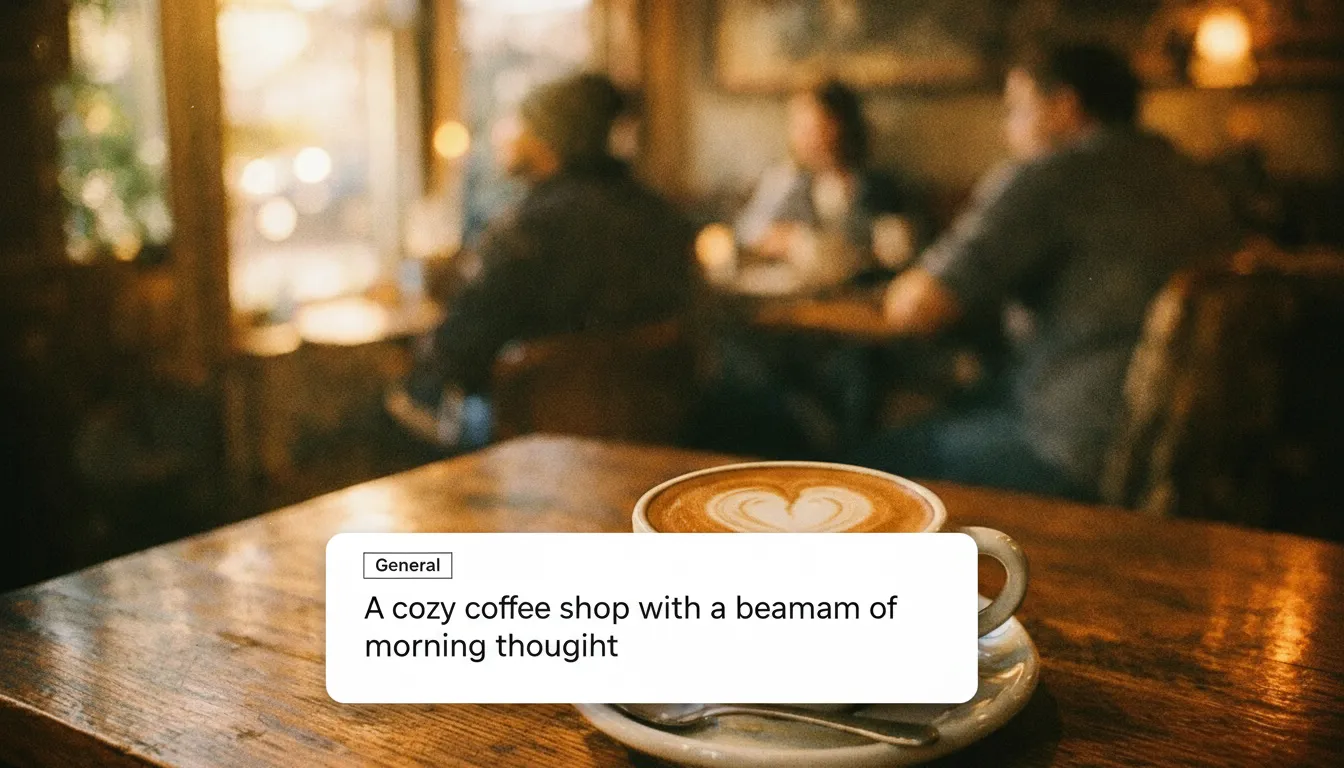
General Description Mode: Natural Captions for Any Purpose
When you use the AI image describer in General mode, Pixlio generates natural language descriptions perfect for social media captions, product listings, personal notes, and content creation. The image describer captures subjects, settings, colors, and composition in a conversational tone. Choose Concise for a quick one-to-two sentence summary, or Detailed for a comprehensive breakdown including a short caption followed by an in-depth analysis of every visible element. Each description reads naturally—never robotic or formulaic.
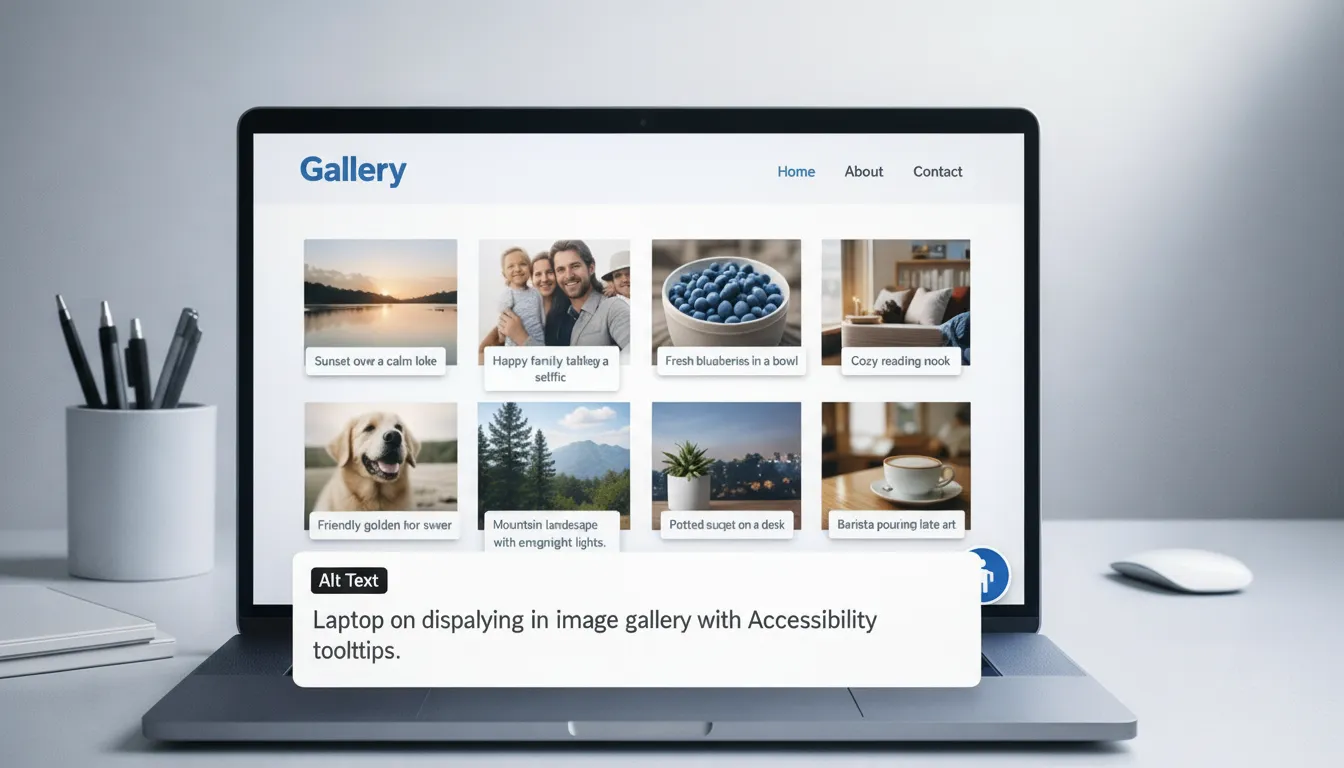
Alt Text Mode: Accessibility-First Image Descriptions
Creating accessible content is essential for inclusive web experiences. The AI image describer's Alt Text mode generates screen-reader-friendly descriptions following accessibility best practices. Unlike general captions, alt text output focuses on conveying essential visual information without unnecessary flourishes. The image describer identifies key elements, describes their spatial relationships, and notes any visible text—all in a neutral, informative tone. Perfect for web developers, content managers, and anyone committed to making visual content accessible to all users.
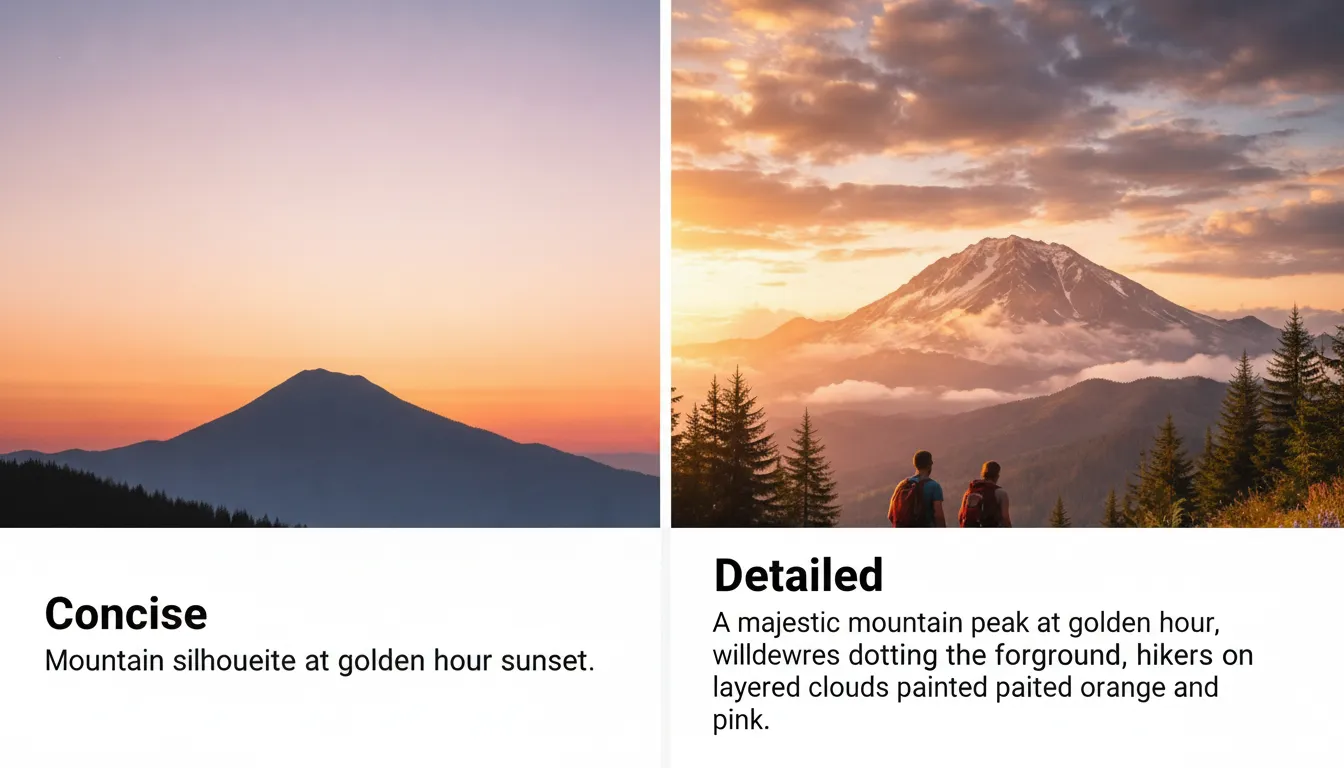
Concise or Detailed: Control Your Output Length
Not every situation calls for the same level of detail. Pixlio's image describer offers two detail levels to match your needs. Concise mode delivers a tight one-to-two sentence summary—ideal for quick social captions or brief alt text. Detailed mode expands the analysis with a short headline followed by three-to-six sentences covering subjects, setting, colors, composition, and notable details. The AI photo describer adapts its output length while maintaining accuracy, ensuring you get exactly what you need without unnecessary verbosity or missing context.
Multiple AI Models for Every Need
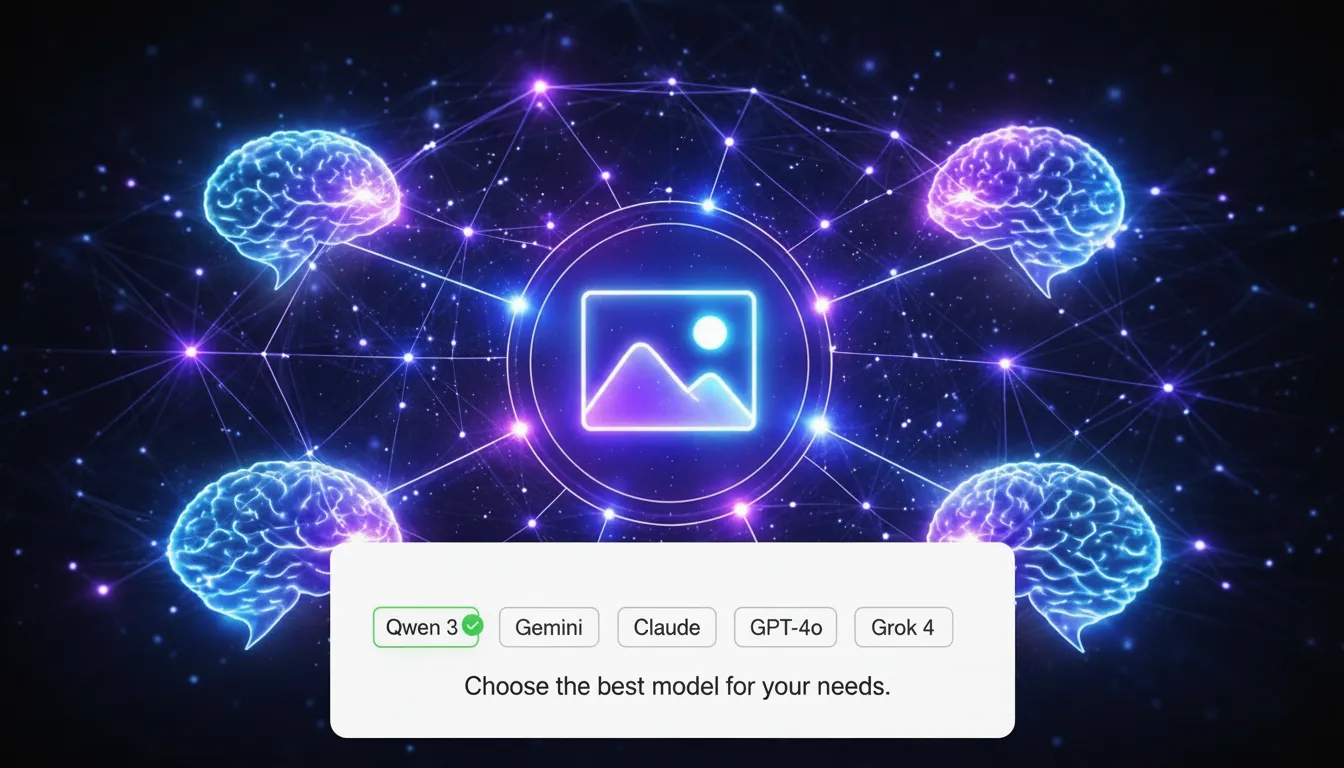
Different projects demand different capabilities. Pixlio's AI image describer offers multiple vision models to suit your requirements. Free users have access to Qwen 3, a powerful open-source model that handles most image description tasks with impressive accuracy. Pro and Max subscribers unlock premium models including Google Gemini, Claude Sonnet, GPT-4o, and Grok 4—each bringing unique strengths in detail recognition, contextual understanding, and language quality. Select your preferred model before each generation to find the perfect fit for your use case.
How to Use the Image Describer in 3 Easy Steps
Generating accurate image descriptions takes less than a minute. Follow these steps to describe any photo with AI—no design skills or technical knowledge required.
Perfect for Captions, Accessibility, and Content Creation
Pixlio's AI image describer serves diverse needs across industries. From social media managers crafting engaging posts to developers ensuring web accessibility, accurate image descriptions power better content everywhere.
Social Media Captions and Posts
Create engaging captions for Instagram, Twitter, Facebook, and LinkedIn in seconds. The AI image describer analyzes your photos and generates natural descriptions that capture attention. Use Concise mode for punchy one-liners or Detailed mode when you want to tell a fuller story. Stop staring at blank caption fields—let the image describer spark your creativity with accurate, context-aware starting points.
Website Accessibility and Alt Text
Make your website inclusive for all users with proper image alt text. The AI image describer's Alt Text mode generates screen-reader-optimized descriptions that convey essential visual information. Improve your site's accessibility compliance while providing a better experience for users with visual impairments. Generate alt text in bulk by processing images one at a time—each description ready to paste directly into your CMS or HTML.
E-commerce Product Descriptions
Describe products accurately for online stores and marketplaces. The AI photo describer identifies colors, materials, styles, and visible details that help customers understand what they're buying. Use Detailed mode to capture every aspect of your products—from fabric textures to design elements. Save hours of manual description writing while maintaining consistency across your entire catalog.
AI Prompt Generation and Reverse Engineering
Use the image describer for AI prompt creation. When you find an image style you love, run it through Detailed mode to extract a comprehensive description—then use that text as a starting point for AI image generators. This image describer for AI prompt workflows helps you understand what elements make an image compelling and translate that into reproducible prompts for your own creations.
Image Describer FAQ
What is an AI image describer?
An AI image describer is a tool that uses artificial intelligence to analyze images and generate text descriptions. Pixlio's image describer produces natural captions for social posts and listings, or accessibility-focused alt text for websites and apps.
Is the image describer free to use?
Yes. Pixlio offers free credits when you sign up, so you can try the AI image describer immediately. Free users have access to the Qwen 3 model. Pro and Max subscribers enjoy unlimited usage with access to premium models like Gemini, Claude, GPT-4o, and Grok.
What's the difference between General and Alt Text output?
General description mode produces natural language captions ideal for social media posts, product listings, and personal notes. Alt Text mode generates accessibility-first descriptions optimized for screen readers, following best practices for web accessibility.
Which AI models are available for describing images?
Free users can use Qwen 3, a powerful open-source vision model. Pro and Max subscribers unlock premium models including Google Gemini, Claude Sonnet, GPT-4o, and Grok 4 for enhanced accuracy and detail.
Can I use the image description for AI prompts?
Absolutely. The Detailed output mode generates comprehensive descriptions that work excellently as starting points for AI image generation prompts. Many users leverage the image describer to reverse-engineer prompts from existing images.
What image formats does the image describer support?
Pixlio's image describer accepts JPG, PNG, and WebP formats up to 10MB. Higher resolution images typically produce more detailed and accurate descriptions.
Does Pixlio allow NSFW images?
No. NSFW content is not permitted per our Terms of Service. If an upload is flagged, the request will be rejected and any associated costs remain your responsibility. By using Pixlio, you indicate agreement with our Terms of Service.