 Pixlio AI
Use the tool below to unblur images online with AI.
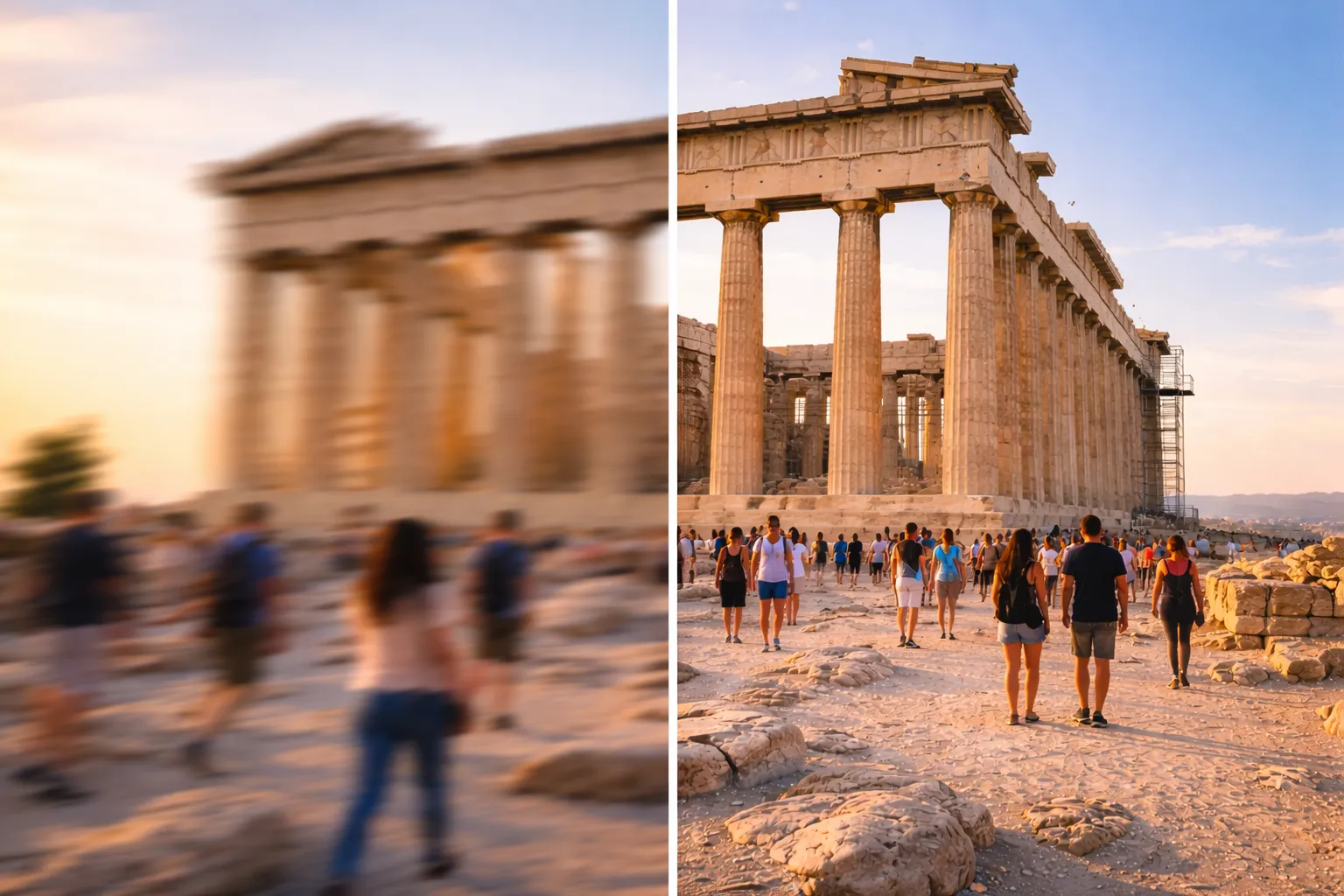
Unblur Image Online — Sharpen Blurry Photos with AI in One Click
Struggling with a photo ruined by camera shake or motion blur? Pixlio's free unblur image tool makes it simple to fix blurry photos without any editing experience. Whether you're salvaging a cherished memory or preparing content for social media, this online tool to unblur images delivers professional results in seconds. Need even higher resolution? Try our AI Image Upscaler to enhance your photos further.
Why Pixlio Is the Best Way to Unblur Image Files
Fixing blurry photos used to require expensive software and advanced skills. Pixlio changes that—now you can unblur image files with AI in seconds. Upload, click, and download. No learning curve, no complicated settings.
AI-Powered Blur Reduction
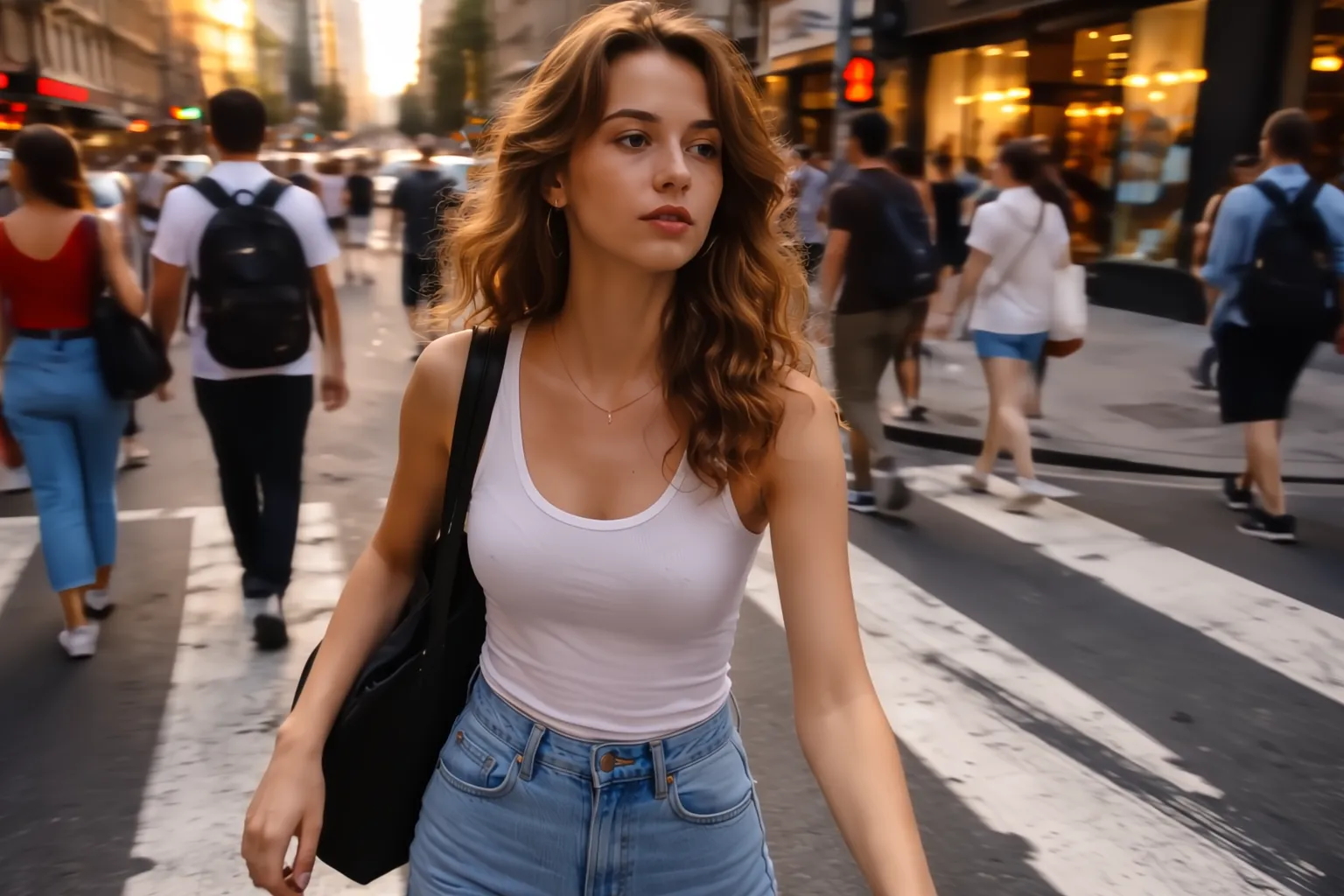
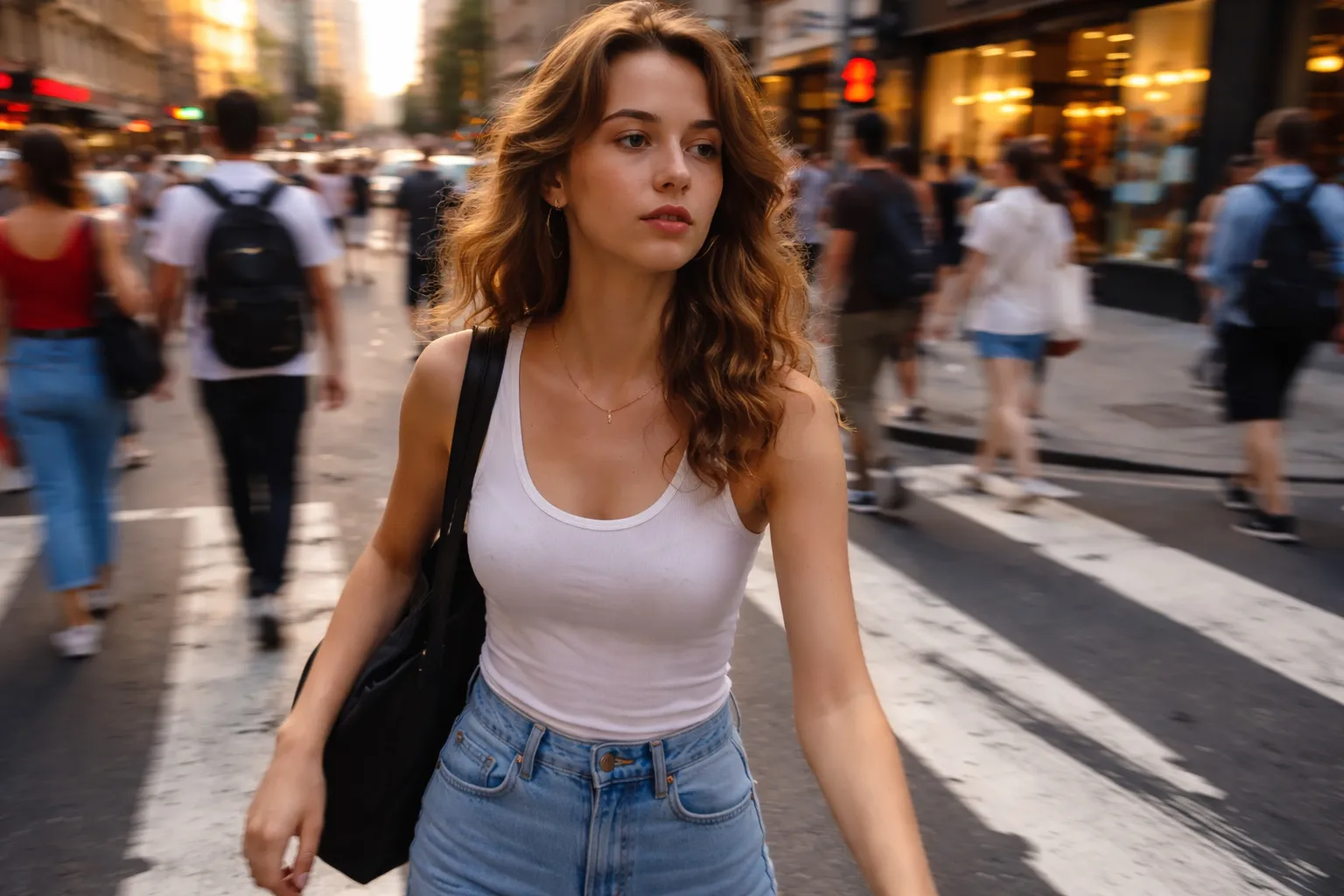
Traditional sharpening filters amplify noise and create halos around edges. Pixlio's AI takes a smarter approach—it analyzes the blur pattern in your photo and reconstructs missing detail intelligently. Motion blur from a shaky hand, slight defocus from autofocus misses, or soft shots from low-light conditions all benefit from this technology. The result is a naturally sharper image that looks restored, not over-processed. When you unblur an image with AI, you get clarity that basic filters simply cannot achieve.
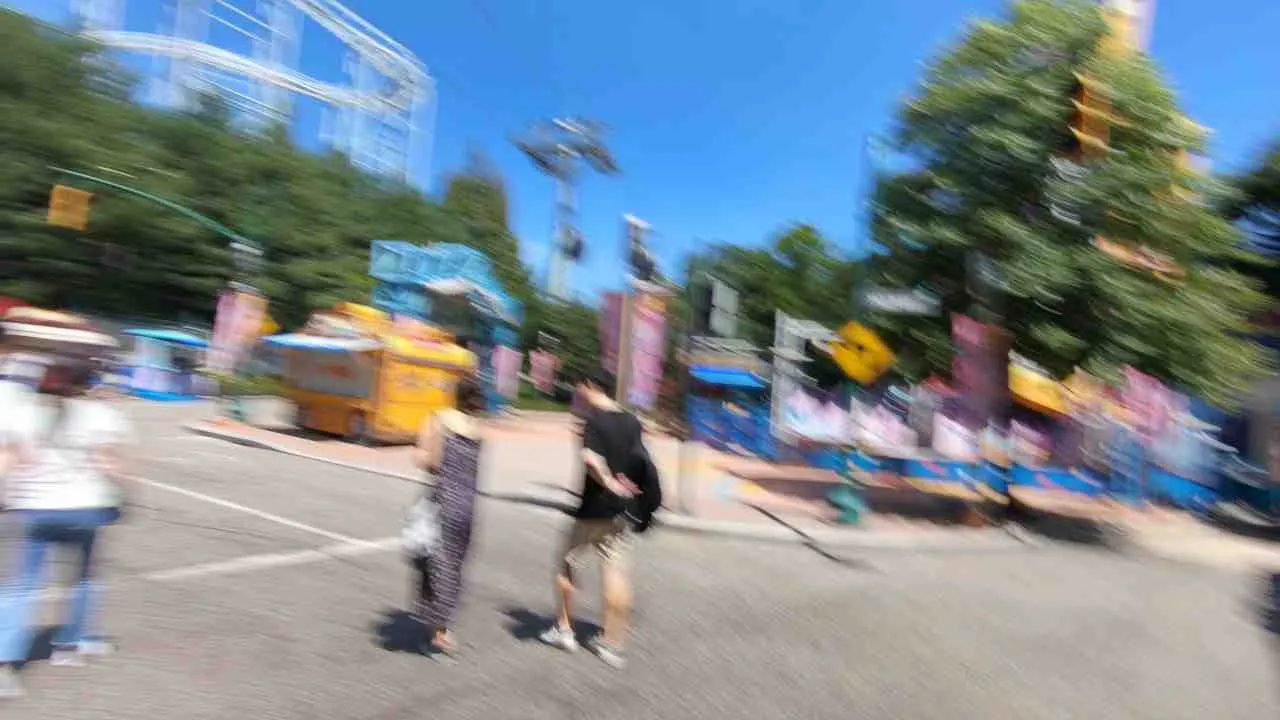
Fix Camera Shake in Action Shots
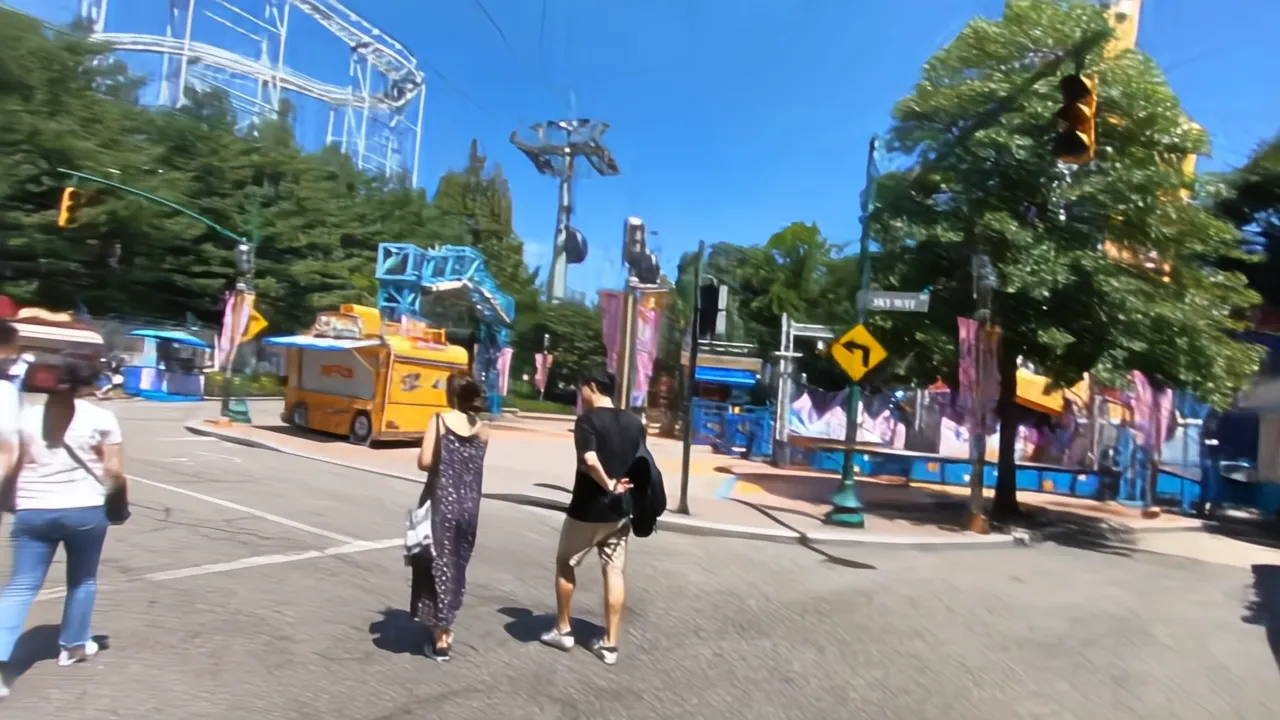
Capturing moving subjects or shooting on the go often results in unwanted motion blur. Whether you snapped a photo while walking, caught a candid moment at a busy event, or your hand moved during the shot—Pixlio's AI can help. The deblur algorithm detects directional blur patterns and reverses them, recovering details that looked lost. Use this tool to unblur image files from street photography, travel snapshots, and any situation where camera shake ruined an otherwise great shot.

One-Click Simplicity
Forget sliders for 'strength,' 'radius,' or 'threshold.' Pixlio handles all the technical decisions so you can focus on your photo, not software controls. Upload your blurry image, hit Unblur, and the AI does the rest. This streamlined workflow means you can unblur image files in under a minute—perfect when you need quick fixes without a steep learning curve.
How to Unblur Image Files in 3 Easy Steps
Restoring sharpness to your photos takes less than a minute. Follow these steps to unblur image files without any design experience.
Who Uses This Unblur Image Tool?
From everyday snapshots to professional content, Pixlio's unblur image tool helps anyone rescue photos that didn't turn out quite right. Here's how different users benefit.
Personal Photos and Memories
Camera shake in low light, a moving subject, or an accidental tap during capture—these moments happen to everyone. Use the unblur image tool to restore clarity to family photos, vacation snapshots, and candid shots that would otherwise stay buried in your camera roll. While severe blur cannot be fully recovered, mild softness often transforms into a usable, shareable memory.
Content Creators and Social Media
Blurry thumbnails and soft images hurt engagement. When you need to unblur image files for YouTube, Instagram, or TikTok, Pixlio's AI provides quick rescue. Sharpen key moments from video stills or improve phone photos taken on the move. The one-click workflow fits into fast-paced content schedules without slowing you down.
E-Commerce and Product Listings
Product photos need to look crisp to build buyer trust. If your shots came out slightly soft—maybe the lighting was tricky or the tripod moved—this tool can help. Unblur product images to reveal fabric textures, jewelry details, or electronics features that customers want to see before purchasing.
Older Digital Photos
Early digital cameras and compressed images from years past often lack the sharpness of modern sensors. Use Pixlio to unblur image files from these archives and breathe new life into old memories. While it won't add resolution, it can recover edge definition and reduce the soft look common in older files—making them more presentable for sharing or printing.
Unblur Image FAQ
What is an AI image unblur tool?
An AI image unblur tool uses artificial intelligence to analyze and sharpen blurry photos. Unlike manual sharpening filters, AI deblurring understands image content and intelligently restores detail lost to motion blur or camera shake.
Is Pixlio's unblur image tool free to try?
Yes. Pixlio provides free credits when you sign up, so you can unblur images right away. Additional credits are available through top-ups or subscription plans.
What file formats does the unblur tool support?
Pixlio's unblur image tool accepts JPG, PNG, and WebP uploads up to 10MB. Your enhanced image downloads in the same format as your original.
How much does it cost to unblur an image?
Pricing is based on input image size: 6 credits per megapixel. A 2-megapixel image costs 12 credits. You'll see the exact cost displayed before processing begins.
What types of blur can this tool fix?
Pixlio's AI works best on mild to moderate blur from camera shake, motion, or slight defocus. Severe motion blur or heavily out-of-focus images may see limited improvement.
Will unblurring change my image's dimensions?
No. The unblur process preserves your original image dimensions and aspect ratio. Only the sharpness and clarity are enhanced—your composition stays exactly the same.
Does Pixlio allow NSFW images?
No. NSFW content is not permitted per our Terms of Service. If an upload is flagged, the request will be rejected and any associated costs remain your responsibility. By using Pixlio, you indicate agreement with our Terms of Service.