 Pixlio AI
Flux.2 - Professional AI Image Generator
Experience Flux.2 for free on Pixlio AI. Create photorealistic 4MP images with perfect text rendering, multi-reference consistency, and professional editing in just 6 seconds. Powered by Black Forest Labs' breakthrough 32-billion parameter model.
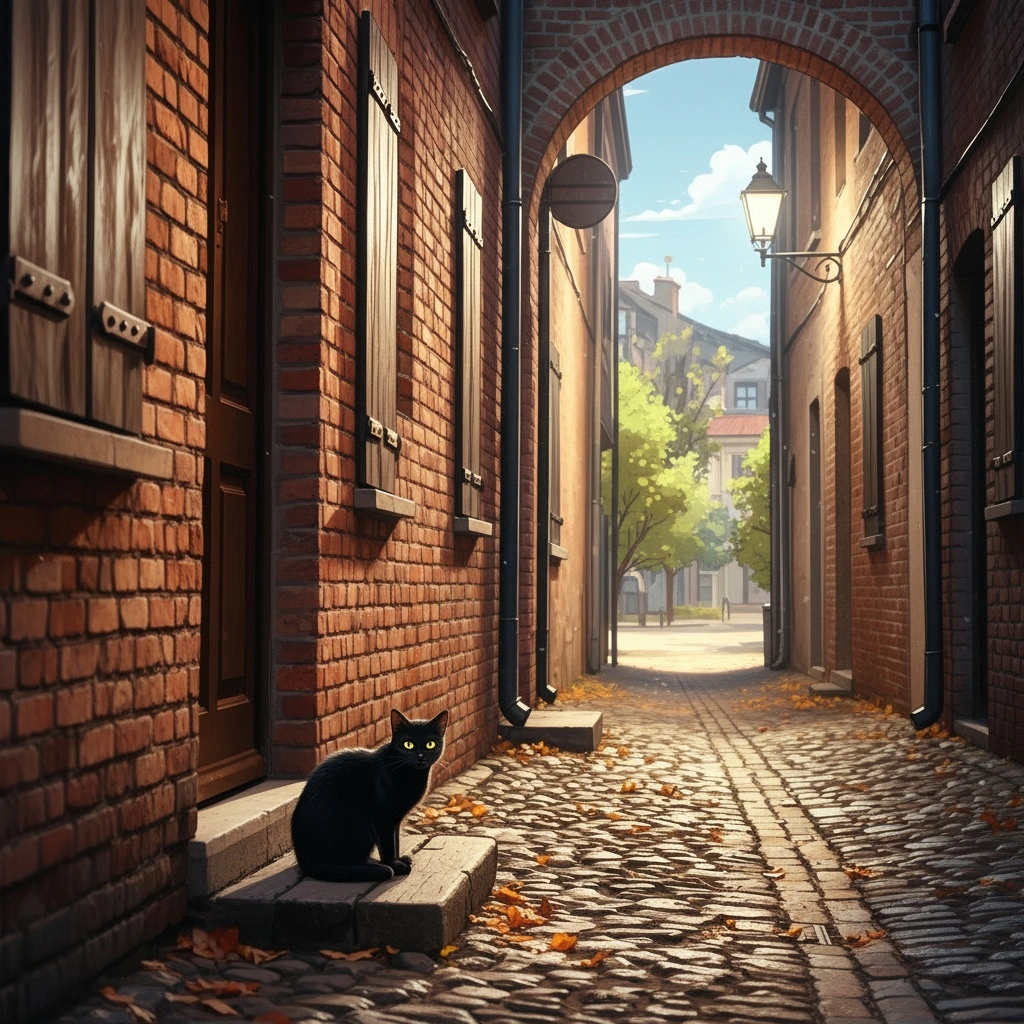
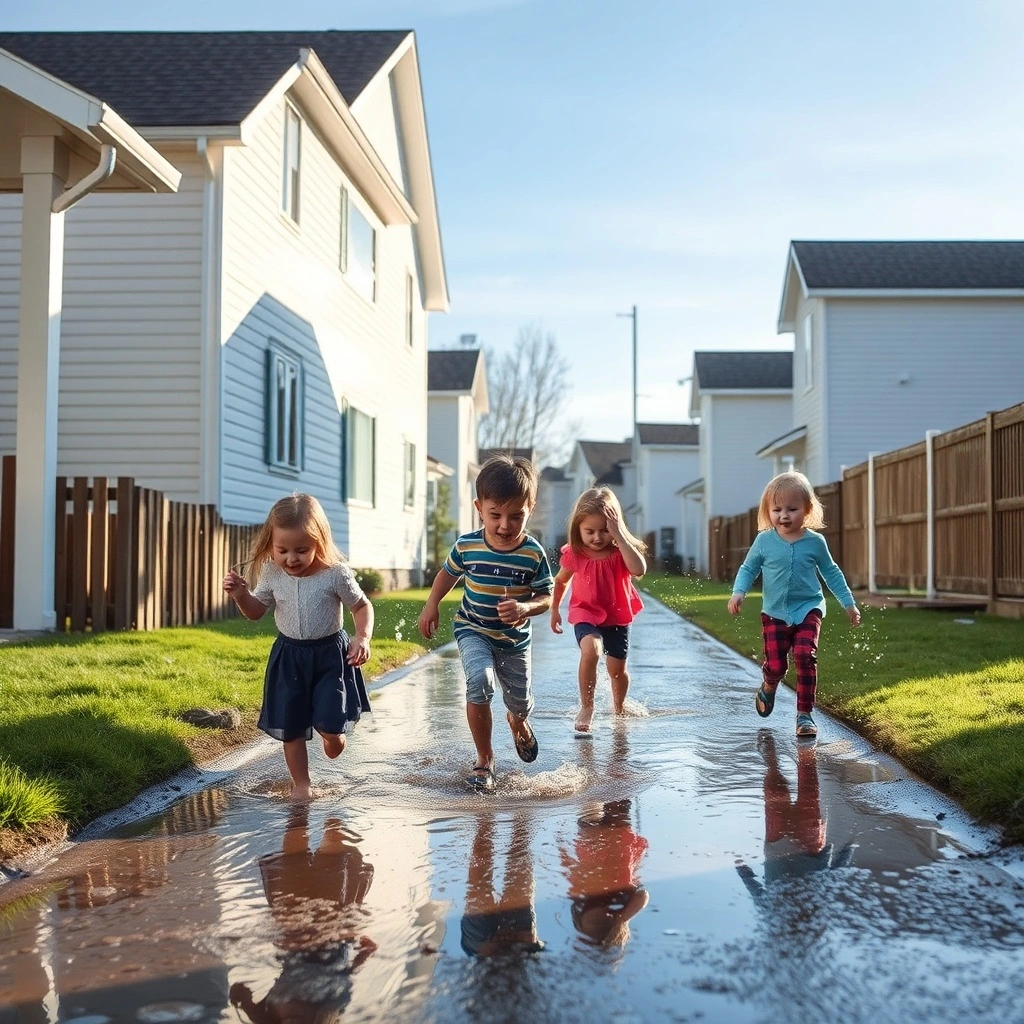
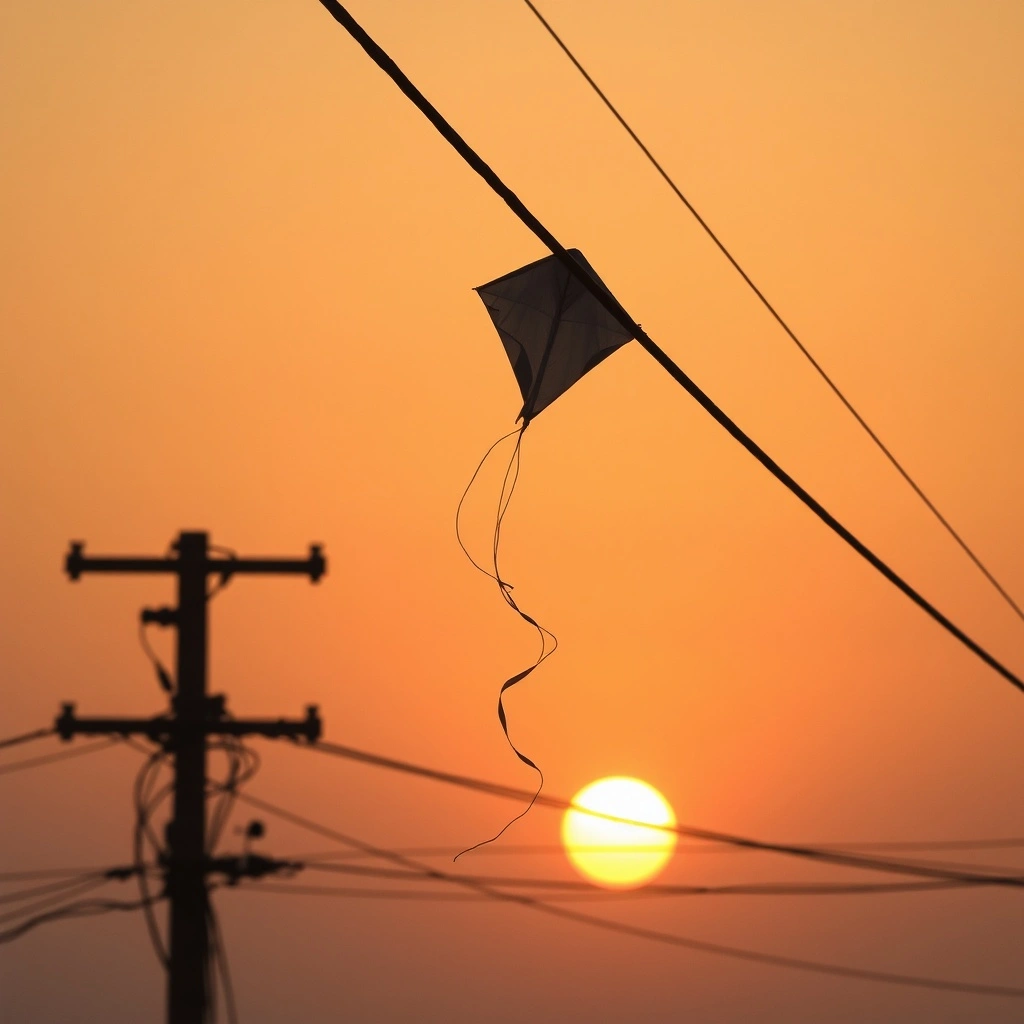

What is Flux.2?
Flux.2 is the latest breakthrough AI image generation model from Black Forest Labs, created by the team behind the original Stable Diffusion. This next-generation system represents a quantum leap in AI visual generation, featuring a massive 32-billion parameter architecture trained to understand real-world physics, lighting, and composition. Flux.2 was explicitly designed to challenge leading closed-source models by combining state-of-the-art photorealism with unprecedented creative control.
What sets Flux.2 apart is its ability to generate truly photorealistic images at resolutions up to 4 megapixels—eliminating the telltale "AI look" that plagued earlier generators. The model excels at rendering notoriously difficult elements like human hands, faces, fabric textures, and architectural details with accuracy that closes the gap with real photography. Flux.2's breakthrough multi-reference system allows you to input up to 8-10 images to maintain consistent characters, products, or styles across multiple generations, solving the "random drift" problem that frustrated creators using previous models.
Beyond photorealism, Flux.2 introduces advanced capabilities like perfect text rendering (creating readable typography in posters, UI mockups, and infographics), precise pose control, and professional localized editing—all while generating images in approximately 6 seconds. Whether you're a marketing professional needing consistent brand visuals, a designer prototyping interfaces, or an artist exploring creative concepts, Flux.2 delivers enterprise-grade reliability with the flexibility of an open-ecosystem model. On Pixlio AI, you get instant browser-based access to Flux.2's full power without complex setup or infrastructure costs.
What Makes Flux.2 Special
Unmatched photorealistic quality
Flux.2 delivers ultra-high resolution images that eliminate the telltale 'AI look.' With its 32-billion parameter architecture, Flux.2 renders complex details like skin texture, fabric, lighting, and shadows with life-like accuracy that rivals real photography.
Multi-reference control for consistency
Use up to 8-10 reference images simultaneously to maintain consistent characters, products, or styles across multiple generations. Flux.2 solves the 'random drift' problem, ensuring the same subject appears identically in every output—perfect for branding and storytelling.
Perfect text rendering and typography
Flux.2 excels at generating clean, legible text within images. Create posters, UI mockups, infographics, and signage with correctly-spelled, sharp typography that's actually usable in real designs—solving a major pain point in AI image generation.
Lightning-fast 6-second generation
Optimized with FP8 quantization, Flux.2 generates high-quality images in approximately 6 seconds on high-end GPUs. This rapid generation speed enables real-time creative workflows and quick iteration without sacrificing output quality.
Advanced pose and position control
Direct pose control lets you specify exactly how subjects should be positioned in the frame. Whether through detailed prompt descriptions or pose references, Flux.2 follows spatial instructions with surprising accuracy, saving countless prompt iterations.
Professional localized editing
Flux.2 combines generation and editing in one model. Insert or replace elements while leaving the rest intact, with realistic lighting and perspective. Add objects, change backgrounds, or modify specific areas without redrawing the entire scene.
Why Use Flux.2 on Pixlio AI
Instant access to Flux.2 power
Start creating with Flux.2 immediately in your browser. No complex setup, no downloads—just open Pixlio AI and begin generating professional-quality images with the latest Flux.2 model from Black Forest Labs.
Complete creative control
Access multiple aspect ratios, style presets, and reference image support. Flux.2 on Pixlio AI gives you fine-grained control over composition, colors, pose, and layout—empowering you to achieve your exact creative vision.
Cost-effective professional results
Flux.2 delivers top-tier results at approximately $0.03 per 1MP image—4-8× more affordable than competing closed models while matching or exceeding their quality. Get professional visuals without breaking your budget.
Flux.2 Capabilities: Example Prompts
Explore what makes Flux.2 exceptional with real prompt examples showcasing photorealistic text-to-image generation and advanced image-to-image editing with identity preservation.
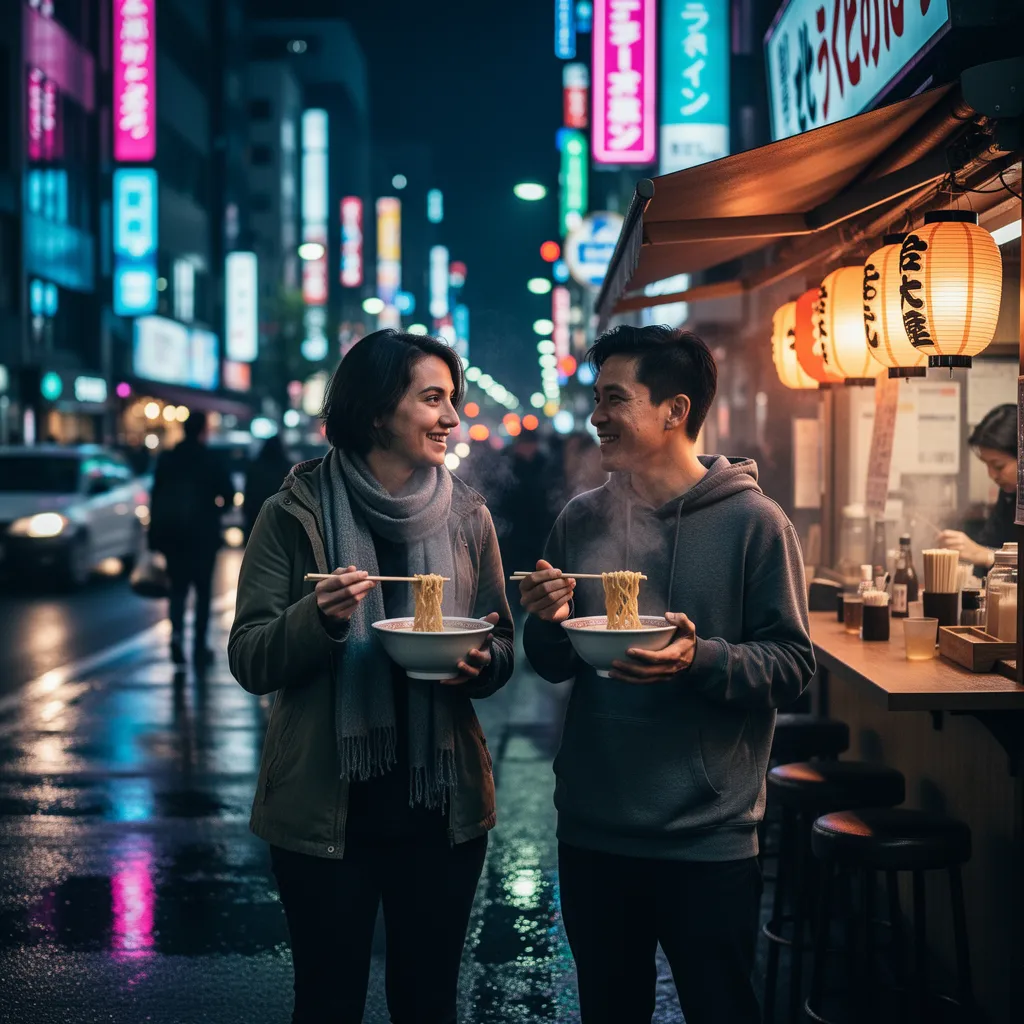
Cinematic photorealism with complex details
A photorealistic night street scene in Tokyo, shot on a 50mm lens, shallow depth of field. Two friends are standing at a ramen stall, both holding steaming bowls with chopsticks in their hands, neon reflections on wet pavement, bokeh lights in the background, realistic skin texture, detailed fingers and nails, natural facial expressions, cinematic lighting.
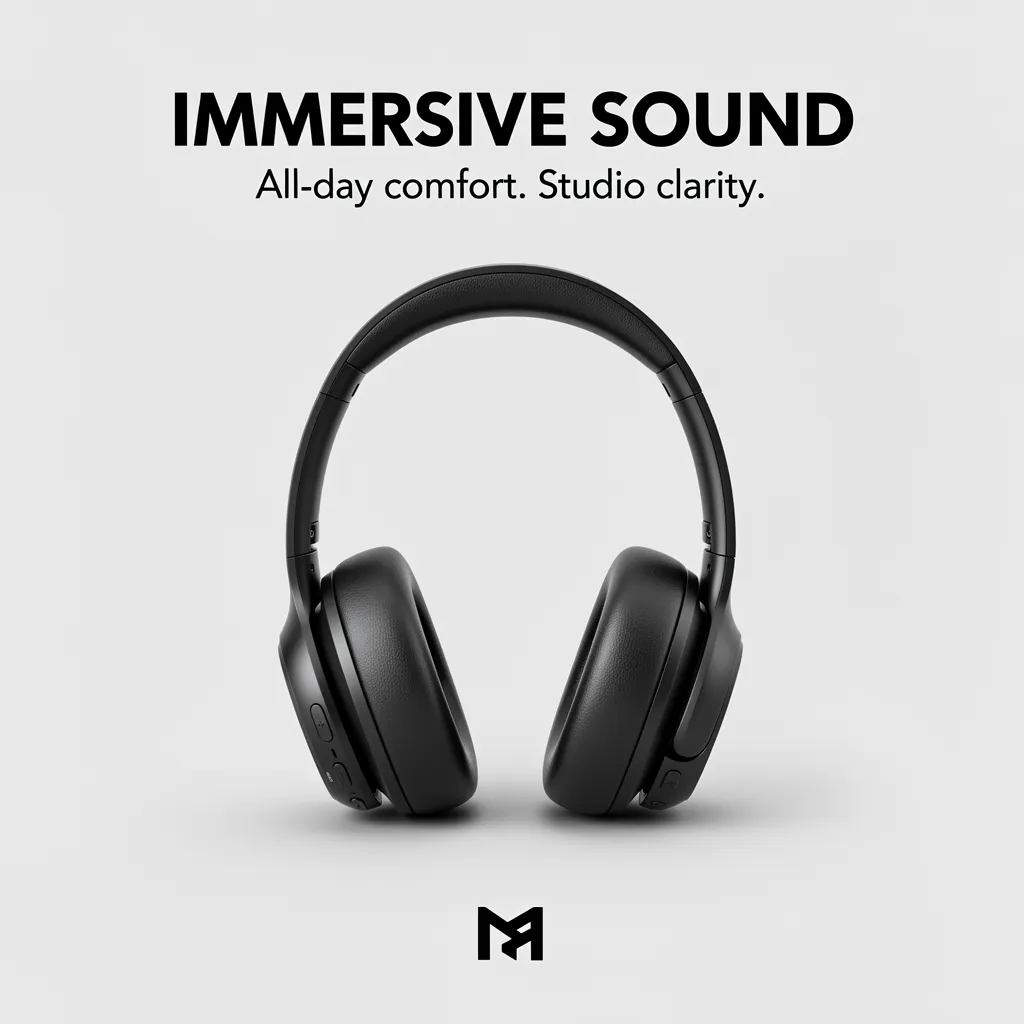
Product poster with perfect typography
A clean minimalist product poster for a matte black wireless headphone, on a light gray background. Large bold headline text at the top: 'IMMERSIVE SOUND'. Smaller subtitle text beneath: 'All-day comfort. Studio clarity.' Brand logo at the bottom center. Perfectly sharp, readable typography, precise alignment, consistent spacing, subtle soft shadows, crisp reflections on the headphone.

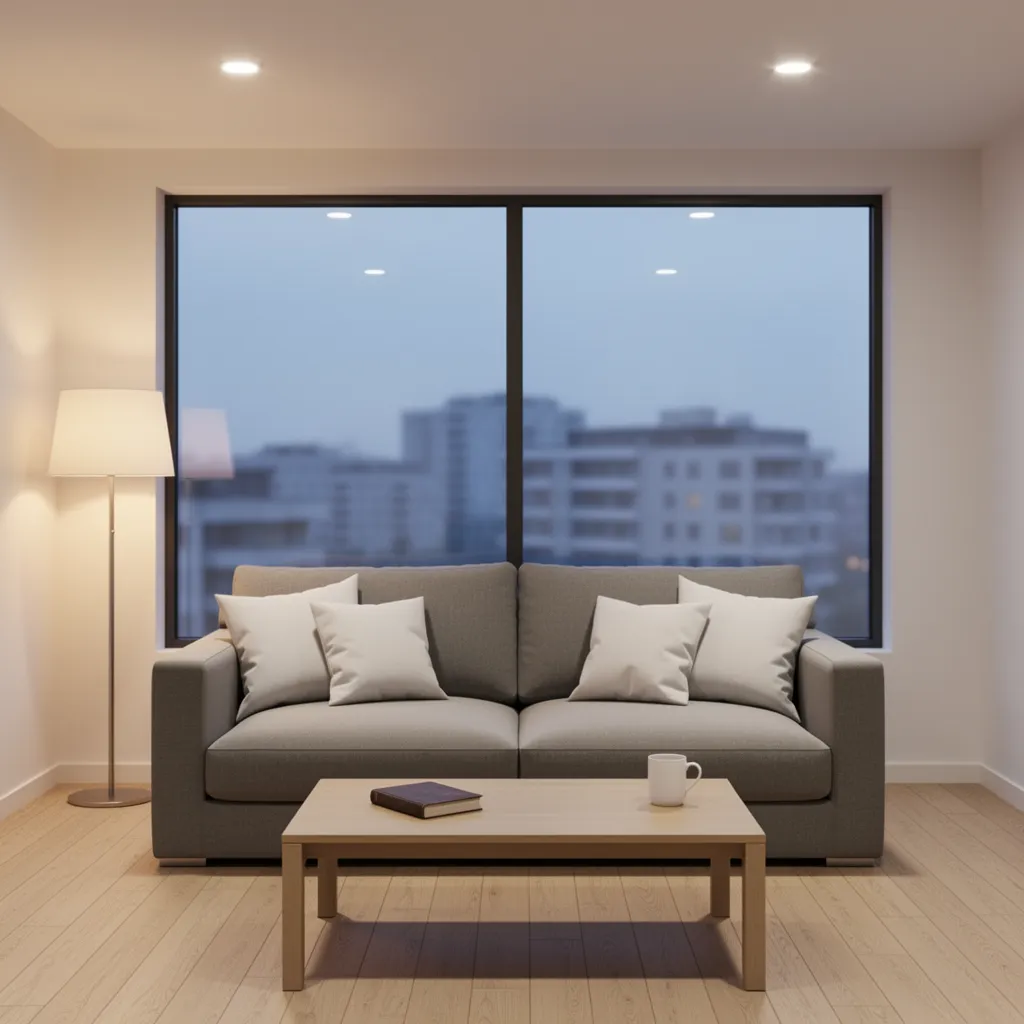
Scene transformation: seasonal mood change
Transform a cozy modern living room into a Christmas evening scene. Keep the same room layout and furniture, but add a decorated Christmas tree with warm fairy lights in the corner, hang subtle garlands and string lights around the window, place a few wrapped gifts near the coffee table. Make the lighting warmer and slightly dimmer, with cozy golden tones. Outside the window, show gentle snowfall at night.
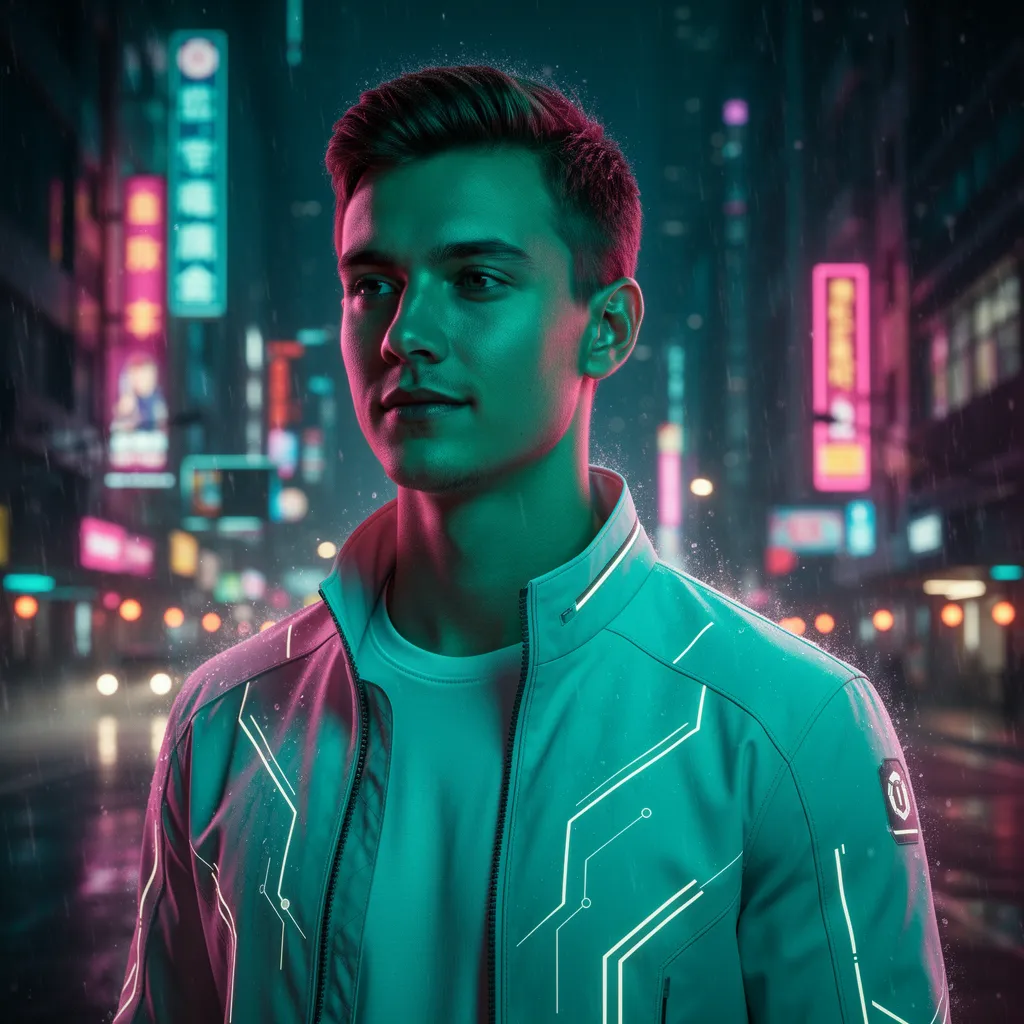
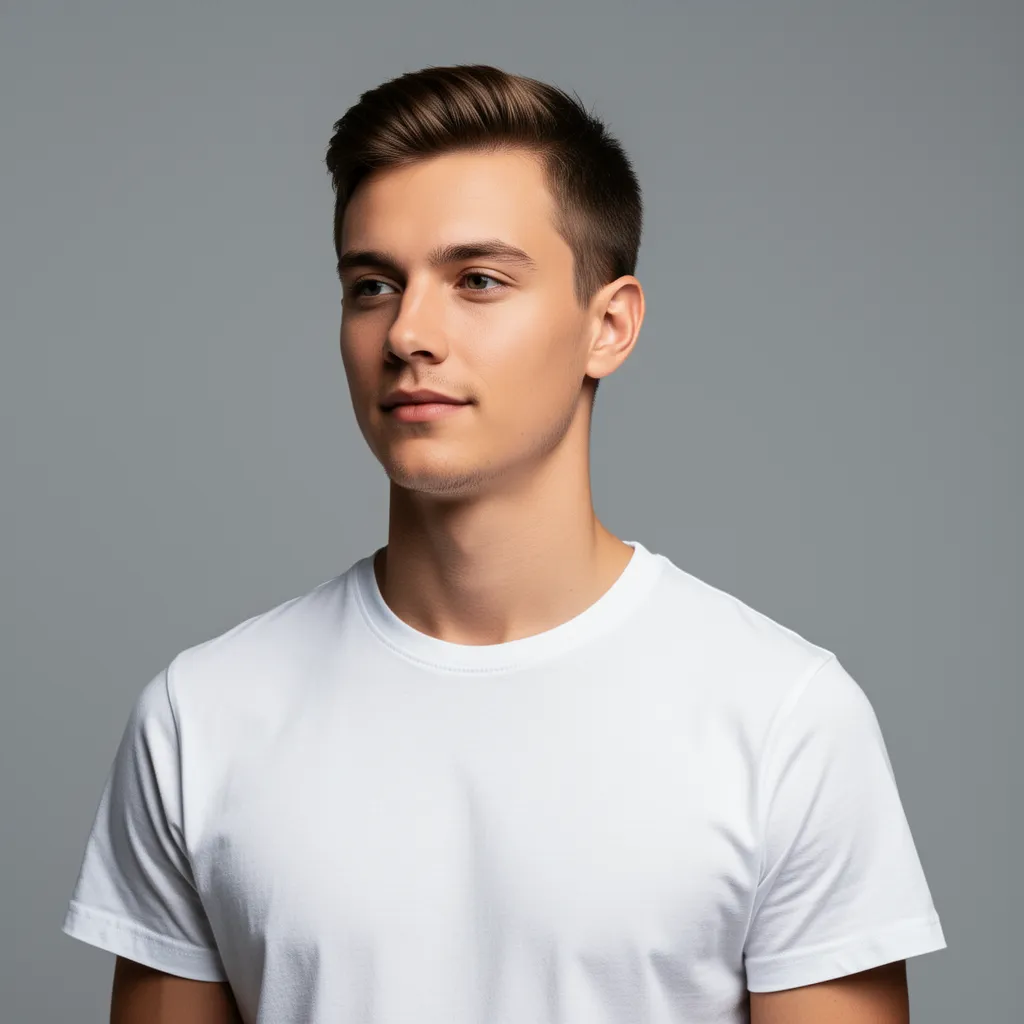
Portrait style transfer: identity preservation
Preserve the person's face, pose, and identity, but turn this into a dramatic cyberpunk night portrait. Change the background into a futuristic cityscape with neon signs, add teal and magenta rim lighting on his face and shoulders, subtle rain droplets and bokeh lights in the distance. Give him a light tech jacket with faint glowing lines, but keep his facial features and proportions unchanged.
Getting Started with Flux.2
Follow these simple steps to harness the full creative power of Flux.2 on Pixlio AI.
Under the Hood: Flux.2 Technical Details
Understanding Flux.2's technical capabilities helps you maximize the model's potential for your creative projects.
Architecture & Performance
- Parameters: 32 billion for deep understanding
- Optimization: FP8 quantization for speed
- Generation speed: ~6 seconds per image
- Training: Advanced methods for photorealism
Output Specifications
- Resolution: Up to 4MP (4096×4096 pixels)
- Aspect ratios: Any orientation supported
- Formats: PNG (lossless) and JPEG
- Quality: Print-ready, professional-grade
Input Capabilities
- Prompt length: Up to 32,000 tokens
- Reference images: Up to 8-10 simultaneous inputs
- Control: Pose, color, layout guidance
- Understanding: Nuanced, contextual prompts
Creative Features
- Multi-reference: Consistent characters & products
- Text rendering: Clean, legible typography
- Editing: Localized changes with intact backgrounds
- Style control: Exact colors, poses, composition
Common Questions About Flux.2
What is Flux.2 and how does it differ from Flux.1?
Flux.2 is Black Forest Labs' latest AI image generation model, built by the original creators of Stable Diffusion. Flux.2 represents a major upgrade from Flux.1 with multi-reference support (up to 8-10 images vs limited capability in Flux.1), significantly higher fidelity in rendering skin, hair, fabrics and hands, far better text rendering, enhanced prompt adherence, and integrated editing capabilities. It delivers professional-grade photorealism at up to 4MP resolution.
What makes Flux.2's photorealism special?
Flux.2's 32-billion parameter architecture was trained to understand real-world visual details like lighting, texture, and perspective. It renders complex elements—fabric textures, architectural details, human hands and faces—with accuracy that closes the gap with real photography. The model handles challenging features that older AI generators often distort, maintaining crisp realism and correct proportions even at 4MP resolution.
How does multi-reference control work in Flux.2?
Flux.2 can use up to 8-10 reference images simultaneously to maintain consistent elements across generated outputs. You can input existing images of characters, products, or art styles, and Flux.2 reproduces them reliably in new scenes. This solves the 'random drift' problem—the model keeps faces, products, or design elements identical across multiple generations, perfect for branding campaigns or visual storytelling.
What resolution and formats are supported by Flux.2?
Flux.2 supports ultra-high resolution outputs up to 4 megapixels (4096×4096 pixels). The model works with any aspect ratio or orientation, from ultra-wide panoramas to tall posters. Output formats include PNG (lossless) and JPEG (smaller file sizes), giving you flexibility for different use cases from web graphics to print-quality materials.
How does Flux.2 compare to Midjourney and DALL·E?
Flux.2 matches or exceeds the quality of top closed models like Midjourney and DALL·E 3 while offering more control. In terms of photorealism and prompt following, Flux.2 is in the same league as these leaders. However, Flux.2 provides superior flexibility with multi-reference control, exact color specification, pose guidance, and localized editing—features not available in Midjourney or DALL·E 3. Plus, at approximately $0.03 per 1MP image, Flux.2 is 4-8× more cost-effective than some premium competitors.
Can I use Flux.2 for commercial projects?
Yes, commercial use is permitted with Flux.2 on eligible Pixlio AI plans. Flux.2 is suitable for professional applications including marketing campaigns, product design, e-commerce imagery, branding materials, editorial content, and commercial creative work. The model's reliability and consistency make it production-ready for enterprise use.
What makes Flux.2's text rendering unique?
Unlike earlier AI models that struggle with text (producing gibberish or warped letters), Flux.2 was built to render complex typography and UI mockups that actually work. It generates clean, legible, correctly-spelled text embedded in images—whether posters, product labels, interface designs, or infographics. This capability makes Flux.2 invaluable for graphic design and marketing materials where text accuracy is essential.
How are credits calculated for Flux.2 Image Edit?
Our Flux.2 Image Edit model charges based on both your input reference images and the generated outputs. Each output image costs 16 credits. Each input image is billed by its megapixels, rounded up to the nearest whole megapixel with a minimum of 16 credits—for example, a 1024×1024 input (~1 MP) costs 16 credits, while a 1920×1080 input (~2 MP) costs 32 credits. Your final credit charge is the sum of all input-image costs plus the cost of the generated outputs.