 Pixlio AI
Use the tool below to generate AI prompts from any image.
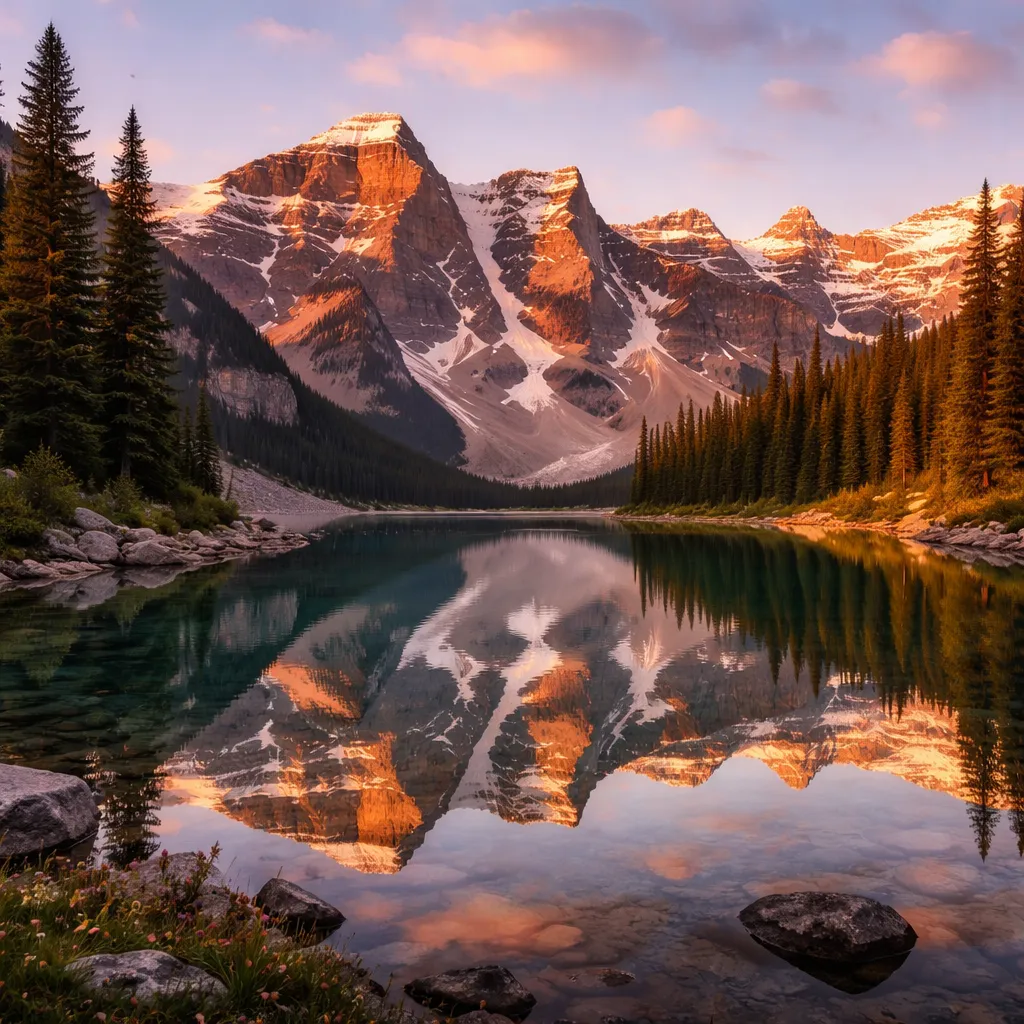
AI Image to Prompt Generator — Turn Any Image into a Ready-to-Use Prompt
Recreate, iterate, or learn from any image in seconds. Upload a photo and Pixlio's AI analyzes it to produce a ready-to-use generation prompt—no guesswork required. Choose Generic for universal prompts, Flux for single-line output optimized for Flux models, or Nano Banana for structured director's notes. Ready to create? Paste your prompt into our AI Image Generator.
Why Pixlio Is the Best Photo-to-Prompt Tool
Extracting prompts from pictures has never been simpler. Get accurate, context-aware results in seconds—no technical expertise required.
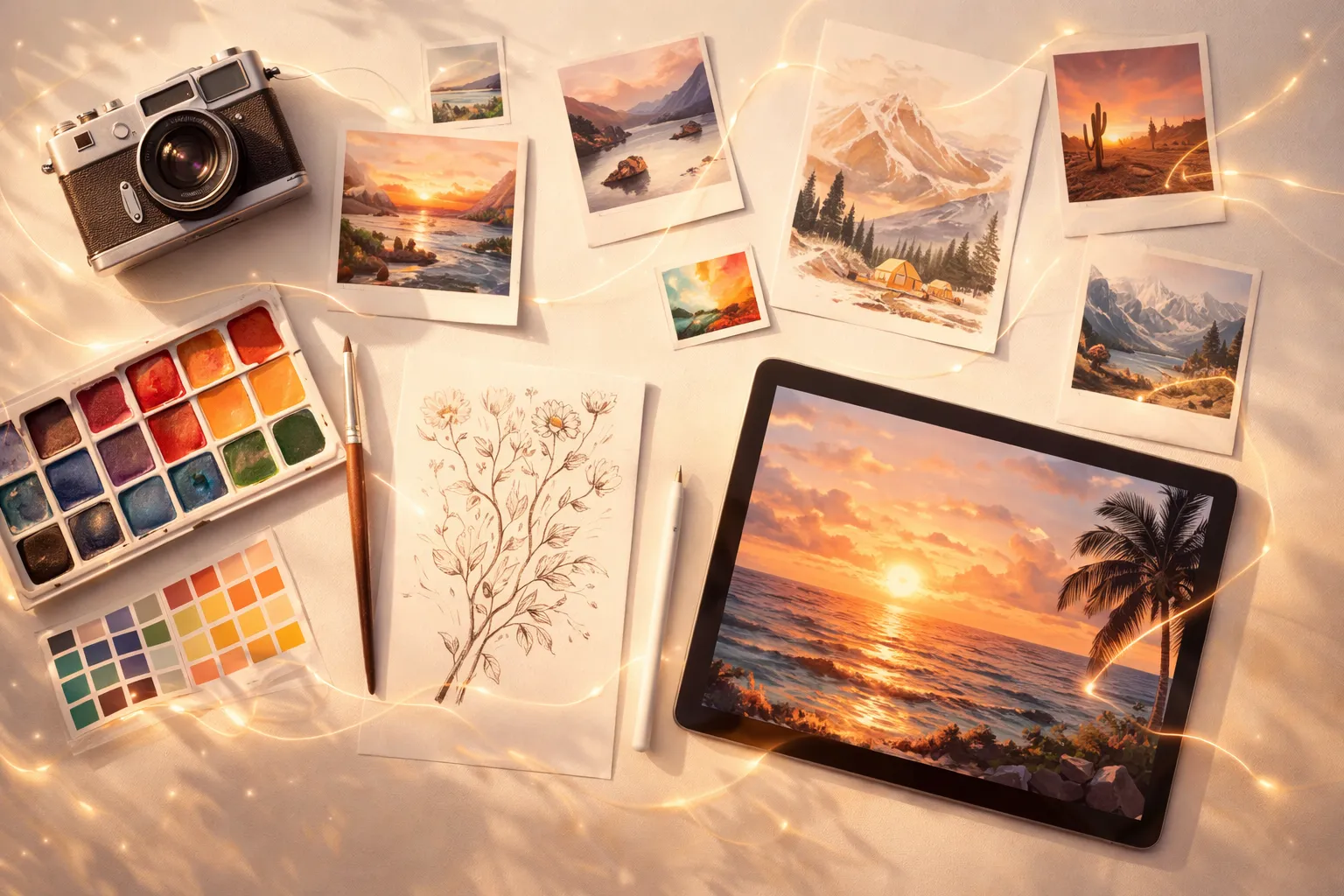
Generic Mode: Universal Prompts for Any AI Generator
In Generic mode, Pixlio produces prompts compatible with any AI image generator. The tool captures subjects, settings, composition, lighting, colors, and mood in a clear, high-signal format. Whether you're using Midjourney, DALL-E, Stable Diffusion, or another platform, these prompts provide an excellent starting point for recreation or iteration.
Flux Mode: Optimized Single-Line Prompts
The Flux style creates single-line prompts specifically optimized for Flux-based generators. This photo-to-prompt conversion follows a structured ordering—Subject, Action/Pose, Style, Context—with front-loaded must-have details. Flux mode avoids negative phrasing (like 'no people') and instead uses positive alternatives (like 'empty beach'), ensuring maximum compatibility.
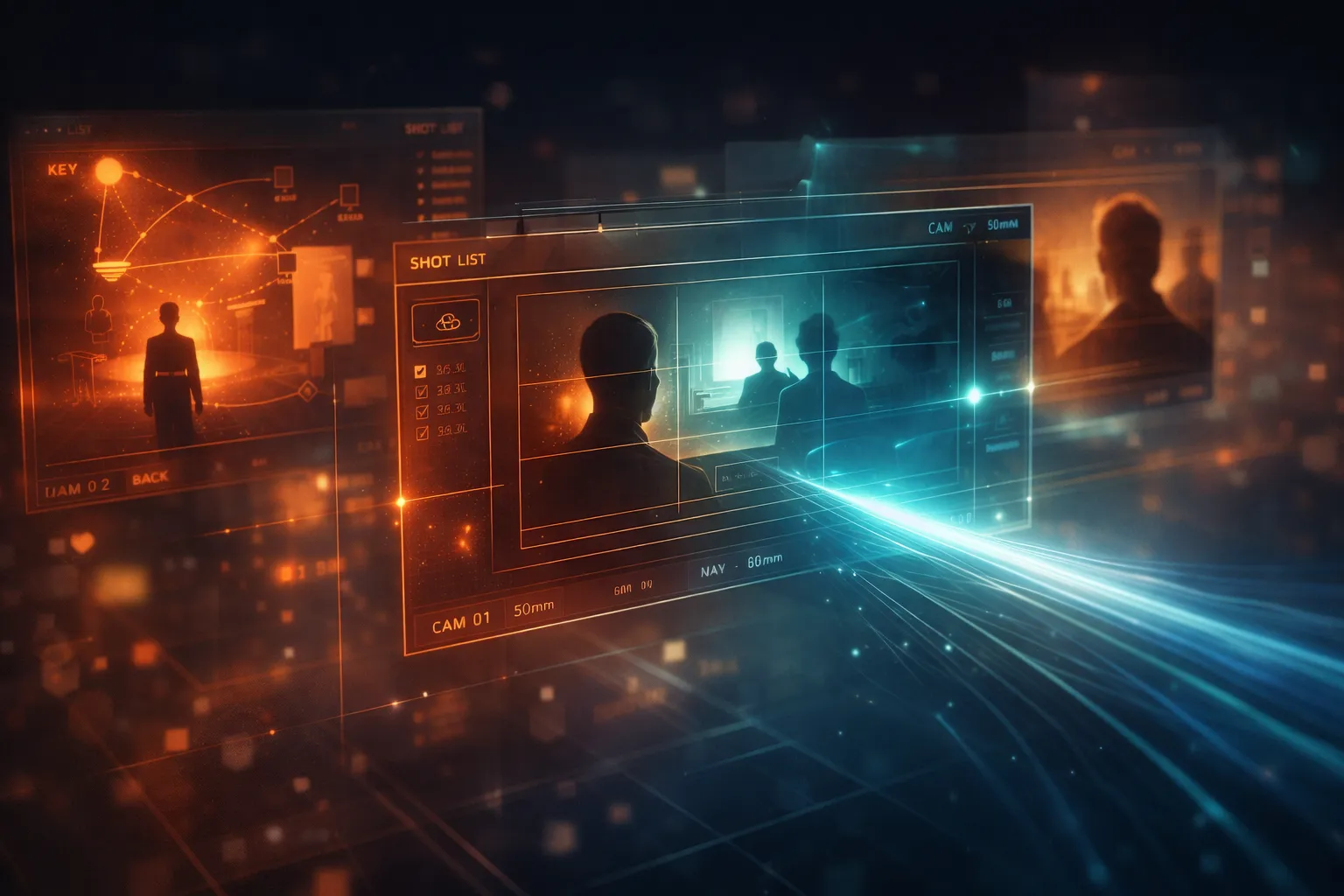
Nano Banana Mode: Structured Director's Notes
For users working with Nano Banana models, this style generates multi-line prompts in a structured 'spec' format. Each output includes explicit sections for Canvas/Format, Subject, Composition, Action, Location, Style, Lighting/Camera, Text placement, and Constraints. This detailed format gives Nano Banana models precise instructions for accurate reproduction.
Multiple AI Models for Every Need
Different images require different analytical capabilities. This prompt extraction tool offers multiple vision models to suit your requirements. Free users have access to Qwen 3, a powerful open-source model that handles most images accurately. Pro and Max subscribers unlock premium models including Google Gemini, Claude Sonnet, GPT-4o, and Grok 4 for enhanced detail recognition.
How to Convert Any Image into a Prompt in 3 Steps
Use our image to prompt tool to turn any photo into a usable AI generation prompt in under a minute. No design skills or technical knowledge needed.
Ideal for Creators, Iterators, and Creative Teams
Pixlio's image to prompt generator serves diverse creative needs. From artists studying what makes an image work to marketers recreating brand aesthetics, prompt extraction powers better workflows.
Recreate Images You Love
Found an image with the perfect aesthetic? Extract a detailed prompt capturing every element—subject, style, lighting, composition, and mood. Paste it into any AI generator to create similar images with your own variations.
Iterate on Your Own Creations
When you've generated an image you like but want variations, run it through this tool to get a refined, detailed prompt. Use that as a starting point for further iterations while maintaining the core aesthetic.
Learn Effective Prompting Techniques
Study how AI describes images to sharpen your own prompting skills. The structured Flux and Nano Banana formats reveal best practices—what details to include, how to order them, and how to describe composition effectively.
Maintain Brand Consistency
Extract prompts from existing brand imagery to keep visual consistency across new AI-generated content. Capture the specific style, color palette, and mood that define your brand aesthetic for every campaign.
Frequently Asked Questions About Prompt Generation
What does this tool do?
This tool uses AI vision models to analyze images and produce text prompts suitable for AI image generation. Pixlio's image to prompt generator creates ready-to-use output optimized for various models like Flux and Nano Banana.
Is the tool free to use?
Yes. Pixlio offers free credits when you sign up, so you can try generating prompts from images immediately. Free users have access to the Qwen 3 model and Generic style. Pro and Max subscribers enjoy unlimited usage with all models and styles.
What's the difference between Generic, Flux, and Nano Banana styles?
Generic produces model-agnostic prompts suitable for any AI generator. Flux style creates single-line prompts optimized for Flux models with front-loaded details. Nano Banana style generates structured multi-line prompts with explicit composition and layout specs.
Which AI models are available?
Free users can use Qwen 3, a powerful open-source vision model. Pro and Max subscribers unlock premium models including Google Gemini, Claude Sonnet, GPT-4o, and Grok 4 for enhanced accuracy and detail.
Can I use the generated prompt with any AI image generator?
Absolutely. The Generic style produces prompts compatible with most AI image generators. For best results with specific models, use the Flux style for Flux-based generators or Nano Banana style for Nano Banana models.
What image formats does the tool support?
This prompt extraction tool accepts JPG, PNG, and WebP formats up to 10MB. Higher resolution images typically produce more detailed and accurate prompts.
Does Pixlio allow NSFW images?
No. NSFW content is not permitted per our Terms of Service. If an upload is flagged, the request will be rejected and any associated costs remain your responsibility. By using Pixlio, you indicate agreement with our Terms of Service.