 Pixlio AI
Use the tool below to turn your portrait into a caricature-style image.
Result
Generated image appears here. You can download once ready.

More AI Image Tools
Explore our collection of AI-powered image tools designed for different creative needs and styles

















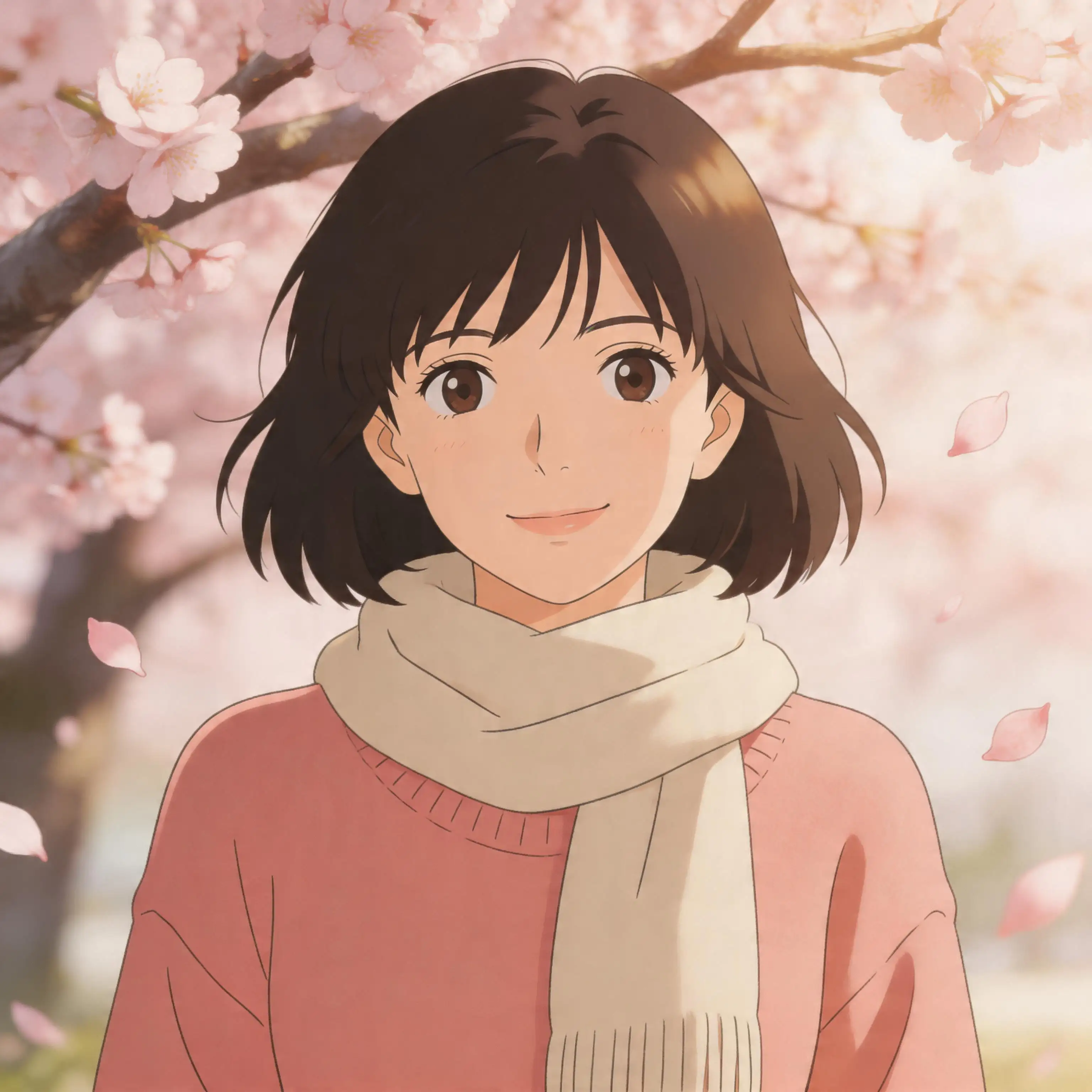












Caricature Maker - Turn Any Photo Into a Caricature
Ever wanted to see yourself drawn as a fun, exaggerated illustration? Pixlio's caricature maker turns any portrait into playful caricature artwork in seconds. Upload a selfie, headshot, or couple photo and watch the AI transform it into a stylized caricature that keeps your face, expression, and identity fully intact. This isn't a basic cartoon filter—our photo to caricature tool intelligently redraws your image with expressive linework, bold shapes, and vibrant color palettes that match the quality of a hand-drawn editorial illustration. Choose from four distinct styles including Classic Caricature, Editorial Cartoon, Soft Friendly Caricature, and Bold Comic Caricature to find the look that fits your personality. Whether you want to create a caricature of me for a social media avatar, a personalized gift, or a conversation-starting profile picture, our caricature maker delivers results that look like they were crafted by a professional caricature artist.
What Makes Pixlio the Best Caricature Maker
Simple cartoon filters flatten your photos into generic templates. Pixlio's caricature maker AI understands facial structure, lighting, and composition—producing caricature artwork that actually looks like you, drawn with the skill of a seasoned caricature artist.
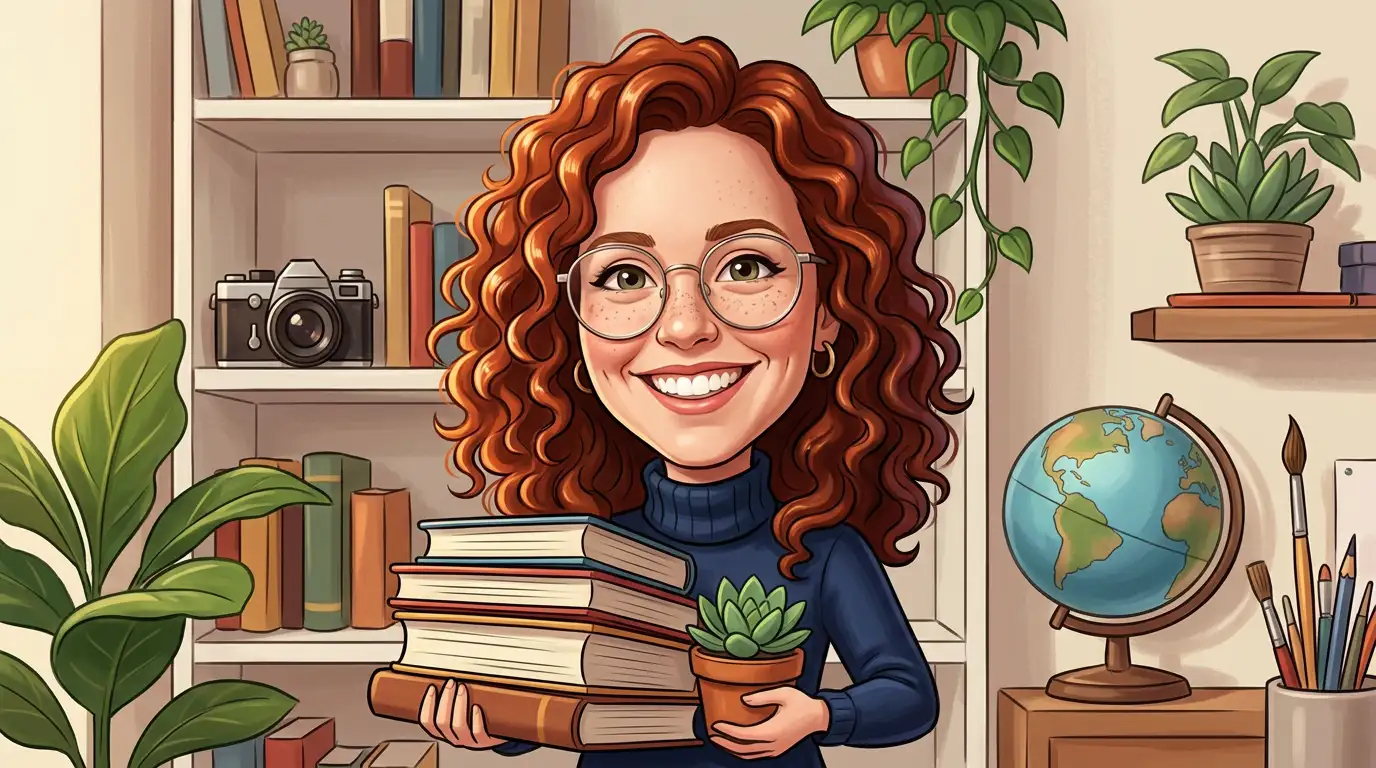

Your Face, Your Identity — Playfully Exaggerated
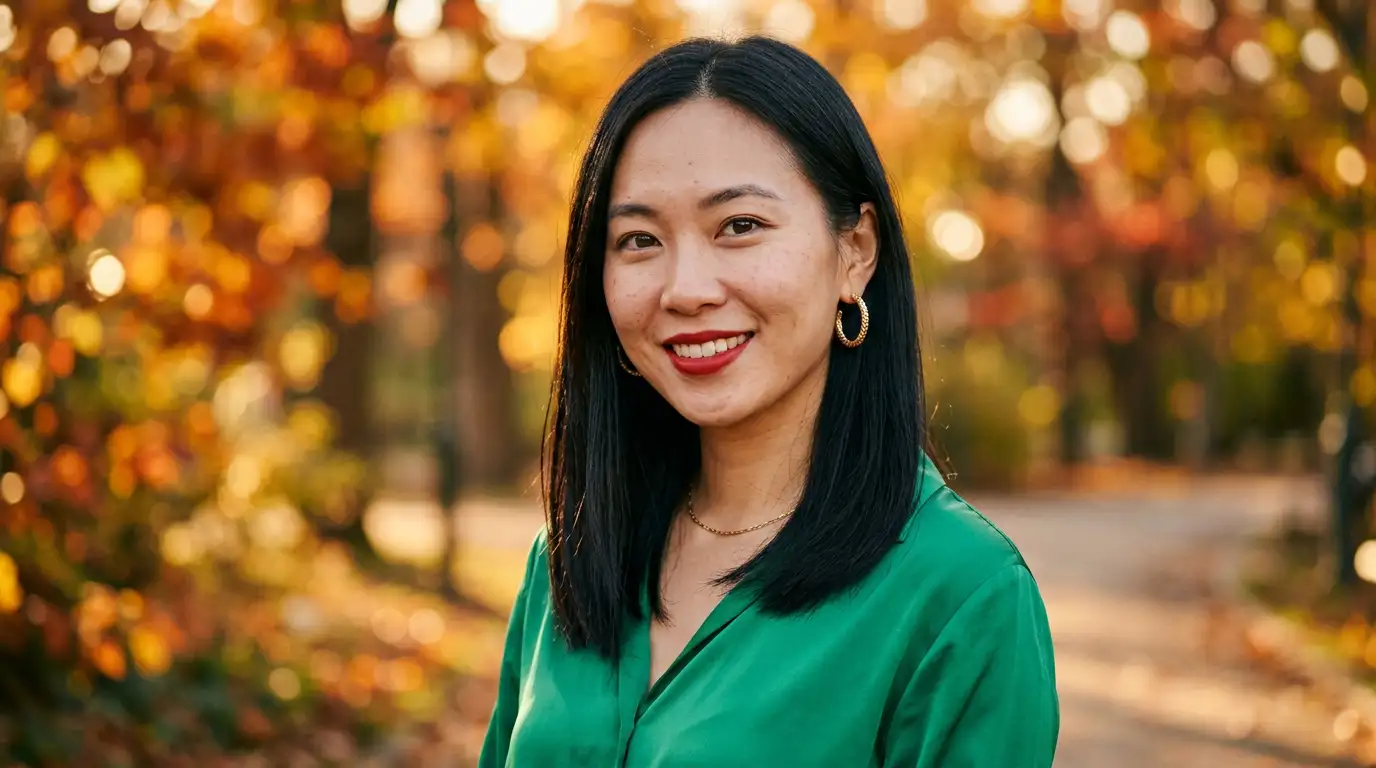
The biggest concern with any photo to caricature conversion is whether the result will still look like you. Pixlio solves this by preserving your core facial features—eye shape, jawline, nose structure, hairstyle—while adding tasteful caricature exaggeration that amplifies your most distinctive traits. Friends and family will instantly recognize you in the final artwork, just drawn with a playful artistic twist. Unlike cheap filters that paste a generic cartoon face over your photo, this caricature maker treats every subject as unique. A person with a strong jawline gets a confidently exaggerated jaw. Curly hair becomes beautifully stylized curls. Glasses, freckles, beards, and accessories all carry over naturally into the caricature rendering. The result is a genuine caricature portrait of you—not a cookie-cutter template that could be anyone.
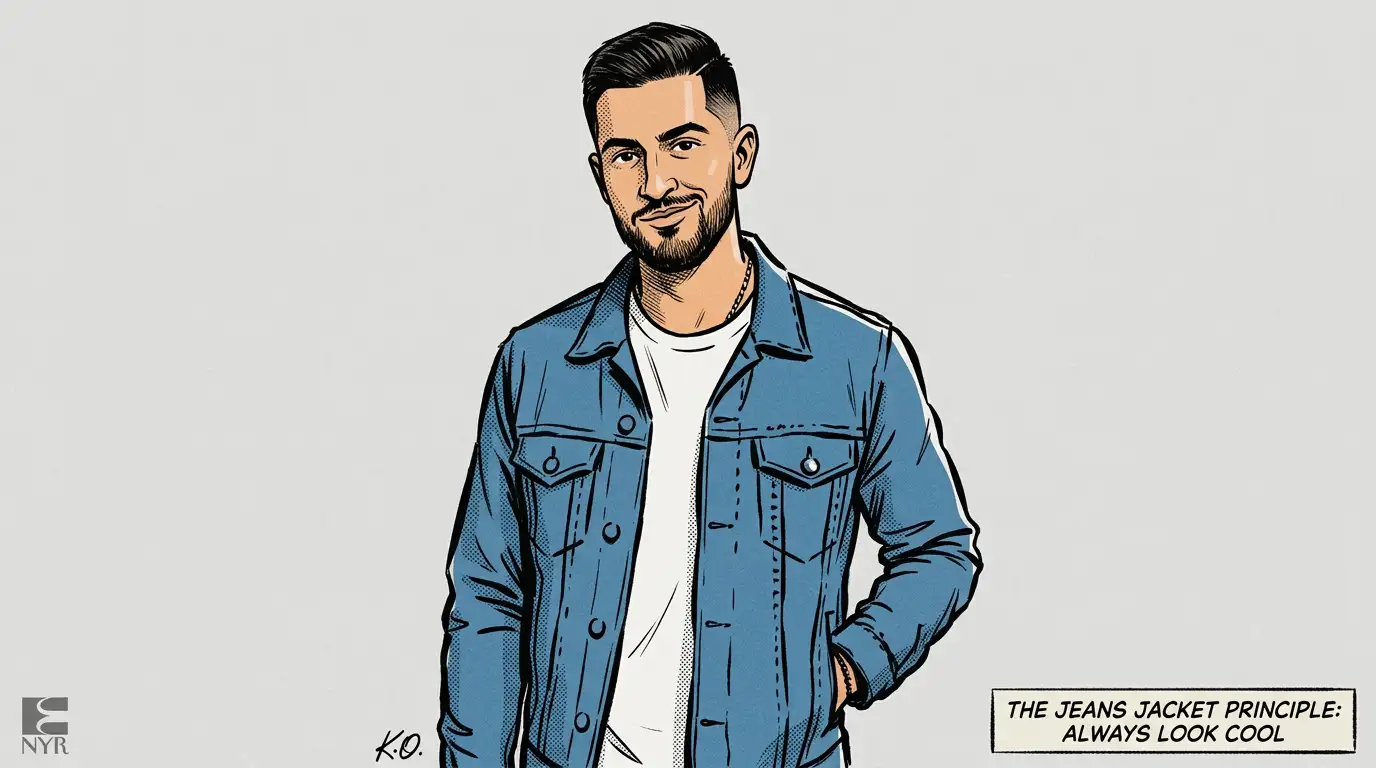
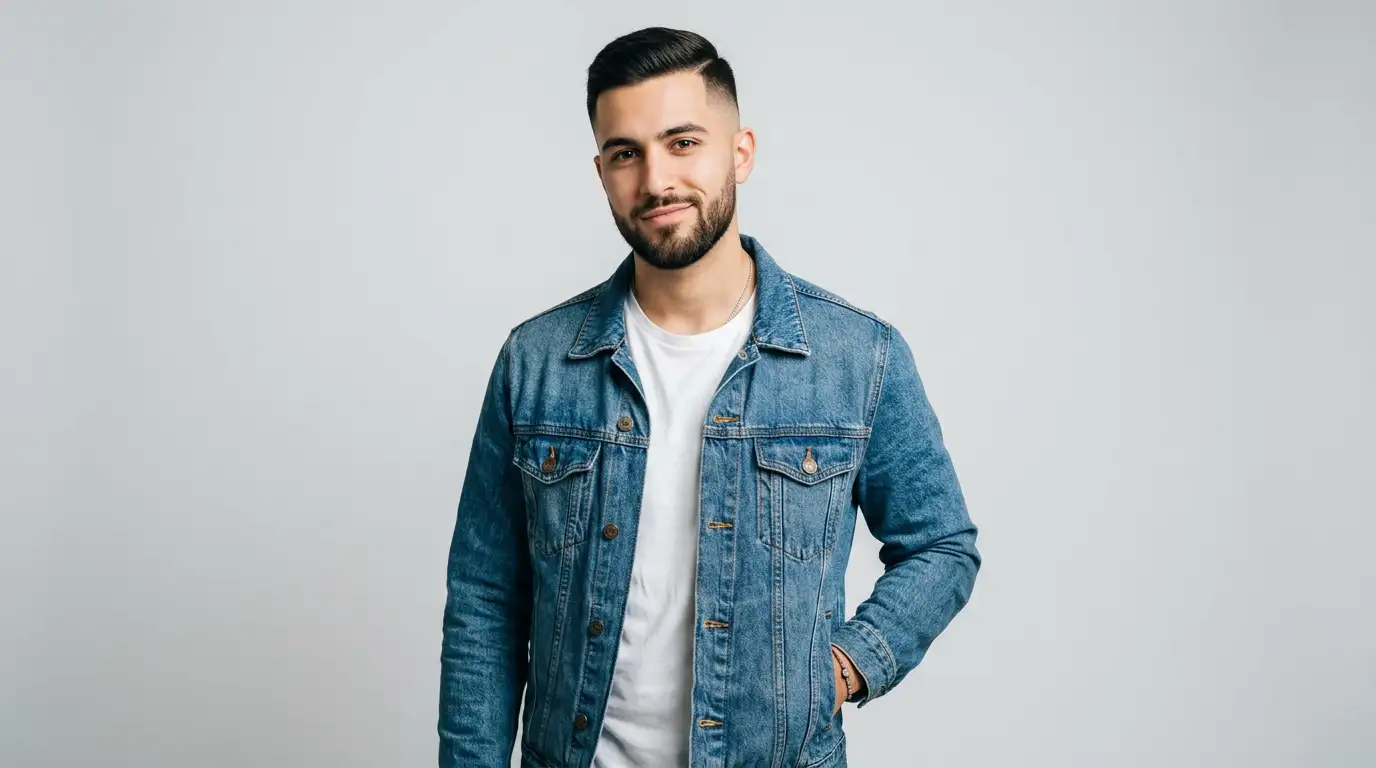
Distinct Caricature Styles for Every Mood
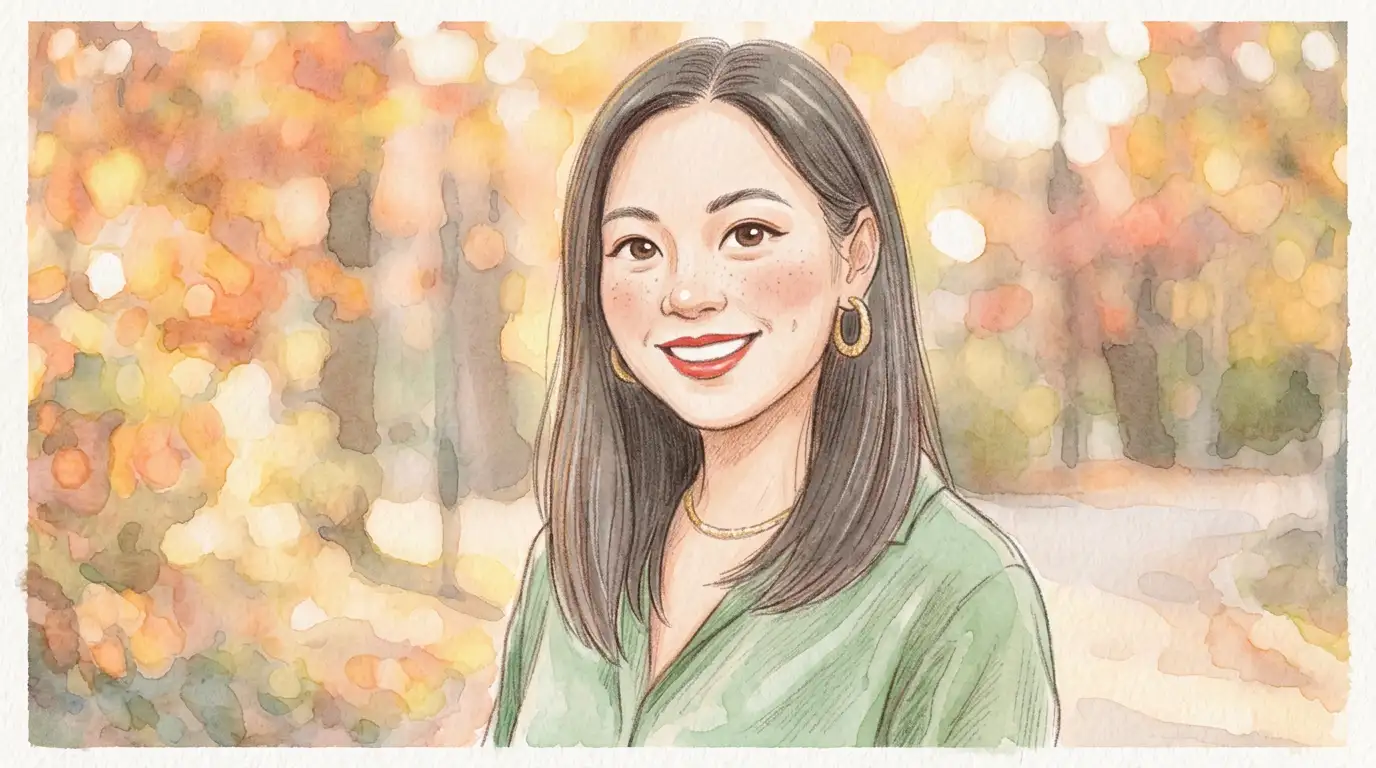
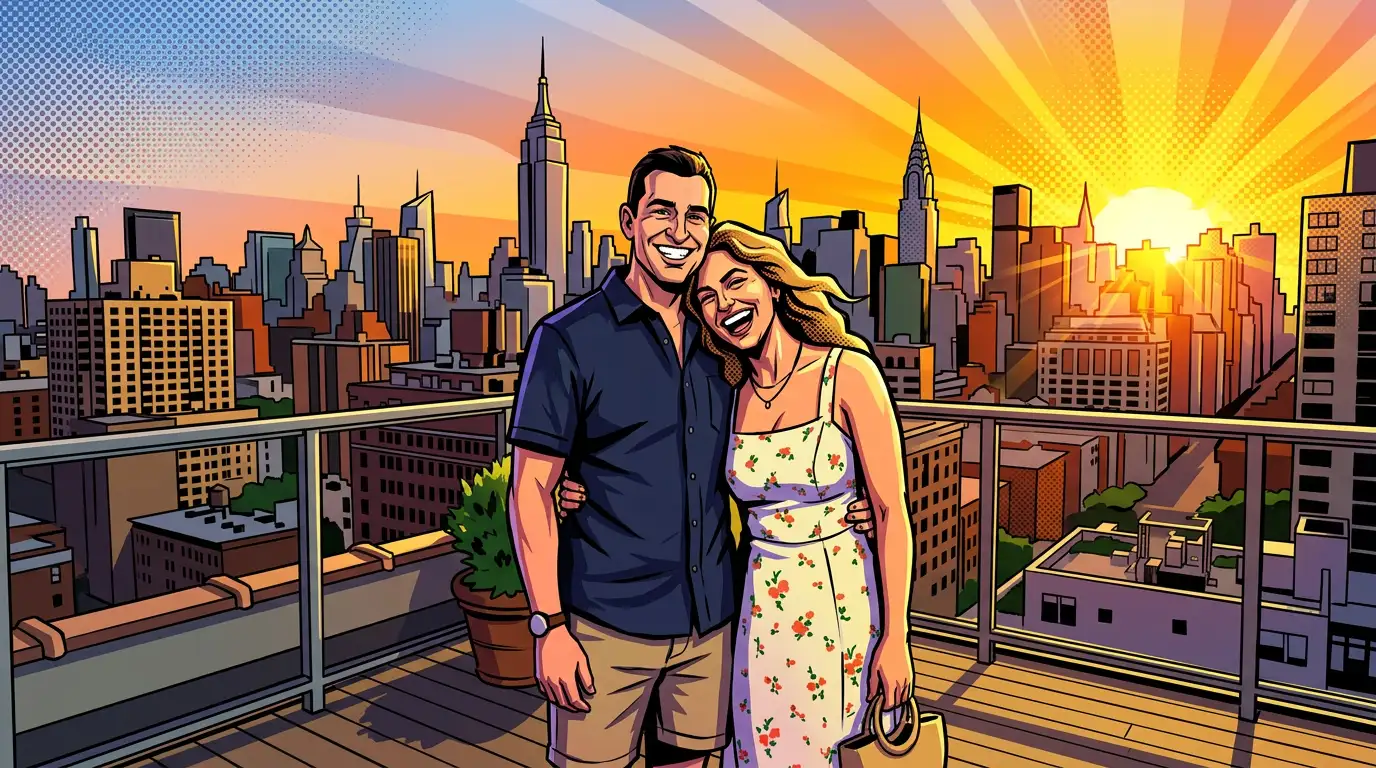
Not all caricatures look the same, and your caricature maker results shouldn't either. Pixlio offers four carefully crafted caricature style presets, each producing a genuinely different aesthetic. Classic Caricature delivers the traditional editorial illustration look with expressive ink linework and polished shading. Editorial Cartoon creates a bolder newspaper-magazine style with graphic shapes, crisp flat shading, and satirical personality. Soft Friendly Caricature brings a warm, approachable feel with gentle exaggeration and inviting color treatment. Bold Comic Caricature ramps up the energy with punchy saturated colors, strong outlines, and dynamic shape exaggeration. Every style is tuned to create a caricature of me that matches genuine illustration quality—not a novelty overlay but a purposeful artistic interpretation of your portrait.
Professional-Grade Linework and Color
The difference between a great photo to caricature result and a mediocre one comes down to artistic quality. Pixlio's AI produces caricature artwork with clean, confident line art that defines every contour without looking jagged or over-processed. Shading follows natural light sources in your original photo, creating proper tonal patterns with crisp edges and smooth transitions. Colors are vibrant yet balanced—skin tones feel natural in caricature form, clothing keeps its distinct hues, and backgrounds receive appropriate stylized color treatment. The caricature maker AI avoids common pitfalls like muddy blending, artifacts around hair edges, or washed-out skin. Every conversion looks like it was carefully illustrated by a professional caricature artist, giving you artwork you'd be proud to print, frame, or use as your avatar anywhere online.
Pose, Composition, and Scene Stay True
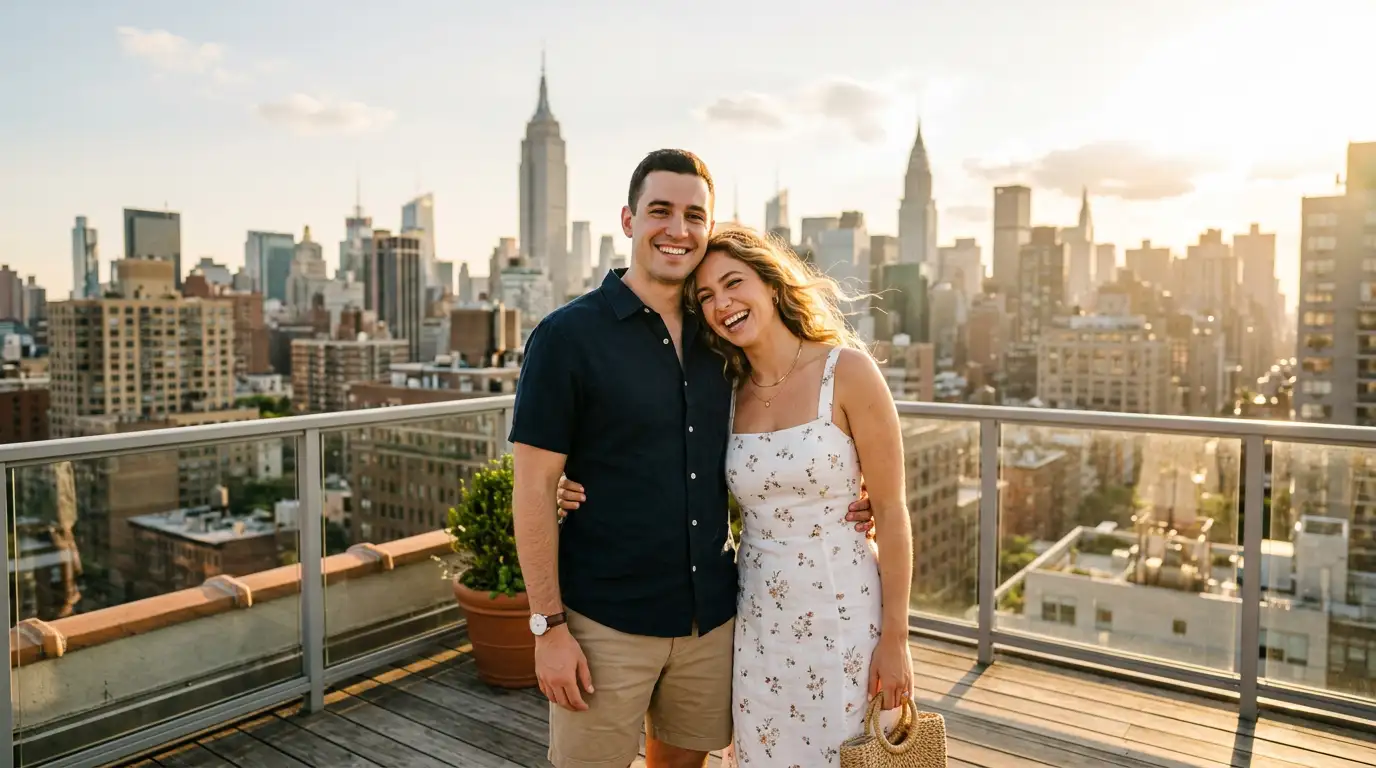
A convincing caricature maker transformation doesn't stop at the face—the entire scene needs to feel cohesive. Pixlio's AI converts your pose, body proportions, and surrounding elements into caricature form alongside the main subject. A relaxed pose stays relaxed. A couple's embrace keeps its warmth and proximity. Indoor settings maintain their spatial layout and atmosphere. This scene-aware approach means your photo to caricature result tells the same story as the original photograph, just rendered in a completely different artistic medium. The composition, depth, and energy you captured with your camera are preserved and enhanced with caricature-appropriate detail—stylized body proportions, expressive hand gestures, and environmental elements that complement the overall illustration style.
How to Create a Caricature of Me in 3 Simple Steps
Turning your favorite photo into a caricature takes less than a minute. No drawing skills, no expensive commissions—just upload, pick a style, and let Pixlio's caricature maker AI handle the rest.
Who Uses the Caricature Maker?
From social media enthusiasts to professional designers, Pixlio's photo to caricature converter serves anyone who wants a fun, stylized version of their portrait. Here's how different people put this caricature tool to work.
Social Media Avatars and Profile Pictures
Stand out on Instagram, TikTok, Discord, LinkedIn, and X with a caricature version of yourself. Use the caricature maker to create a unique avatar that's unmistakably you—just rendered with playful artistic exaggeration. Caricature profile pictures grab attention in crowded feeds and give your online presence a distinctive creative identity that people remember. Create matching caricature avatars for your entire friend group or team.
Personalized Gifts and Keepsakes
Turn cherished portraits into caricature art prints, phone cases, mugs, or greeting cards. A photo to caricature conversion of a couple's portrait, a family photo, or a best friend's selfie makes a thoughtful and original gift that recipients treasure. The Soft Friendly Caricature style is especially popular for sentimental pieces, while Bold Comic Caricature works brilliantly for humorous birthday and celebration gifts.
Content Creators and Streamers
Build a consistent caricature-themed brand across your channel. Use the caricature maker to create illustrated-style thumbnails, channel art, and stream overlays from your own photos. Viewers connect with creators who have a recognizable visual identity, and caricature-style artwork provides that personality without commissioning expensive custom illustrations for every piece of content.
Artists, Designers, and Event Planners
Speed up your creative workflow by using the caricature maker to generate caricature-style references from real-world photographs. Illustrators can quickly visualize how a portrait would look in different caricature styles. Event planners can produce caricature-themed invitations and party favors. Designers can create caricature-inspired mockups for client pitches, corporate events, and promotional materials without starting from a blank canvas.
Caricature Maker FAQ
What is a caricature maker?
A caricature maker is an AI-powered tool that converts real photographs into caricature-style artwork. Upload any portrait or selfie and the AI redraws it with playful facial exaggeration, expressive linework, and vibrant colors while preserving the original subject's identity, pose, and scene composition.
Is Pixlio's caricature maker free?
Yes. Pixlio offers free credits when you sign up, so you can try the caricature maker tool immediately. Each conversion uses a small number of credits shown before you generate. Additional credits are available through affordable plans.
Does the caricature maker preserve my face and features?
Yes. Pixlio's caricature maker AI is designed to preserve your facial features, hairstyle, pose, body proportions, and overall identity. The transformation applies caricature rendering—exaggerated linework, stylized shading, and playful color—without making you unrecognizable.
What caricature styles are available?
Pixlio offers four caricature maker styles: Classic Caricature (expressive editorial linework), Editorial Cartoon (bold newspaper-magazine look), Soft Friendly Caricature (warm approachable illustration), and Bold Comic Caricature (high-energy comic-book feel). Each produces genuinely different results from the same input photo.
What photo types work best for caricature conversion?
Portraits, selfies, and well-lit photos with clear subjects produce the best photo to caricature results. Half-body shots and couple portraits also work well. Very dark, heavily blurred, or extremely low-resolution images may produce less detailed results. For best quality, use images where the subject's face is clearly visible.
Can I use my caricature images commercially?
Pixlio is built for creators and businesses. Many users incorporate caricature maker results into social media content, profile pictures, merchandise designs, and marketing materials. Review your plan details and our Terms of Service for complete information about commercial usage rights.