 Pixlio AI
Use the tool below to convert your photo to a line drawing.

Photo to Line Drawing — Convert Any Photo Into Line Art
Want to turn a photograph into elegant line art? Pixlio's photo to line drawing tool makes it effortless. Upload a portrait, landscape, product shot, or any image and watch the AI transform it into refined line artwork that captures every meaningful detail. This photo to line drawing converter goes beyond basic edge detection—it intelligently interprets your image to produce artwork with clean contours, natural stroke variation, and a quality that looks genuinely hand-drawn. Choose from four distinct styles including Clean Contour, Cross-Hatch, Bold Ink, and Continuous Line to find the aesthetic that fits your project. Whether you need elegant wall art, a personalized gift, or crisp illustrations for professional use, our photo to line drawing AI delivers results you'll be proud to print and share. Want to explore more artistic styles? Try our Photo to Sketch tool for pencil and charcoal effects.
What Makes Pixlio the Best Photo to Line Drawing Tool
Basic filters trace edges and call it a day. Pixlio's photo to line drawing AI understands form, depth, and composition—producing line art that actually looks like a skilled artist drew it by hand.
Every Detail Captured in Clean Lines
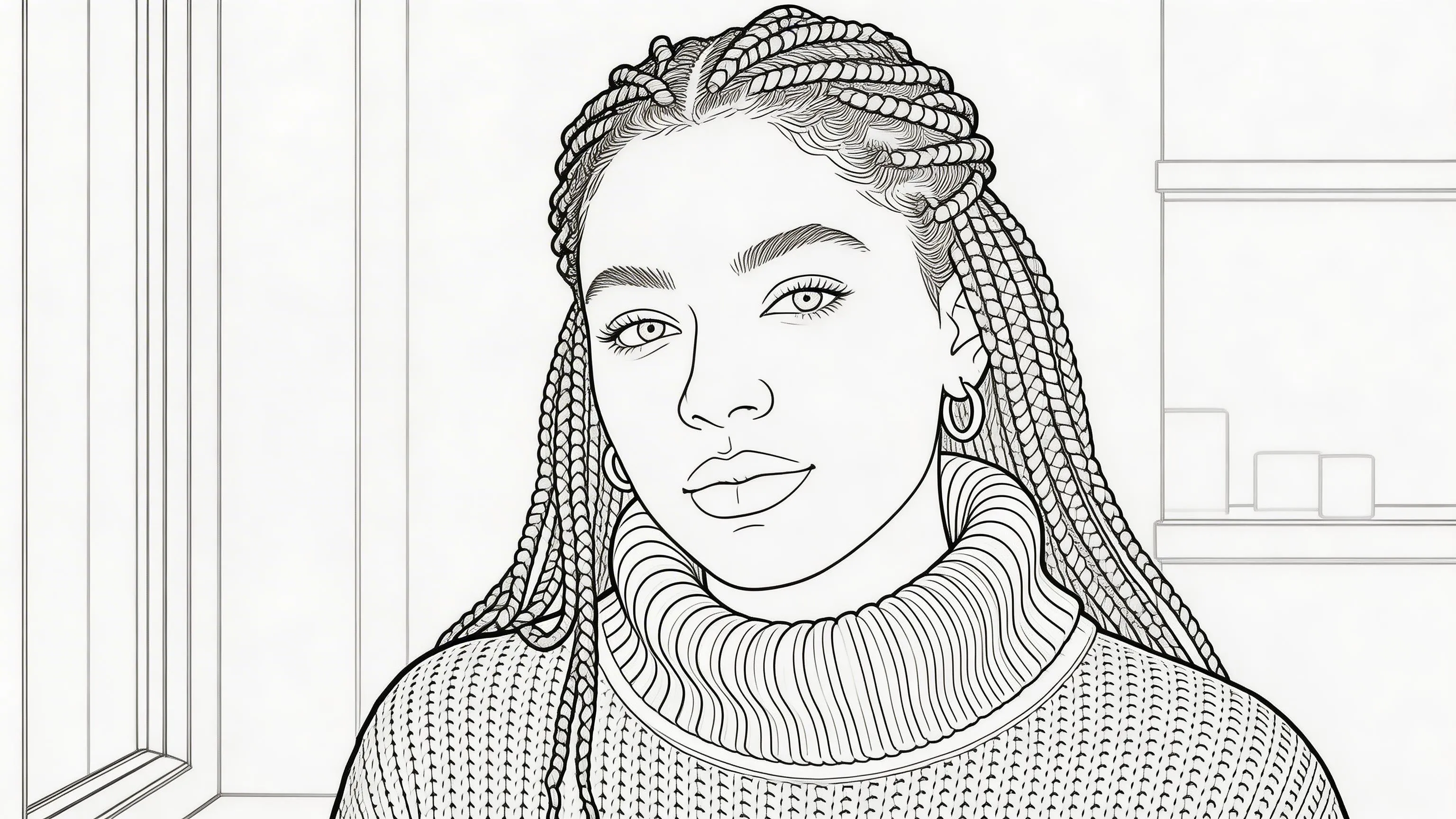
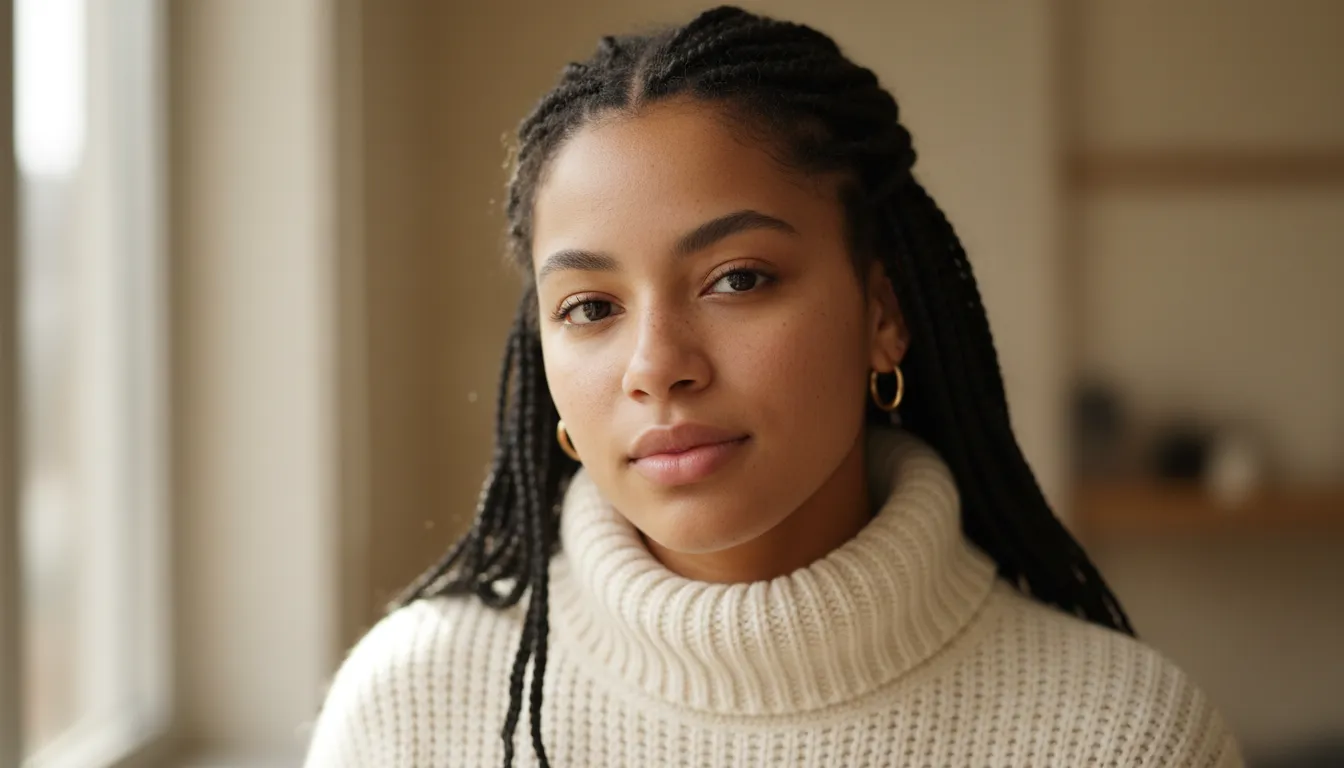
The biggest difference between good line art and a cheap filter is accuracy. Pixlio's photo to line drawing AI traces the contours that matter—facial features, fabric folds, architectural edges, hair texture—and translates them into precise, confident strokes. Eyes stay expressive, smiles remain recognizable, and fine details like jewelry or patterns carry through naturally. Whether you're converting a portrait or a cityscape, every photo to line drawing result reflects the structure and personality of the original image. This is what sets a professional line drawing from photo apart from a basic edge filter.
Depth and Dimension Through Line Weight
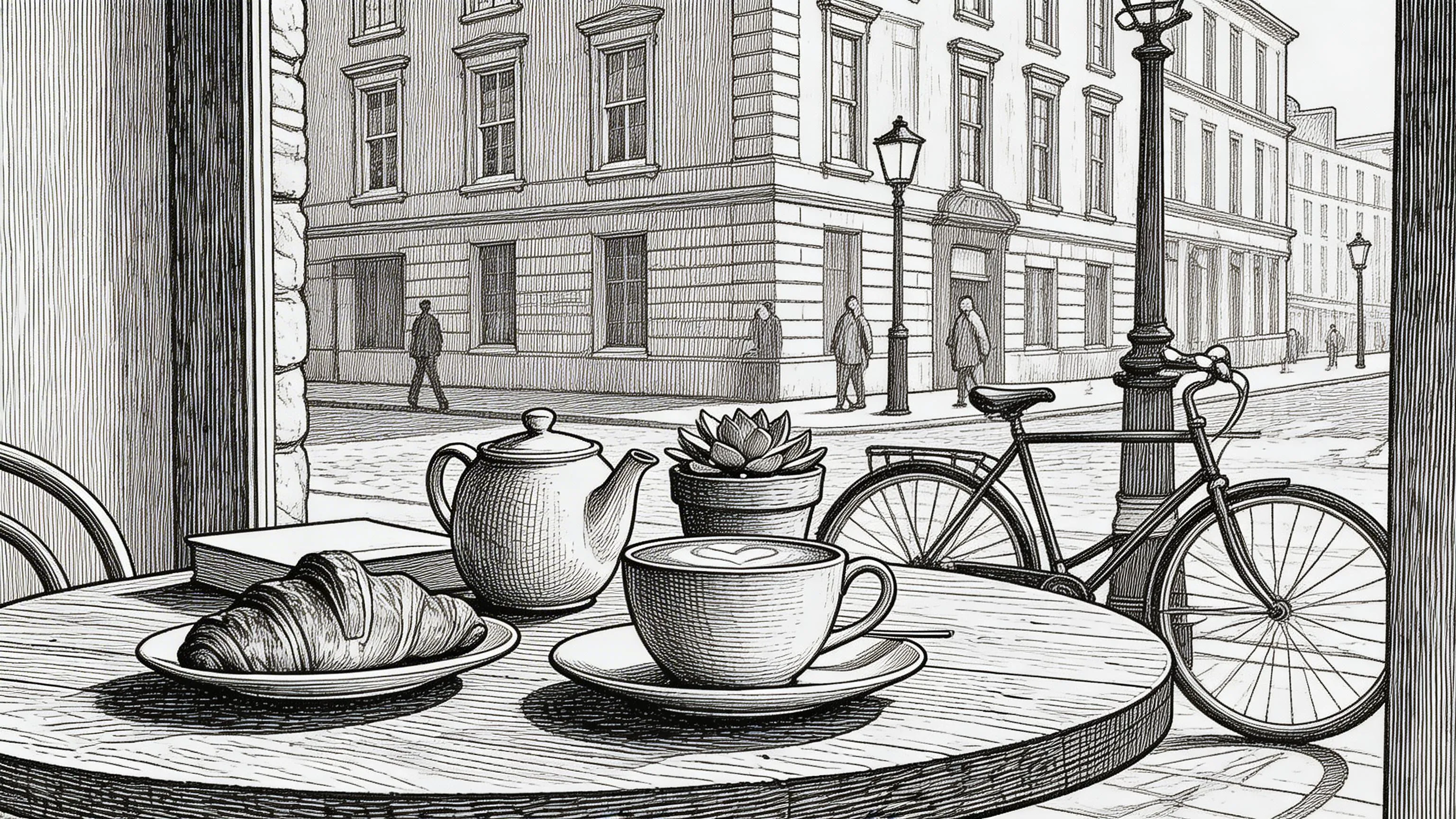
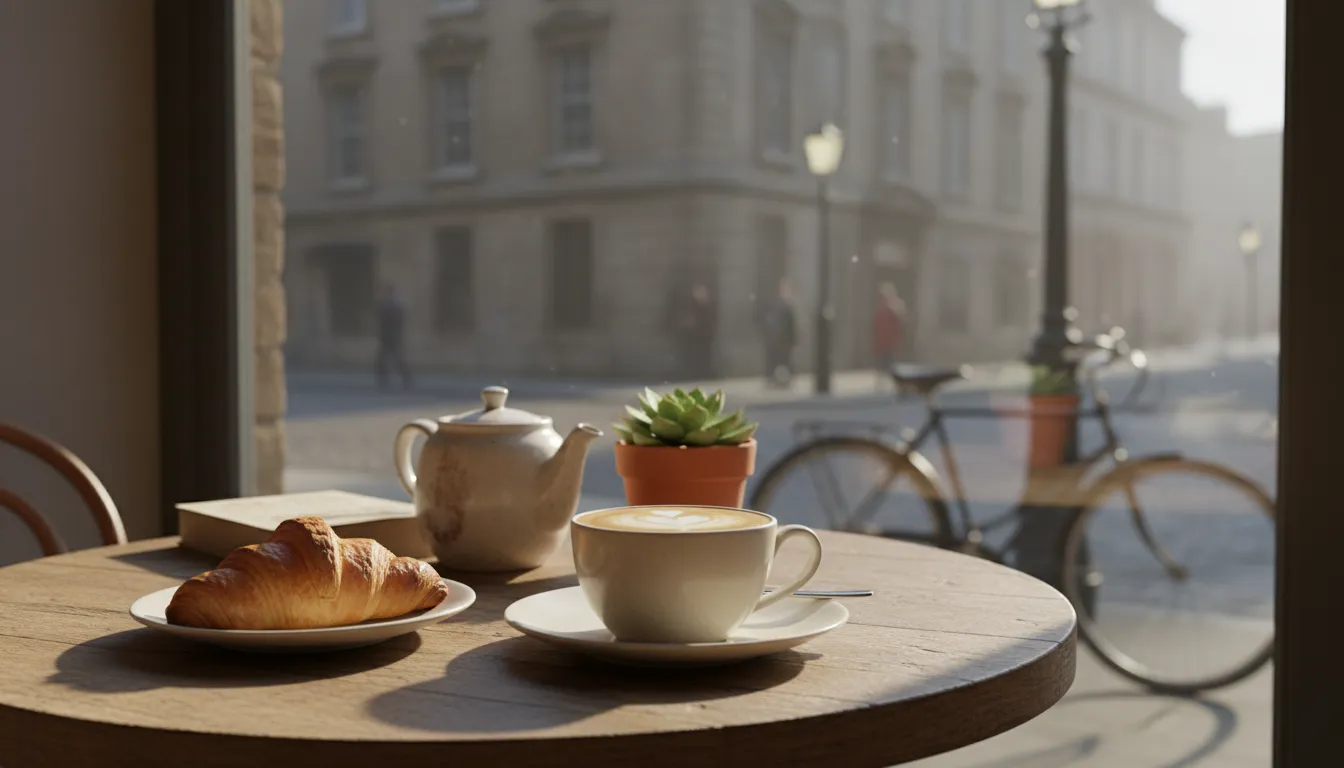
Flat outlines make images look lifeless. Pixlio's photo to line drawing tool uses varying stroke thickness and hatching to convey the light, shadow, and volume present in your original photo. Foreground elements receive bolder, more defined lines while background details recede with finer strokes—mimicking how a trained illustrator works. The AI interprets your photo's tonal range through linework alone, producing a photo to line drawing result that feels three-dimensional. This attention to line weight is what makes every photo to line drawing conversion look authentically hand-drawn rather than digitally filtered.
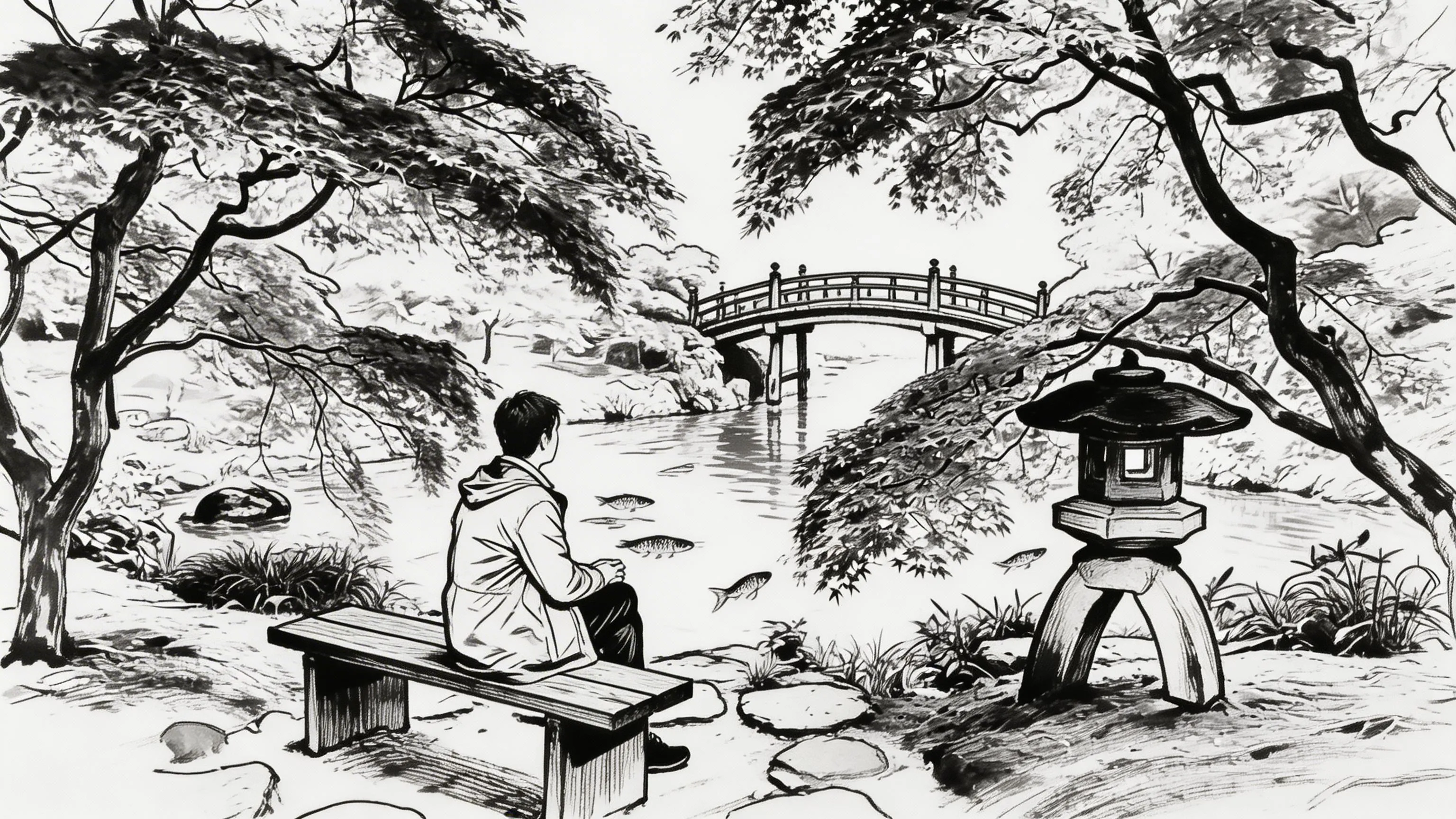
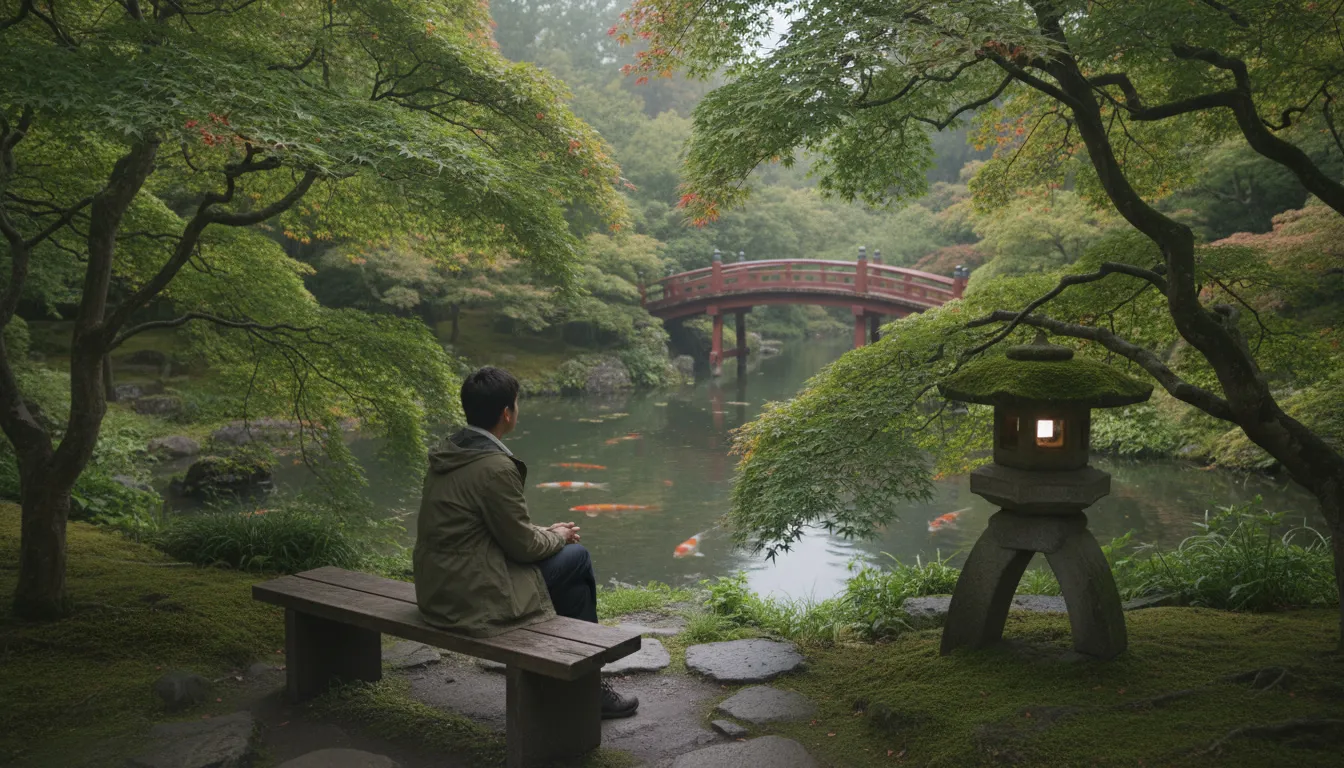
Backgrounds and Scenes Stay Coherent
A convincing photo to line drawing conversion doesn't stop at the subject—the entire scene needs to work together. Pixlio's AI renders backgrounds, environments, and surrounding elements in line art alongside the main subject. Trees keep their branches, buildings retain their windows, and interiors preserve their spatial layout. This scene-aware photo to line drawing approach means your result tells the same visual story as the original photograph, just in a completely different artistic medium. The composition and atmosphere you captured all translate into coherent, well-balanced line drawing from photo artwork.
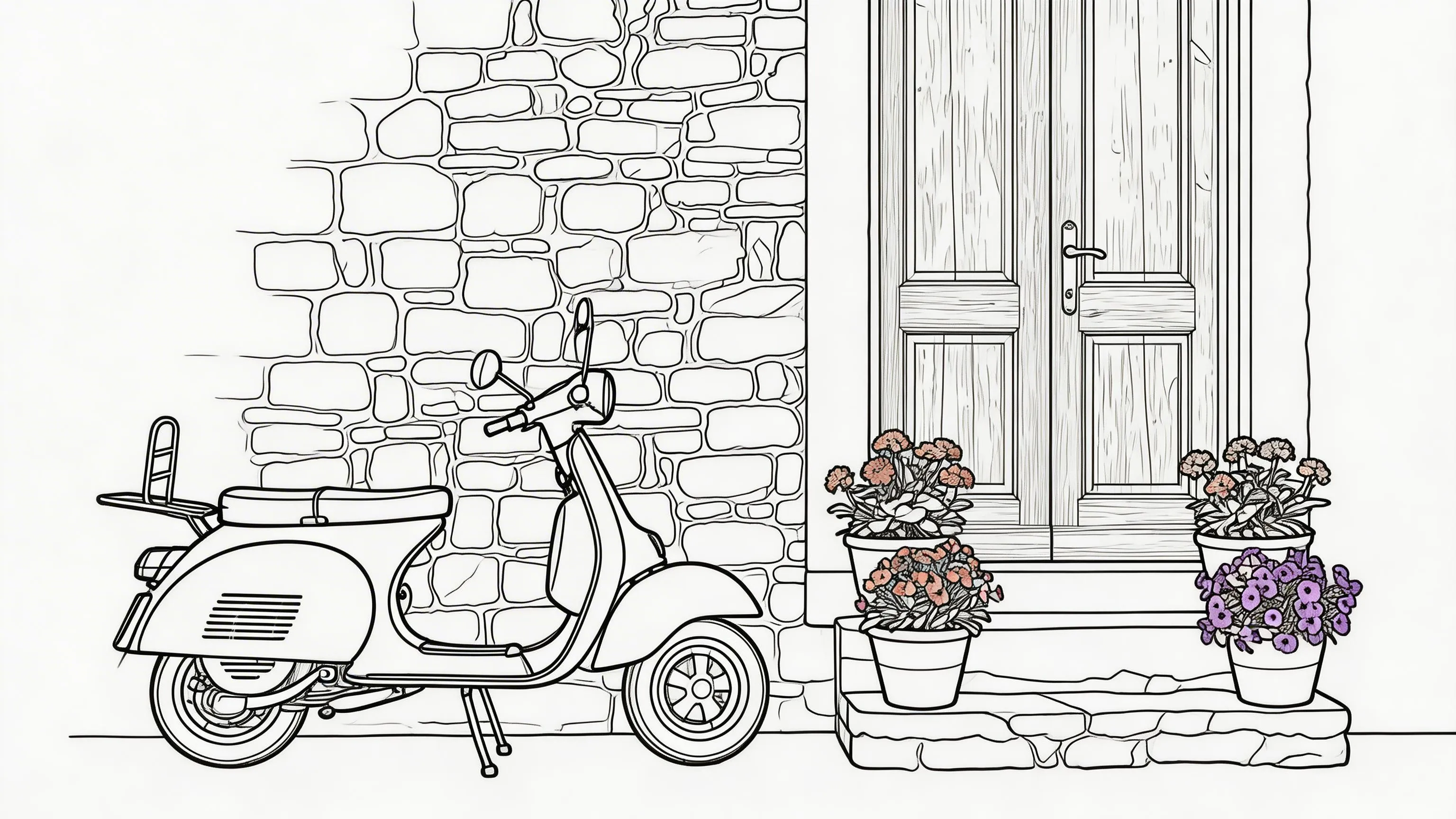
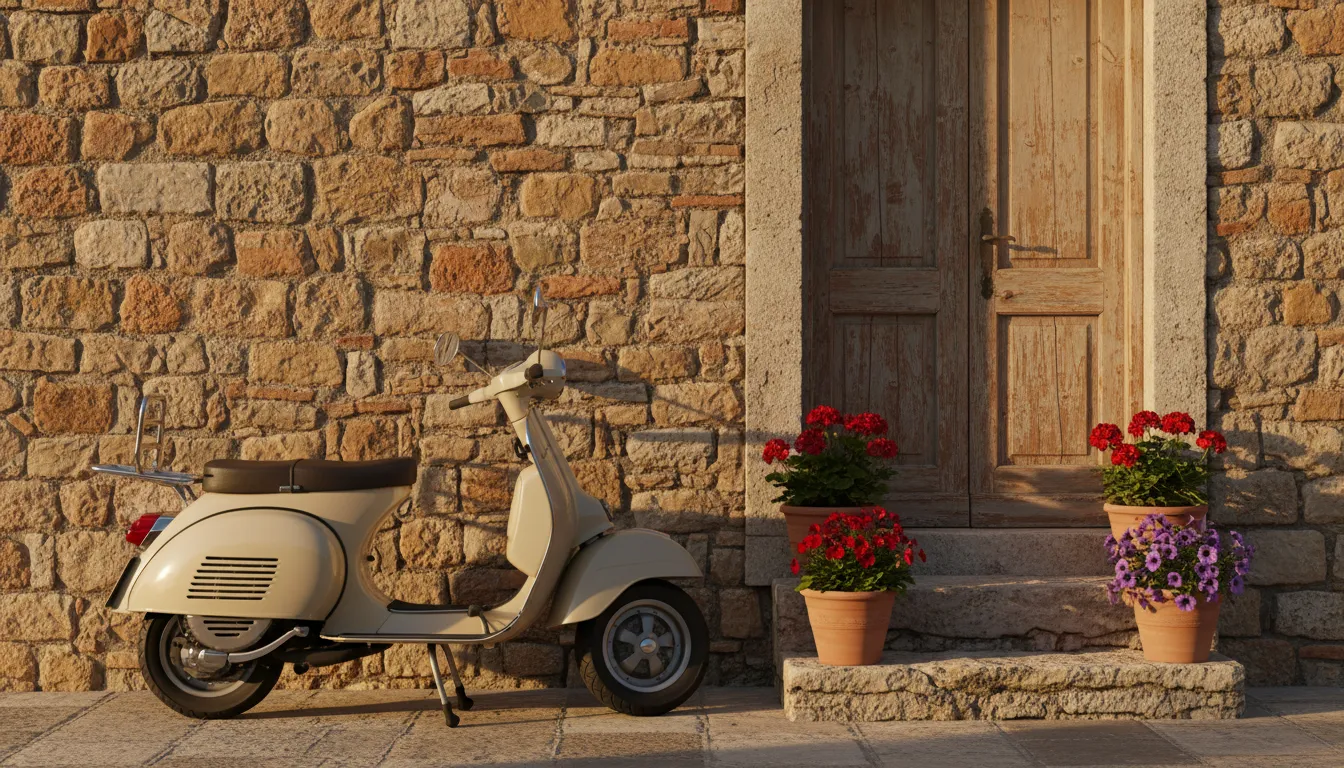
Print-Ready and Crisp at Any Size
The line art Pixlio produces is clean and high-resolution—no jagged edges, no artifacts, no muddy areas where lines should be crisp. Every photo to line drawing result is crisp enough to display on a high-density screen or print at large format for framed wall art, greeting cards, or publication layouts. The strokes are smooth and decisive, the white space is truly clean, and details hold up under close inspection. Whether for social media or large-format printing, the photo to line drawing output stays consistent and professional—exactly the quality you'd expect from a hand-finished line drawing from photo.
How to Convert Photo to Line Drawing in 3 Simple Steps
Turning a photo into line art takes less than a minute. No drawing skills needed—just upload, pick a style, and let Pixlio's photo to line drawing AI handle the rest.
Who Uses Photo to Line Drawing?
From homeowners decorating their walls to businesses producing marketing materials, Pixlio's photo to line drawing converter serves anyone who wants to transform photographs into refined line art. Here's how people put it to work.
Wall Art and Home Decor
Turn your favorite photographs into elegant line art prints worthy of framing. A photo to line drawing conversion of a family portrait, a beloved pet, or a travel memory creates stunning minimalist wall art that complements any interior style.
Personalized Gifts and Stationery
Create one-of-a-kind gifts using photo to line drawing to convert meaningful photos into beautiful line drawings. Print them on cards, mugs, tote bags, or custom stationery. A photo to line drawing of a couple's portrait or a child's photo makes a thoughtful keepsake that recipients treasure.
Professional Portfolios and Presentations
Add a polished illustrative touch to pitch decks, reports, and brand materials. Use photo to line drawing to create consistent visual assets from photographs—product illustrations, architectural renderings, or team portraits in a unified line art style that elevates your professional output.
Educational and Editorial Illustration
Teachers, publishers, and content creators use photo to line drawing AI to generate clear, printable illustrations from reference photos. Line art works beautifully in textbooks, worksheets, blog posts, and articles where a clean illustrative style communicates more effectively than a photograph.
Photo to Line Drawing FAQ
What is photo to line drawing?
Photo to line drawing is an AI-powered tool that converts photographs into clean line art. Upload any photo and the AI redraws it with precise outlines and artistic linework while preserving the original subject's details and composition.
Is Pixlio's photo to line drawing converter free?
Yes. Pixlio offers free credits when you sign up, so you can try the photo to line drawing tool immediately. Each conversion uses a small number of credits shown before you generate. Additional credits are available through affordable plans.
Does photo to line drawing preserve the original subject?
Yes. Pixlio's photo to line drawing AI preserves facial features, object shapes, architectural details, and overall composition. The transformation applies line art rendering without altering the structure or identity of your original image.
What line drawing styles are available?
Pixlio offers four photo to line drawing styles: Clean Contour (minimal precise outlines), Cross-Hatch (pen-and-ink shading with layered lines), Bold Ink (thick expressive strokes), and Continuous Line (single unbroken flowing line). Each produces a genuinely different artistic result.
What photo types work best for line drawing conversion?
Photos with clear subjects and good contrast produce the best photo to line drawing results. Portraits, architecture, still life, and landscapes all convert well. Very dark, heavily blurred, or extremely low-resolution images may produce less detailed line art.
Can I use my line drawing images commercially?
Pixlio is built for creators and businesses. Many users incorporate photo to line drawing results into prints, merchandise, marketing materials, and publications. Review your plan details and our Terms of Service for complete information about commercial usage rights.
More AI Image Tools
Explore our collection of AI-powered image tools designed for different creative needs and styles

















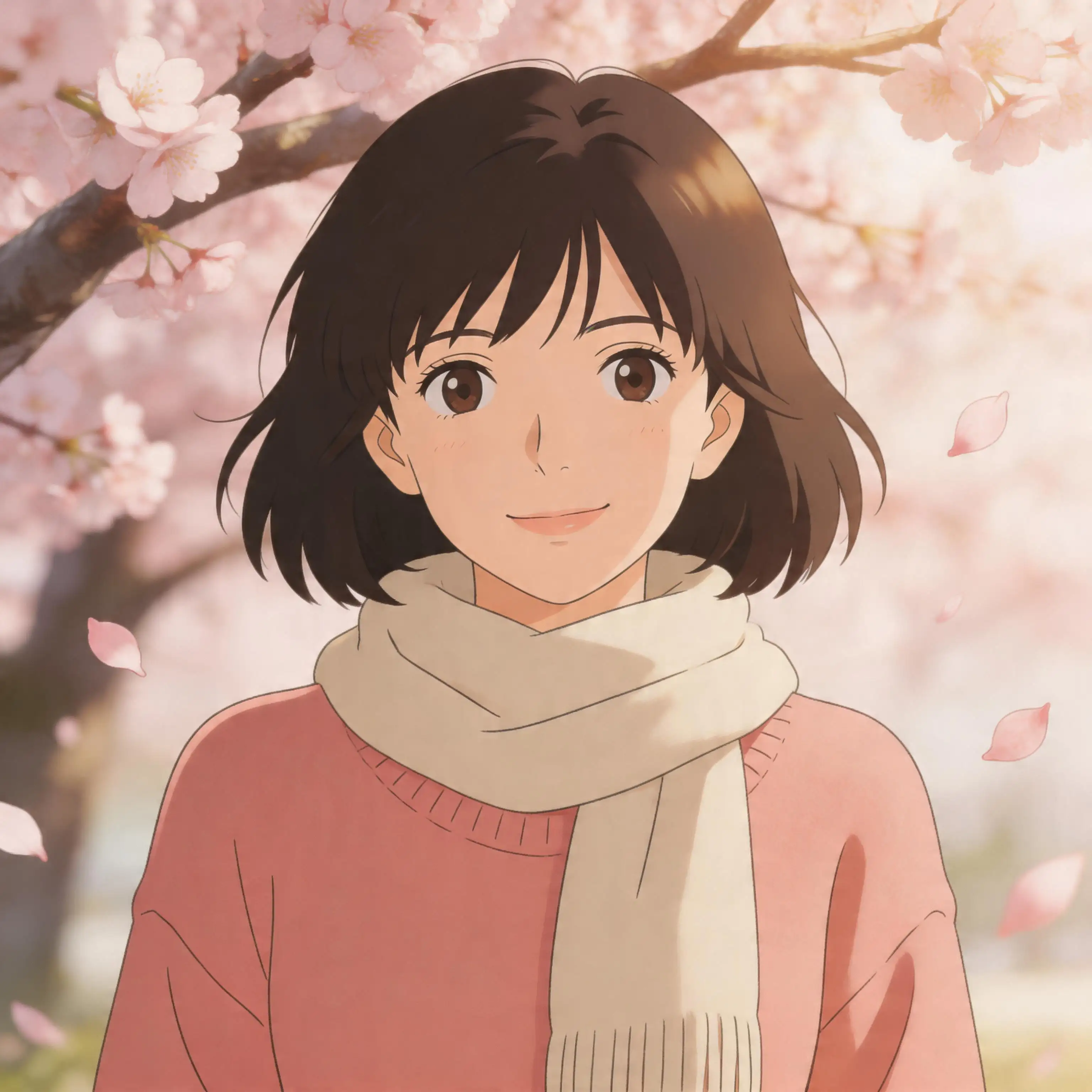












Ready to Turn Your Photos Into Line Art?
Upload your favorite photo and transform it into stunning line artwork in seconds. Pixlio's photo to line drawing tool offers four unique styles, faithful detail preservation, and professional-grade results—all in your browser. Free credits on signup, no software to install.