 Pixlio AI
Use the tool below to convert your photo into a painting-style image.
Result
Generated image appears here. You can download once ready.

More AI Image Tools
Explore our collection of AI-powered image tools designed for different creative needs and styles

















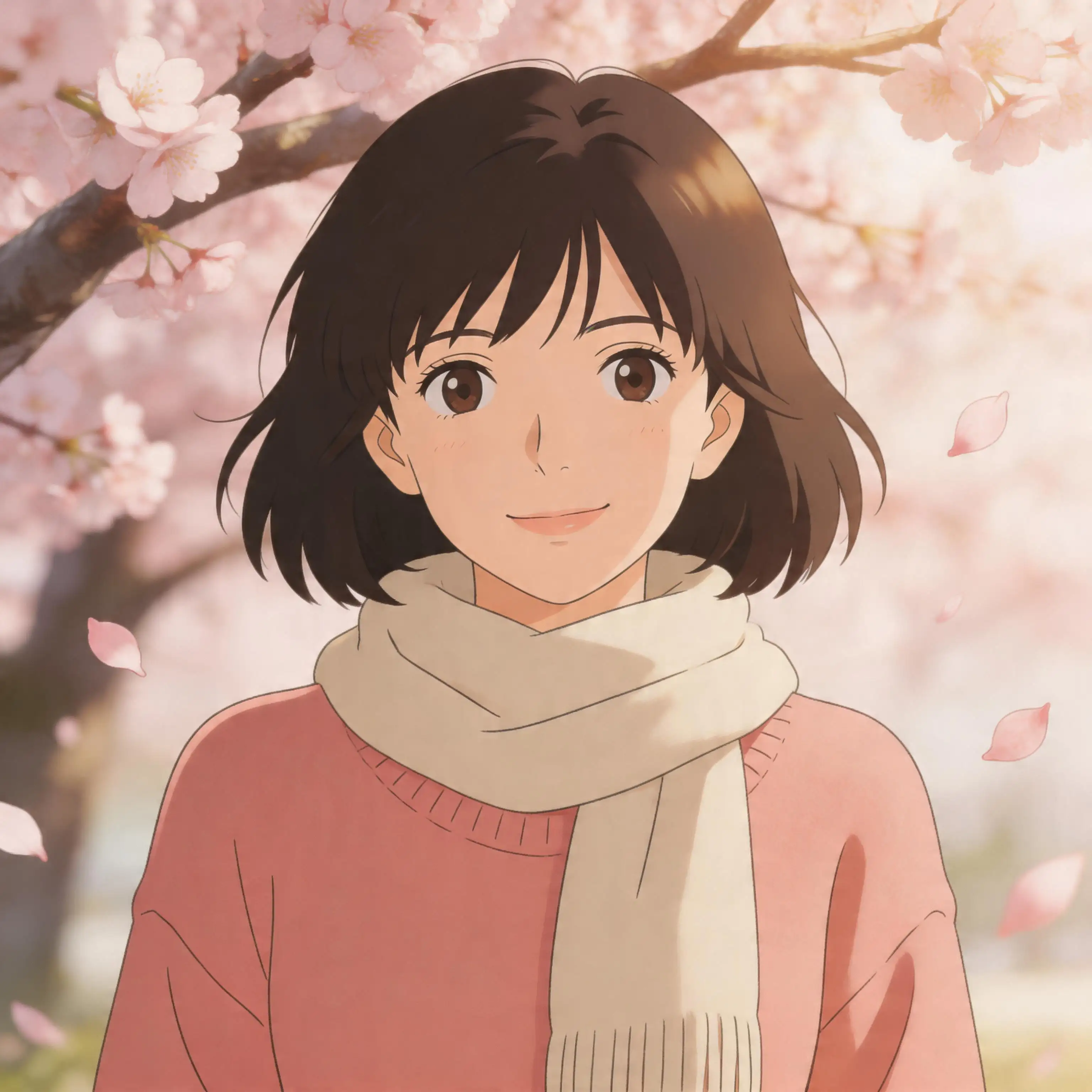












Photo to Painting — Turn Any Photo Into Painterly Artwork
Have you ever looked at a photograph and imagined it hanging on a gallery wall as a hand-painted canvas? Pixlio's photo to painting tool makes that vision a reality in seconds. Upload a portrait, landscape, pet photo, or any image and watch the AI transform it into stunning painterly artwork while keeping the original subject, composition, and mood intact. This photo to painting converter goes far beyond basic filters—it intelligently redraws your image with authentic brushstrokes, layered color, and natural canvas texture that match the look and feel of real paint on canvas. Choose from four carefully crafted styles including Oil Painting, Watercolor, Impressionist, and Acrylic Canvas to find the aesthetic that fits your creative vision. Whether you need wall-worthy art from a vacation snapshot, a personalized gift for someone special, or eye-catching content for your brand, our photo to painting AI delivers results that look hand-painted by a professional artist.
What Makes Pixlio the Best Photo to Painting Tool
Simple filters flatten your photos into lifeless overlays. Pixlio's photo to painting AI understands subjects, lighting, and depth—producing painterly artwork with genuine brushwork, texture, and color that looks like it belongs in a frame.
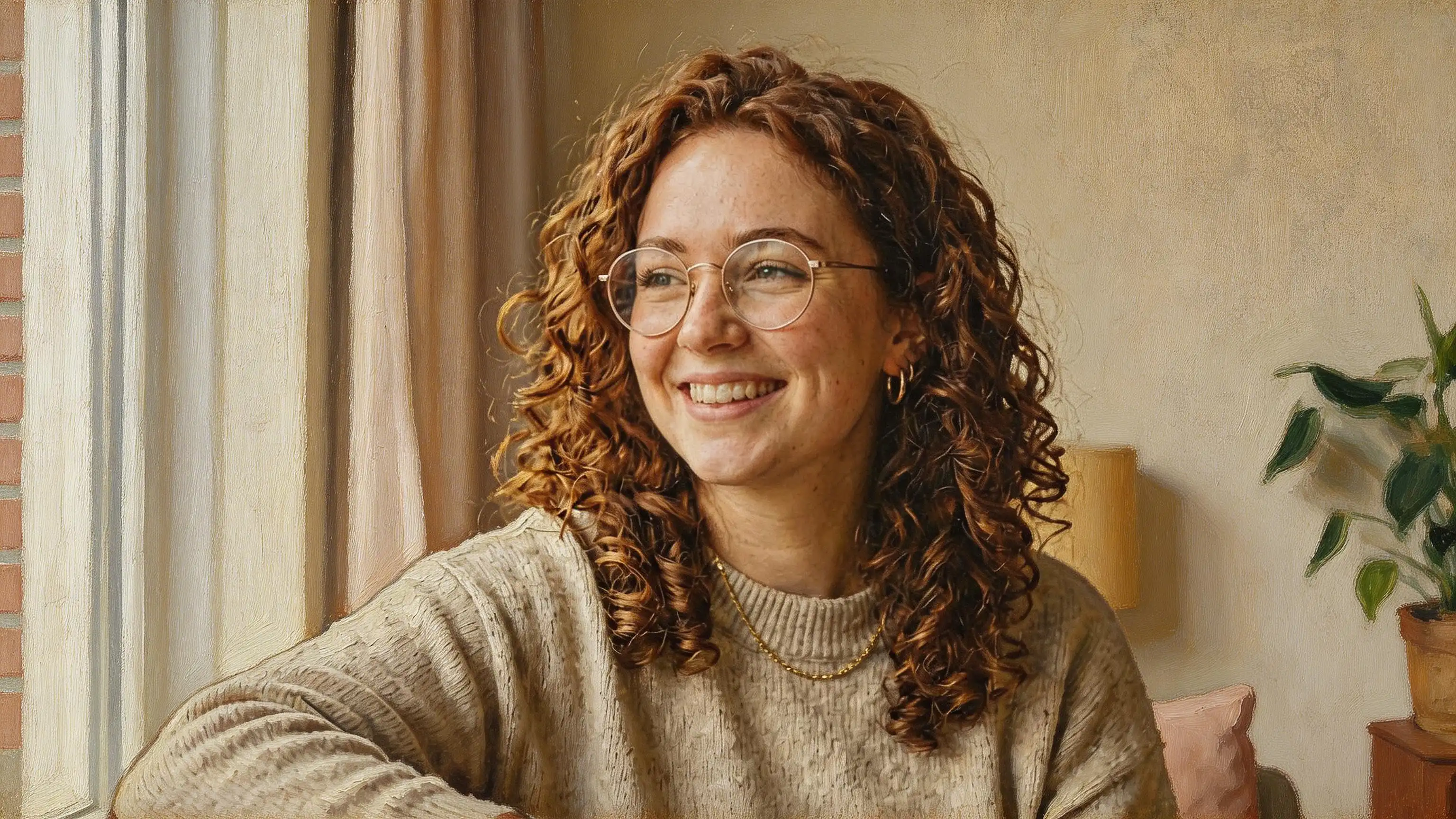

Your Subject — Faithfully Preserved in Paint
The most important part of any photo to painting conversion is whether the result still looks like the original subject. Pixlio solves this by preserving facial features, expressions, body proportions, and object details throughout the transformation. The AI analyzes key elements in your photo—eye shape, skin tone, hair texture, clothing, posture—and carries them into the painted version with remarkable accuracy. Friends and family will instantly recognize a portrait, and products keep their distinct shape and branding. Unlike generic filters that wash everything in a uniform texture, this photo to painting converter treats every element as unique. A person with curly hair gets expressive painted curls. A cat's whiskers become delicate brush marks. Glasses, jewelry, and fine details all translate naturally into paint. The result is a genuine painted portrait of your subject, not a one-size-fits-all template.
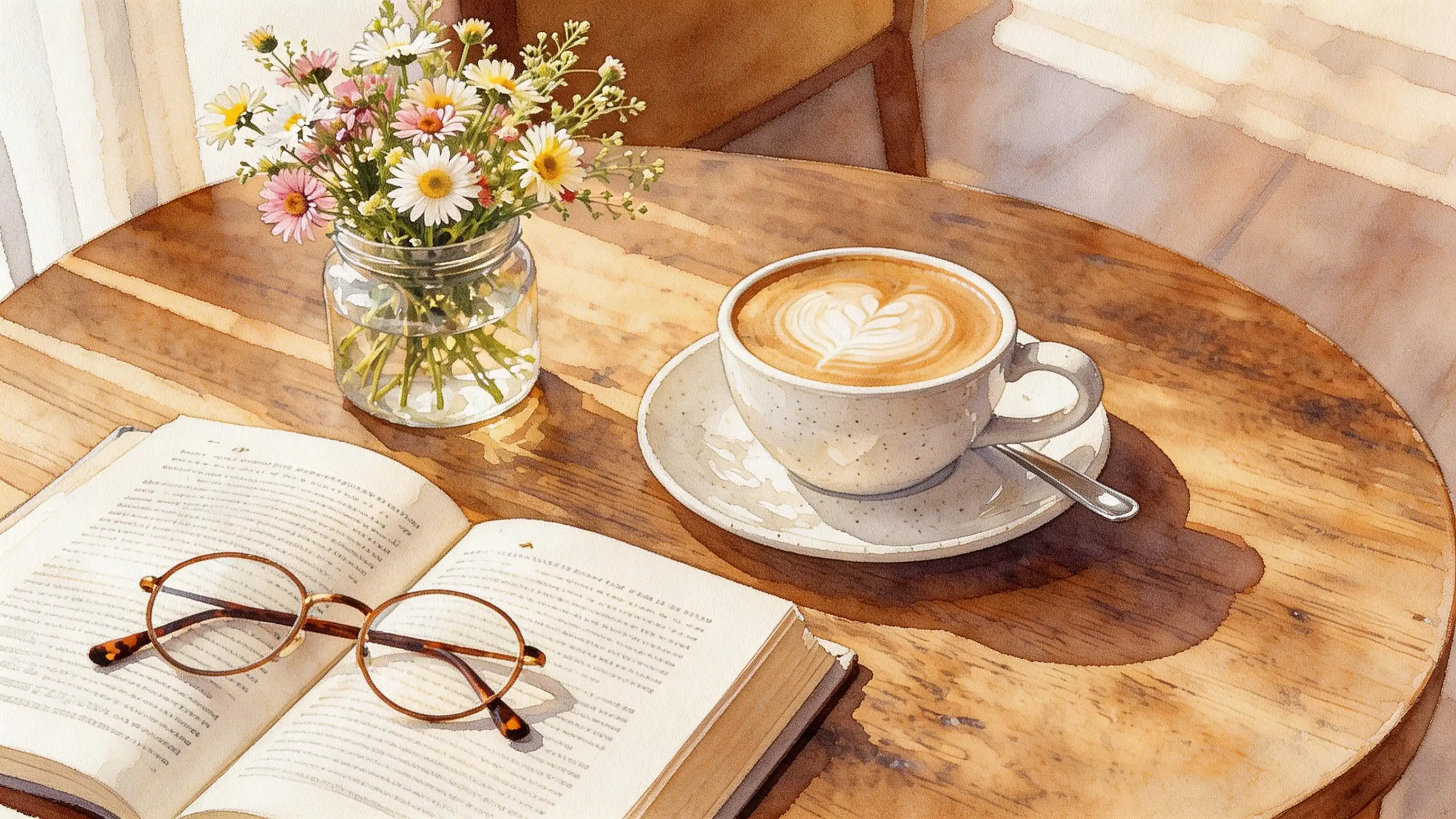
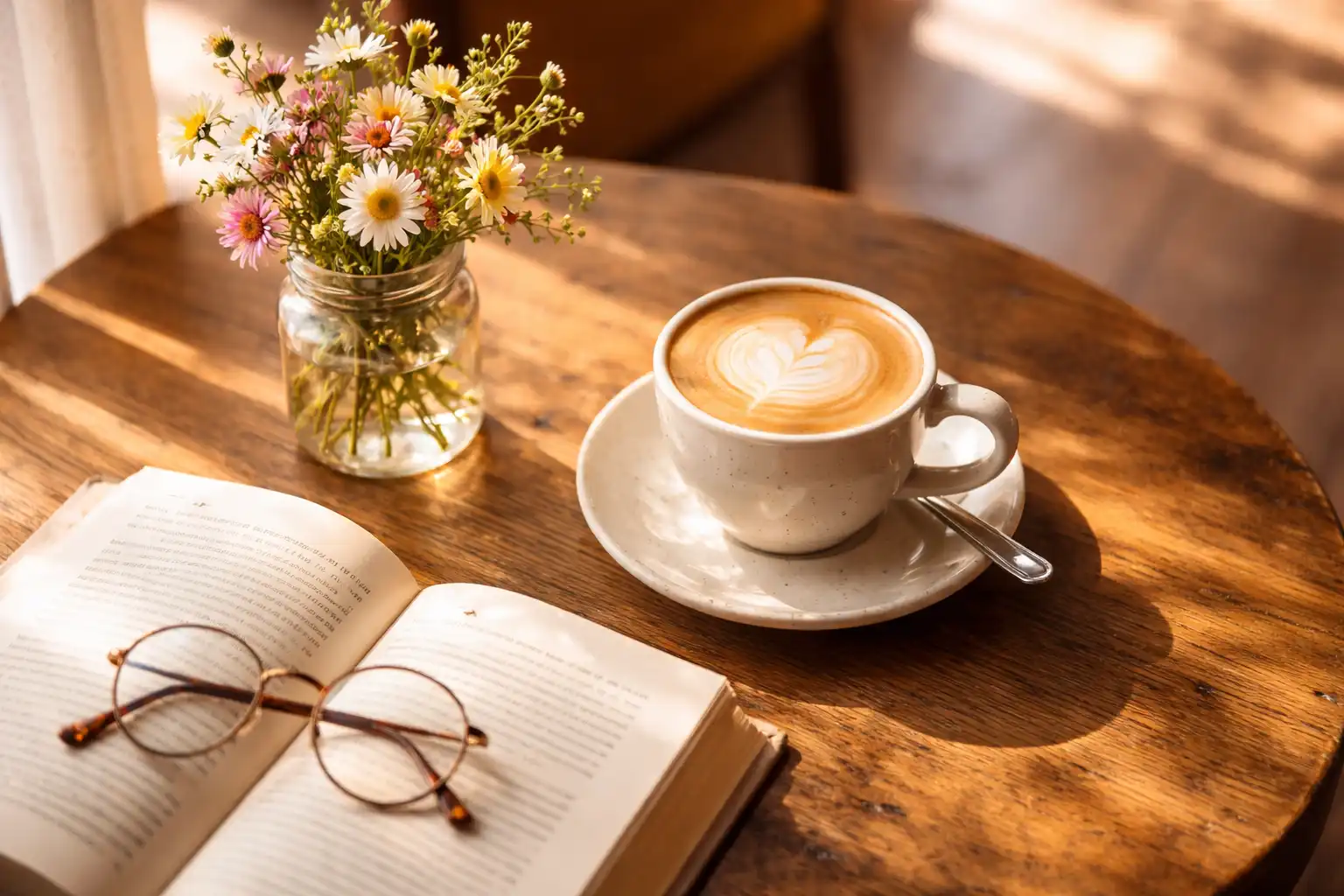
Four Distinct Painting Styles for Every Vision
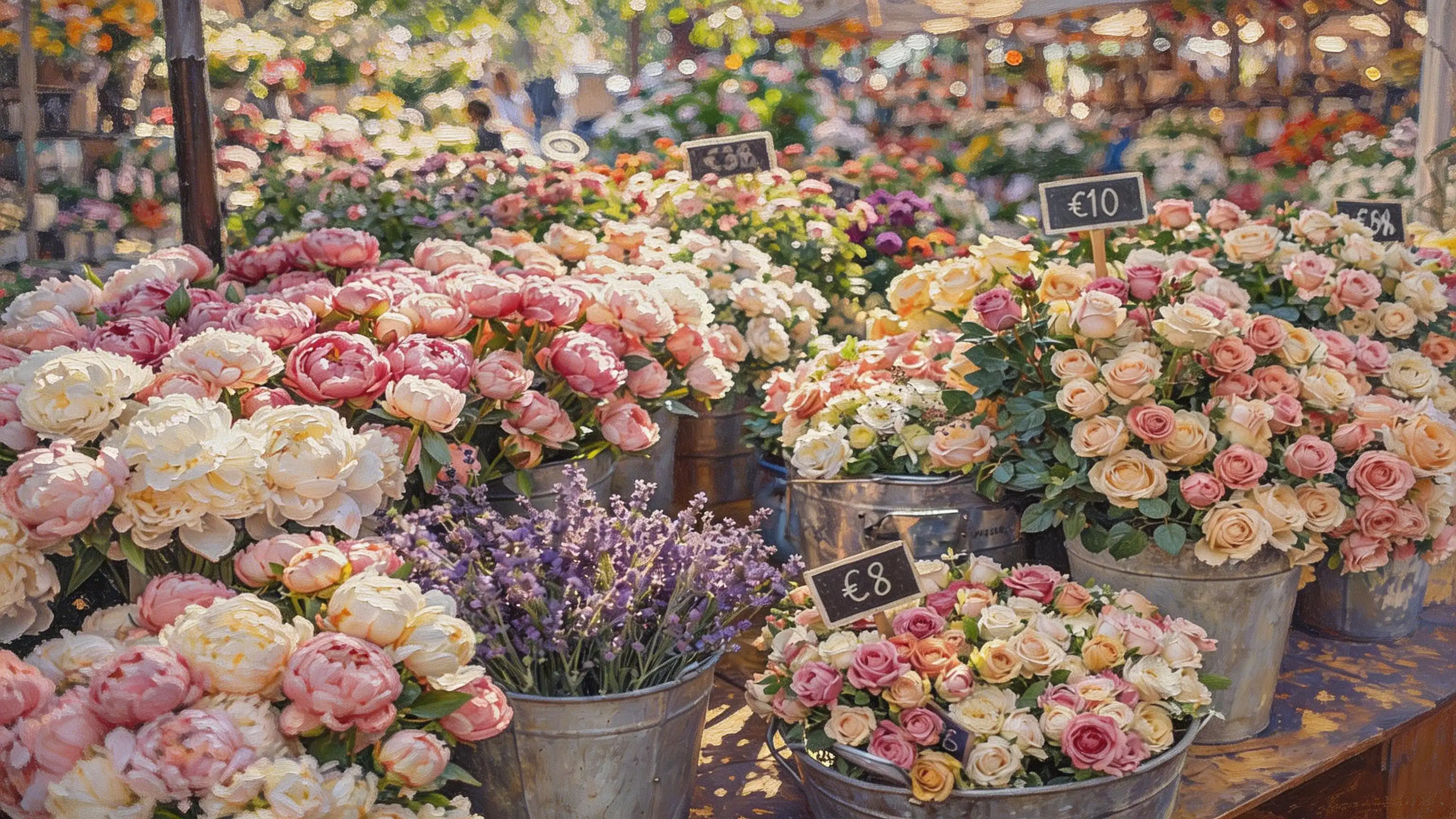
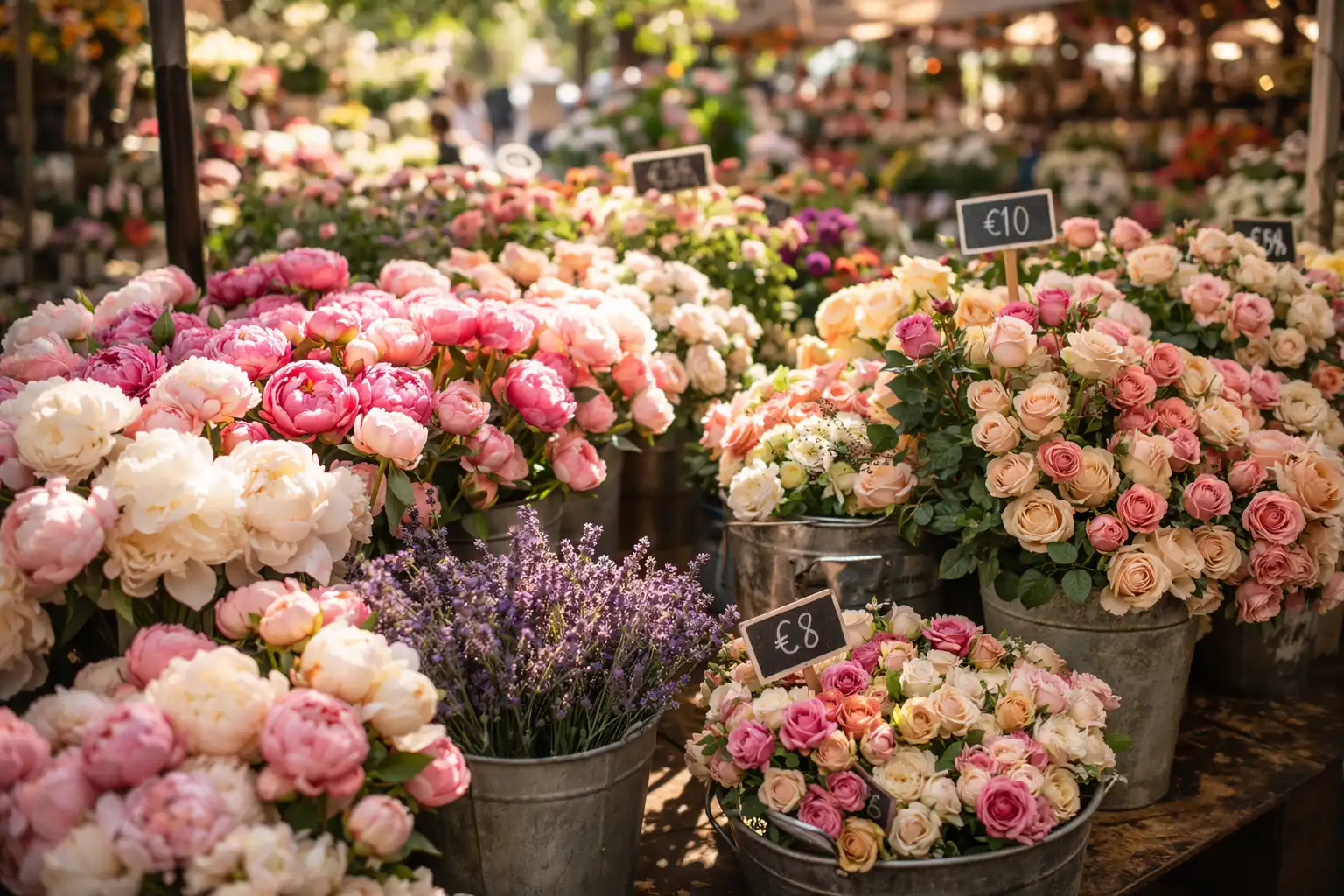
Not all paintings share the same aesthetic, and your photo to painting results shouldn't either. Pixlio offers four carefully tuned style presets, each producing a genuinely different artistic outcome. Oil Painting delivers the classic gallery look with layered brushstrokes, rich impasto texture, and deep tonal depth. Watercolor creates a delicate, luminous atmosphere with translucent washes, soft feathered edges, and visible paper grain. Impressionist renders your image with broken, energetic brushwork and shimmering natural light that captures the spirit of the plein-air tradition. Acrylic Canvas produces bold, contemporary artwork with saturated color, confident brush marks, and crisp modern finish. Every style is tuned to convert photo to painting art that matches genuine painterly production values—not a flat digital overlay but a purposeful artistic interpretation that respects the heritage of each medium.
Authentic Brushwork, Texture, and Color
The difference between a convincing photo to painting result and a cheap filter comes down to artistic authenticity. Pixlio's AI produces painting artwork with visible, purposeful brushstrokes that follow the natural contours of your subject rather than applying a random noise pattern. Shading reflects the original light source, creating proper painted transitions with soft highlights and warm shadow tones. Colors are rich and harmonious—skin tones feel warm and natural in paint, fabrics keep their distinct hues, and backgrounds receive atmospheric color treatment that adds depth. The photo to painting AI avoids common pitfalls like muddy blending, plastic-looking surfaces, or repetitive texture stamps. Every conversion looks like it was carefully crafted on a real canvas, giving you painting artwork you would be proud to print, frame, or share.
Backgrounds and Scenes That Stay True
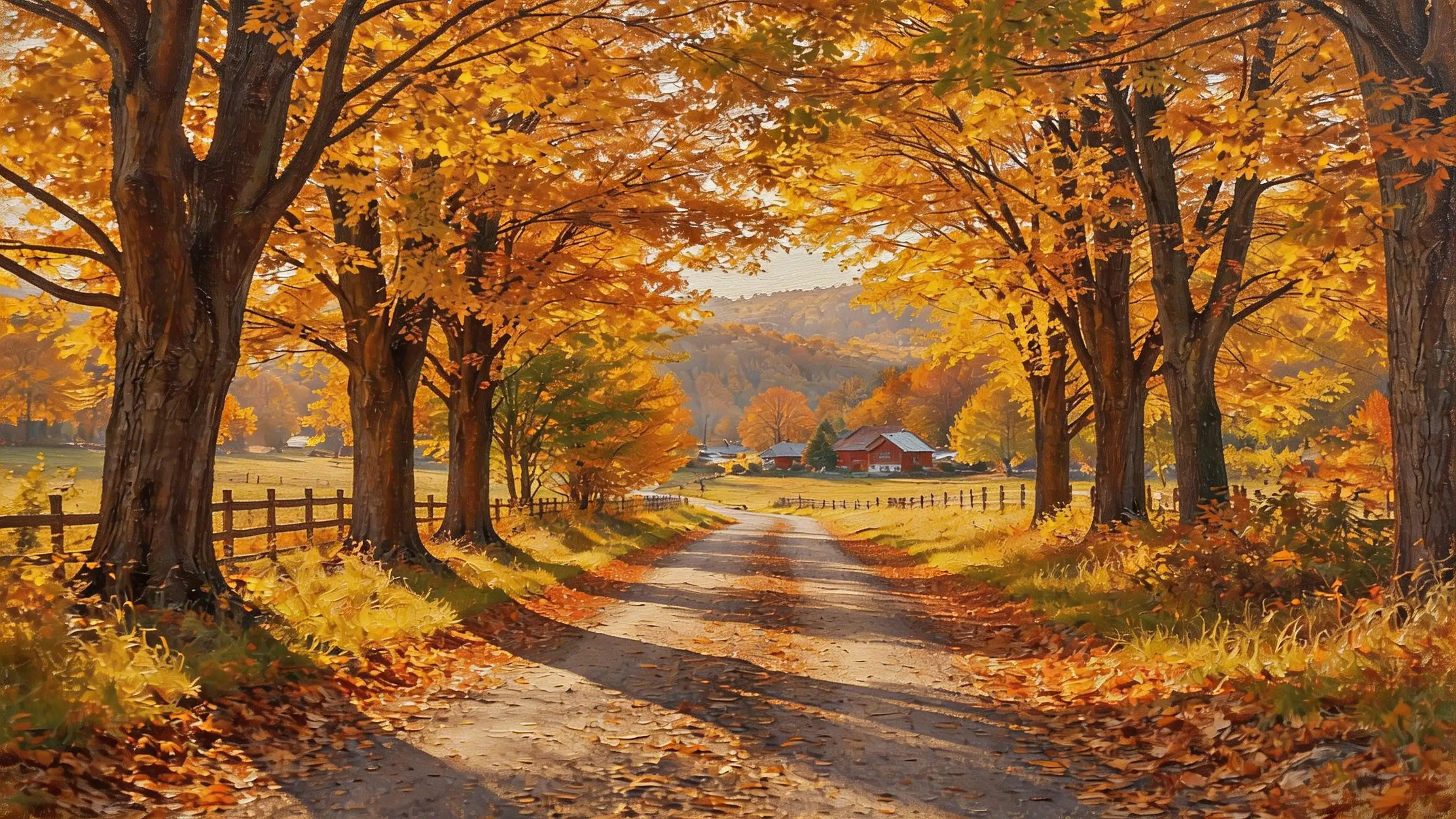
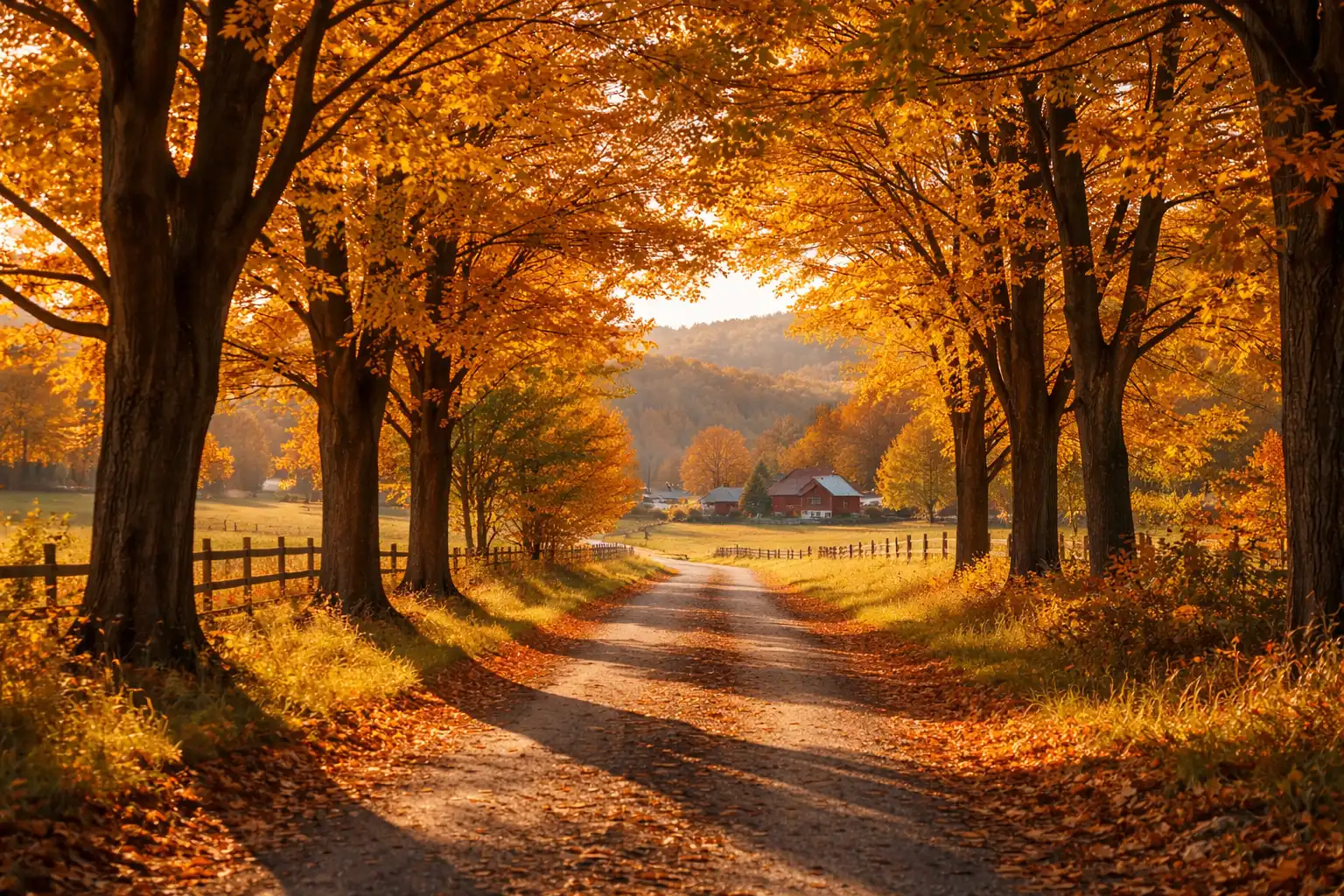
A convincing photo to painting transformation does not stop at the foreground subject—the entire scene needs to feel cohesive. Pixlio's AI converts backgrounds, environments, and surrounding elements into painted form alongside the main subject. A tree-lined path stays recognizable. A sunset sky becomes a breathtaking sweep of warm pigment. Indoor settings retain their furniture, lighting, and spatial layout. This scene-aware approach means your photo to painting result tells the same story as the original photograph, just rendered in a completely different artistic medium. The composition, depth, and atmosphere you captured with your camera are preserved and enhanced with style-appropriate environmental detail—atmospheric perspective in watercolor washes, textured foliage in oil, and bold color blocks in acrylic.
How to Convert Photo to Painting in 3 Simple Steps
Turning your favorite photograph into a painted masterpiece takes less than a minute. No artistic skills, no expensive software—just upload, pick a style, and let Pixlio's photo to painting AI handle the rest.
Who Uses Photo to Painting?
From homeowners looking for unique wall art to professional designers building visual campaigns, Pixlio's photo to painting converter serves anyone who wants to see their photographs reimagined as hand-painted artwork. Here is how different people put this painting tool to work.
Wall Art and Home Decor
Transform your best photographs into gallery-quality paintings you can print on canvas, frame, and hang at home. Use photo to painting to turn a favorite vacation landscape into an oil painting for the living room, or convert a family portrait into a watercolor keepsake for the hallway. Printed painting artwork adds warmth and personality to any space, and each piece is uniquely yours because it starts from your own photograph.
Personalized Gifts and Keepsakes
Turn cherished photos into painted art prints, canvas wraps, or greeting cards. A photo to painting conversion of a couple's portrait, a beloved pet, or a milestone moment makes a thoughtful and original gift that recipients treasure. The Oil Painting style is especially popular for sentimental portraits, while Watercolor works beautifully for soft, emotive pieces.
Social Media and Digital Content
Stand out on Instagram, Pinterest, and other visual platforms with painterly versions of your content. Use the photo to painting converter to create unique thumbnails, cover images, and posts that stop the scroll. Painted artwork grabs attention in crowded feeds and gives your brand a distinctive creative identity that plain photographs cannot match.
Artists and Designers Seeking References
Speed up your creative workflow by using photo to painting AI to generate painterly references from real-world photographs. Illustrators can quickly visualize how a scene or subject would look in different painted media. Designers can produce painting-inspired mockups for client presentations, mood boards, and interior design previews without starting from a blank canvas.
Photo to Painting FAQ
What is photo to painting?
Photo to painting is an AI-powered tool that converts real photographs into painting-style artwork. Upload any photo—portrait, landscape, pet shot, or product image—and the AI redraws it with authentic painterly techniques such as visible brushstrokes, canvas texture, and rich color blending while preserving the original subject and composition.
Is Pixlio's photo to painting converter free?
Yes. Pixlio offers free credits when you sign up, so you can try the photo to painting tool immediately. Each conversion uses a small number of credits shown before you generate. Additional credits are available through affordable plans.
Does photo to painting preserve my subject?
Yes. Pixlio's photo to painting AI preserves your subject's facial features, pose, proportions, and overall identity. The transformation applies painterly rendering—brushstrokes, shading, and color—without altering who or what is in the image.
What painting styles are available?
Pixlio offers four photo to painting styles: Oil Painting (rich layered brushstrokes with canvas texture), Watercolor (translucent washes with soft edges), Impressionist (broken brushwork with vibrant natural light), and Acrylic Canvas (bold marks with a saturated modern palette). Each produces genuinely different results from the same input photo.
What photo types work best for painting conversion?
Portraits, landscapes, and well-lit photos with clear subjects produce the best photo to painting results. Pet photos, still life shots, architecture, and product images also work well. Very dark, heavily blurred, or extremely low-resolution images may produce less detailed results. For best quality, use images where the subject is clearly visible.
Can I use my painting-converted images commercially?
Pixlio is built for creators and businesses. Many users incorporate photo to painting results into wall art prints, merchandise designs, marketing materials, and social media content. Review your plan details and our Terms of Service for complete information about commercial usage rights.