Pixlio AI
Use the tool below to convert your photo to sketch style.

Photo to Sketch — Turn Any Photo Into Hand-Drawn Sketch Art
Want to turn a favorite photograph into a beautiful hand-drawn sketch? Pixlio's photo to sketch tool makes it effortless. Upload any image—portrait, landscape, pet, or product—and watch the AI transform it into authentic sketch artwork in seconds. This photo to sketch converter goes far beyond basic filters, intelligently redrawing your image with realistic hand-drawn techniques that look like the work of a skilled artist. Choose from four distinct styles—Pencil Sketch, Charcoal Drawing, Ink Wash, and Colored Pencil—each tuned to deliver genuine artistic quality. Whether you need a striking profile picture, a personalized gift, or creative content for your brand, our photo to sketch AI delivers professional-grade results every time.
Why Pixlio Is the Best Photo to Sketch Tool
Ordinary sketch filters produce flat, lifeless outlines. Pixlio's photo to sketch AI understands depth, lighting, and texture—producing artwork that genuinely looks hand-drawn on real paper, with the character and warmth only traditional media can provide.
Pencil Sketch — Classic Graphite on Paper
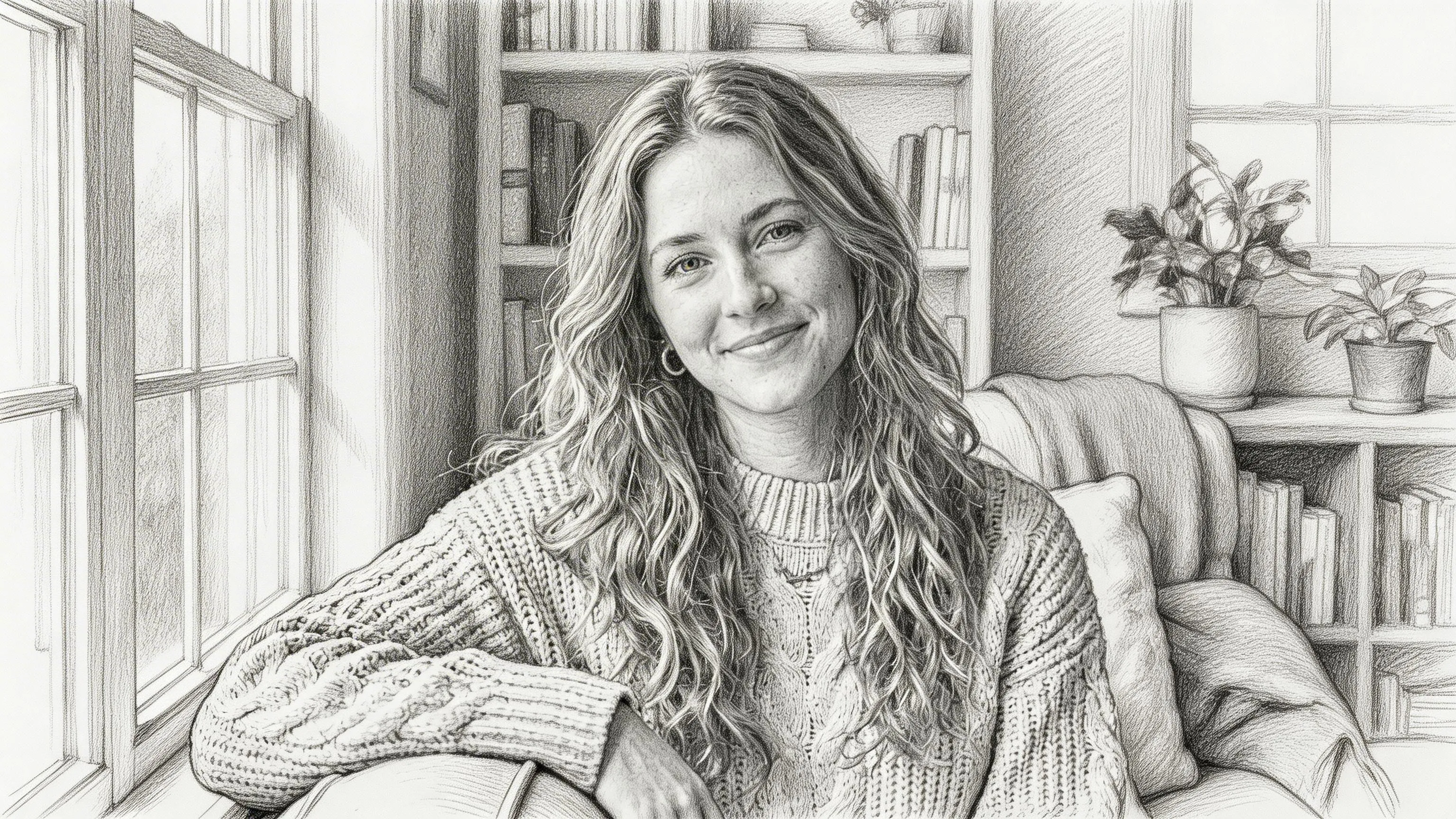
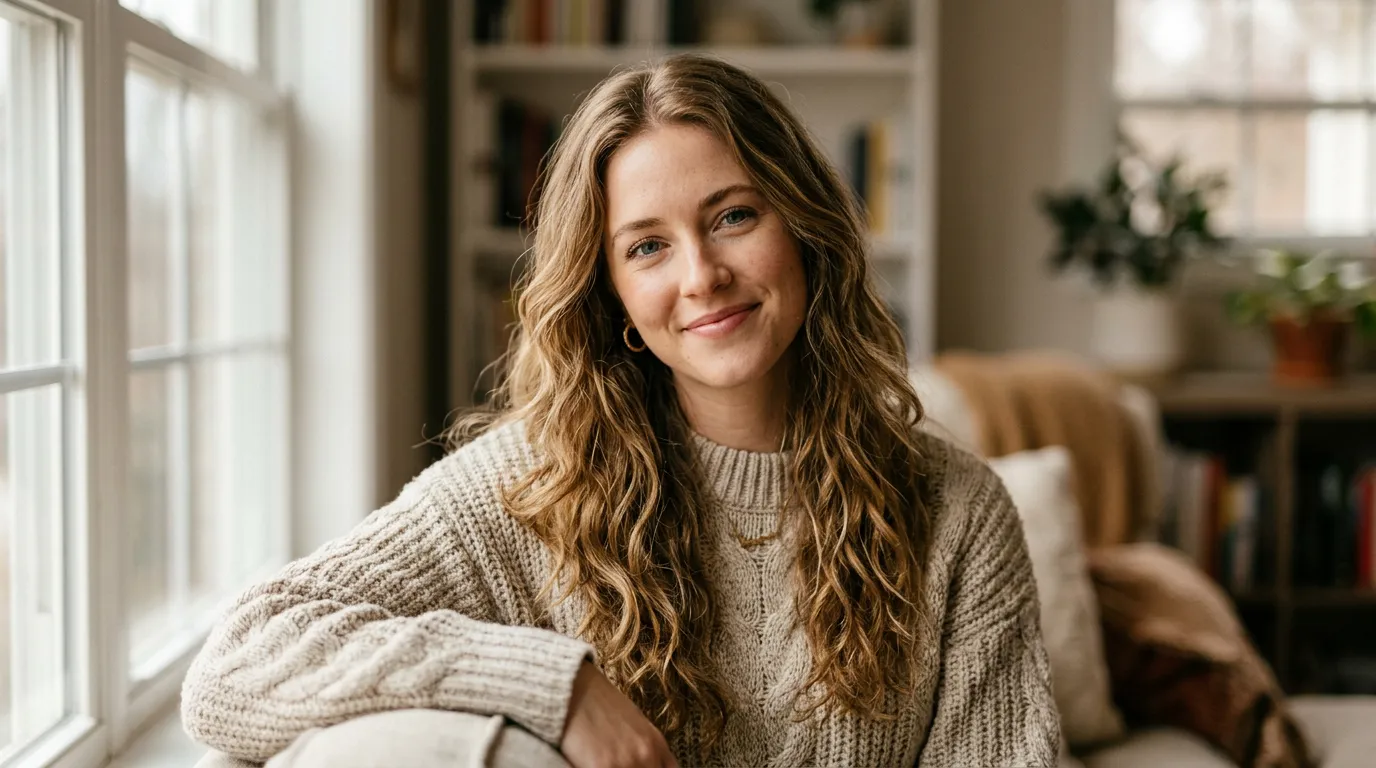
The most timeless sketch medium brought to life by AI. Pixlio's photo to sketch Pencil Sketch style recreates the look of a graphite drawing with remarkable authenticity. Fine contour lines define every edge, while layered hatching and cross-hatching build tonal depth the way a trained artist would. Soft blended areas create gentle gradients, and you can almost see the grain of the drawing paper beneath the strokes. The AI preserves every important detail from your original photo—facial features, textures, spatial relationships—while transforming the rendering into pure graphite artistry. This photo to sketch converter produces results you'd be proud to frame, print, or share.
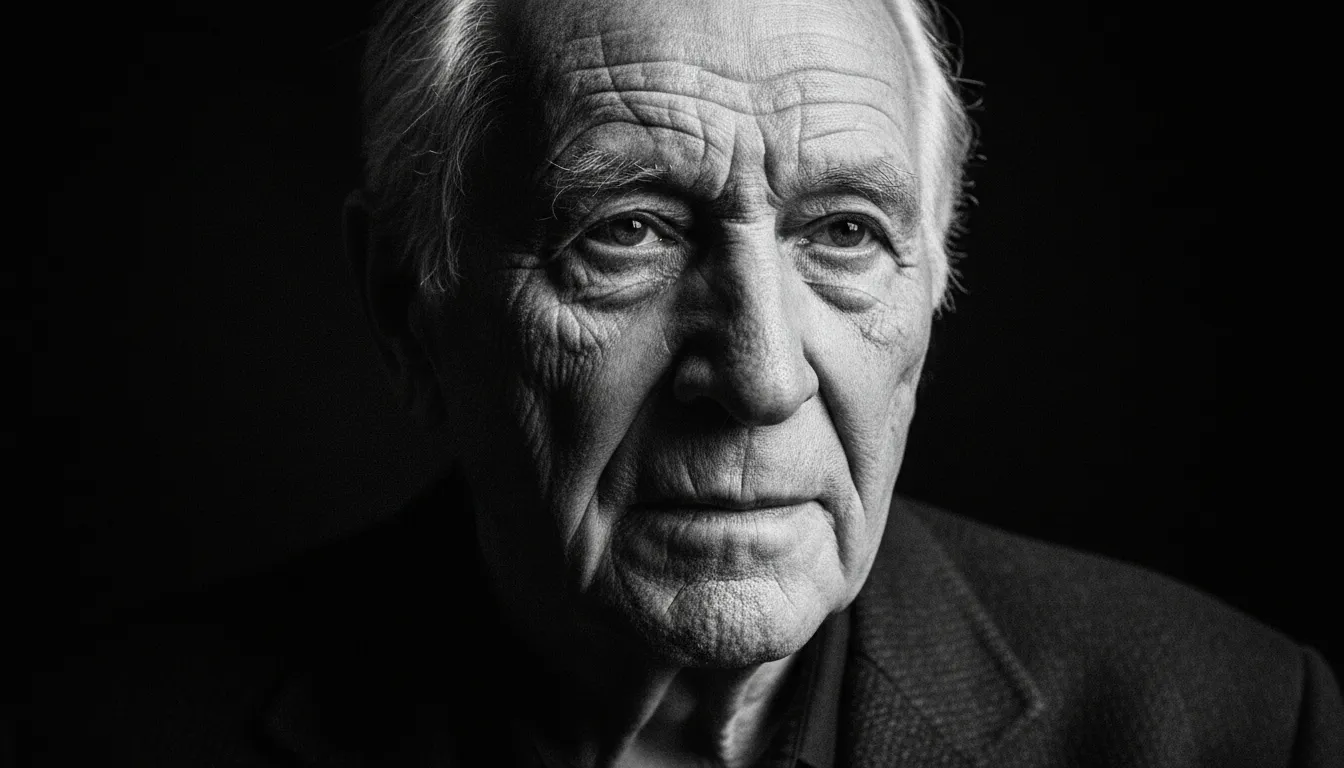
Charcoal Drawing — Bold and Dramatic
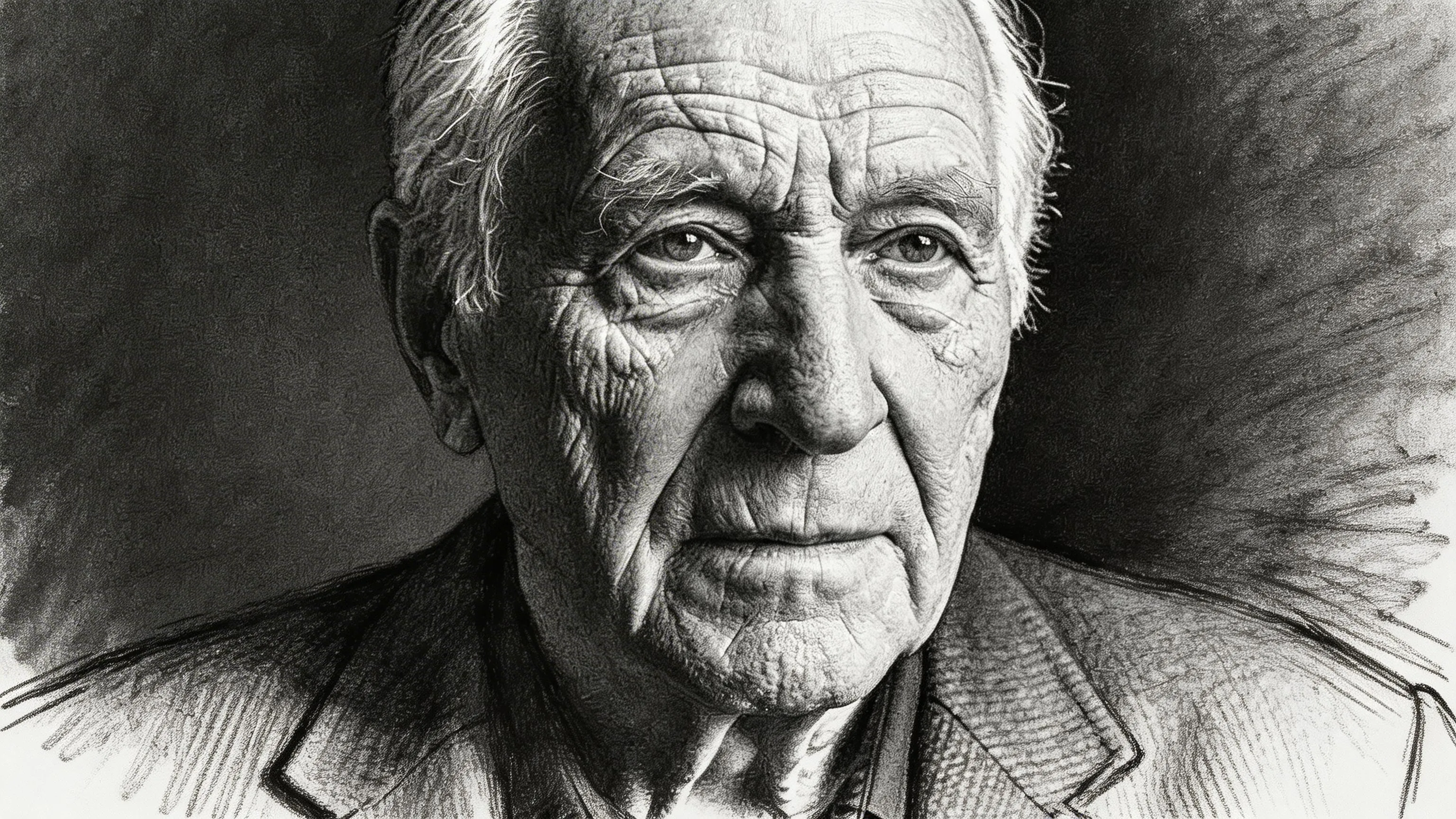
When you want raw energy and striking contrast, charcoal is the medium that delivers. Pixlio's photo to sketch Charcoal Drawing style transforms your image into expressive art with bold strokes and loose gestural marks that capture your subject's essence. Deep, velvety blacks contrast against bright highlights to create dramatic chiaroscuro shading. Smudged tonal areas add atmospheric depth, while visible charcoal dust and rough edges give the artwork an authentic handmade feel. This style is especially effective for portraits, lending emotional weight and artistic gravitas. The photo to sketch AI analyzes light sources in your original photo and translates them into striking charcoal contrast on textured art paper.
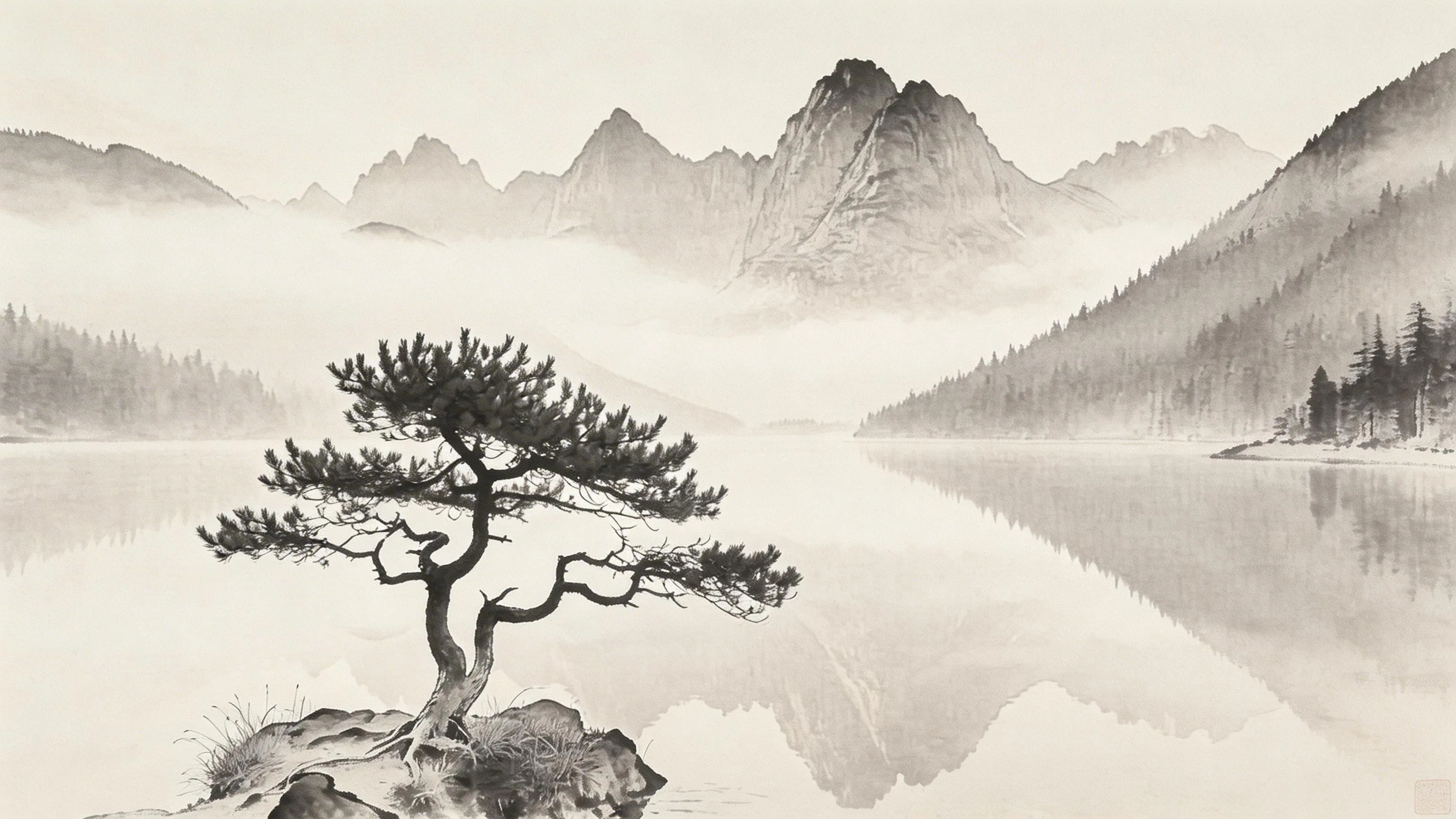
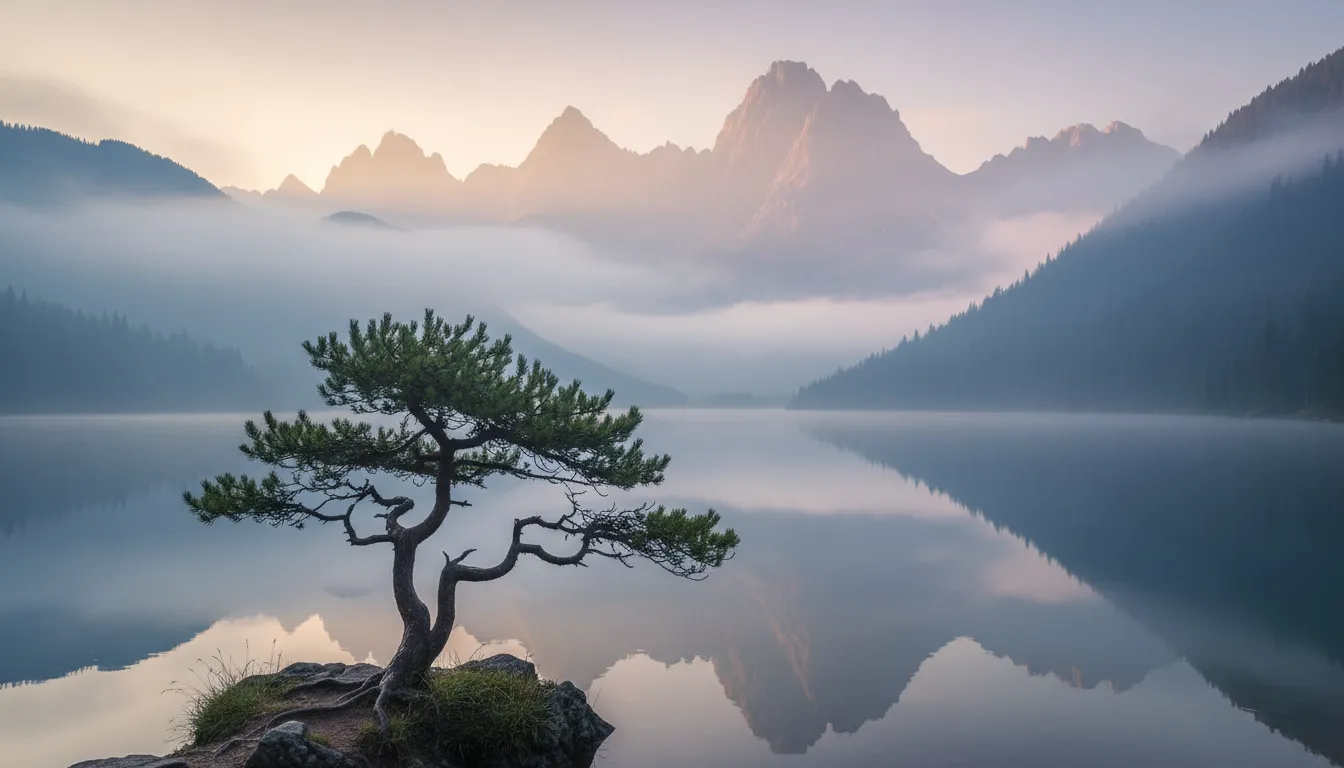
Ink Wash — Elegant East Asian Brushwork
Inspired by centuries-old sumi-e tradition, the Ink Wash style brings a meditative quality to your photo to sketch conversion. The AI renders your subject using fluid monochrome ink—varying from deep black to the softest gray—with brushstrokes that feel alive and intentional. Minimalist forms suggest rather than define, capturing the essence of your scene with elegant restraint. Large areas of negative space balance the composition, while soft ink diffusion on absorbent rice paper adds unmistakable organic warmth. The photo to sketch tool preserves your original composition while distilling it into artwork that carries the timeless beauty of East Asian ink painting.
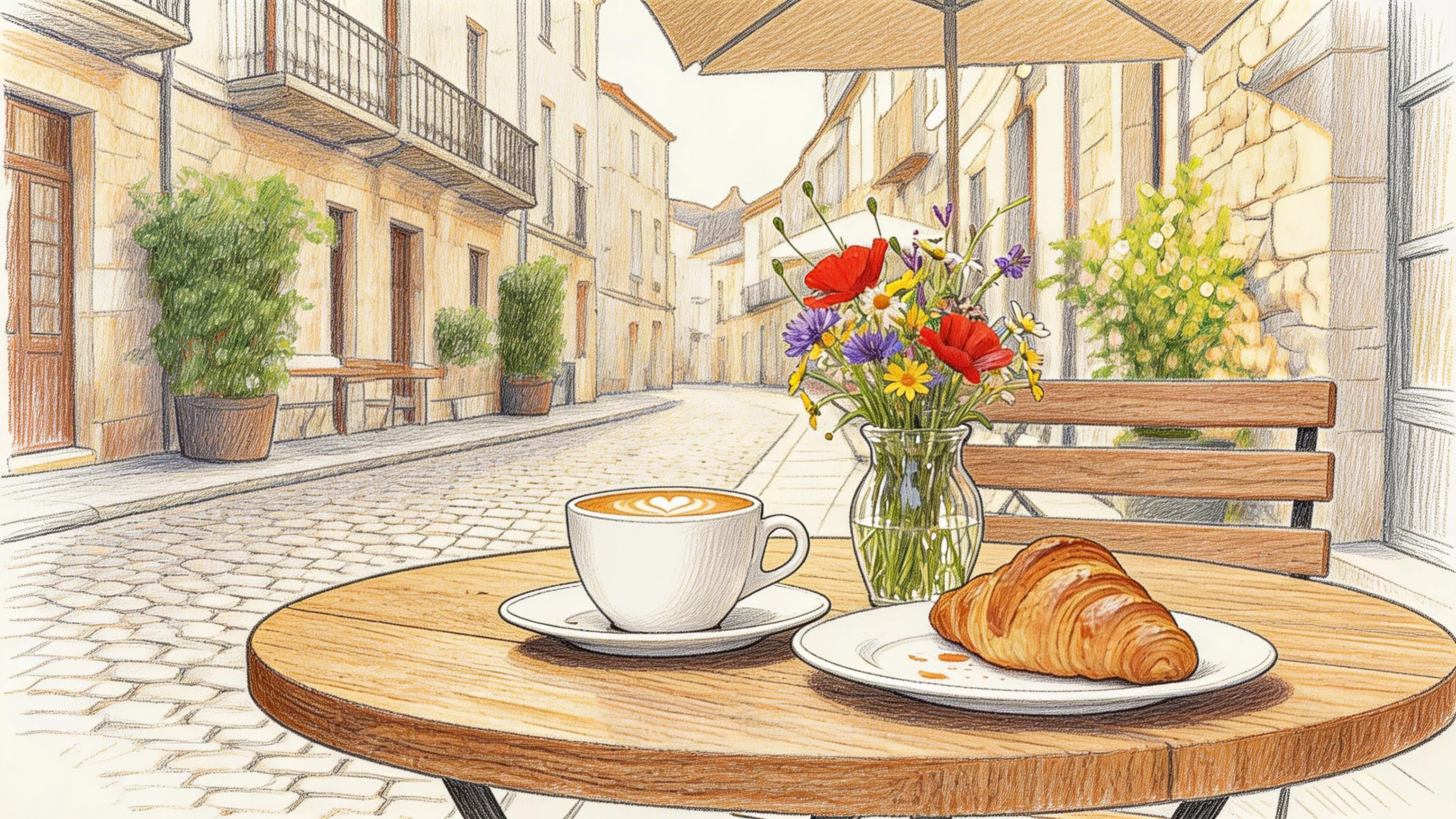
Colored Pencil — Vivid Hand-Drawn Color
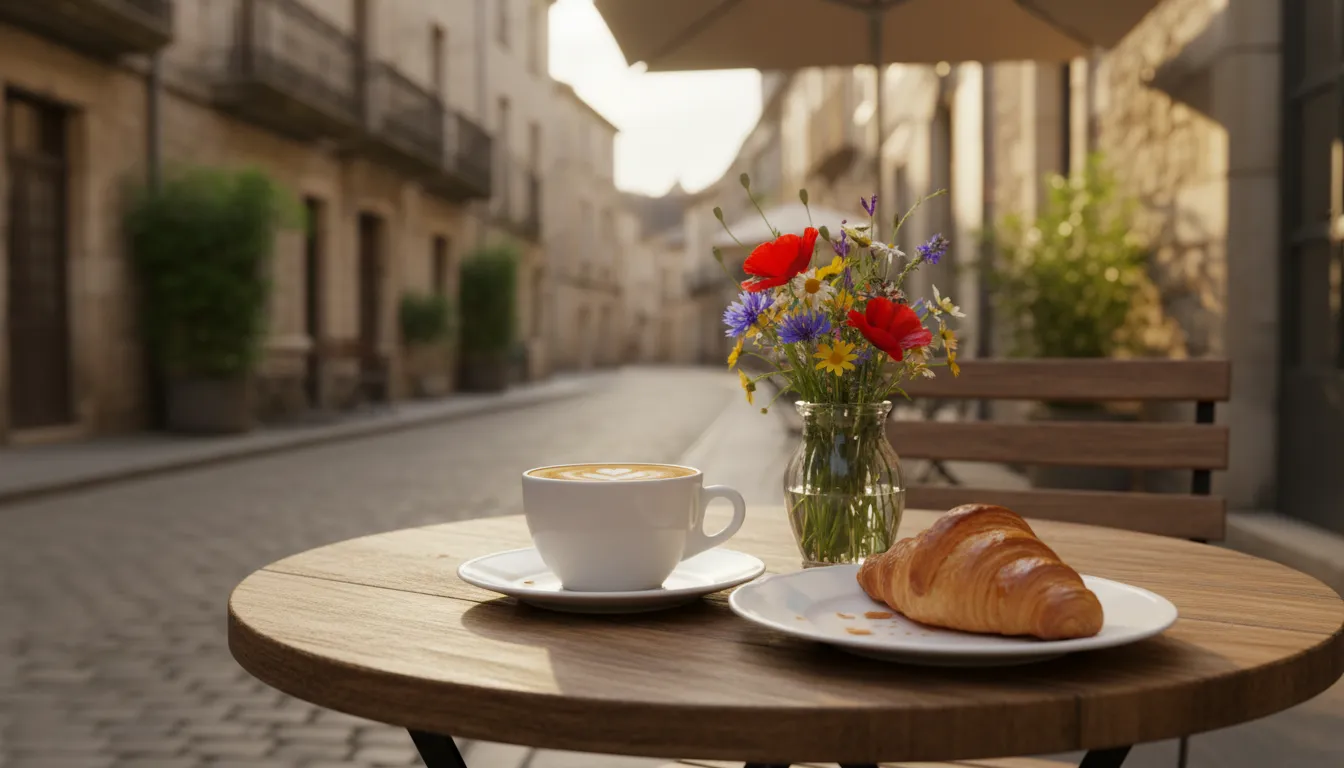
Not every sketch needs to be monochrome. Pixlio's photo to sketch Colored Pencil style preserves the rich color of your original photo while adding the warmth and texture of hand-drawn illustration. Visible colored pencil strokes layer pigment across the image, building up color through directional hatching and soft blending. Paper grain shows through in lighter areas, giving the piece a tactile quality that digital art often lacks. Natural pencil outlines define the subject with hand-drawn charm, and the style works beautifully for everything from floral still life to vibrant street photography. The convert photo to sketch process retains your scene's palette and atmosphere, translating it into a colored pencil illustration that looks like hours of studio work.
How to Convert Photo to Sketch in 3 Simple Steps
Turning your photograph into sketch art takes less than a minute. No drawing skills, no expensive software—just upload, pick a style, and let Pixlio's photo to sketch AI handle the rest.
Who Uses Photo to Sketch?
From social media creators to professional designers, Pixlio's photo to sketch converter serves anyone who wants to transform photographs into authentic hand-drawn artwork. Here's how different people put this sketch generator to work.
Social Media and Profile Pictures
Stand out on Instagram, TikTok, Discord, and X with a sketch version of your portrait. Use photo to sketch to create a unique hand-drawn avatar that grabs attention in crowded feeds. Sketch-style profile pictures give your online presence an artistic edge that generic filters can't match. Create matching sketch portraits for your friend group or brand identity.
Personalized Gifts and Keepsakes
Turn cherished photographs into sketch art prints, greeting cards, or framed pieces. A photo to sketch conversion of a wedding portrait, family photo, or beloved pet makes a thoughtful and original gift. The Pencil Sketch style is especially popular for sentimental pieces, while Charcoal Drawing adds dramatic flair to wall art and posters.
Content Creators and Designers
Build a consistent sketch-themed visual identity across your channels. Use the photo to sketch converter to produce hand-drawn thumbnails, blog illustrations, and marketing assets from your existing photos. Sketch artwork adds a premium, artisanal feel to branding materials without commissioning custom illustrations for every piece of content.
Artists Seeking Sketch References
Speed up your creative workflow by using photo to sketch AI to generate sketch-style references from real-world photographs. Illustrators can quickly see how a subject translates into different drawing media. Designers can produce hand-drawn mockups for client pitches, storyboards, and mood boards without starting from a blank page.
Photo to Sketch FAQ
What is photo to sketch?
Photo to sketch is an AI-powered tool that converts real photographs into sketch-style artwork. Upload any image—portrait, landscape, still life, or group shot—and the AI redraws it with hand-drawn aesthetics such as pencil linework, charcoal shading, or ink brushstrokes while preserving the original subject and scene composition.
Is Pixlio's photo to sketch converter free?
Yes. Pixlio offers free credits when you sign up, so you can try the photo to sketch tool immediately. Each conversion uses a small number of credits shown before you generate. Additional credits are available through affordable plans.
Does photo to sketch preserve my original subject?
Yes. Pixlio's photo to sketch AI preserves your subject's features, pose, proportions, and overall composition. The transformation applies sketch rendering—linework, shading, and texture—without altering the identity or structure of your image.
What sketch styles are available?
Pixlio offers four photo to sketch styles: Pencil Sketch (fine graphite linework with hatching), Charcoal Drawing (bold strokes with dramatic contrast), Ink Wash (East Asian sumi-e brushwork), and Colored Pencil (vibrant layered pigment with visible strokes). Each produces genuinely different results from the same input photo.
What photo types work best for sketch conversion?
Portraits, landscapes, still-life compositions, and well-lit photos with clear subjects produce the best photo to sketch results. Group photos, architectural scenes, and nature shots also work well. Very dark, heavily blurred, or extremely low-resolution images may produce less detailed results. For best quality, use images where the subject is clearly visible.
Can I use my sketch-converted images commercially?
Pixlio is built for creators and businesses. Many users incorporate photo to sketch results into social media content, print products, merchandise designs, and marketing materials. Review your plan details and our Terms of Service for complete information about commercial usage rights.
More AI Image Tools
Explore our collection of AI-powered image tools designed for different creative needs and styles