 Pixlio AI
Use the ghibli style image generator tool below to transform your photo into Ghibli-inspired art.
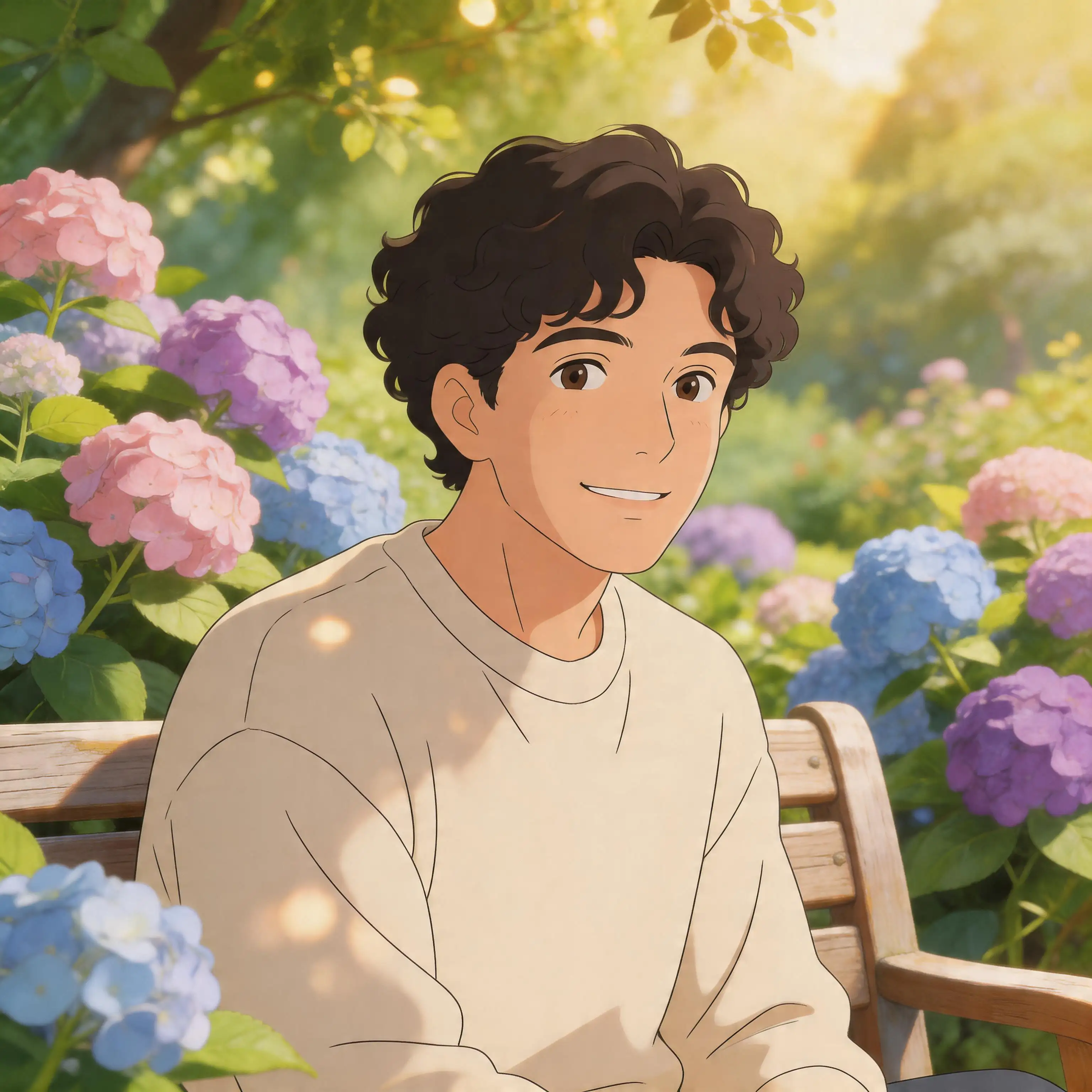
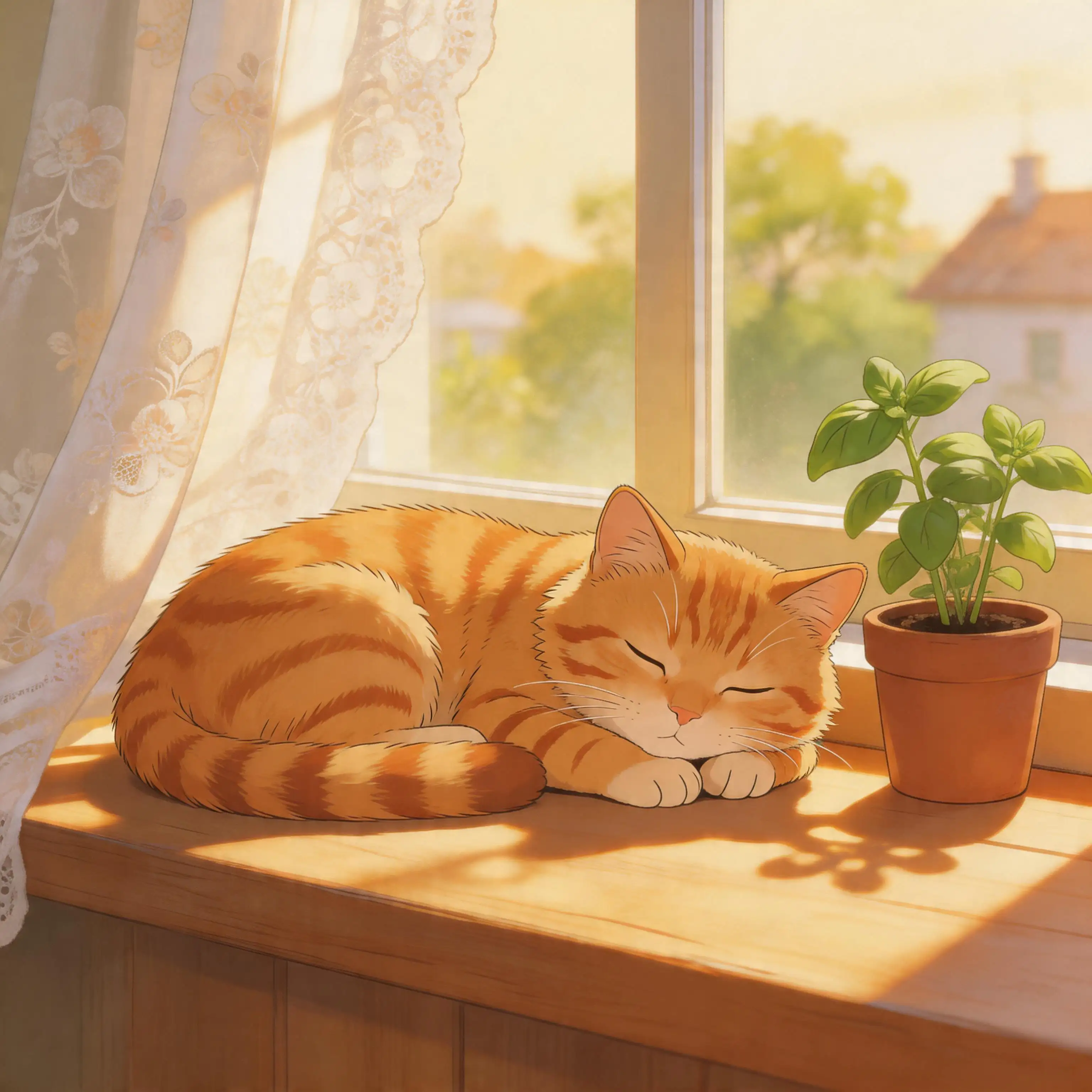
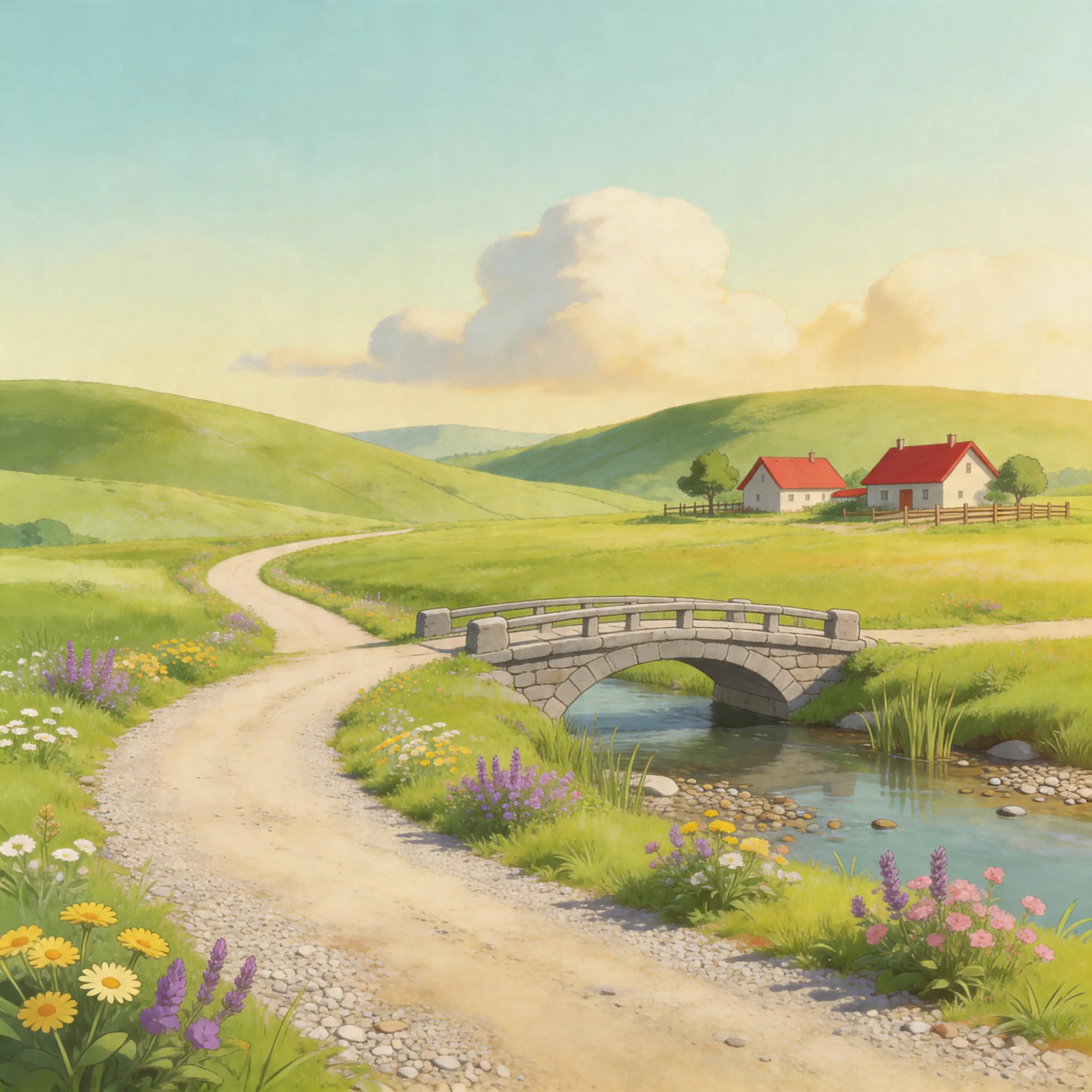
Ghibli Style Image Generator — Turn Any Photo Into Ghibli Art
Upload a portrait, pet photo, or travel snapshot and Pixlio's ghibli style image generator transforms it into a warm, hand-painted illustration—soft watercolor textures, pastel skies, and storybook lighting—while keeping faces, pets, and places recognizable. No prompt engineering required, just simple style controls and studio-quality results.
What Makes Pixlio the Best Ghibli Style Image Generator
Generic anime filters flatten your photos into something unrecognizable. Pixlio's ghibli style image generator understands faces, lighting, and composition—producing Ghibli-inspired artwork that actually looks like you, your pet, or your favorite place.
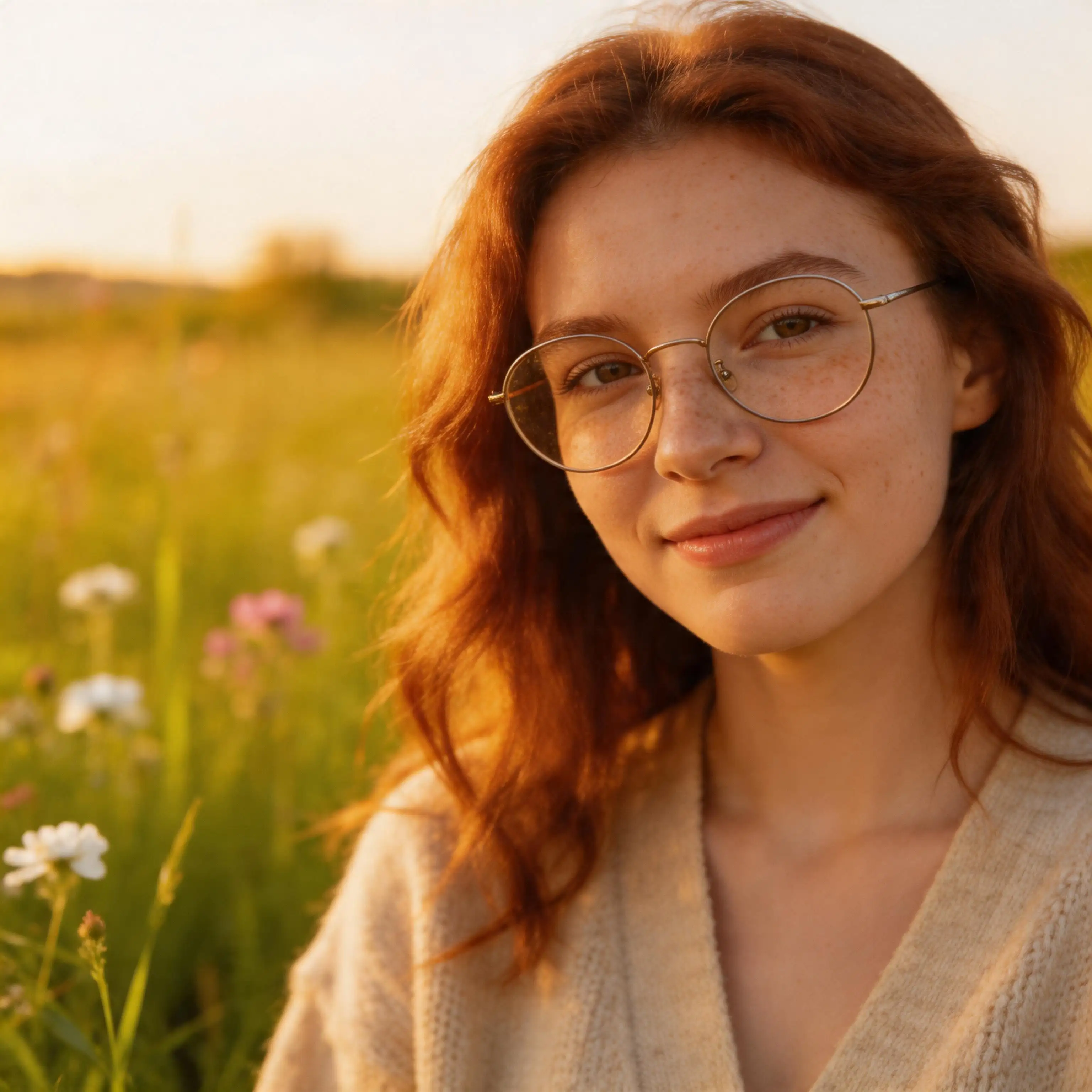
Faithful Face and Subject Preservation
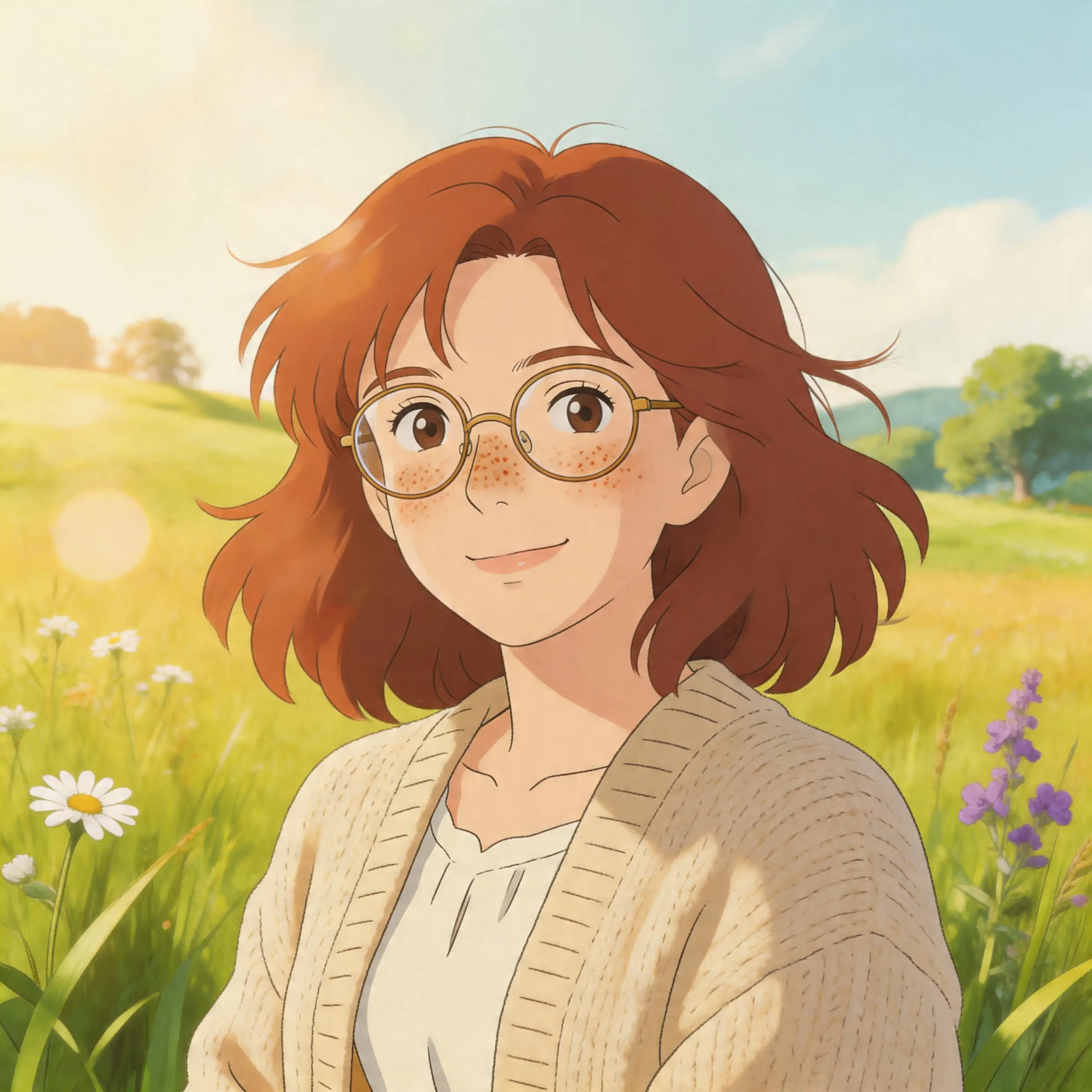
The biggest concern with any ghibli style image generator is whether the result will still look like the person in the photo. Pixlio solves this by analyzing key facial landmarks—eye shape, jawline, nose structure, hairstyle—and carrying them into the Ghibli-styled version with remarkable accuracy. Glasses, freckles, and accessories transfer naturally. A wide smile stays a wide smile. Friends and family will instantly recognize you in the final artwork. Unlike cheap filters that paste a generic anime face over your photo, this generator treats every subject as unique, producing a genuine Ghibli-inspired portrait of you.
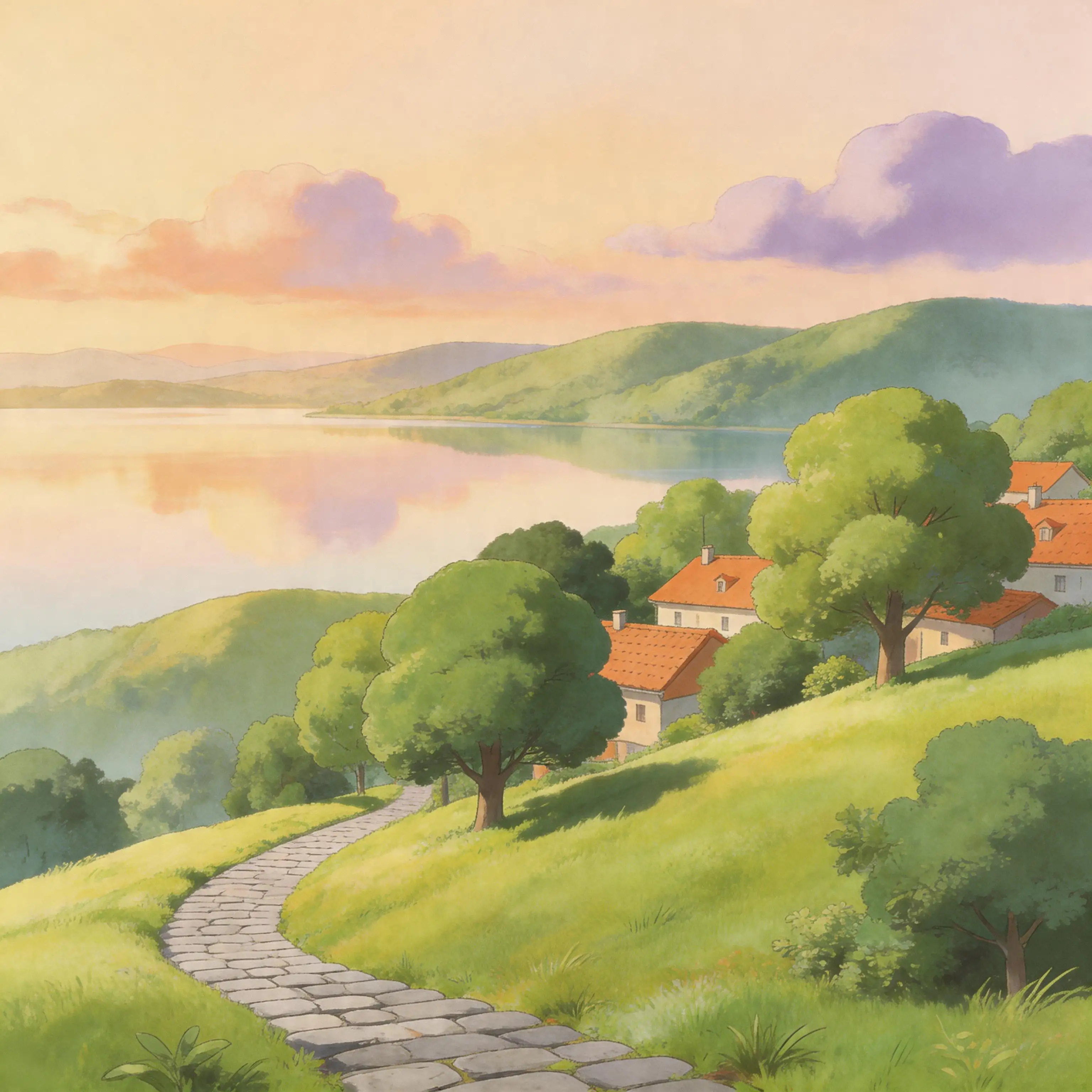
Warm, Hand-Painted Ghibli Aesthetic
"Ghibli-style" should mean more than generic anime. Pixlio's ghibli style image generator produces artwork with the soft watercolor textures, warm pastel palettes, and gentle atmospheric lighting that define the Studio Ghibli look. Skies glow with golden-hour warmth, foliage feels lush and painterly, and skin tones stay natural rather than oversaturated. The result is a cozy, storybook illustration that captures the emotional tone of your original photo, not a flat cartoon overlay. Every transformation aims for the feeling of a beloved animated memory.
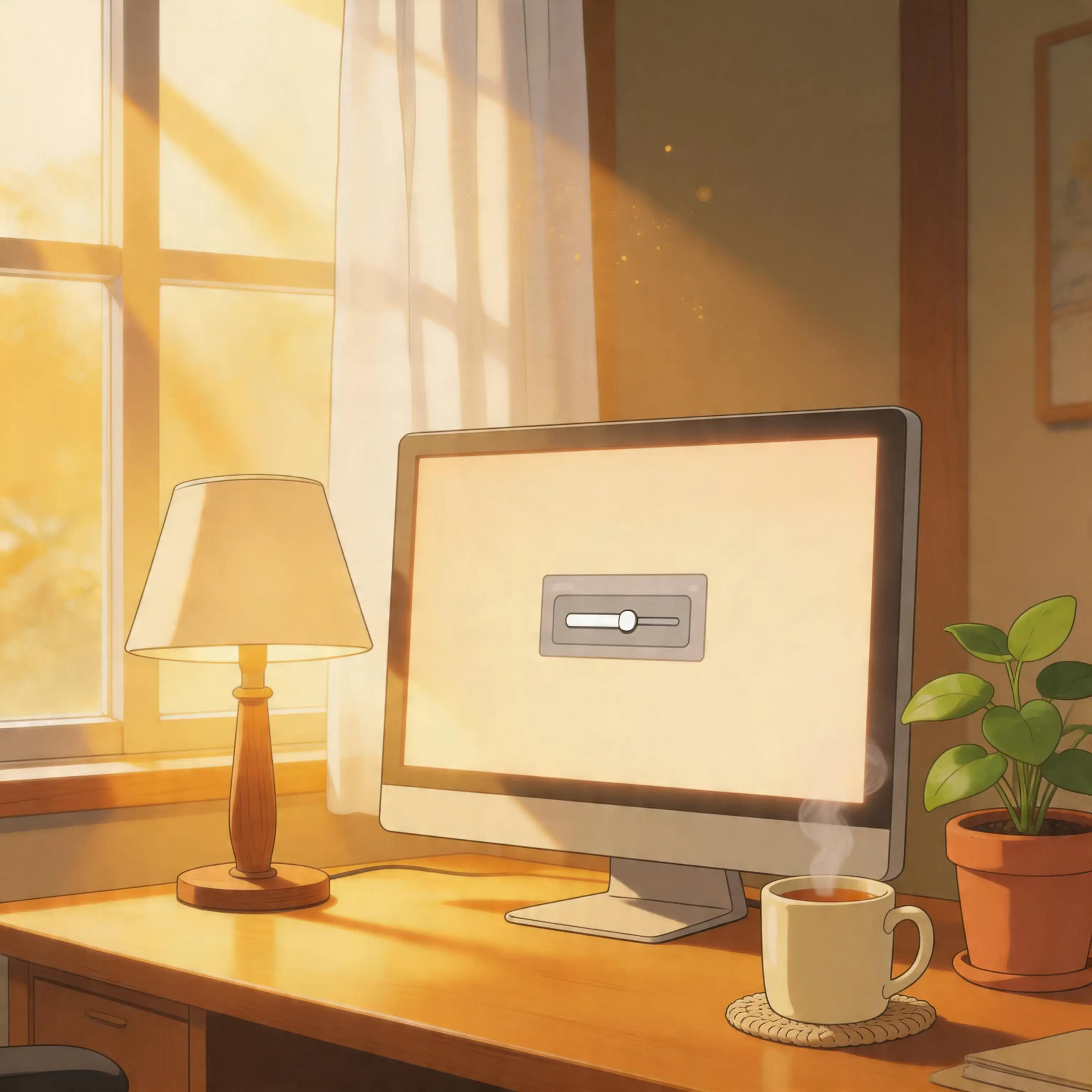
Simple, Intuitive Style Controls
You shouldn't need to learn prompt engineering to get a great result from a ghibli style image generator. Pixlio offers four one-tap controls—Preserve face, Preserve background, Softer colors, and More whimsical—that map to the adjustments users actually want. Need something specific? Add a short guidance hint like "keep the red scarf" or "make it cozier, not brighter." These controls give you meaningful creative input without turning the tool into a complex editor, striking the balance between one-click simplicity and the fine-tuning power-users expect.
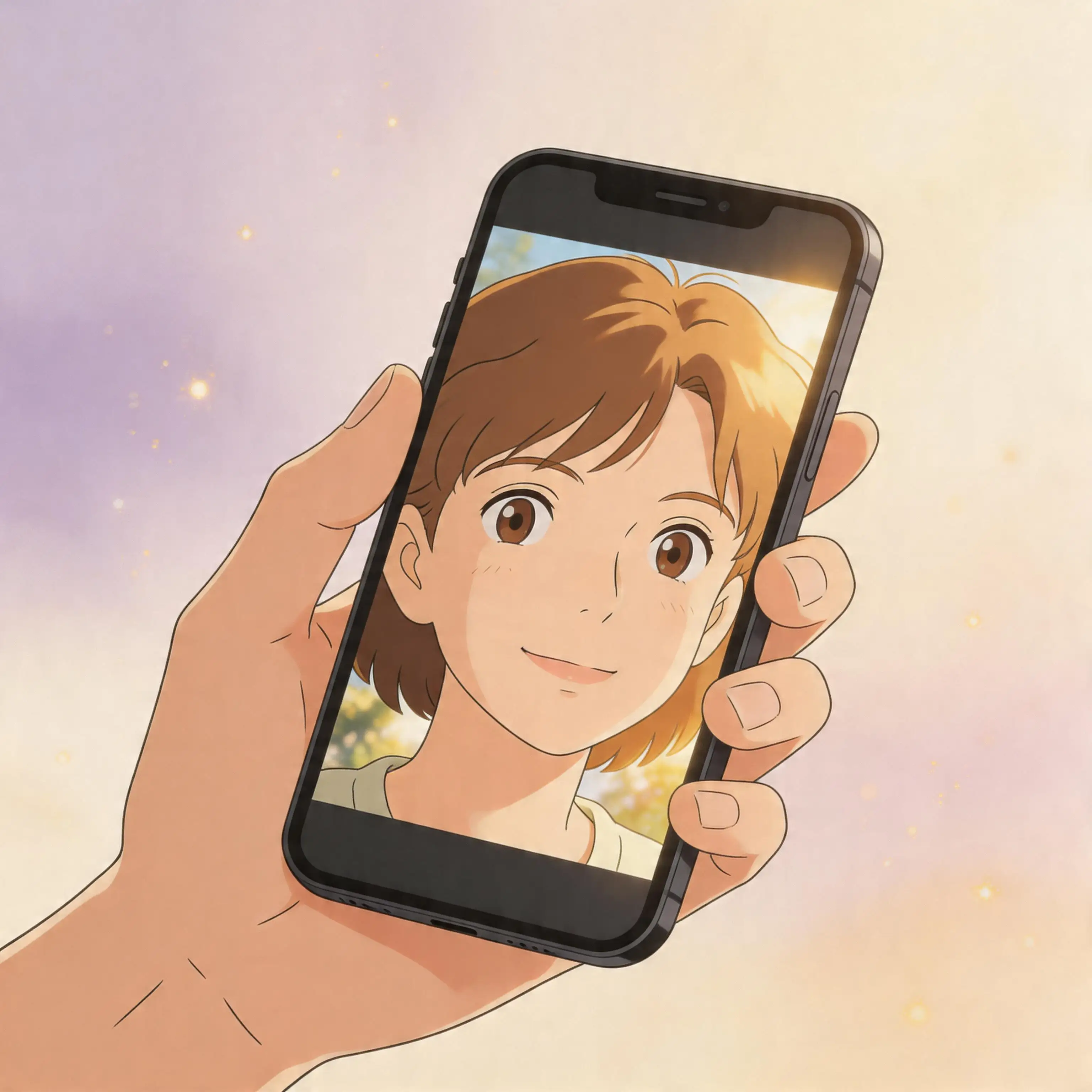
Fast, Photo-First Workflow
Pixlio's ghibli style image generator is built around the way people actually use these tools: upload a photo, get a beautiful result. There's no blank canvas, no multi-step creative workflow, and no mandatory text prompt. The upload is the starting point, and the AI handles the rest in seconds. Results render quickly on any device—desktop or mobile—so you can try, compare, regenerate, and download without friction. The entire flow stays linear: upload, adjust, generate, download.
How to Use the Ghibli Style Image Generator in 3 Steps
Turning your favorite photo into Ghibli-inspired art takes less than a minute. No drawing skills, no expensive software—just upload, adjust, and let Pixlio's ghibli style image generator handle the rest.
Who Uses the Ghibli Style Image Generator?
From social media enthusiasts to gift-givers, Pixlio's ghibli style image generator serves anyone who wants to see their photos reimagined as warm, hand-painted Ghibli art. Here's how different people put it to work.
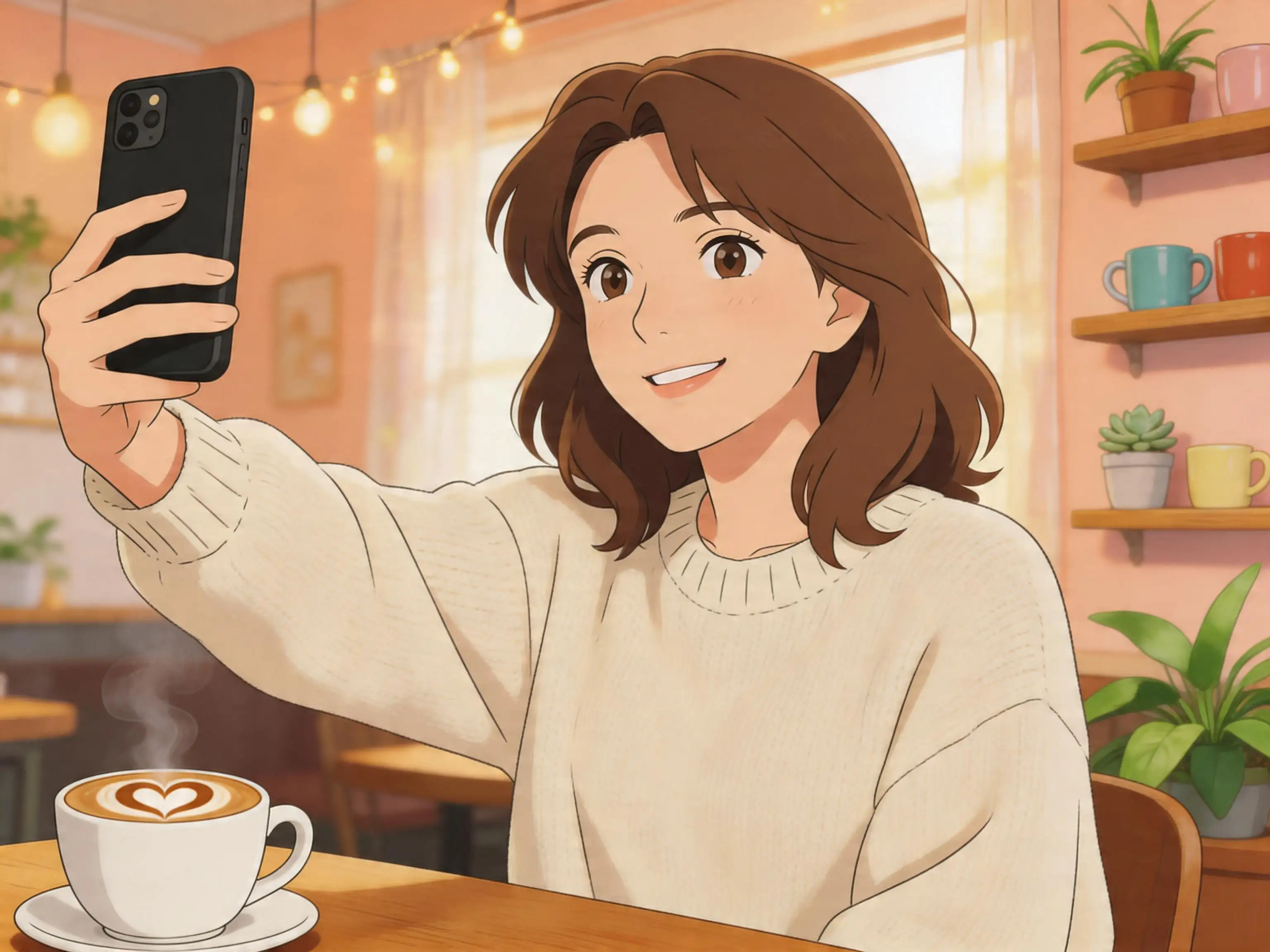
Social Media Profiles and Shareable Posts
Stand out on Instagram, TikTok, Discord, and X with a Ghibli-inspired version of yourself. Use the ghibli style image generator to create a unique avatar that's unmistakably you—just rendered in warm, storybook art. Ghibli-style profile pictures grab attention in crowded feeds and give your online presence a distinctive, creative identity. Create matching versions for your entire friend group or a themed content series.
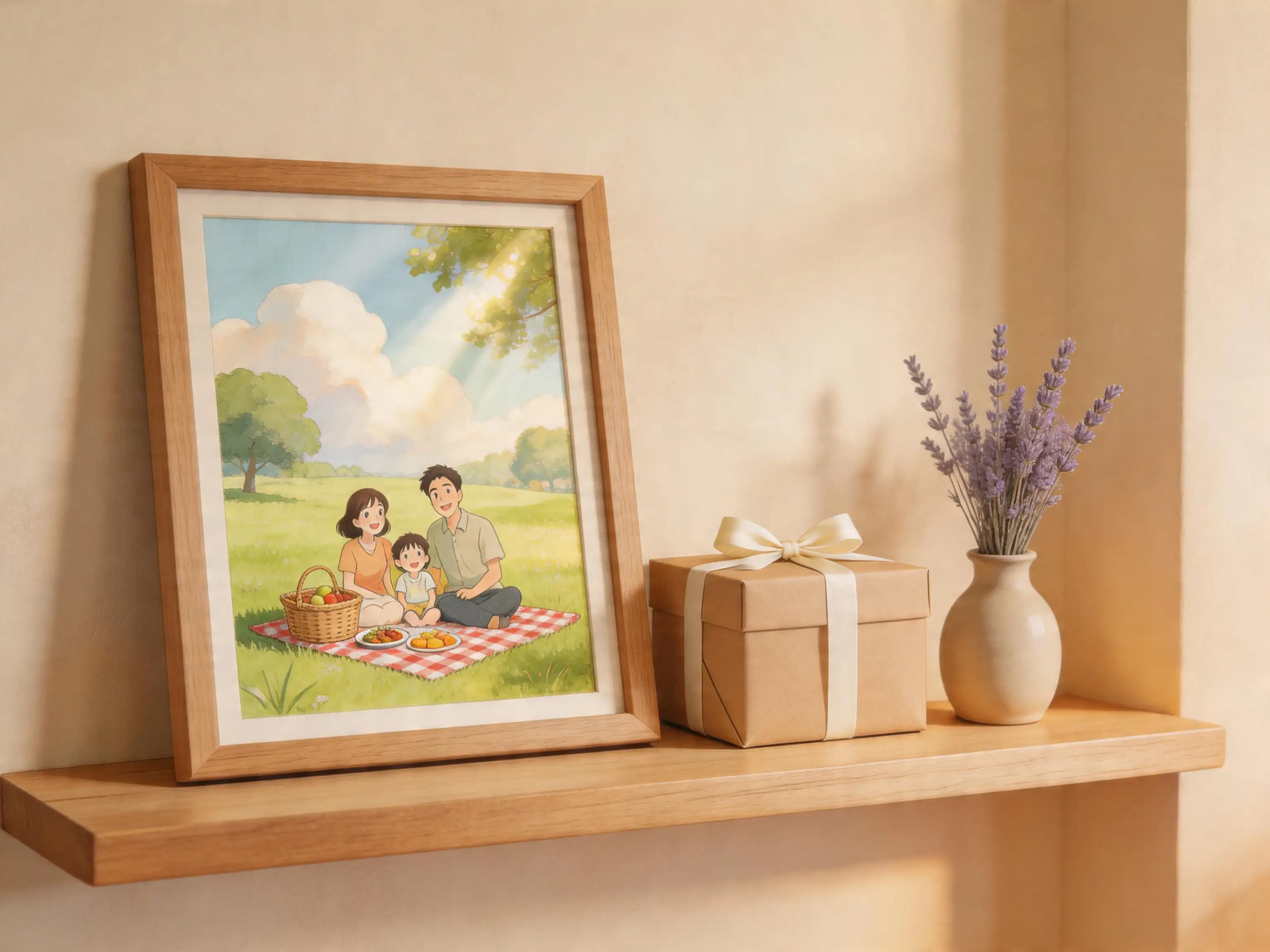
Personalized Gifts and Keepsakes
Turn cherished photos into Ghibli art prints, phone cases, or greeting cards. A ghibli style image generator conversion of a couple's portrait, a wedding photo, or a beloved pet makes a thoughtful, original gift that recipients treasure. The soft, warm aesthetic feels especially fitting for sentimental pieces—anniversaries, birthdays, or just-because moments that deserve a more magical version.
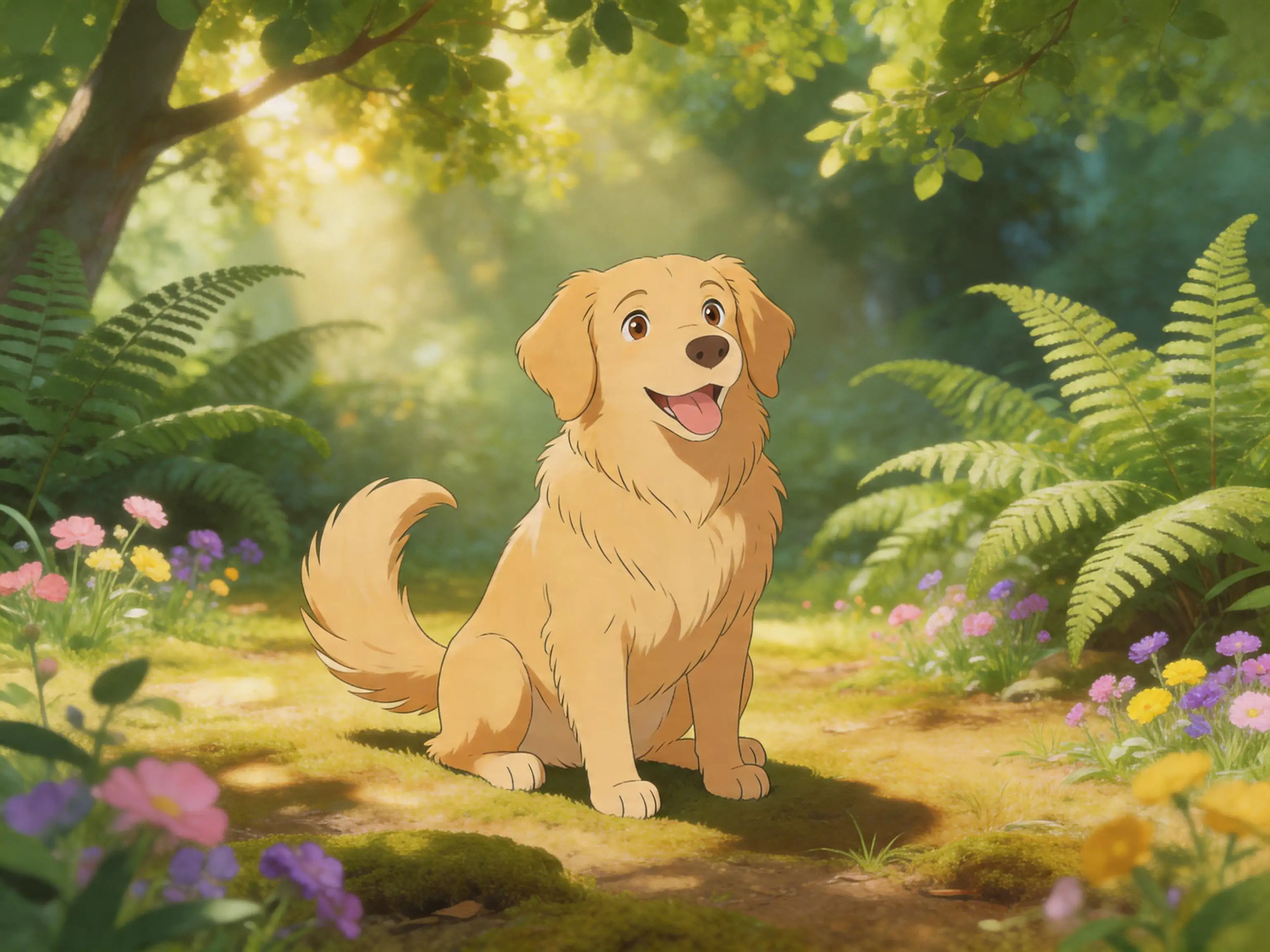
Pet and Family Portraits
Pets and family photos are among the most popular inputs for the ghibli style image generator. The AI handles fur textures, group compositions, and expressive faces with care, producing artwork that feels like a scene from a beloved animated film. Turn your dog's backyard portrait into a Ghibli forest companion, or transform a family holiday snapshot into a cozy storybook illustration worth framing.
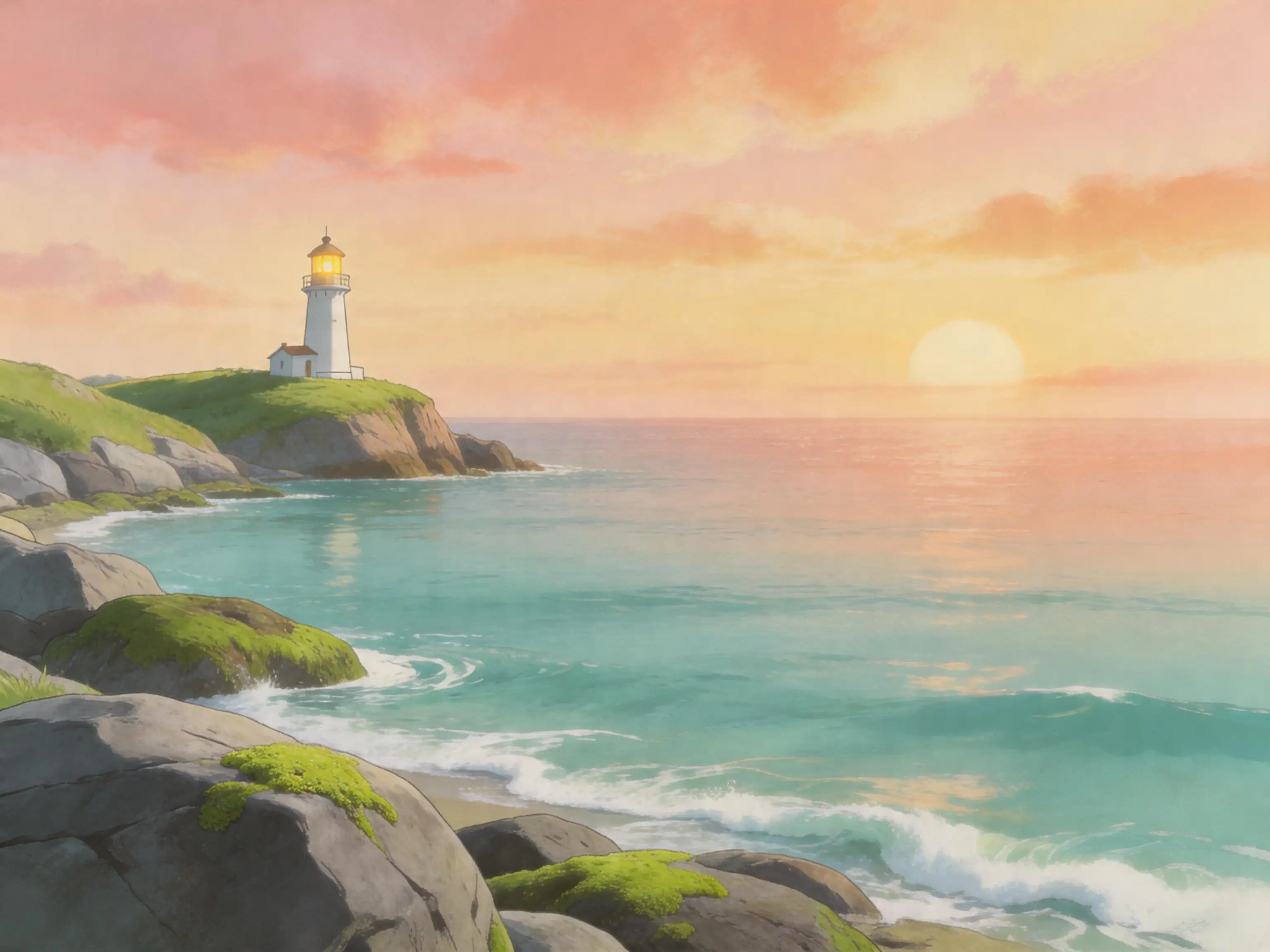
Travel and Landscape Memories
Reimagine your favorite travel photos as lush Ghibli-style landscapes. The ghibli style image generator transforms sunsets, cityscapes, mountain trails, and seaside views into painterly scenes with atmospheric depth and warm lighting. The result turns an ordinary vacation photo into something that feels like a hand-painted background from an animated masterpiece—perfect for wallpapers, prints, or simply a more magical version of where you've been.
Ghibli Style Image Generator FAQ
What is a ghibli style image generator?
A ghibli style image generator is an AI-powered tool that transforms real photographs into warm, hand-painted illustrations inspired by the iconic aesthetic of Studio Ghibli films. Unlike generic cartoon filters, Pixlio's generator produces soft watercolor textures, pastel palettes, and storybook lighting that capture the cozy, magical atmosphere Ghibli art is known for—while preserving the identity and mood of your original photo.
Is Pixlio's ghibli style image generator free?
Yes. Pixlio offers free credits when you sign up, so you can try the ghibli style image generator immediately. Each transformation uses a small number of credits displayed before you generate. If you need more, affordable credit plans are available on the pricing page.
Does the ghibli style image generator preserve my face?
Yes. Pixlio's ghibli style image generator is built around likeness preservation. The AI retains your facial features, expression, hairstyle, and pose while applying the Ghibli art style. You can also toggle the "Preserve face" control on or off depending on how faithful you want the result to be.
What photo types work best for Ghibli-style transformation?
Portraits, selfies, pet photos, and well-lit landscape or travel images produce the best results with the ghibli style image generator. Clear subjects with good lighting translate into the most detailed and recognizable Ghibli-inspired artwork. Group photos, full-body shots, and indoor scenes also work well.
What style controls are available?
Pixlio's ghibli style image generator offers four one-tap style controls: Preserve face, Preserve background, Softer colors, and More whimsical. You can also add a short guidance hint—like "keep the red scarf" or "make it cozier"—to fine-tune the result without any prompt engineering.
Can I use my Ghibli-style images commercially?
Pixlio is built for creators and businesses. Many users incorporate ghibli style image generator results into social media content, profile pictures, merchandise, and marketing materials. Review your plan details and our Terms of Service for complete information about commercial usage rights.
More AI Image Tools
Explore our collection of AI-powered image tools designed for different creative needs and styles






























Ready to Create Your Ghibli-Style Masterpiece?
Upload your favorite photo and transform it into warm, hand-painted Ghibli-inspired artwork in seconds. Simple style controls, faithful subject preservation, and studio-quality results—all in your browser. Free credits on signup, no software to install.
Disclaimer: This tool is an unofficial AI style-transfer application created for personal entertainment. It is not affiliated with, associated with, authorized by, endorsed by, or in any way officially connected with Studio Ghibli, Inc. All references to "Ghibli" and related artistic styles are used solely for descriptive purposes to identify the style of AI generation.