 Pixlio AI
Nano Banana 2 - Fast AI Image Generator by Google
Create high-quality images with Nano Banana 2 on Pixlio AI. Powered by Google's Gemini 3.1 Flash Image model, generate polished visuals in seconds—with sharp details, reliable text rendering, flexible aspect ratios, and built-in image editing. Iterate fast, upscale to 4K, and publish with confidence.
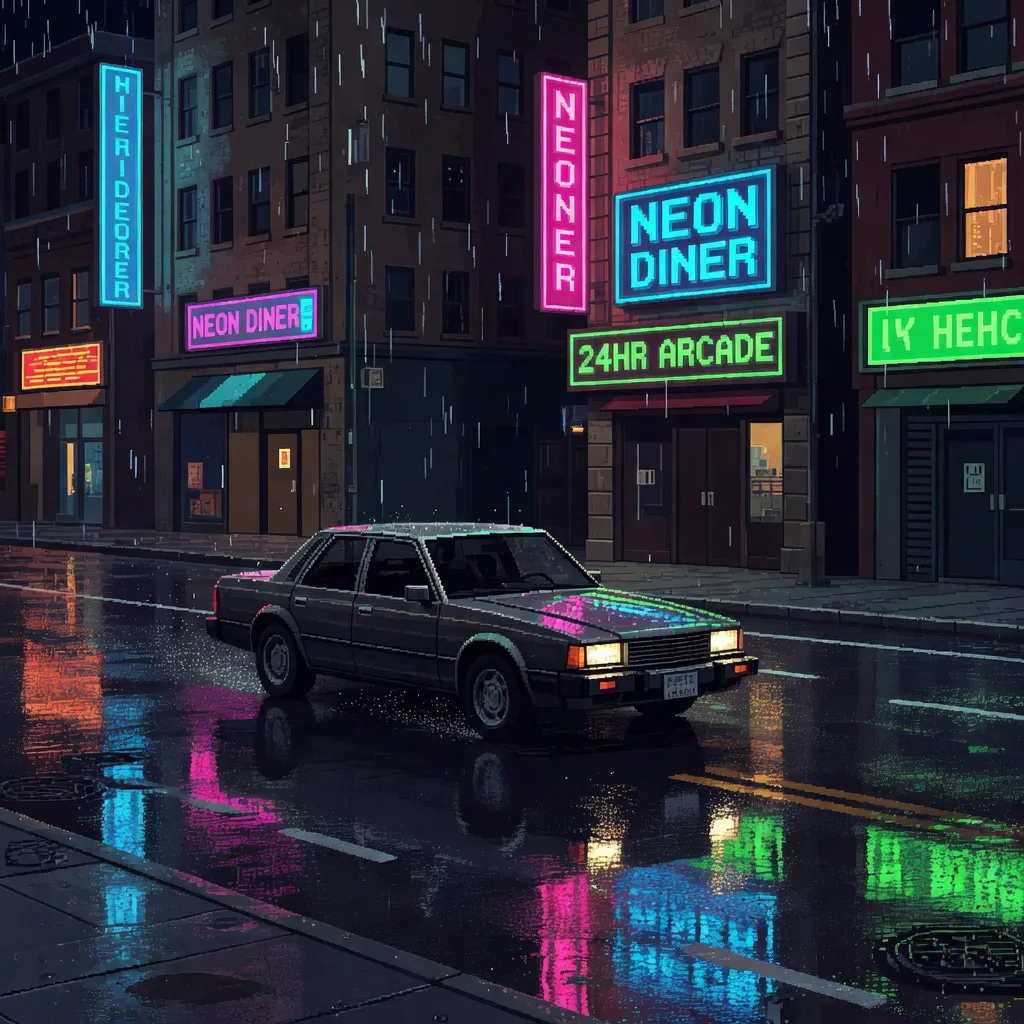
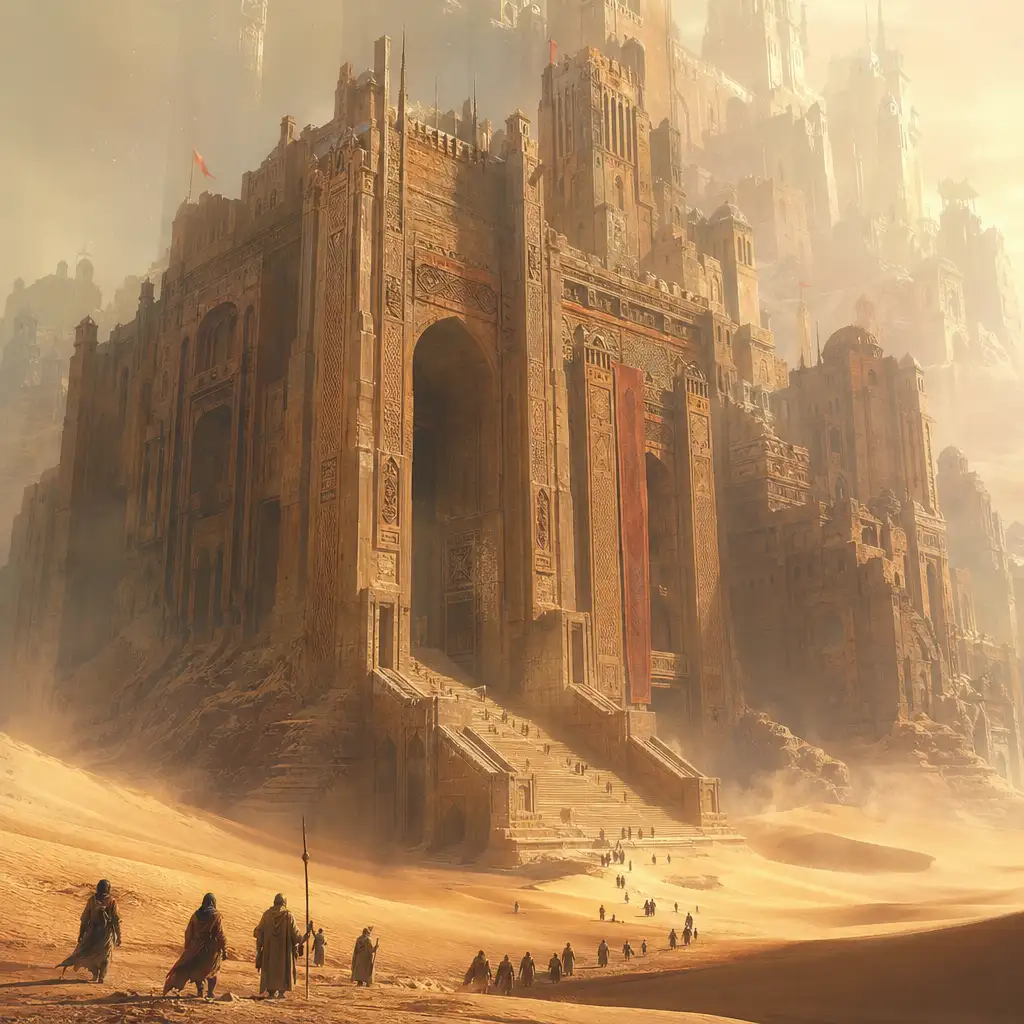
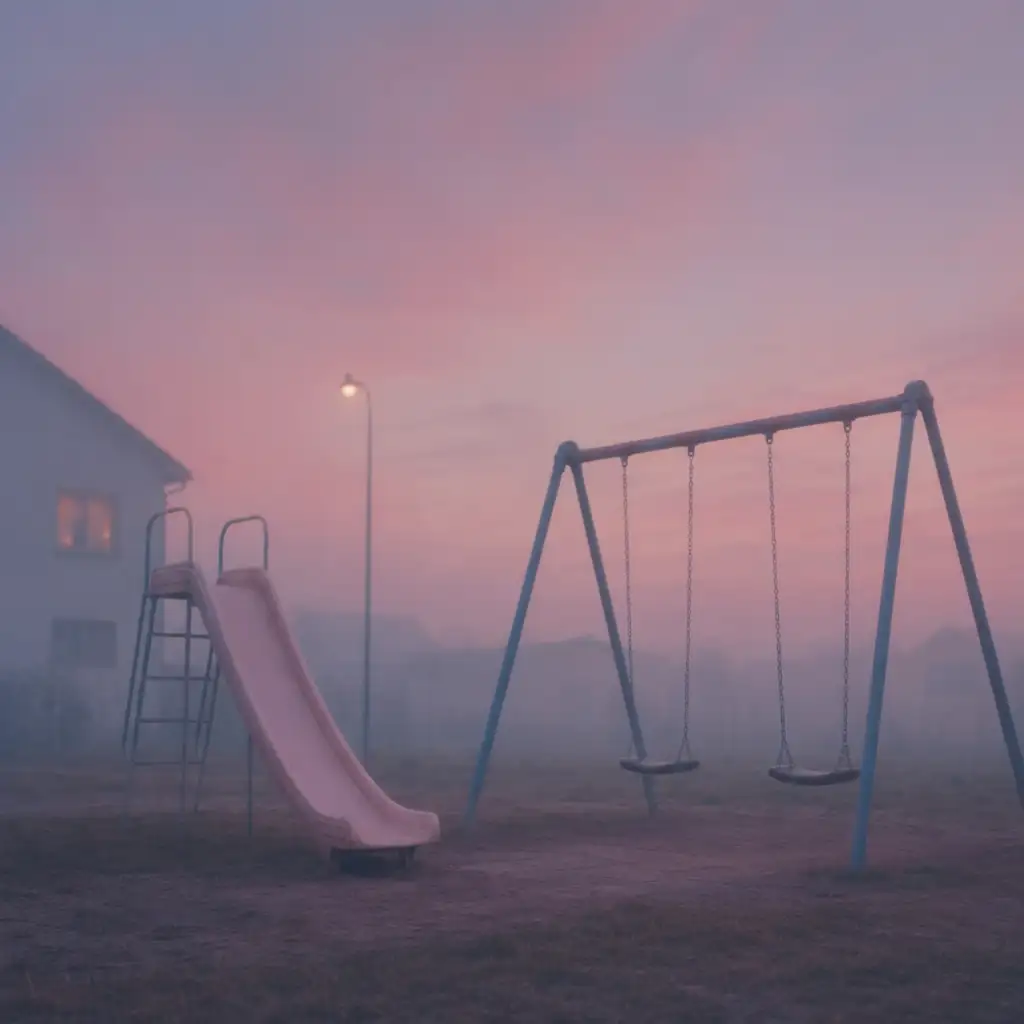
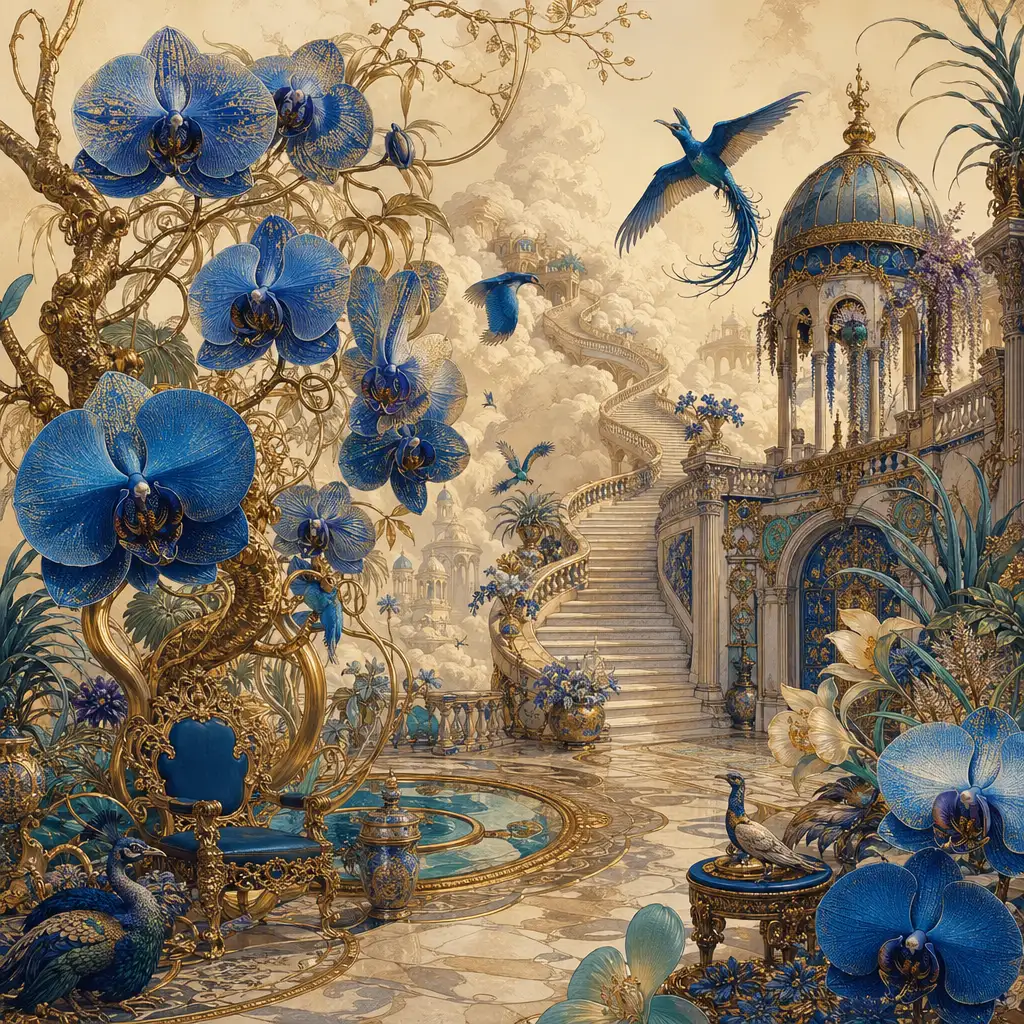
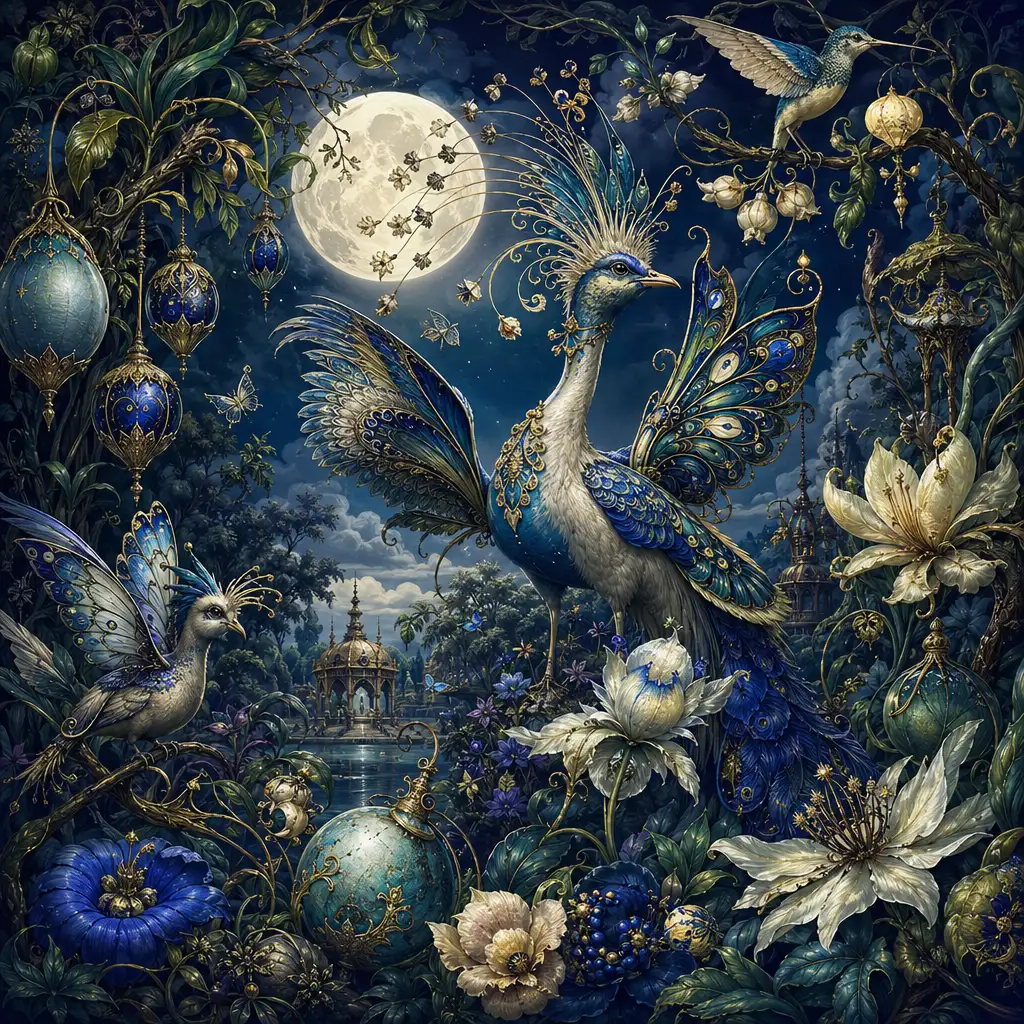
What is Nano Banana 2?
Nano Banana 2 is Google's newest native AI image generation and editing model, officially designated Gemini 3.1 Flash Image Preview. It launched on February 26, 2026, and is built to bring many of the capabilities previously reserved for Google's Pro-tier models to a faster, more accessible model. For creators and teams who need high-quality images without long wait times, Nano Banana 2 delivers strong visual fidelity at Flash speed.
What makes Nano Banana 2 stand out is its combination of speed and polish. The model produces sharper details, richer textures, and more vibrant lighting than its predecessors, so images look finished sooner and require less prompt rework. It also handles a broad style range—from photorealistic scenes and product shots to stylized illustrations and poster art—without requiring specialized prompt techniques. Subject consistency is a particular strength: Nano Banana 2 can maintain the resemblance of up to five characters and the fidelity of up to fourteen objects across a workflow, which matters for branded campaigns, storytelling sequences, and product catalogs.
Beyond generation, Nano Banana 2 is a capable image editor. Upload an existing photo and ask it to swap backgrounds, add props, remove distractions, or restyle the scene—edits match the original lighting and perspective. The model also supports improved multilingual text rendering and web-grounded generation for infographics informed by real-time data. With output resolutions from 0.5K drafts to crisp 4K finals and aspect ratios spanning ultra-wide banners to tall social stories, Nano Banana 2 fits into virtually any creative workflow.
Why Use Nano Banana 2 on Pixlio AI
Instant access to Nano Banana 2
Start creating with Nano Banana 2 immediately in your browser on Pixlio AI. No downloads, no complex setup—just open the page and begin generating professional-quality images powered by Google's latest image model.
Full creative control over format and style
Access a wide set of aspect ratios—from ultra-wide 4:1 banners to tall 1:4 social stories—plus style presets designed for Nano Banana 2. Fine-tune composition, mood, and layout to match your exact creative vision.
Generation and editing in one workflow
Nano Banana 2 is not just a text-to-image tool. Upload an existing photo to swap backgrounds, add or remove objects, change color grading, or create variants—all while preserving the details you want to keep.
Nano Banana 2 Capabilities: Example Prompts
See what Nano Banana 2 can do with real prompt examples—from text-to-image generation with embedded typography to image-to-image editing with identity and detail preservation.
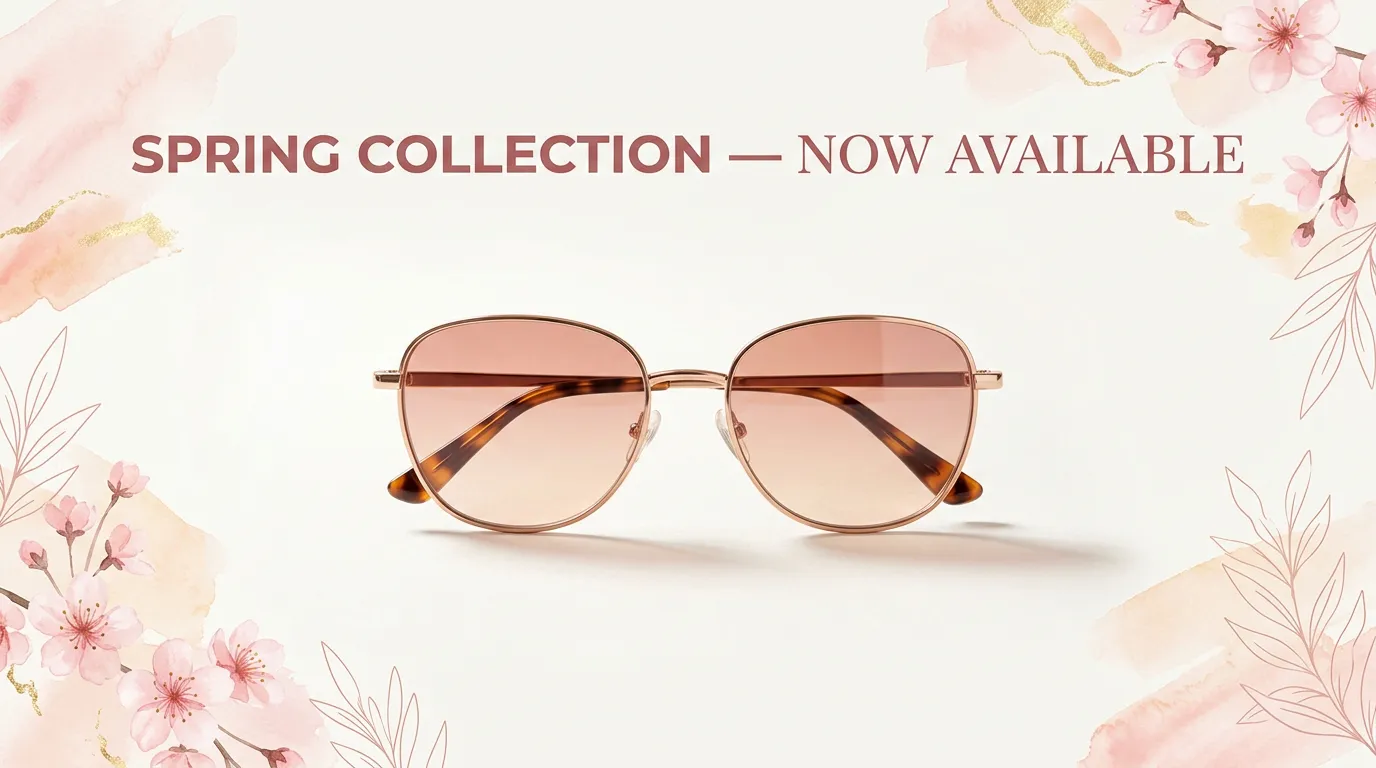
Ultra-wide marketing banner with headline text
Create a 4:1 hero banner for a spring sale campaign. Minimal white background, a single featured product centered with a soft shadow, and the headline 'Spring Collection — Now Available' in a clean sans-serif font. Warm, inviting lighting with subtle pastel accents.

Photorealistic product lifestyle scene
A pair of premium wireless earbuds resting on a polished marble surface in a modern apartment. Morning sunlight streams through sheer curtains, casting soft shadows. A ceramic coffee mug and an open book sit nearby. Shallow depth of field, warm tones, ultra-realistic textures on the earbuds and marble grain.
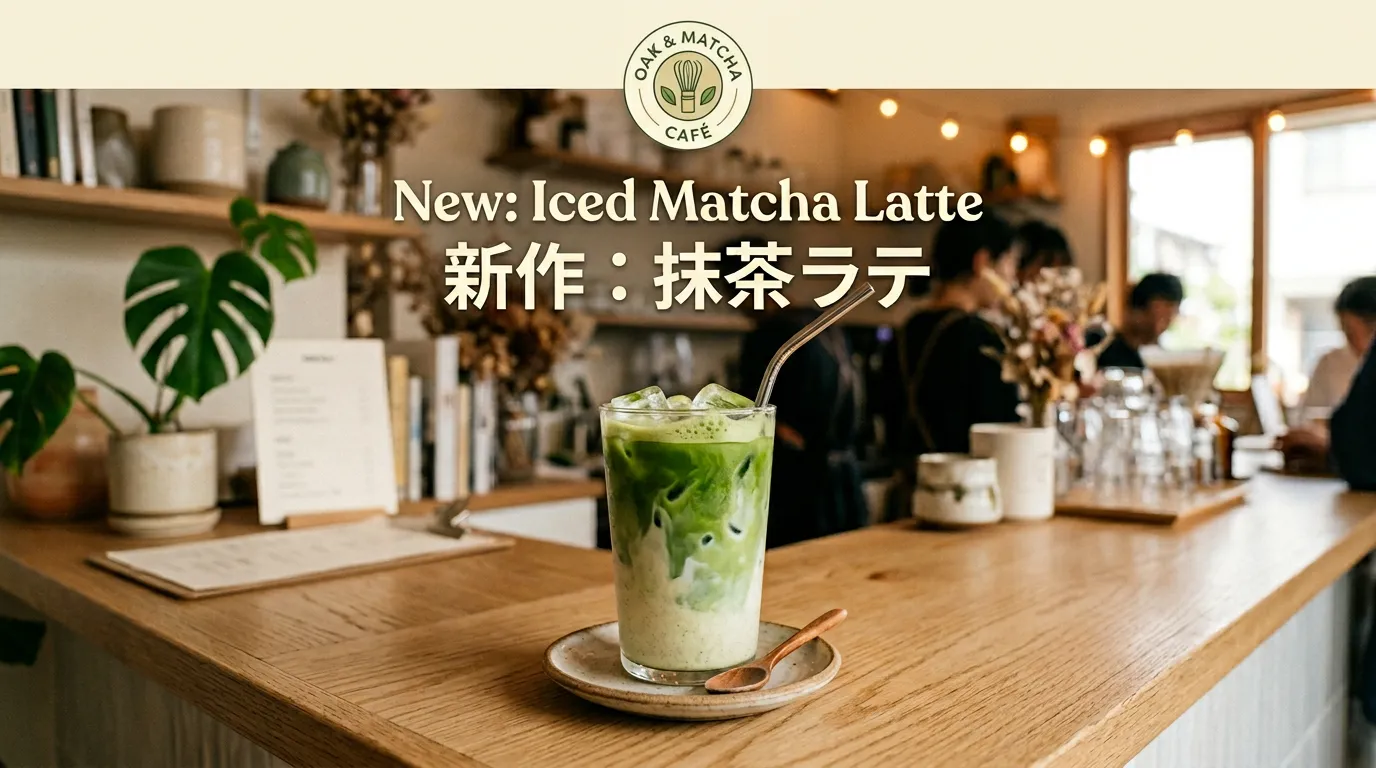
Vertical social post with multilingual text
Generate a 1:4 vertical social story announcing a new matcha latte drink. Cozy café atmosphere with warm lighting, the drink centered on a wooden counter. Include readable title text in English ('New: Iced Matcha Latte') and Japanese ('新作:抹茶ラテ') with clean typography and space at the top for a brand logo.
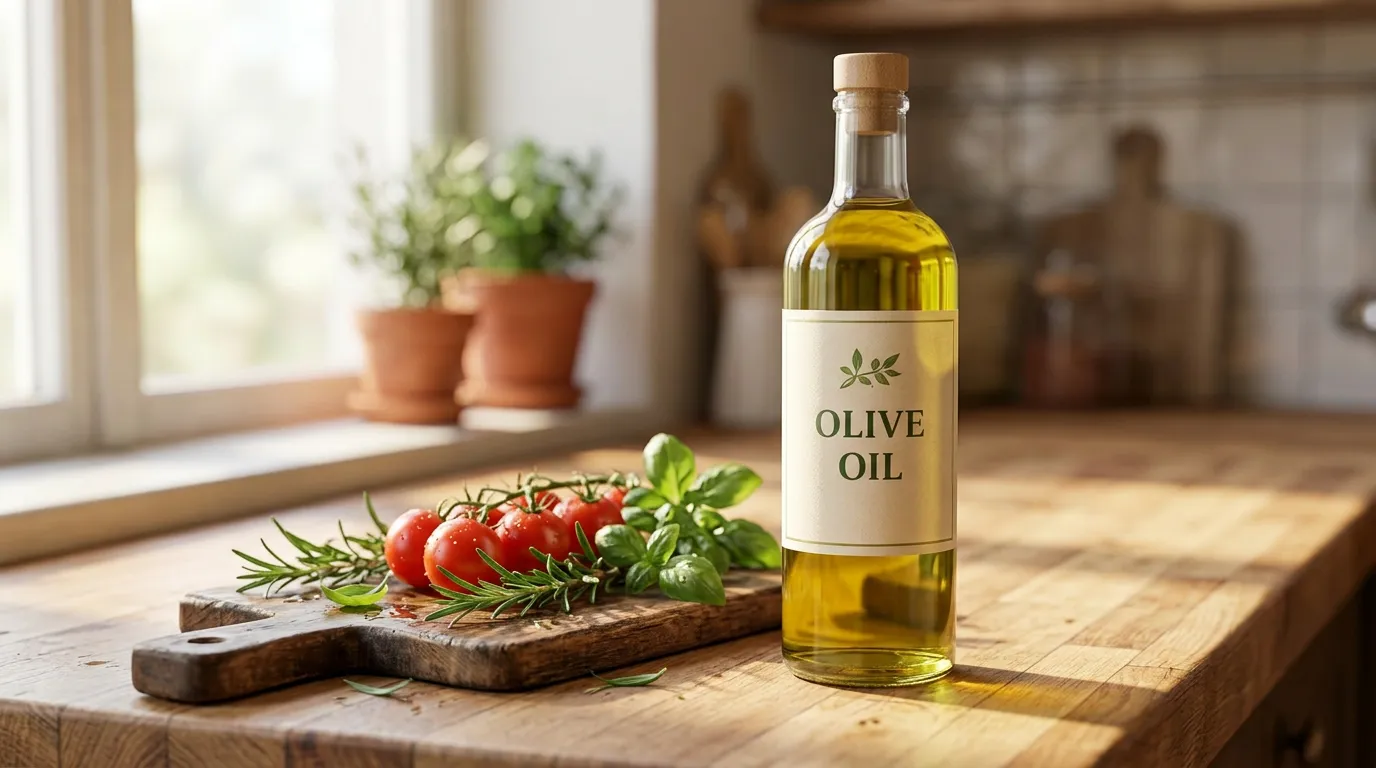
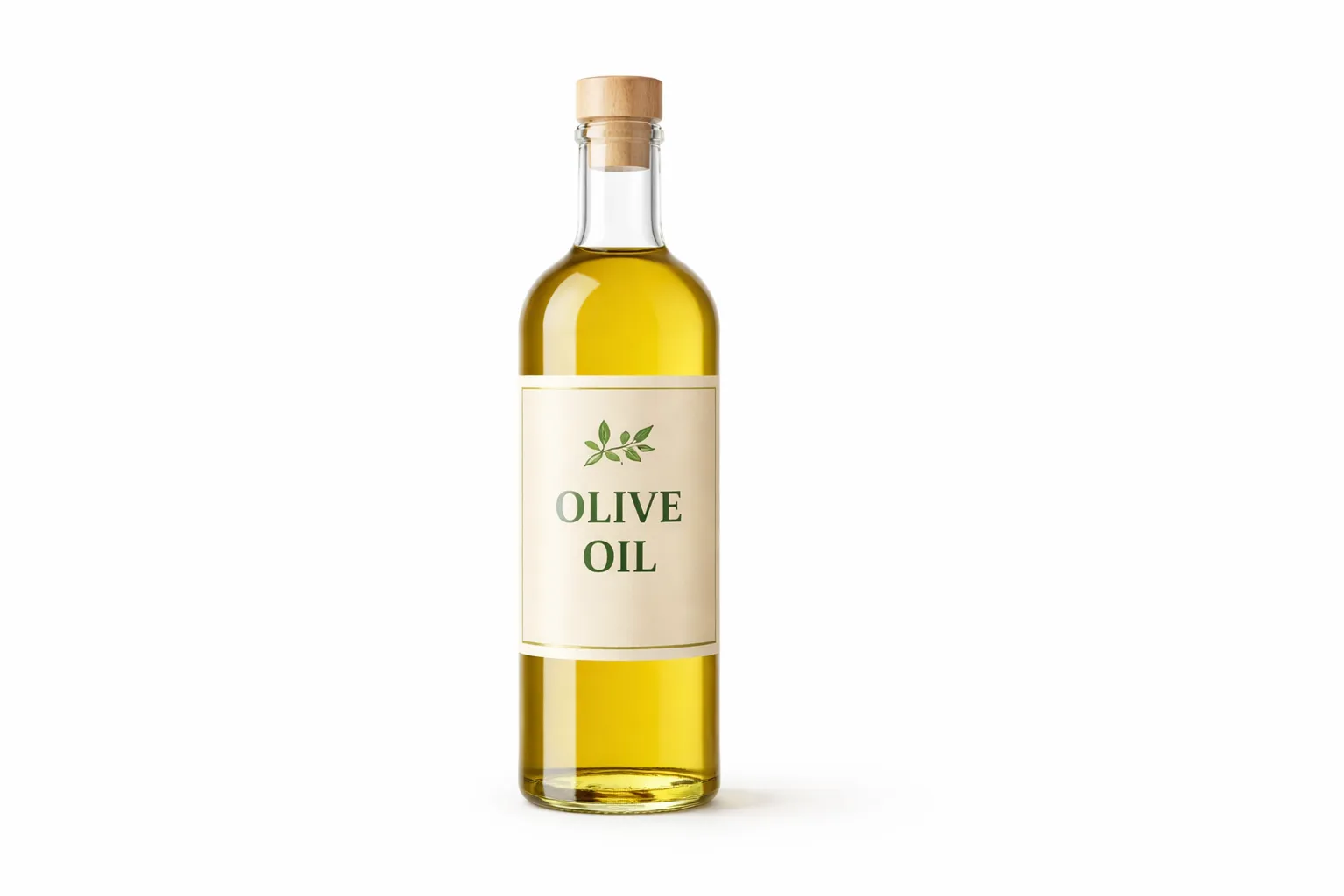
Background swap: product on plain to lifestyle scene
Using the uploaded product photo, replace the plain white background with a sunlit kitchen countertop scene. Keep the product's label, colors, and shape completely unchanged. Match the original lighting direction and add realistic soft shadows beneath the product.


Portrait style transfer with identity preservation
Preserve the person's face, pose, and identity, but transform this into a vibrant watercolor portrait. Add soft watercolor washes and visible brush strokes around the subject while keeping facial features and proportions unchanged. Use warm, earthy tones with splashes of teal and coral for an artistic, gallery-ready feel.
Getting Started with Nano Banana 2
Follow these steps to start generating and editing images with Nano Banana 2 on Pixlio AI.
Nano Banana 2 Technical Specifications
Understanding the technical capabilities of Nano Banana 2 helps you get the most from the model for your creative projects.
Model & Performance
- Base model: Gemini 3.1 Flash Image Preview
- Optimization: Flash-speed generation for high throughput
- Iteration: Designed for rapid generate-tweak-regenerate workflows
- Provider: Google DeepMind
Output Specifications
- Resolution: 0.5K, 1K (default), 2K, and 4K
- Aspect ratios: Standard, ultra-wide (4:1, 8:1), and ultra-tall (1:4, 1:8)
- Formats: PNG and JPEG
- Quality: Production-ready with upscaling support
Generation Capabilities
- Style range: Photorealistic, illustration, poster, sticker
- Text rendering: Improved in-image text with i18n support
- Consistency: Up to 5 characters, 14 objects per workflow
- Grounding: Web- and image-based for infographics
Editing Features
- Operations: Add, remove, modify elements and backgrounds
- Preservation: Matches original style, lighting, and perspective
- Style transfer: Restyle while preserving identity
- Prompt adherence: Precise instruction-following for edits
Common Questions About Nano Banana 2
What is Nano Banana 2?
Nano Banana 2 is Google's latest AI image generation and editing model, officially named Gemini 3.1 Flash Image Preview. Launched in February 2026, it is optimized for speed and high throughput while delivering strong visual quality, reliable text rendering, and subject consistency. It supports both text-to-image generation and image-to-image editing.
What resolution does Nano Banana 2 support?
Nano Banana 2 supports multiple output sizes: 0.5K, 1K (default), 2K, and 4K. You can start with lower resolutions for quick iteration and upscale to 2K or 4K in seconds when you are ready to publish or print.
Can Nano Banana 2 render text inside images?
Yes. Nano Banana 2 features improved text rendering compared to previous Flash models, including support for multilingual text and in-image translation. It is well suited for marketing posters, infographics with labels, and localized visuals. For best results, keep critical text headline-length and do a final review before publishing.
What aspect ratios are available?
Nano Banana 2 supports a wide set of aspect ratios including standard formats like 1:1, 16:9, and 9:16, as well as ultra-wide and ultra-tall formats like 4:1 and 1:4. This makes it easy to produce website banners, social media posts, and display ads without redoing work for each platform.
How does image editing work with Nano Banana 2?
Upload an existing image and describe what you want changed. Nano Banana 2 can add or remove objects, swap backgrounds, adjust color grading, and restyle visuals—all while matching the original image's style, lighting, and perspective. For best results, explicitly describe what must remain unchanged.
How does Nano Banana 2 differ from Nano Banana Pro?
Nano Banana 2 (Gemini 3.1 Flash Image Preview) is optimized for speed and high-volume creative production—banners, social variants, rapid concepting, and quick edits. Nano Banana Pro (Gemini 3 Pro Image Preview) is positioned for studio-quality precision on complex graphic design, high-fidelity product mockups, and tasks requiring maximum factual accuracy. Use Nano Banana 2 for fast iteration and Nano Banana Pro when maximum fidelity matters most.
What is web-grounded image generation?
Nano Banana 2 supports web- and image-based grounding, meaning it can incorporate real-time search results to inform visuals like infographics and data-driven diagrams. This is useful for creating up-to-date content, though you should verify factual details before publishing.
Can I use Nano Banana 2 for commercial projects?
Yes, commercial use is permitted with Nano Banana 2 on eligible Pixlio AI plans. The model is suitable for marketing campaigns, product imagery, e-commerce assets, social media content, and professional creative work.