Pixlio AI
Use the tool below to generate outfit ideas from a prompt or reference photo.

AI Outfit Generator — Preview New Outfits From a Photo or Prompt
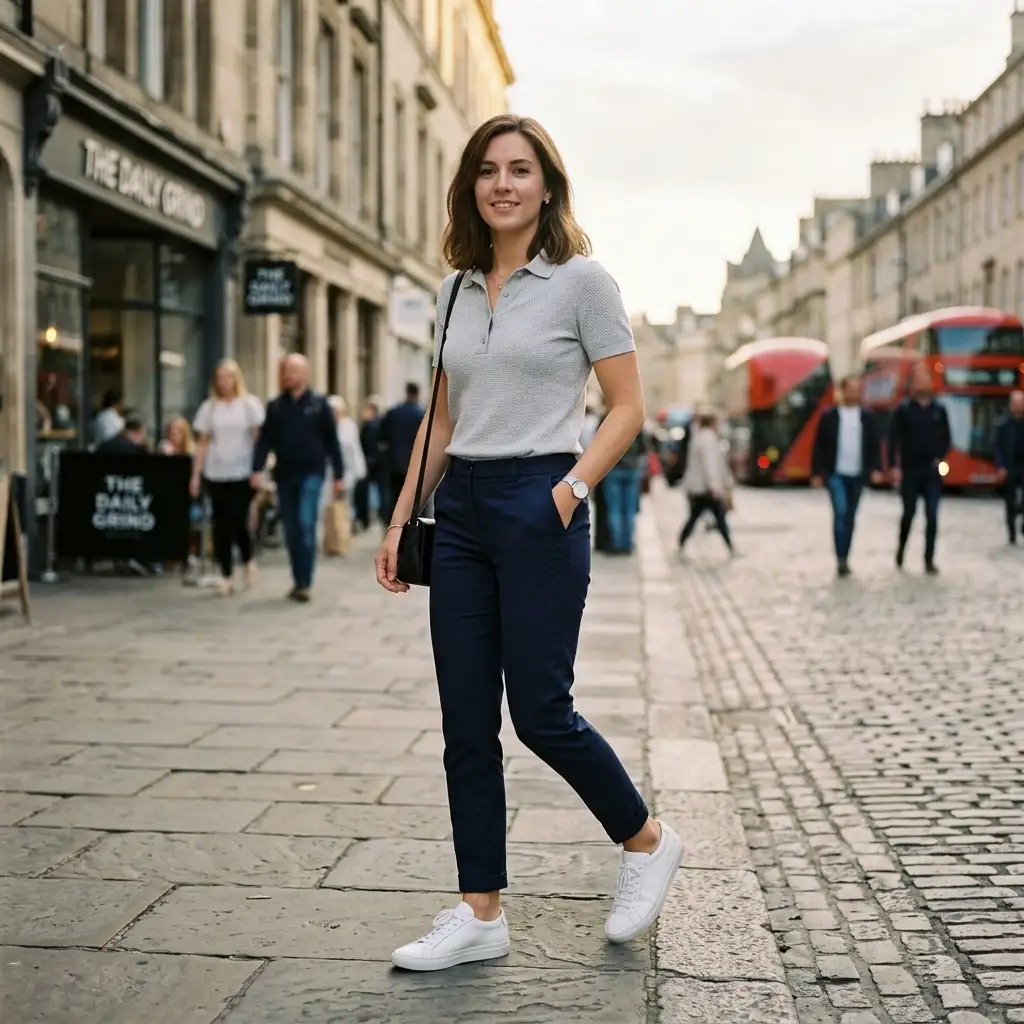
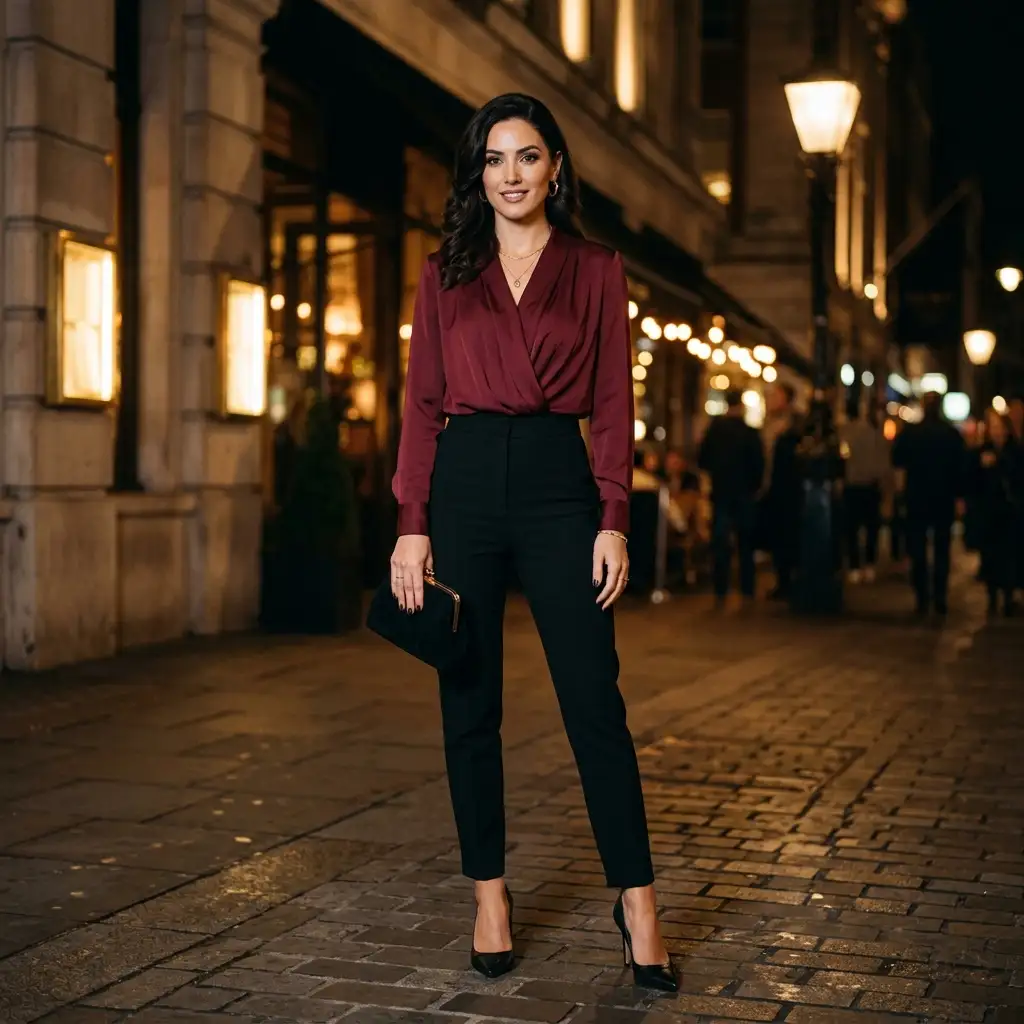
Looking for quick outfit inspiration without a complicated wardrobe app? Pixlio's AI outfit generator makes it effortless. Upload your photo and preview how different outfit directions look on you, or simply describe the style you want and generate a polished outfit concept from scratch. Choose from curated style presets. Add an optional occasion tag and a vibe to fine-tune the result. No closet uploads, no measurements, no setup. Just fast, intuitive AI outfit generation that works whether you start with a selfie or a style idea.
Why Pixlio Is the Best AI Outfit Generator
Getting styled has never been this fast. Pixlio's AI outfit generator combines photo-based outfit previews with prompt-driven ideation—so you can explore new looks no matter how you prefer to start.
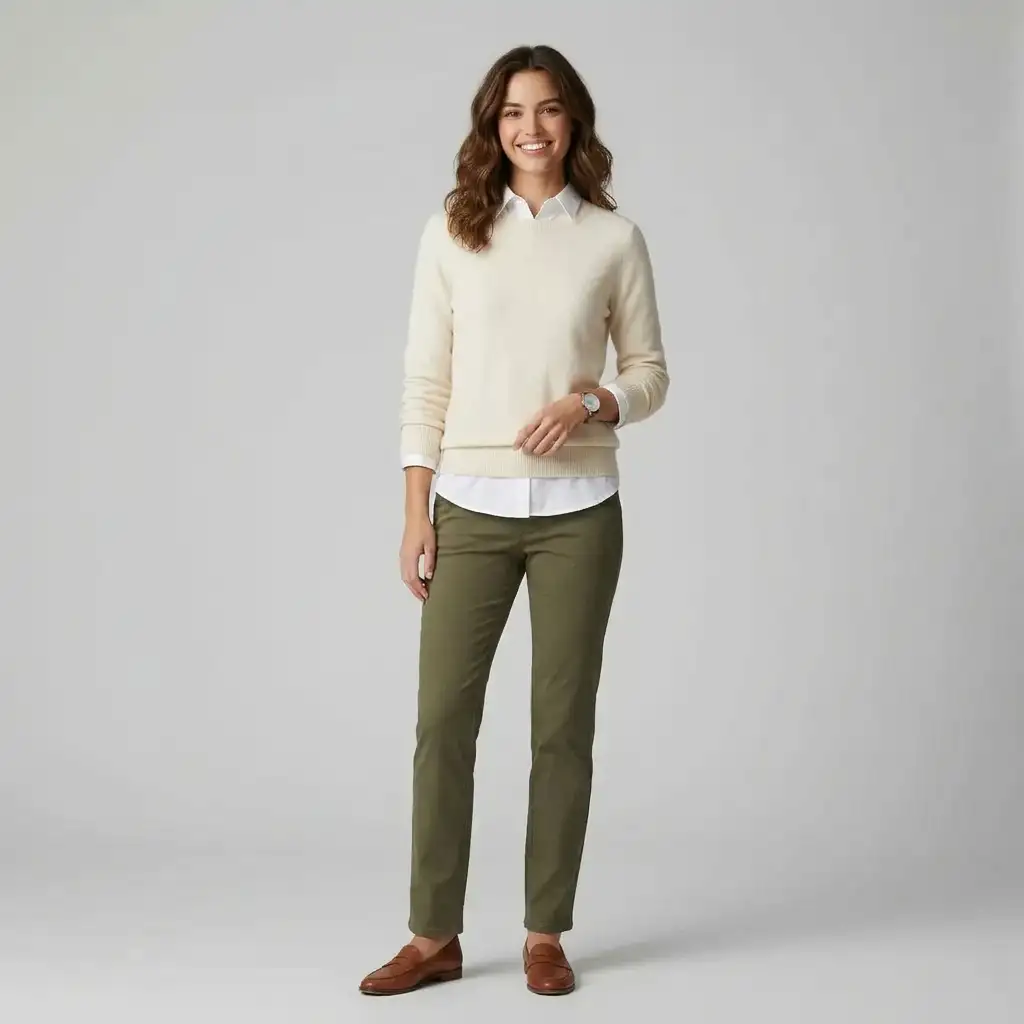
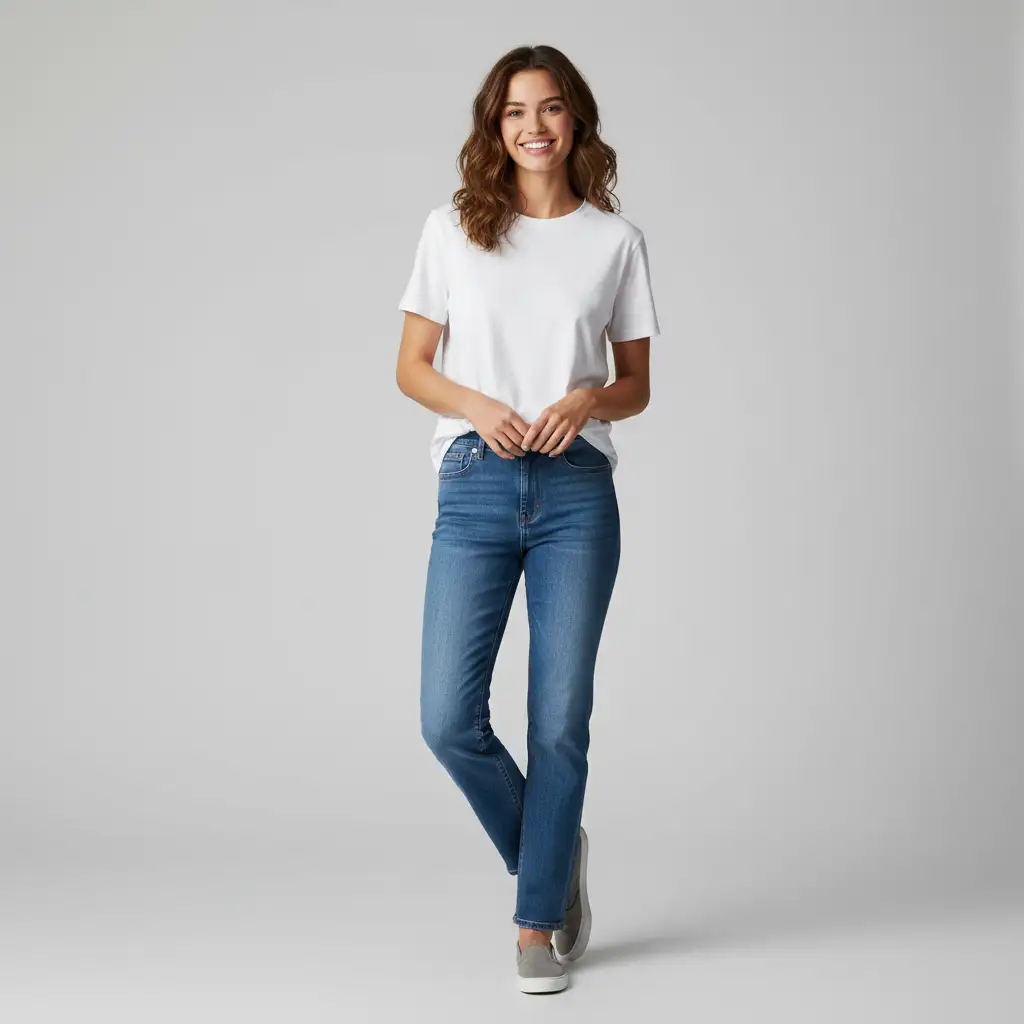
Photo-Based Outfit Preview
Upload a photo of yourself and let the AI outfit generator reimagine your look. The tool preserves your identity, pose, and body proportions while transforming the outfit direction—whether you want to shift from casual to streetwear or try a completely new aesthetic. Full-body or near full-body photos in clear lighting produce the most believable results. This is the fastest way to see how a new style might actually look on you, without trying anything on.
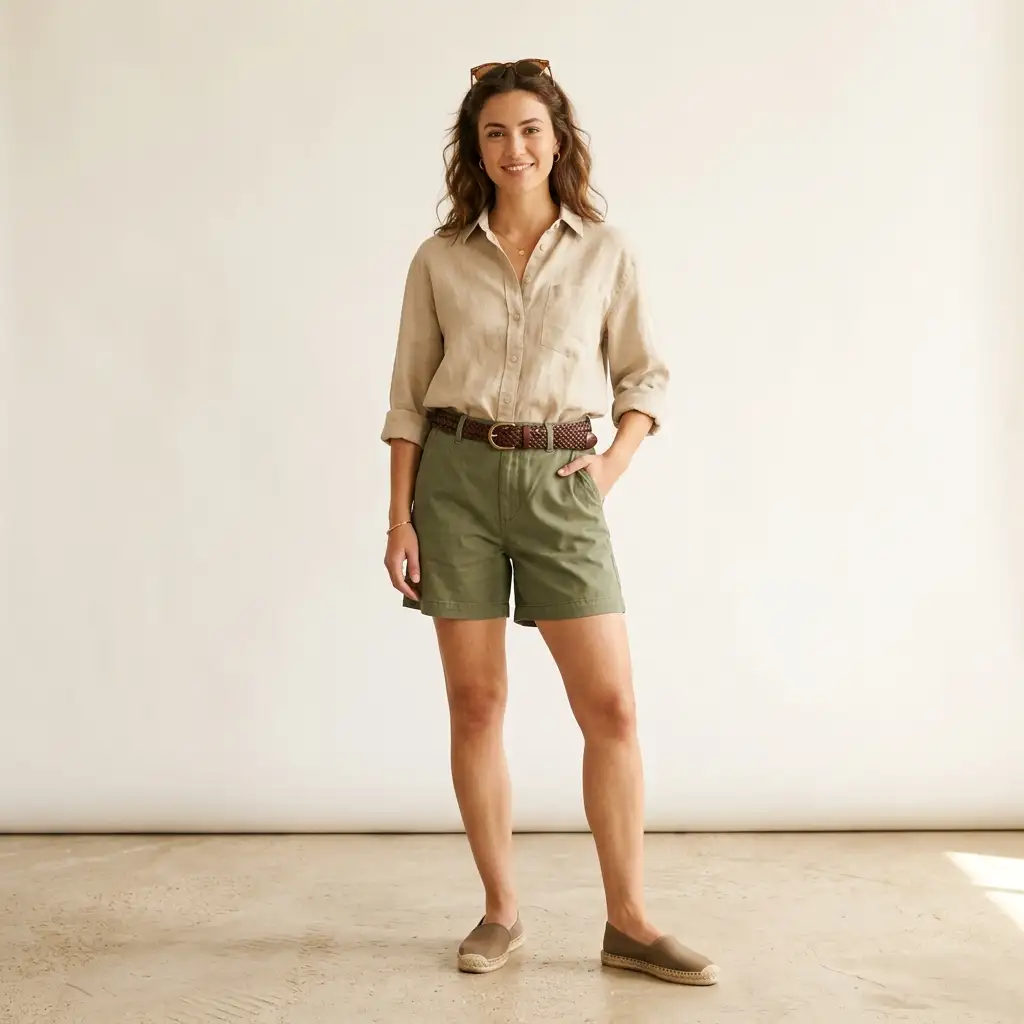
Prompt-to-Outfit Generation
No photo? No problem. Describe the outfit you have in mind—like 'relaxed linen outfit for a beach vacation' or 'smart casual look with neutral tones'—and the AI outfit generator produces a clean editorial-style concept with a clear subject. This prompt-first flow is perfect for brainstorming outfit ideas before a trip, event, or shopping session. Plain language works great; you do not need any prompt engineering or fashion jargon to get polished results.
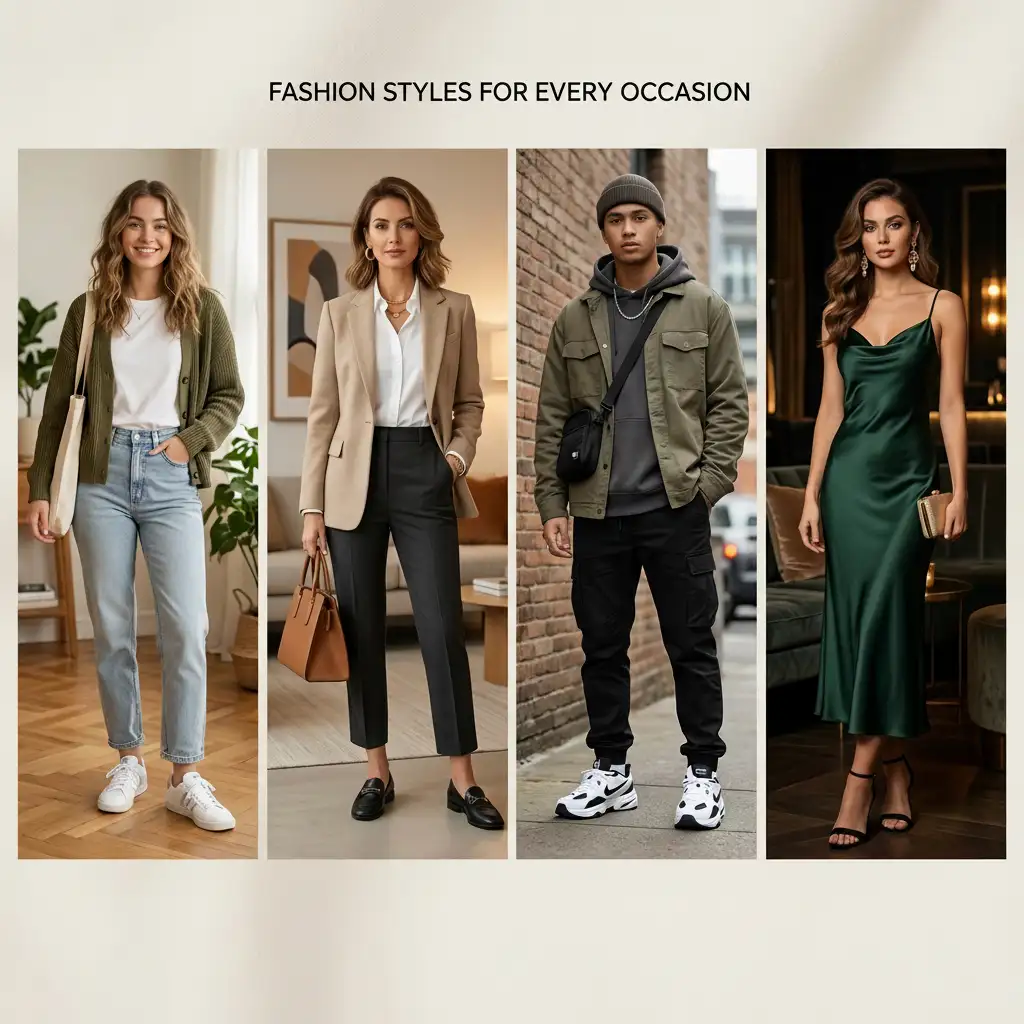
Style Presets and Quick Chips
Not sure how to describe what you want? Tap a style preset instead. The AI outfit generator offers four curated presets—Everyday Casual, Smart Casual, Streetwear, and Dressy Going Out—so you can set the direction in one tap. Then optionally add an occasion chip (Everyday, Work, Date Night, or Travel) and a vibe chip (Minimal, Cozy, Edgy, or Polished) to fine-tune the result. These quick selections guide the AI without making you fill out a form.
Simple, No-Setup Interface
Unlike full wardrobe apps that require closet uploads, body measurements, or lengthy onboarding, Pixlio's AI outfit generator tool is ready to use immediately. Upload a photo or type a prompt, pick a preset, and generate. That is the entire workflow. There is no clothing inventory to build and no questionnaire to complete. The AI outfit generator is designed for users who want fast outfit inspiration without the overhead of a digital closet or styling subscription.
How to Generate Outfit Ideas in 3 Simple Steps
Creating a new look with this AI outfit generator takes less than a minute. Follow these steps to get personalized outfit inspiration with no design skills required.
Who Uses This AI Outfit Generator?
From occasion planning to style exploration, Pixlio's AI outfit generator serves anyone who wants quick fashion inspiration without a full wardrobe app or styling subscription.
Occasion Outfit Planning
Planning what to wear for a date night, work meeting, or weekend trip? Use the AI outfit generator to visualize complete looks for any occasion. Select the matching occasion chip and get relevant outfit ideas tailored to the setting—whether it is a casual brunch or a formal dinner.
Social Media Content Creation
Content creators and influencers can plan outfit-of-the-day posts, try bold new aesthetics, and preview styled looks before a shoot. Pixlio's AI outfit generator helps you experiment with different directions digitally, saving time and wardrobe changes during production.
Personal Style Exploration
Curious about streetwear, a minimal aesthetic, or a more polished direction? Try different presets and vibes on your own photo to see what suits you—without committing to a purchase or a wardrobe overhaul. Low-risk style discovery made simple with AI-powered outfit generation.
Quick Pre-Shopping Inspiration
Before heading to the store or browsing online, use the AI outfit generator to visualize the kind of look you want. Knowing the style direction you prefer makes shopping faster, more focused, and less overwhelming—so you buy with confidence.
AI Outfit Generator FAQ
What is an AI outfit generator?
An AI outfit generator uses artificial intelligence to create outfit visuals from a text description, a reference photo, or both. Instead of browsing endless inspiration boards, you describe or show what you want and receive a styled look in seconds.
Do I need to upload a photo to use Pixlio's AI outfit generator?
No. You can type a prompt describing the outfit you want and generate a concept from text alone. Uploading a photo lets the AI preview the outfit on you, preserving your pose and appearance—but it is entirely optional.
What outfit styles and presets are available?
Pixlio offers multiple presets: Everyday Casual, Smart Casual, Streetwear, and Dressy Going Out. You can also add an occasion chip (Everyday, Work, Date Night, Travel) and a vibe chip (Minimal, Cozy, Edgy, Polished) for further customization.
What kind of photo works best for outfit generation?
Full-body or near full-body photos with a front-facing pose, clear lighting, and a simple background produce the best results. Pixlio's AI outfit generator uses your photo to preserve identity and proportions while changing the outfit.
Is Pixlio's AI outfit generator free to try?
Yes. Pixlio offers free credits when you sign up, so you can generate outfits right away. Additional credits can be purchased as needed.
Can I choose the image shape or aspect ratio?
Yes. You can choose Portrait (3:4), Square (1:1), or Story (9:16). Portrait is the default and works best for full-body outfit results.
What is the Pro model and can I use it?
The Pro model uses a more advanced AI engine that produces higher-quality outfit images with finer detail and more realistic textures. It is available exclusively to users on an active Pro or Max subscription plan.
More AI Image Tools
Explore our collection of AI-powered image tools designed for different creative needs and styles