
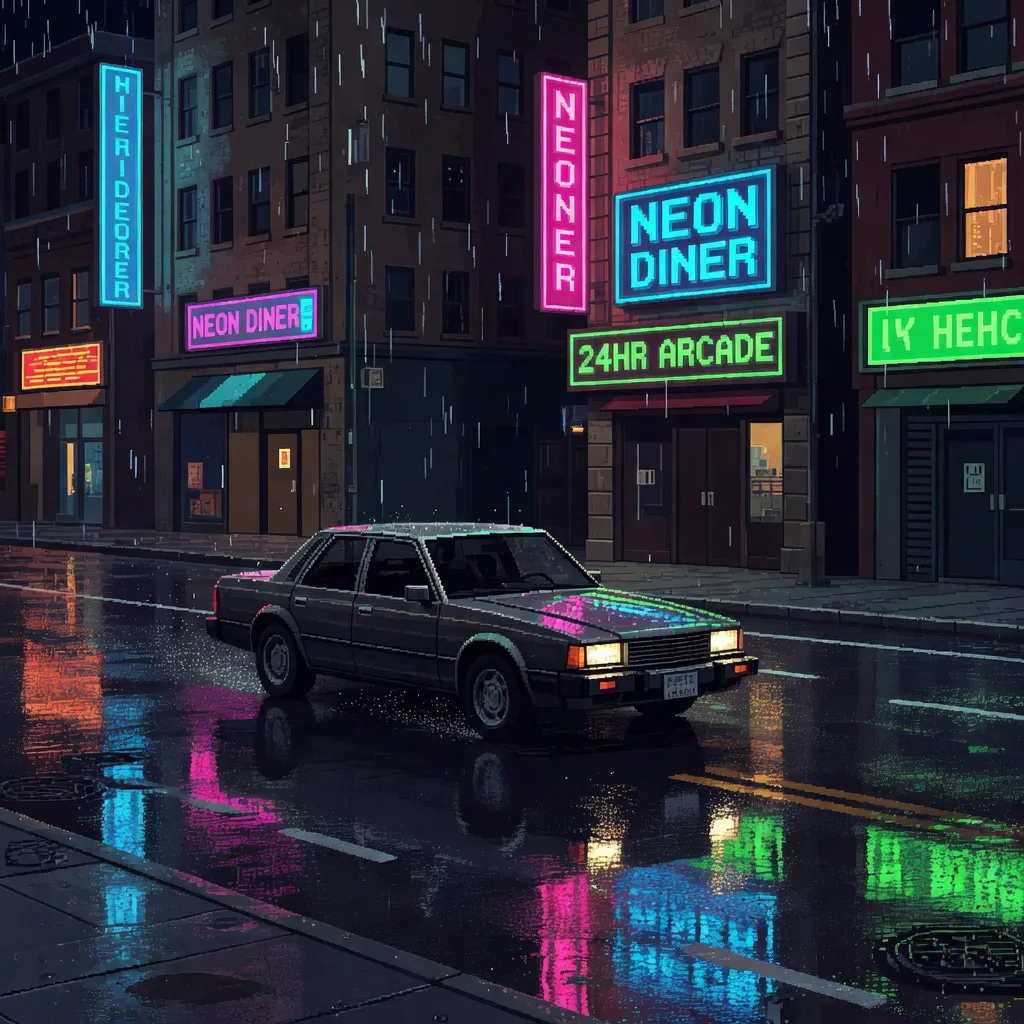
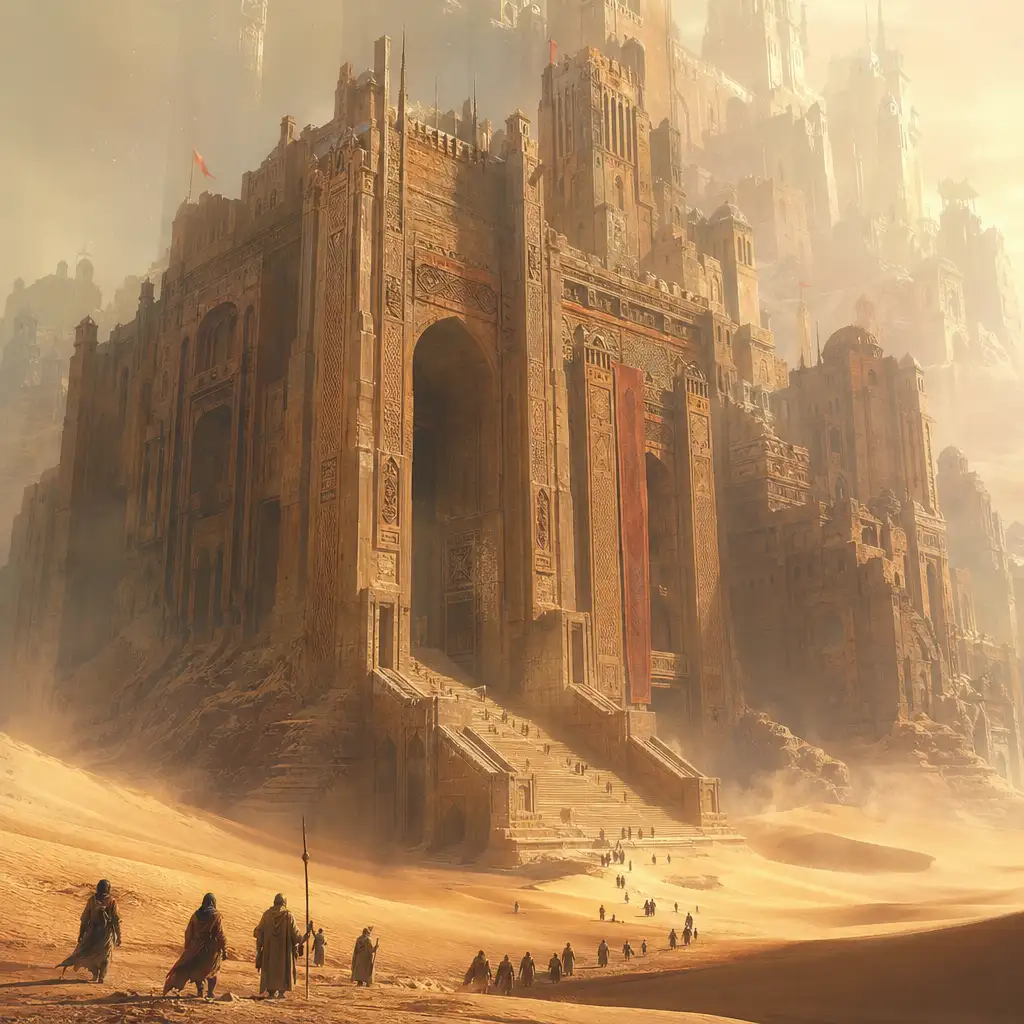

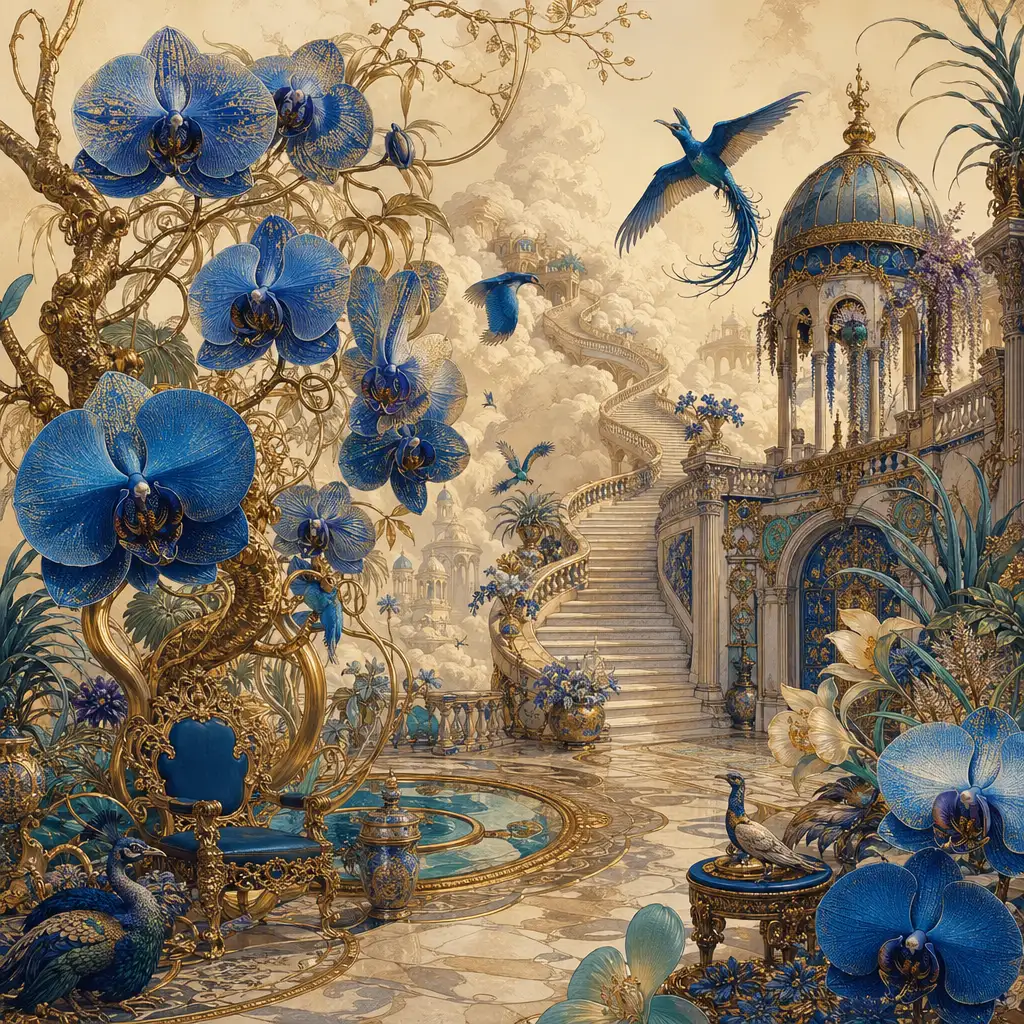
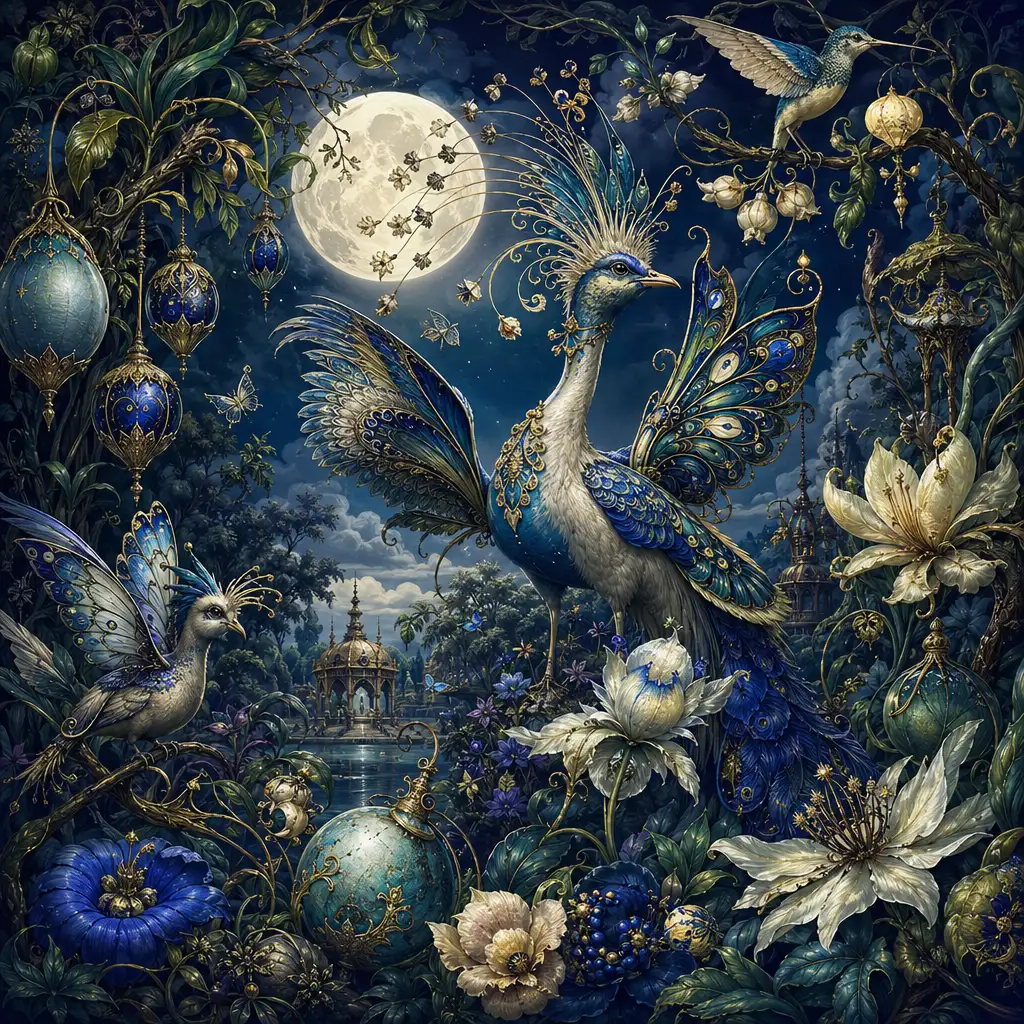
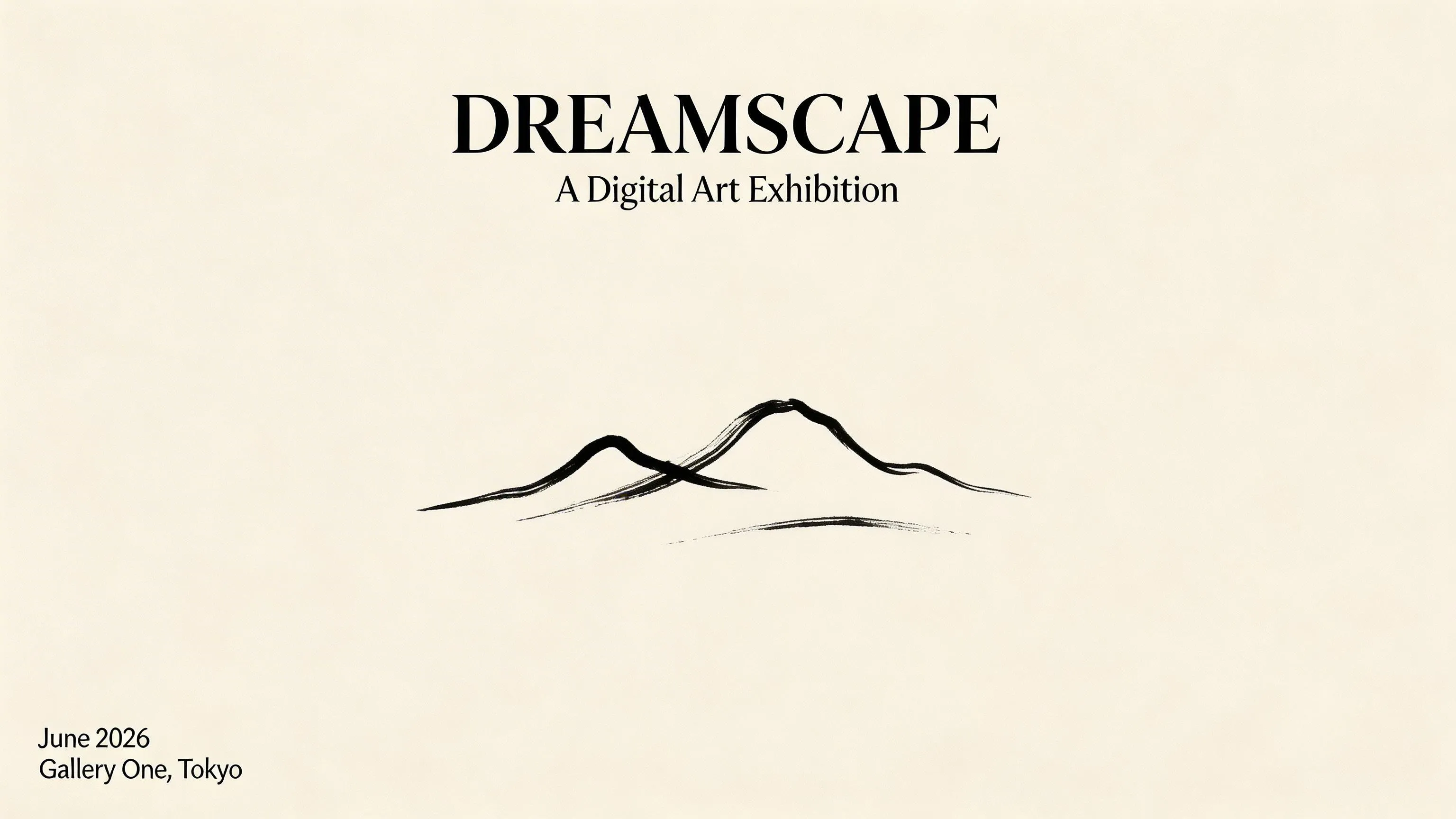



Seedream 5 — AI Image Generator with Deep Thinking
Create design-ready visuals with Seedream 5 on Pixlio AI. ByteDance's latest image generation model brings deep reasoning, precise typography rendering, and trend-aware generation to your creative workflow. Whether you need poster layouts, product mockups, or iterative image edits, Seedream 5 follows complex design briefs with designer-level precision. Start generating for free.


What is Seedream 5?
Seedream 5 (officially Seedream 5.0 Lite) is the newest image generation model from ByteDance. It introduces two breakthrough capabilities: deep thinking for stronger intent understanding, and optional online search so it can visualize time-sensitive concepts like trending topics, news events, and real-world data. This makes Seedream 5 uniquely suited for creative professionals who need images grounded in current reality rather than just training data.
Think of Seedream 5 as a designer-assistant model. It thrives on structured prompts that read like design briefs—specifying layout, typography placement, color schemes, and element positioning. From PPT-style slide packs and app UI mockups to poster compositions and annotated diagrams, it handles multi-constraint instructions that would trip up other models.
Beyond generation, Seedream 5 excels at image editing. Provide reference images and ask the model to swap backgrounds, adjust lighting, replace products, or restyle scenes—all while preserving facial identity and key compositional details. The unified generation-and-editing architecture means you can iterate on your creative vision without switching tools.
See Seedream 5 in Action
Explore what makes Seedream 5 stand out with real prompt examples demonstrating typography-forward design, cinematic image generation, and powerful image editing with identity preservation.
Typography-Forward Poster Design
Seedream 5 generates clean, readable text within images—a capability that sets it apart from most AI models. This poster was created from a single text prompt specifying headline placement, subtitle styling, and grid layout. Where other generators produce garbled characters, Seedream 5 delivers sharp typography with proper spacing and visual hierarchy, ready for professional design work.
Cinematic Product Photography
Seedream 5 produces images with a cinematic, dramatic quality—strong atmosphere, balanced lighting, and stylized coherence. This product photograph was generated entirely from a text prompt with no reference images. The model's deep thinking capability interprets material textures, lighting direction, and compositional balance to deliver studio-quality results in seconds.
Scene Editing with Identity Preservation
Upload an existing image and instruct Seedream 5 to change the background, adjust lighting, or restyle the scene—while keeping the subject intact. This before-and-after demonstrates Seedream 5 image editing in action: facial features, pose, and proportions remain consistent while the environment transforms completely around the subject.
What Makes Seedream 5 Special
Accurate typography and text rendering
Seedream 5 renders sharp, legible text within generated images. From poster headlines and UI card labels to chart annotations and multilingual subtitles, the model produces correctly-spelled, properly-spaced typography with clear visual hierarchy.
Deep thinking for complex prompts
Powered by advanced reasoning capabilities, Seedream 5 interprets multi-constraint prompts that read like design briefs. Specify layout structure, color palette, element positioning, and typographic styling in a single prompt and receive results that match your intent.
Strong prompt adherence
Describe your creative vision in detail and Seedream 5 delivers. The model handles structured instructions with exceptional fidelity—multi-panel compositions, constrained edits, specific element placement, and nuanced lighting directions.
Trend-aware generation with online search
Seedream 5 can connect to real-time information, allowing you to visualize current trends, recent news, and time-sensitive concepts. Generate images grounded in today's world rather than relying solely on historical training data.
Precise composition and layout control
Seedream 5 excels when you care about where elements go, not just what they are. The model handles structured layouts including UI chrome, sticker placement, multi-object arrangements, and design grid alignment with spatial precision.
Character consistency and identity preservation
When editing images, Seedream 5 preserves facial features, poses, and compositional details across iterative refinements. Non-edited areas remain stable during revisions, making the model ideal for series work, brand consistency, and iterative design workflows.
How to Use Seedream 5 on Pixlio AI
Follow these steps to start generating and editing images with Seedream 5. No downloads or complex setup required.
Write your prompt
Describe your vision with clear details about subject, style, layout, and composition. Seedream 5 excels with structured, brief-like prompts—specify typography, element placement, and lighting for the best results.
Upload reference images (optional)
For Seedream 5 image editing, attach reference images to guide the generation. The model preserves key details like faces, colors, and lighting from your references while applying the changes you request.
Select aspect ratio and settings
Choose from flexible aspect ratios and configure output format. Seedream 5 supports resolutions up to approximately 3072×3072 pixels across multiple orientations.
Generate your image
Click generate and let Seedream 5 create your image. The model's deep thinking and strong prompt adherence mean you'll often achieve your desired result on the first try.
Download or continue editing
Download your output or continue refining with Seedream 5's editing capabilities. Modify specific elements, swap backgrounds, or adjust styling while preserving the overall composition.
Common Questions About Seedream 5
What is Seedream 5 and how does it differ from Seedream 4.5?
Seedream 5 (officially Seedream 5.0 Lite) is ByteDance's latest AI image generation model. While Seedream 4.5 focused on 4K resolution and cinematic photorealism, this new model introduces deep thinking for stronger intent understanding and optional online search for trend-aware generation. It is optimized for design-brief workflows, typography, and structured compositions.
What types of images can I create with Seedream 5?
Seedream 5 handles a broad range of creative tasks: poster layouts with readable typography, product photography with studio-quality lighting, UI mockups, app interface designs, annotated diagrams, sticker sheets, mind maps, and data-visual graphics. Its strength lies in structured, design-oriented outputs where precise layout and text placement matter.
How does Seedream 5 handle text in images?
Typography is one of Seedream 5's most emphasized strengths. The model generates sharp, correctly-spelled text with proper spacing, alignment, and visual hierarchy. It supports multiple languages and handles everything from bold headlines to small body text. For best results, wrap requested text in quotation marks within your prompt.
Can Seedream 5 edit existing images?
Yes. Seedream 5 integrates generation and editing in a unified architecture. Upload reference images and instruct the model to swap backgrounds, change lighting, replace products, or restyle scenes. It preserves non-edited areas and maintains facial identity during revisions, making iterative refinement straightforward.
What is the online search feature in Seedream 5?
Seedream 5 includes an optional online search capability that lets the model visualize current trends, recent news, and real-time information. This means you can generate images grounded in today's world—such as current events or trending cultural references—rather than relying solely on training data.
What resolution does Seedream 5 support?
Seedream 5 generates images at flexible aspect ratios with output up to approximately 3072×3072 pixels. While the earlier Seedream 4.0 explicitly supported 4K output, Seedream 5 prioritizes reasoning, typography, and online search capabilities. Resolution may vary depending on the deployment platform.
How much does Seedream 5 cost on Pixlio AI?
Seedream 5 text-to-image generation charges a flat rate per output image. For image editing, credits are calculated based on both input reference images and generated outputs. Check the pricing page for current rates and free trial credits available on signup.
Pixlio AI
