Pixlio AI
Use the tool below to create chibi characters from a prompt or reference image.

Chibi Art Generator — Create Cute Chibi Art Characters Online
Want to create adorable chibi art? Pixlio's free chibi art generator makes character creation effortless. Describe your character in plain language — or upload a reference photo — and the AI produces a cute, chibi art illustration in seconds. Choose from multiple curated style presets, tap optional detail chips for expression, pose, and outfit to generate your chibi art. Whether you need a chibi avatar for social media, original chibi character art, or a fun chibi art version of a friend's photo, this tool delivers with zero design skills required. Looking for broader cartoon styles? Try our AI Cartoon Generator for more variety.
What Makes Pixlio's Chibi Art Generator Stand Out
Creating cute chibi art characters should be fun, not frustrating. Pixlio gives you curated style presets, smart detail options, and support for both text prompts and reference photos — so every chibi art character comes out looking exactly the way you imagined.
Create Chibi Art from a Simple Description
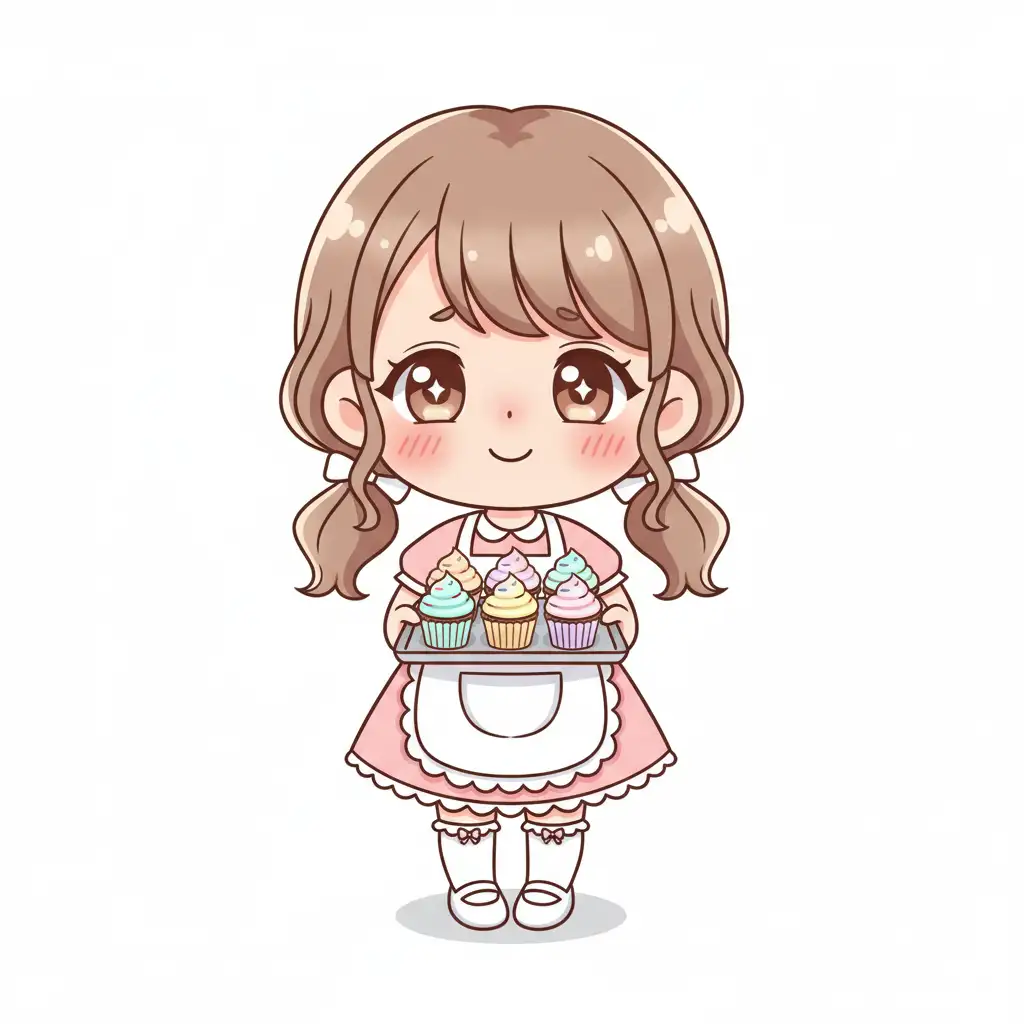
No prompt expertise needed. Just type a plain-language description of the character you want — like 'a cheerful chibi baker holding cupcakes' — and the AI turns it into polished chibi art. The generator handles proportions, expressions, and stylization automatically, so your chibi art character looks cute and complete on the first try. Focus on the idea; the tool takes care of the rest.
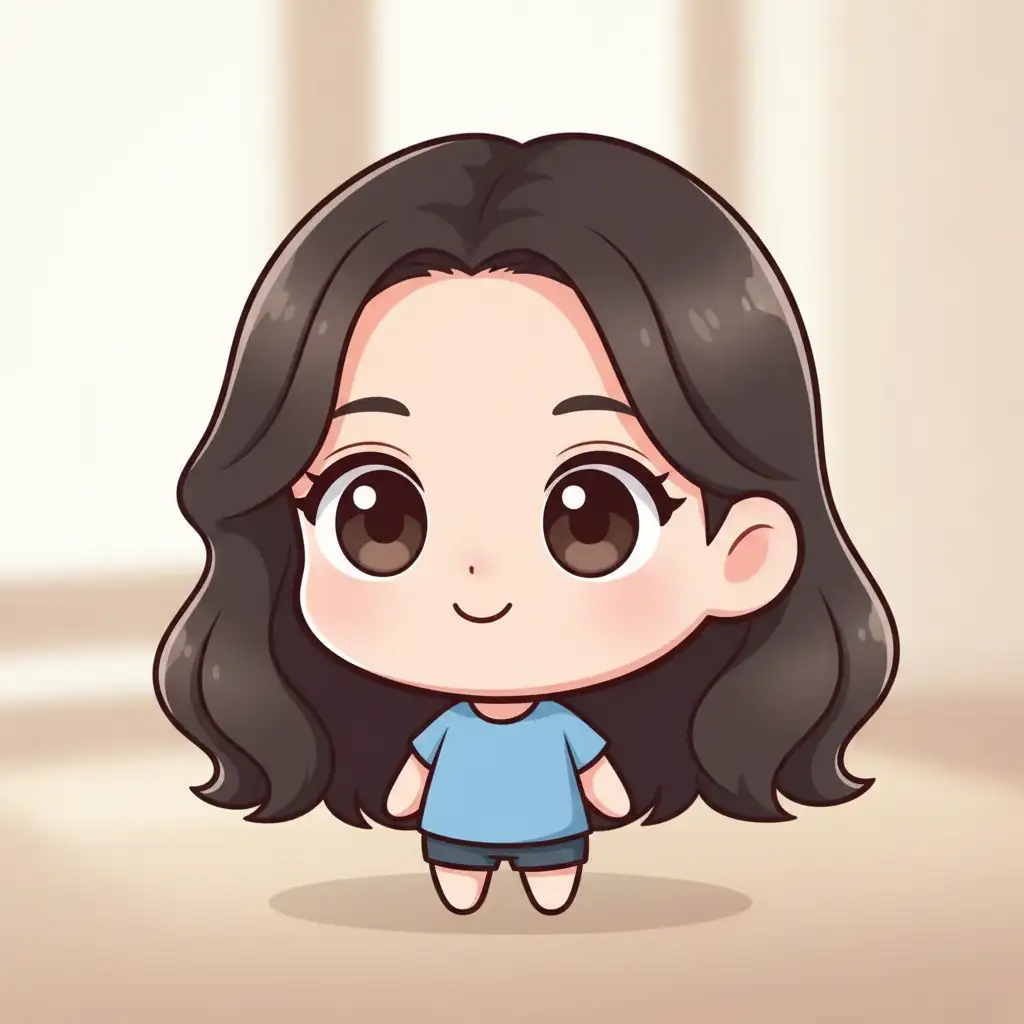
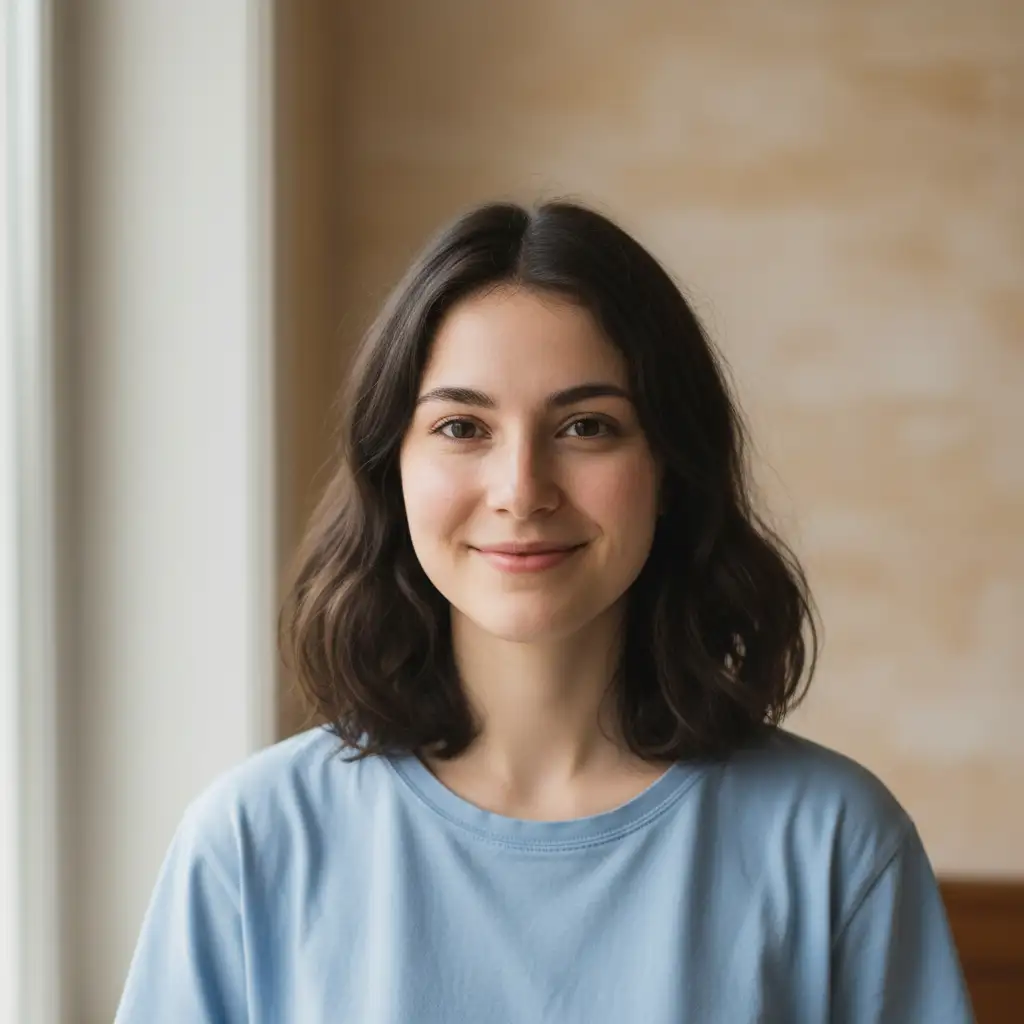
Turn Any Photo into Chibi Art
Upload a portrait or reference image and transform it into an adorable chibi art character. The AI uses your photo as a guide while applying cute, stylized chibi art proportions and keeping recognizable traits. Combine the reference image with a text prompt to refine details like outfit, pose, or background — giving you full creative control over the final result.
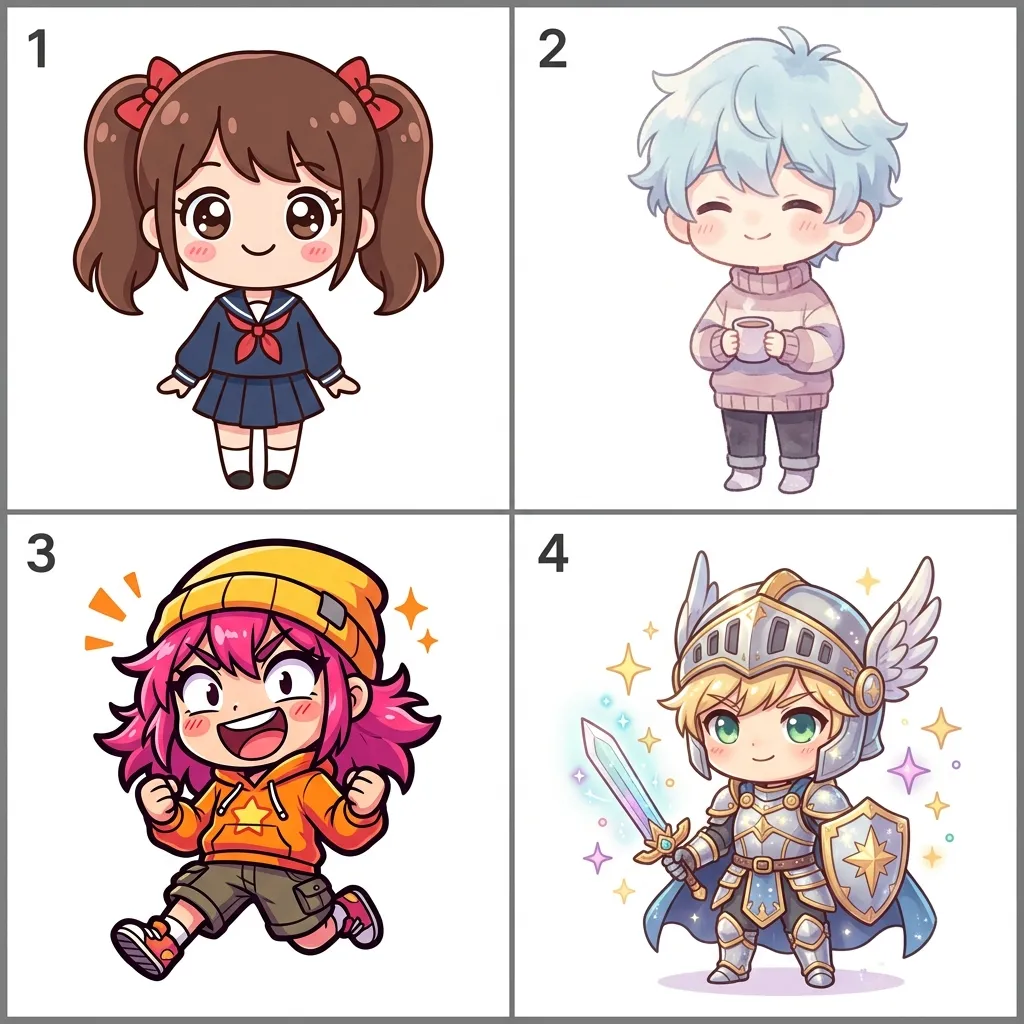
Four Curated Chibi Art Style Presets
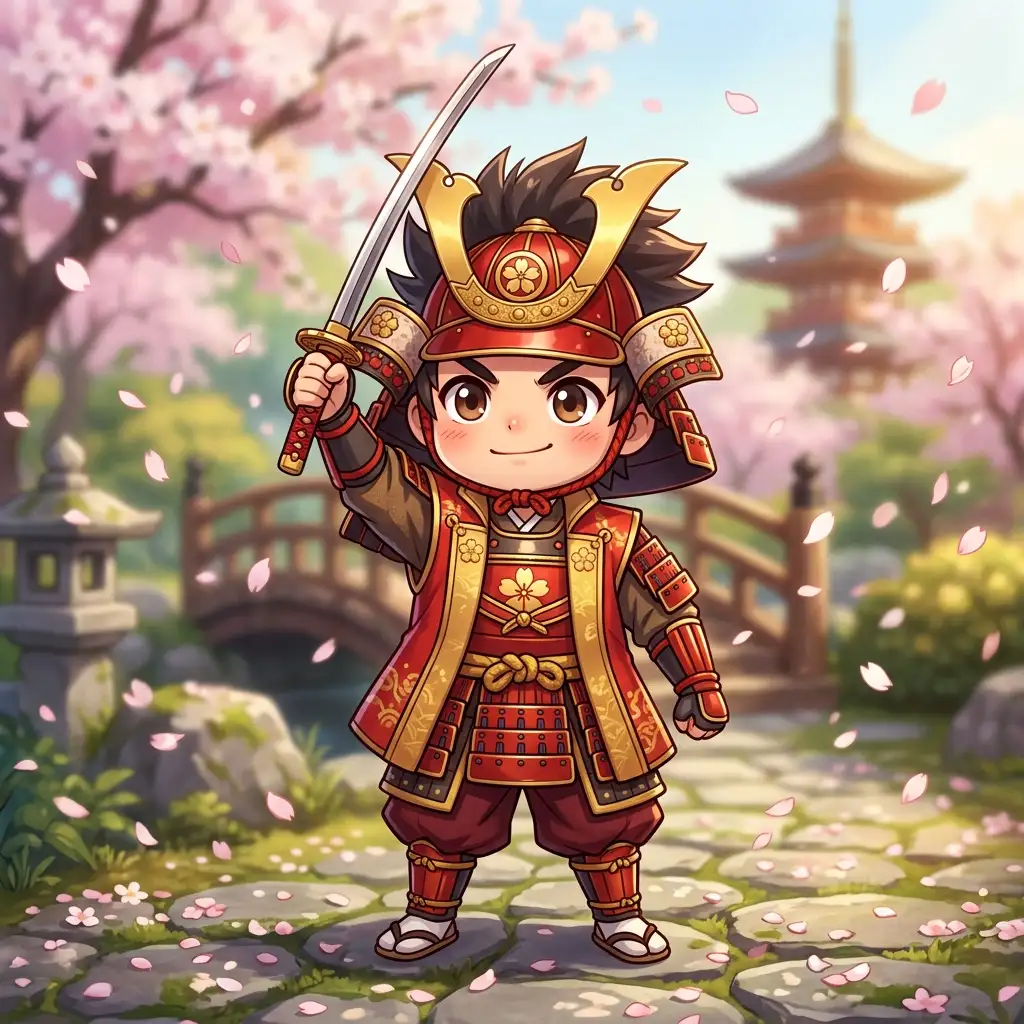
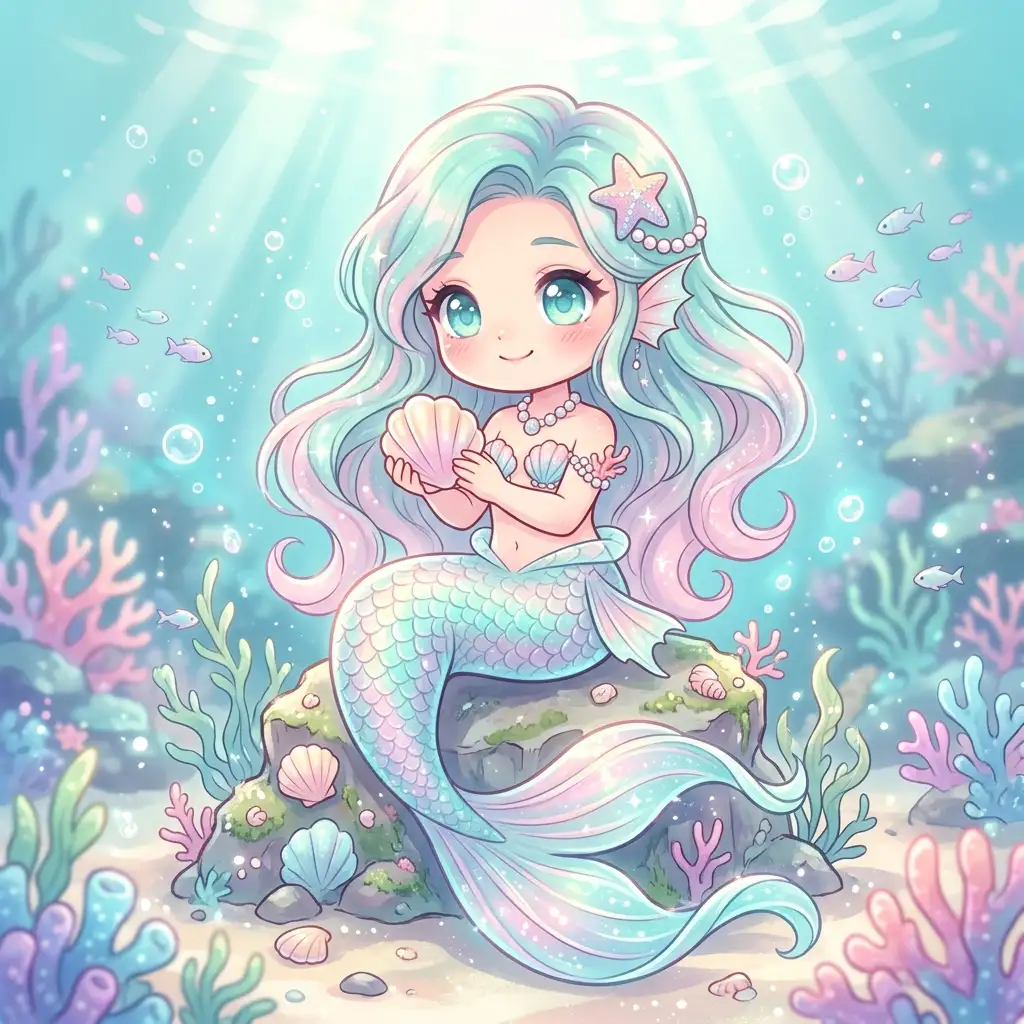
Pick from Kawaii Chibi Art, Pastel Cute Chibi Art, Emote Sticker Chibi Art, or Fantasy Chibi Art — each preset is tuned for a distinct look while keeping the signature big-head, small-body proportions. Kawaii Chibi Art delivers a clean, broadly appealing aesthetic. Pastel Cute Chibi Art softens colors for a cozy feel. Emote Sticker Chibi Art produces punchy, avatar-ready art. Fantasy Chibi Art adds whimsical costume details for adventure-themed characters.
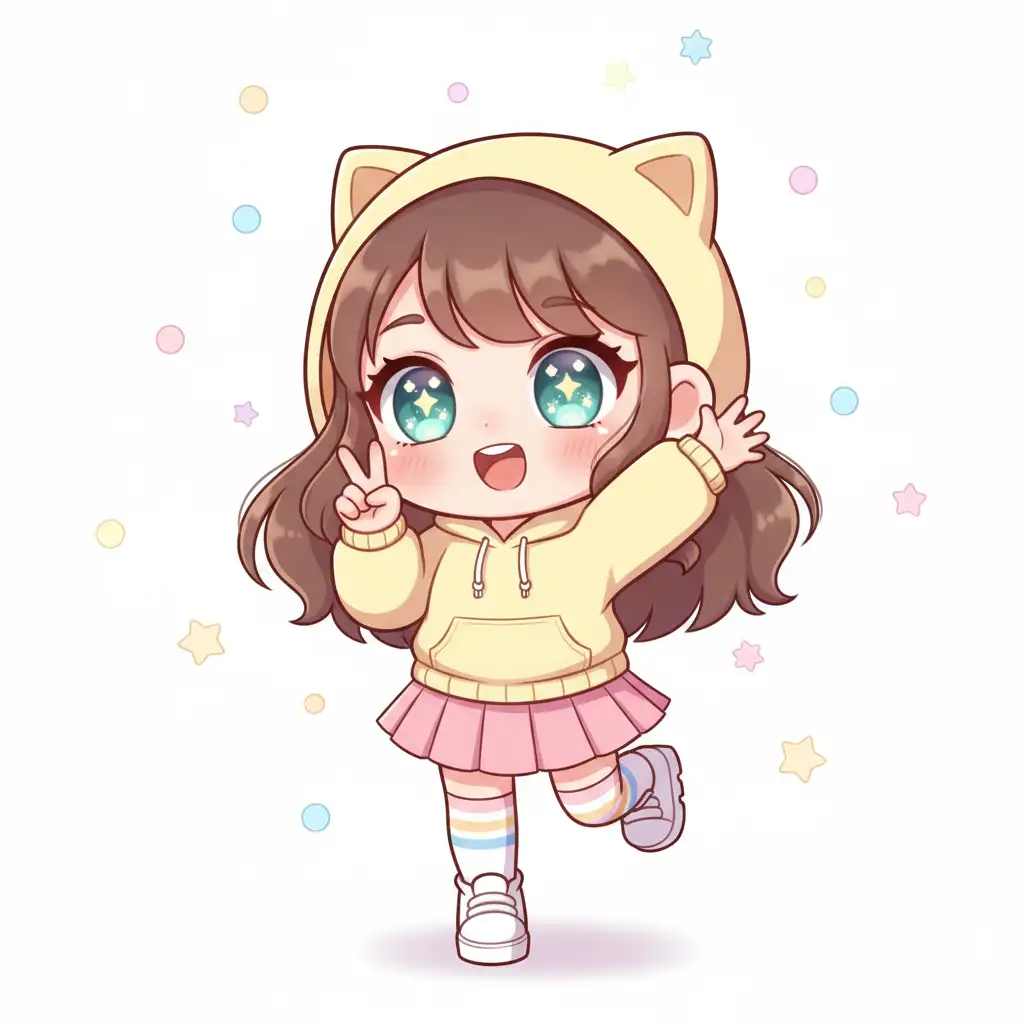
Quick Detail Chips for Expression, Pose, and Outfit
Fine-tune your chibi character without writing a longer prompt. Tap optional chips for expression (happy, shy, excited, sleepy), pose (standing, waving, peace sign, jumping), and outfit vibe (casual, school, fantasy, cozy). Each selection guides the AI naturally — no technical syntax required. Skip them entirely if you prefer, or combine a few to shape exactly the character you have in mind.
How to Create Chibi Art in 3 Steps
Generating a custom chibi art character takes less than a minute. No design experience, no complicated settings — just a few quick choices and you're done.
Who Uses Pixlio's Chibi Art Generator?
From social media creators to tabletop gamers, anyone who wants cute chibi art character art without commissioning an artist or learning to draw will find this tool useful.
Chibi Art Avatars and Profile Pictures
Stand out on Discord, Twitch, or social platforms with a custom chibi avatar that actually looks like you — or like the character you wish you were. Upload a selfie or describe your ideal look, pick a style, and download a unique chibi profile picture in seconds.
Social Media and Shareable Character Art
Create cute, eye-catching chibi art for posts, stories, and fan communities. The square, portrait, and story aspect ratios are designed for common social media formats, so your chibi characters are ready to share without cropping or resizing.
Original Character Design
Bring OCs to life as chibi illustrations. Describe your character's outfit, expression, and vibe, then let the AI render a polished chibi version. Fantasy Chibi and Kawaii Chibi presets are especially popular for tabletop RPG characters and creative projects.
Photo-to-Chibi Portraits
Turn a friend's photo, a pet snapshot, or your own selfie into a charming chibi art character. The generator uses the uploaded image as reference while applying cute chibi art proportions and your chosen style preset — perfect for personalized gifts and fun profile updates.
Chibi Art Generator FAQ
What is a chibi art generator?
A chibi art generator is an AI tool that creates cute, simplified character illustrations in the chibi style — oversized heads, small bodies, and expressive faces. Pixlio's generator lets you describe a character or upload a reference photo, choose a style preset, and produce chibi art in seconds.
Is Pixlio's chibi art generator free to try?
Yes. Pixlio gives you free credits when you sign up. You can generate chibi art right away without entering payment information. Additional credits are available for purchase when you need more.
Can I turn a photo into chibi art?
Absolutely. Upload a portrait or reference image, and the AI will transform it into a cute chibi character. You can combine the uploaded image with a text prompt to guide the result further.
What chibi styles are available?
Pixlio offers four curated presets: Kawaii Chibi (clean, broadly cute), Pastel Cute (soft colors, cozy mood), Emote Sticker (punchy, avatar-ready), and Fantasy Chibi (whimsical, adventure-themed). Each preset maintains proper chibi proportions while giving a distinct visual feel.
How much does generating chibi art cost?
Each generation costs 10 credits and produces one image. The estimated cost is shown before you generate. Pricing does not vary by style preset or aspect ratio.
What file formats can I upload?
Pixlio's chibi art generator accepts JPG, PNG, and WebP images up to 10MB. One image at a time can be uploaded as a reference.
Does Pixlio allow NSFW content?
No. NSFW content is not permitted on Pixlio, as outlined in our Terms of Service. Uploads that are flagged may be rejected, and a small credit fee may apply. Any costs, damages, or legal issues related to content you provide are your responsibility.
More AI Image Tools
Explore our collection of AI-powered image tools designed for different creative needs and styles