Pixlio AI
Use the tool below to convert your photo to pixel art style.
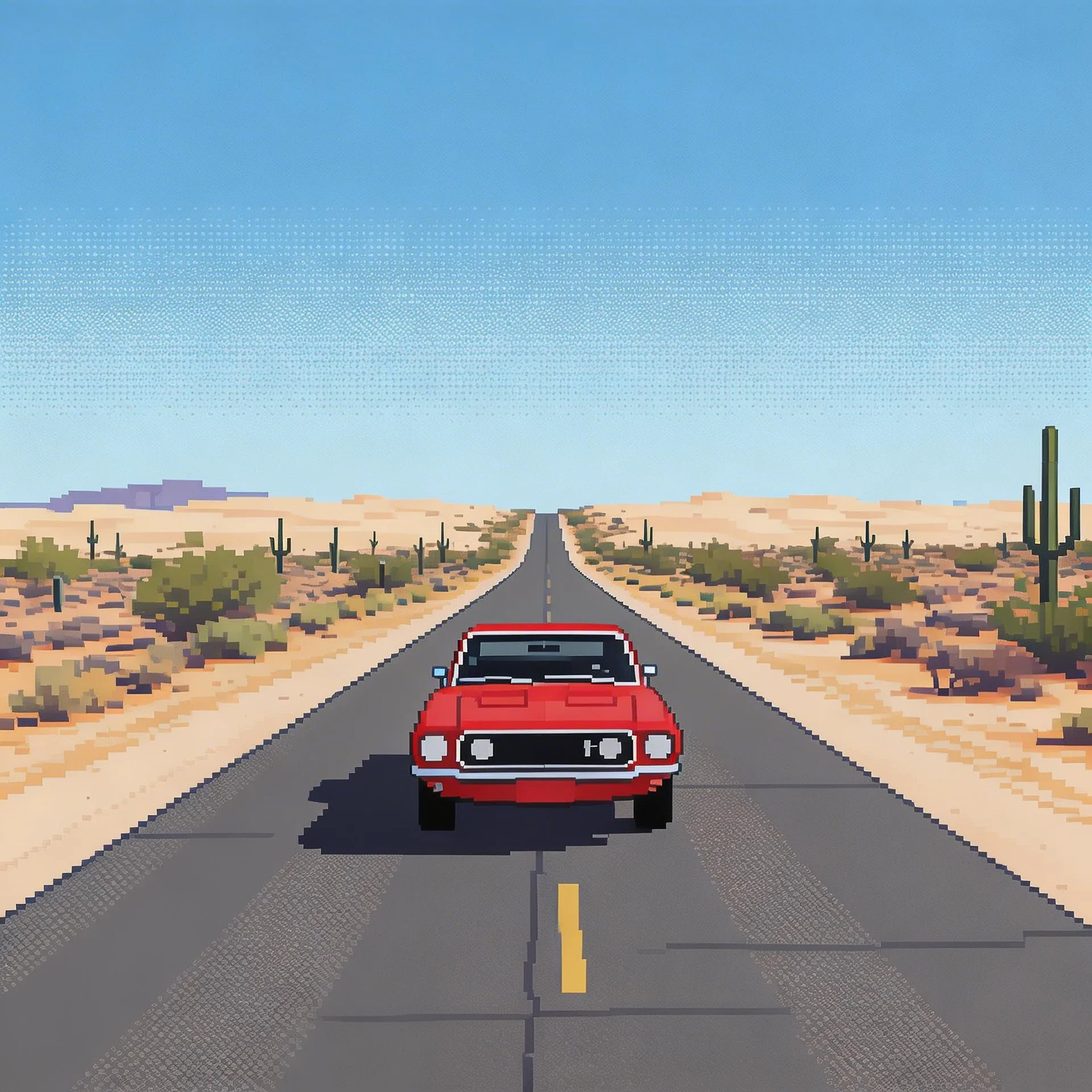
Photo to Pixel Art — Turn Any Photo Into Authentic Pixel Art
Want to transform your photographs into retro gaming artwork? Pixlio's photo to pixel art tool turns any image into authentic pixel art in seconds. Upload a portrait, landscape, or product shot and watch the AI convert it into crisp, grid-aligned pixel artwork with limited color palettes and deliberate dithering that captures the spirit of classic video games. This photo to pixel art converter goes beyond simple pixelation filters—it intelligently redraws your image with clean pixel placement, proper color reduction, and stylized shading that matches genuine retro game art. Choose from four distinct styles including 8-Bit Classic, PICO-8 Palette, Game Boy, and Modern Pixel to find the aesthetic that fits your creative vision. Whether you need game-ready sprite references, nostalgic social media content, or unique merchandise designs, our photo to pixel art AI delivers results that look handcrafted by a professional pixel artist. Want sharper results? Try our Image Upscaler to enhance your pixel art after generation.
What Makes Pixlio the Best Photo to Pixel Art Tool
Generic pixelation filters just shrink and blur your image. Pixlio's photo to pixel art AI understands composition, color, and form—producing pixel artwork that preserves your subject while embracing the charm of retro game graphics.

Four Retro Style Presets for Every Era
Not all pixel art looks the same, and your photo to pixel art results shouldn't either. Pixlio offers four carefully crafted presets, each producing a genuinely different aesthetic. 8-Bit Classic delivers the iconic look of early console games with large blocky pixels and a limited palette of 8 to 16 colors. PICO-8 Palette uses the beloved 16-color system from the modern indie scene, with vibrant contrast and deliberate dithering. Game Boy reduces your image to just four monochrome green shades for unmistakable handheld nostalgia. Modern Pixel renders a fine, high-density pixel grid with rich colors and layered shading—perfect for contemporary indie game art. Every preset is tuned to convert photo to pixel art that matches genuine game production values.
Your Subject, Faithfully Preserved in Pixels
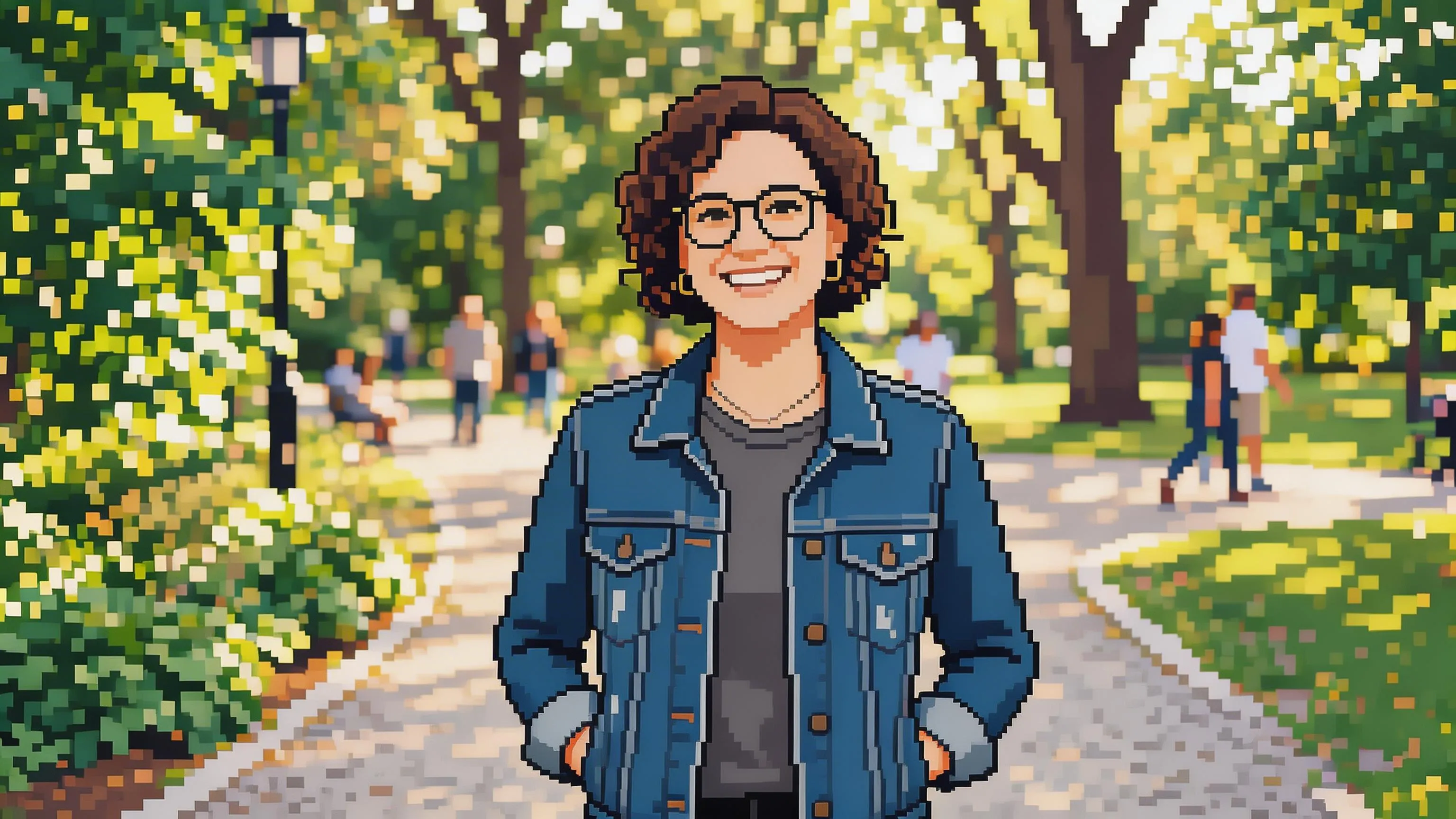
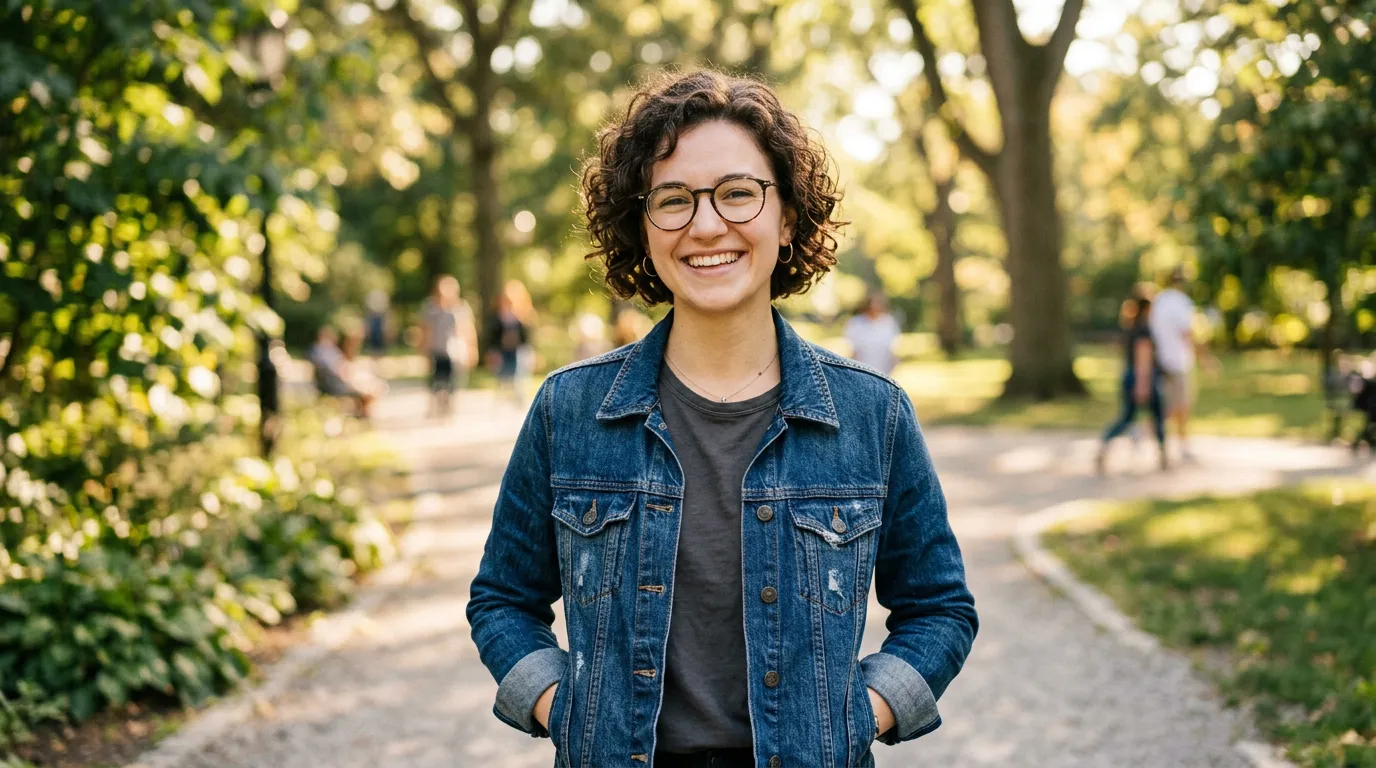
The biggest challenge with any photo to pixel art conversion is keeping the subject recognizable despite extreme stylization. Pixlio solves this by analyzing key visual elements—facial structure, body pose, object shape, and scene layout—before applying the pixel rendering. The AI maps your photograph's composition onto a clean pixel grid while maintaining proportions and spatial relationships. A person's hairstyle translates into carefully placed pixel clusters. Clothing patterns become deliberate color blocks. Background elements retain their relative positions and depth. Unlike simple downscaling, this photo to pixel art tool makes intelligent decisions about which details to keep and which to simplify for a result that tells the same visual story as your original photo.
Crisp, Pixel-Perfect Output
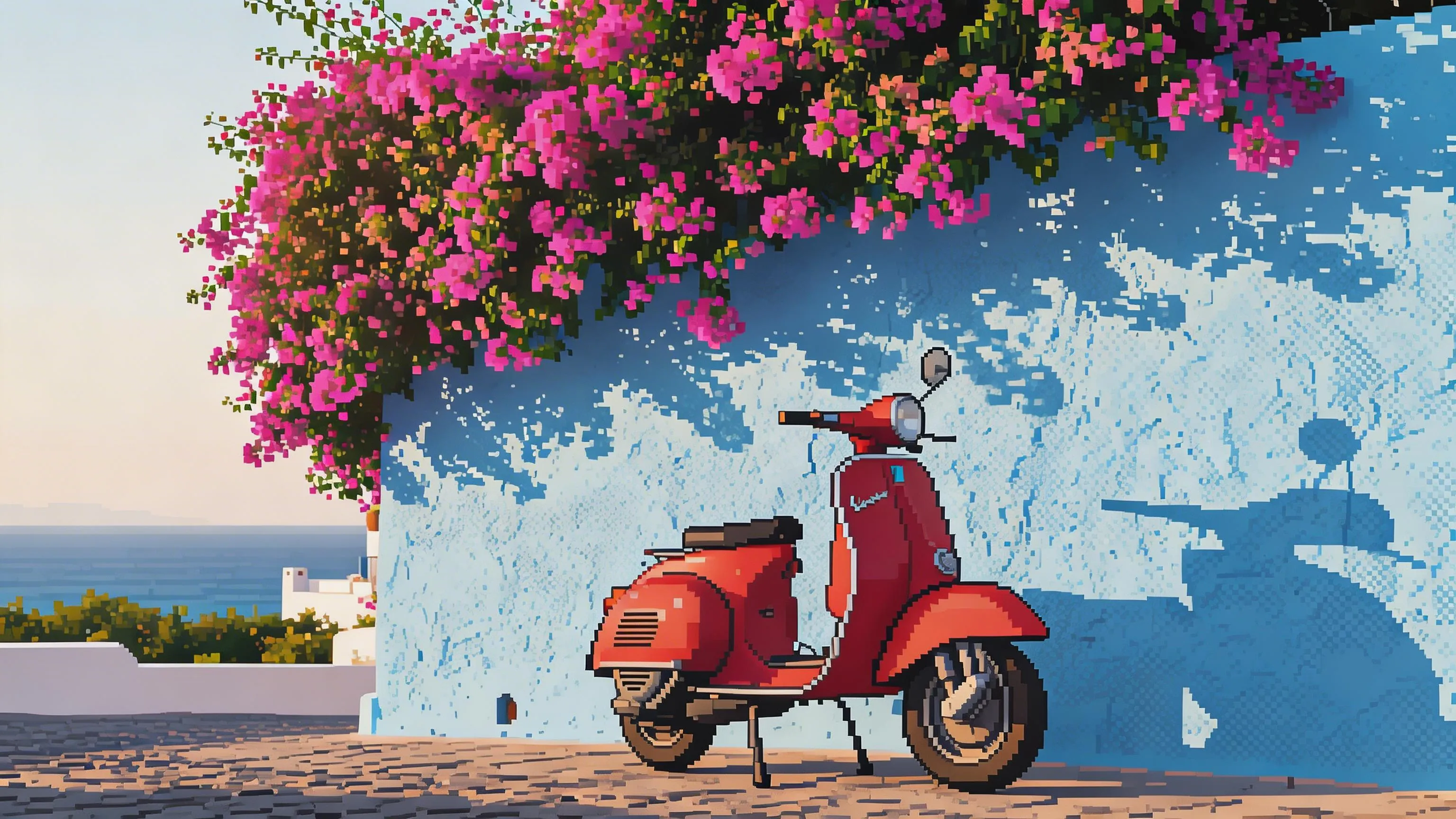
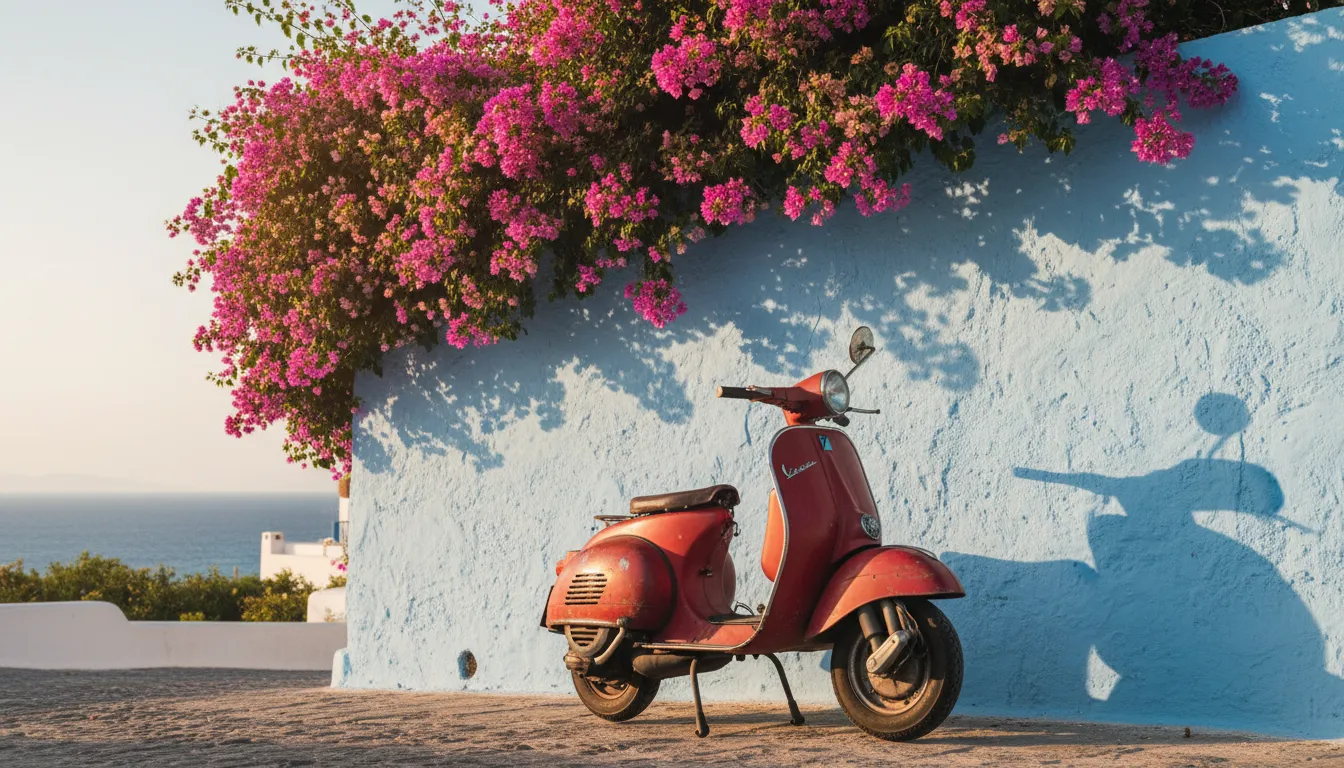
The difference between good pixel art and a blurry downscaled image comes down to precision. Pixlio's photo to pixel art AI produces clean, grid-aligned output where every pixel is deliberately placed. Edges are sharp and intentional—no anti-aliasing blur, no muddy in-between colors. Shading uses proper dithering patterns instead of smooth gradients, giving the result an authentic handmade quality that pixel art enthusiasts expect. Color palettes are reduced thoughtfully, grouping similar hues into a limited set that reads clearly at any zoom level. Whether you choose a strict 4-color Game Boy palette or a richer Modern Pixel spectrum, the output maintains the crisp, snappy look that defines quality pixel art.
Fine-Tune with Custom Prompts
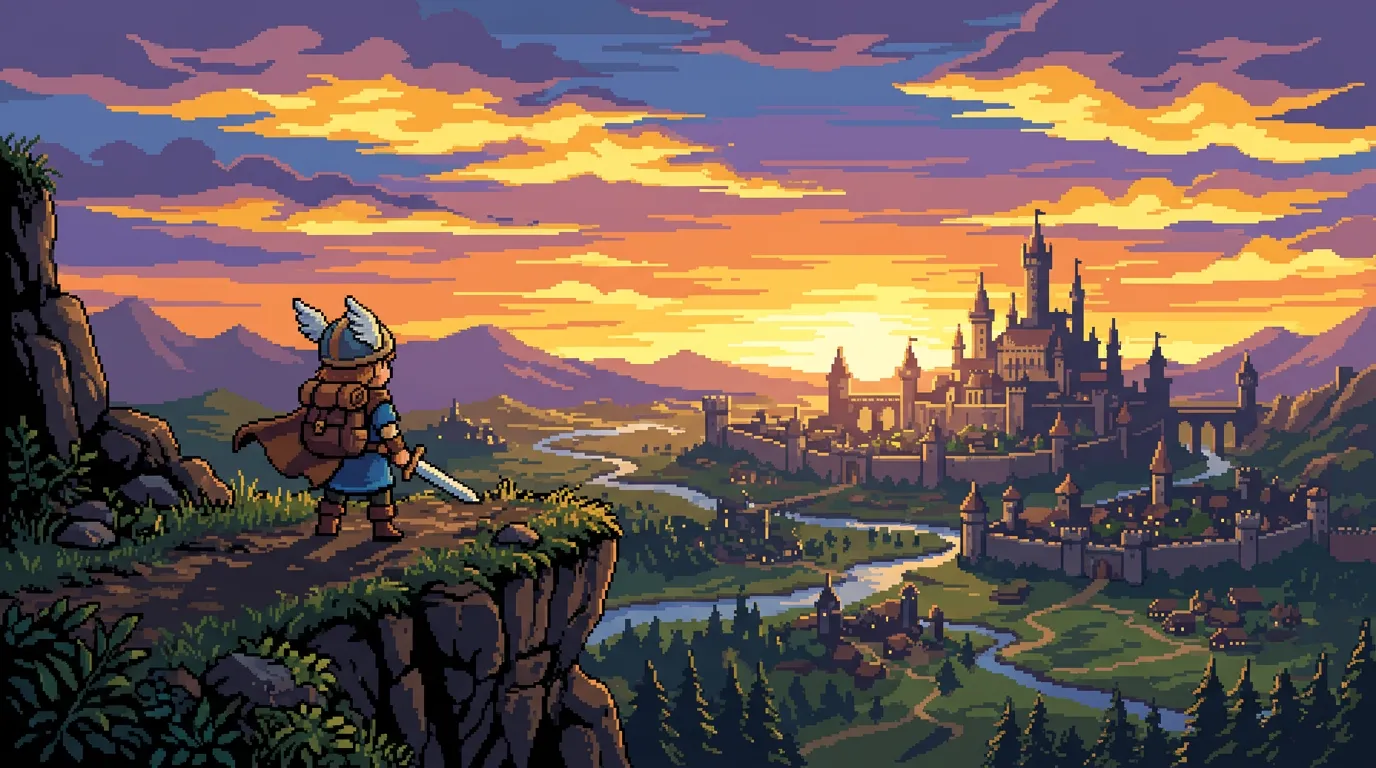
Every photo to pixel art conversion starts with a style preset, but you can go further with an optional text prompt. Want a strictly limited palette with no gradients? Ask for it. Prefer a sprite-sheet aesthetic with bold outlines? Describe that in the prompt field. The AI combines your style selection with your written instructions to produce pixel art tailored to your exact specifications. This gives you creative control that generic pixel art converters simply don't offer—adjust detail density, color mood, shading approach, or even request specific game-era aesthetics. Presets alone produce excellent results, but the prompt option is there when you need precision.
How to Convert Photo to Pixel Art in 3 Simple Steps
Turning your favorite photo into pixel art takes less than a minute. No drawing skills, no expensive software—just upload, pick a style, and let Pixlio's photo to pixel art AI handle the rest.
Who Uses Photo to Pixel Art?
From indie game developers to social media creators, Pixlio's photo to pixel art converter serves anyone who wants to bring retro pixel aesthetics to their images. Here's how different users put this pixel art generator to work.
Game Developers and Indie Studios
Generate pixel art references and concept sprites from photographs. Use photo to pixel art to quickly visualize how real-world objects, characters, or environments would look as in-game assets. Speed up your art pipeline by converting reference photos into stylized pixel mockups that your team can iterate on.
Social Media Creators
Stand out with retro-styled profile pictures and content. The photo to pixel art converter transforms selfies, pets, and everyday scenes into eye-catching pixel art that grabs attention in crowded feeds. Perfect for gaming communities, nostalgia-themed accounts, and anyone who wants a distinctive visual identity online.
Merchandise and Print-on-Demand
Create unique pixel art designs for T-shirts, stickers, posters, and phone cases. Photo to pixel art conversions produce clean, scalable artwork with bold colors and defined edges—ideal for printing. Turn customer photos into personalized pixel art products that sell.
Retro Art Enthusiasts and Personalized Gifts
Transform cherished photos into nostalgic pixel art keepsakes. A photo to pixel art conversion of a couple's portrait, a family snapshot, or a beloved pet makes a thoughtful and original gift. The Game Boy and 8-Bit Classic styles are especially popular for sentimental pieces that evoke childhood gaming memories.
Photo to Pixel Art FAQ
What is photo to pixel art?
Photo to pixel art is an AI-powered tool that converts real photographs into pixel art styled images. Upload any photo—portrait, landscape, product shot, or pet photo—and the AI redraws it with pixel art aesthetics such as grid-aligned pixels, limited color palettes, and deliberate dithering while preserving the original subject and scene composition.
Is Pixlio's photo to pixel art converter free?
Yes. Pixlio offers free credits when you sign up, so you can try the photo to pixel art tool immediately. Each conversion uses a small number of credits shown before you generate. Additional credits are available through affordable plans.
What pixel art styles are available?
Pixlio offers four photo to pixel art styles: 8-Bit Classic (large blocky pixels with a limited palette), PICO-8 Palette (vibrant 16-color indie game aesthetic), Game Boy (four-shade monochrome green), and Modern Pixel (high-density fine pixel grid with rich colors). Each produces genuinely different results from the same input photo.
What photo types work best for pixel art conversion?
Photos with clear subjects and strong contrast produce the best photo to pixel art results. Portraits, product shots, pets, and simple landscapes work especially well. Very dark, heavily blurred, or extremely busy images may lose detail during conversion due to the inherent simplification of the pixel art style.
Does photo to pixel art preserve my subject?
Yes. Pixlio's photo to pixel art AI preserves your subject's key features, pose, and overall composition. The transformation applies pixel art rendering—grid-aligned pixels, limited palette, and stylized shading—without altering the identity or structure of the original scene.
Can I use my pixel art images commercially?
Pixlio is built for creators and businesses. Many users incorporate photo to pixel art results into game assets, merchandise designs, social media content, and marketing materials. Review your plan details and our Terms of Service for complete information about commercial usage rights.
More AI Image Tools
Explore our collection of AI-powered image tools designed for different creative needs and styles