Pixlio AI
Use the tool below to generate printable coloring pages with AI.

AI Coloring Page Generator — Create Printable Coloring Pages
Need a custom coloring page without drawing skills or design software? Pixlio's free AI coloring page generator makes it simple. Type a description—animals, fantasy scenes, cute characters, mandalas—or upload a reference photo, and the AI produces clean black-and-white line art in seconds. Choose from four curated style presets, adjust the detail level from Simple to Detailed, pick a page shape, and download a print-ready PNG. No complicated prompts, no sliders, no guesswork—just a fast coloring page generator that works. Want full-color illustrations instead? Try our AI Cartoon Generator to create vibrant cartoon artwork from the same kind of prompt.
Why Pixlio Is the Best AI Coloring Page Generator
Creating printable coloring pages used to mean searching clip-art libraries or hiring an illustrator. This AI coloring page generator handles the hard part automatically—you just describe what you want and pick a style.
Turn Any Idea into a Coloring Page
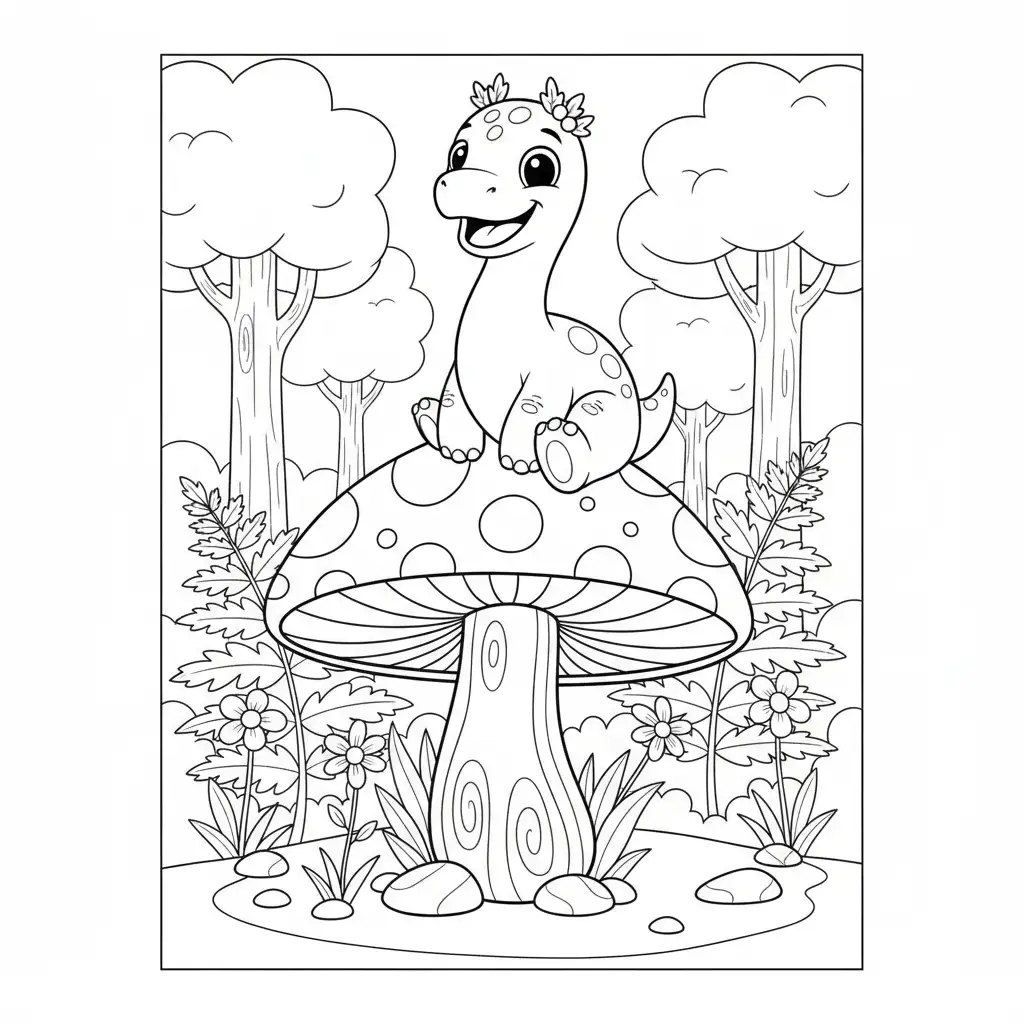
Describe a smiling dinosaur, a cozy cat by a window, or a princess in a castle—and the AI coloring page generator turns your words into clean printable line art. The AI focuses on bold outlines, open fill areas, and coloring-friendly composition so every coloring page is ready for crayons, markers, or colored pencils. No prompt engineering required; plain-language descriptions produce great results on the first try.
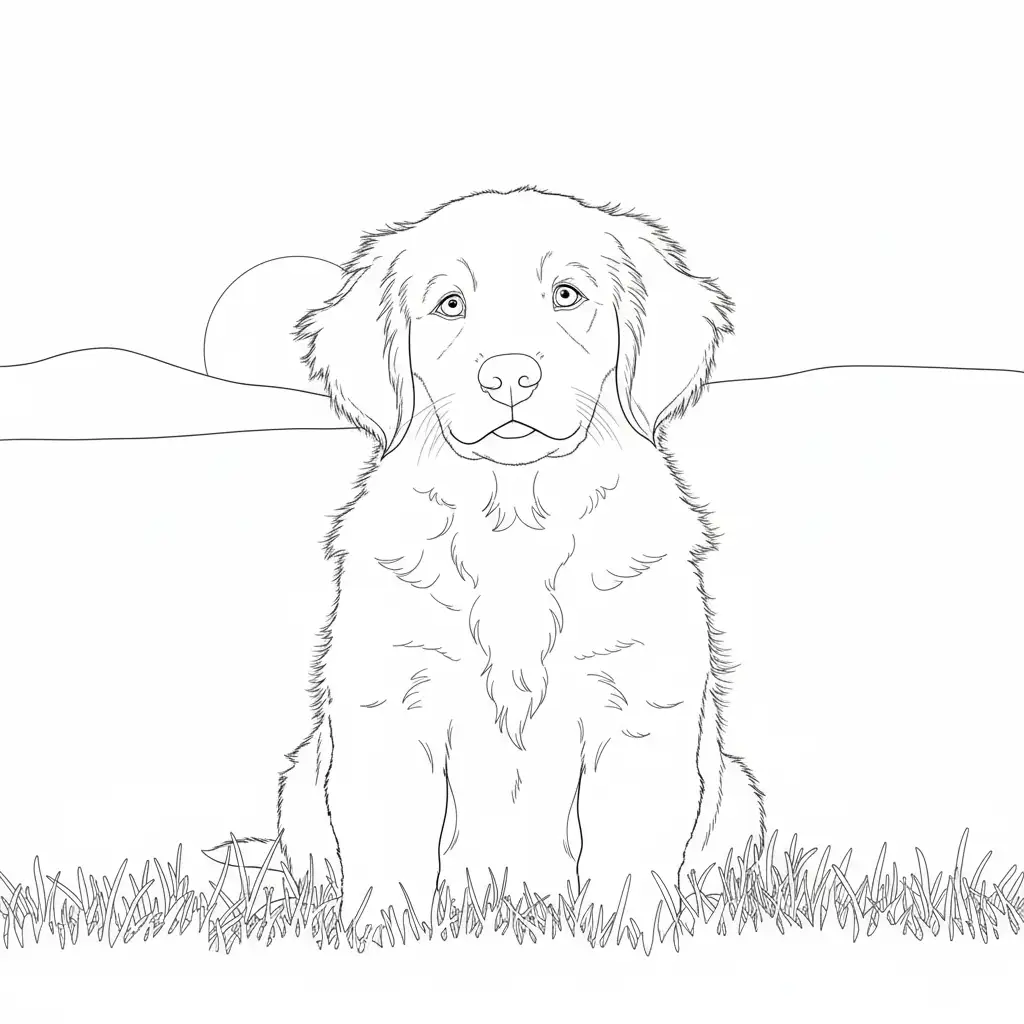

Photo-to-Coloring-Page Conversion
Have a favorite pet photo or a snapshot you want to color? Upload it and the coloring page generator converts it into black-and-white line art while preserving the subject's recognizable shapes. Add an optional text prompt alongside the photo to guide the style or composition. The result is a coloring page that feels personal—not a generic template.
Curated Coloring Page Style Presets
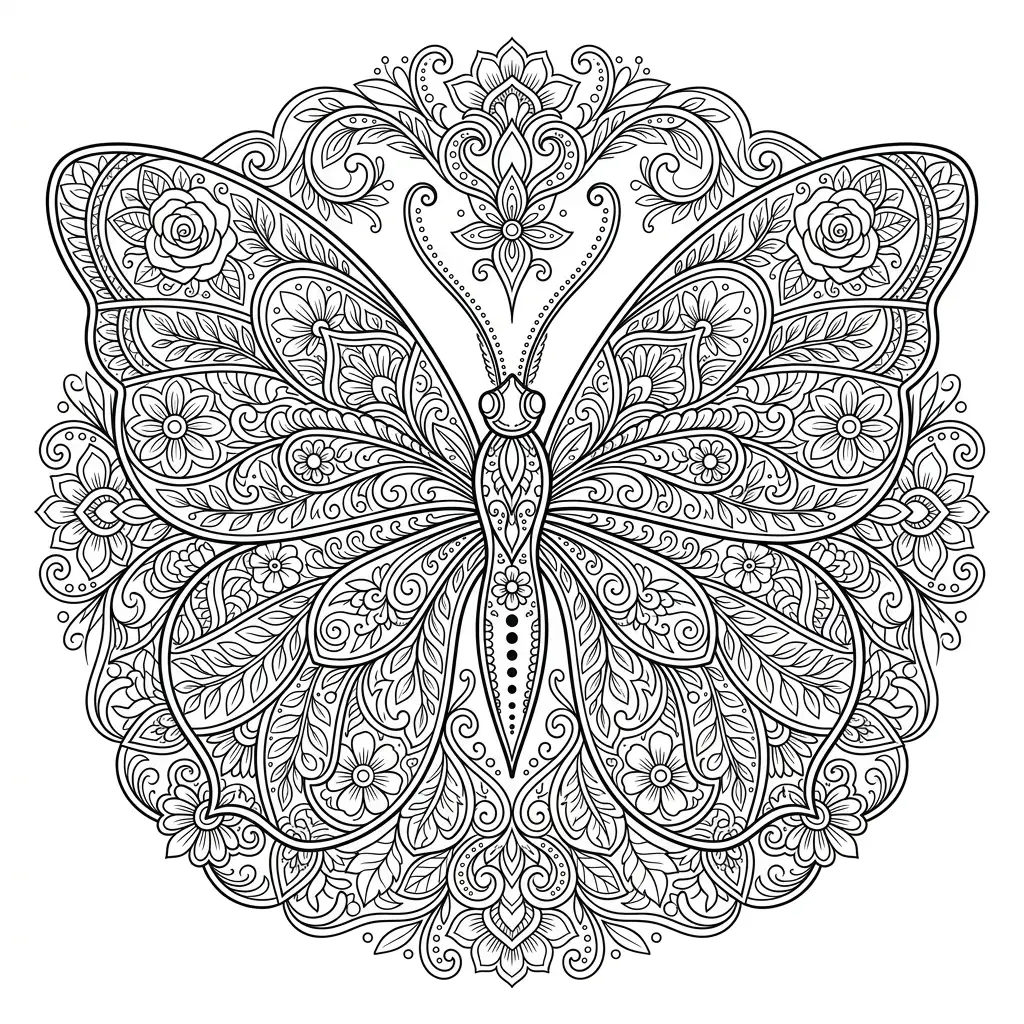
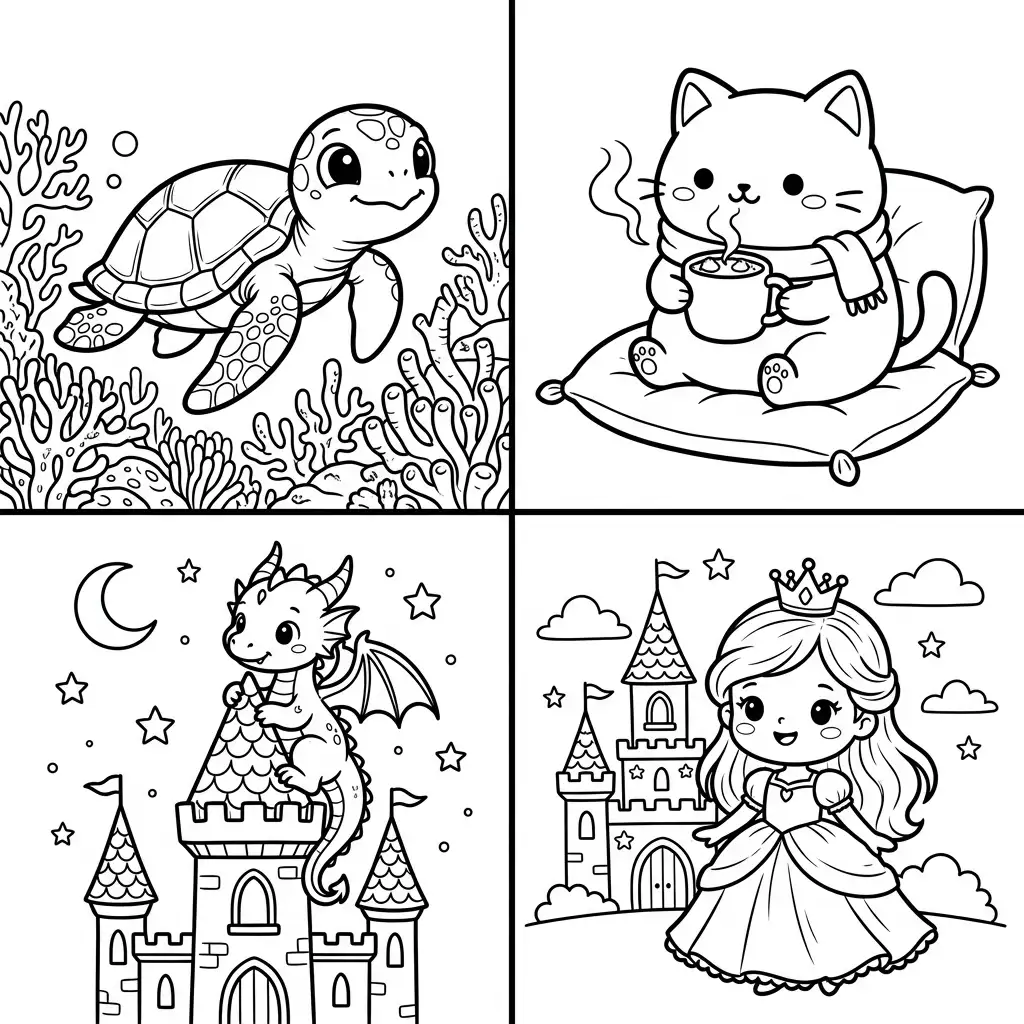
Instead of tweaking dozens of settings, pick one of four styles designed for coloring pages. Classic Coloring Page delivers balanced outlines with broad appeal. Cute & Cozy produces rounded, friendly characters kids love. Storybook Fantasy adds whimsical fairy-tale details. Mandala & Patterns creates decorative, meditative designs for adult coloring. Each preset keeps the output printable and color-ready.
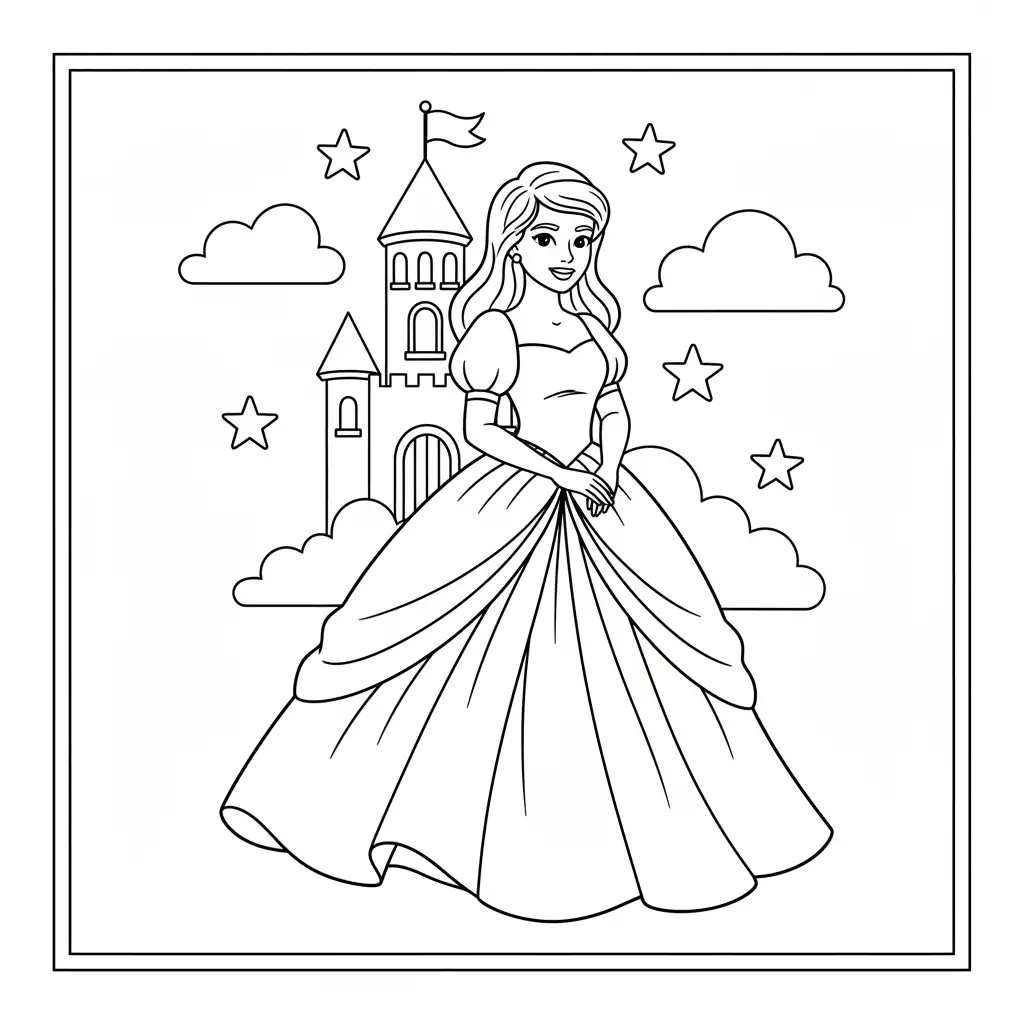
Print-Ready Downloads in One Click
Every coloring page the AI coloring page generator produces is optimized for printing: high contrast black-and-white outlines, safe margins, and clean composition. Preview your result on screen, then download as a PNG file ready for your home printer. No post-processing needed—generate, download, print, and start coloring.
How to Create Coloring Pages in 3 Simple Steps
Generating a custom coloring page takes less than a minute. Follow these steps to go from idea to printable line art without any design experience.
Who Uses This Coloring Page Generator?
From classrooms to kitchen tables, Pixlio's coloring page generator serves anyone who needs custom printable coloring sheets without drawing skills or clip-art libraries.
Parents and Teachers
Need a quick coloring activity for a rainy afternoon or a classroom session? Use the AI coloring page generator to create themed sheets in seconds—animals, vehicles, seasons, or any topic your kids are studying. Adjust the detail level to Simple for preschoolers or Detailed for older students, then print as many copies as you need.
Hobby and Creative Users
Turn a photo of your pet, a favorite character idea, or a scene from your imagination into a personal coloring page. The coloring page generator preserves recognizable shapes from uploaded photos while converting them to clean line art. The result is a one-of-a-kind page you cannot find in any store-bought book.
Kids' Party and Holiday Activities
Generate themed coloring sheets for birthdays, Halloween, Christmas, or any celebration. Describe the scene you want—pirates, unicorns, spooky houses—and the AI coloring page generator delivers a printable page matched to your party theme. Print a stack and keep kids entertained for hours.
Adult Coloring Enthusiasts
Explore the Mandala & Patterns preset for meditative, symmetrical designs or use Storybook Fantasy for intricate fairy-tale scenes. Set the detail level to Detailed for denser line work that challenges experienced colorists. This coloring page generator gives you an endless supply of fresh pages tailored to your taste.
Coloring Page Generator FAQ
What is an AI coloring page generator?
An AI coloring page generator uses artificial intelligence to turn a text description or uploaded photo into printable black-and-white line art. Instead of drawing outlines by hand, you describe what you want and the AI produces a clean coloring page with open fill areas ready for crayons, markers, or colored pencils.
Is Pixlio's coloring page generator free to try?
Yes. Pixlio gives you free credits when you sign up, so you can generate coloring pages right away. Additional credits can be purchased as needed.
What input does the coloring page generator accept?
You can type a text description, upload a reference photo (JPG, PNG, or WebP up to 15 MB), or provide both. At least one input is required before generating.
Can I turn a photo into a coloring page?
Yes. Upload a photo of a pet, character, or scene and the AI converts it into clean line art suitable for coloring. You can also add a text prompt alongside the photo to guide the result.
How much does generating a coloring page cost?
Each generation costs 10 credits. The estimated cost is shown before you click Generate.
What coloring page styles are available?
Pixlio offers four curated presets: Classic Coloring Page for clean balanced outlines, Cute & Cozy for friendly rounded characters, Storybook Fantasy for whimsical fairy-tale scenes, and Mandala & Patterns for decorative repeating designs.
Does Pixlio allow NSFW images?
No. NSFW content is strictly not allowed, as stated in our Terms of Service. If an upload is flagged as NSFW, the request is rejected and 1 credit is deducted. Any costs, damages, or legal issues related to content you provide are your responsibility.
More AI Image Tools
Explore our collection of AI-powered image tools designed for different creative needs and styles