 Pixlio AI
Generate Design-Ready Images with the Seedream 5.0 Pro Image Generator
Create production-grade visuals with Seedream 5.0 Pro on Pixlio AI. ByteDance's most capable image model generates professional infographics, photorealistic product shots, multilingual posters, and editorial portraits.
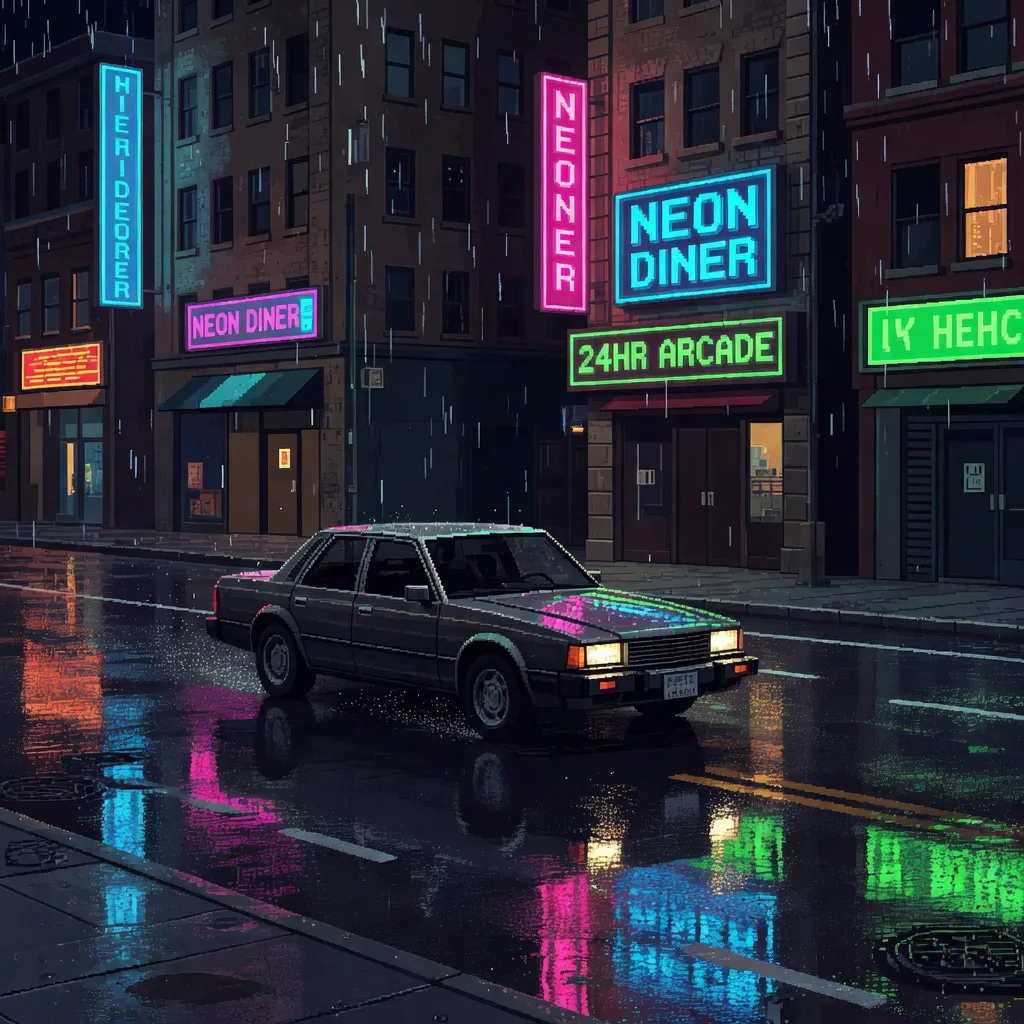
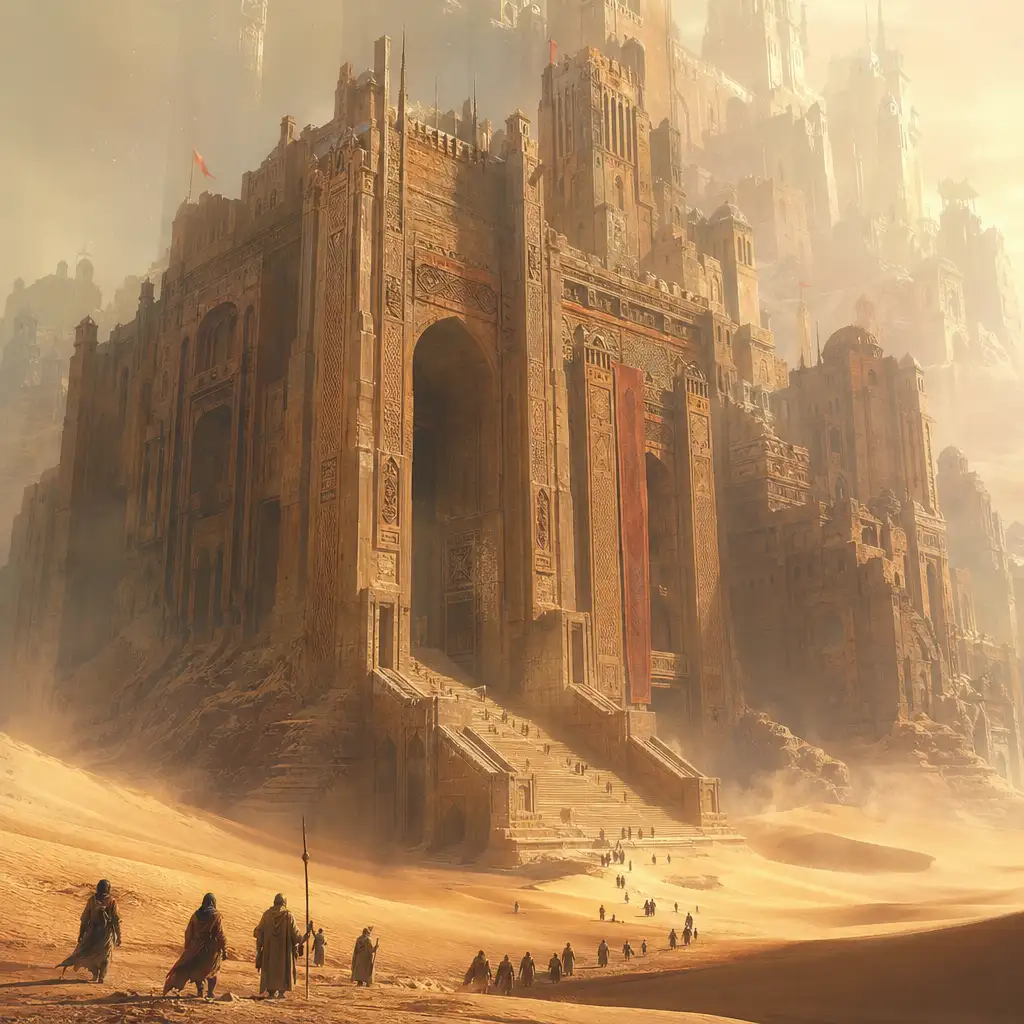

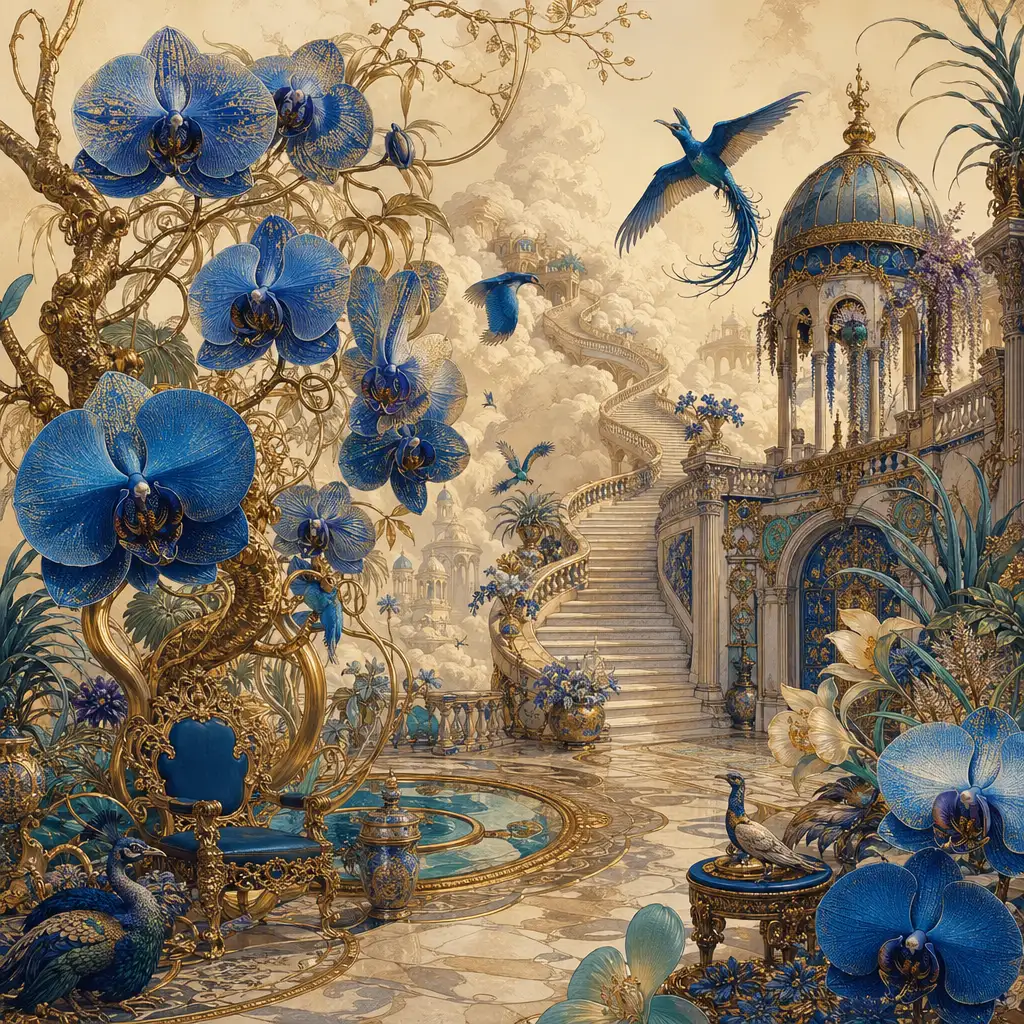
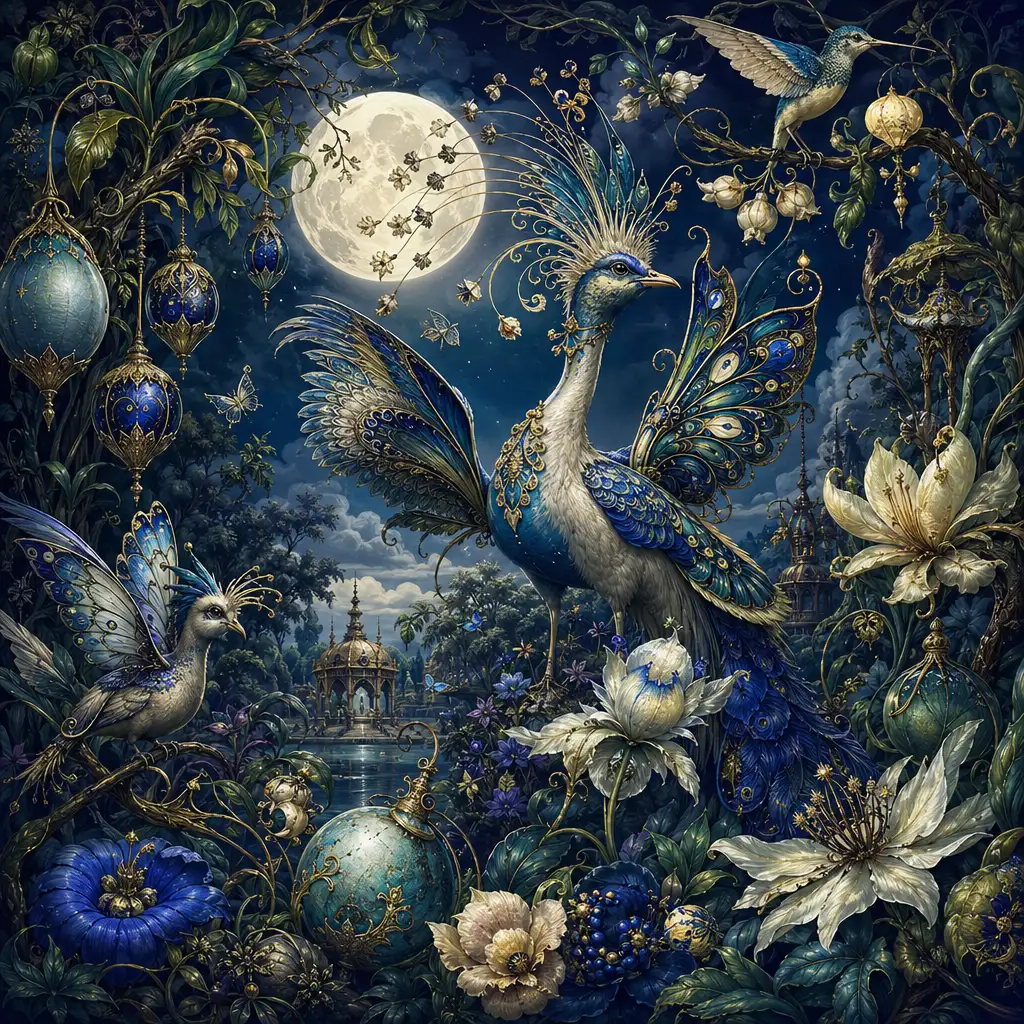
What Makes Seedream 5.0 Pro a Standout Image Generator
Seedream 5.0 Pro is the latest image creation model from ByteDance's Seed team, released on July 8, 2026. It goes beyond single-image generation with four core strengths: publication-ready infographics from a single prompt, precision editing that changes only the region you target, photorealistic rendering with natural skin and material textures, and native text support in over ten languages.
Think of Seedream 5.0 Pro as a model you brief like a designer. Describe your subject, layout, color palette, lighting, and any text you want rendered—it understands spatial hierarchy, material finishes, and brand-specific HEX colors, so your prompts read like creative specifications rather than keyword lists. Seedream 5.0 Pro standout quality is controllability: the ability to change precisely what you ask for while preserving the rest.
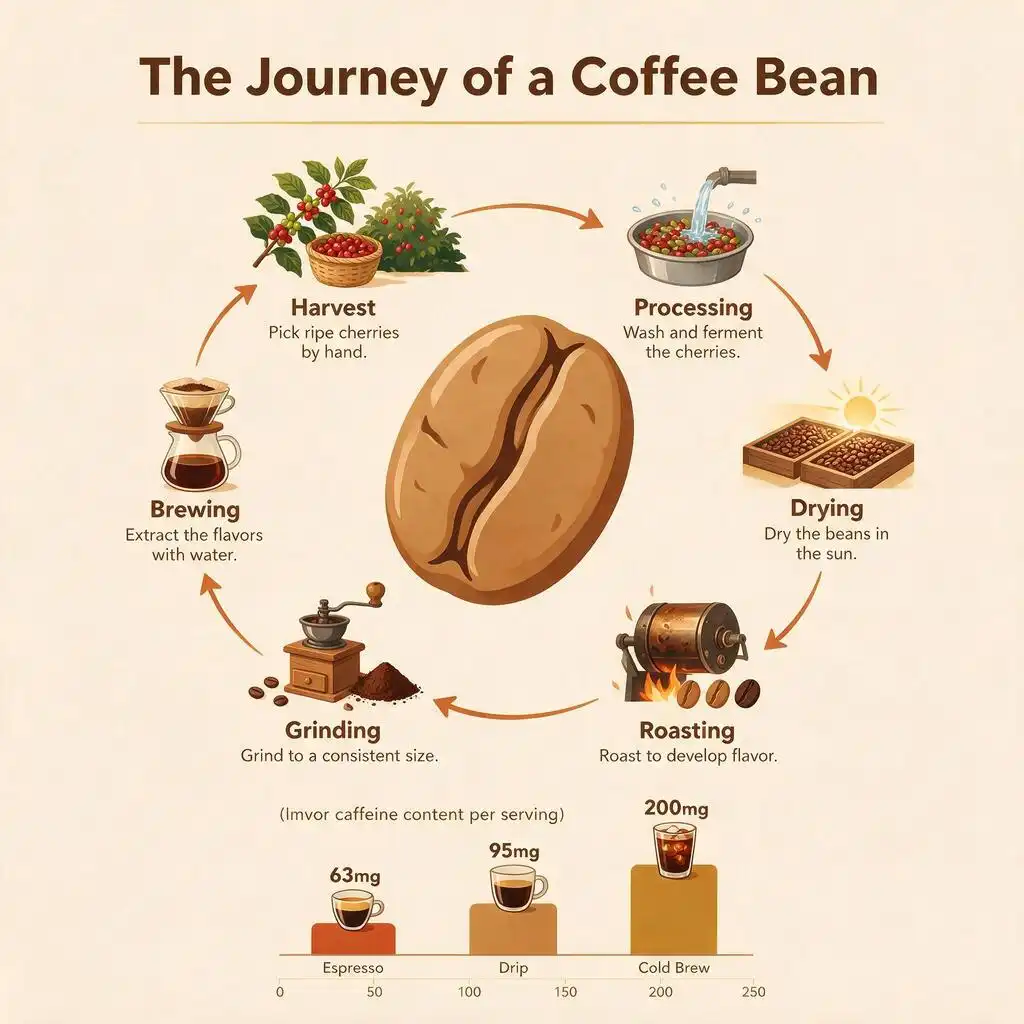

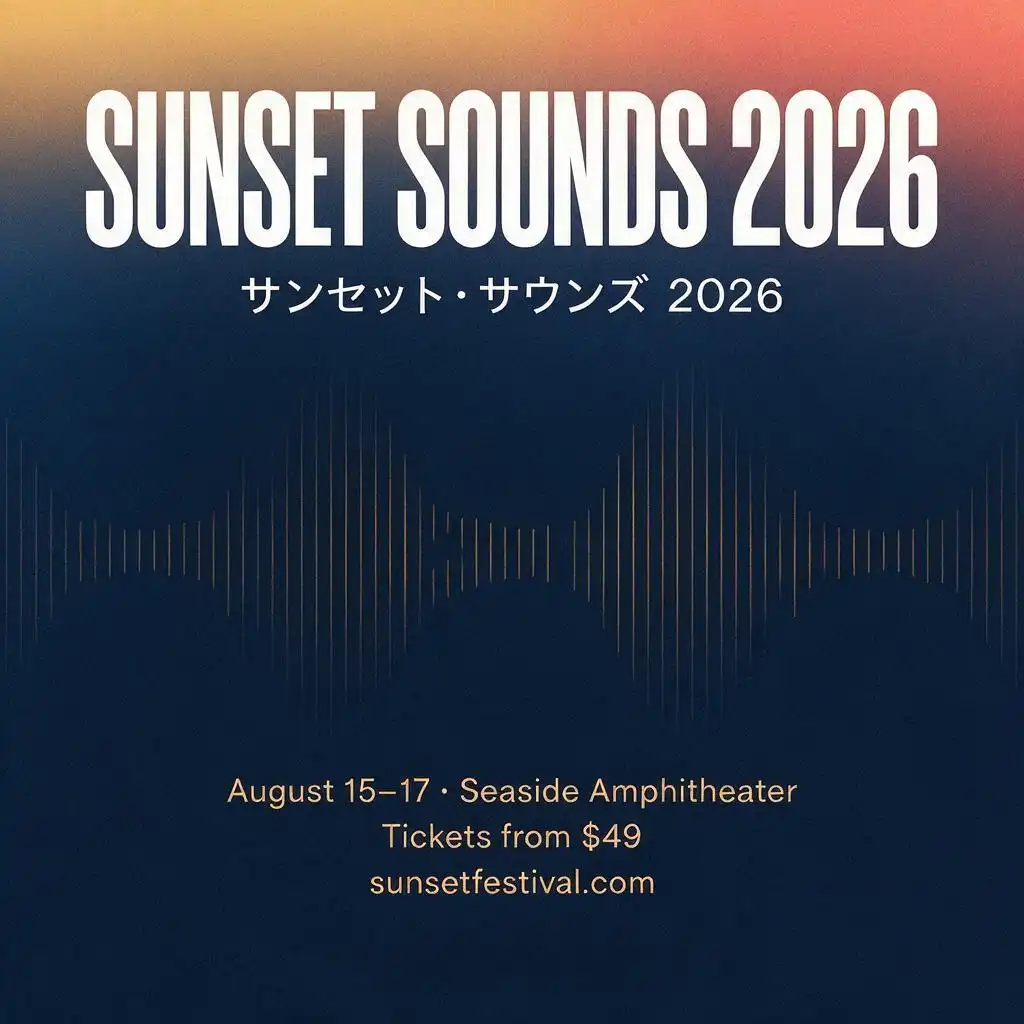

How the Seedream 5.0 Pro Image Generator Helps You Create
Turn complex information into finished infographics
Describe a chart, timeline, comparison table, or educational diagram in a single prompt and Seedream 5.0 Pro produces a structured, publication-ready graphic. It handles data hierarchy, icon placement, and multi-section layouts that would normally require a dedicated design tool.
Edit precisely without rebuilding your image
With Seedream 5.0 Pro, you can target a specific area of an image and change just that region. Swap a product label, adjust a background color, replace an object, or fix a detail—the rest of your composition stays exactly as it was.
Render readable text in over ten languages
Seedream 5.0 Pro generates sharp, correctly spelled text directly inside images. It handles Chinese, English, Japanese, Korean, Arabic, Spanish, French, German, Russian, and more—including right-to-left scripts and proper typographic spacing.
Achieve photorealistic portraits and product shots
Seedream 5.0 Pro reproduces real-world lighting, material physics, and natural skin textures. The result is product photography with believable reflections and shadows, and portraits with cinematic depth rather than an artificial, over-smoothed look.
Combine multiple reference images into one scene
Upload up to six reference images and assign each one a role—identity, outfit, background, color palette, or composition guide. Seedream 5.0 Pro fuses them into a single coherent scene with consistent lighting, perspective, and style.
Control exact brand colors with HEX codes
Specify colors like #2D6A4F or #F4A261 directly in your prompt and Seedream 5.0 Pro matches them accurately. This gives you precise brand-color control for packaging, advertisements, social media templates, and campaign assets.
Why Use the Seedream 5.0 Pro Image Generator on Pixlio AI
Instant browser access to Seedream 5.0 Pro
Start creating with Seedream 5.0 Pro immediately on Pixlio AI. No downloads, no API keys, no environment setup—open the page, write a prompt, and generate production-quality visuals in seconds.
Generation and editing in one place
Seedream 5.0 Pro handles both text-to-image generation and image-to-image editing in the same workflow. Create an image from a prompt, then refine specific regions, swap backgrounds, or adjust colors—without switching tools or re-uploading files.
Built for production, not just exploration
Unlike models that excel at single beautiful images, Seedream 5.0 Pro is designed for structured commercial output. Posters, product ads, infographics, multilingual campaigns, and e-commerce assets come out ready to use, not just ready to admire.
Write Better Prompts for the Seedream 5.0 Pro Image Generator
Seedream 5.0 Pro performs best when you give it concrete, structured instructions. Here are practical tips drawn from official guidance and early community testing:
- Structure your prompt like a design brief. Follow a clear order: subject and action, visual style and palette, spatial arrangement, camera angle and lighting, then materials and text. This mirrors how the model processes instructions internally.
- Describe what you can see, not how it feels. Instead of "elegant" or "professional," specify the exact outfit, material finish, color temperature, and shadow direction. Observable details produce more consistent results than subjective adjectives.
- Use HEX codes for brand-critical colors. Include both the HEX value and a plain-language description—for example, "background in #2D6A4F, a deep forest green." This gives the model a precise target with semantic context.
- Put in-image text in quotation marks. Specify the exact wording, its position (e.g., "centered across the upper third"), font weight, and color. For multilingual designs, define each text block independently with its language identified.
- For edits, describe only what should change. When editing an existing image, focus your prompt on the target modification and add one preservation sentence for critical elements like facial identity, product labels, or background composition.
- Keep exclusions minimal. One or two "no" statements (e.g., "no additional text" or "no people") are effective. Long lists of negatives compete with your positive brief and reduce reliability.
How to Start Using Seedream 5.0 Pro on Pixlio AI
Follow these steps to generate and edit images with Seedream 5.0 Pro. No downloads or API keys required—everything runs in your browser.
Frequently Asked Questions About Seedream 5.0 Pro
What is Seedream 5.0 Pro and how is it different from Seedream 5.0 Lite?
Seedream 5.0 Pro is ByteDance's latest multimodal image creation model, released on July 8, 2026. While Seedream 5.0 Lite introduced deep thinking and online search, Pro builds on that foundation with major upgrades: complex infographic generation, interactive precision editing with spatial awareness, photorealistic material and skin rendering, and native support for over ten languages.
What can I create with the Seedream 5.0 Pro image generator?
Seedream 5.0 Pro handles a wide range of creative and commercial tasks: marketing posters with multi-tiered text, data-driven infographics and comparison charts, product photography with studio-quality lighting, UI and app interface mockups, multilingual advertising, editorial portraits, educational diagrams, and e-commerce assets. Its strength is structured, layout-aware output where precise text placement and spatial hierarchy matter.
How does Seedream 5.0 Pro handle text in images?
Typography is one of Seedream 5.0 Pro's strongest capabilities. The model renders sharp, legible text with correct spelling, proper letter spacing, and clear visual hierarchy. It handles headlines, body text, labels, and annotations across multiple languages. For best results, put exact wording in quotation marks within your prompt and specify the text's position, font weight, and color.
Can Seedream 5.0 Pro edit existing images?
Yes. Upload an image and describe the specific change you want. Seedream 5.0 Pro on Pixlio AI can swap backgrounds, replace objects, change materials or colors, adjust lighting, and modify specific regions—all while preserving the parts you did not ask to change. For targeted edits, you can even annotate the image with boxes or arrows to indicate exactly where changes should happen.
What languages does Seedream 5.0 Pro support for text generation?
Seedream 5.0 Pro natively supports direct input and high-quality text rendering in over ten languages including Chinese, English, French, German, Russian, Japanese, Korean, Spanish, and Arabic. The model automatically adapts to each language's typographic conventions, including right-to-left rendering for Arabic and proper accent marks for European languages.
What resolution and aspect ratios does Seedream 5.0 Pro support?
Seedream 5.0 Pro generates images at flexible aspect ratios including 1:1, 3:4, 4:3, 9:16, and 16:9. Output resolution ranges from approximately 1 megapixel to 4.19 megapixels, with a maximum square dimension of 2048×2048 pixels. This is well suited for web graphics, social media, and most commercial marketing assets.
How much does Seedream 5.0 Pro cost on Pixlio AI?
Seedream 5.0 Pro costs 20 credits per image for square, Auto 1K, 16:9, and 9:16 outputs. Square HD, 4:3, and 3:4 outputs cost 35 credits per image. New accounts receive free credits on signup so you can try the model before committing. Check the pricing page for current plans and credit packages.