Use the tool below to combine multiple images into one with AI.

Combined Image

Your combined image will appear here. Add extra guidance and regenerate to refine it.

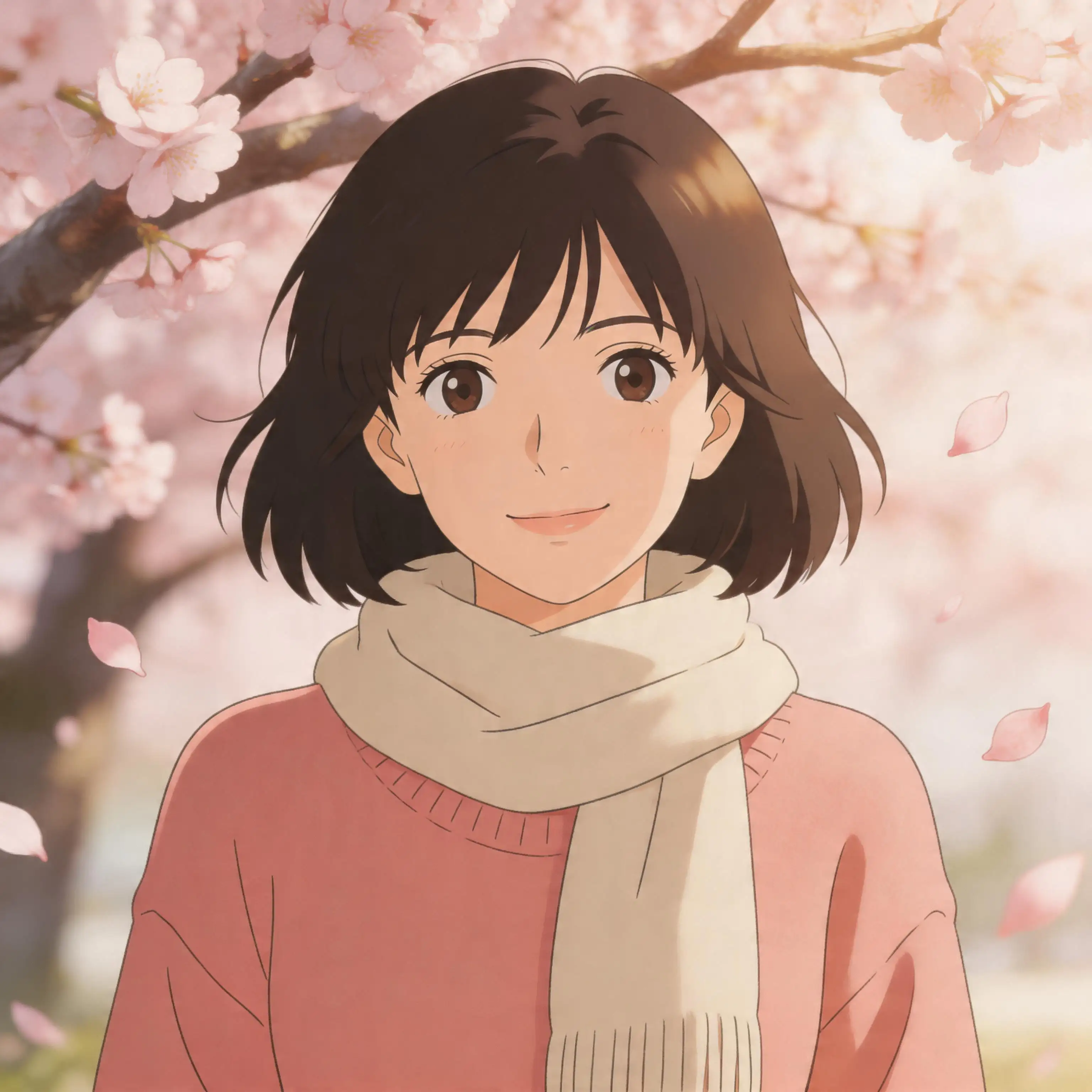
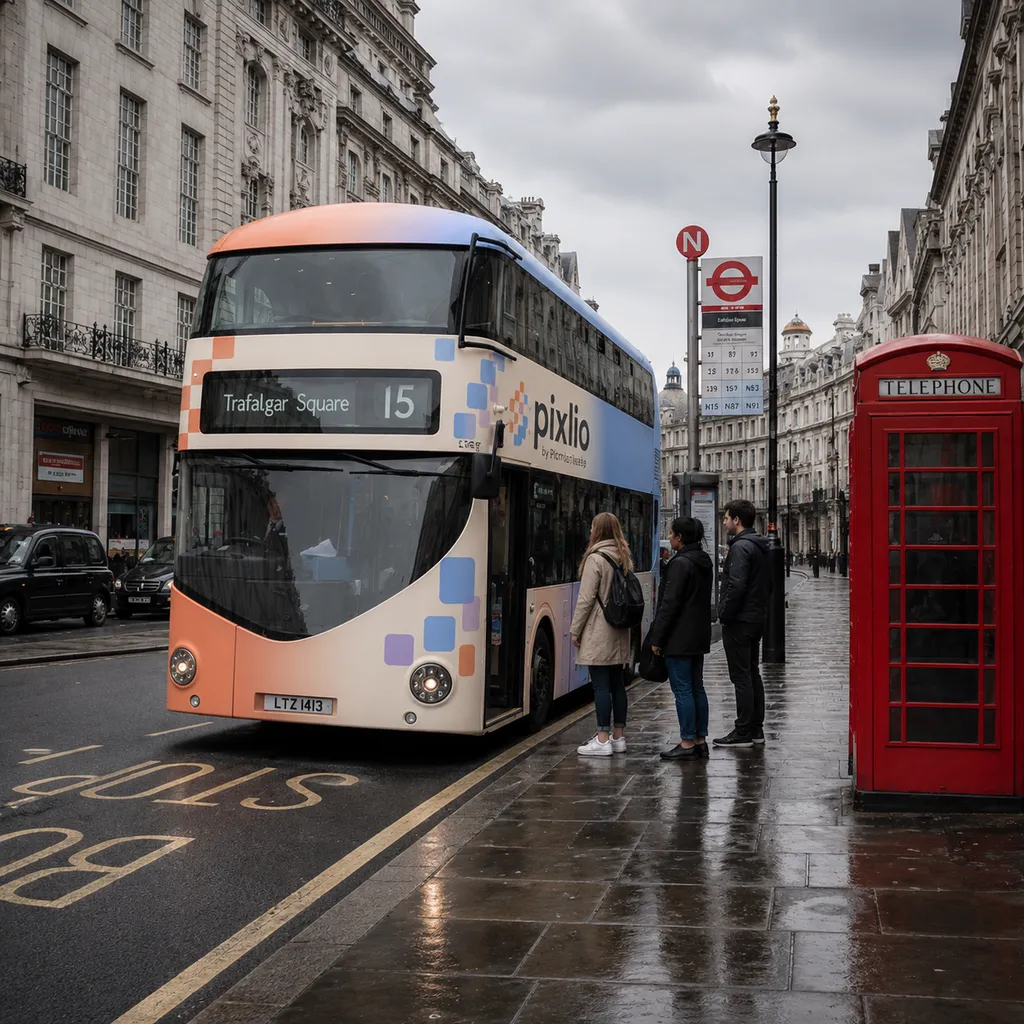
Example preview of an AI-generated image combiner result with a creative blend
My Creations

More AI Image Tools

Explore our collection of AI-powered image tools designed for different creative needs and styles

AI Image Combiner — Merge Multiple Photos Into One Online

Want to combine images without complicated editing software? Pixlio's free AI image combiner makes it simple. Choose from guided combine modes like Product in Scene, Subject into Background, or Creative Blend, then fine-tune with optional guidance. Pixlio's AI image combiner handles lighting, shadows, scale, and edge blending automatically. Need more tools? Try our AI Image Editor to edit your images.

Features

Why Pixlio Is the Best AI Image Combiner

Merging photos has never been simpler. Pixlio delivers professional image compositing without design skills or expensive software. Whether you need product mockups, group portraits, or creative blends, this AI image combiner handles it automatically.

Cohesive AI Image Combining

Traditional compositing requires masks, color matching, and perspective correction. Pixlio's AI image combiner works differently—it analyzes your source photos and intelligently merges them into a single natural-looking result. Lighting adjustments, shadow matching, scale correction, and seamless edge blending all happen automatically. The output looks like one real photograph, not an obvious overlay of separate images. Whether you're combining a product with a lifestyle scene or merging portraits into a group shot, this image combiner tool delivers cohesive results.

Pixlio combine mode selector showing Auto, Product in Scene, Subject into Background, Bring People Together, and Creative Blend options

Guided Combine Modes

Not sure how to describe what you want? Pixlio's combine modes steer the AI image combiner toward your goal without requiring prompt engineering. Choose Auto Combine for a quick merge, Product in Scene for e-commerce mockups, Subject into Background for placing people or pets, Bring People Together for group composites, or Creative Blend for artistic effects. Each mode generates an editable starter instruction, so you get great results immediately.

Simple upload-and-combine interface of the Pixlio AI image combiner tool

No Design Skills Required

Forget masks, layers, cutouts, and complicated editing workflows. This online AI image combiner keeps the process straightforward: upload your photos, pick a combine mode, and click Combine Images. Pixlio handles all the technical compositing—placement, lighting correction, shadow generation, and blending—so you get professional-looking results without a learning curve. The entire process works on desktop and mobile, making it easy to combine images with AI from anywhere.

Extra guidance text field with editable starter prompt for fine-tuning how images are combined

Full Control With Extra Guidance

While combine modes handle most scenarios, you can go further with the Extra Guidance field in the AI image combiner. Specify exactly which image supplies the background, request specific lighting, or describe the composition you envision. Starter prompts are generated for each mode and fully editable, so you start with a solid foundation and refine from there. This gives you the precision of a detailed brief with the simplicity of a one-click combiner.

How to Combine Images in 3 Simple Steps

Creating merged photos with AI takes less than a minute. Follow these steps to combine your images without any design experience.

Use Cases

Who Uses This AI Image Combiner?

From online sellers to content creators, Pixlio's AI image combiner serves anyone who needs to merge photos without professional editing software.

E-Commerce and Product Marketing

Create compelling product-in-scene mockups without a photo studio. Use the AI image combiner to place products into lifestyle backgrounds, generating marketing visuals that showcase items in real-world settings. Perfect for marketplace listings, social ads, and product catalogs where polished imagery drives conversions.

Social Media Creators

Build eye-catching posts and cover images by combining reference photos, backgrounds, and creative elements. Pixlio's AI image combiner handles composition and blending so your content looks polished and professional—no design tools required. Great for Instagram, TikTok, and YouTube thumbnails.

Family and Group Photo Composites

Never had everyone in the same place for a group shot? Combine photos of family members, friends, or pets from separate images into one believable scene. Pixlio's AI image combiner matches lighting and perspective to create a natural result, though fine details may vary with complex compositions.

Designers and Concept Artists

Generate rough composites quickly before polishing elsewhere. Use Pixlio to merge reference images, mood board elements, or AI-generated assets into a single concept. Ideal for early-stage visualization, client presentations, and creative brainstorming.

FAQ

AI Image Combiner FAQ

What is an AI image combiner?

An AI image combiner uses artificial intelligence to merge multiple photos into a single cohesive image. Unlike manual editing tools that require masking, layering, and color correction, an AI image combiner automatically handles placement, lighting, shadows, perspective, and edge blending to create natural-looking results.

How many images can I combine?

Free, Basic, and credit-pack users can combine 2 to 4 images per generation. Active Pro and Max users can combine up to 8 images, giving more flexibility for complex compositions.

What combine modes are available?

Pixlio offers five combine modes: Auto Combine (AI picks the best merge strategy), Product in Scene (place a product into a lifestyle background), Subject into Background (move a person, pet, or object into a new scene), Bring People Together (merge people from separate photos), and Creative Blend (double exposure, texture, or surreal effects).

What file formats does the image combiner support?

Pixlio's AI image combiner accepts JPG, JPEG, PNG, and WebP uploads up to 15MB each. The combined output is delivered as a downloadable image.

Is Pixlio's AI image combiner free to try?

Yes. Pixlio offers free credits when you sign up, so you can try the AI image combiner right away. Additional credits can be purchased individually or through Pro and Max subscription plans.

Will the AI perfectly preserve every detail from my source images?

AI combining is designed for fast, realistic composites rather than pixel-perfect reproduction. The tool works best for natural-looking merges where placement, lighting, and blending matter most. Fine details like logos, text, or exact facial features may shift slightly. For best results, use clear source photos and provide specific guidance about which elements to preserve.

Ready to Combine Your Images?

Merge two or more photos into one polished result in seconds. Upload your images and let Pixlio's AI image combiner handle the rest.