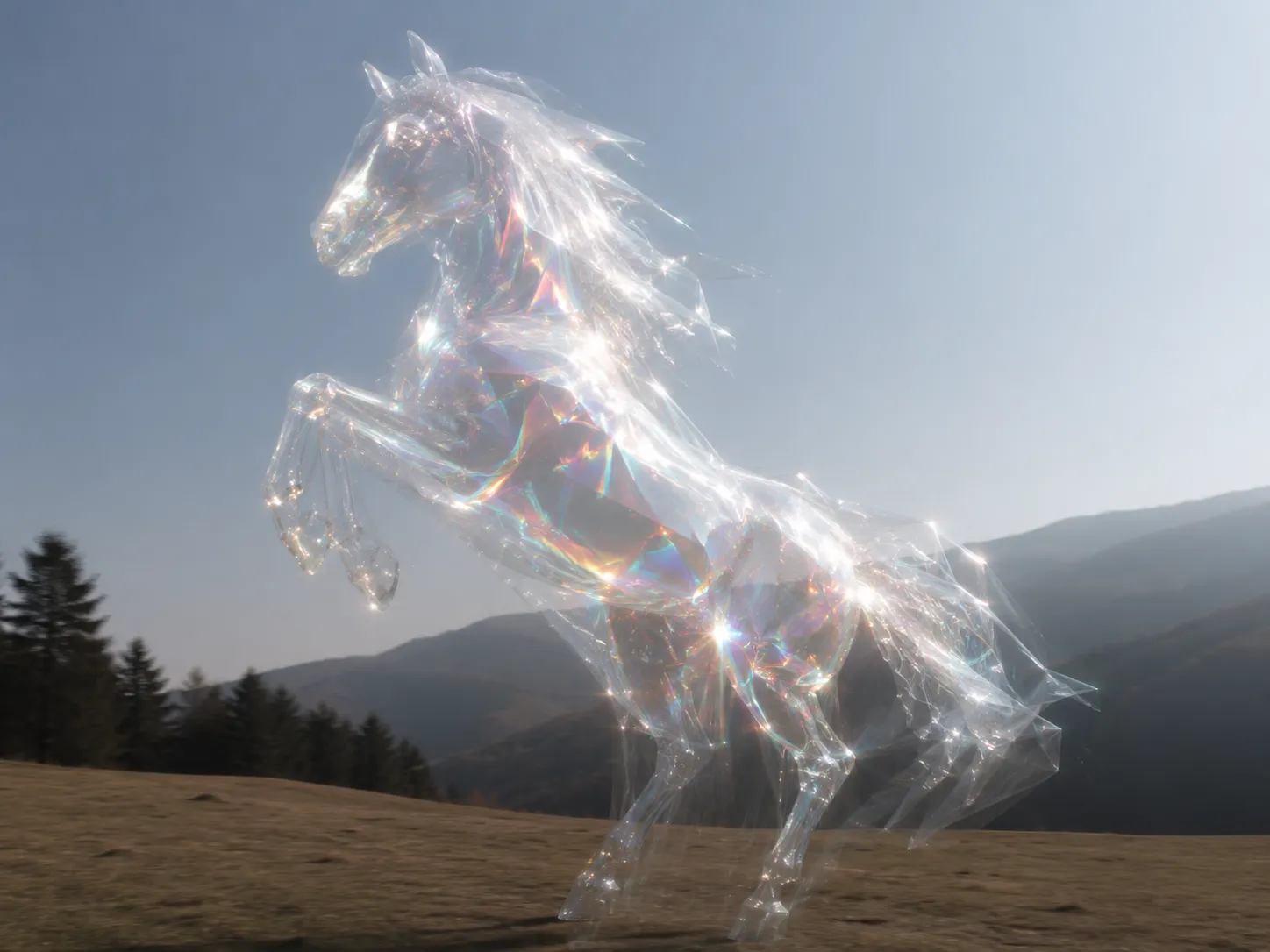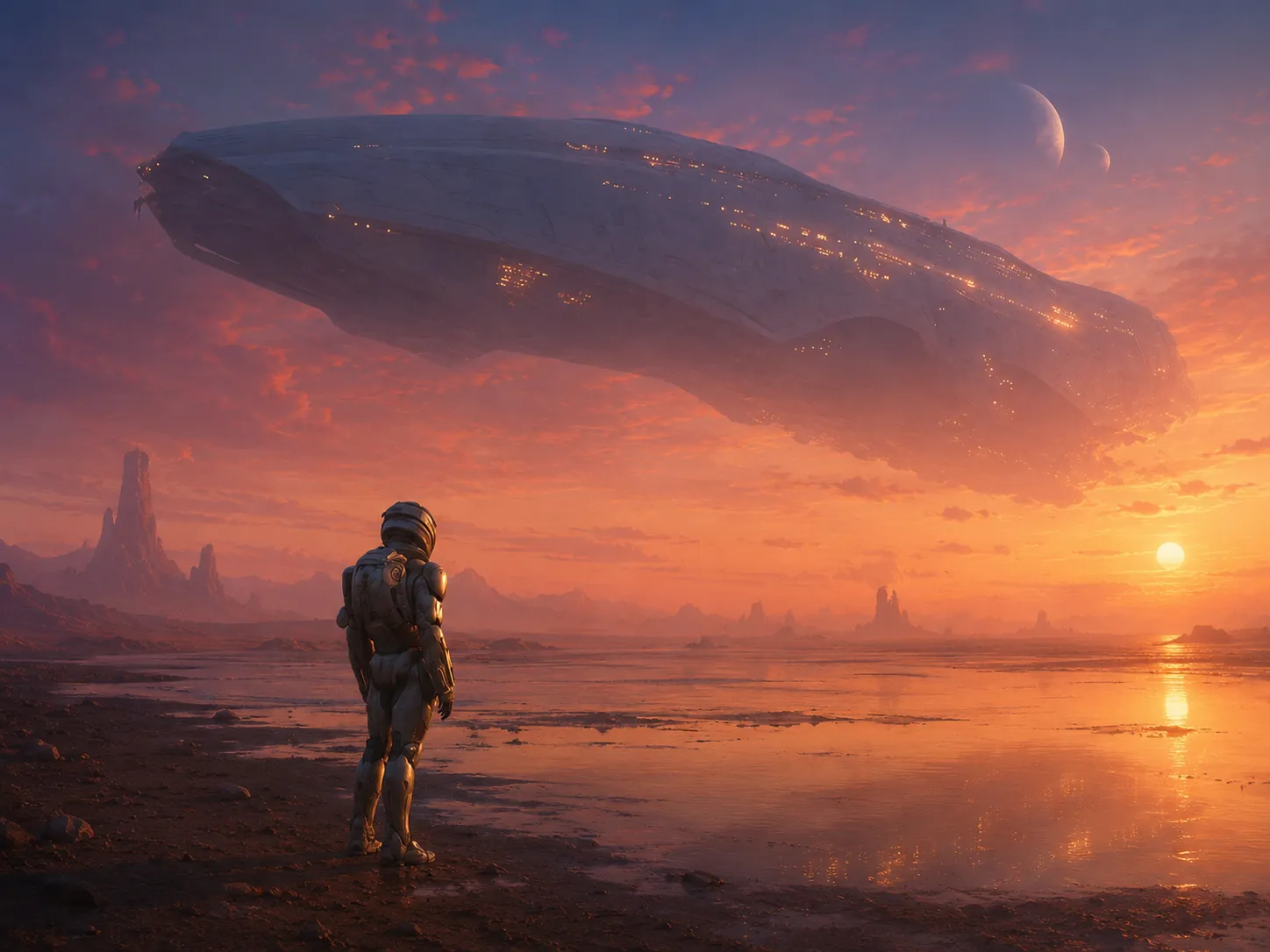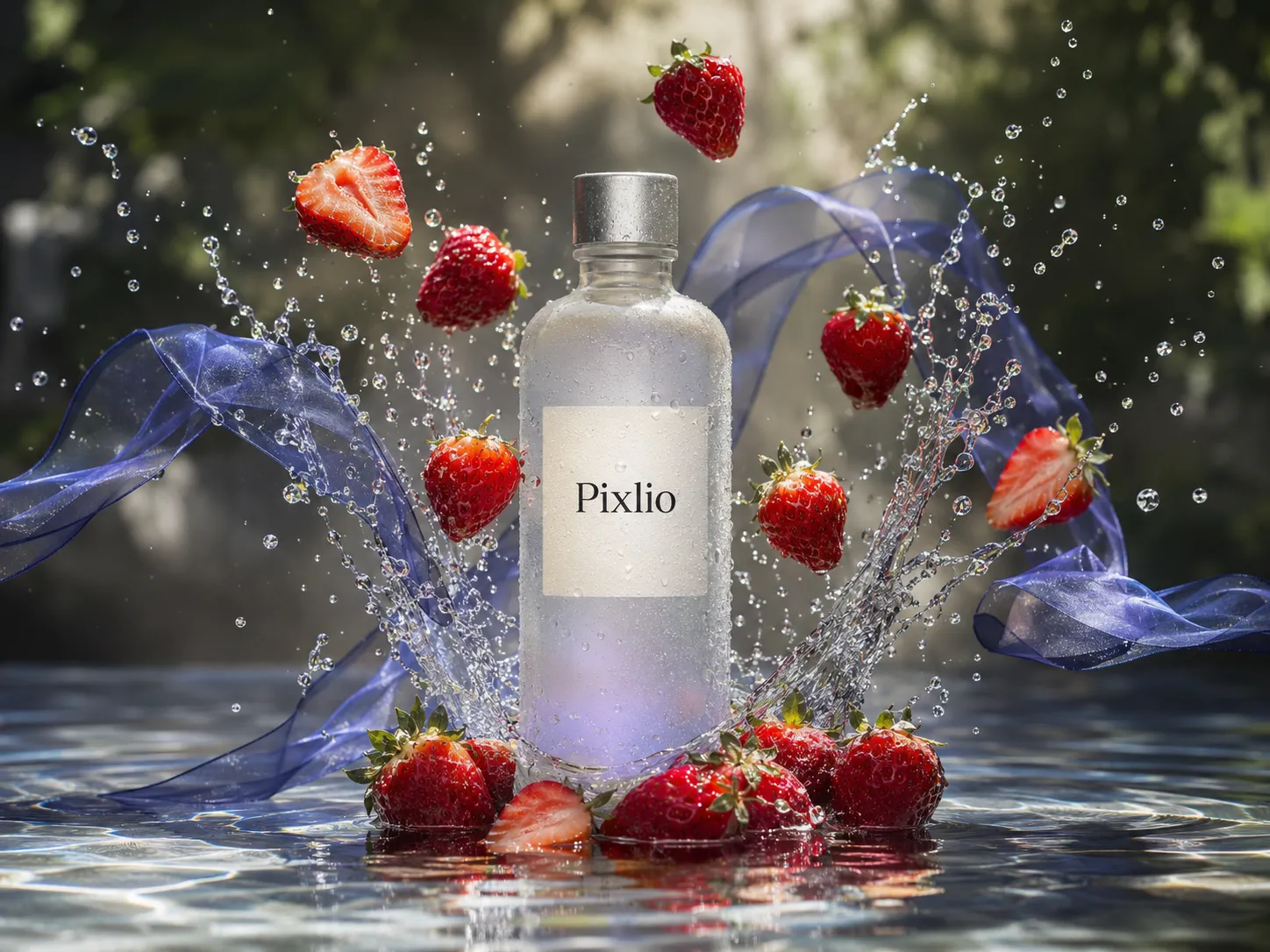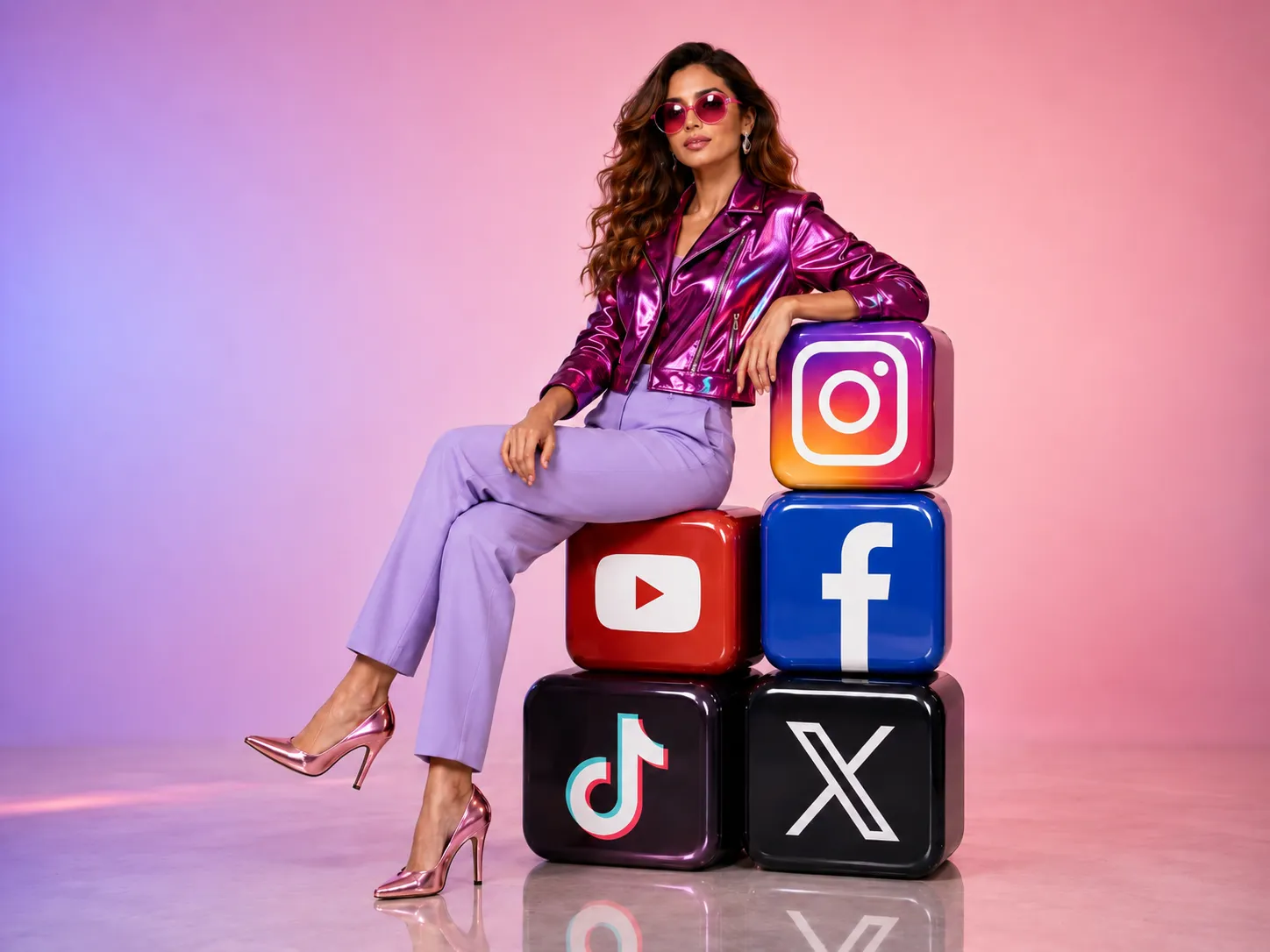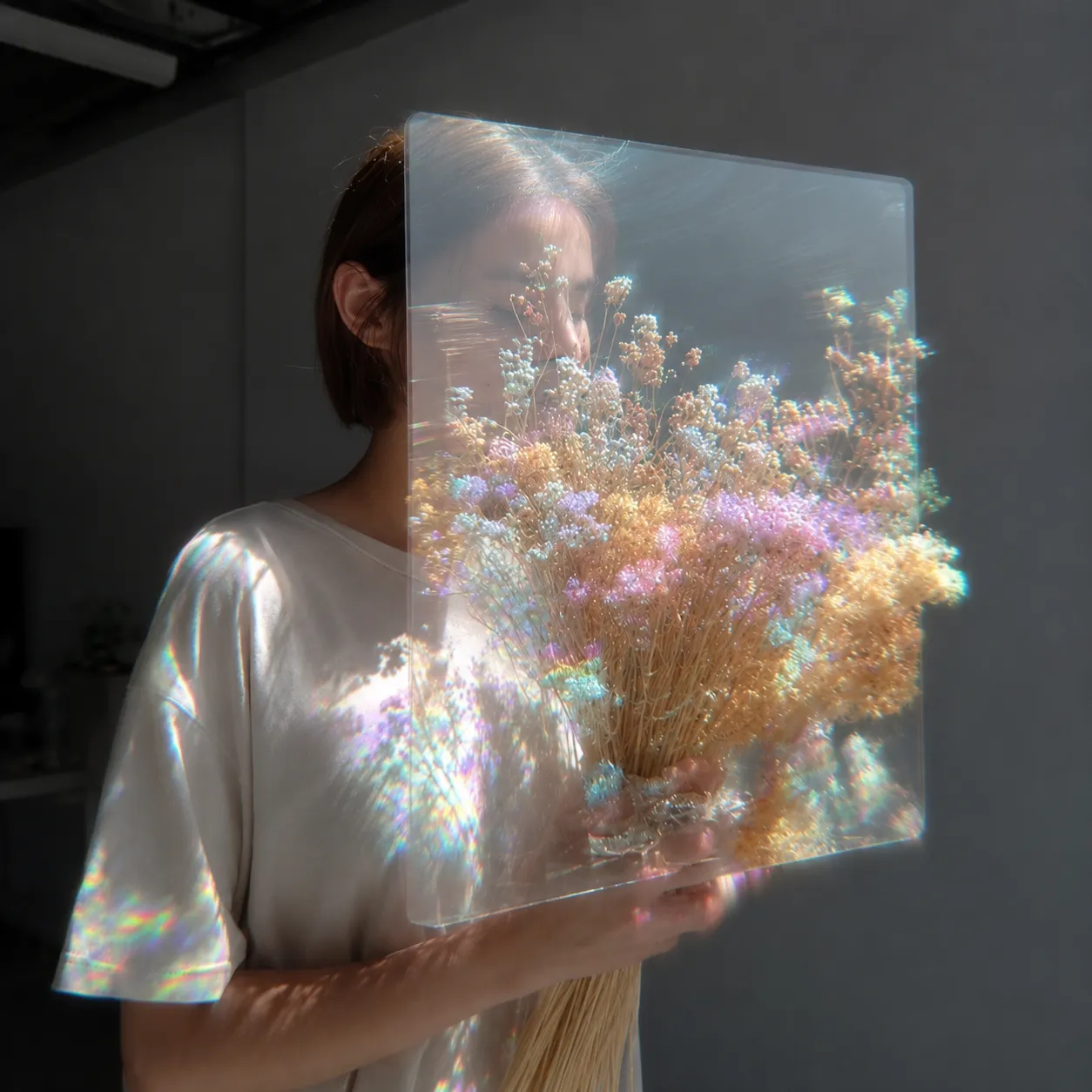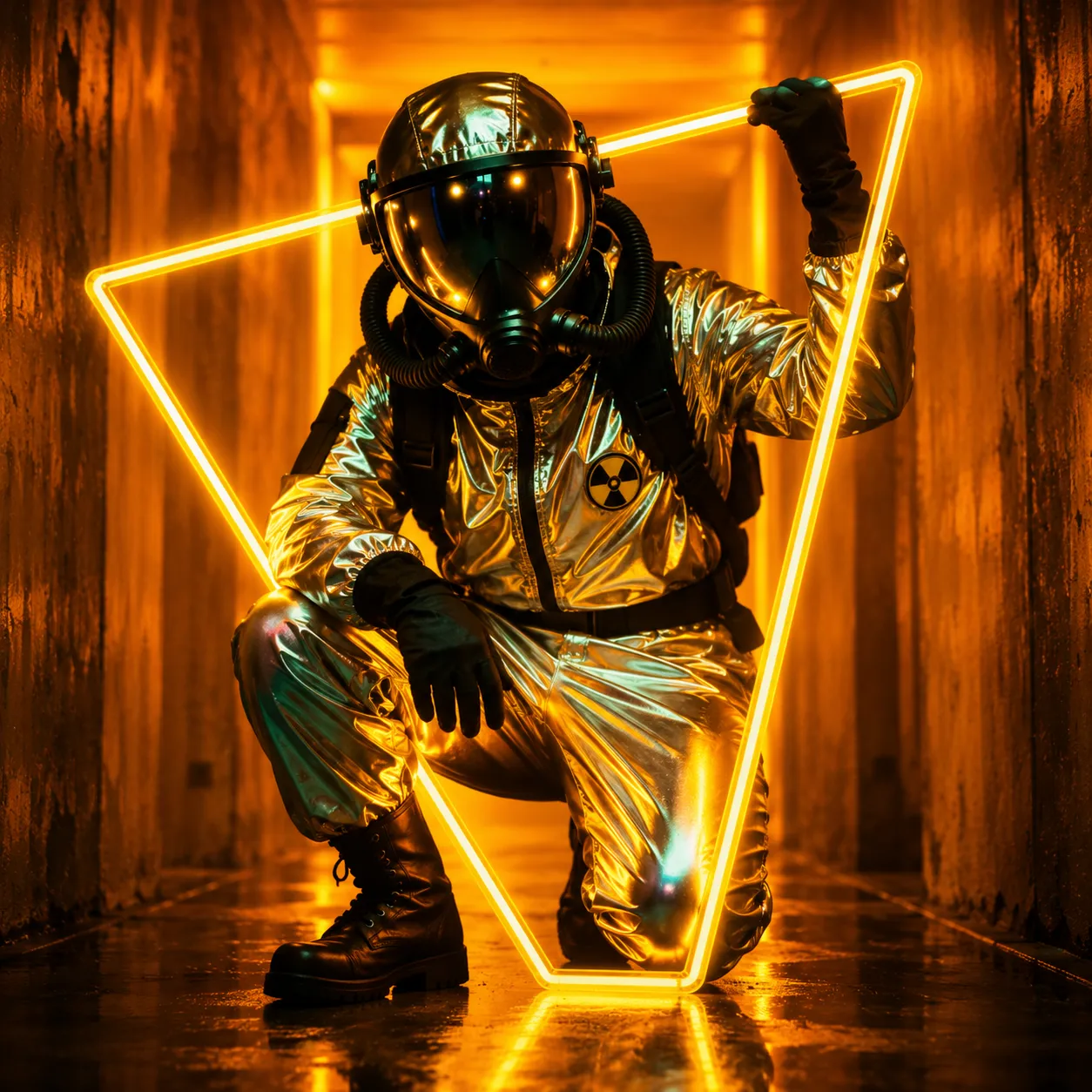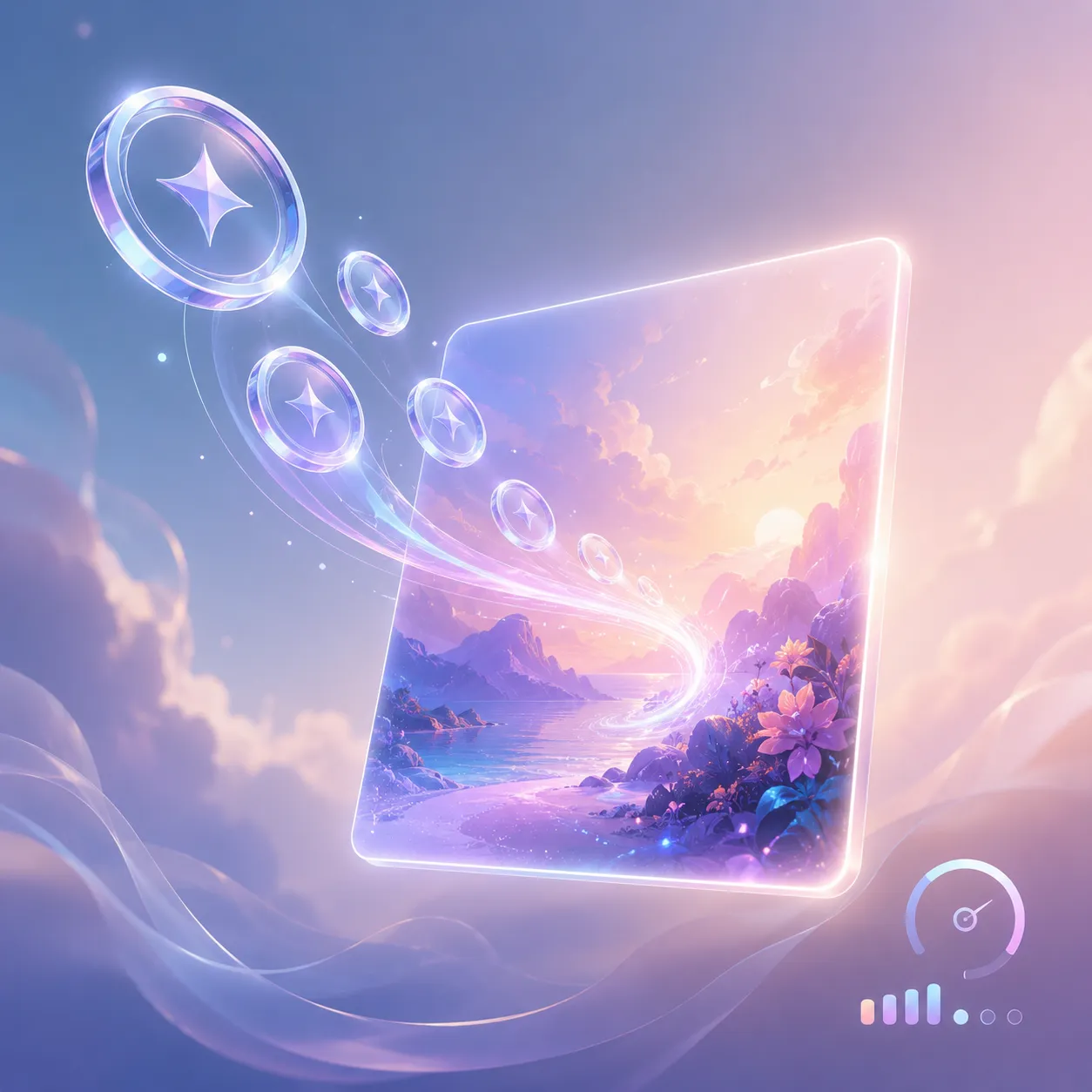
Start generating images with the AI image generator below.



Pixlio AI Image Generator: From Prompts to Complete Creative Control
Need an eye-catching visual but don't have time for a photoshoot or expensive design software? Pixlio AI image generator turns your written descriptions into polished, ready-to-use images in seconds. Describe a marketing banner, a product scene, a social media post, or a creative concept—and watch the AI text to image generator bring it to life. Whether you're a marketer crafting campaign visuals, a seller who needs product mockups, or a creator exploring ideas, Pixlio's text to image AI tool gives you professional results without the learning curve.
More AI Image Tools
Explore our collection of AI-powered image tools designed for different creative needs and styles
What You Can Create With Pixlio AI Image Generator
From campaign artwork to product photography concepts, the AI image generator handles the scenarios that used to require a designer, a photographer, or expensive stock subscriptions. Describe what you need, choose your model and style, and generate.
Bring Creative Concepts to Life Before You Commit
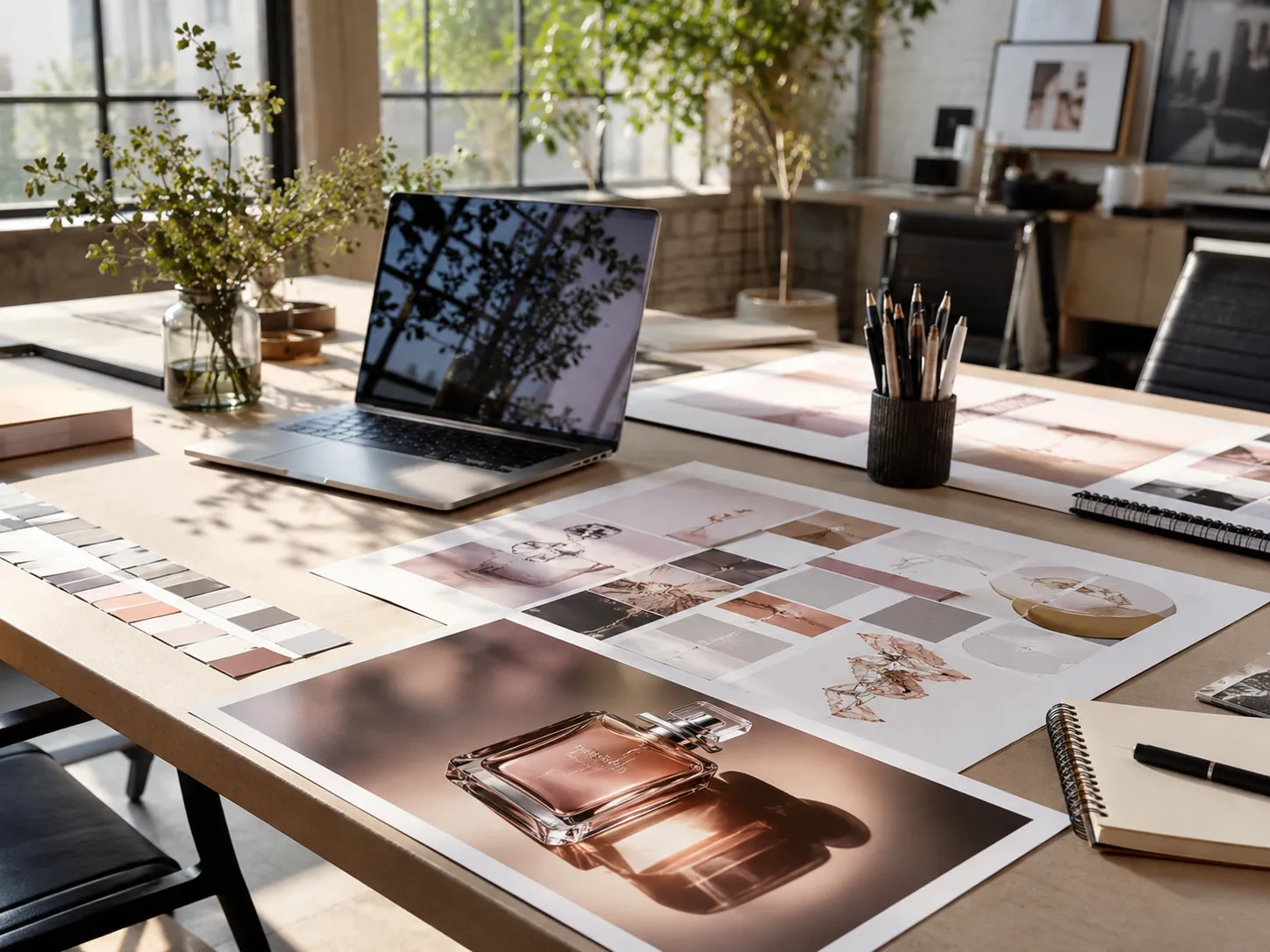
Exploring a new visual direction for a brand, a game, or a personal project? Use the text to image AI generator to produce concept art, moodboard visuals, and style explorations in seconds rather than hours. Write a detailed brief—subject, color palette, lighting, composition—and generate multiple directions using different models or style presets. Go from a vague idea to a concrete visual reference you can share, iterate on, or use as a starting point for further production.
Generate Stunning Art and Illustrations From Any Idea
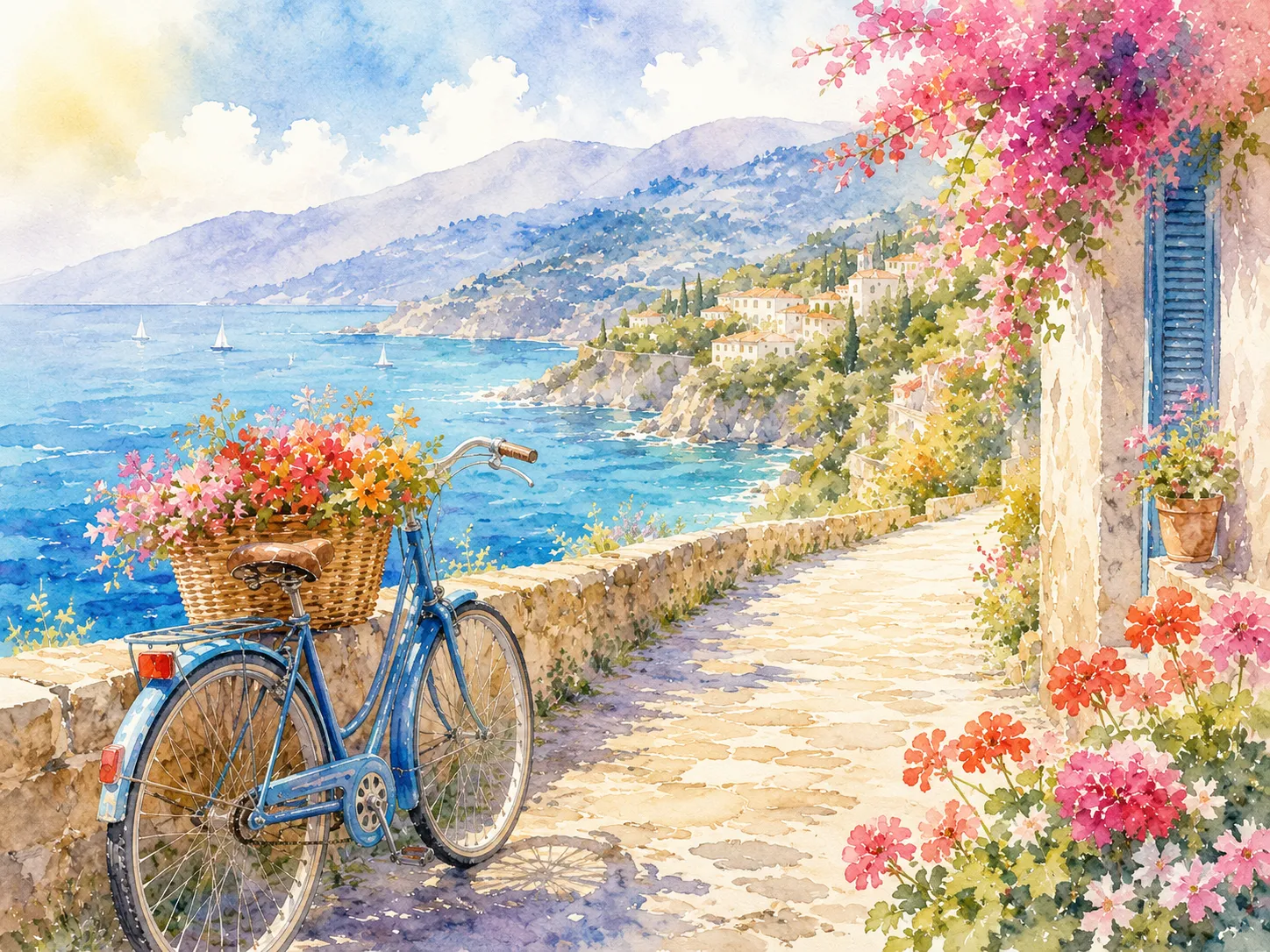
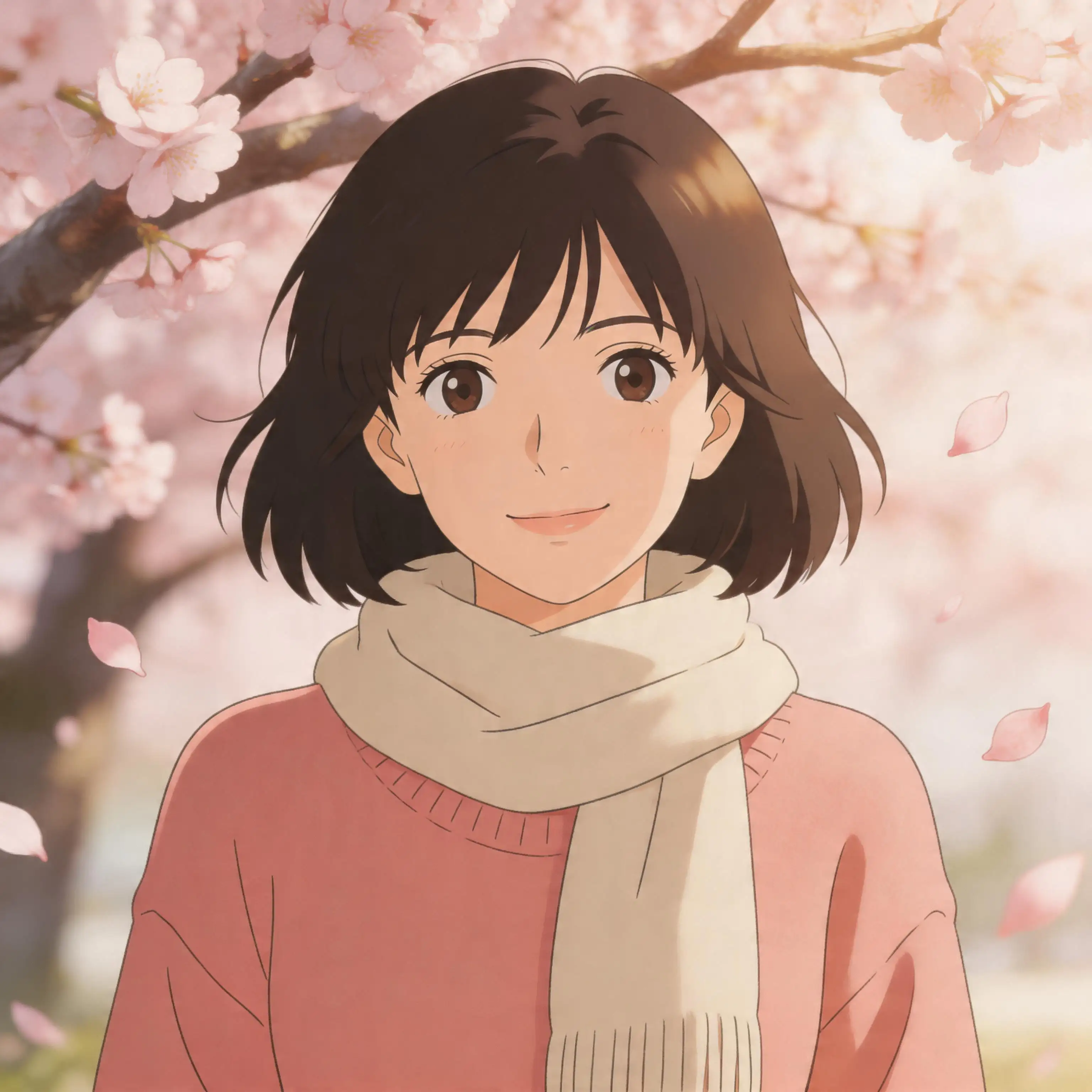
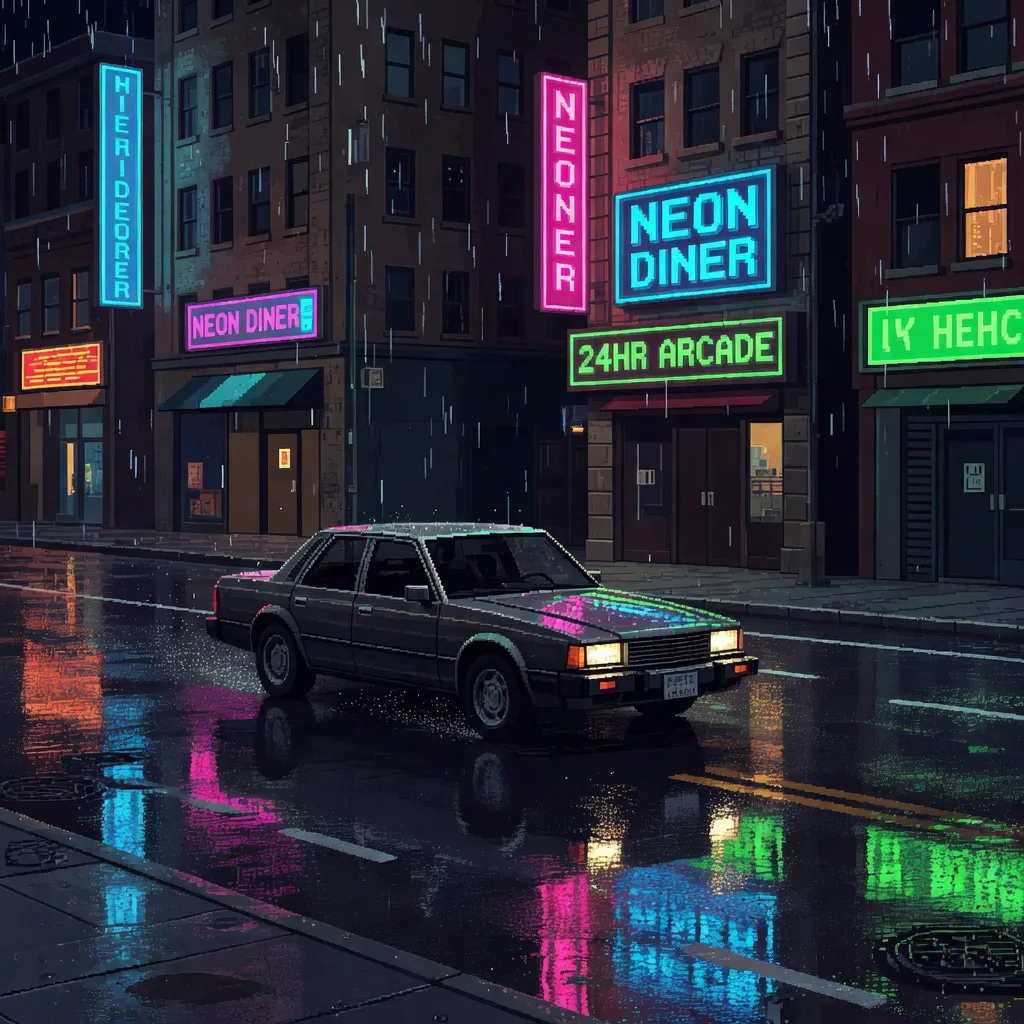
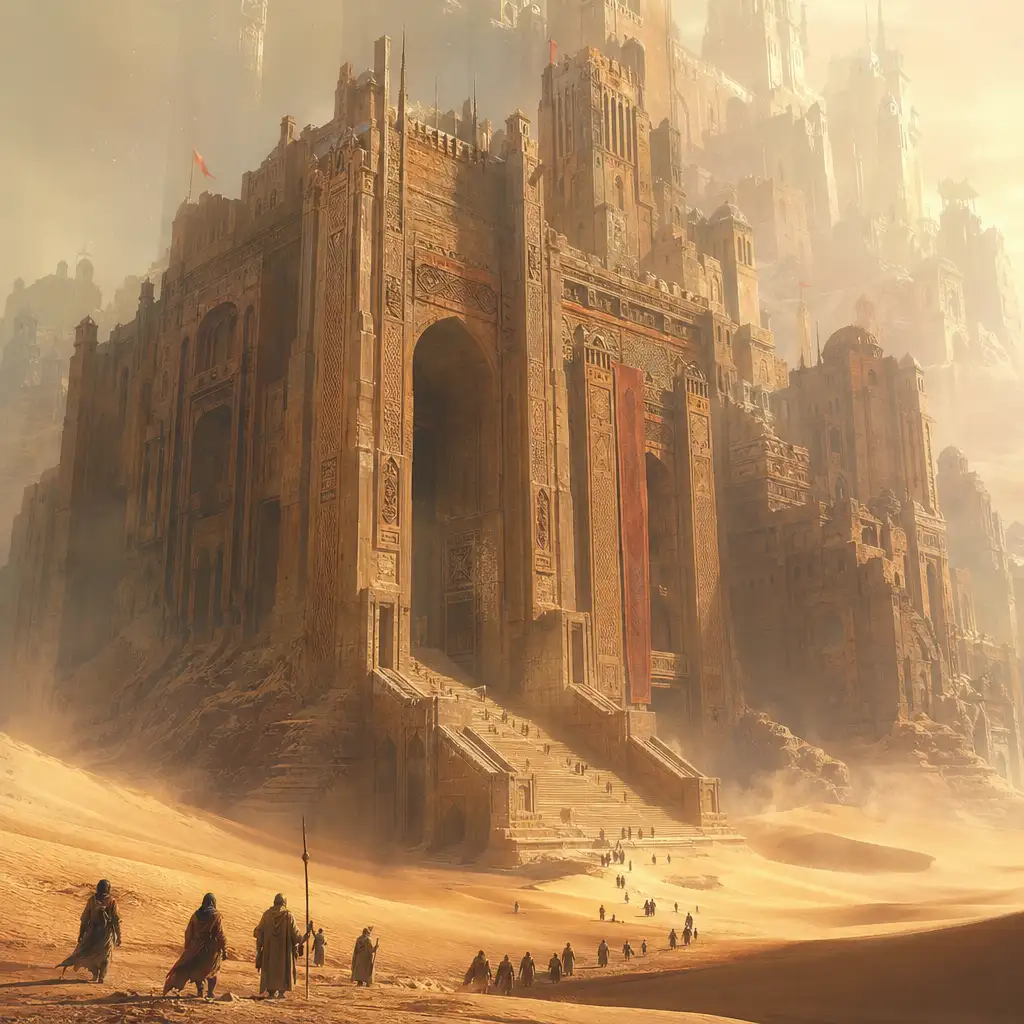
Want a dreamy watercolor landscape, a bold anime character, or a cinematic fantasy scene? The AI image generator turns your aesthetic vision into finished artwork. Choose style presets like Ghibli Art, Pixel Art, or Photoreal to set the mood, then describe the scene in your own words. Whether you're creating wallpapers, illustrations for a story, or decorative prints, the result matches your creative direction without needing drawing skills or design software.
Generate Marketing Visuals From a Single Sentence
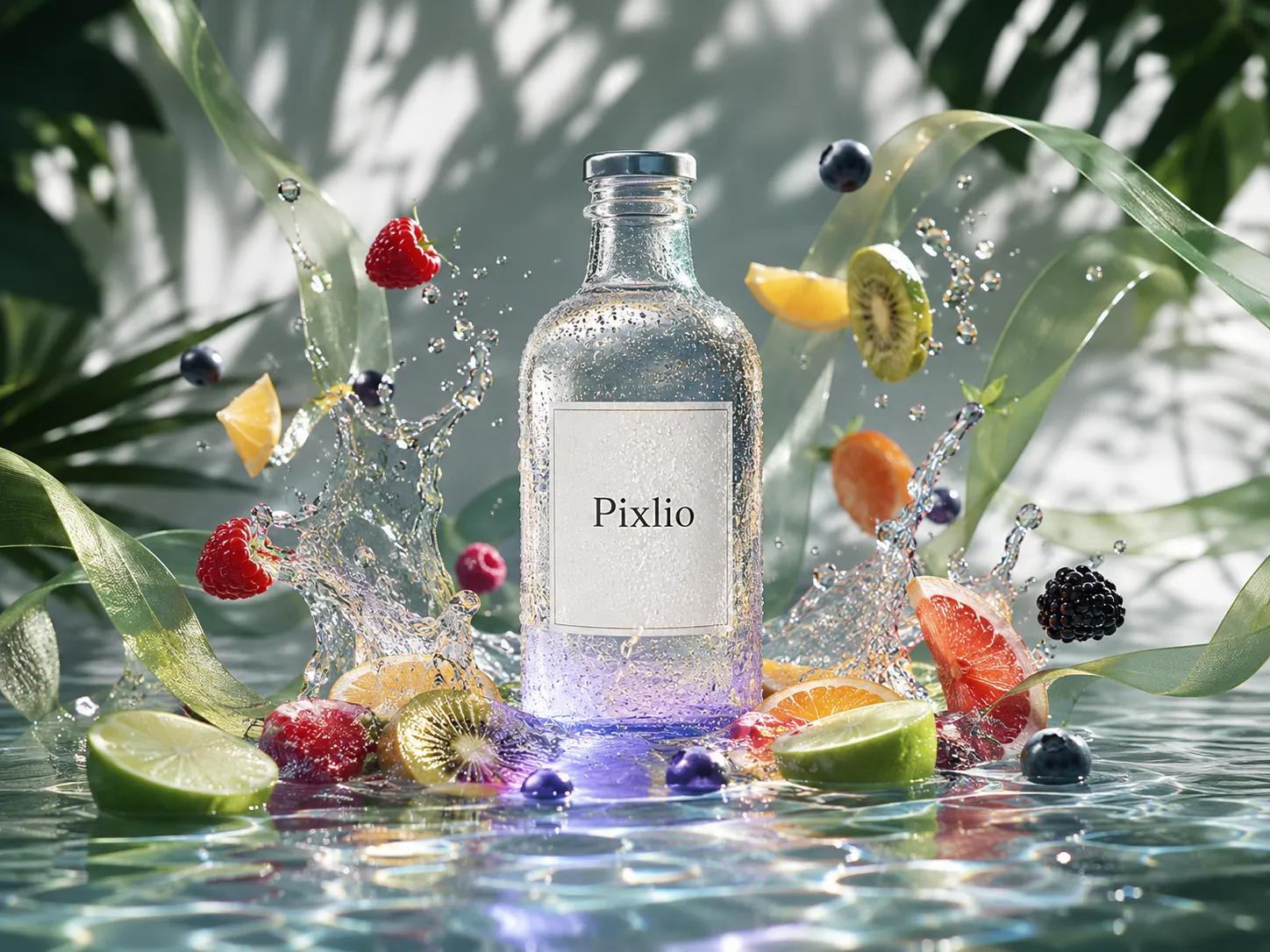
Running a campaign and need a hero image fast? Describe the scene—a sunlit café with your product on the table, a bold abstract background for a sale banner, or a lifestyle shot for an Instagram ad—and the AI image generator delivers a polished visual ready for ads, landing pages, and social posts. Pick a landscape ratio for banners or a square for feed posts, apply a Photoreal style for lifelike output, and download immediately.
Create Consistent Social Media Content at Scale
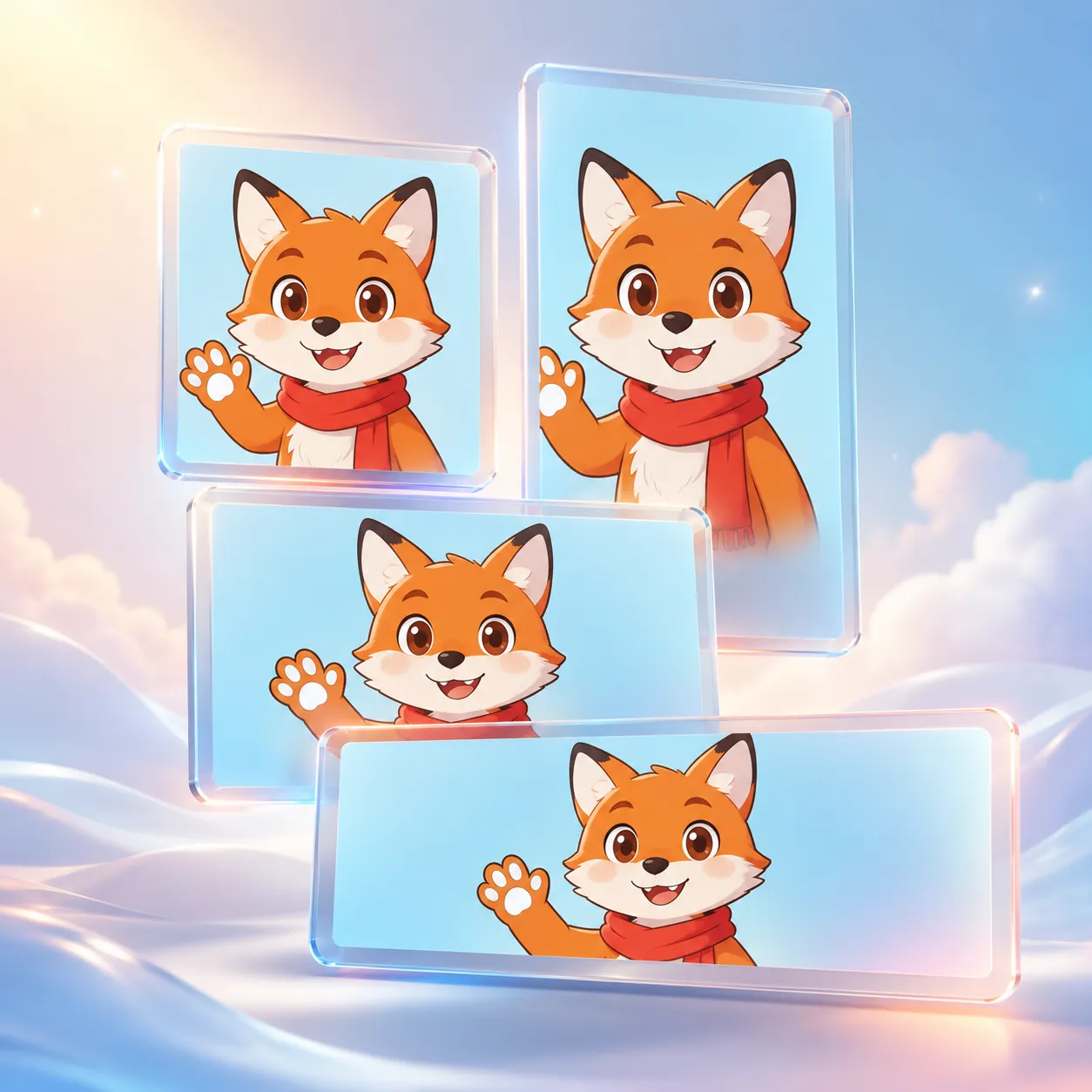
Keeping your feed on-brand across Instagram, TikTok, YouTube, and LinkedIn is time-consuming. The AI image generator solves it with style presets that lock a visual direction and aspect ratio controls that match every platform's format. Generate a portrait image for Reels, a landscape thumbnail for YouTube, and a square post for your feed—all from the same prompt and style.
Why Creators Choose Pixlio AI Image Generator
Built for people who need quality visuals without complexity. The image generator AI adapts to your workflow—not the other way around.

Pick the Right Model for Every Project
Not every image needs the same approach. Choose fast models like GPT Image 2 for text-heavy designs, or cinematic models like Seedream v4.5 for high-fidelity final assets. The AI image generator shows each model's strength and credit cost upfront, so you always know what you're getting before you generate.
How to Generate Images With This AI Image Generator
From first visit to downloaded result in under a minute. The text to image AI workflow is designed so you spend time on ideas, not on learning the tool.
Who Uses Pixlio AI Image Generator?
Whether you need one quick visual or a steady stream of on-brand imagery, the AI image generator fits into creative and business workflows alike.
Marketers and Advertising Teams
Generate campaign hero images, or produce ad variations without waiting on a design queue. The AI image generator lets marketing teams go from brief to visual in minutes. Describe the scene, set a style, pick the right ratio for each placement, and download assets with commercial rights.
Content Creators and Social Media Managers
Keep feeds fresh without spending hours on each post. Use style presets and aspect ratios to generate visuals that match your brand across Instagram, TikTok, YouTube, and LinkedIn. The text to image AI tool makes it easy to produce themed content series—same style, different subjects. Generate thumbnails, story backgrounds, carousel imagery, and quote graphics in minutes.
Small Businesses and E-commerce Sellers
Professional product imagery without the cost of a photoshoot. Describe lifestyle scenes, generate mockups, and create listing visuals that help your products stand out. The AI image generator is especially useful for sellers who need multiple background variations, seasonal visuals, or concept images before manufacturing. Free credits let you start immediately, and paid plans include commercial usage rights for everything you generate.
Designers and Creative Teams
Accelerate the ideation phase by generating concept art, moodboard references, and style explorations in seconds. The AI image generator serves as a rapid visualization tool—describe your vision, explore multiple aesthetic directions with different models and styles, and use the results as references or starting points for production work. Prompt reuse, seed copying, and recent history make it easy to build on successful directions without starting over each time.
AI Image Generator Questions Answered
What is an AI image generator and how does it work?
An AI image generator is a tool that creates images from written descriptions using AI. You type a prompt—describing the subject, style, lighting, mood, and composition you want—and the AI image generator produces a matching visual. Pixlio AI image generator supports prompts up to 3,000 characters, giving you room for quick ideas or detailed creative briefs.
Is Pixlio's AI image generator free to use?
Yes. Every new account receives complimentary credits to explore the AI image generator with no credit card required. You can generate images, try different models, and experiment with style presets.
What AI models can I choose from in this text to image AI tool?
Pixlio offers multiple leading AI models including GPT Image 2 for precise prompt adherence and clean text rendering, Seedream v4.5 for cinematic 4K-oriented output, Nano Banana Pro for studio-quality precision, Grok Imagine Image for highly aesthetic results. Each model shows its name, description, and credit cost so you can pick based on your goal.
Can I use images generated with this AI image generator commercially?
Yes. All images created with paid plans include commercial usage rights. Review the Terms of Service for complete usage details.
How long does it take to generate an image?
Most generations complete in 10 to 120 seconds depending on the model and settings. The status indicator shows progress.
How do style presets work in the AI image generator?
Style presets steer the visual direction of your generated image without requiring you to write detailed style prompts. Options include Photoreal for lifelike imagery, Anime for anime-inspired scenes, Pixel Art for retro aesthetics, and more.
Can I reproduce or iterate on a generated image?
Yes. Pixlio saves seeds and prompts for your recent creations. You can copy a seed to help reproduce a similar result, reuse a successful prompt, or continue editing a generated image by sending it back as a reference for further refinement. This makes the AI image generator practical for iterative creative workflows.
Is NSFW or explicit content allowed?
No. Pixlio strictly prohibits generating NSFW, explicit, or otherwise prohibited content. Please review our Terms of Service for full details on acceptable use.
Pixlio AI