Pixlio AI
Use the photo to watercolor tool below to transform your photo into watercolor artwork.

Create a Beautiful Watercolor Effect Painting from Any Photo
Turning a personal photo into a tasteful watercolor painting used to require Photoshop skills or expensive commissions. Pixlio's watercolor effect tool changes that. Our AI applies a watercolor effect transformation that preserves the details that matter: facial features stay recognizable, buildings keep their structure, and pets remain unmistakably themselves. Whether you want a social-ready post, a sentimental keepsake, printable wall art, or a unique gift, this online watercolor effect delivers soft washes, organic brushwork, and paper texture in one click.
Get a Natural, Artistic Watercolor Effect for Your Photos
Most watercolor tools produce flat, smudged results that lose the subject entirely. Pixlio's AI watercolor effect is built around detail preservation, flexible styles, and controllable intensity—so your photo becomes a genuine watercolor artwork, not a generic filter.

Faces, Features, and Details Stay Intact in Every Watercolor Effect
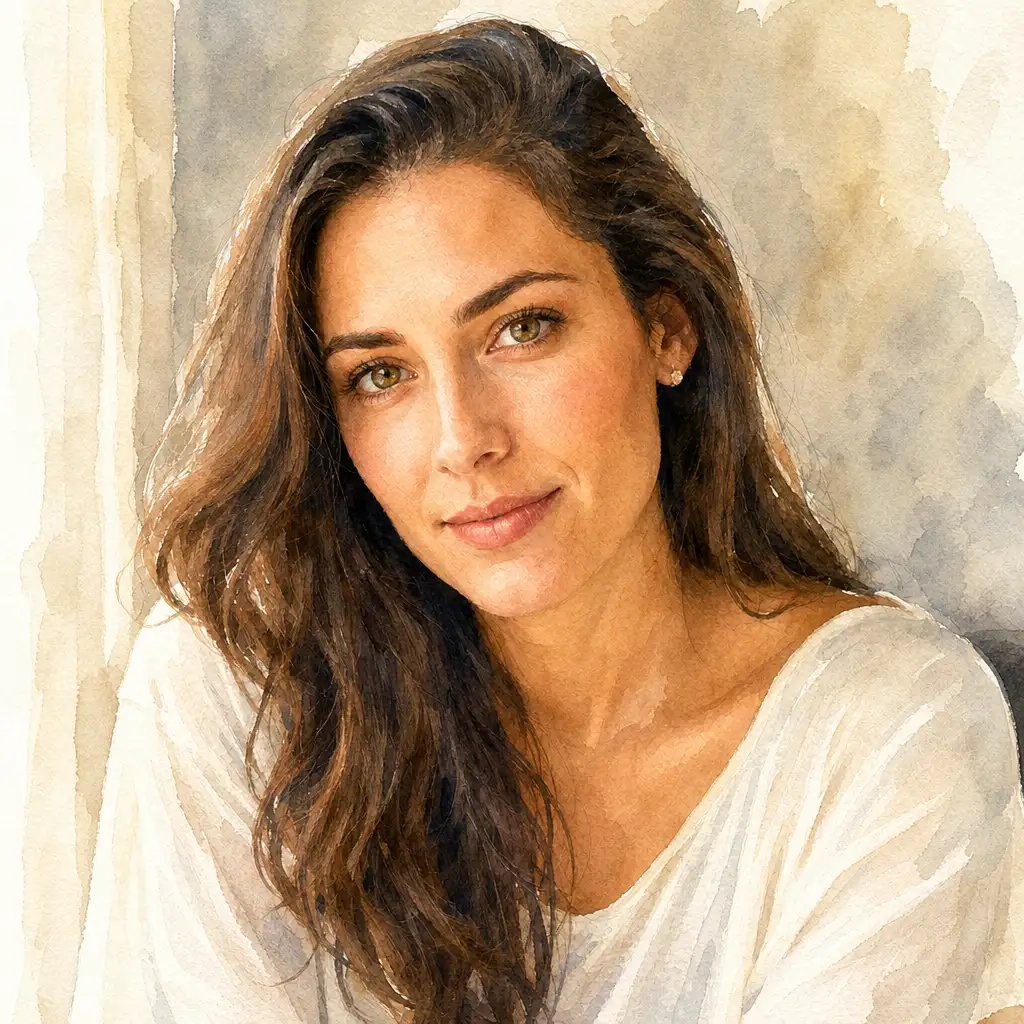
The most common frustration with watercolor tools is losing recognizable detail. Pixlio's watercolor effect solves this by prioritizing subject preservation as a core behavior. The watercolor effect AI analyzes your photo and maintains facial features, skin tones, pet markings, and architectural lines while applying authentic watercolor washes and brushwork around them. The result is a photo to watercolor transformation where the people, places, and animals you care about remain unmistakably themselves.
Distinct Watercolor Styles to Match Your Creative Vision
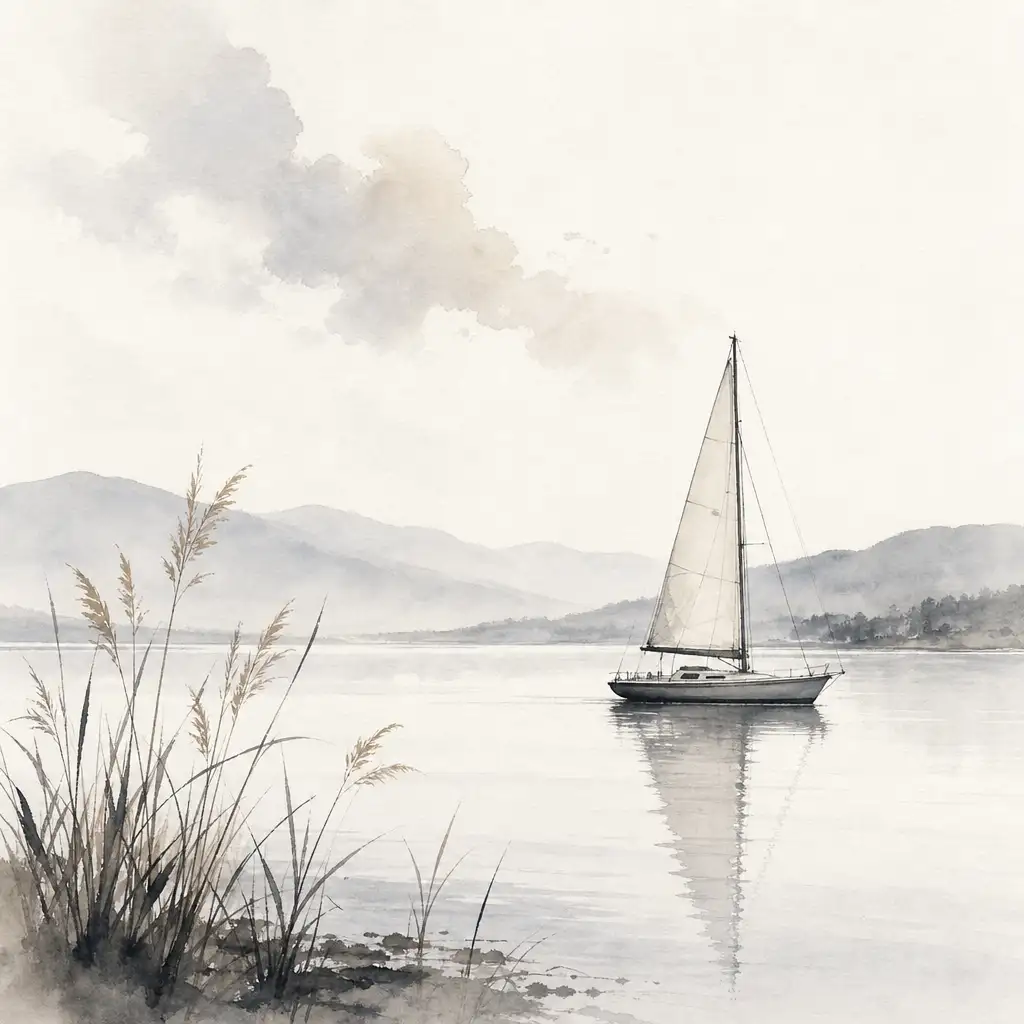
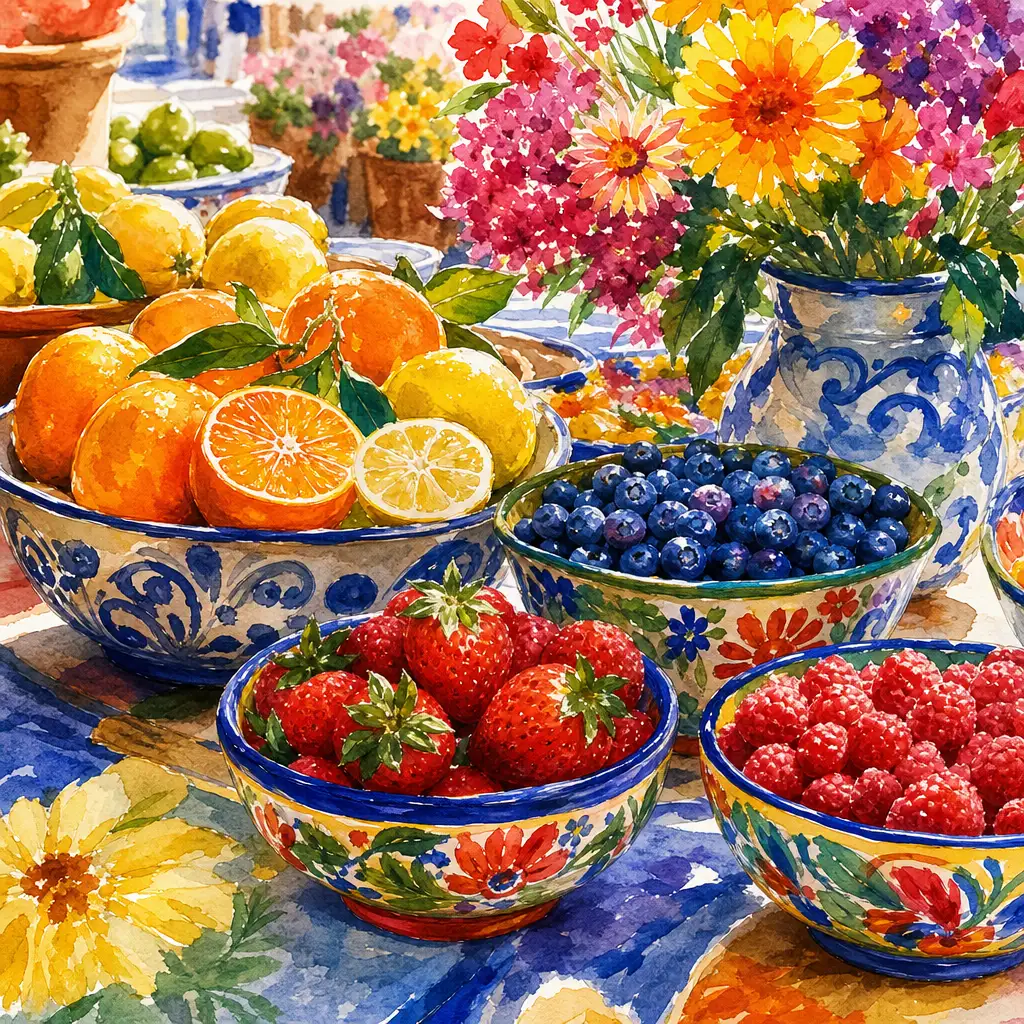
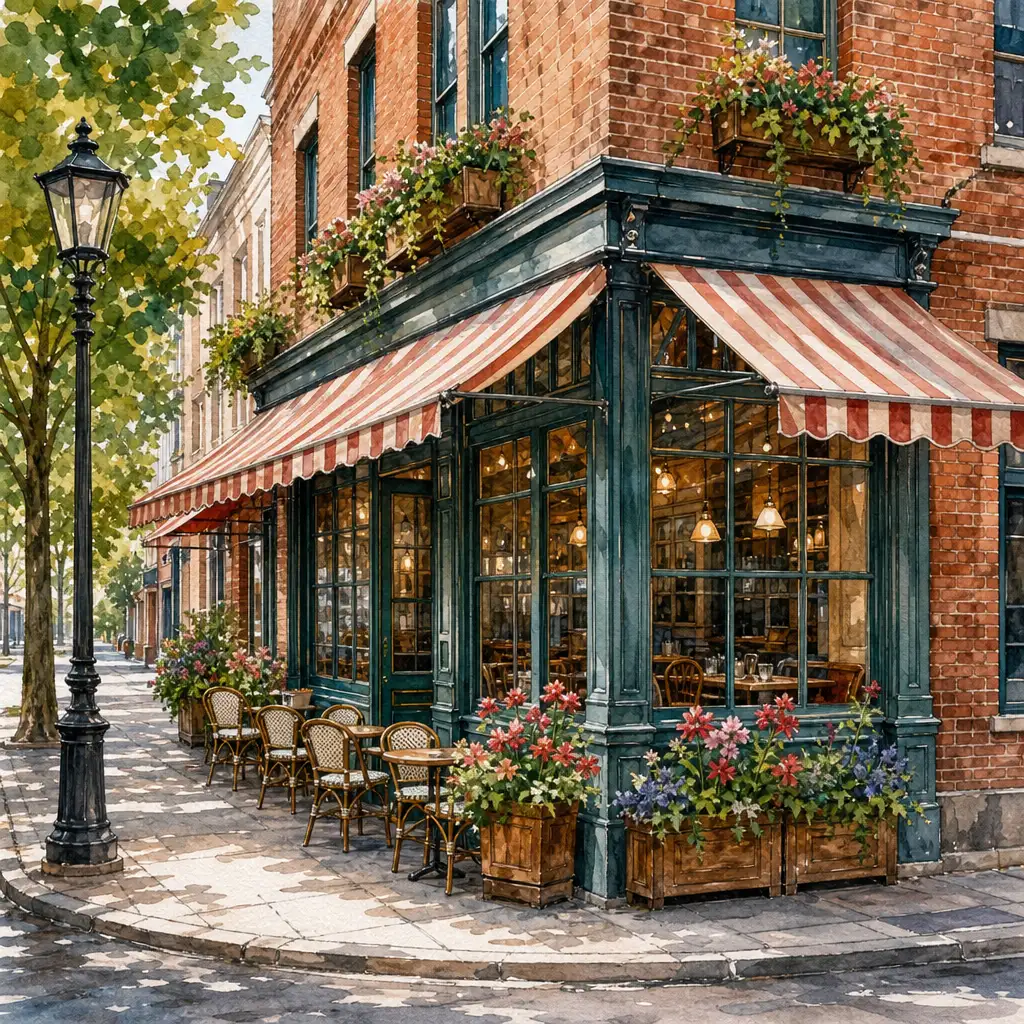
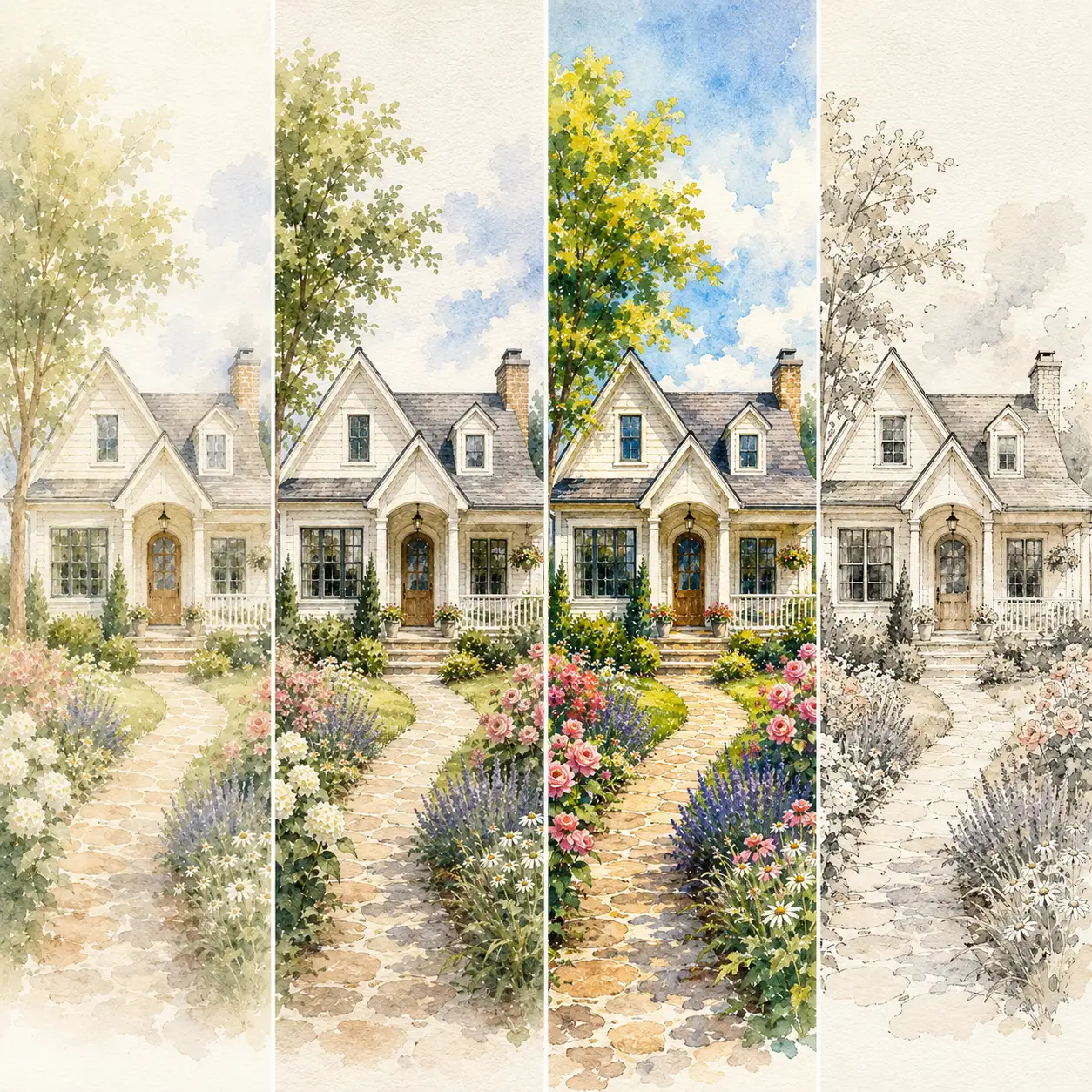
Not every watercolor conversion should look the same. Pixlio offers curated style presets so you can match the mood and purpose of your image. Soft Wash applies gentle color bleed and light paper texture - ideal for portraits and keepsakes. Detailed Illustration preserves lines and structure for houses, venues, and city scenes. Vibrant Watercolor brings bolder color and richer brush texture for social posts and landscapes. Ink Wash adds subtle linework with pale washes for clean, editorial-style output. Each preset is tuned for a genuinely different result.


Control How Strong Your Watercolor Effect Looks
Many watercolor tools lock you into a single intensity that either barely changes the photo or completely overwhelms it. Pixlio gives you a simple three-level strength control - Mild, Balanced, and Strong - so you decide how painterly the result should be. Mild delivers a delicate watercolor effect that gently softens the image while keeping fine detail visible. Strong increases abstraction and brush texture for a more dramatic artistic look. The default is Mild, because a tasteful result should feel elegant, not overdone.
Portraits, Pets, Homes, and Landscapes All Shine with Watercolor Effect
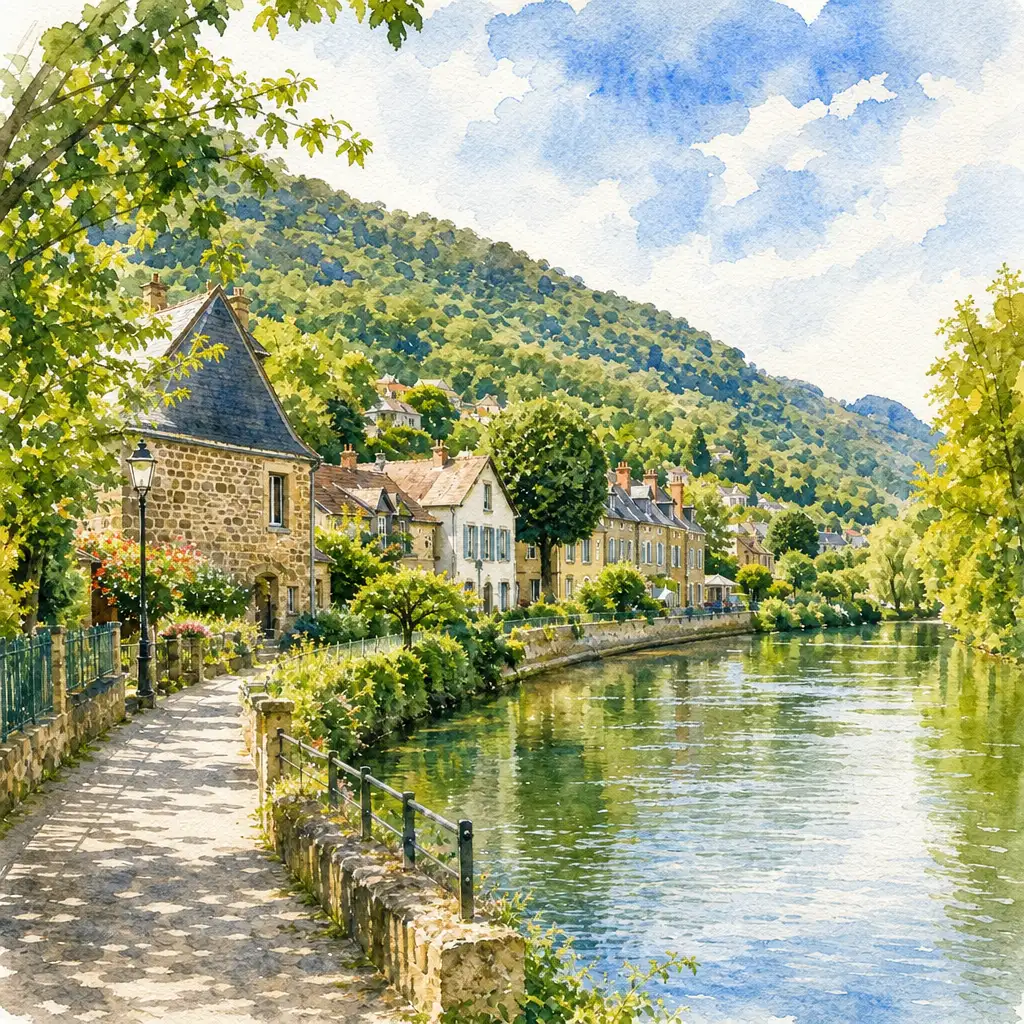
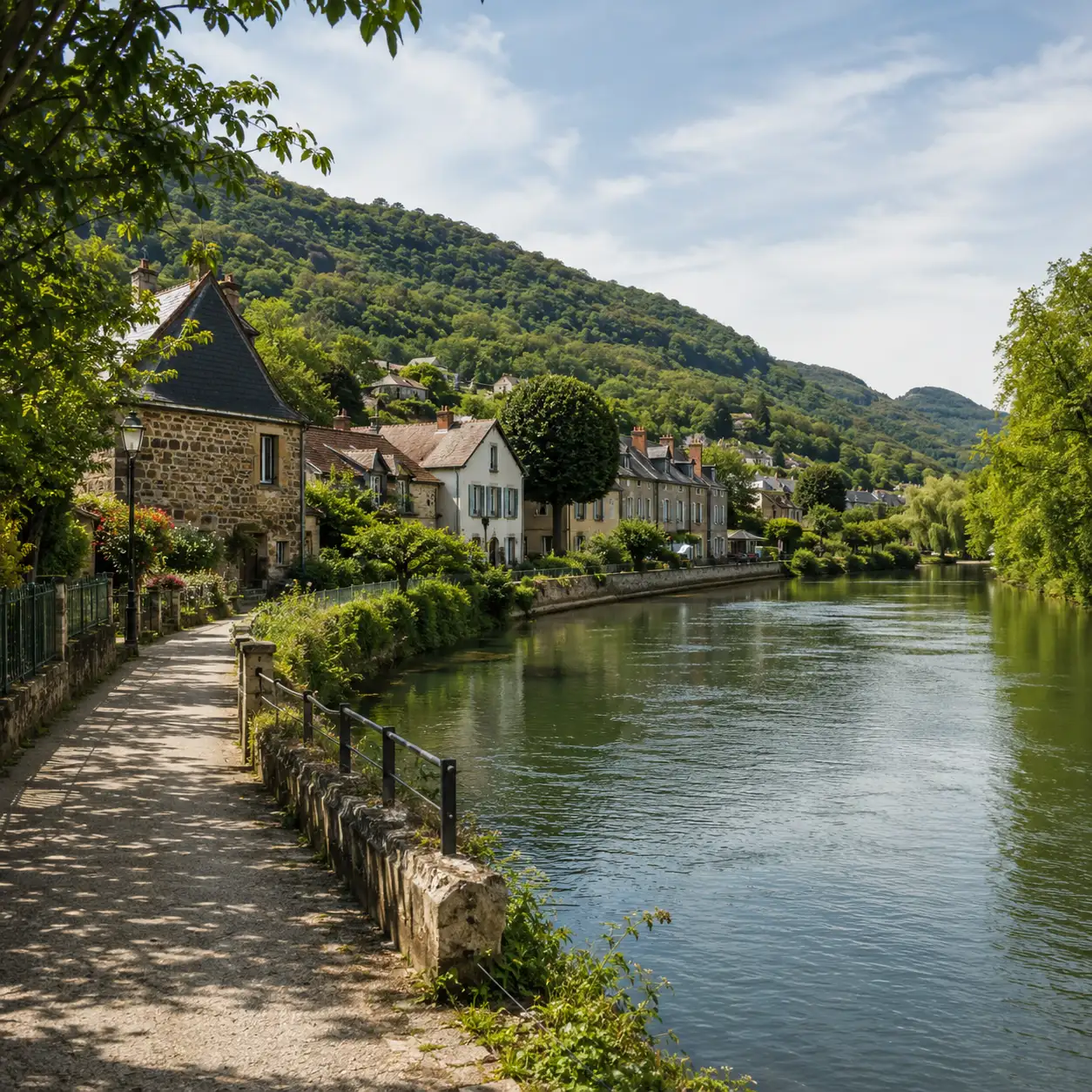
Generic watercolor filters treat every image the same way, often smudging architecture into blobs and turning pets into shapeless color patches. Pixlio's AI is designed to handle diverse subjects gracefully. Upload a portrait and the watercolor effect AI preserves facial expression and hair detail. Upload a pet photo and distinctive markings stay clear. Upload a house, venue, or landscape and structural lines, windows, and horizon depth come through in the final artwork. Whether your subject is a wedding venue, a family dog, or a travel photo, the photo to watercolor result keeps the story intact.
Steps to Apply a Watercolor Effect to Your Photo
Turning your photo into watercolor art takes less than a minute. No drawing skills, no prompts, no complex settings—just upload, choose, and generate.
Make More with Pixlio's Watercolor Effect Tool
From personal keepsakes to creator content, Pixlio's photo to watercolor converter helps anyone turn a meaningful image into something beautiful—without hiring an artist or learning complex software.
Social Media Posts and Creative Profile Pictures
Give your Instagram, Facebook, or Pinterest posts a painterly touch. A watercolor filter turns ordinary selfies and travel shots into eye-catching artwork that stands out in crowded feeds. Share a soft, artistic version of your favorite moments without any design skills.
Personalized Gifts, Keepsakes, and Memorial Watercolor Art
Transform a wedding venue, family portrait, pet photo, or memorial image into a sentimental watercolor keepsake. The photo to watercolor tool produces artwork suitable for framing, greeting cards, and personalized gifts that carry real emotional meaning.
Wall Art and Canvas Prints Featuring Your Watercolor Effect
Turn your best landscape, travel, or portrait photos into watercolor wall art you can print on canvas, paper, or poster board. Pixlio's AI preserves enough detail and color fidelity that the result looks intentional and gallery-worthy.
Soft Watercolor Visuals for Small Business and Creator Content
Small business owners and content creators use this tool to produce elegant product thumbnails, blog illustrations, card designs, and social graphics. The soft, artistic aesthetic works especially well for brands in lifestyle, wellness, food, and home decor.
Everything to Know About the Watercolor Effect Tool
What is a watercolor effect?
A watercolor effect transforms a photograph into artwork that mimics traditional watercolor painting: soft color washes, visible brushwork, paper texture, and organic edges. Pixlio's AI applies these qualities while preserving the original subject, so faces, pets, buildings, and landscapes stay recognizable.
Is Pixlio's watercolor effect tool free to try?
Yes. Pixlio offers free credits when you sign up, so you can generate your first watercolor artwork right away. Each conversion uses a small number of credits shown before you generate. Additional credits are available through affordable plans.
What photo formats does the watercolor effect tool accept?
It accepts JPG, PNG, and WebP uploads up to 15 MB. For best results, use a clear, well-lit photo where the subject is easy to identify - portraits, pet photos, buildings, and landscapes all work well.
How does the tool preserve detail when applying a watercolor effect?
Detail preservation is built into the backend by default. The AI maintains facial features, architectural lines, pet markings, and key structural elements while applying watercolor washes and brush texture around them. You do not need to toggle a separate setting - subject preservation happens automatically at every strength level.
What watercolor styles are available in this photo to watercolor tool?
Pixlio offers four watercolor effect presets: Soft Wash for gentle, portrait-friendly results; Detailed Illustration for architecture and structured scenes; Vibrant Watercolor for bold color and rich texture; and Ink Wash for clean, editorial-style artwork with subtle linework.
Can I print the watercolor effect result?
Yes. You can download your watercolor artwork and use it for canvas prints, greeting cards, framed wall art, and other physical formats. Print quality depends on the resolution of your uploaded photo and the output dimensions. For best results, upload a high-resolution original.
More AI Image Tools
Explore our collection of AI-powered image tools designed for different creative needs and styles