Pixlio AI
Use the AI Book Cover Generator tool below to generate cover concepts, refine, and export.
Estimated cost: 15 credits (1 direction)

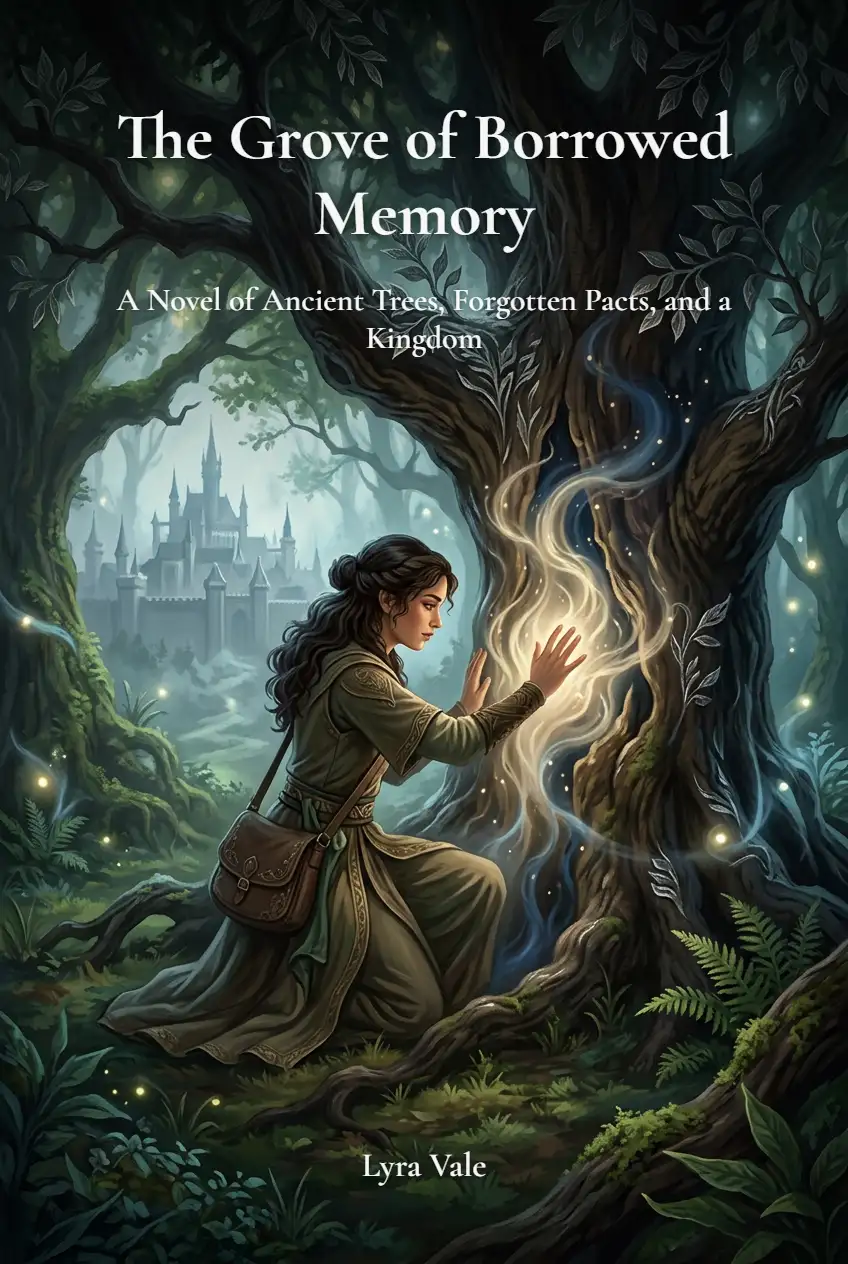
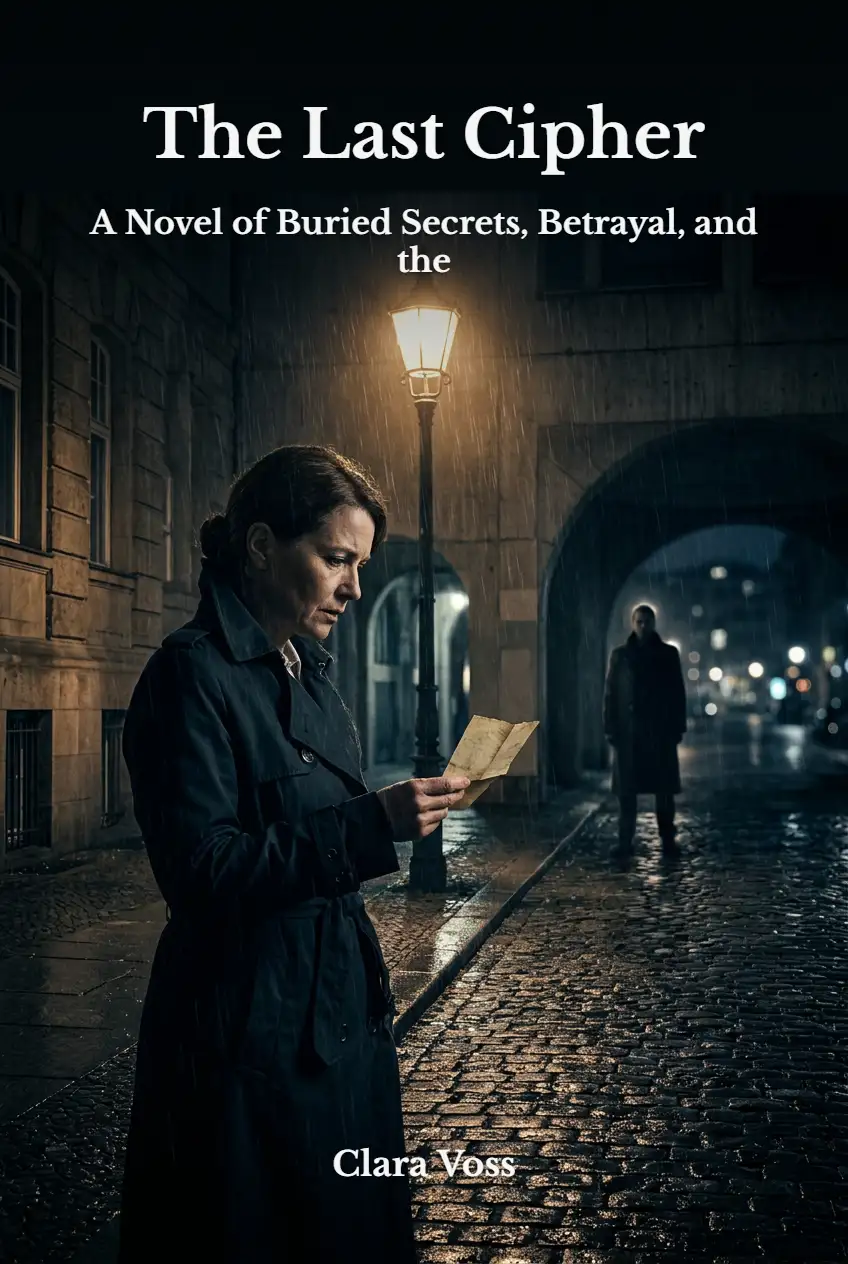
AI Book Cover Generator — Create Genre-Fit Covers in Minutes
Pixlio's AI book cover generator turns a short book brief into multiple concept directions to explore at once. Pick the concept direction that fits, refine it, choose a font that matches your theme, add your title and author name, then download a publish-ready front cover.
Why Authors Choose Pixlio's AI Book Cover Generator
Most AI book cover tools produce interesting artwork but leave you with weak typography, generic compositions, and no clear path to a finished cover. Pixlio focuses on the steps that actually matter: genre-accurate visuals, readable layouts, guided refinement, and clean text placement—so you get a usable front cover, not just AI art.
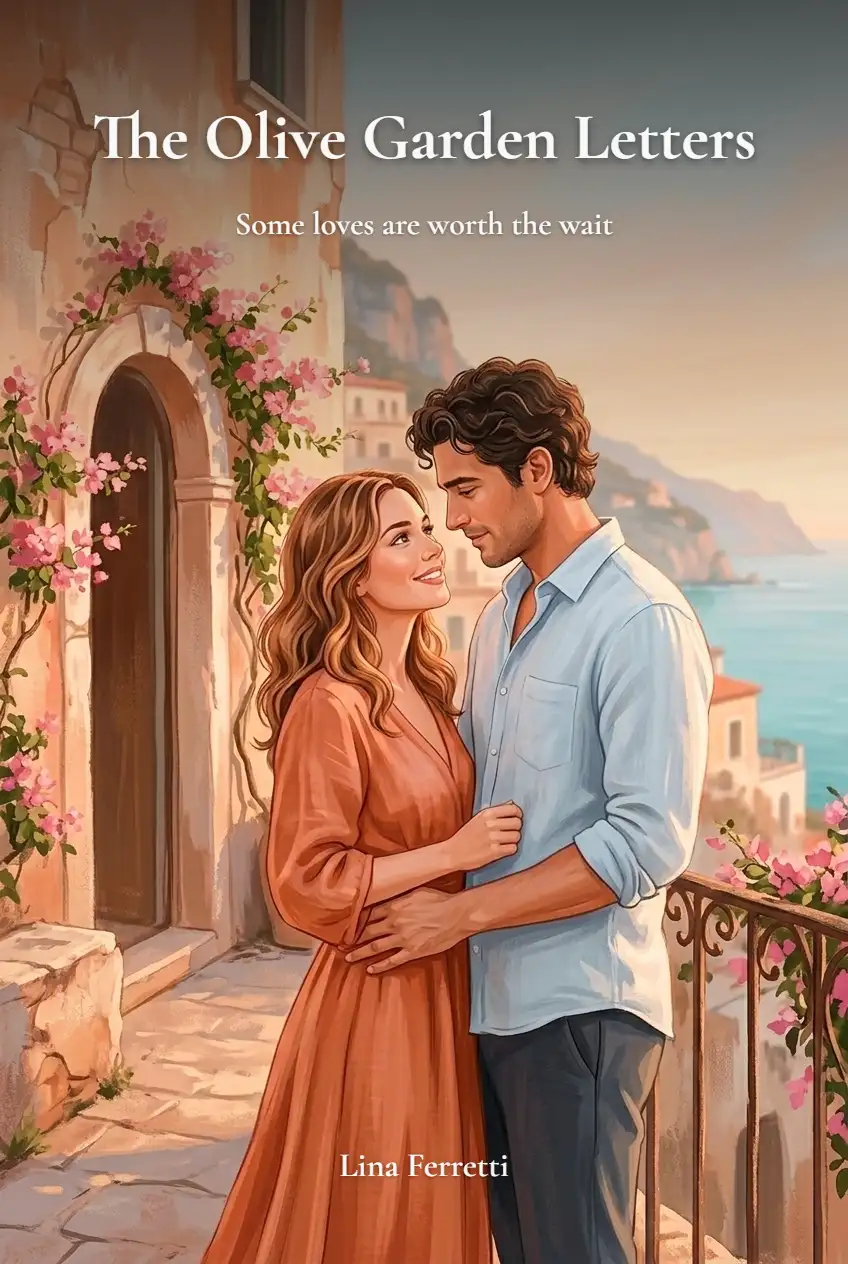
Genre-Aware Cover Generation
A great book cover signals its genre at a glance. Pixlio's AI book cover generator uses hand-tuned visual priors for romance, thriller, fantasy, sci-fi, mystery, and nonfiction to produce concept directions that match reader expectations. Explore one concept direction by default, or unlock multiple with a paid plan—each one a distinct visual approach designed to look like it belongs on the shelf, not in an AI gallery.
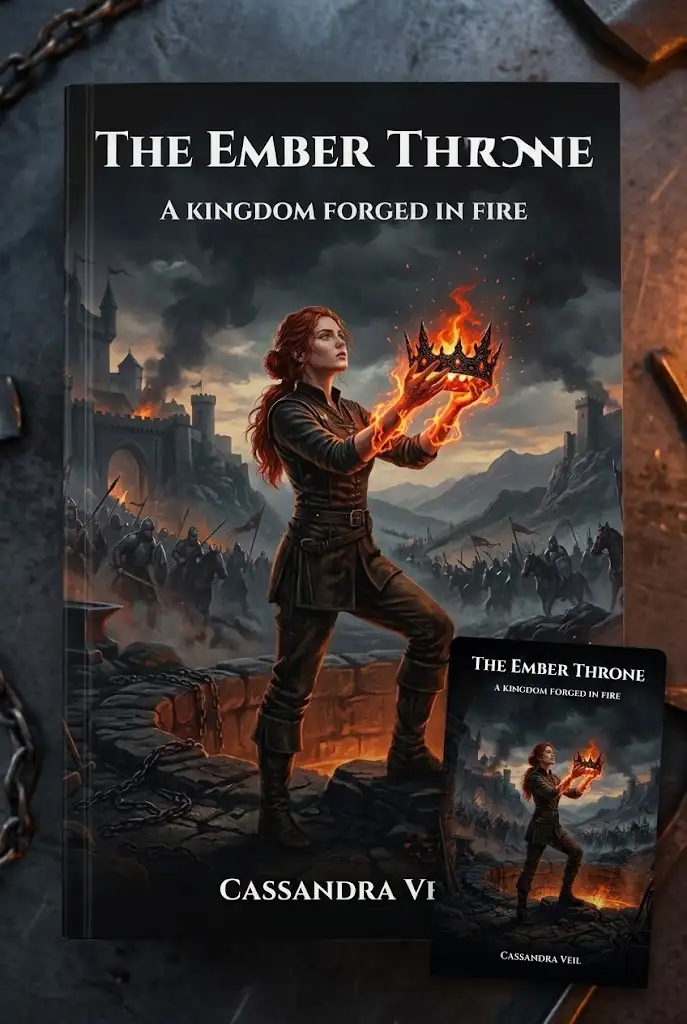
Thumbnail Preview for Readability
Readers browse covers at thumbnail size on storefronts and social feeds. Pixlio shows every concept direction at storefront-sized preview alongside the full image so you can judge composition and contrast before committing. This AI book cover generator keeps artwork text-free during generation, letting you evaluate layout clarity without fighting garbled AI typography. If a concept direction doesn't read well small, you know right away—before wasting refinement steps.


Guided Refinement Controls
First drafts rarely nail everything. Instead of rewriting prompts from scratch, Pixlio's refinement step offers targeted presets—simpler layout, darker palette, more atmospheric imagery, stronger visual hierarchy—plus a free-text field for custom direction. The AI bookcover generator re-runs your chosen concept with these adjustments, preserving what works while fixing what doesn't. It's faster than prompt engineering and more predictable than starting over.

Final-Step Text Overlay
AI-rendered text on book covers is notoriously unreliable. Pixlio sidesteps the problem entirely by keeping artwork and typography separate. On the final step, add your title, subtitle, and author name, then select from font presets designed to match different cover themes—bold serifs for literary fiction, clean sans-serifs for nonfiction, decorative options for fantasy and romance. Adjust text color and apply backdrop gradients to keep titles legible on any artwork. Preview everything in place, then download the cover with text applied or artwork only if you prefer to handle typography elsewhere. This AI book cover generator gives you control where it counts most.
How to Generate a Book Cover in 3 Steps
Creating a professional book cover with AI takes minutes, not hours. Follow these steps to go from idea to downloadable front cover.
Who Uses Pixlio's AI Book Cover Generator?
From first-time indie authors to small publishing teams, Pixlio's AI book cover generator serves anyone who needs a credible cover direction without a full design workflow. Here's how different users put it to work.
Indie Authors Launching a First Book
You've finished the manuscript, but hiring a designer isn't in the budget yet. This AI book cover generator lets you explore multiple concept directions at once and create a genre-appropriate front cover that looks professional on ebook storefronts. Refine the direction you like best, add your title and author name with clean typography, and move to publishing sooner—without learning complex design software or starting from a blank canvas.
Authors Testing Multiple Cover Directions
Not sure whether a dark, atmospheric cover or a bright, character-focused one will resonate with readers? Generate several concept directions at once, compare them side by side at thumbnail size, and refine the concept direction that works best. Use the generator to explore different visual approaches quickly before committing time and money.
Small Publishers and Author Assistants
Producing early cover directions for a catalog or client presentation is faster with AI. Explore multiple concept directions from a brief synopsis, refine the strongest option, and share a polished front cover—all without involving a designer at the concepting stage. This AI bookcover generator speeds up the approval cycle.
Validating a Concept Before Hiring a Designer
Want to communicate a visual direction to a professional designer? Use the AI book cover generator to produce a reference cover that captures genre, mood, and composition. It's a faster starting point than mood boards, and it gives your designer a concrete brief to work from.
AI Book Cover Generator FAQ
What is an AI Book Cover Generator?
An AI book cover generator uses artificial intelligence to create multiple concept directions from a short book brief. Instead of starting from a blank canvas, you describe your genre and story direction, and the tool produces several cover directions to explore at once. Pick the one you like, refine it, and finalize with your own title and author text.
Is Pixlio's AI Book Cover Generator free to try?
Yes. Pixlio offers free credits when you sign up, so you can explore concept directions right away.
What genres does the AI Book Cover Generator support?
Pixlio includes six preset genres with hand-tuned visual priors: romance, thriller, fantasy, sci-fi, mystery, and nonfiction. You can also enter any custom genre, and the tool applies a general genre-matching prior to produce fitting concept directions.
Can I add my book title and author name to the cover?
Yes. After refining your artwork, a final step lets you add title, subtitle, and author text. You can choose font presets, text color, and backdrop gradients for readable typography. You can also download artwork only if you prefer to handle text placement elsewhere.
What format is the final book cover?
The final cover exports as a PNG front-cover image. You can download it with or without text overlay applied. Paperback wrap and spine layouts are not included in the current version.
Can I use the generated book cover commercially?
AI-generated covers on Pixlio are available for commercial use under Pixlio's usage terms. However, the tool does not guarantee platform-specific compliance or copyright clearance. Always verify text accuracy and confirm rights to any reference material before publishing.
More AI Image Tools
Explore our collection of AI-powered image tools designed for different creative needs and styles