Pixlio AI
Use the tool below to preview realistic hairstyle changes on your own photo.

Your Next Haircut with Pixlio AI Hairstyle Changer - Simulate Hairstyle Changes Online
Upload a selfie, pick a preset or describe your dream look, and preview a realistic result in seconds. Your face stays yours—only the hair changes. Download the image or export a stylist-ready reference before your next appointment.
Why Pixlio's AI Hairstyle Changer Produces Results You Can Trust
Most hairstyle try-on tools paste a generic wig onto your photo. Pixlio's hairstyle simulator is built around face preservation, texture-aware generation, and practical salon handoff—so the result looks like you, not a stock model.

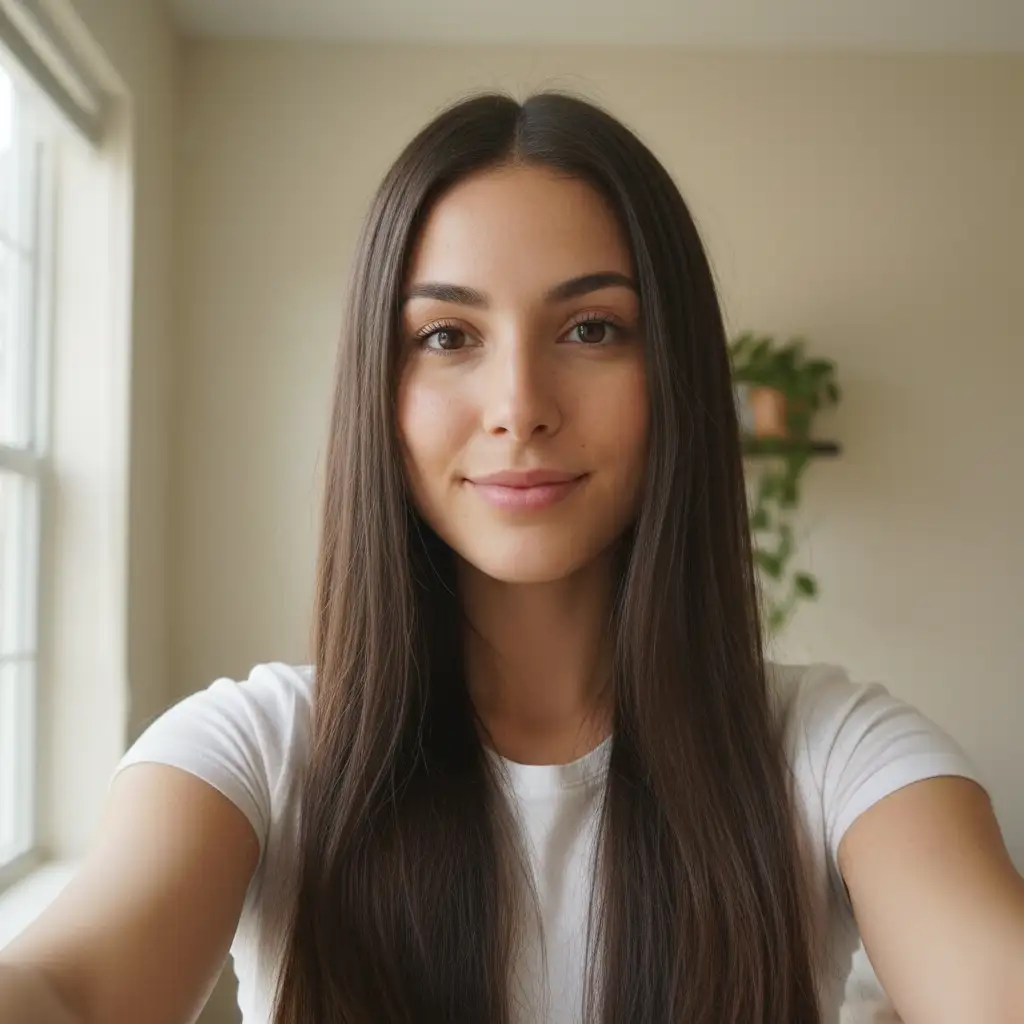
Your Face Stays Yours When You Change Hairstyles with AI
The most common complaint with hairstyle apps is that the face looks different after generation—altered skin tone, shifted features, or unnatural lighting. Pixlio's AI hairstyle changer locks your facial identity during every transformation. Your face shape, skin tone, expression, and lighting remain stable while only the hair changes. The result is a realistic preview that lets you judge the hairstyle honestly, not a flattering fantasy that falls apart at the salon.
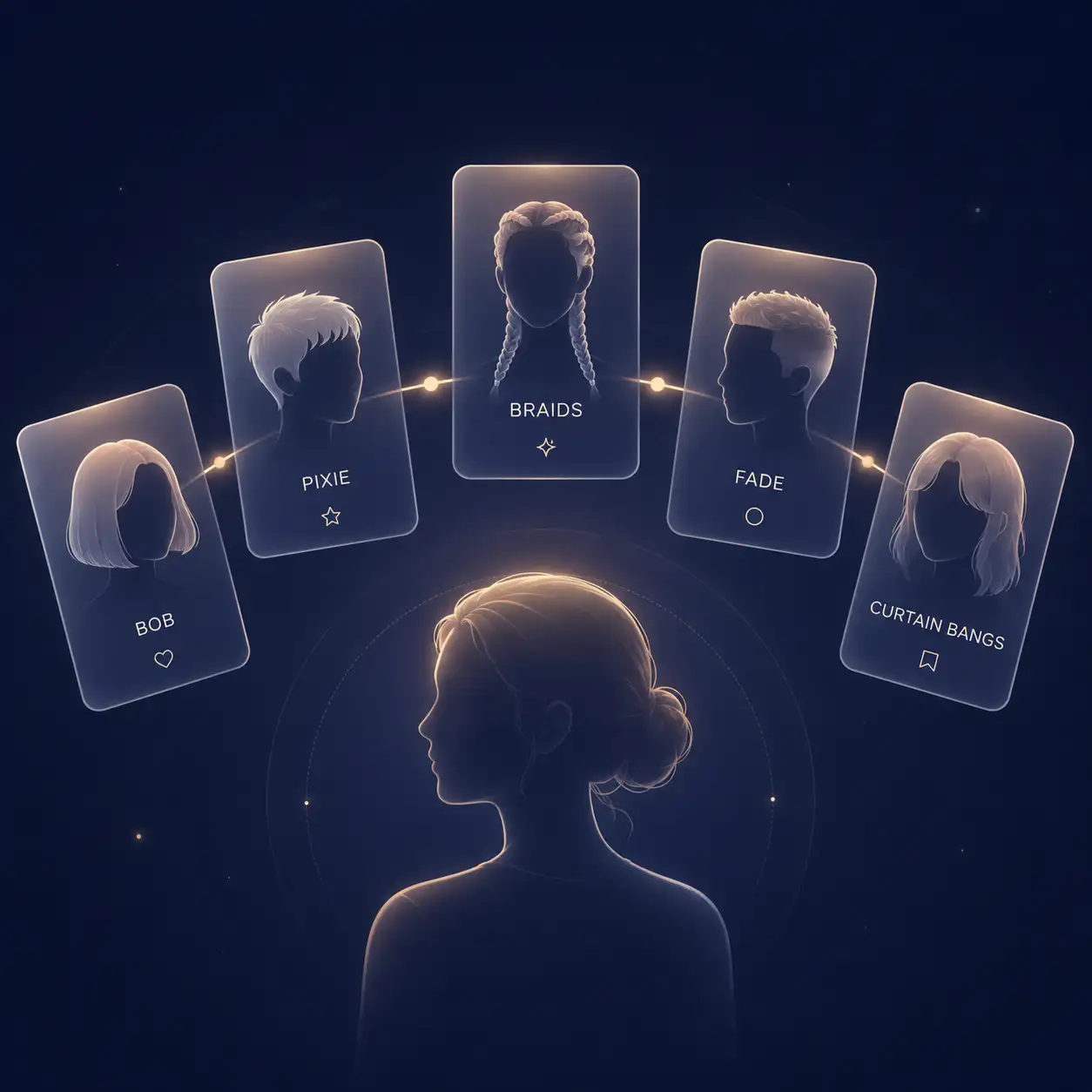
Pick a Preset or Describe Exactly the Hairstyle You Want
Not everyone knows the name of the cut they are imagining. Pixlio's hairstyle changer online tool offers curated preset groups—short cuts like bob, pixie, and wolf cut; bangs options including curtain and side-swept; men's fades and textured crops; and texture-aware styles for braids, twists, and curls. If the presets do not match your vision, add a plain-language description like "shoulder-length layered bob with caramel highlights" and the hairstyle simulator combines both inputs into one generation.
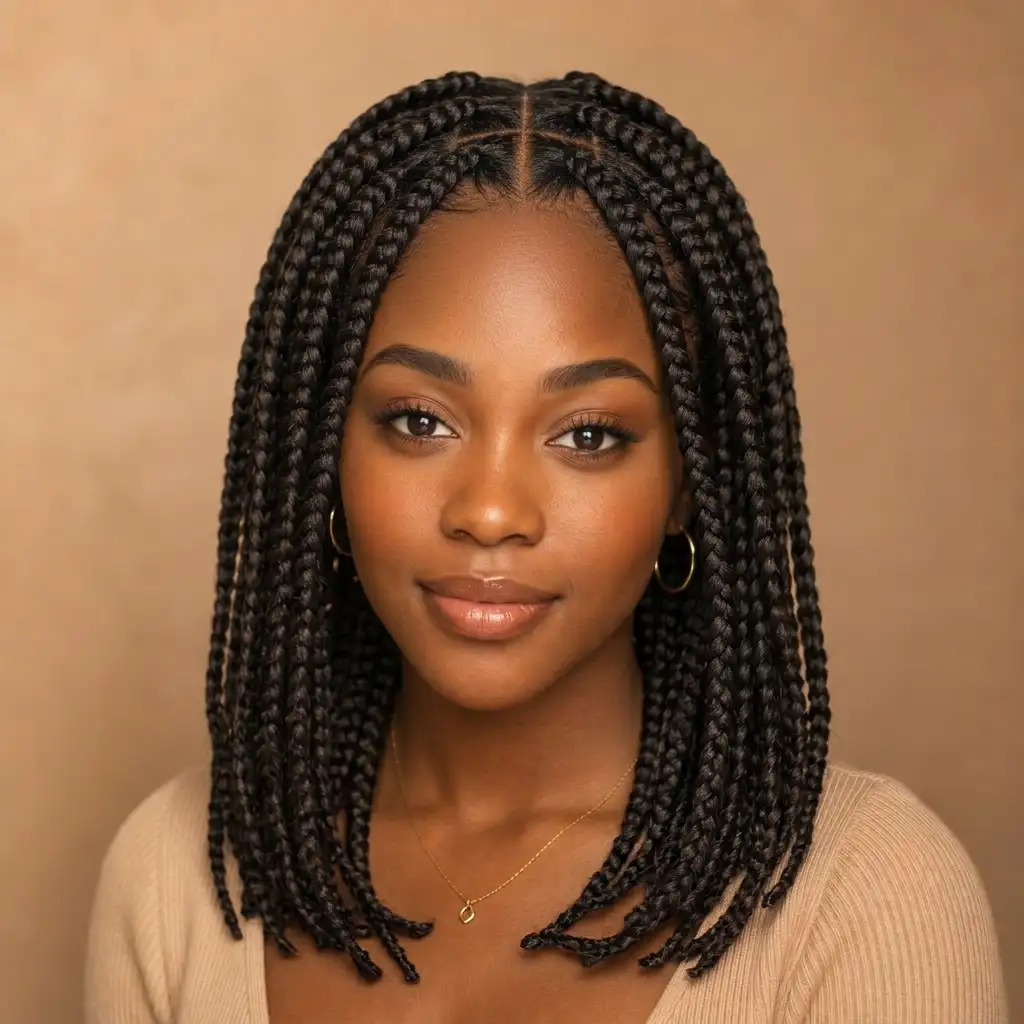
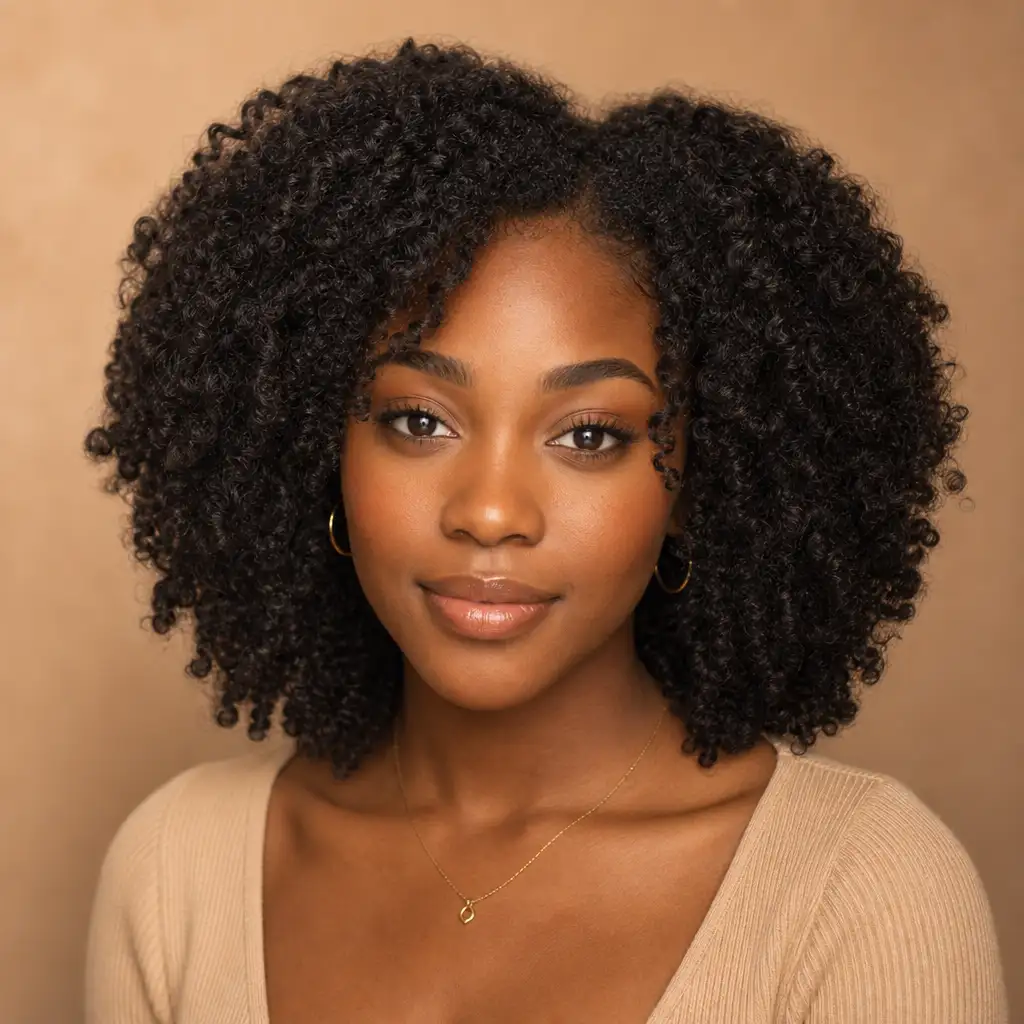
Realistic Results for Curls, Coils, Braids, and Thinning Hair
Generic hairstyle tools often flatten natural texture into straight or wavy output. Pixlio includes dedicated texture and hairline presets for curls, coils, braids, twists, fine hair, thinning crowns, and receding hairlines. The hairstyle simulator respects your hair structure so you see an honest preview of volume, curl pattern, and density—not a smoothed-over version that hides reality.

Download Your Result or Export a Stylist-Ready Reference
A pretty preview is only useful if you can act on it. Pixlio lets you download your generated image directly and also export a stylist handoff summary. The export bundles the image with the style name, color direction, and practical Reality Check notes—like likely maintenance level, density compatibility, and whether the result may be optimistic. Hand it to your barber or stylist as a clear, actionable reference instead of scrolling through saved screenshots.
How to Use Pixlio's Hairstyle Changer Online in 3 Steps
Previewing a new haircut or color takes less than a minute. No design skills, no prompt engineering—just upload, choose, and generate.
Who Uses Pixlio's AI Hairstyle Changer?
From first-time salon visitors to seasoned stylists looking for client references, Pixlio's virtual hair preview tool helps anyone who wants to see a realistic result before making a hair decision.
Pre-Salon Confidence for Your Next Hairstyle Change
You have been growing your hair for years, or you have never tried bangs, or you are debating between a bob and a pixie. This hairstyle simulator lets you preview the cut on your own face so you walk into the salon with a clear picture—not a Pinterest board of strangers. Download the result and show your stylist exactly what you want.
Explore Hair Colors Alongside New Cuts Using a Hairstyle Simulator
Wondering how caramel highlights would look with a layered bob, or whether platinum suits your skin tone? Pixlio's hairstyle changer online handles haircut and color changes in the same generation. Try color alone, a cut alone, or combine both in one step to see the full picture before committing.
Thinning Hair and Receding Hairline Previews with a Hairstyle Simulator
Men evaluating fades, crew cuts, or buzz cuts often worry about how exposed hairlines or thinning crowns will look. Pixlio includes hairline-aware and thinning-friendly presets that generate honest results instead of adding unrealistic density. See a realistic version of the style before you sit in the barber chair.
Textured Hair Styling for Braids, Twists, Curls, and Coils
Finding a virtual hair preview tool that respects natural curl patterns, coil density, and braid structure is rare. Pixlio includes texture-aware presets built for these hair types, so you can simulate hairstyle changes and see how the style would actually sit on your hair—not a generic smoothed-over render.
AI Hairstyle Changer FAQ
What is an AI hairstyle changer?
An AI hairstyle changer is a tool that applies a new haircut, color, or style to your uploaded selfie using AI image generation. Pixlio's version preserves your facial identity, lighting, and face shape while realistically changing only your hair—so you can preview the result before committing to a salon visit.
Is Pixlio's AI hairstyle changer free to try?
Yes. Pixlio gives you free credits on signup so you can generate your first hairstyle change at no cost. Additional credits are available when you need more generations.
What photo formats does the hairstyle changer online tool accept?
The tool accepts JPG, PNG, and WebP uploads. For the most realistic results, use a clear, well-lit selfie or portrait where your face and current hair are visible.
Does the hairstyle simulator work for men's haircuts?
Absolutely. The tool includes dedicated presets for fades, crew cuts, textured crops, and styles designed for thinning hair or receding hairlines. Men can preview realistic hair makeovers just as easily as anyone else.
How does this AI hairstyle changer handle curly or textured hair?
Pixlio includes texture-aware presets for curls, coils, braids, and twists. Instead of flattening natural texture into a generic result, the hairstyle simulator respects your hair structure and produces output that reflects realistic curl patterns, density, and volume.
Can I take my AI hairstyle changer result to a real salon?
Yes. Every generated image can be downloaded, and Pixlio also offers a stylist export that bundles the image with the style name, color direction, and practical notes like maintenance level and density compatibility. It gives your stylist a clear, actionable reference instead of a vague screenshot.
More AI Image Tools
Explore our collection of AI-powered image tools designed for different creative needs and styles