 Pixlio AI
Use the AI signature generator to create handwritten signature designs from your name or initials.
AI signature result
One design appears here after generation.
Enter your text and choose the feel of the signature before generating.
Practice sheet
Your Perfect Handwritten Signature with Pixlio's Free AI Signature Generator
Enter your name, choose a style, and get a realistic handwritten signature you can actually learn to write. Pixlio's AI signature generator produces genuine pen-like designs, not cursive fonts, ready to export as transparent PNGs for documents, emails, and forms.
Get a Signature You Can Actually Write with Pixlio's AI Signature Generator
Most signature tools give you a dressed-up font that looks the same for every name. Pixlio's AI signature creator generates unique handwriting with real stroke logic, legibility controls, and a practice path—so you walk away with a signature you can sign on paper, not just paste into a document.
AI Signature Generator Creates Real Handwriting, Not Script Fonts
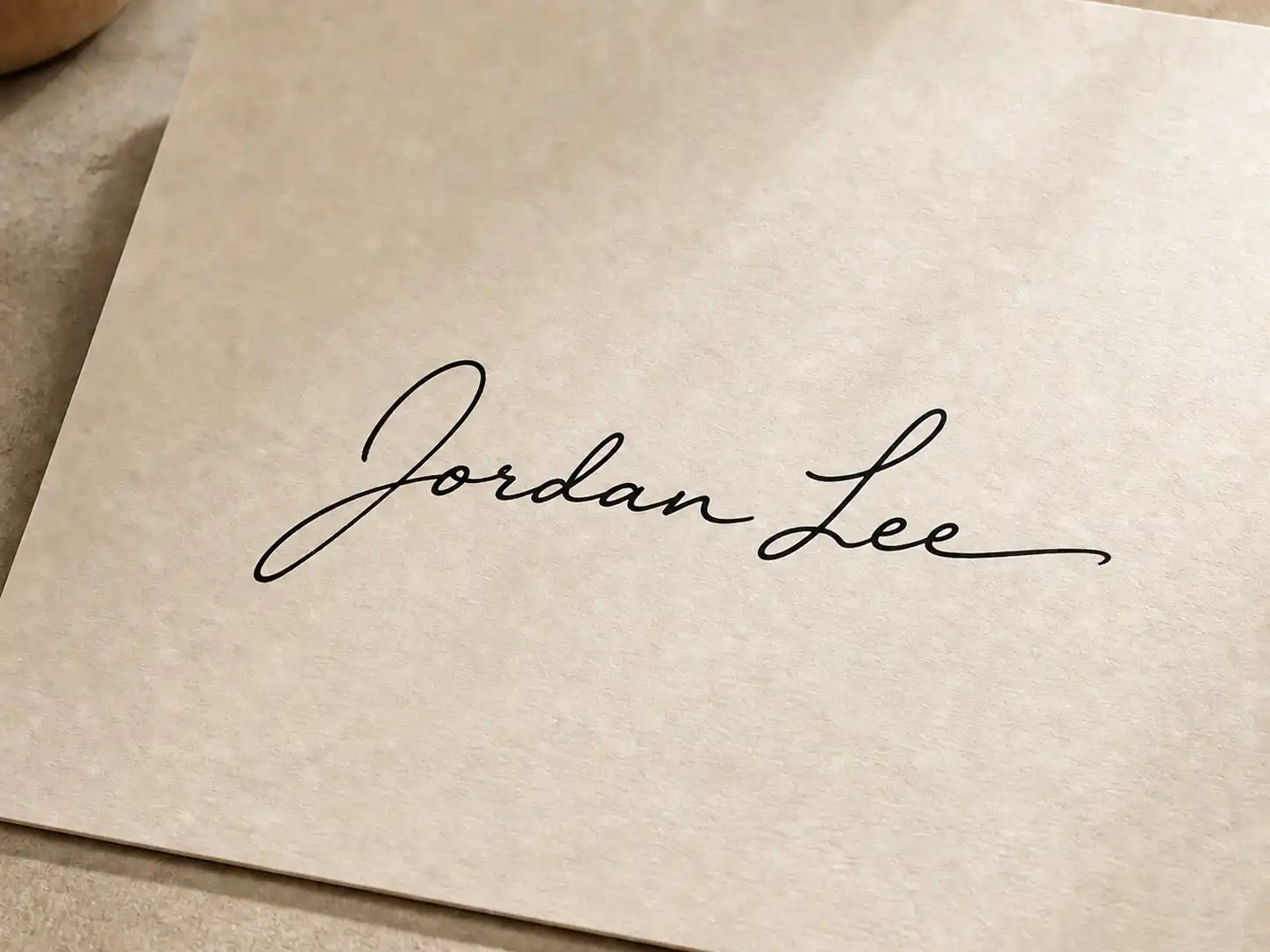
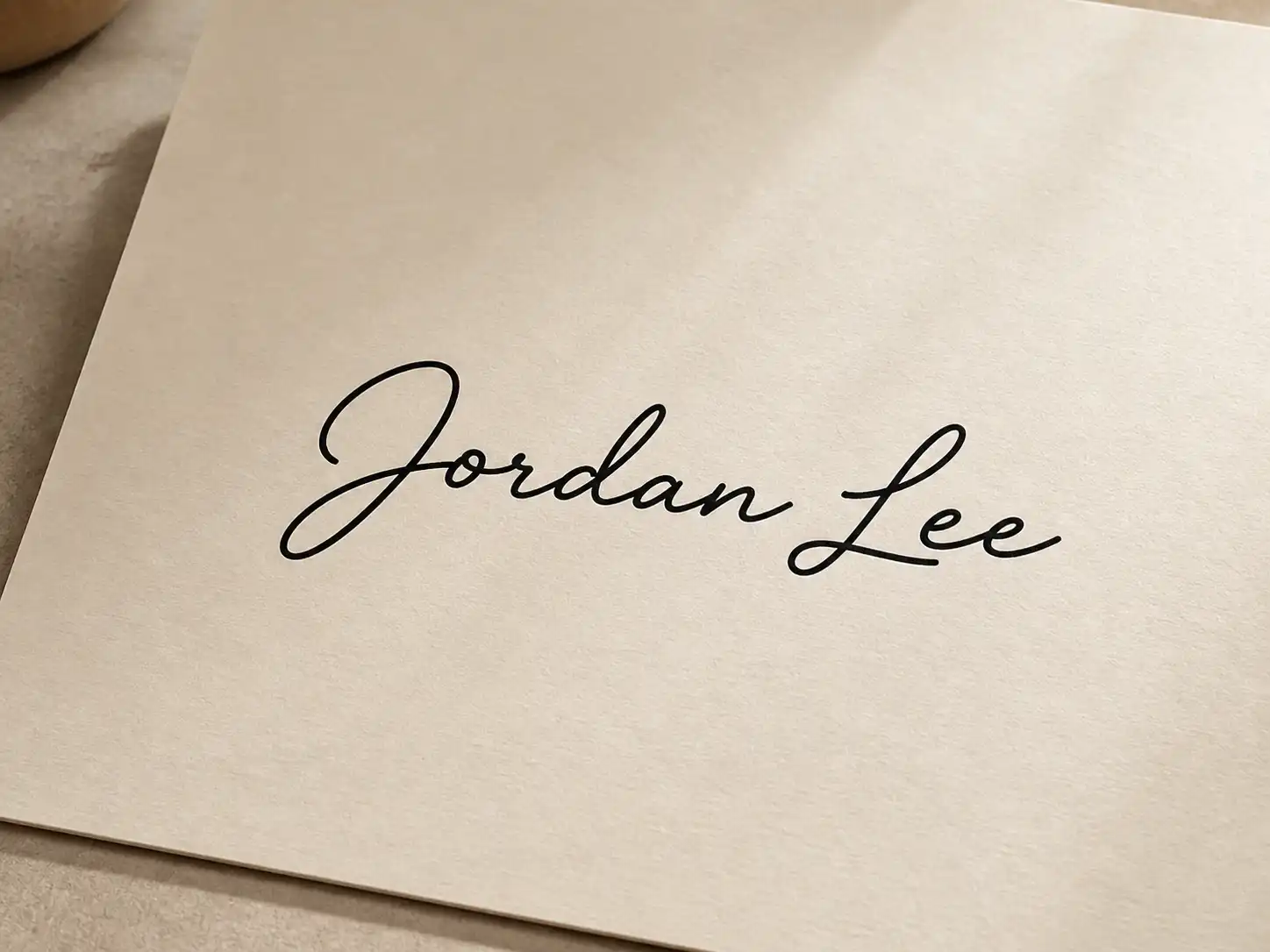
You have probably tried a signature tool before and gotten something that looks like a fancy typeface—identical for every name, zero personality. Pixlio's AI signature generator produces connected strokes with varied compression, distinctive capitals, natural ligatures, and genuine pen-pressure irregularity. The result looks like it came from a calligrapher's hand, not a font dropdown. Choose from Professional, Executive, Elegant, Minimal, Bold, or Creative styles, and adjust legibility from Readable to Abstract depending on whether you want people to read your name or just recognize your mark. This is what separates a true AI signature maker from a simple font picker.
Free Type and Draw Modes Let You Create a Signature Instantly Without an Account
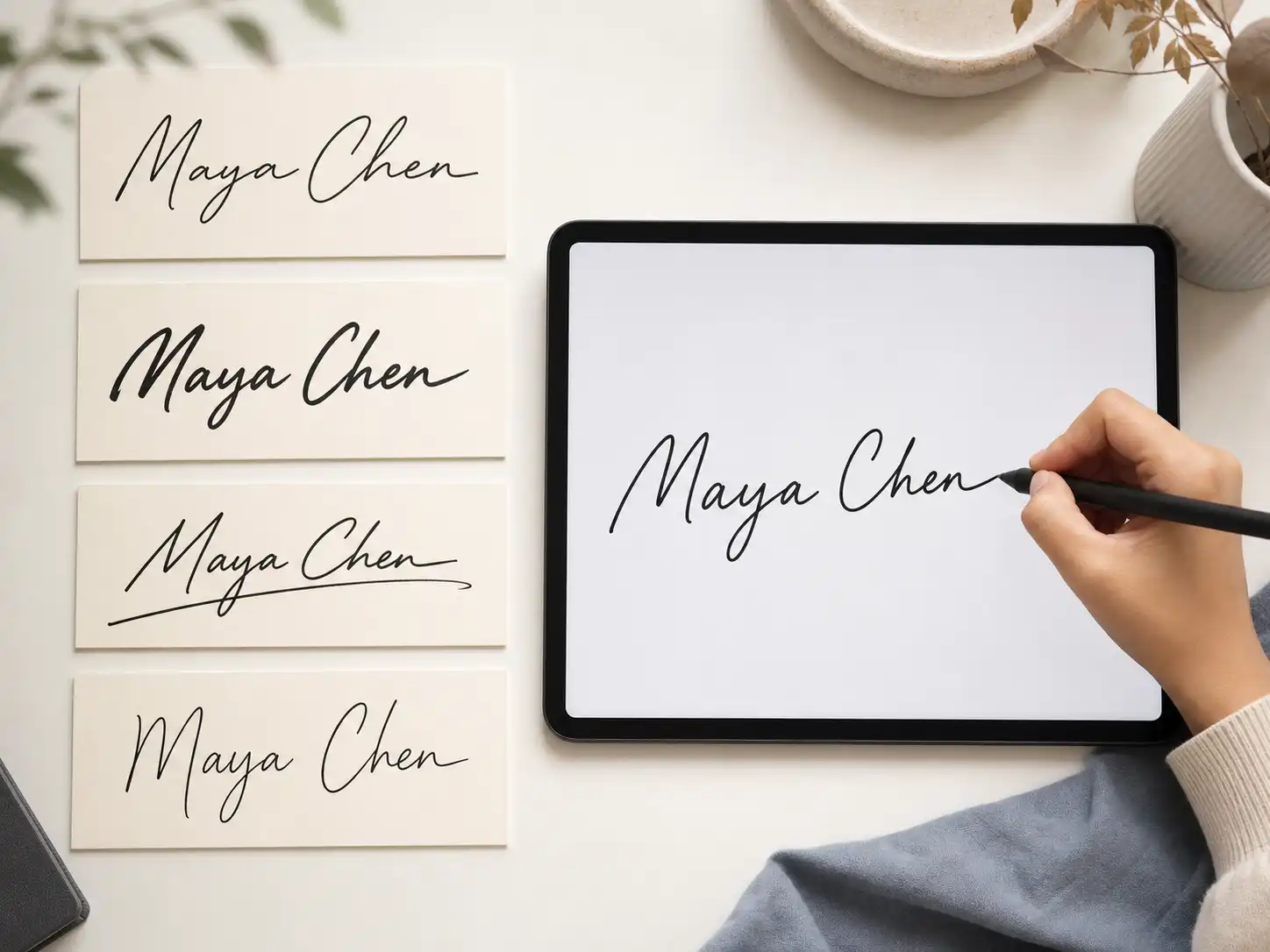
Need a signature image right now for a document you are about to send? Switch to Type mode and preview your name in four handwriting-style treatments—Classic, Refined, Compact, and Expressive—then export the one you like. Prefer to draw your own? Draw mode supports mouse, touch, and stylus with automatic smoothing and undo. Both modes run entirely in your browser with no account, no credits, and no watermarks. The AI signature creator is there when you want a design you could not create yourself, but the free modes cover urgent everyday needs.
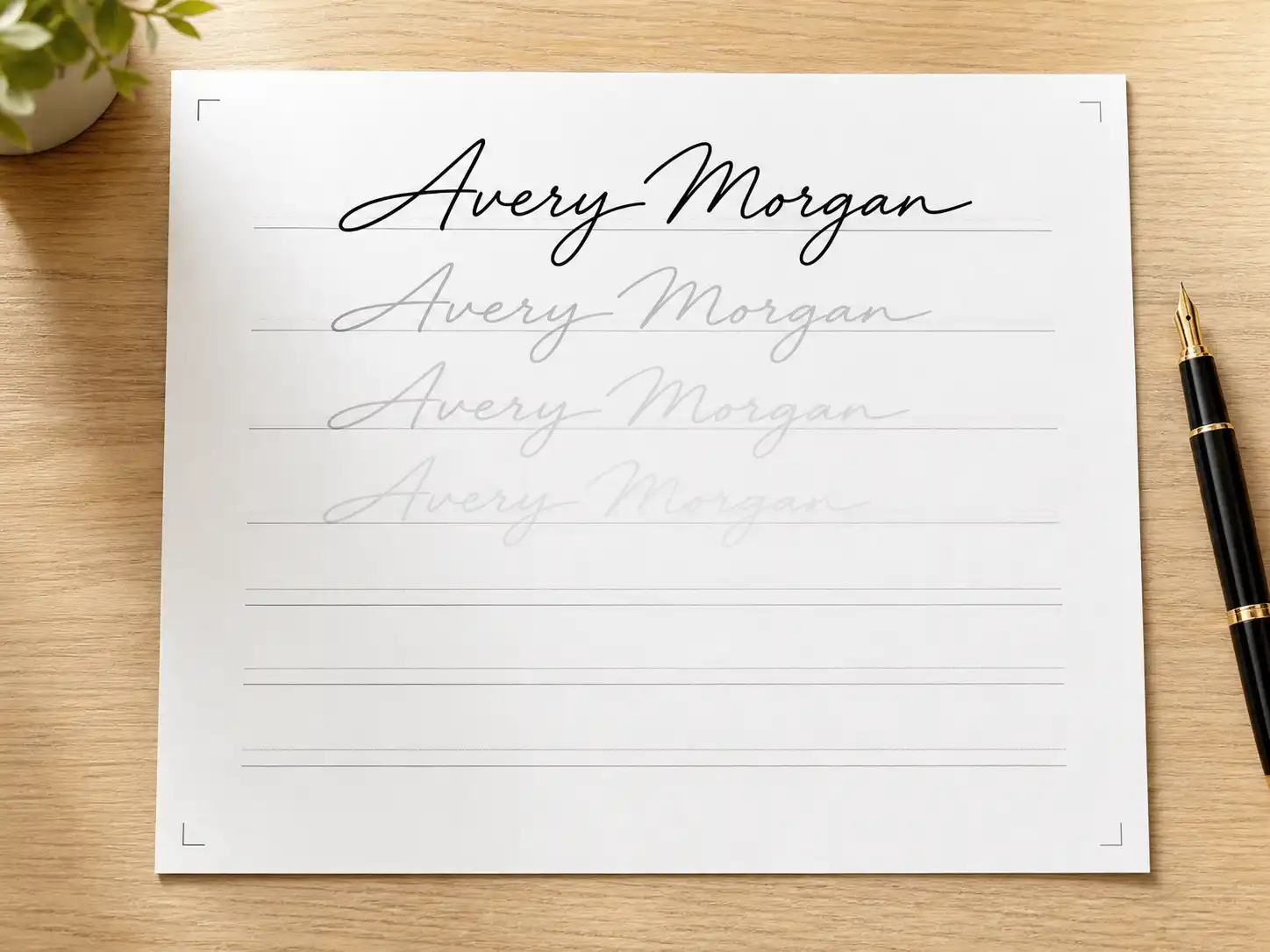
Turn Your New Signature into a Printable Practice Sheet You Can Trace
A beautiful digital signature is only half the job if you cannot reproduce it with a pen. After you generate or create a design, Pixlio's AI signature maker builds a printable practice sheet with full-strength examples at multiple sizes, faded tracing rows, and blank lines for freehand repetition. Choose A4 or US Letter, download the PNG, and start building muscle memory. No extra AI charge—the sheet is generated from the current signature you already have.
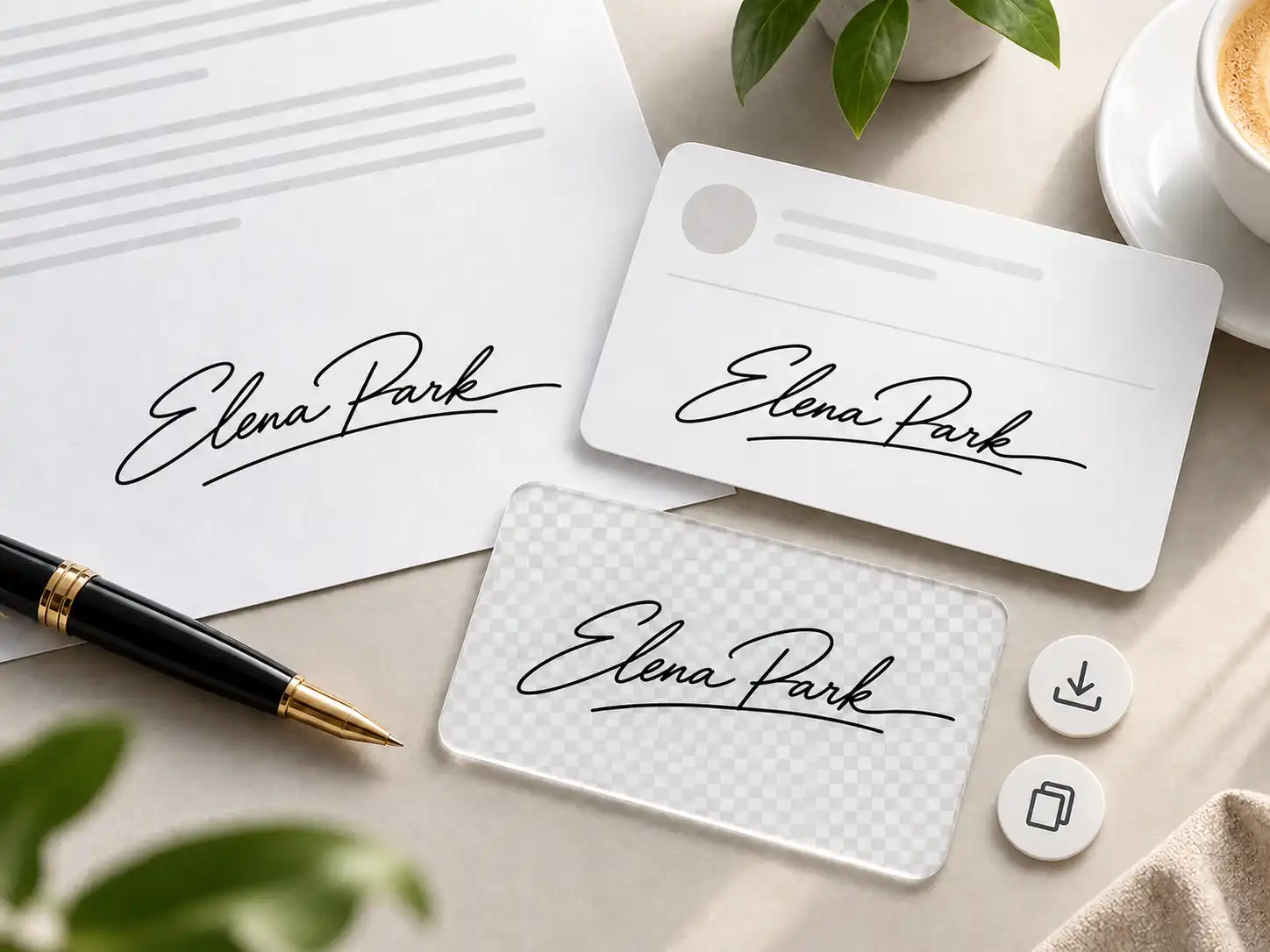
Export a Transparent PNG Signature Ready for Any Document or Email
Once you have a signature you like, export it as a transparent PNG with black ink on no background—perfect for layering into Word documents, PDFs, email footers, or design files. Prefer a clean white background? That option is one click away. You can also copy the signature directly to your clipboard for instant paste. The AI signature creator trims whitespace automatically and keeps safe padding around flourishes so nothing gets clipped.
Steps to Create Your Signature with Pixlio's AI Signature Generator
Getting a professional, learnable signature takes under a minute. This AI signature maker handles the design work—no calligraphy skills, no prompt writing—just type, adjust, and export.
Who Benefits from Pixlio's AI Signature Generator?
Whether you are signing your first professional document or refreshing a signature you have used for years, Pixlio's AI signature maker helps anyone who wants a design that looks polished, personal, and reproducible.
Professionals and Job Seekers Needing a Polished Signature
You are about to sign an offer letter or send a client contract, and your current signature feels inconsistent or childish. This AI signature generator gives you a confident, mature design in seconds. Set writeability to Everyday so the signature is quick to reproduce under pressure, and use the AI signature maker to download a practice sheet before your next meeting.
Remote Workers Signing PDFs, Word Docs, and Email Footers
When every document is digital, you need a reusable transparent signature image that layers cleanly into any file. Pixlio's AI signature creator exports a trimmed PNG with no background, ready to paste into Word headers, PDF annotations, or email signatures. Copy to clipboard for immediate use or download and reuse indefinitely.
Students Building a Professional Identity Before Entering the Workforce
Graduating soon and realizing you never developed a proper signature? Use the AI signature creator to explore styles for your name, find one that feels right, and practice it until signing becomes second nature. The practice-sheet feature is built exactly for this—faded rows to trace, blank lines to fill, and multiple sizes to build consistency.
Freelancers and Creatives Who Want a Personal Brand Mark
Your signature appears on proposals, invoices, artwork, and social posts. The AI signature maker helps you design something that doubles as a personal brand element—distinctive enough to be memorable, simple enough to reproduce. Set legibility to Abstract and style to Creative for an expressive mark, or stay with Professional and Readable for clean contract use.
AI Signature Generator Frequently Asked Questions
What is an AI signature generator?
An AI signature generator uses machine learning to produce realistic handwritten signature designs from a name, initials, or short text. Unlike font-based tools that apply a pre-made cursive typeface, Pixlio's AI signature maker creates unique connected strokes, varied letter compression, and natural irregularity—so the result looks like it was written by a human hand, not printed by a computer.
Is Pixlio's AI signature generator free to use?
Type and Draw modes are completely free—no account, no credits, no watermarks. These modes process everything locally in your browser. AI generation requires a free Pixlio account and uses credits from your balance. You receive free credits on signup, so you can try this AI signature creator immediately.
Can I learn to write the signature this AI signature maker creates?
Yes. After generating or creating a signature, you can download a printable practice sheet in A4 or US Letter size. The sheet includes full-strength examples, faded tracing rows, and blank lines so you can build muscle memory and reproduce the design confidently with a real pen.
What export formats does the AI signature generator offer?
You can export your signature as a transparent PNG (black ink on no background), a white-background PNG, or copy the image directly to your clipboard. All exports trim excess whitespace automatically while preserving safe padding around flourishes. Filenames are descriptive and ready for document use.
Is a signature from this AI signature creator legally binding?
Pixlio creates a signature image only. It does not provide identity verification, an audit trail, certificate, or a guarantee of legal validity. Whether a signature image is accepted depends on the specific document, jurisdiction, and receiving party. For formal contracts requiring qualified electronic signatures, use a dedicated e-signing platform.
How is this AI signature generator different from a cursive font tool?
Cursive font tools apply the same typeface to every name—the output looks identical whether you type 'Alex' or 'Jordan.' Pixlio's AI signature creator generates unique stroke patterns with connected letterforms, natural pen pressure variation, and distinctive capitals for each input. You also get style controls for legibility and writeability that font generators cannot offer.
Disclaimer: Pixlio creates a signature image only. It does not provide identity verification, an audit trail, or a guarantee of legal validity.