 Pixlio AI
GPT Image 2.5 AI Image Maker & Editor
Create and edit images with GPT Image 2.5 on Pixlio AI. OpenAI's latest image model delivers localized editing that preserves what you already approved, multi-turn consistency for iterative workflows, improved infographic accuracy, and generation speeds up to 50% faster.
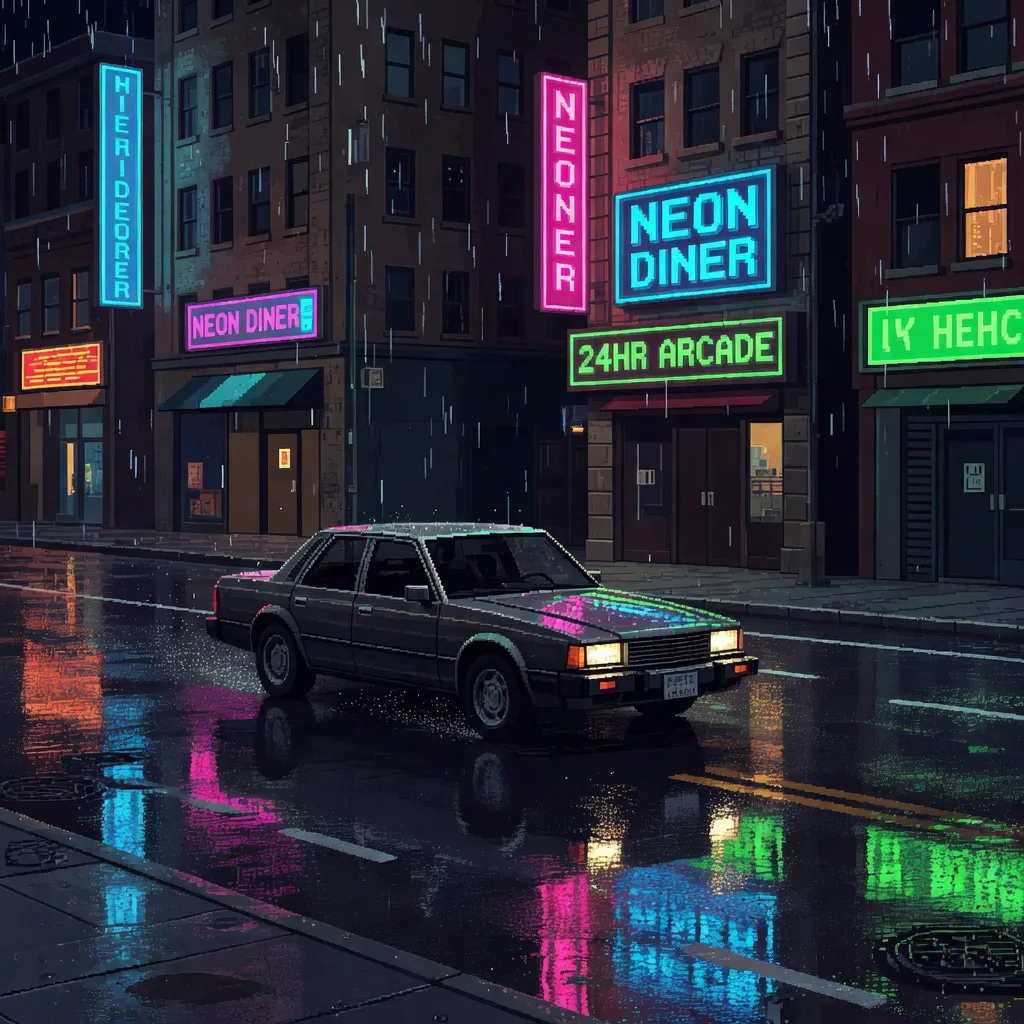
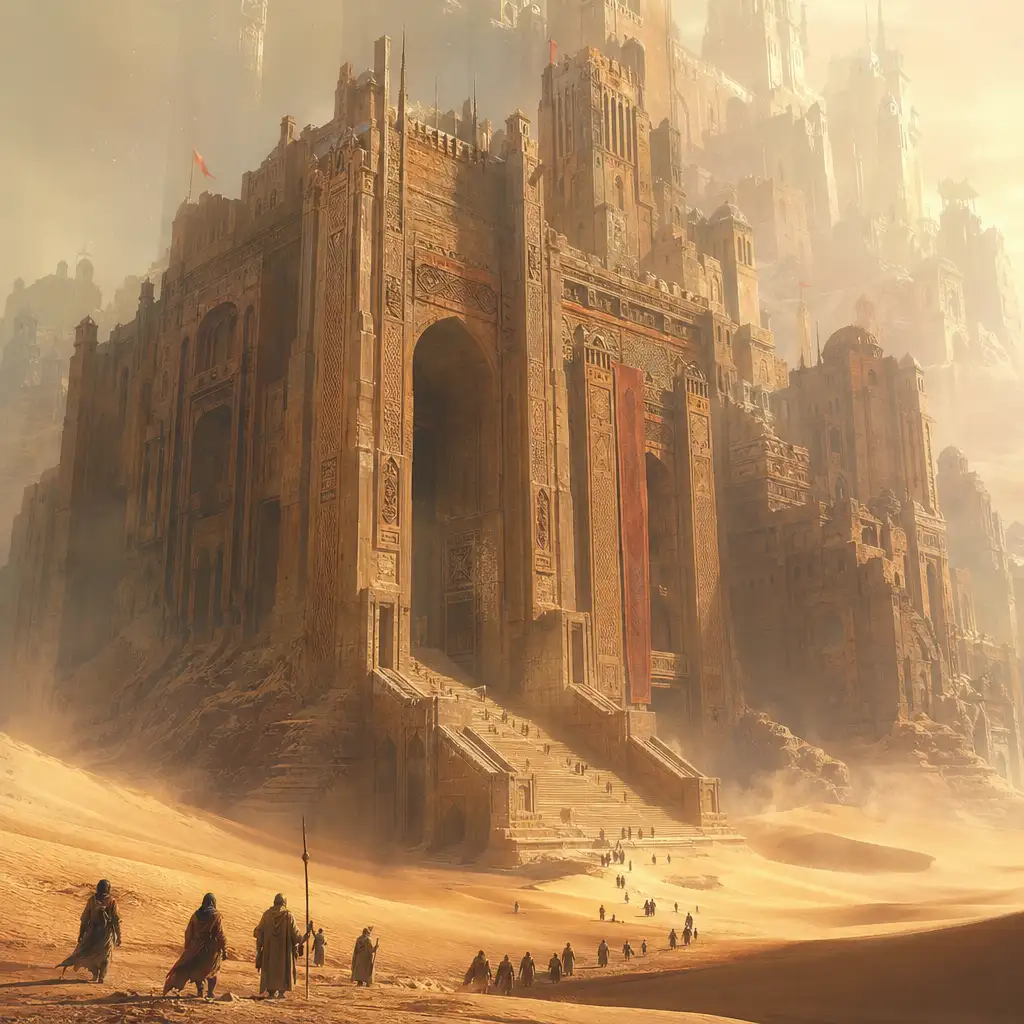
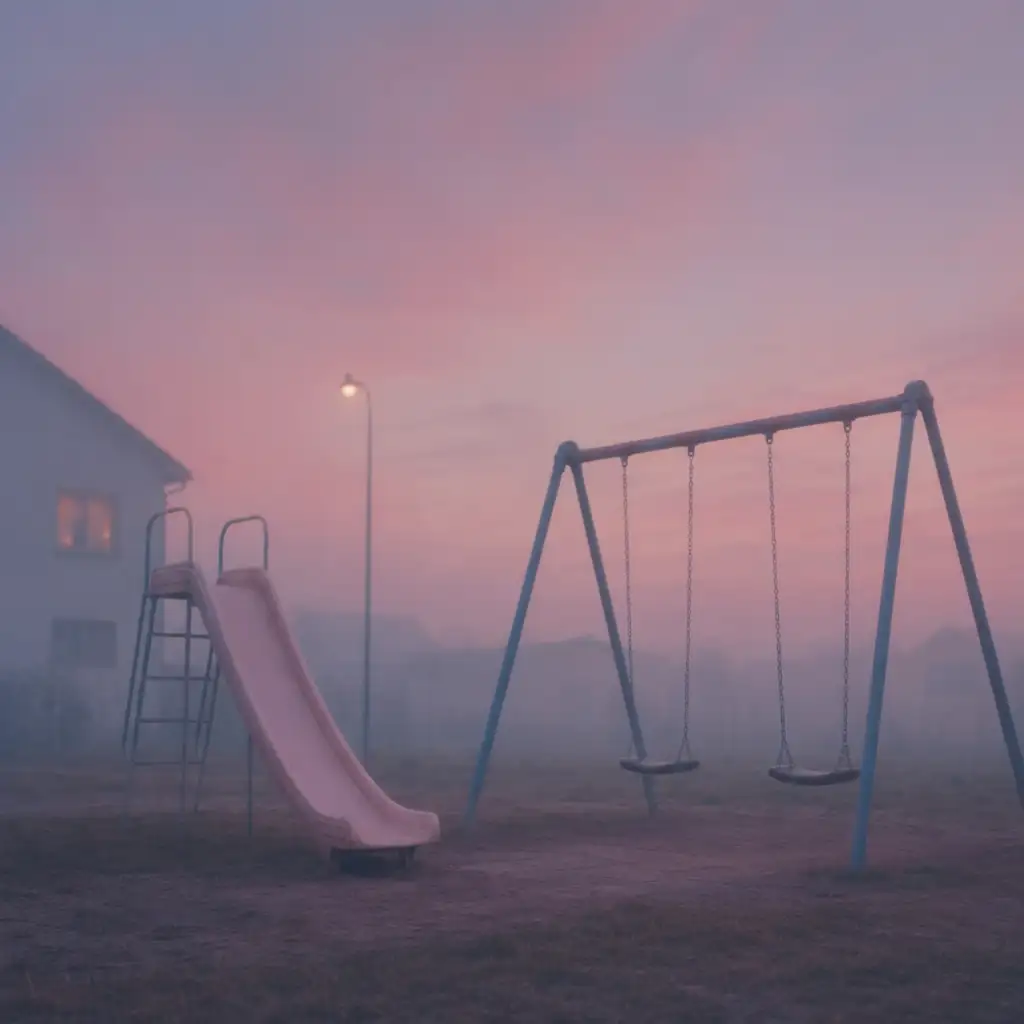
What Is GPT Image 2.5?
GPT Image 2.5 is OpenAI's newest AI image generation and editing model, released on September 8, 2026. It powers ChatGPT Images 2.5 inside ChatGPT and is available to developers as two API variants: Flare for speed and Sunburst for precision.
The most consequential improvements are not about prettier pictures — they are about better controlled workflows. The model delivers more precise localized editing, stronger preservation of subjects and details across edits, better multi-turn consistency, improved handling of complicated layouts, and sharper natural-looking imagery. For professional work where consistency matters more than novelty, these changes directly reduce rework.
Generation speed is also substantially improved, with latency up to 50% lower. Faster iteration encourages more prompt experimentation, rapid A/B concepts, and interactive brainstorming rather than one-shot prompting.
Early community reception broadly supports the editing and instruction-following improvements. Users highlight localized editing consistency and faster generation as meaningful practical gains.
Why Use GPT Image 2.5 on Pixlio AI
Localized editing that preserves what you approved
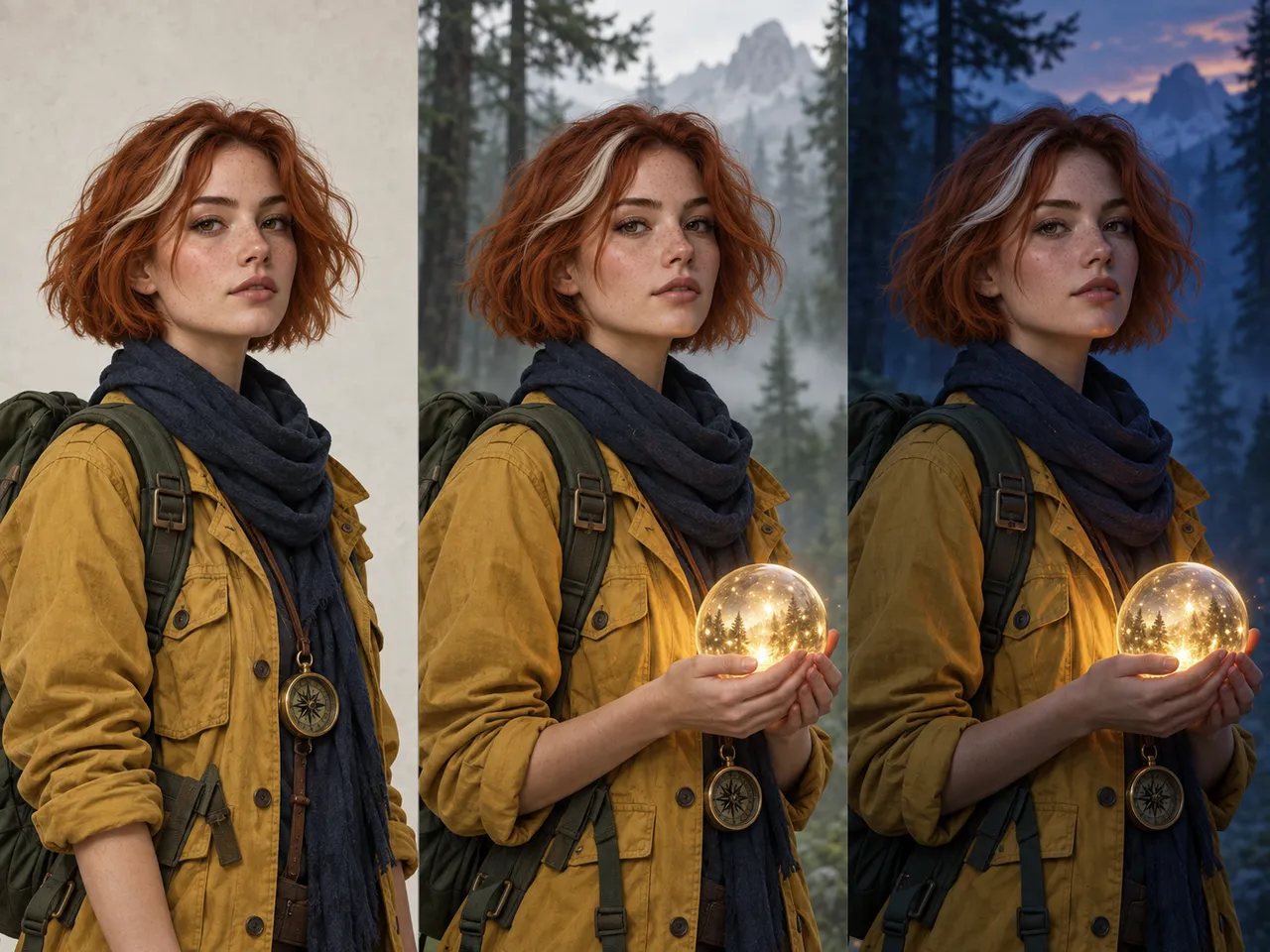
GPT Image 2.5 changes the requested part of an image while leaving already-approved areas intact. Ask for a different background or a changed garment color — the model applies the edit without repainting the subject's face, lighting, or surrounding details.
Faster iteration with Flare and Sunburst
Two API variants let you match speed to intent. Flare is optimized for rapid drafting; Sunburst is built for detailed precision work. Both benefit from latency up to 50% lower than the previous model.
Infographics, layouts, and structured visuals
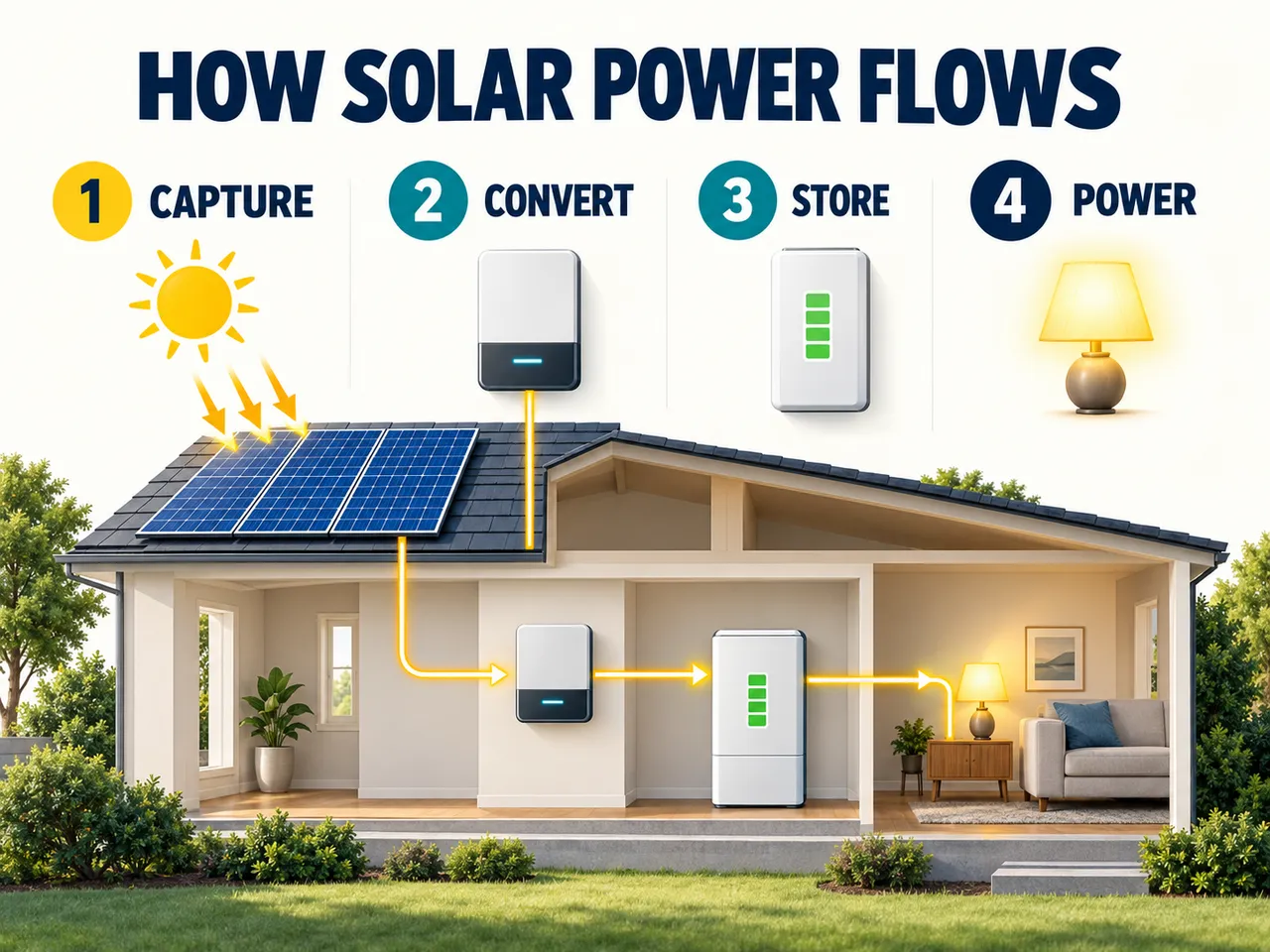
Posters, diagrams, social-media cards, menus, and product feature graphics benefit from improved text legibility, coherent visual hierarchy, and more structured compositions — closer to a complete first draft without a separate design tool.
GPT Image 2.5 Capabilities
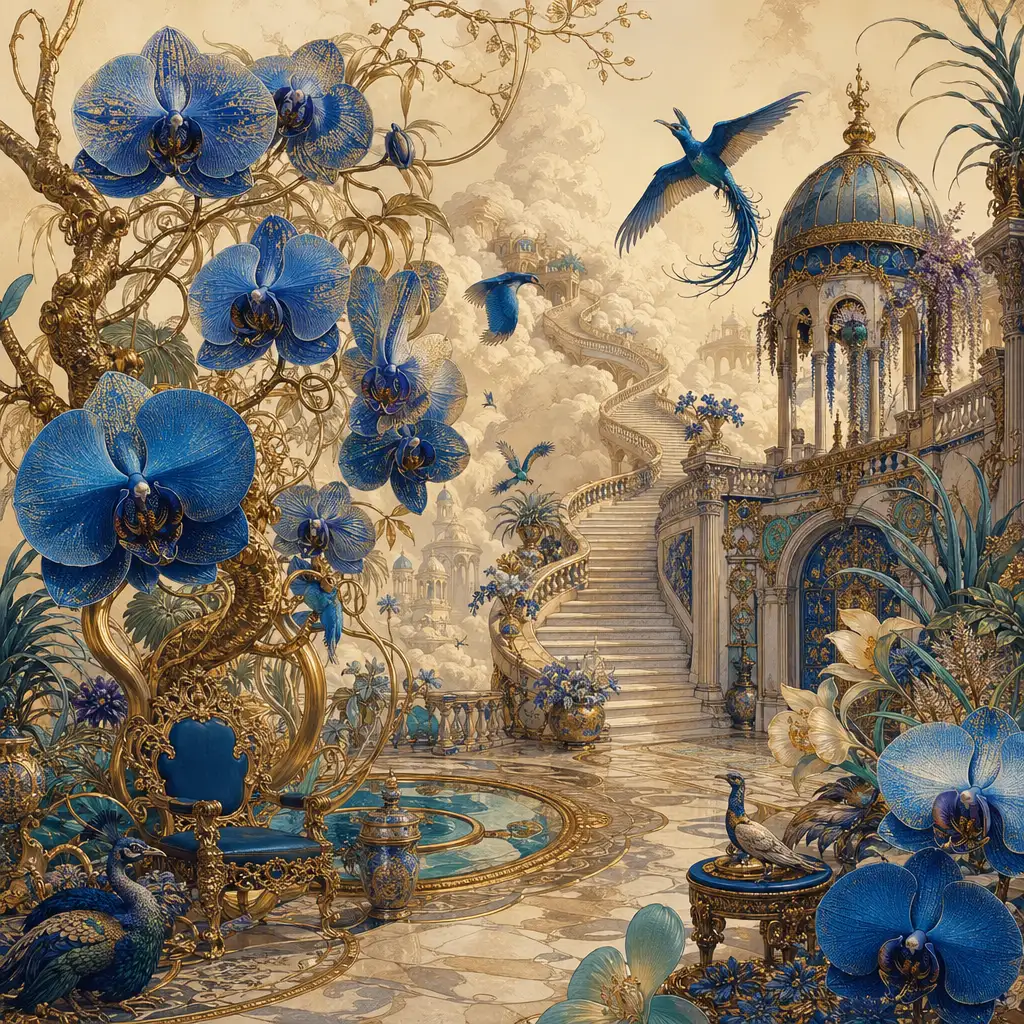
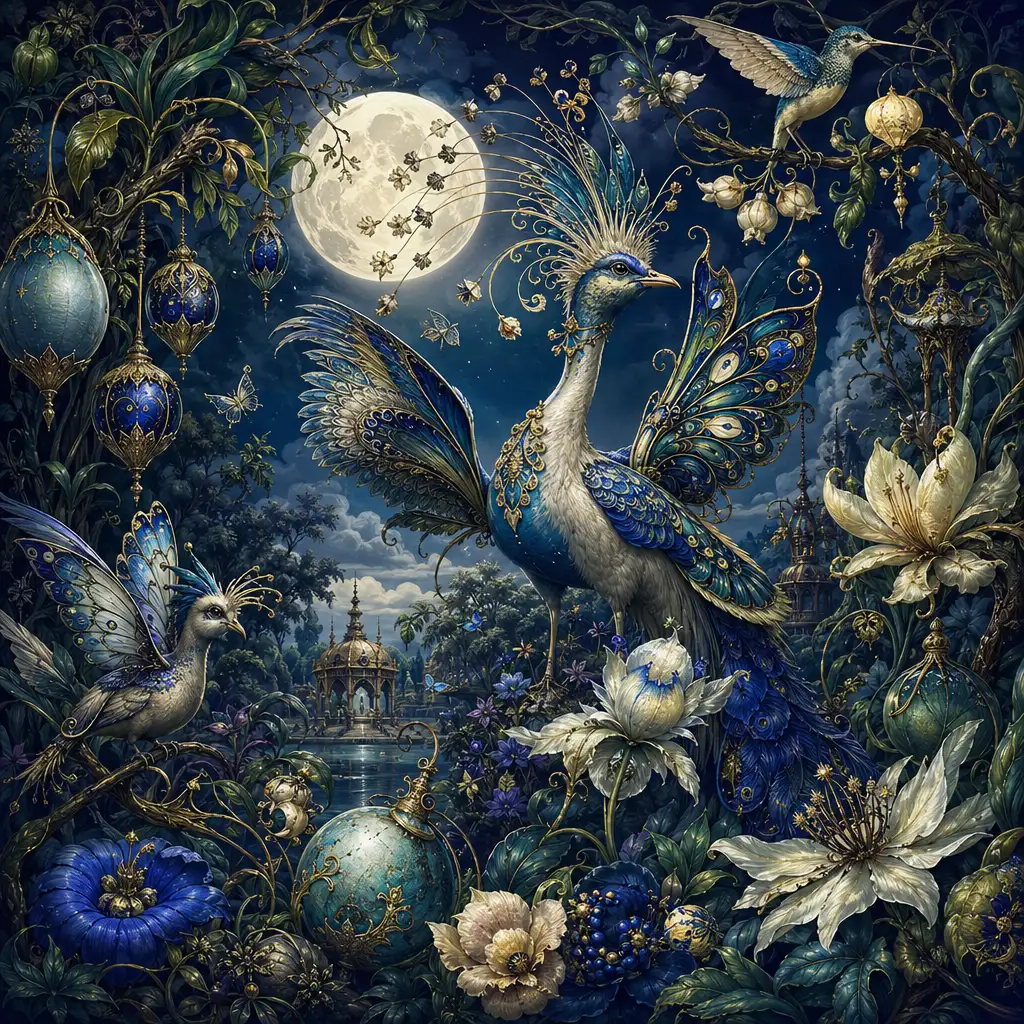
See what the model can do — from localized image-to-image editing that preserves your approved details to structured infographic generation and multi-turn creative iteration.


Localized Image Editing Without Losing Details
Upload a photo and change one element — a jacket color, a background, or a prop — while keeping the rest intact. The model preserves facial features, lighting, and spatial relationships, reducing regeneration cycles for advertisers, product teams, and content creators.
Multi-Turn Consistency for Iterative Workflows
Treat an image as an evolving asset. Create an initial concept, adjust the composition, swap one object, revise wording, and modify the color palette — all across multiple turns while the model maintains consistent details throughout the editing chain.
Improved Infographic and Structured Visual Output
Generate posters, educational diagrams, visual explainers, and social-media cards with improved text legibility and coherent layout hierarchy. GPT Image 2.5 produces a more complete first draft for compositions that previously required artwork generation followed by separate layout and typography work.
Sketch-to-Image and Comment-Based Editing
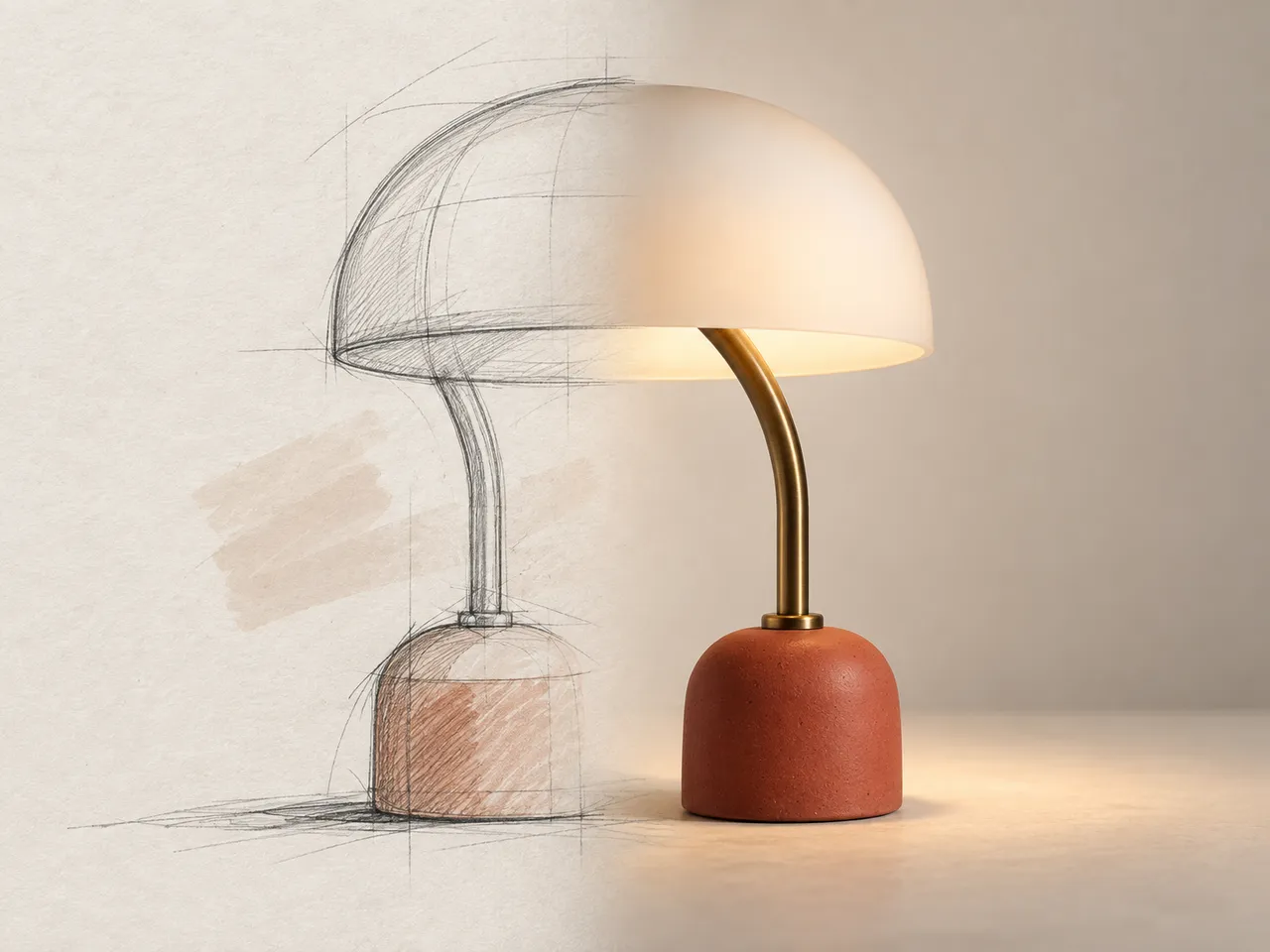
Draw a rough layout, a character pose, or a product arrangement and turn it into a finished visual. You can also comment directly on an image to describe what should change — moving from 'regenerate everything' toward 'change this part.' These workflows reduce dependence on prompt-engineering expertise.


Reference-Based Product and Campaign Iteration
Upload a product photo and produce campaign variants — different backgrounds, seasonal themes, and promotional text — while preserving the product's identity, labels, and fine details. The model retains more existing elements during edits, making it well suited to product-ad iteration.
Getting Started with GPT Image 2.5
Follow these steps to start generating and editing images on Pixlio AI.
GPT Image 2.5 Technical Specifications
Understanding the technical capabilities helps you get the most from this model for your creative projects.
Model Variants
- Flare: Optimized for speed and rapid iteration
- Sunburst: Built for detailed, precision-oriented creative work
- Both available through OpenAI's API (September 2026)
- Safety: C2PA provenance metadata and watermarking
Performance
- Up to 50% lower generation latency vs previous model
- Localized editing with multi-turn consistency
- Stronger reference fidelity and detail preservation
- Better handling of dense creative briefs
Generation Capabilities
- Improved infographic accuracy and structured layouts
- Sharper detail and more natural-looking imagery
- Better text legibility in generated visuals
- Complex multi-element composition handling
New Workflows
- Sketch-to-image: draw a layout and refine into a finished visual
- Comment-based editing: describe changes directly on an image
- Templates: start from common formats and customize
- Prompt sharing: share and reuse creative prompts
Common Questions About GPT Image 2.5
How is GPT Image 2.5 different from GPT Image 2?
GPT Image 2.5 is a production-workflow upgrade. The most significant improvements are more precise localized editing, stronger detail preservation across edits, better multi-turn consistency, improved infographic and layout output, and up to 50% lower latency compared with GPT Image 2. It also introduces sketch-to-image, comment-based editing, templates, and prompt sharing.
What are Flare and Sunburst?
Flare and Sunburst are the two API model variants. Flare is optimized for speed — ideal for drafts and high-volume generation. Sunburst targets detailed, precision-oriented creative work. An application could route previews to Flare and final output to Sunburst.
Is it better at editing existing images?
Yes. Localized editing is the clearest improvement. GPT Image 2.5 changes the requested part of an image while preserving already-approved areas — facial features, lighting, textures, and spatial relationships — reducing the problem where a small change causes unrelated parts to shift.
Can it generate infographics and posters?
Yes. The release specifically improves infographic accuracy and layout. It generates posters, diagrams, social-media cards, menus, and presentation graphics with better text legibility and visual hierarchy. Generative AI models are increasingly capable of structured visual output, and this release pushes that boundary further.
How fast is GPT Image 2.5?
Generation latency is up to 50% lower compared with the previous model. The Flare variant is particularly fast, making it well suited for rapid concept exploration and A/B testing.
Can I use GPT Image 2.5 for commercial projects?
Yes, commercial use is permitted on eligible Pixlio AI plans. The model is suitable for marketing campaigns, product imagery, e-commerce assets, and professional creative work. Outputs include C2PA provenance metadata for transparency.