 Pixlio AI
Use the AI fat filter to create an illustrative body-shape preview from one adult photo.
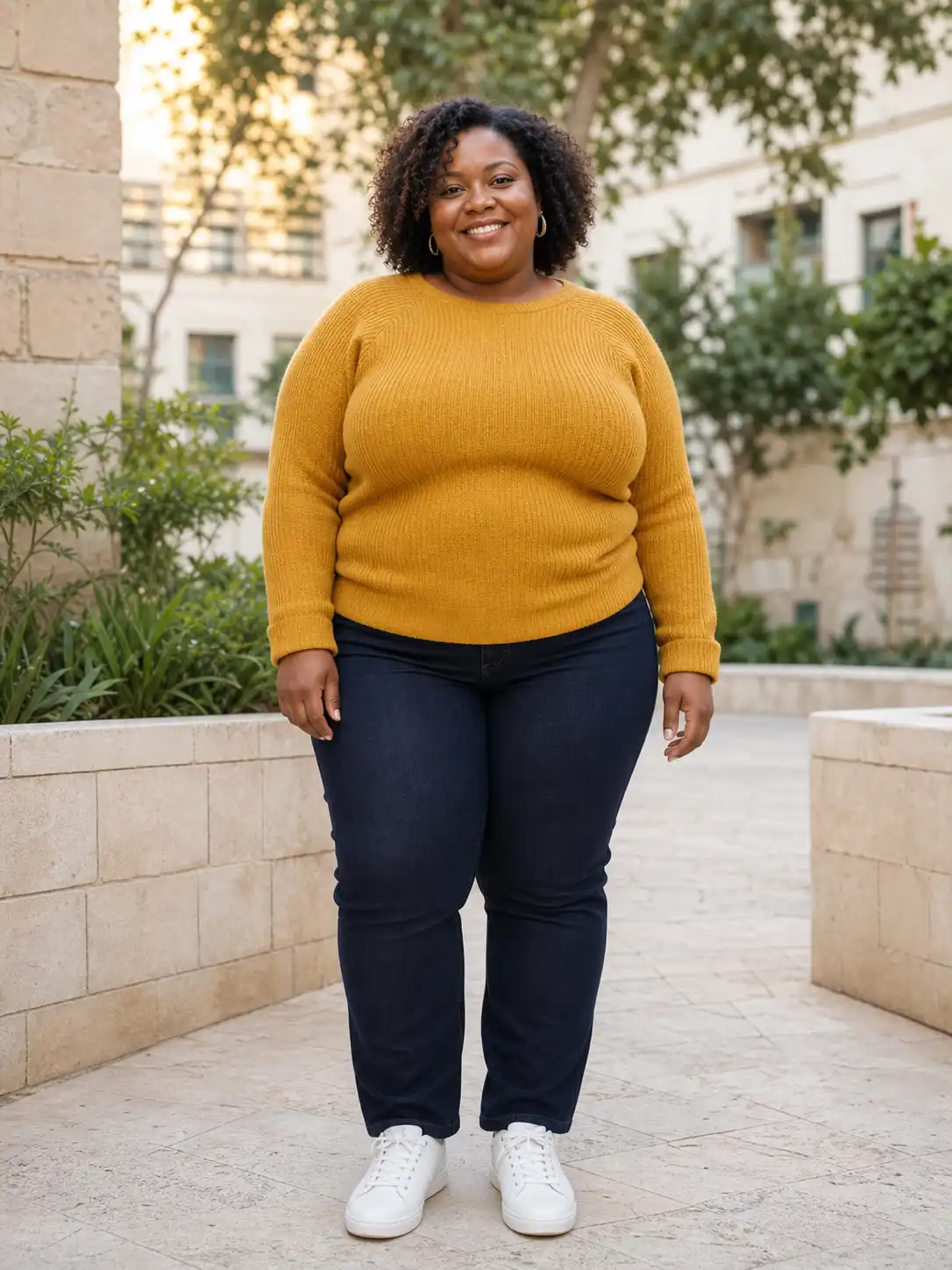
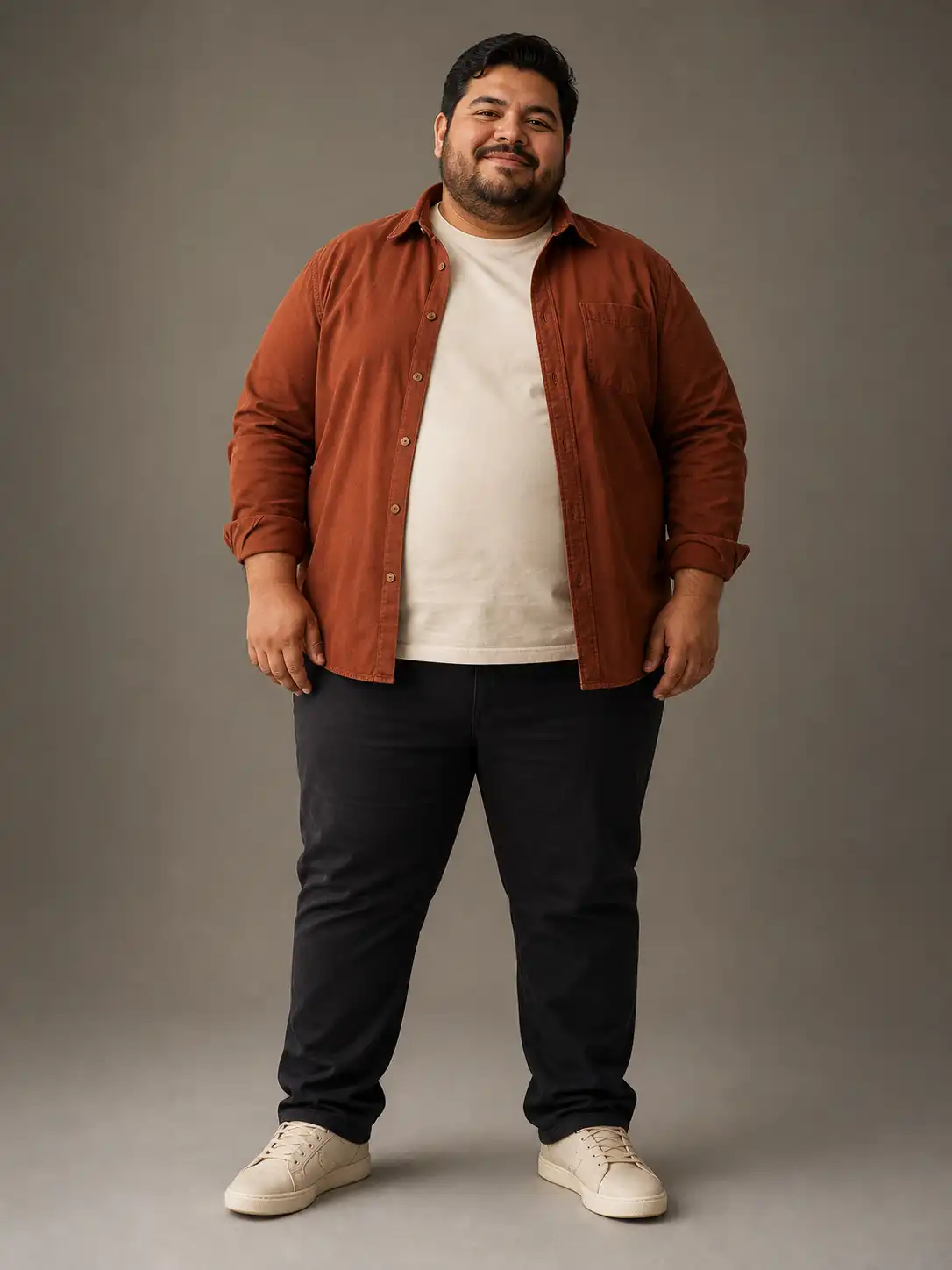
Explore a Fuller Look with a Fun AI Fat Filter
Upload one adult photo, choose Subtle, Natural, or Exaggerated, and use the AI fat filter to create a fuller body-shape preview that aims to preserve your identity, clothing, pose, and original scene.
See What Makes This AI Fat Filter More Thoughtful
Pixlio's AI fat filter pairs proportional edits with simple intensity controls and preservation instructions, helping you explore a fuller look without framing the experience around ridicule.
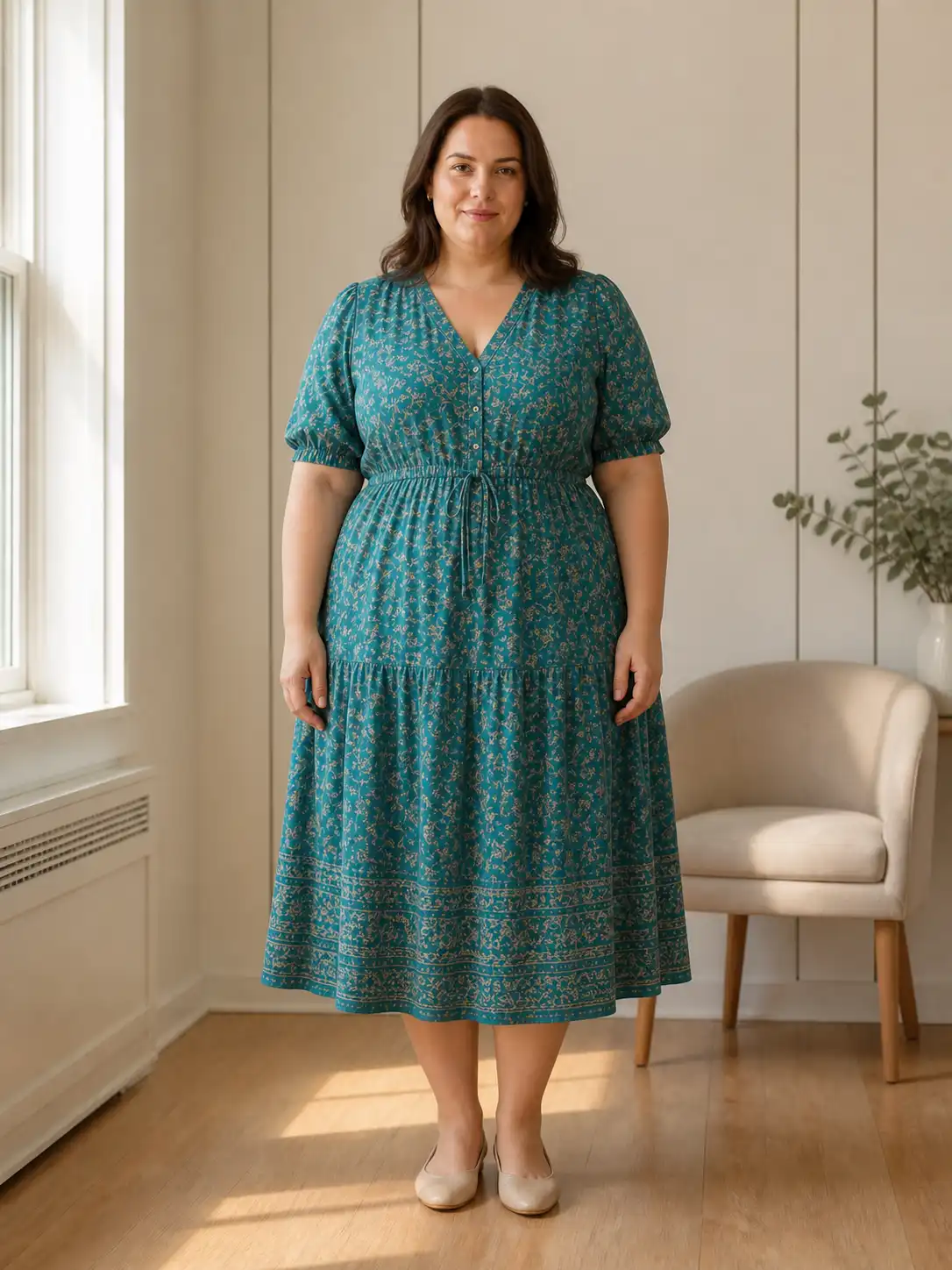
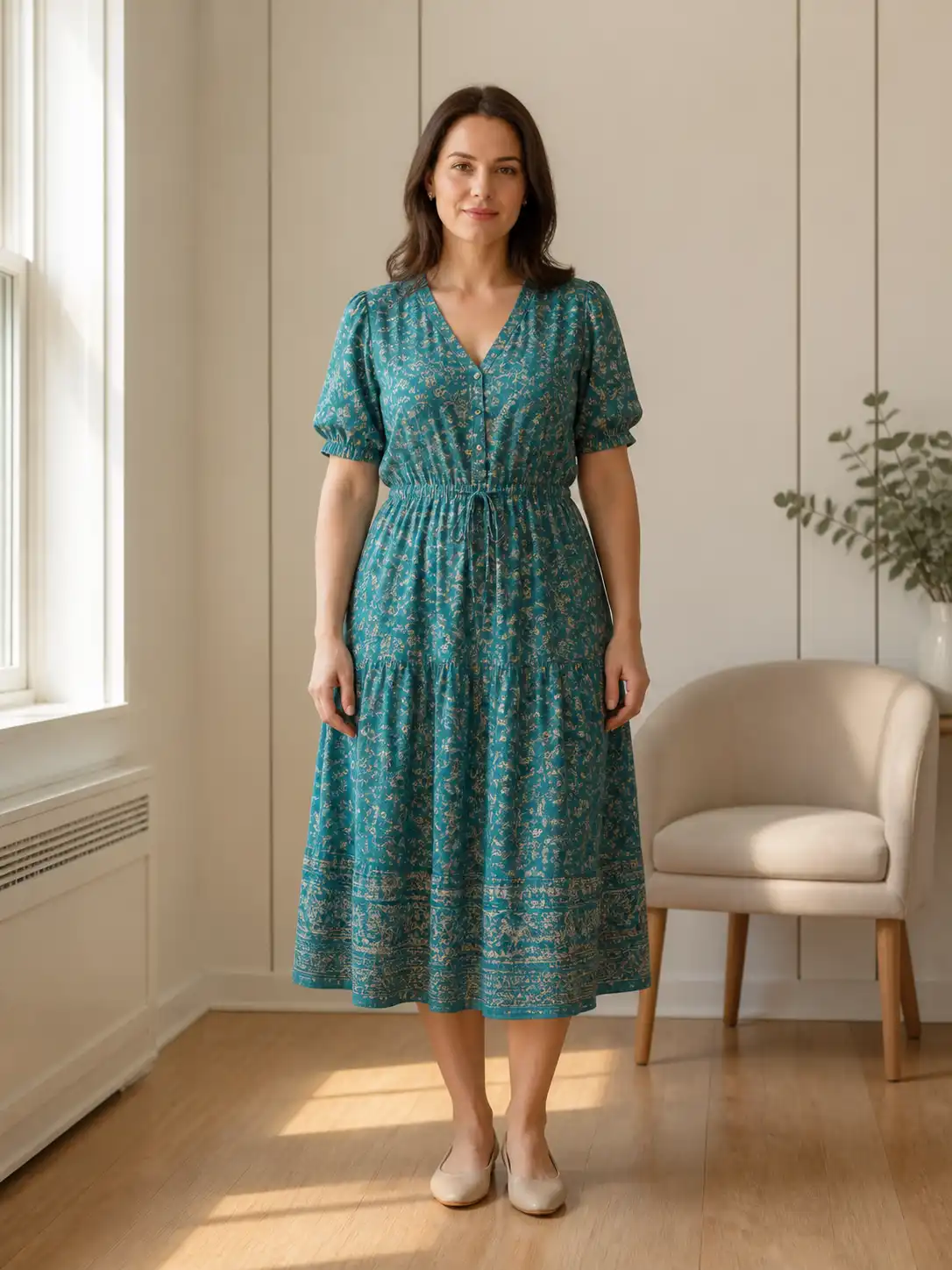
The AI Fat Filter Aims for Believable, Proportional Fullness
A generic stretch can leave the face, waist, hips, or limbs looking disconnected. This AI fat filter aims to distribute visible fullness across the face and body while keeping anatomy plausible. You get a fuller interpretation connected to the original person instead of a simple enlarged copy. Check the proportions and regenerate if the result contains visual artifacts.
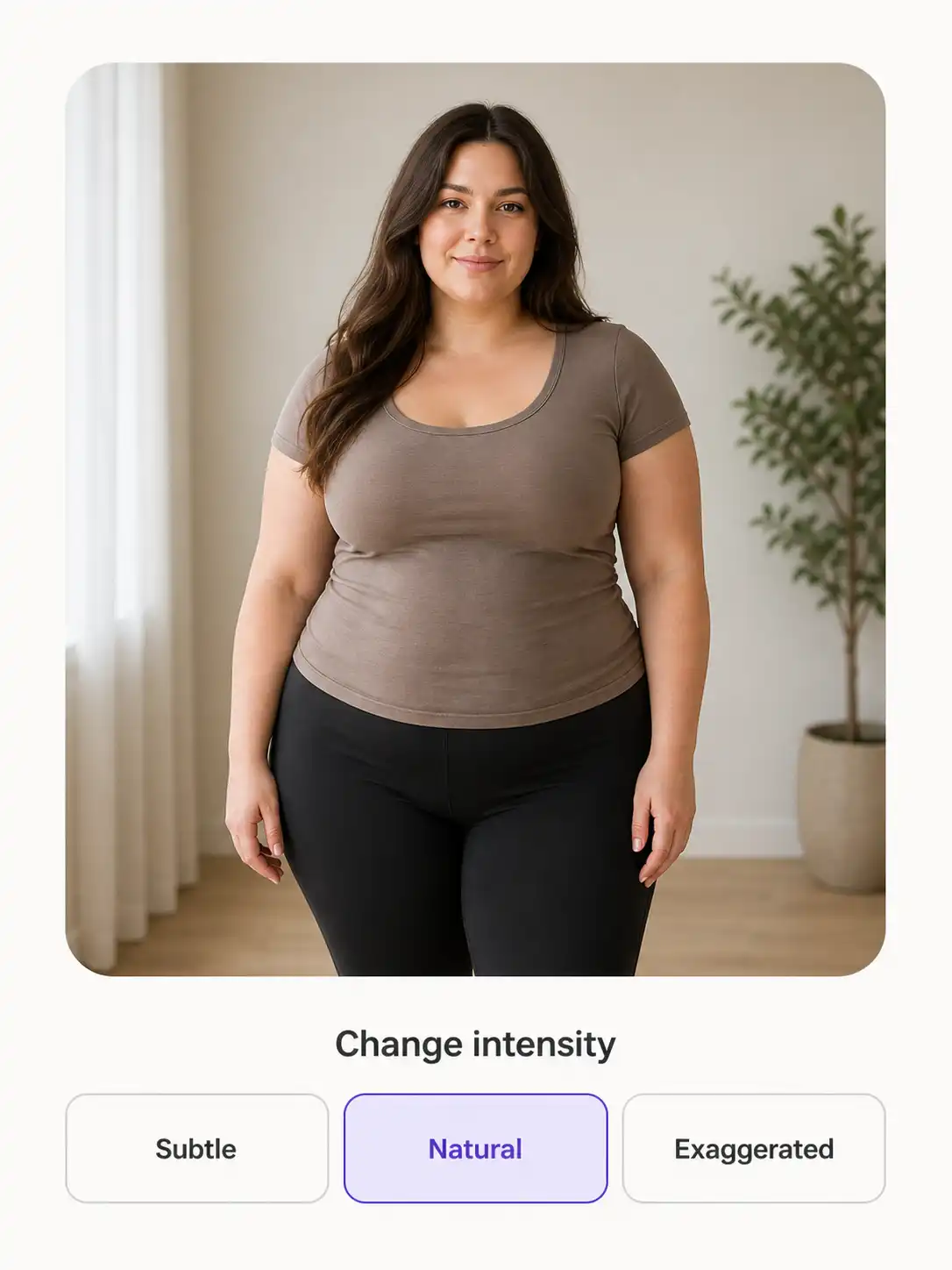
Choose How Noticeable Your Fat Filter Preview Should Be
Sometimes you want a light variation; other times you are making bold transformation content. The AI fat filter offers Subtle, Natural, and Exaggerated intensity settings. Natural is the default for a visible but realistic change. Choose Subtle for lighter fullness or Exaggerated for a stronger creative edit, then regenerate without uploading again.
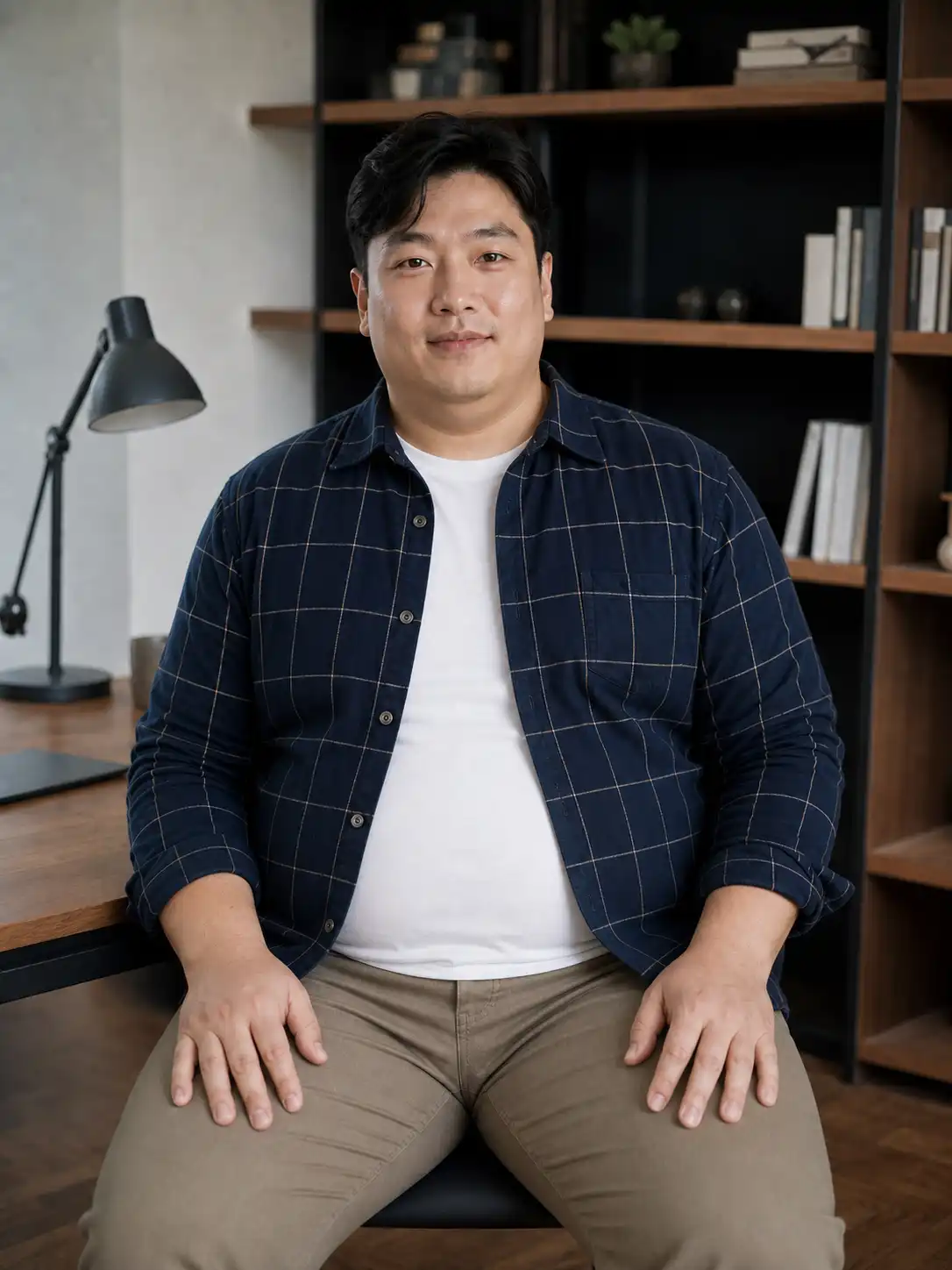
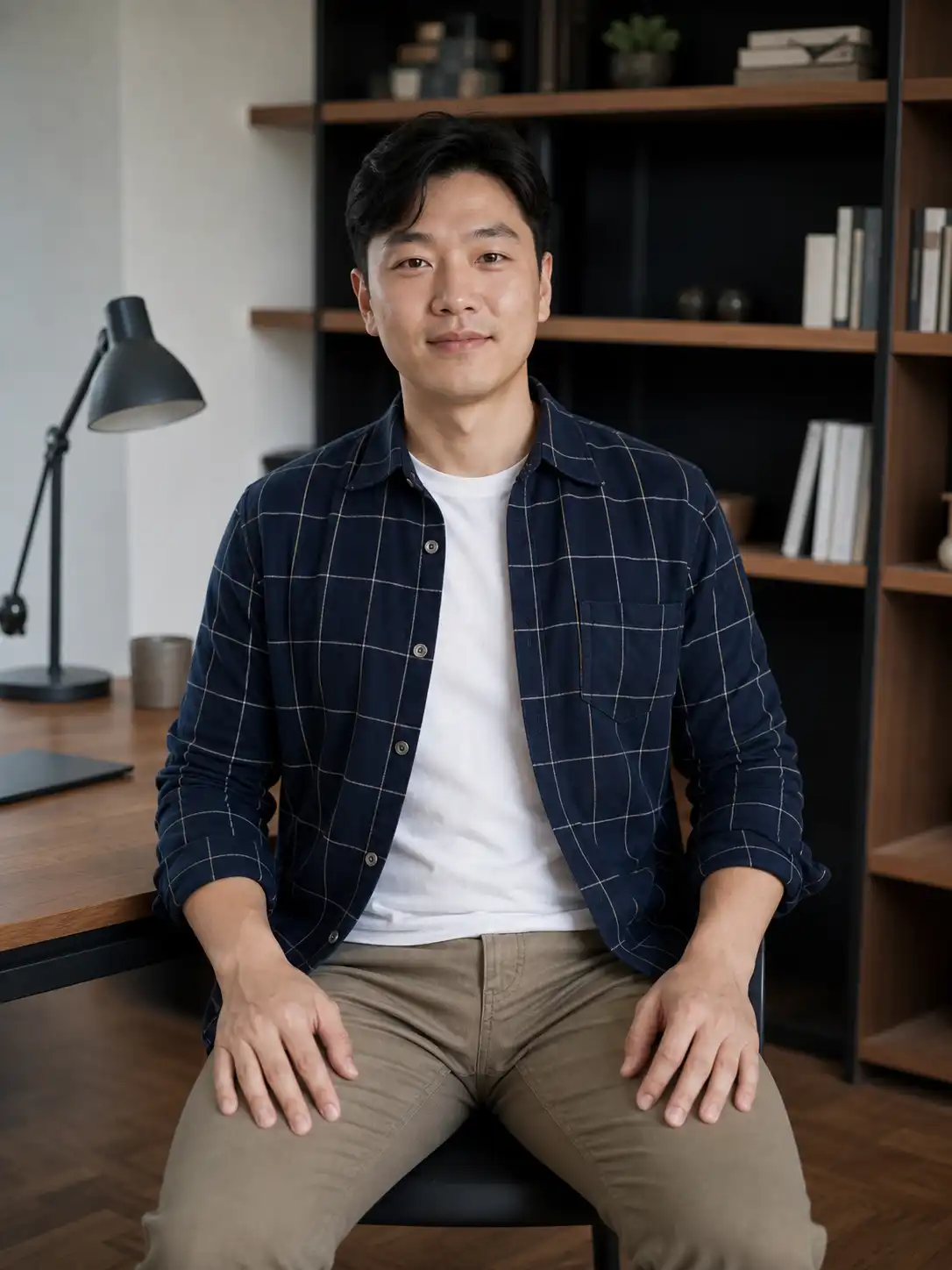
The AI Fat Filter Tries to Keep You and Your Photo Recognizable
A transformation loses its value if it replaces your features or redraws the scene. The AI fat filter aims to preserve facial identity, expression, pose, crop, clothing, colors, patterns, background, and lighting. Only visible face and body volume should change, giving you a clearer comparison that stays connected to the photo you chose.
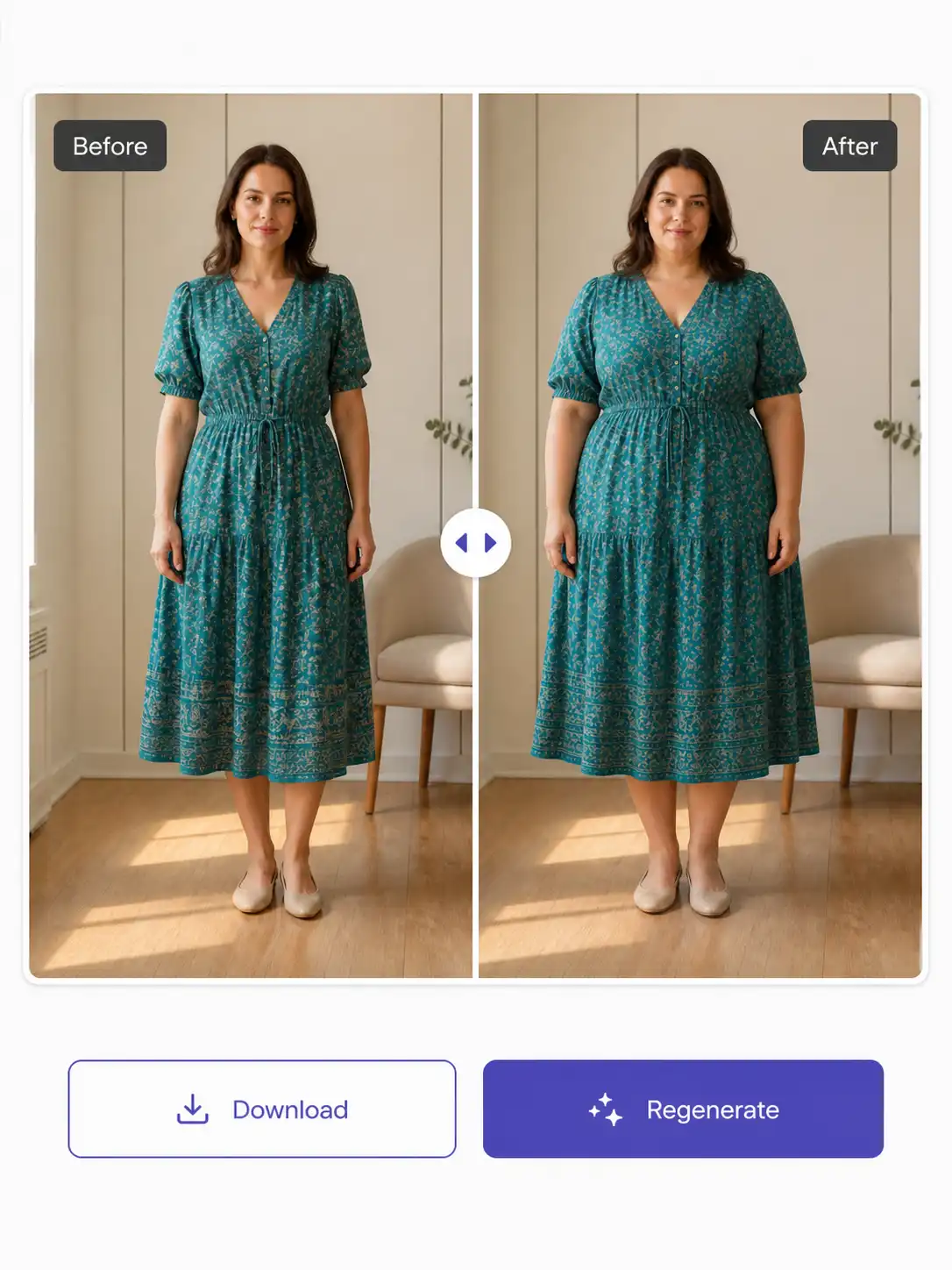
Review and Regenerate Your Fat Filter Result in One Place
Compare the result with your upload in the before-and-after view. Check the face, hands, limbs, head-to-body proportion, clothing patterns, and background lines. If something looks distorted or the intensity is not right, adjust the AI fat filter and regenerate. When the illustrative edit works for you, download the single result in its original framing.
How to Create an AI Fat Filter Preview
Upload, choose an intensity, and review. The AI fat filter requires no prompt or technical generation settings.
Respectful Ways to Use an AI Fat Filter
The AI fat filter is intended for adults exploring their own appearance or making consensual creative content. It is not a body-measurement, fashion-fit, or medical tool.
Use the AI Fat Filter for Personal Curiosity
Curious about a fuller interpretation of your appearance? Upload a clear photo and start with Natural intensity. The AI fat filter creates a visual possibility while aiming to keep your identity and setting intact. Treat the output as playful exploration, not a forecast of how your body will change.
Make Consensual Content with the AI Fat Filter
Creators can use three intensity settings for before-and-after reveals or transformation posts. The AI fat filter provides one result at a time, making choices easy to compare. Always use a permitted adult photo, and avoid captions or contexts that shame, harass, or ridicule someone's body.
Compare Creative Weight-Gain Filter Intensities
Try the same permitted photo at multiple intensities to explore lighter and more dramatic edits. Because you can regenerate without uploading again, the AI fat filter supports quick comparisons. Review every output for distorted hands, fabric, proportions, or backgrounds before downloading or sharing it.
Helpful Answers About the AI Fat Filter
What does an AI fat filter do?
An AI fat filter creates an illustrative edit showing a fuller face or body. Pixlio's tool changes visible body volume while aiming to keep the same person, pose, expression, clothing, background, lighting, crop, and photographic style. It produces one result from one photo.
Is the AI fat filter a real health prediction?
No. Every result is for fun and illustrative purposes. It is not a health, medical, BMI, pregnancy, body-measurement, future-weight, or clothing-fit prediction. Treat the image as a creative transformation, not information for real-life decisions.
Which photos work best with the fat filter?
Use one clear, well-lit selfie, portrait, or full-body photo with one primary adult person. A front-facing angle helps the filter interpret the image. Side views, group shots, heavy obstructions, and low-resolution uploads may produce less consistent previews.
What intensity can I choose in the AI fat filter?
The filter offers Subtle, Natural, and Exaggerated choices. Subtle adds light fullness. Natural, the default, makes the change visible while aiming for realism. Exaggerated creates a stronger creative transformation while still aiming to preserve identity and anatomy.
Will the AI fat filter keep the photo recognizable?
The AI fat filter aims to preserve facial features, expression, pose, camera angle, crop, clothing, colors, patterns, background, and lighting. AI edits can vary, so inspect the result and regenerate if the face, hands, proportions, clothing, or background looks distorted.
Can I use another person's photo in the AI fat filter?
Only upload a photo when you are an adult and have permission to edit it. The AI fat filter requires this acknowledgement before upload. It is intended for respectful, consensual exploration, not harassment, body-shaming, unconsenting pranks, or images of minors.
More AI Image Tools
Explore our collection of AI-powered image tools designed for different creative needs and styles










Disclaimer: AI fat filter results are generated for fun and illustrative purposes only. They are not health, medical, BMI, pregnancy, body-measurement, future-weight, or clothing-fit predictions. AI-generated images can contain visual errors, so review each result carefully and upload only adult photos you have permission to edit.