Nano Banana 2.1 AI Image Generator & Editor

Turn a written idea into an image, or give an existing photo a new direction. Create with Google's Nano Banana 2.1 on Pixlio AI: improved lettering, stronger subject consistency, and detailed output up to 4K.

  • Text to image
  • Reference-based editing
  • 1K · 2K · 4K output
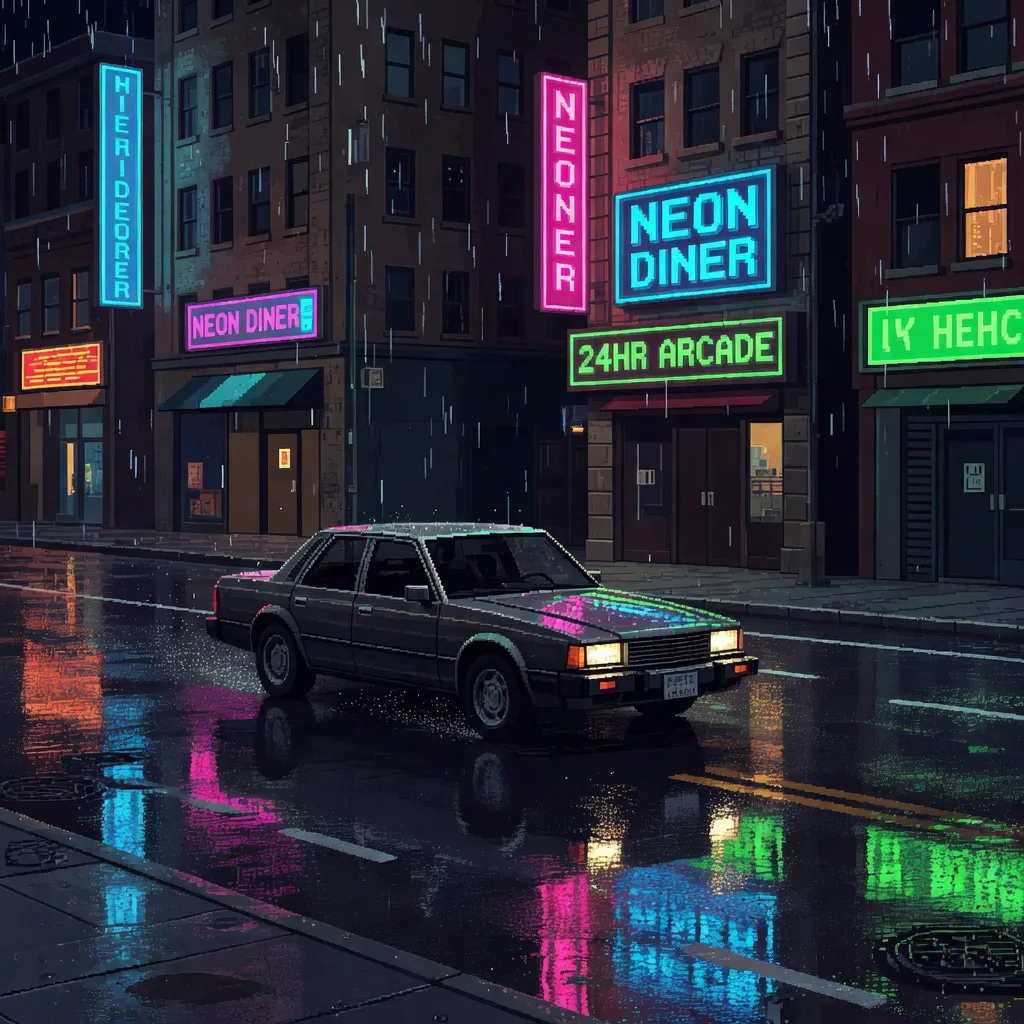
Neon car pixel art
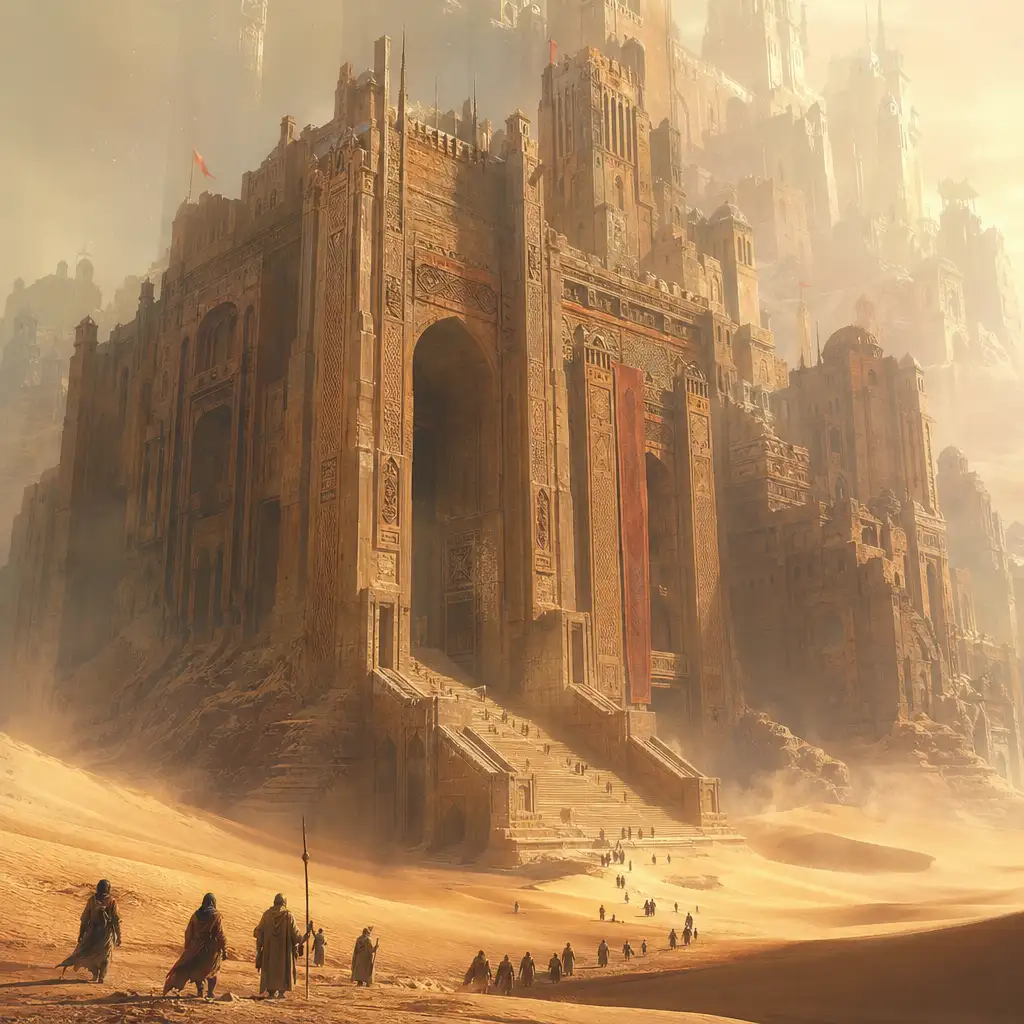
Colossal desert citadel
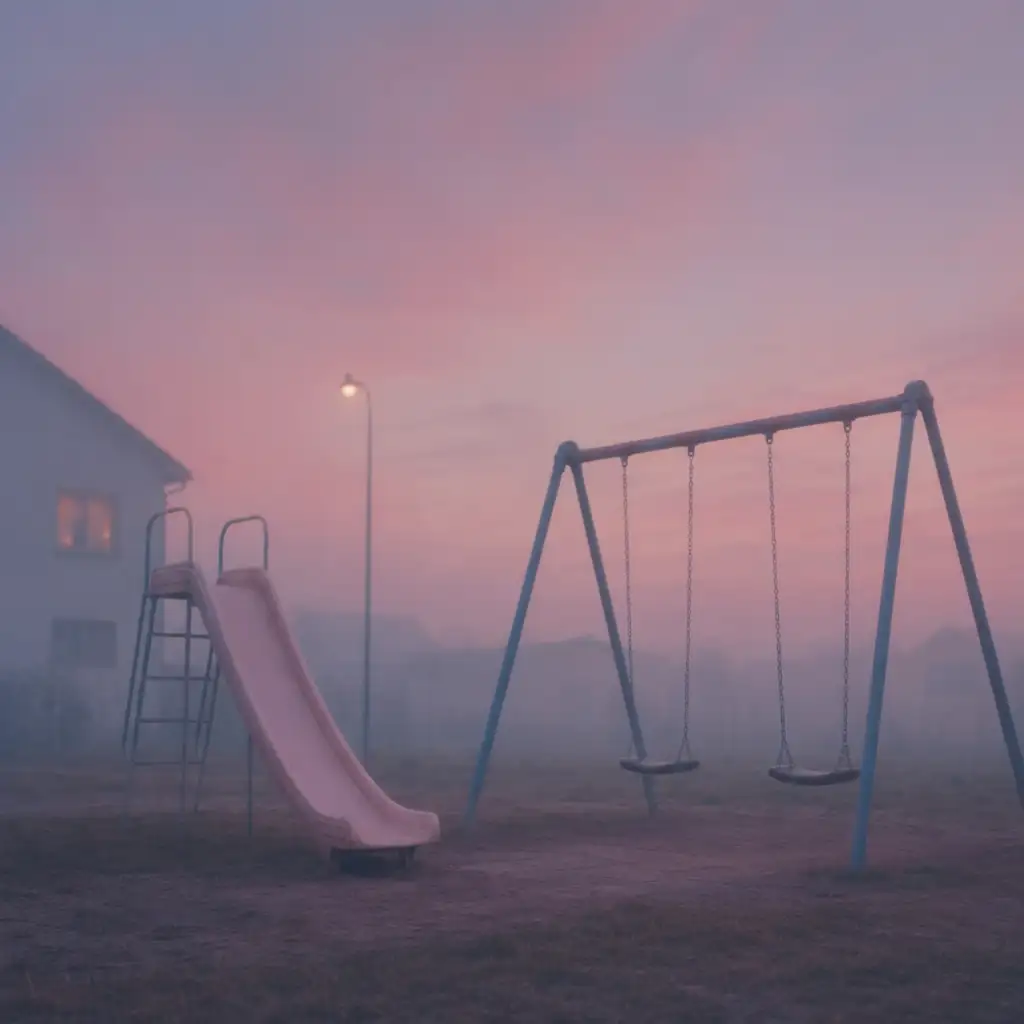
Dreamy playground at dusk
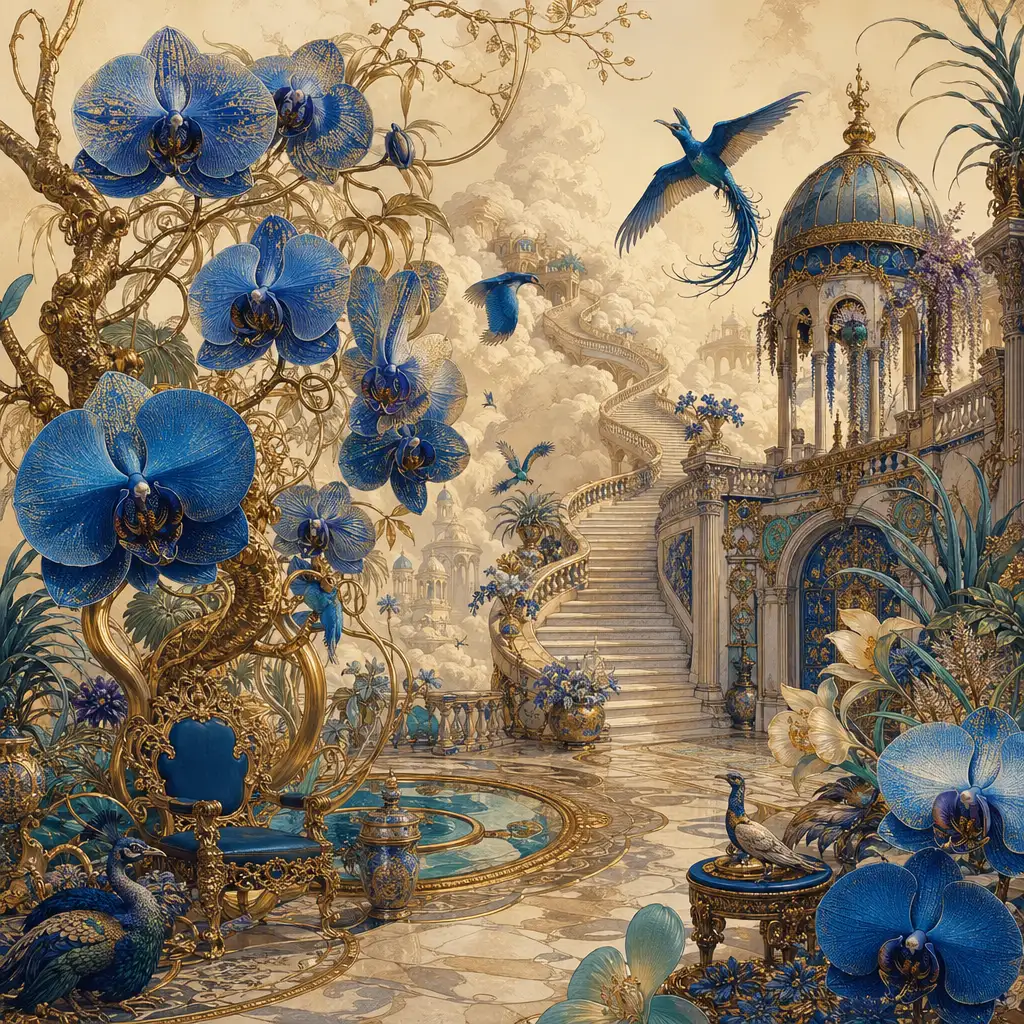
Palace garden surreal flora
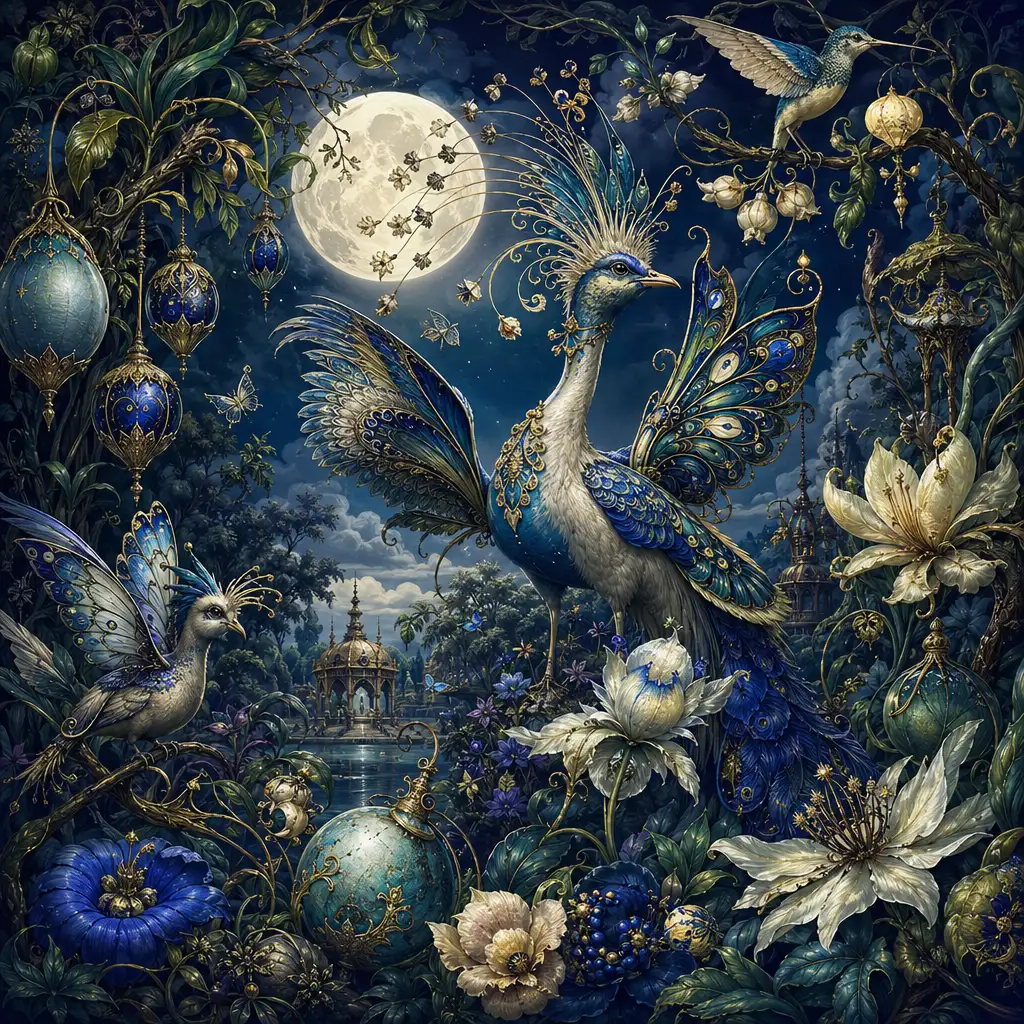
Fantasy exotic menagerie

Nano Banana 2.1 Prompts to Try

1 of 4 : Build a scene from a creative brief

Build a scene from a creative brief

Text to image: Start with a subject, then specify the setting, lighting, camera angle, and style. Create portraits, illustrations, or product concepts with enough direction to make the first draft useful.

The prompt

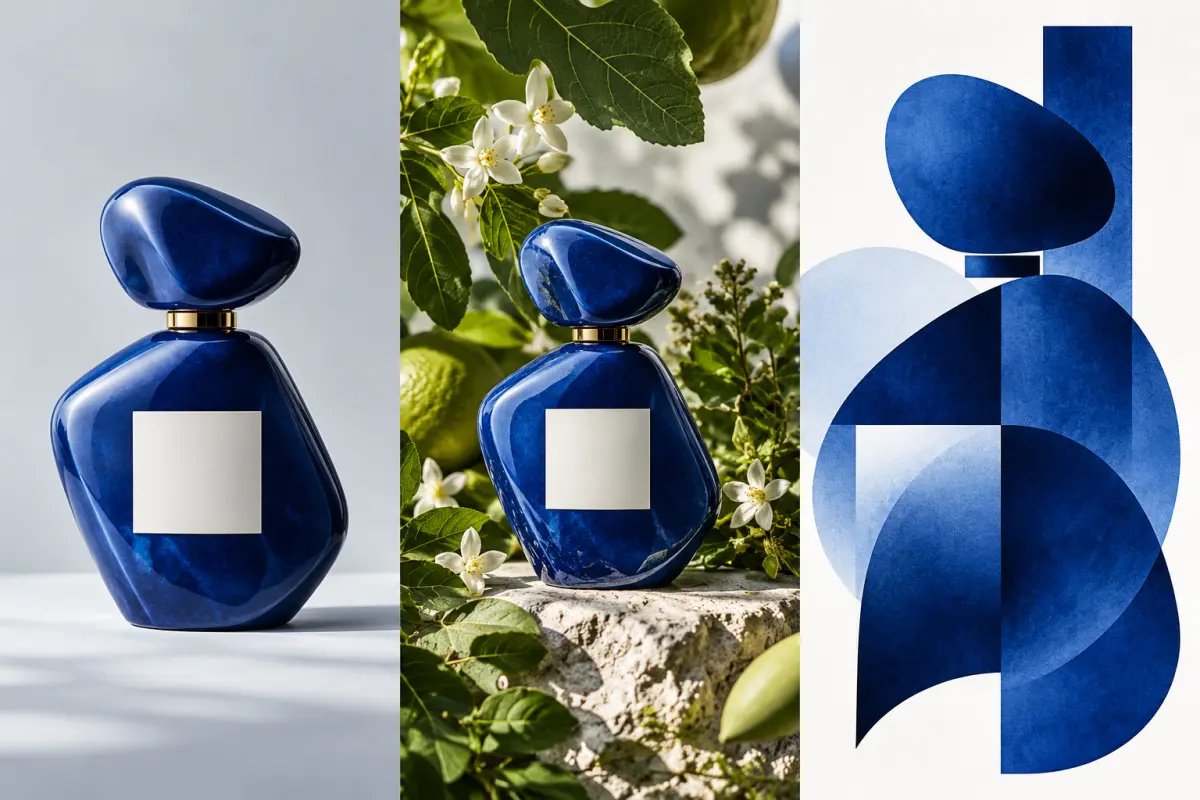
Studio photograph of a cobalt ceramic perfume bottle on a pale grey surface. Soft side lighting, visible ceramic texture, generous empty space above the bottle, no lettering.
Explore a different idea

What's new in Nano Banana 2.1?

Google released Nano Banana 2.1 on October 6, 2026. Its Nano Banana 2.1 model documentation highlights improved realism, prompt adherence, infographic layout, and consistency across edits. It is the efficient counterpart to Nano Banana Pro for everyday image creation and revision.

For creators, that means useful starting points for product photography, posters, portraits, and campaign variants. Describe a complete scene from scratch, or upload a reference to guide a specific change.

Start creating
Concept triptych showing a blue perfume bottle in a studio, a botanical setting, and an abstract graphic composition
AI-generated illustration of creative workflows; not a Nano Banana 2.1 test output.

How to Use Nano Banana 2.1 on Pixlio

Start from a prompt or a reference photo, then refine your result.

Nano Banana 2.1 at a glance

Google's image generation guide covers the model's generation, editing, and reference workflows. The table distinguishes its full capabilities from the options available here.

Model
Google Nano Banana 2.1 · gemini-nano-banana-2.1
Release
October 6, 2026
Creative modes
Text-to-image generation and image-to-image editing
Resolution
1K, 2K, and 4K; 1K is the default
References on Pixlio
Up to 8 uploaded images in Image to Image
Panoramic model output
1:4, 4:1, 1:8, and 8:1; Pixlio offers the ratios shown in the generator
Search grounding
Google Web and Image Search at model level
FAQ

Questions About Nano Banana 2.1

What is Nano Banana 2.1?

Nano Banana 2.1 is Google's update to Nano Banana 2 for image generation and conversational editing. It emphasizes better visual quality, instruction following, text rendering, and subject consistency while retaining the Flash family's focus on efficiency.

Can I generate images from text and edit existing photos?

Yes. Use Text to Image to describe a new scene. Use Image to Image to upload references and request changes in natural language. Both modes default to Nano Banana 2.1 on this page.

What changed from Nano Banana 2?

Google highlights better realism, text and infographic layouts, and multi-turn character consistency. It also fixes tiling artifacts in wide and panoramic output at 2K and 4K. Try the same brief with Nano Banana 2 to compare the results for your own workflow.

Will an edit preserve everything else exactly?

An edit can still change details you wanted to keep. Early user feedback includes both praise for character likeness and reports of missed instructions. Use clear references, request a focused change, and compare the result with the original before approving it.

Can Nano Banana 2.1 create accurate text and diagrams?

It can generate lettering and structured graphics, but a readable output can still contain an incorrect fact or number. Supply the wording and data yourself, keep layouts clear, and review the result before using it in a presentation or campaign.

What resolutions and reference uploads can I use on Pixlio?

Pixlio offers 1K, 2K, and 4K output and accepts up to 8 reference uploads in edit mode. Use the controls and credit cost displayed in the generator to choose the options for your image.

Create Your Next Image with Nano Banana 2.1

Write a brief, upload a reference, and explore a new direction for your visual.