 Pixlio AI
Use the tool to add believable color to black-and-white, sepia, or faded photographs.
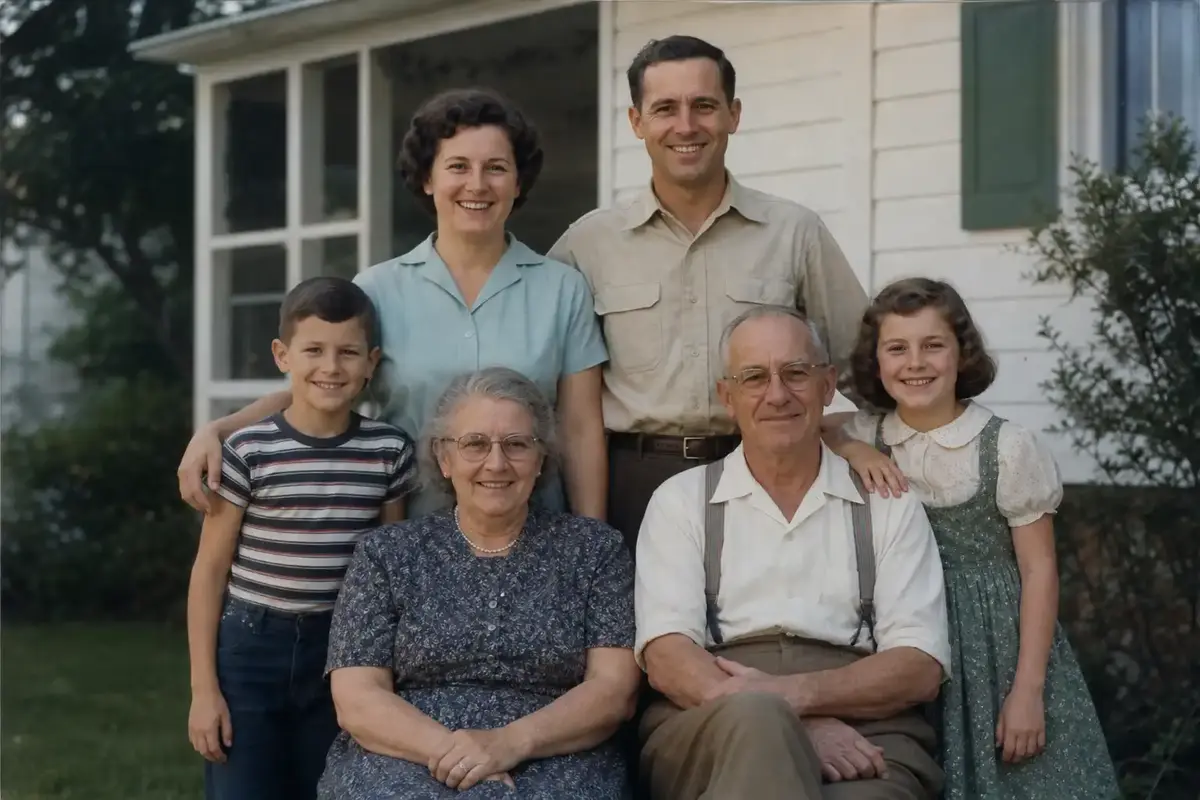
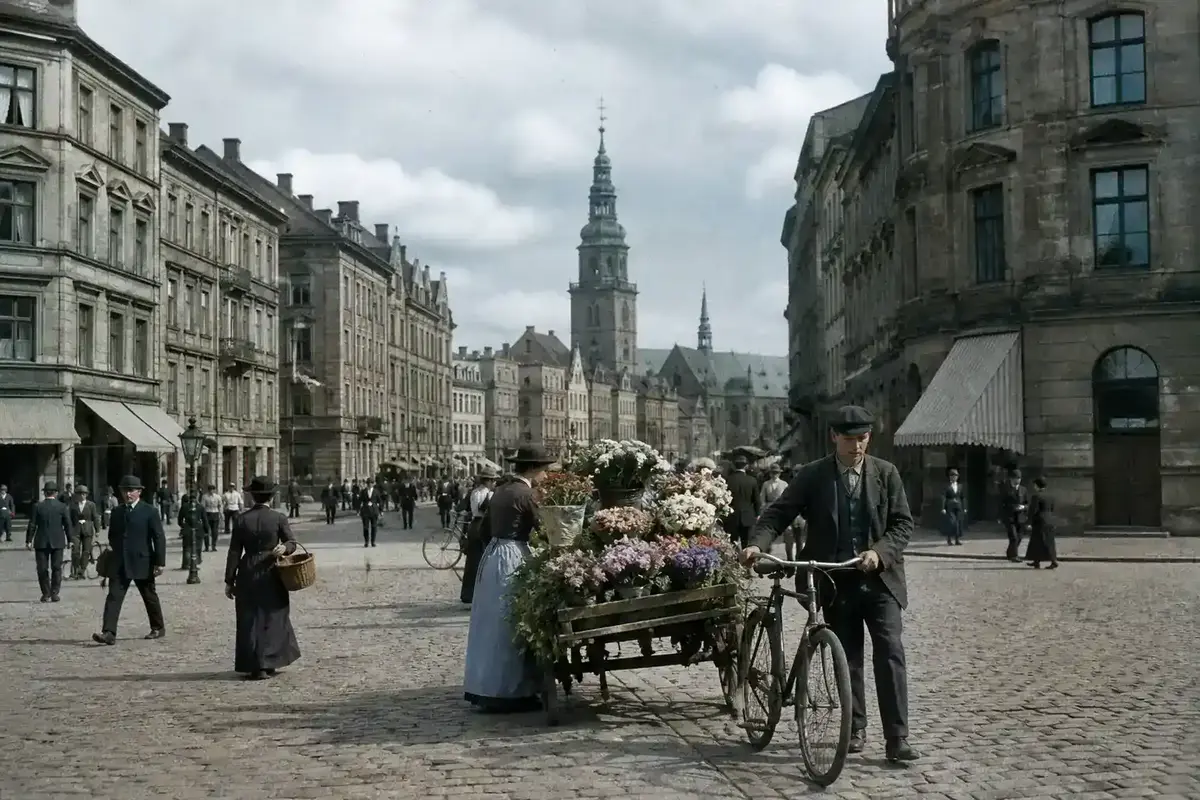
Bring Old Memories to Life with Pixlio's AI Photo Colorizer
Upload a black-and-white, sepia, or faded photo and colorize it in one click. Choose from four color interpretations, compare the result with your original, and download your colorized photo ready for sharing or printing.
What Sets Pixlio's Photo Colorizer Apart from Generic Filters
Adding color to old photographs usually means fiddly sliders, confusing prompts, or generic filters that wash out details. Pixlio takes a different approach—upload once, pick a mood, and let the AI handle the rest.
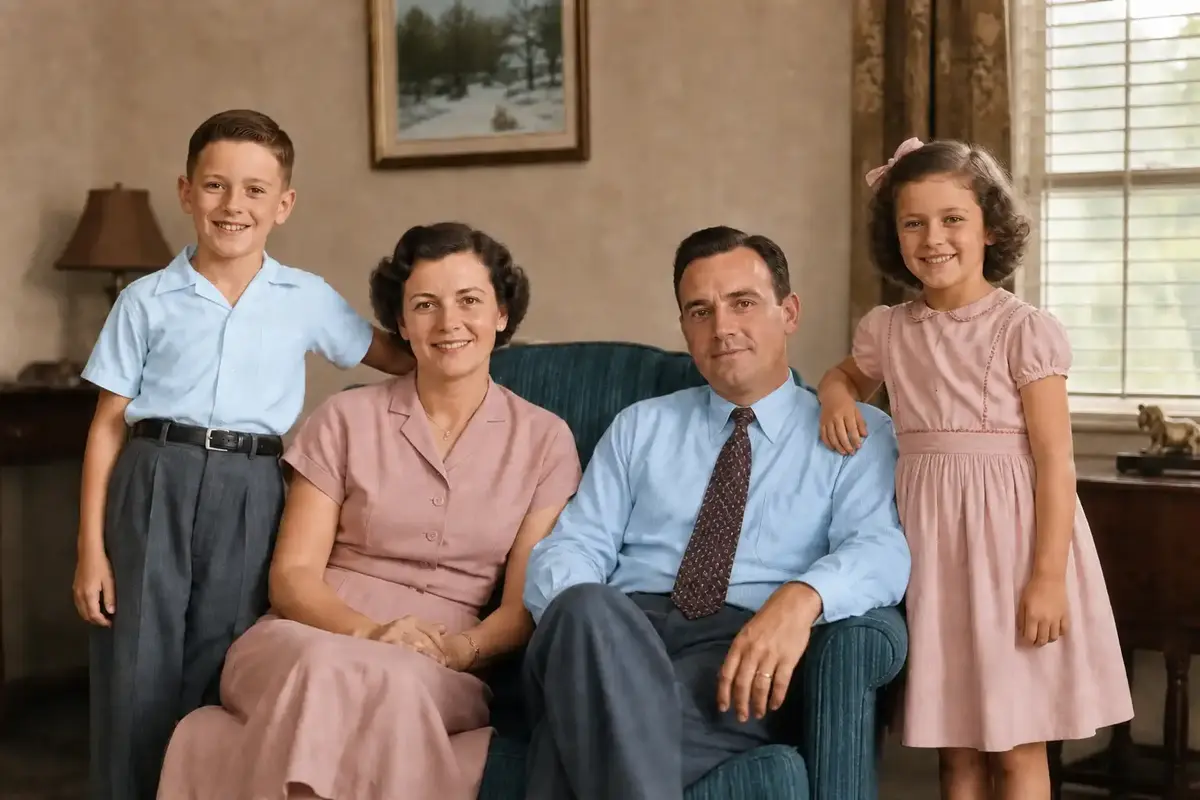
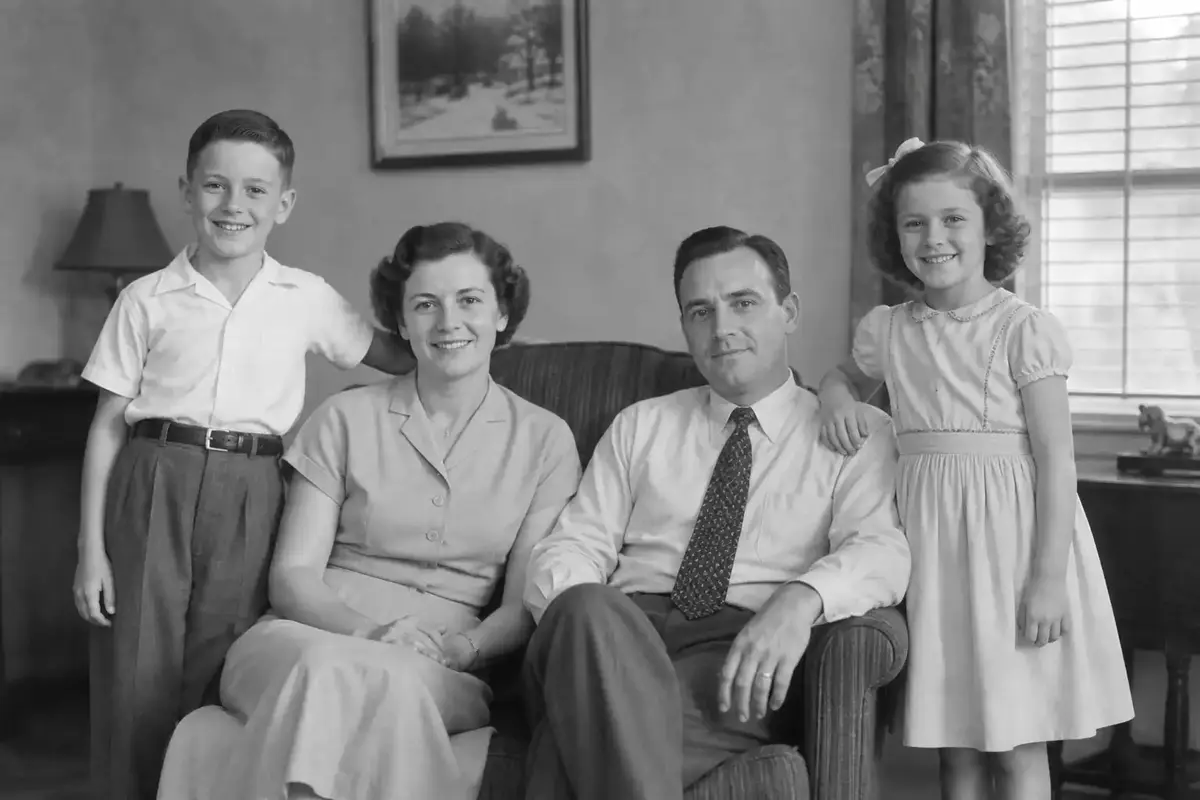
One Click Is All It Takes to Colorize a Black-and-White Photo
Digging through old family photos and wondering what they looked like in color? Upload a black-and-white, sepia, or faded image and the AI applies believable color automatically—no prompts, no sliders, no editing experience needed. It prioritizes natural skin tones, full coverage, and clean boundaries so your result looks plausible right away. Hit Colorize Photo and see the output in seconds.
Four Distinct Color Moods Built Into the Photo Colorizer
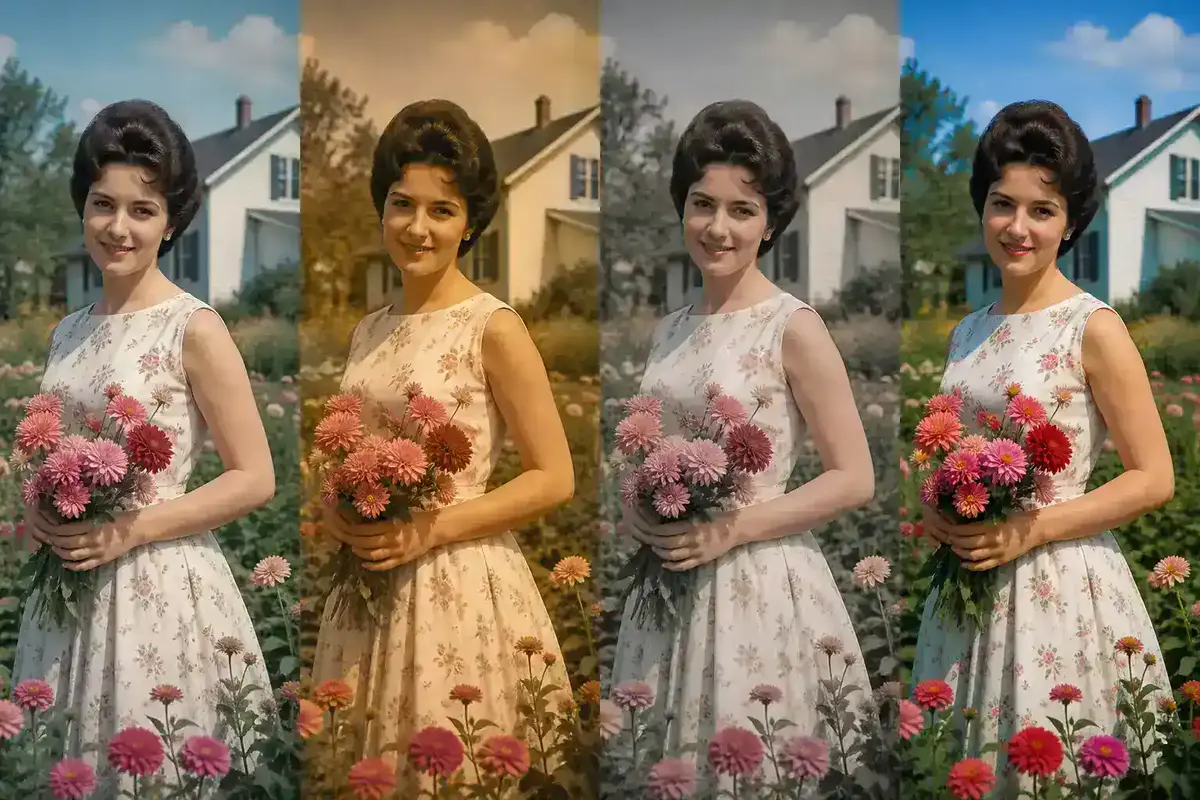
Not every old photo calls for the same palette. The photo colorizer offers four interpretation modes to match the feeling you want. Natural delivers balanced, realistic color. Warm Vintage adds golden historical-film warmth. Muted Historical keeps saturation low for an archival look. Vivid brings stronger modern color while keeping skin tones plausible. Try each on the same photo to find the one that fits.
Slide Between Original and Colorized to See Every Detail
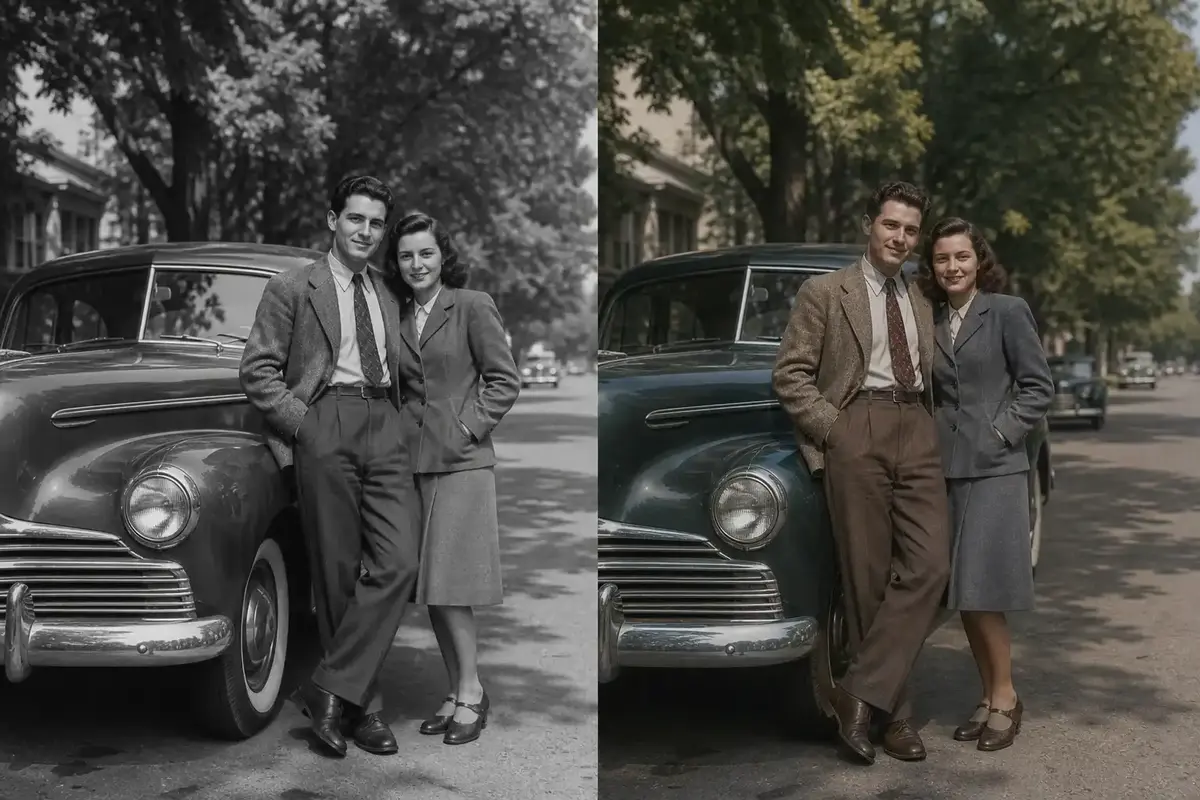
Once the photo colorizer delivers your result, the built-in comparison slider lets you drag between the original and colorized version at any point. Switch to full original view to study the source, or use flicker mode to toggle rapidly between both—helpful for spotting subtle tonal differences. Your original is always preserved.
Save and Share Your Colorized Photo in Any Format
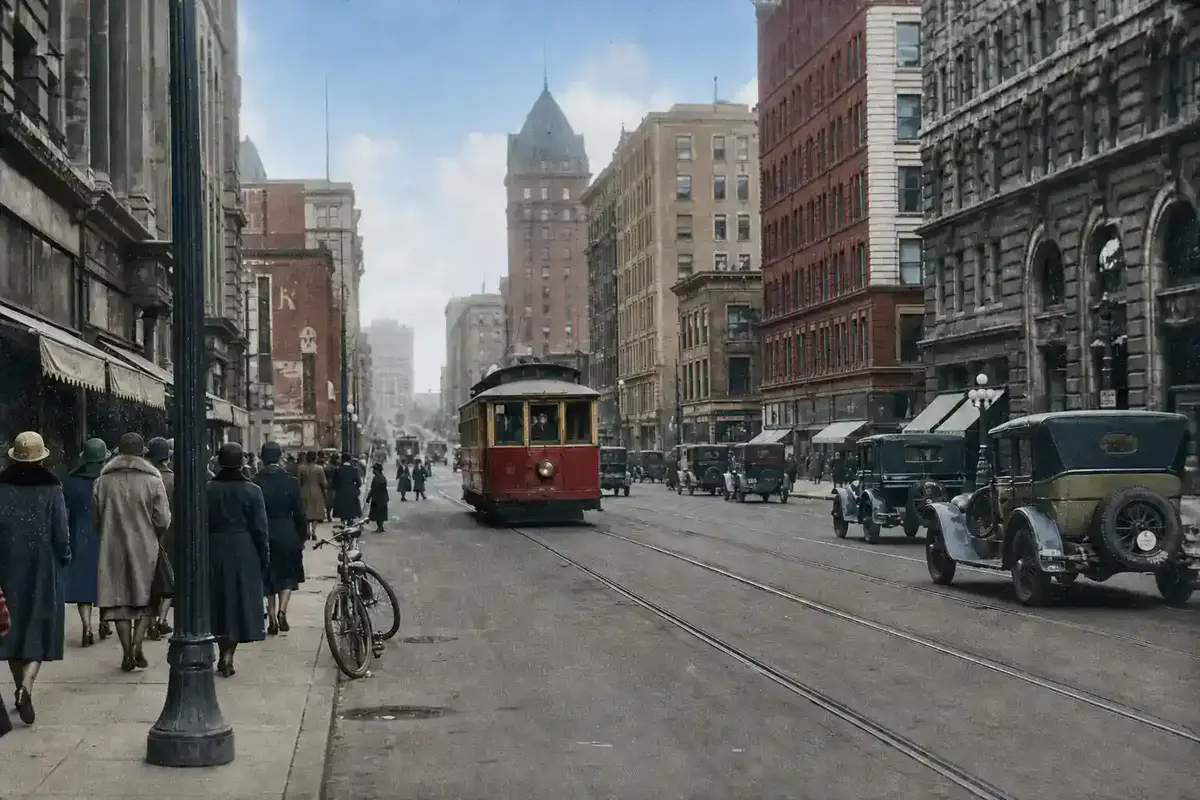
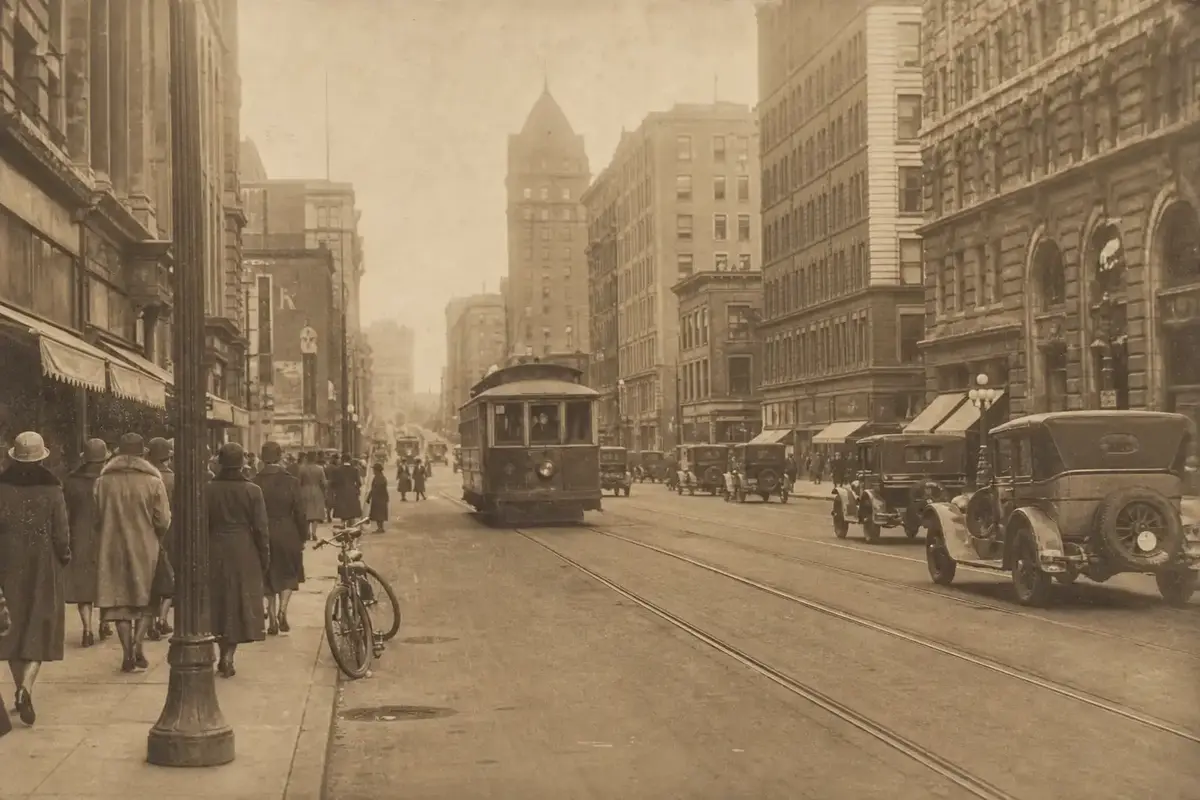
Happy with the result? Download it in the format that suits your needs—JPG, PNG, or WebP, defaulting to your upload format. The file keeps your original filename with a -colorized suffix so it stays organized in your photo archive. Share on social media, email to family, or print for a frame.
Three Steps to Colorize Black and White Photos Using Pixlio
Adding color to an old photo takes less than a minute. No design skills or complex prompts required—just upload, choose, and download.
Everyday Reasons People Reach for a Photo Colorizer
From genealogy hobbyists scanning family albums to history teachers preparing classroom materials, this tool serves anyone who wants to add believable color to a photograph without learning photo editing software.
Turn Faded Family Portraits into Colorized Keepsakes
Grandparents' wedding photo sitting in grayscale on your desktop? The photo colorizer adds natural color to portraits, childhood snapshots, and family gatherings so you can share a version that feels closer to the actual moment. Print it, frame it, or add it to a digital album.
Add Believable Color to Historical and Archival Photos
History enthusiasts and archive volunteers use the photo colorizer to add plausible color to military photographs, vintage street scenes, and century-old portraits. The Muted Historical interpretation keeps saturation restrained for a look that fits alongside other archival materials.
Make Vintage Finds Pop with Colorized Photos Before Posting
Before posting a vintage family find or thrift-store photograph, run it through the photo colorizer to add color that makes it stand out in feeds. Download in JPG, PNG, or WebP and post directly.
Colorized Historical Stills for Lessons, Blogs, and Presentations
Teachers, bloggers, and content creators use colorized historical photos to make lessons and presentations more engaging. The photo colorizer turns a static black-and-white image into a compelling visual asset that holds attention and adds context.
Your Photo Colorizer Questions, Answered
What is a photo colorizer?
A photo colorizer is an AI tool that adds plausible color to black-and-white, sepia, or faded photographs. Pixlio's version works in one click—upload your photo, choose a color interpretation, and download the colorized result.
What photo formats does the photo colorizer accept?
Pixlio's photo colorizer accepts JPG, PNG, and WebP images up to 15 MB. For the best results, use a clear scan or digital copy where the subject and details are visible.
How accurate are the colors when I colorize black and white photos?
AI colorization produces a plausible interpretation of what the scene might have looked like in color—not a historically verified reconstruction. Skin tones, clothing, and natural elements typically look believable, but specific details like fabric shades may vary between generations.
What are the four color interpretations in this photo colorizer?
Natural produces balanced, realistic color. Warm Vintage adds a golden historical-film warmth. Muted Historical keeps saturation low for an archival appearance. Vivid applies stronger modern color while maintaining plausible skin tones. You can try each one on the same photo and regenerate without re-uploading.
Is Pixlio's photo colorizer free to try?
Yes. Pixlio offers free credits when you sign up, so you can colorize your first photo right away. Each colorization uses approximately 15 credits. Additional credits are available if you want more generations.
Does the photo colorizer change my photo's structure or add enhancements?
The photo colorizer adds color without intentional restoration, sharpening, face enhancement, or structural changes. The AI preserves the original crop and aspect ratio where supported. As with any generative model, minor detail variations may occur.
More AI Image Tools
Explore our collection of AI-powered image tools designed for different creative needs and styles