 Pixlio AI
Use the tool to change a person or character's pose while preserving identity, outfit, and scene.
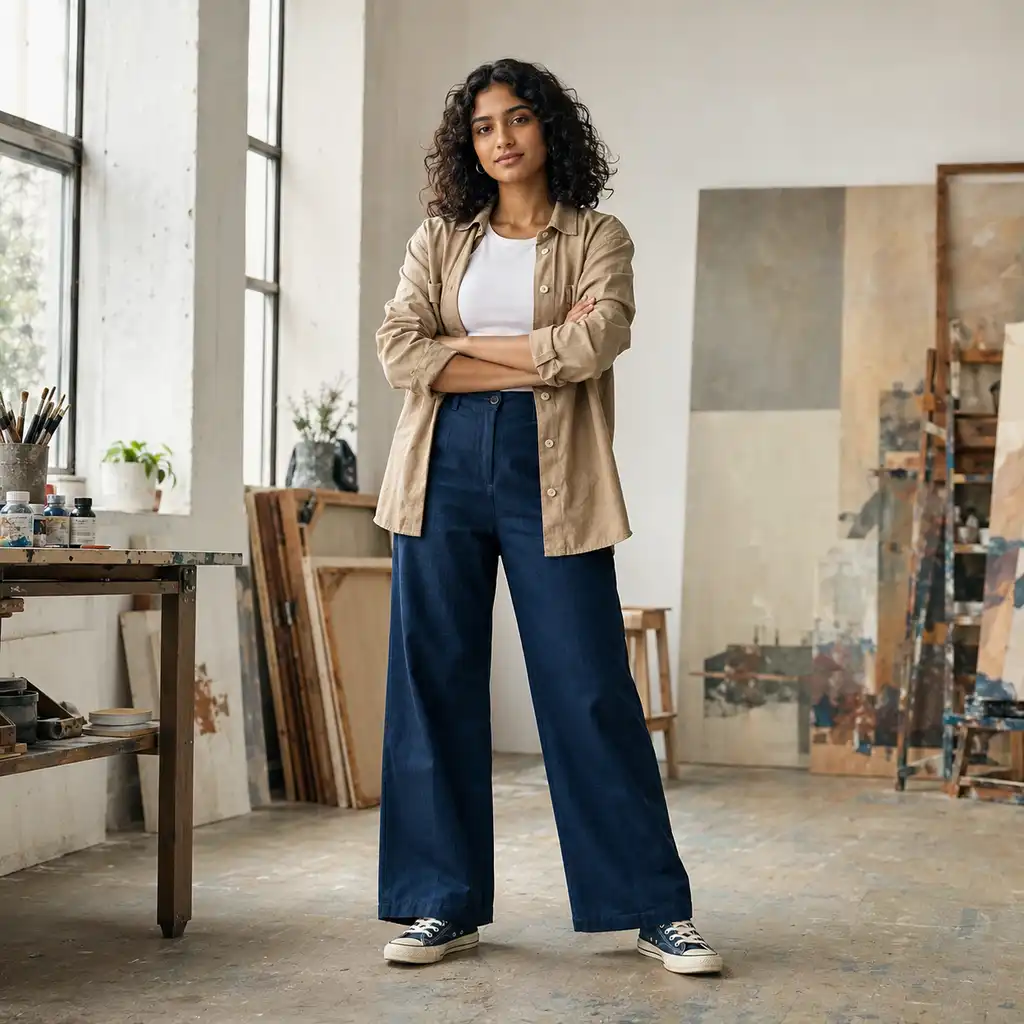
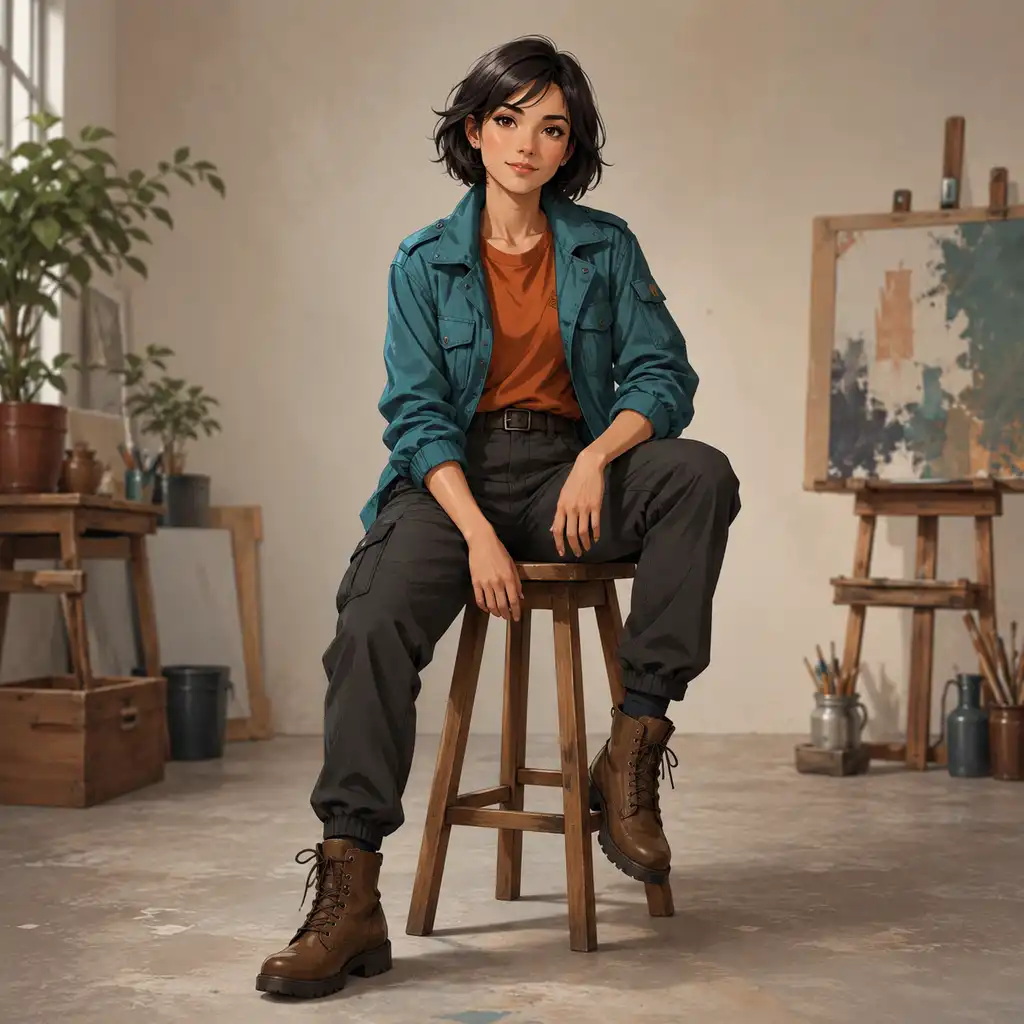
Repose Any Person or Character with Pixlio's AI Pose Generator
Changing a pose usually means losing what made the image work—the face drifts, the outfit mutates, the background shifts. Pixlio's AI pose generator solves that trade-off. Upload one subject photo, define the new pose with a reference image, curated preset, or plain-language description, and get back a result where the person still looks like themselves—just in a completely different position.
How Pixlio's AI Pose Generator Preserves What Matters
Most pose workflows force a frustrating trade-off: get the stance right and the subject's face, outfit, or background drifts. Pixlio was built around the opposite priority—change the body position and protect everything else automatically.
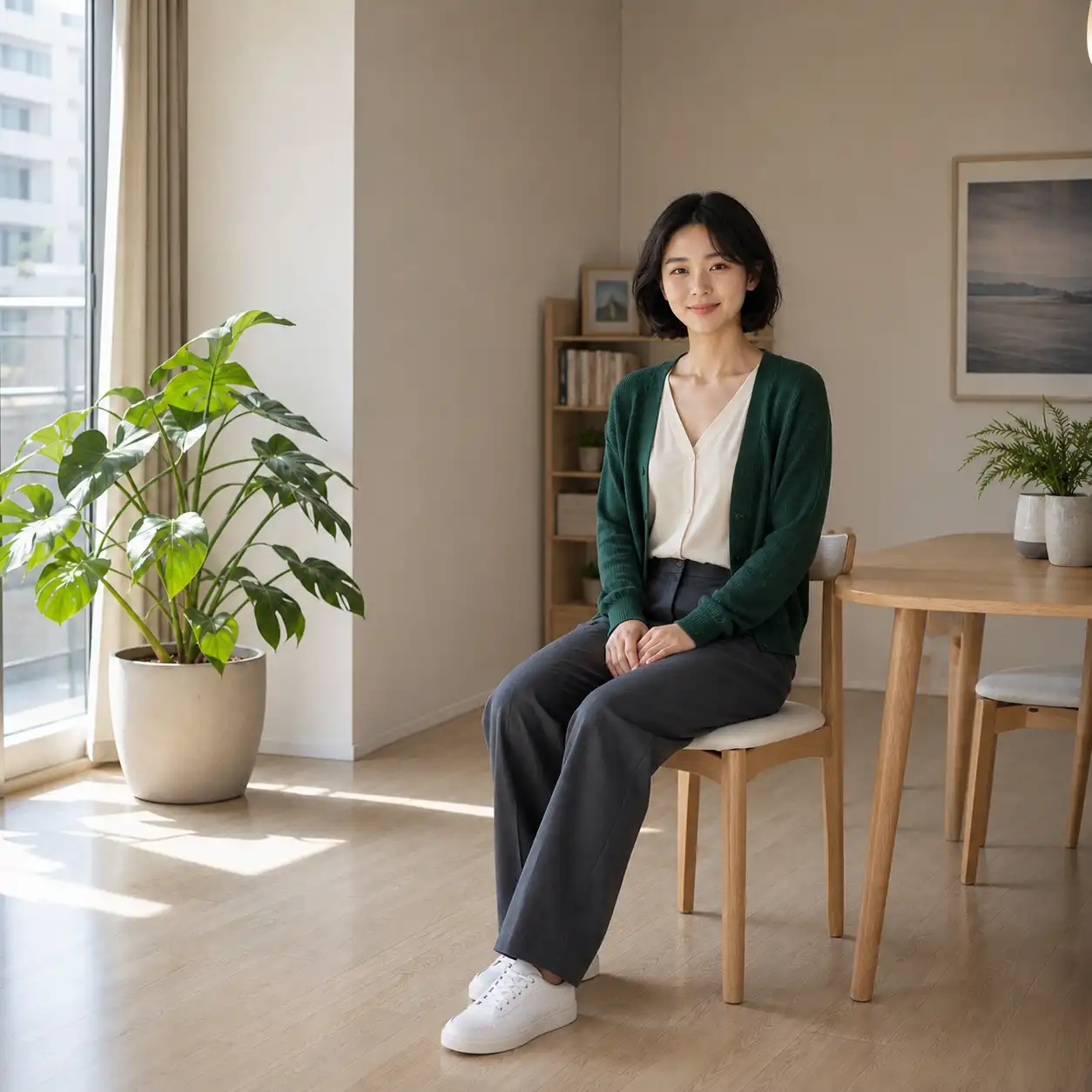
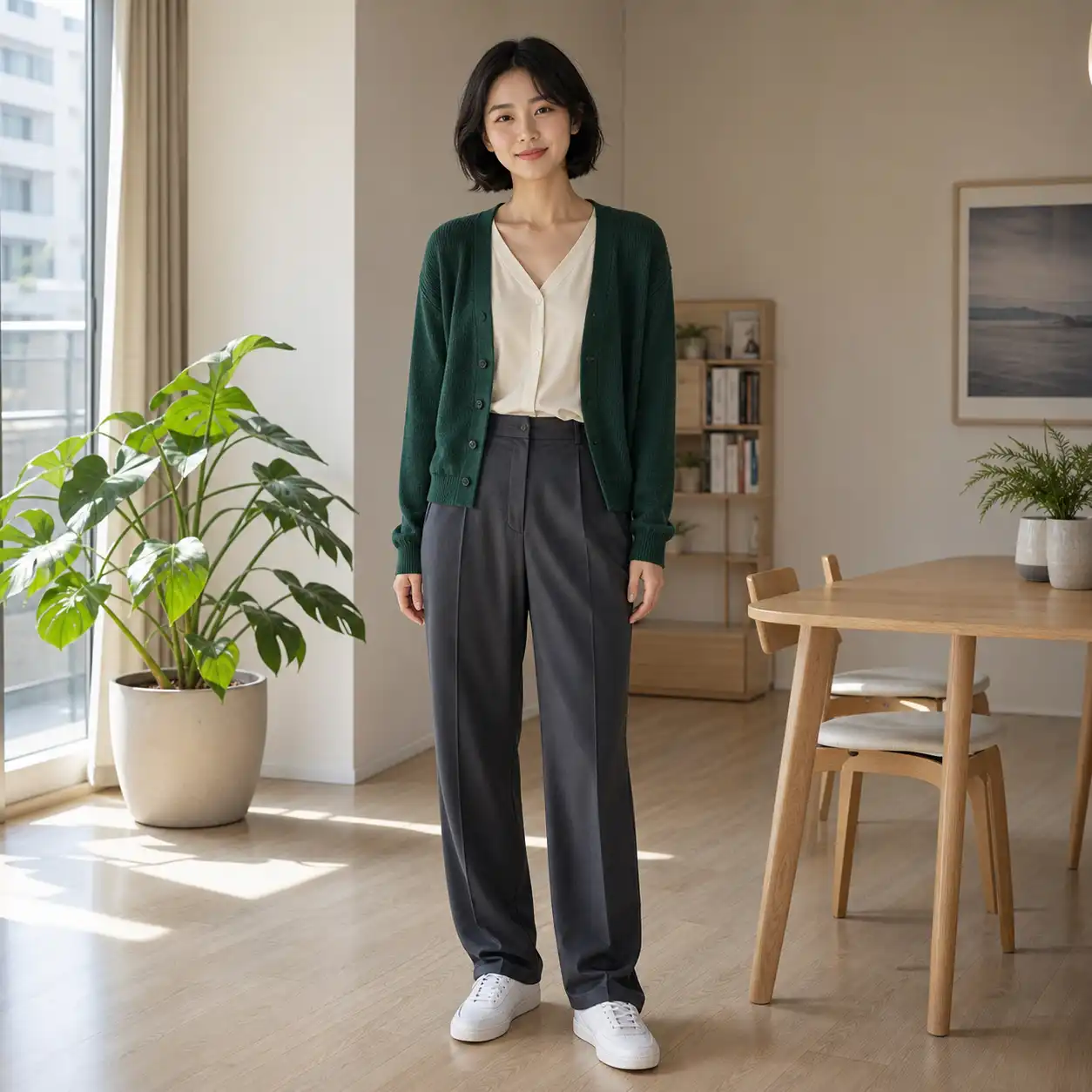
Stop Losing Your Subject's Identity Every Time You Change a Pose
Anyone who has tried reposing a character or person with other tools knows the pattern: the stance looks right, but the face has changed, the outfit has mutated, or the background has been replaced entirely. Pixlio's AI pose generator preserves facial identity, body proportions, outfit details, hairstyle, and background through fixed backend instructions—no LoRAs, no manual inpainting, no compositing required. You get back the same person in a new position, not a lookalike.
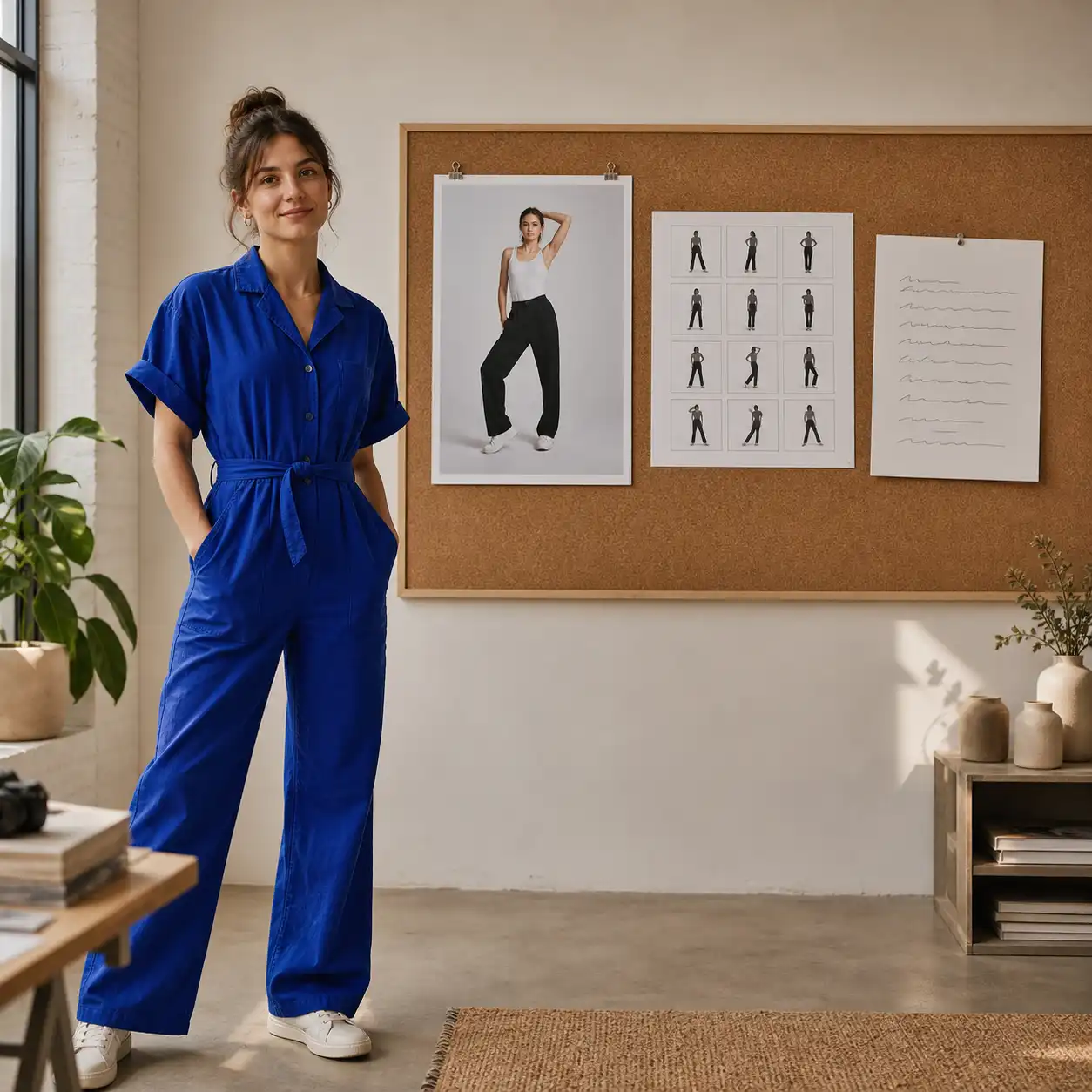
Define Your Pose the Way That Fits Your Workflow
Sometimes you have a reference photo of the exact stance. Sometimes you just know you want "arms crossed, slight lean." Pixlio's AI pose generator meets you where you are with three pose sources: upload a reference image for precision, pick from nine curated presets when you want speed, or type a plain-language description of up to 3,000 characters when the pose only exists in your head. No skeleton rigging, no ControlNet setup—just choose your method and generate.
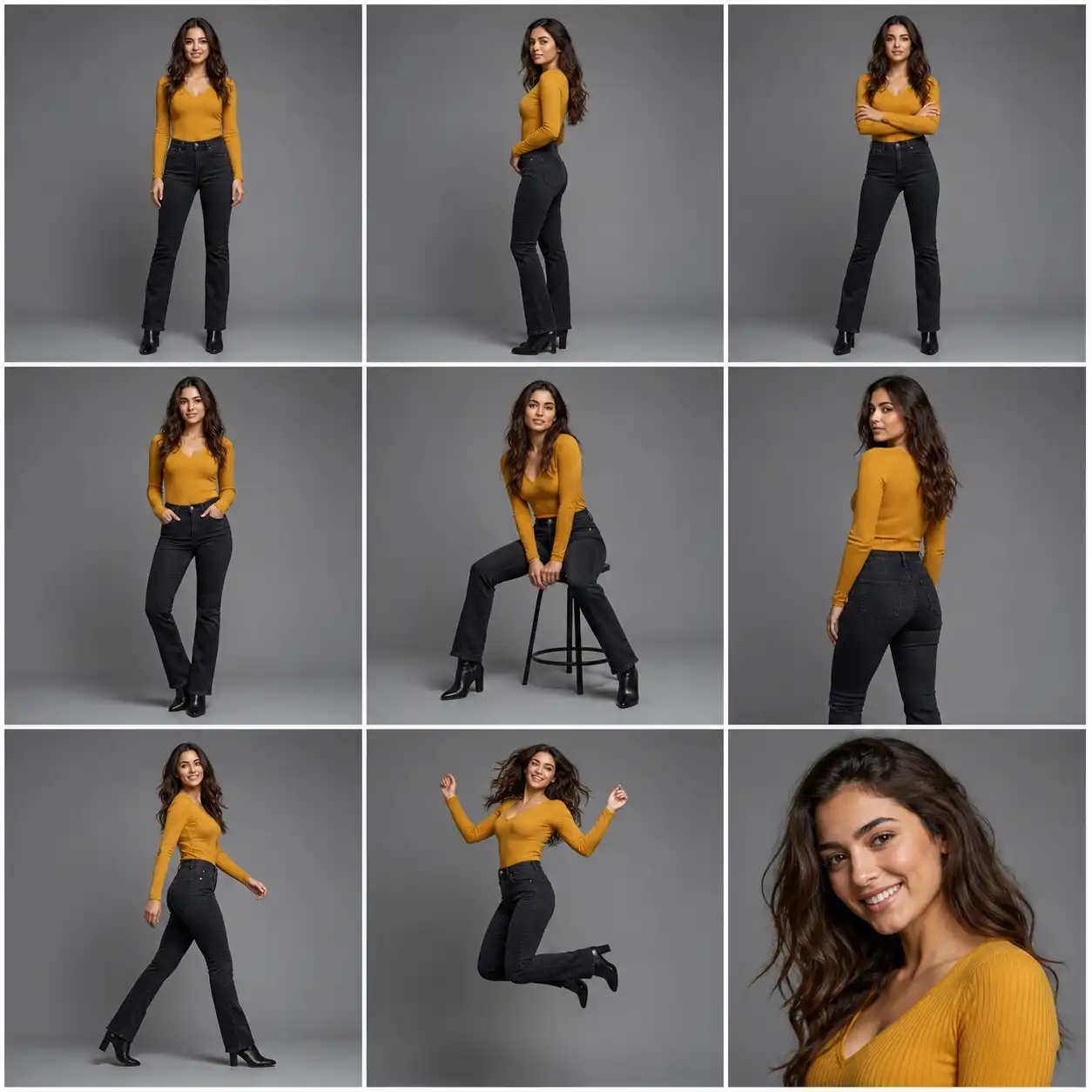
Skip the Reference Hunt with Nine Ready-Made Pose Presets
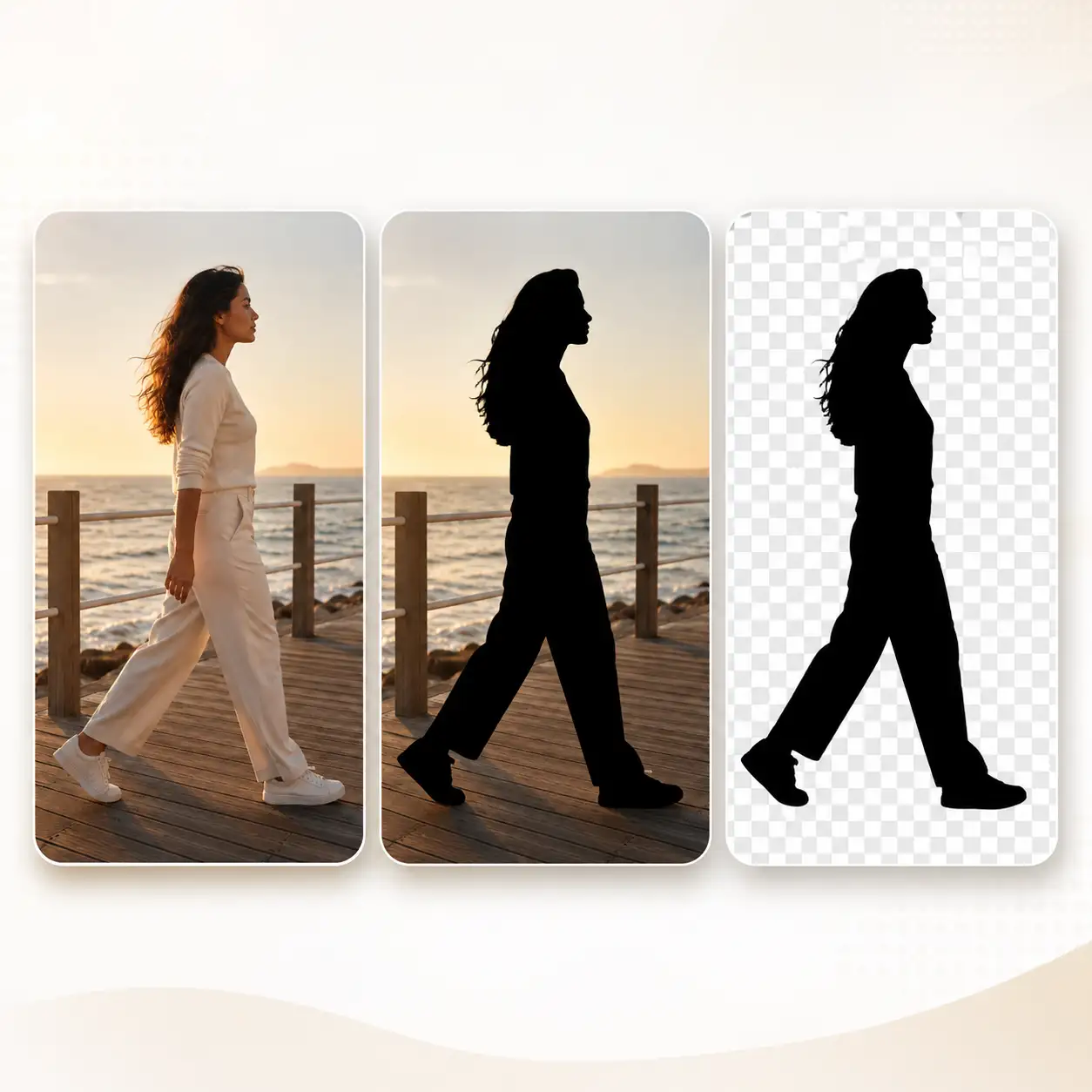
Searching for the right reference photo can take longer than the generation itself. Pixlio ships with nine curated presets—Front Stand, Side Profile Stand, Arms Crossed, Hands in Pockets, Natural Seated, Over-the-Shoulder Look, Walking Motion, Jump, and Close-up—covering the poses that character artists, photographers, and product teams reach for most often. Pick one, generate, and move on without leaving the tool to browse stock libraries.
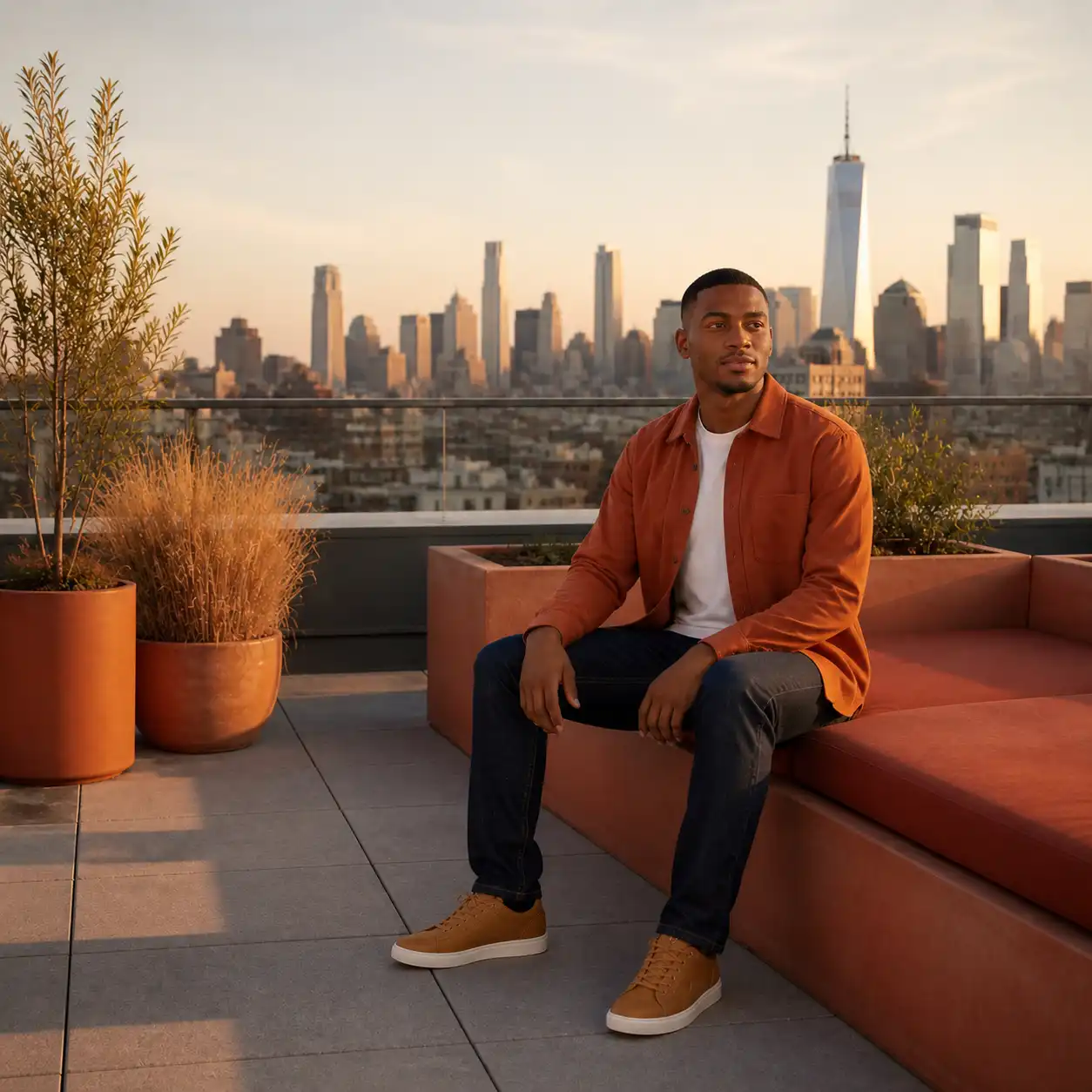
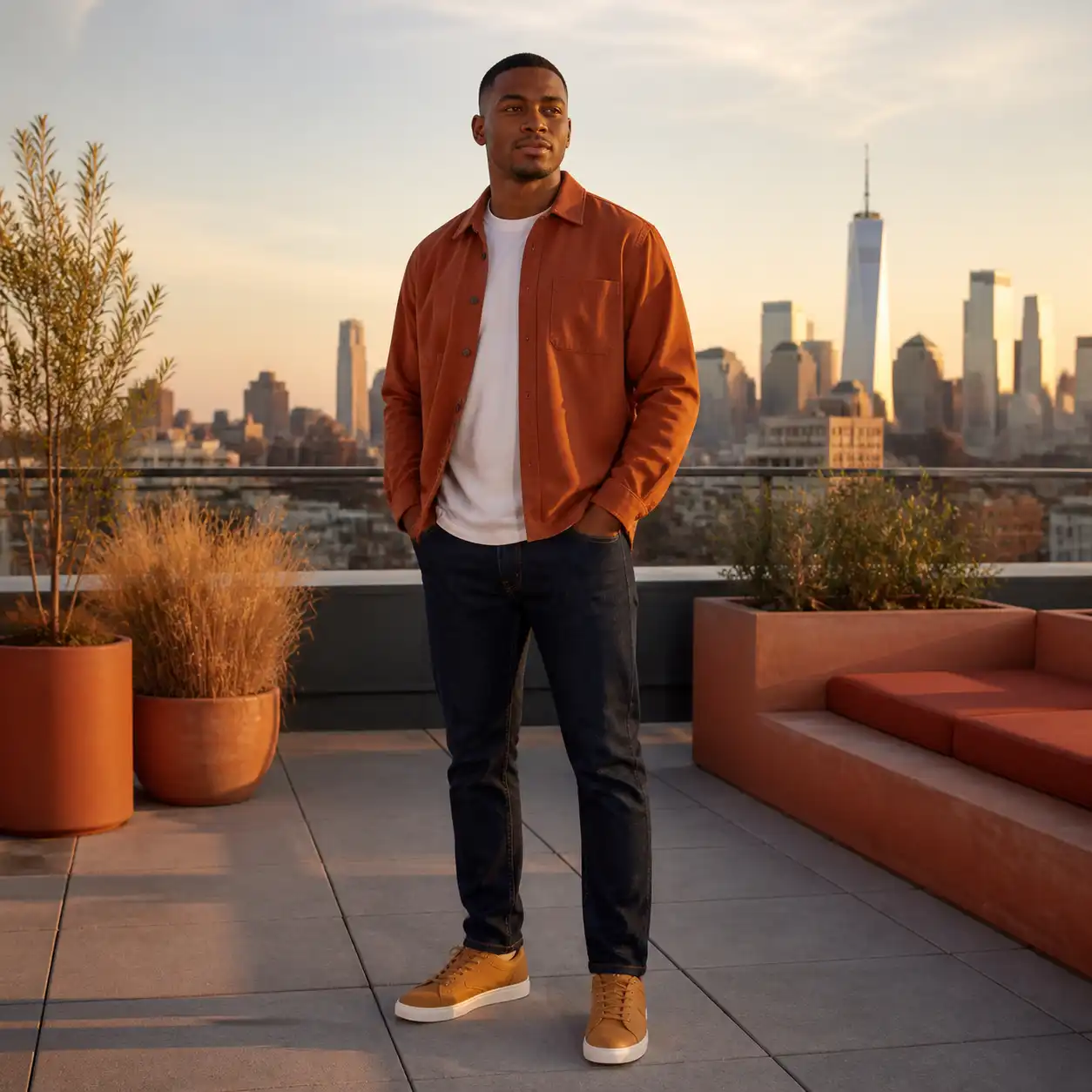
Go from Standing to Seated Without Starting Over
Big pose changes are where most tools break down—the larger the shift, the more identity and scene details get lost. Pixlio handles substantial position changes like standing to seated or front-facing to side profile while preserving visual style and scene context. You can explore dramatically different compositions from the same source image instead of regenerating from scratch or layering fixes in a separate editor.
How to Use Pixlio's AI Pose Generator in 3 Steps
Traditional pose editing means node graphs, ControlNet configs, or hours of compositing. Here, you skip all of that.
Who Benefits from Pixlio's AI Pose Generator?
Whether you are iterating on character art or filling a product catalog, the underlying need is the same—get the same subject into a new pose without a manual editing pipeline.
Character and Illustration Creators
You have an approved character design and a client waiting for action-pose variations. Redrawing each stance takes hours; other AI tools change the character's look every time. Upload your design, pick a preset or describe the pose, and Pixlio produces a new position while keeping proportions, outfit, and art style locked to the original.
Fashion and E-Commerce Product Teams
Your catalog needs five angles but the shoot only captured two. Reshooting is expensive, and generic AI reposing distorts garment details. Pixlio repositions the model while preserving fabric texture, fit, and brand styling—so you get catalog-ready variations from a single source shot without booking another session.
Photographers Expanding a Single Session
A great shot deserves more than one pose. Upload a client image, feed in a reference photo or select a preset, and present additional pose options without scheduling follow-up time. The tool maintains the subject's identity, the session's lighting, and the color grade so every variation feels like it came from the same shoot.
Social Creators Telling Visual Stories
Carousel posts and storytelling sequences need the same person in multiple poses, but reshooting for every frame kills momentum. Describe or reference the poses you need, generate each variation, and build out an entire visual narrative from a single original image—no technical pose knowledge required.
AI Pose Generator FAQ
What is an AI pose generator?
An AI pose generator changes the body position of a person or character in an image without forcing you to sacrifice identity, outfit, or scene details in the process. Pixlio's version works with a simple Subject + Pose workflow: pair your subject photo with a reference image, curated preset, or plain-language description and receive one reposed result ready for download.
What pose sources does Pixlio's AI pose generator support?
Pixlio offers three mutually exclusive pose sources: a reference image showing the exact stance you want (the default), one of nine curated presets for common poses, or a plain-language pose description of up to 3,000 characters. You choose one source per generation.
What does the tool preserve when changing a pose?
The tool guides preservation of the subject's facial identity, body proportions, outfit and product details, hairstyle, background, and overall visual style. Preservation is instructed through fixed backend settings—not something you need to configure. Results are strong in most scenarios, though complex scenes or extreme poses may vary.
How many credits does each pose generation cost?
Each generation costs 15 credits. Pixlio provides free credits when you sign up, with additional credits available for purchase if you need more.
What image formats does the tool accept?
The tool accepts JPG, JPEG, PNG, and WebP uploads, each up to 15 MB. Output defaults to PNG, with JPEG and WebP also available for download.
Can this tool produce a perfect result every time?
No tool can guarantee perfect pose transfer in every scenario. Complex situations—such as occluded body parts, crossed limbs, extreme angles, hands near faces, busy backgrounds, or heavily patterned garments—remain challenging. Pixlio describes preservation as an instruction, not a guarantee, and recommends regenerating with adjusted settings when the first result needs improvement.
More AI Image Tools
Explore our collection of AI-powered image tools designed for different creative needs and styles