 Pixlio AI
GPT Image 2 AI Image Generator — Creator-Ready Visuals from Text and Reference Images
Create publication-ready images with GPT Image 2 on Pixlio AI. Powered by OpenAI's flagship image model, GPT Image 2 can generate polished visuals with precise text rendering, reference-based editing, flexible aspect ratios, and broad stylization — from marketing posters and product mockups to multilingual brochures and editorial portraits.
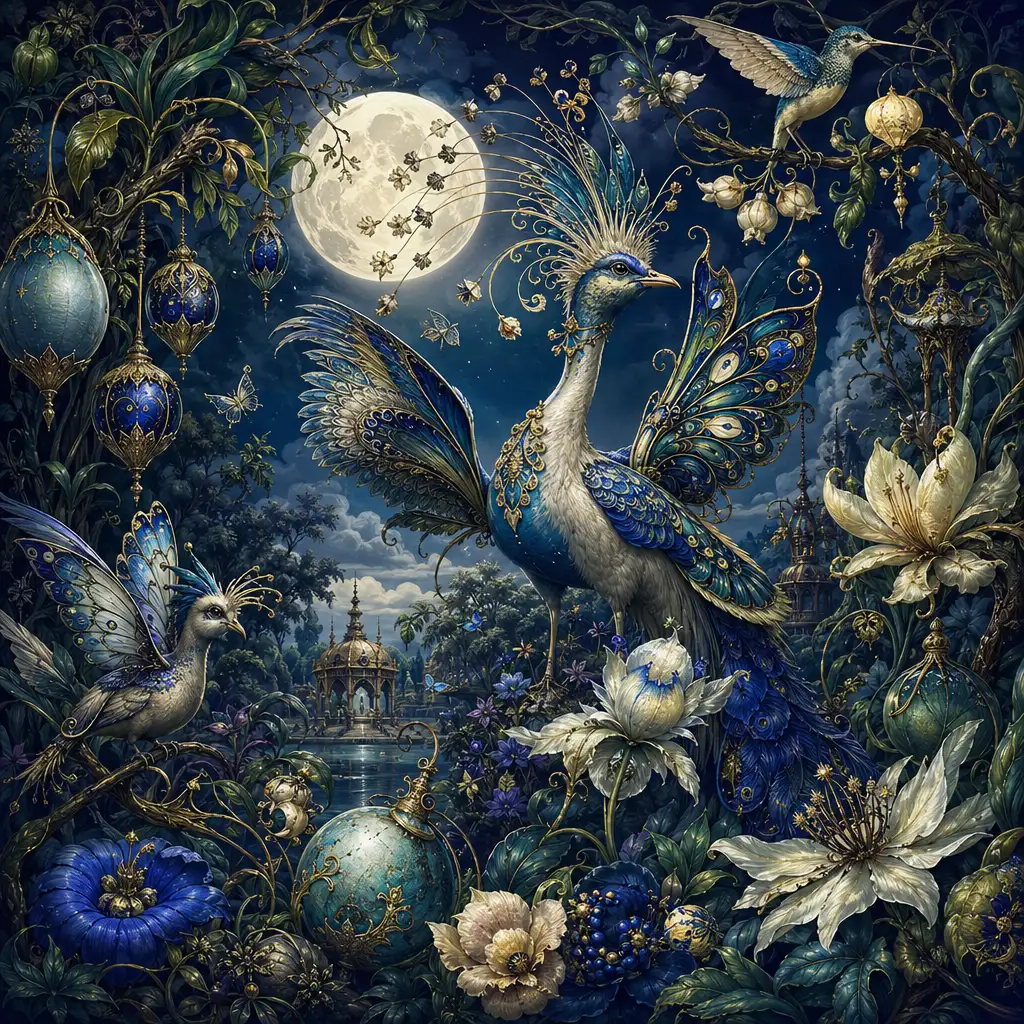
What Is GPT Image 2?
GPT Image 2 is OpenAI's latest AI image generation and editing model, released on April 21, 2026. It is the engine behind ChatGPT Images 2.0 in ChatGPT and is available as the gpt-image-2 model through OpenAI's API. Unlike earlier OpenAI image models that focused primarily on aesthetic generation, GPT Image 2 is built for creator-ready outputs — assets that are usable in real campaigns, documents, and products without heavy post-production.
GPT Image 2's clearest strengths are dense text rendering with accurate spelling and clean typography, strong prompt understanding for complex multi-element compositions, high-fidelity reference-based editing that preserves identity and details, broad stylization spanning photorealism to illustration to editorial poster design, and flexible resolutions up to roughly 3840 pixels on the longest edge. OpenAI positions GPT Image 2 as the default choice for new builds, recommending it over gpt-image-1 and gpt-image-1.5 for production image work.
For creators and teams who need images that hold together under scrutiny — posters with readable copy, product shots with preserved labels, multilingual marketing materials, UI mockups, and pitch-deck visuals — GPT Image 2 delivers a level of practical utility that previous AI image models struggled to match. It also supports multi-turn editing, so you can generate a draft, inspect it, and refine specific elements conversationally rather than starting over each time.
Community reception since launch has been emphatically positive on creator utility. Users across Reddit, YouTube, and the OpenAI Developer Community have highlighted GPT Image 2's layout reliability, face and context retention across editing turns, and business-ready outputs as standout improvements. In head-to-head comparisons, GPT Image 2 consistently leads on text rendering, dense UI mockups, and complex document-style compositions. While purely artistic style preference remains contested across competing models, the consensus is clear: it is the strongest current option for creators who need useful, publication-quality visuals rather than only aesthetic exploration.
Why Use GPT Image 2 on Pixlio AI
Publication-ready text in every image
GPT Image 2 sets a new standard for text-in-image generation. Whether you need a headline on a marketing poster, copy on a social ad, or labels on an infographic, the model renders dense, legible text with accurate spelling and clean typography. For best results, quote your exact text in the prompt and specify font style, size, and placement. Multilingual text — including CJK scripts, Thai, and Arabic — is handled natively, so localized campaigns and international marketing materials no longer require a separate design pass or manual text overlay.
Generate and edit in one workflow
GPT Image 2 is not just a text-to-image tool. Upload an existing photo or asset and use reference-based editing to swap backgrounds, adjust lighting, remove objects, or restyle the scene — all while preserving the details you specify. GPT Image 2 processes reference images at high fidelity, so labels, textures, and fine details come through without degradation. Multi-turn editing means you can refine iteratively without starting over, making it practical for workflows that start from an existing brand asset or product photo.
Any aspect ratio for any platform
GPT Image 2 supports flexible resolutions with a maximum edge up to roughly 3840 px and dimensions in multiples of 16. Generate square posts, ultra-wide banners, tall social stories, slide decks, and print-ready posters without reshaping outputs after the fact. Draft fast in low quality and finish in high for final assets.
GPT Image 2 Capabilities
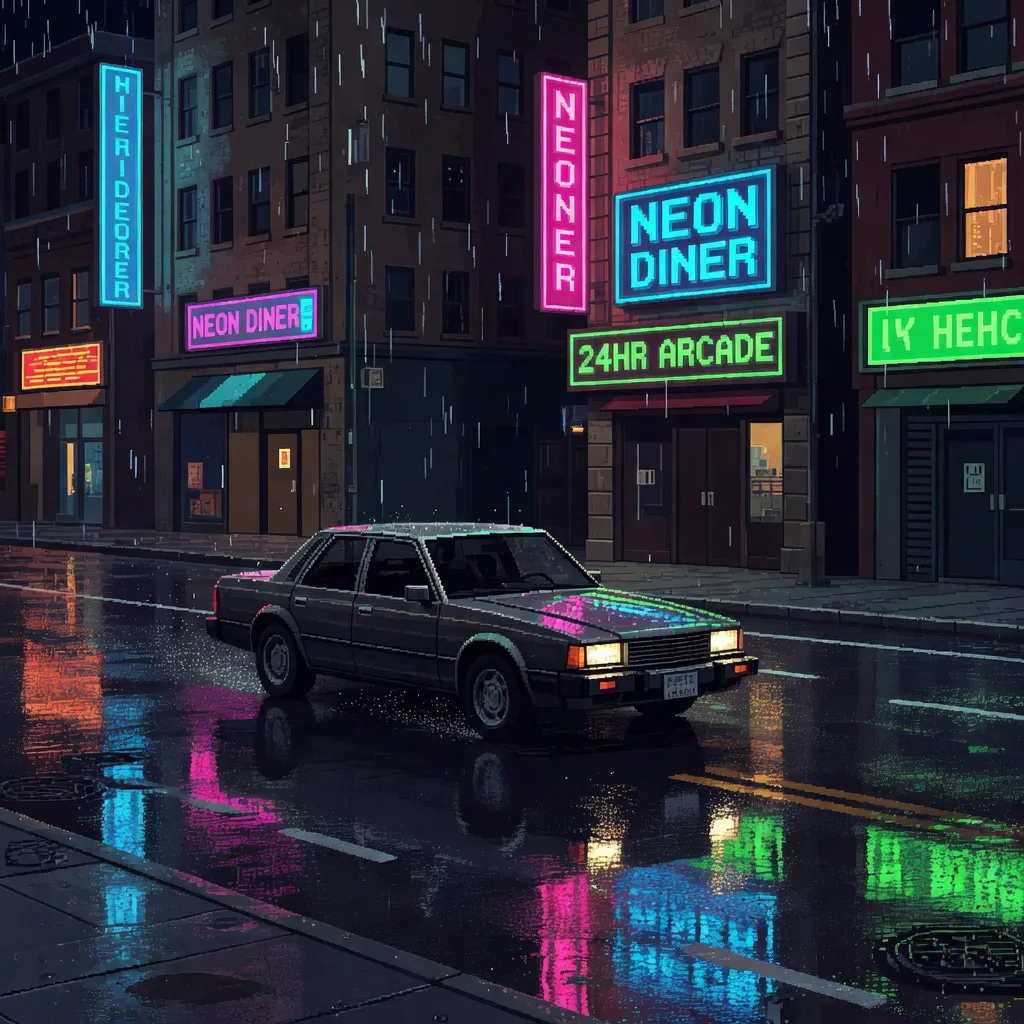
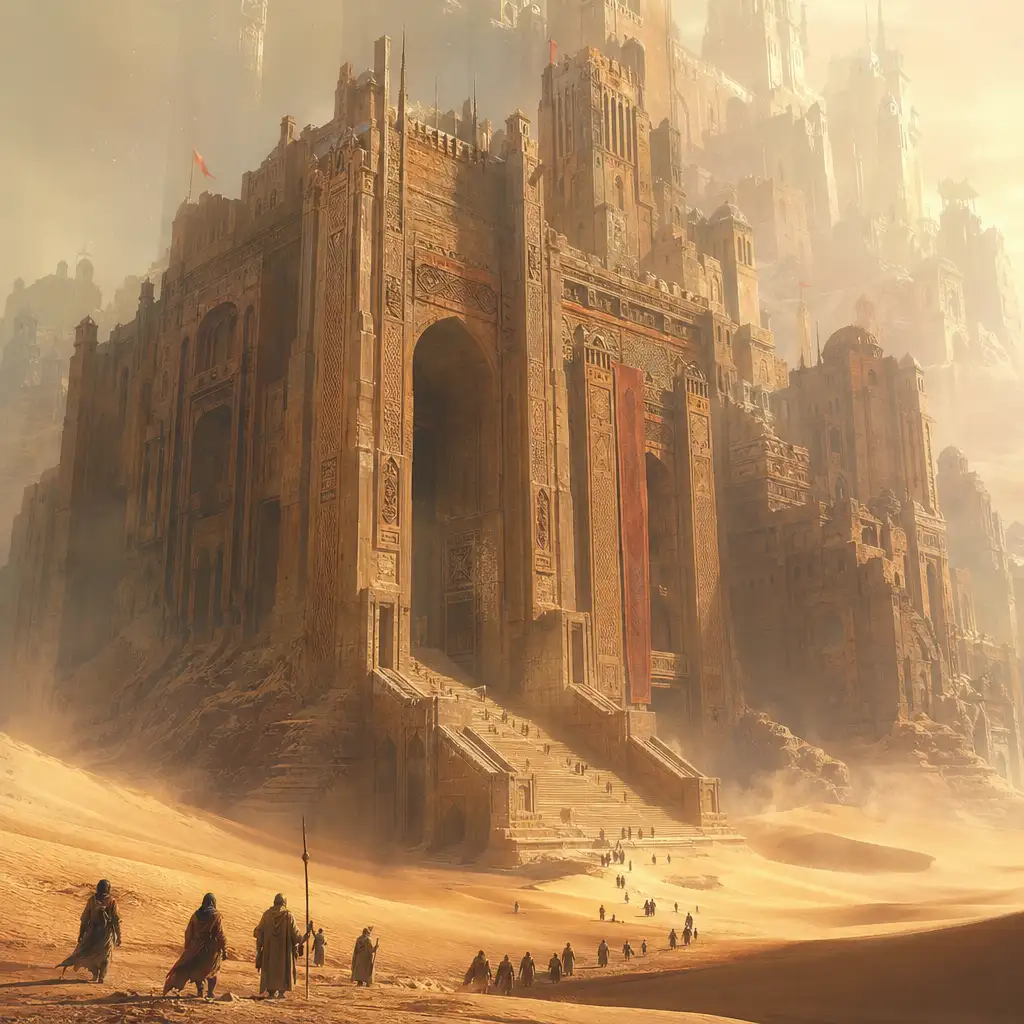
See what GPT Image 2 can do with real prompt examples — from text-to-image generation with embedded typography and photorealistic scenes to image-to-image editing with detail and identity preservation.
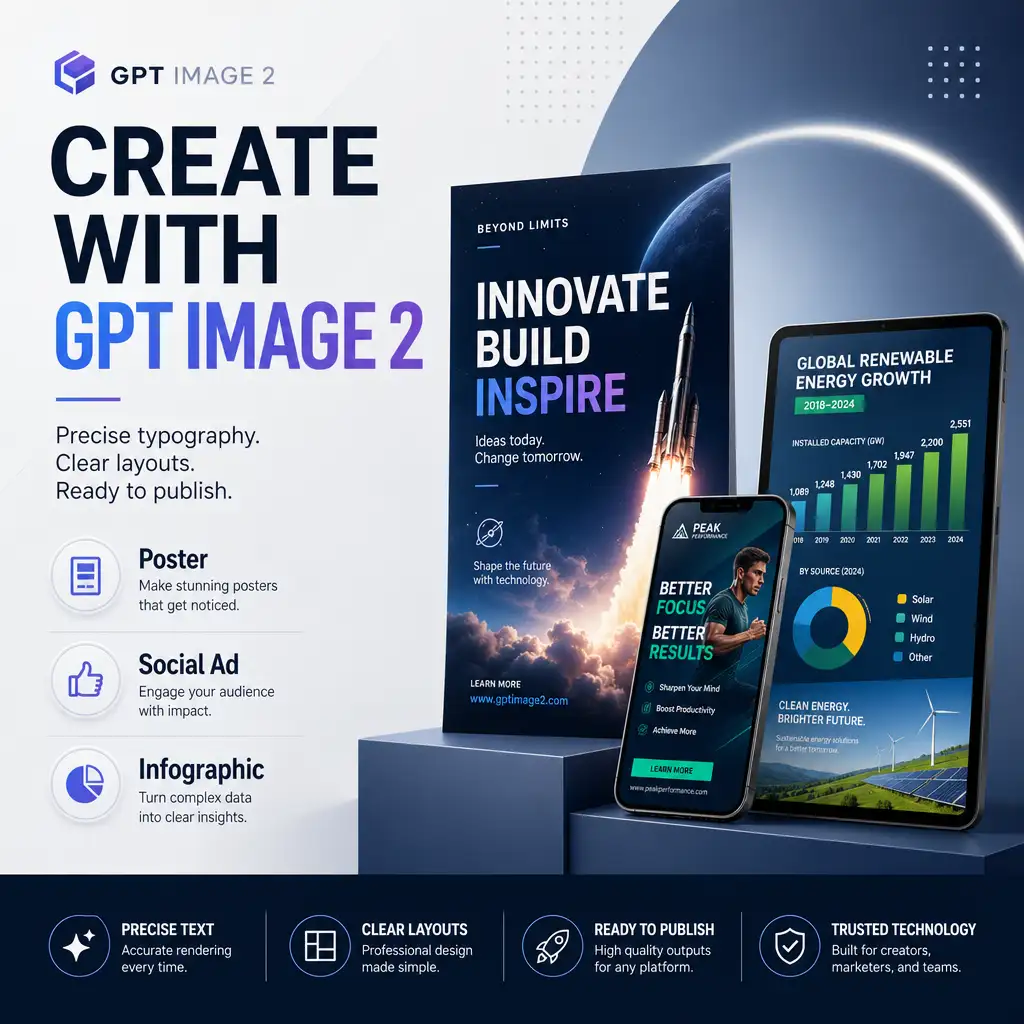
Accurate Text Rendering in Generated Images
Most AI image generators struggle with text — misspelled words, garbled letters, and broken layouts are the norm. GPT Image 2 changes that. The tool renders dense, legible headlines, body copy, labels, and captions with accurate spelling and clean kerning. Quote the exact text you want in your prompt, specify font style and placement, and the output comes back publication-ready. This makes it practical to generate posters, social ads, menus, and infographics directly — without patching text in a separate editor afterward. OpenAI's official prompting guide highlights this as a core strength.
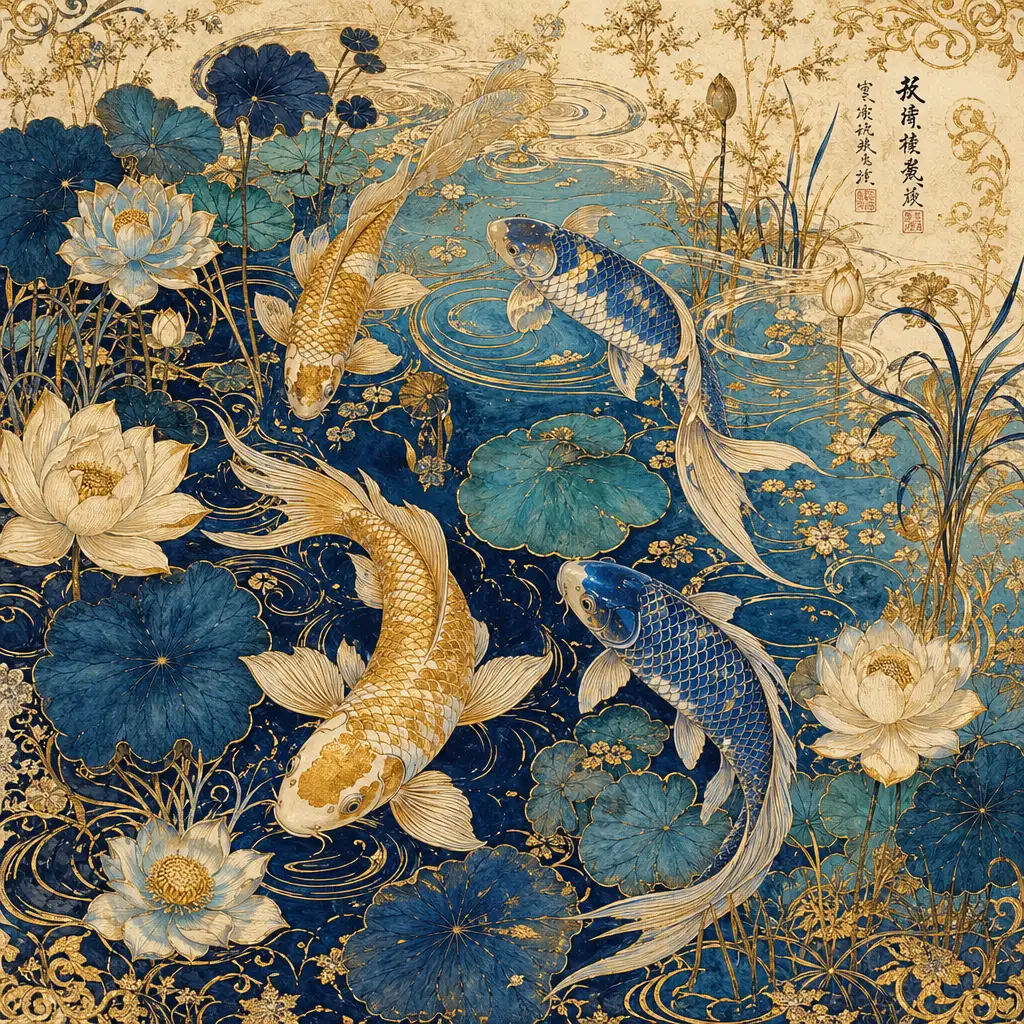
Intricate Details and Rich Visual Fidelity
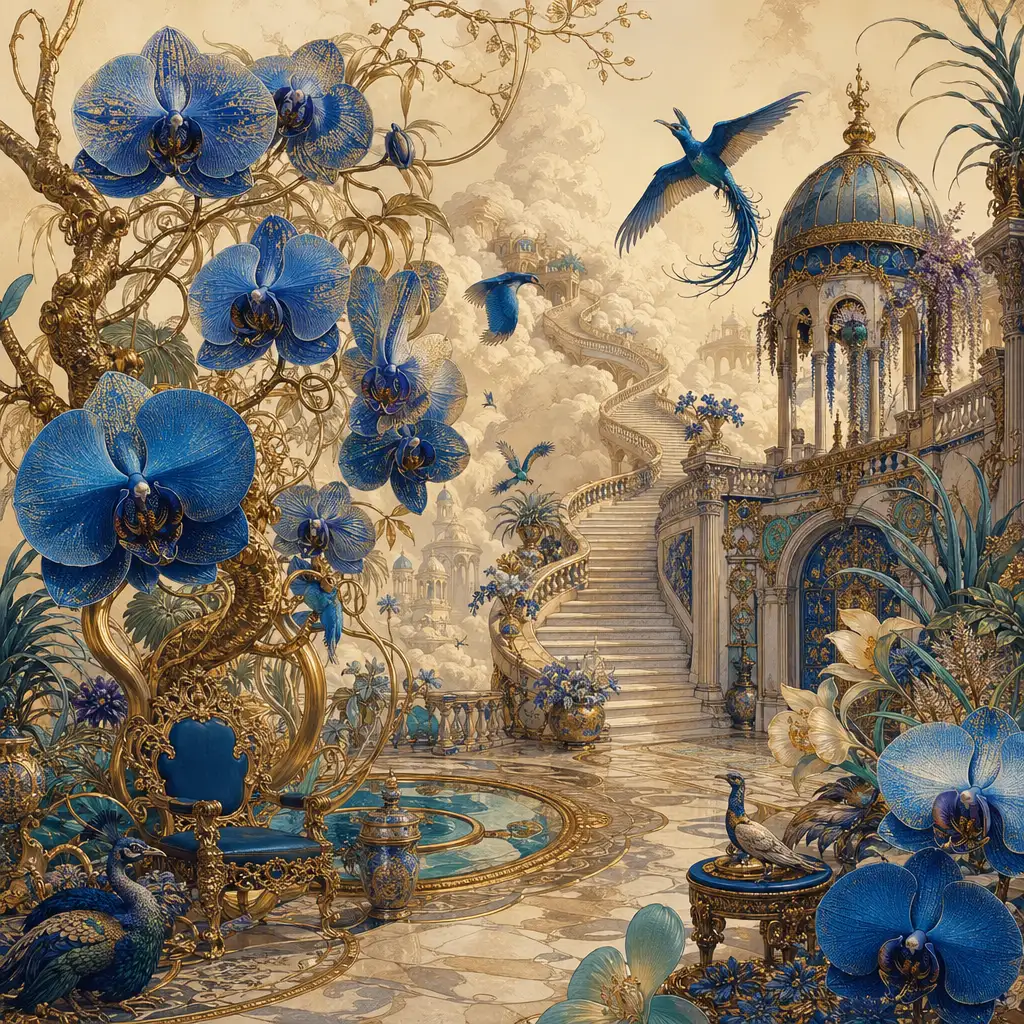
Where many AI image tools produce flat or blurry results when asked for complexity, GPT Image 2 thrives on detail-dense prompts. Ornate illustrations with fine line work, layered botanical compositions, intricate textile patterns, decorative motifs, and rich multi-tone palettes all come through with the precision you would expect from a skilled illustrator. The tool faithfully renders delicate elements — curling water ripples, individual flower petals, gold filigree, embroidered textures — without merging or losing them into visual noise. For creators producing art prints, packaging illustrations, book covers, or premium design assets, this level of fine-detail fidelity means fewer retries and less manual cleanup.
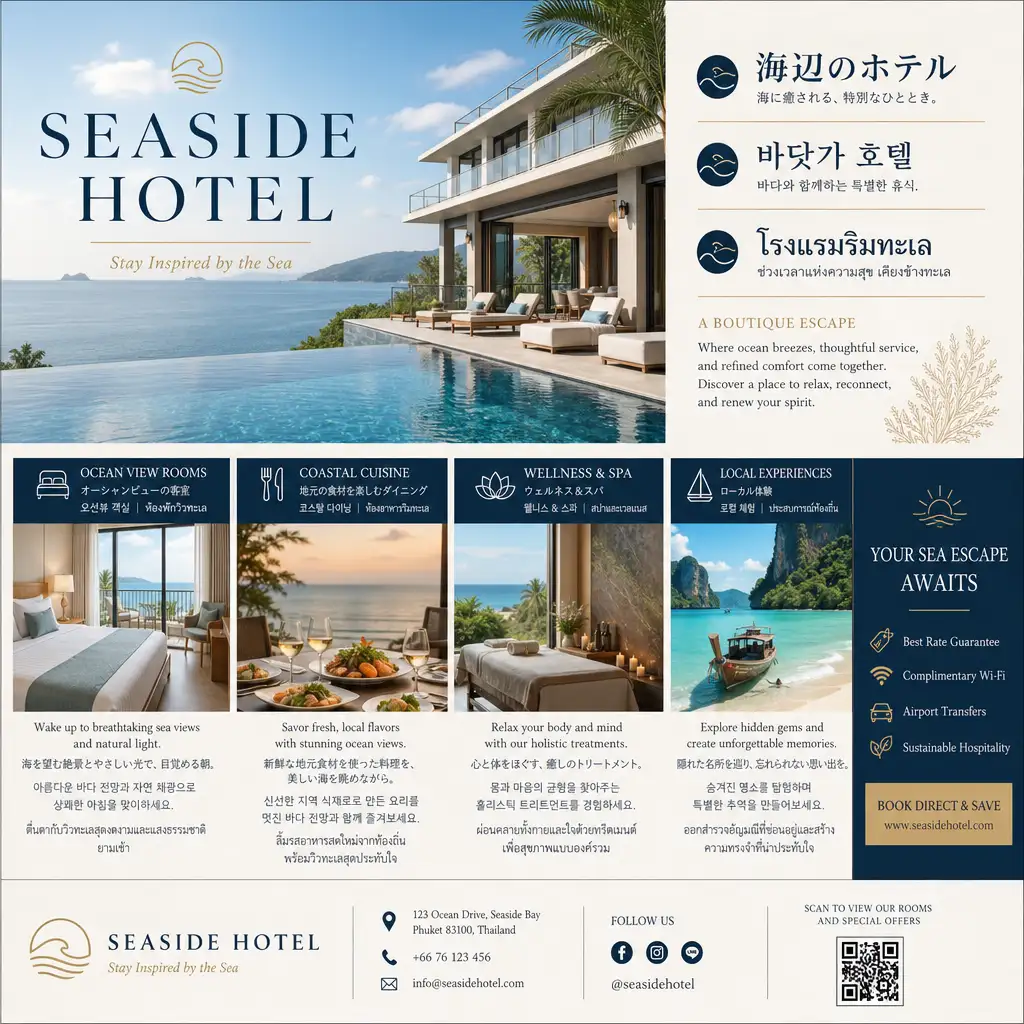
Native Multilingual and Structured Layout Support
Running campaigns in multiple languages usually means redesigning assets for each locale. GPT Image 2 handles multilingual typography natively — CJK scripts, Thai, Arabic, and Latin text all render cleanly within the same composition. The tool also understands structured layouts: columns, headers, footers, information hierarchy, and print-like grids. You can generate a bilingual brochure, a multilingual menu, or a localized ad variant in a single pass without manual text overlay or layout rework.
Reference-Based Editing with Detail Preservation
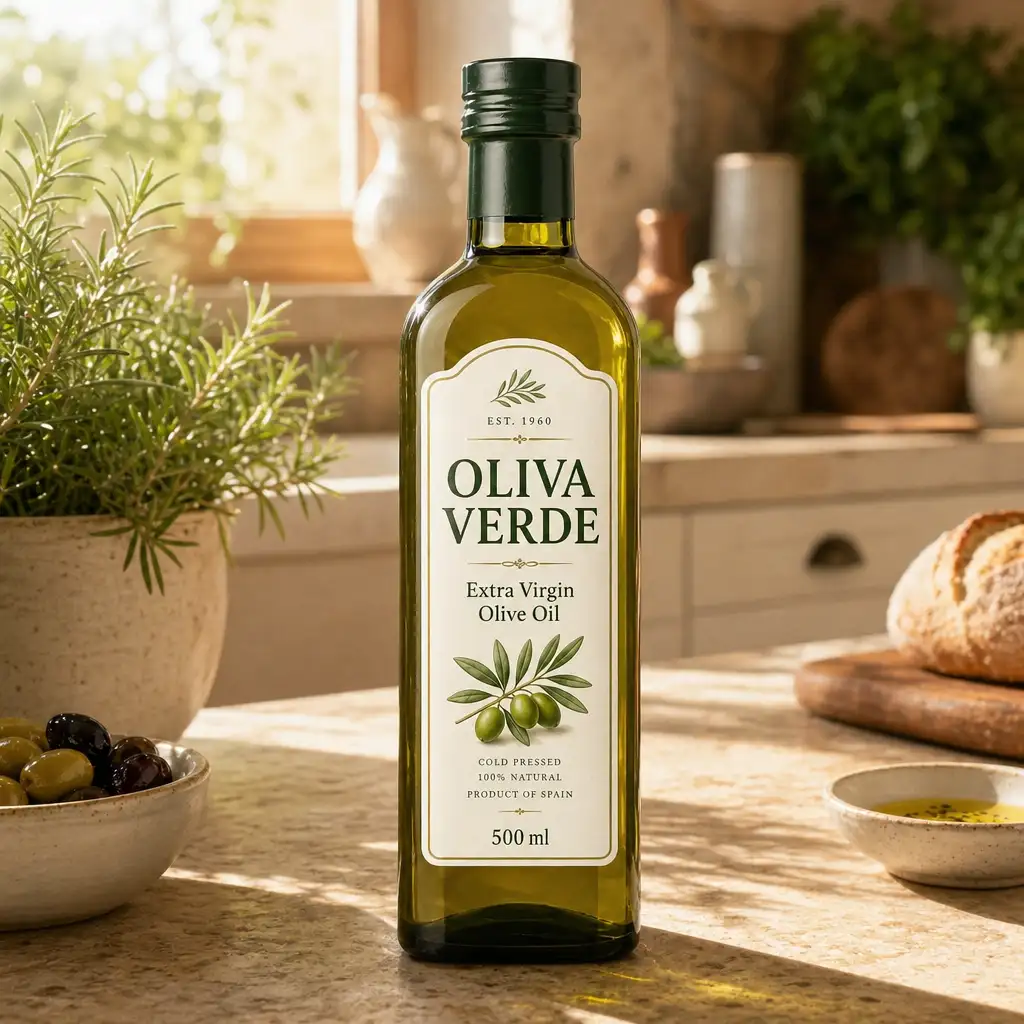
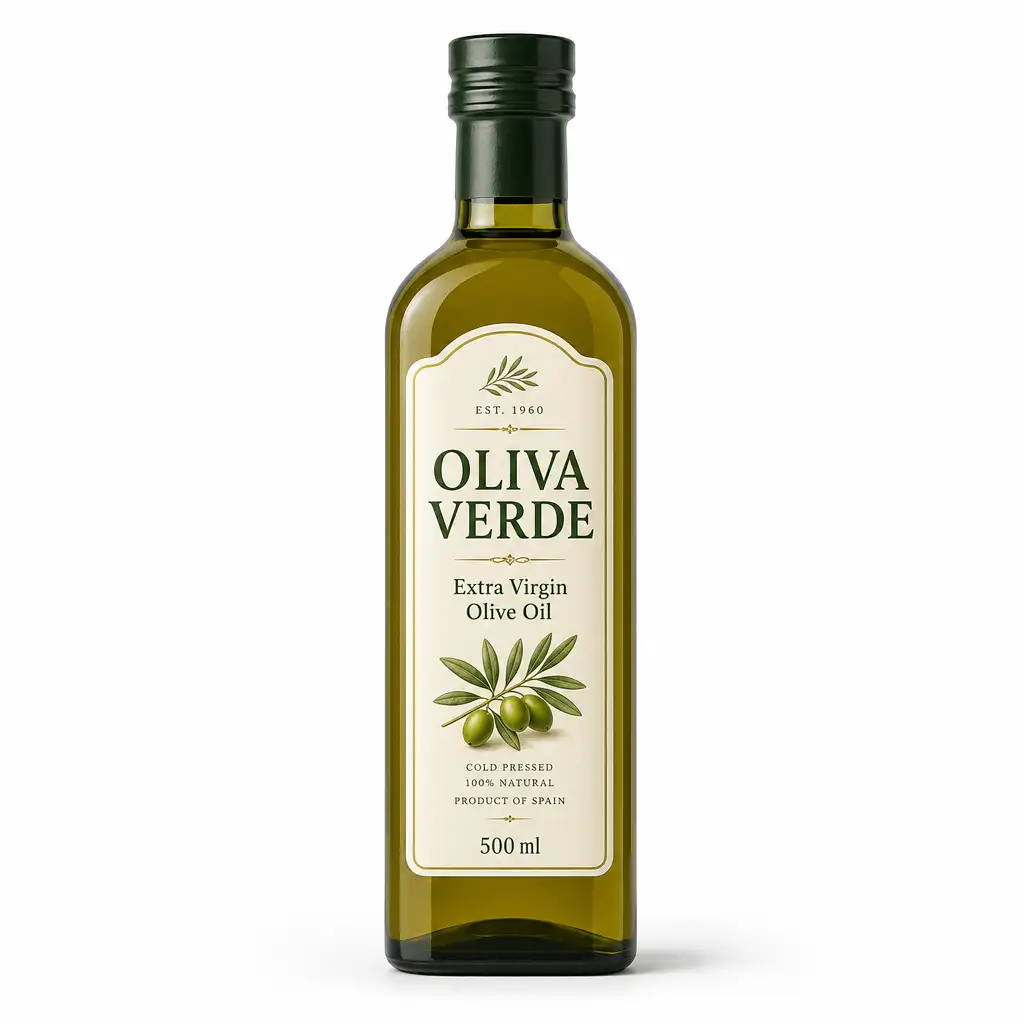
Upload an existing product photo, brand asset, or scene, and tell the tool what to change. GPT Image 2 processes reference images at high fidelity — labels, textures, geometry, and fine details are preserved automatically while the requested edits are applied. Swap a plain studio background for a lifestyle scene, adjust lighting, or remove distracting elements, all without losing the details that matter. This makes the tool especially useful for e-commerce product shots, marketing variants, and asset localization where the original must stay recognizable.
Identity-Sensitive Style Transfer
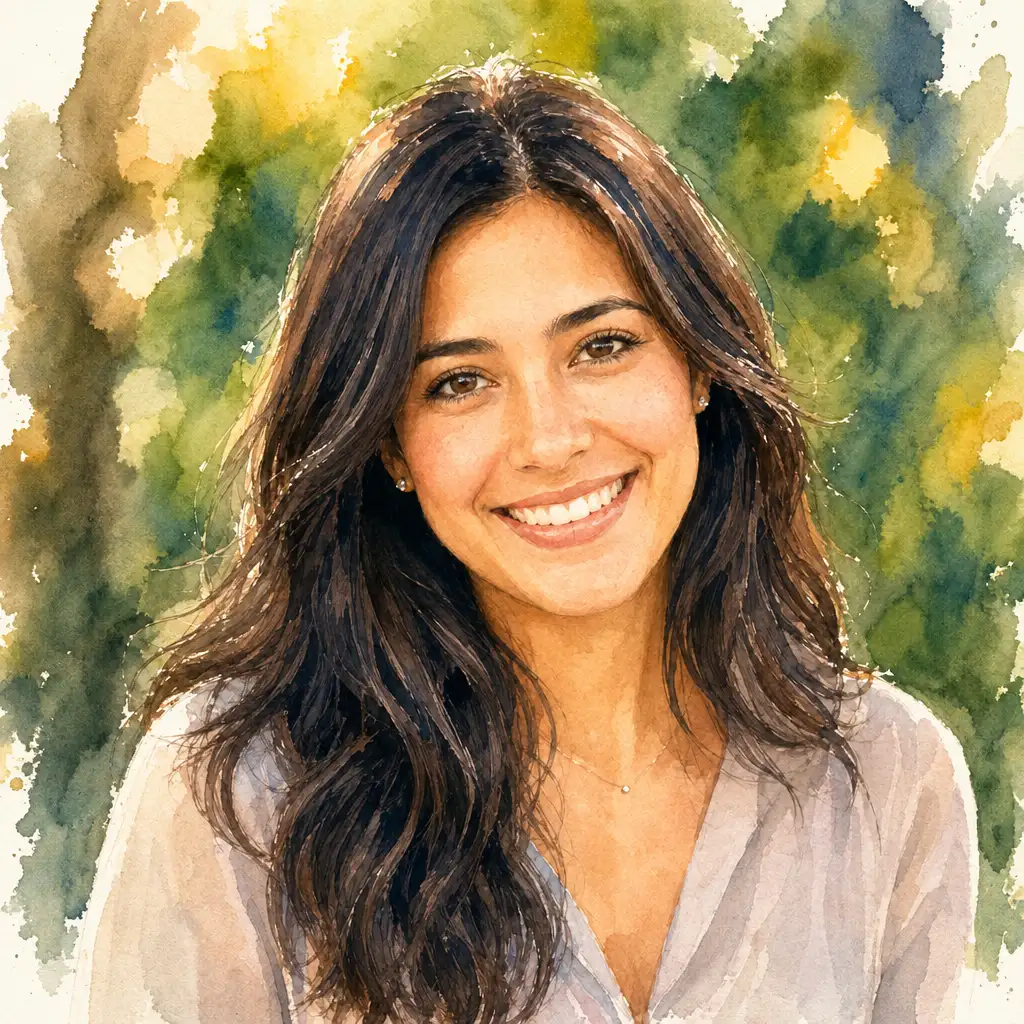
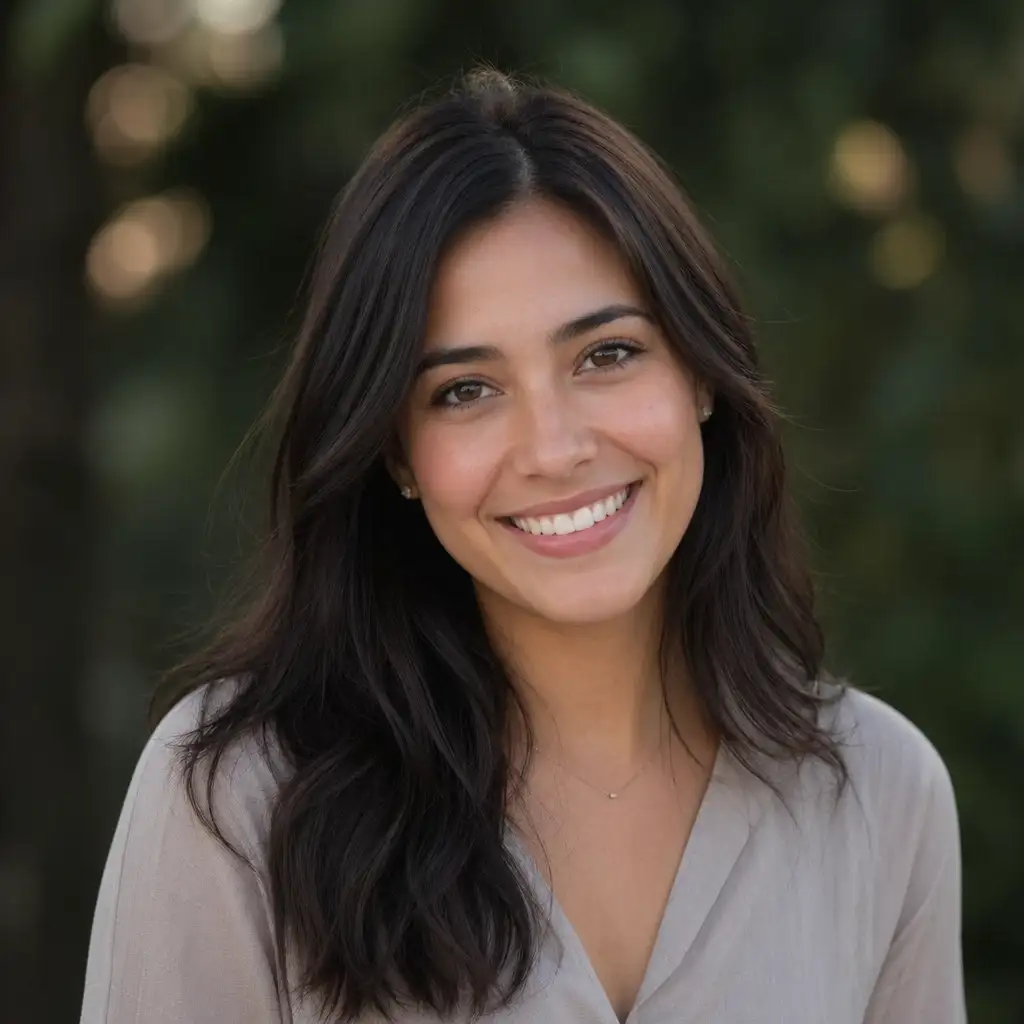
The tool can restyle a portrait: watercolor, manga, oil painting, comic book, while keeping the subject's face, proportions, and distinguishing features intact. Unlike generic style filters that distort or anonymize faces, GPT Image 2 performs identity-sensitive edits that maintain recognizable likeness across dramatic style changes. This is ideal for creator avatars, personalized gifts, branded profile images, and any workflow where the person in the photo needs to remain identifiable in the final output.
Getting Started with GPT Image 2
Follow these steps to start generating and editing images with GPT Image 2 on Pixlio AI.
GPT Image 2 Technical Specifications
Understanding the technical capabilities helps you get the most from GPT Image 2 for your creative projects.
Model & Performance
- Model: gpt-image-2 by OpenAI (April 2026)
- Quality tiers: Low (fast drafts), Medium, High (production)
- Optimization: Fewer retries needed due to strong prompt adherence
- Safety: C2PA provenance metadata and imperceptible watermark
Output Specifications
- Max edge: ~3840 px; dimensions in multiples of 16
- Aspect ratio: Up to 3:1 long-to-short side
- Total pixels: 655,360 to 8,294,400
- Formats: JPEG, PNG, WebP
Generation Capabilities
- Dense text rendering with accurate spelling and multilingual support
- Styles: Photorealistic, editorial, manga, illustration, poster, pixel art
- Strong object placement and complex prompt handling
- World knowledge for contextually accurate scenes
Editing Features
- Reference-image input with high-fidelity processing
- Mask-guided editing for targeted changes
- Multi-turn conversational refinement
- Identity-sensitive edits and multi-image compositing
Common Questions About GPT Image 2
How is GPT Image 2 different from previous OpenAI image models?
GPT Image 2 represents a significant step up from gpt-image-1 and gpt-image-1.5. OpenAI's official guidance recommends it as the default for all new builds. Key improvements include denser and more accurate text rendering, better prompt understanding and instruction following, higher-fidelity editing workflows, support for arbitrary aspect ratios, and stronger performance across photorealistic, editorial, and illustrated styles.
Can GPT Image 2 render text inside images?
Yes. Dense, legible text rendering is one of the model's defining strengths. GPT Image 2 can produce headlines, body copy, labels, and multilingual text with accurate spelling and clean typography. For best results, quote exact text in your prompt and specify font style, placement, and color. Use medium or high quality for text-heavy compositions.
What resolutions and aspect ratios does GPT Image 2 support?
GPT Image 2 supports flexible resolutions with a maximum edge up to roughly 3840 pixels, dimensions in multiples of 16, and a long-to-short side ratio of up to 3:1. This covers everything from square social posts to ultra-wide banners and tall story formats. OpenAI recommends 2560×1440 as an upper reliability boundary for consistent quality.
Is GPT Image 2 good for marketing and design work?
Yes. GPT Image 2 is especially strong for creator-ready assets: marketing posters with headline text, product mockups, brochures, infographics, pitch-deck slides, social ads, and multilingual campaign materials. OpenAI's own launch gallery emphasizes these use cases, and the text rendering and layout capabilities make it well suited for outputs that need to look publication-ready.
Can I use GPT Image 2 for commercial projects?
Yes, commercial use is permitted on eligible Pixlio AI plans. GPT Image 2 is suitable for marketing campaigns, product imagery, e-commerce assets, social media content, and professional creative work. All outputs include C2PA provenance metadata for transparency, making them appropriate for brand-safe commercial use.
Does GPT Image 2 support transparent backgrounds?
Transparent background support varies between the ChatGPT product and the API. In ChatGPT, transparent backgrounds are available. In the API, the model does not currently support transparent backgrounds natively. For transparent exports, use an opaque background and apply background removal as a post-processing step.