 Pixlio AI
Use the tool to create geometric low poly artwork from a photo or text description.
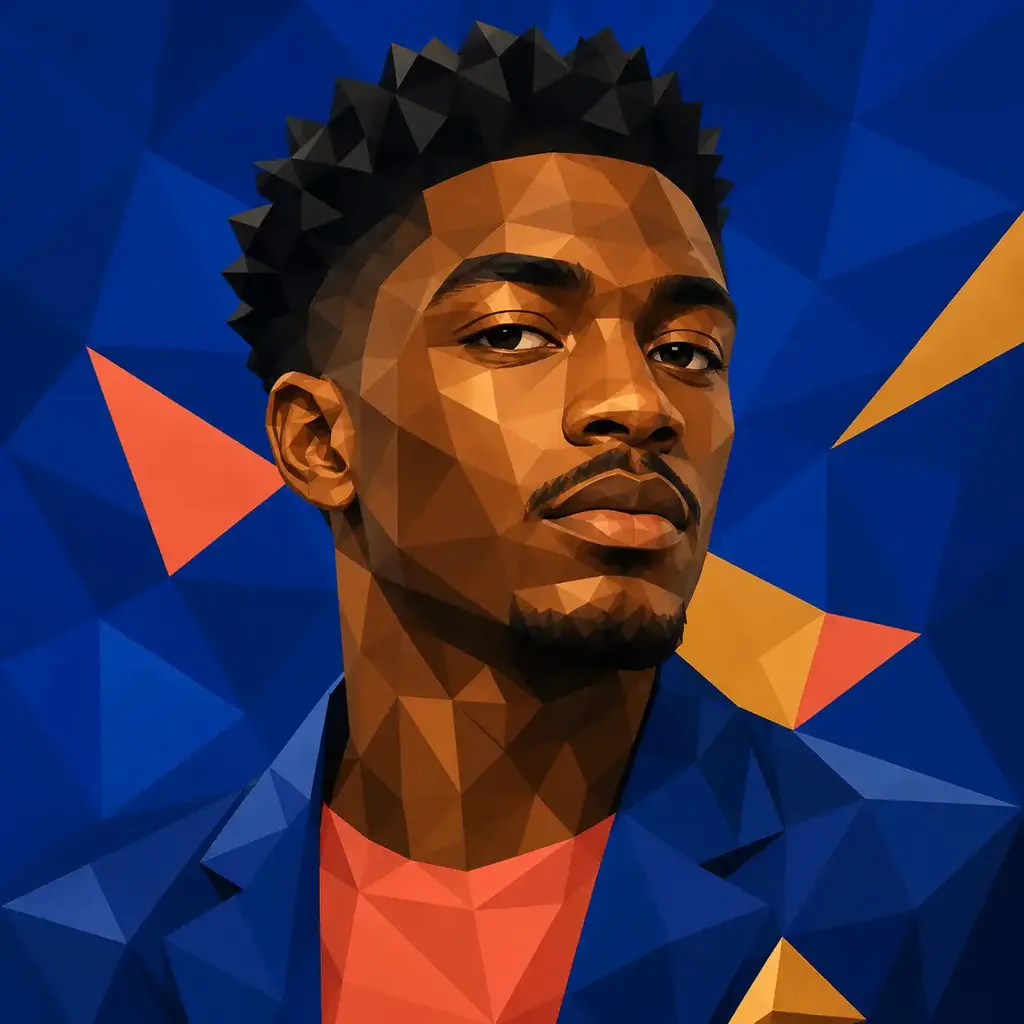
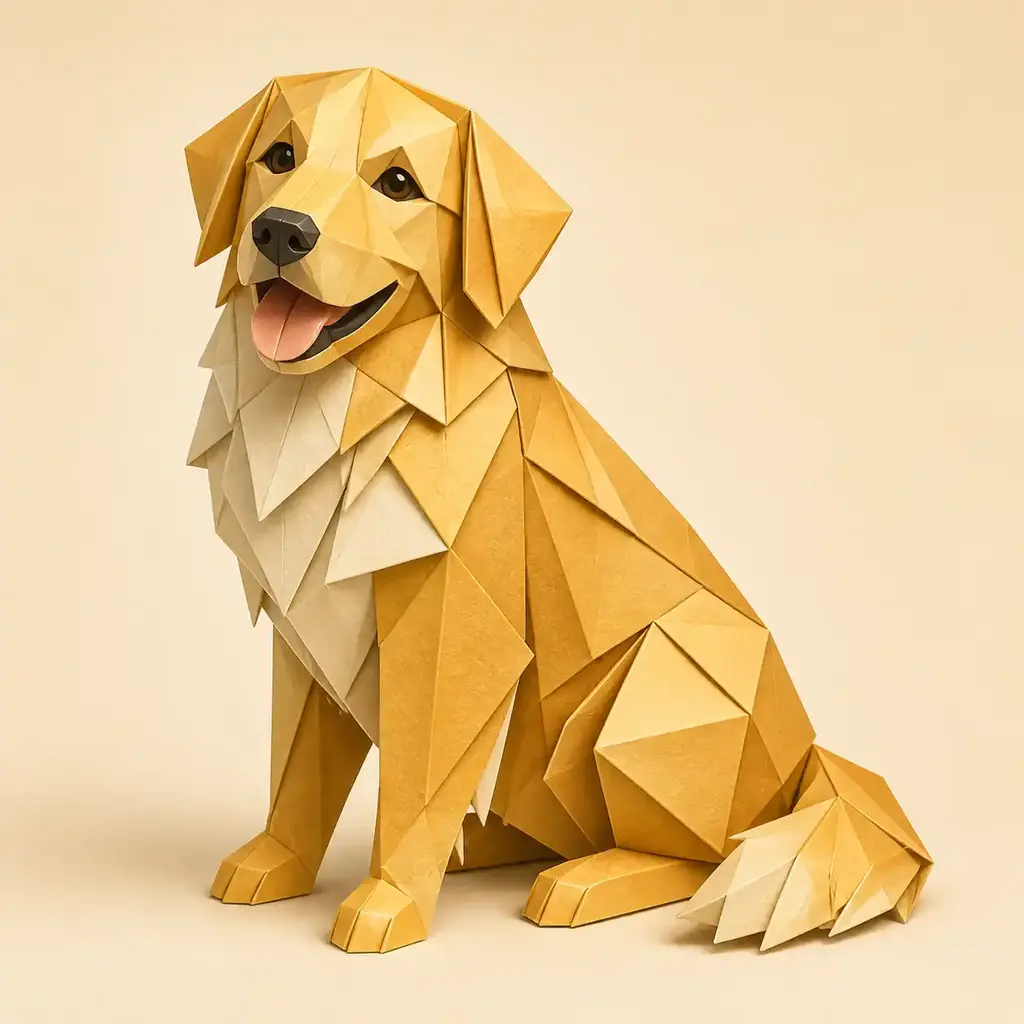
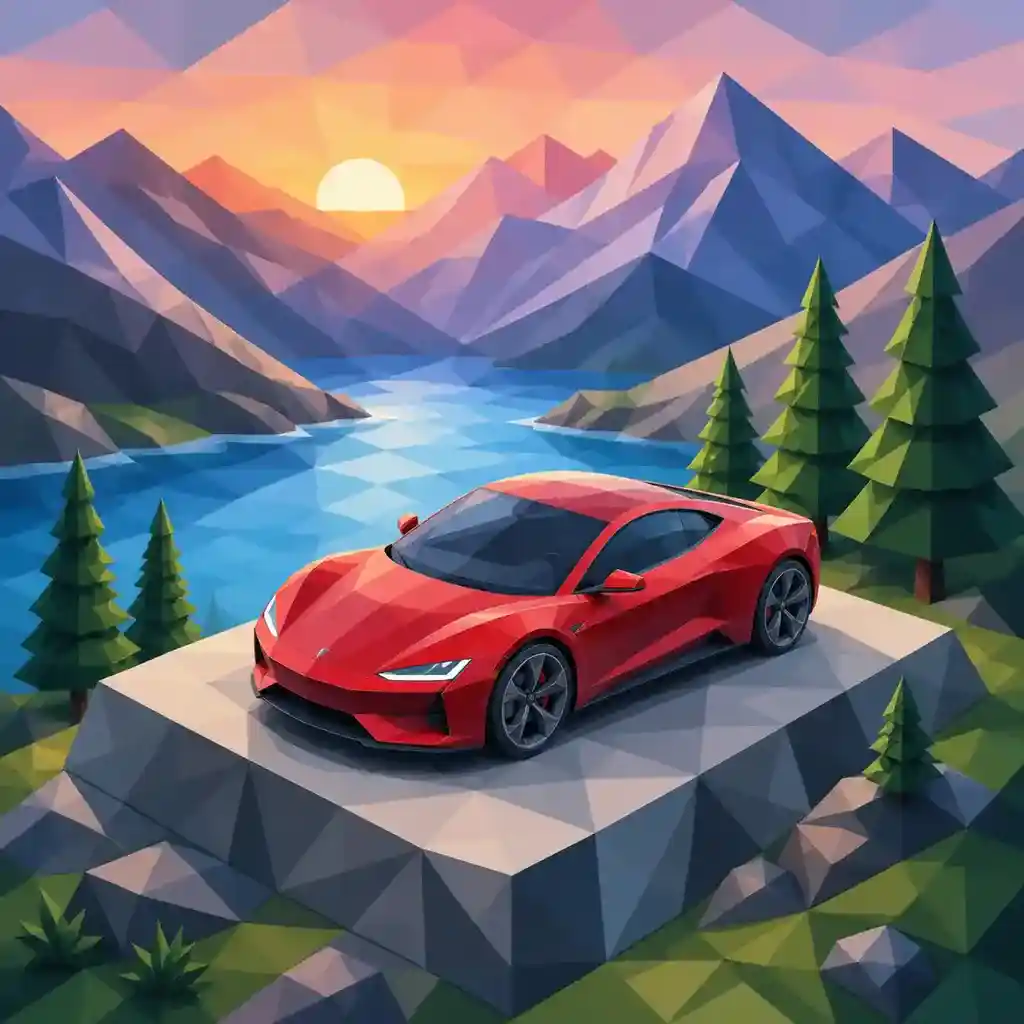
Turn Photo or Idea into Low Poly Artwork with Low Poly Art Generator
Skip the manual polygon tracing and the complex AI editor learning curve. Pixlio's low poly art generator converts any image into recognizable 2D low poly artwork in seconds—upload a photo or describe a scene, pick a style preset, dial in polygon density and colors, then download your finished piece as PNG or JPEG.
Get More Control Over Your Low Poly Artwork
Most low-poly converters spit out one result and call it done. Pixlio gives you real levers for style, detail, color, and likeness so each piece actually matches what you had in mind.
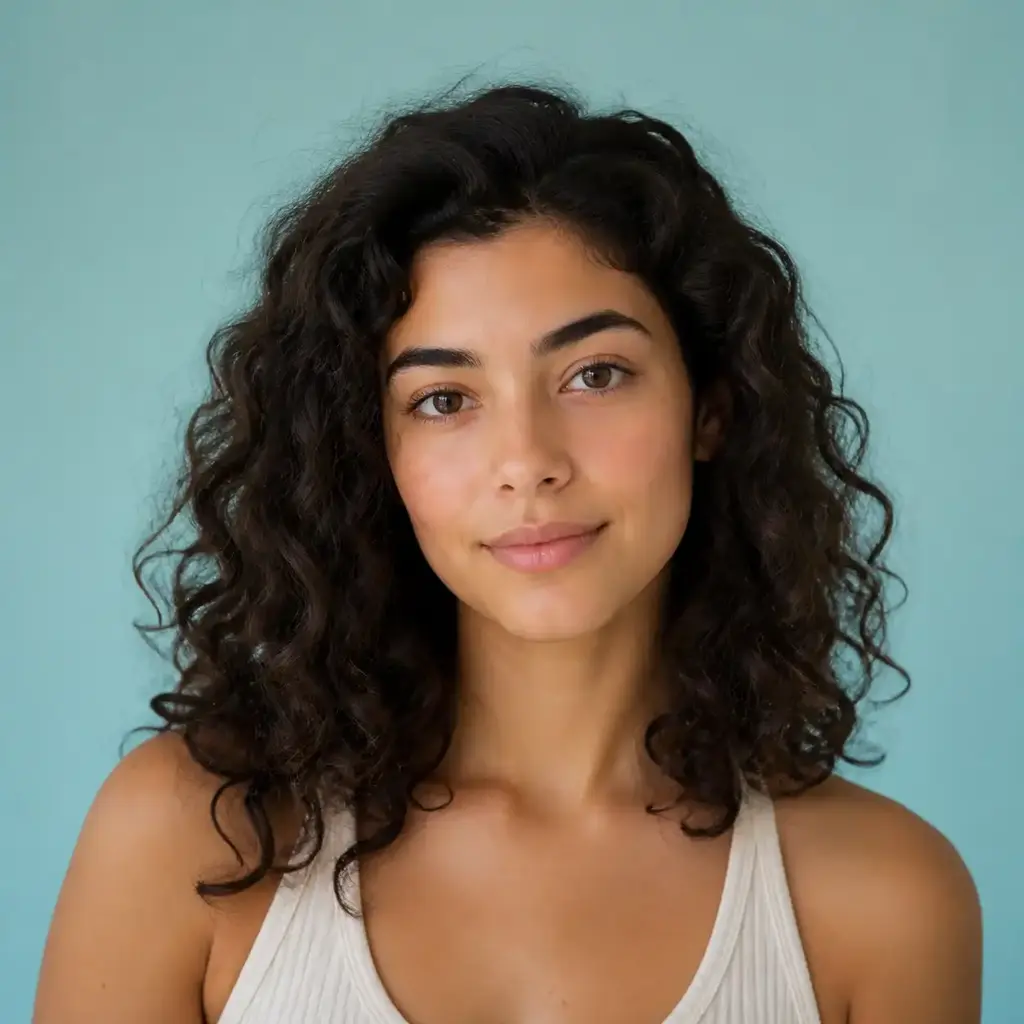
Source Likeness Preserves Faces in Your Low Poly Art
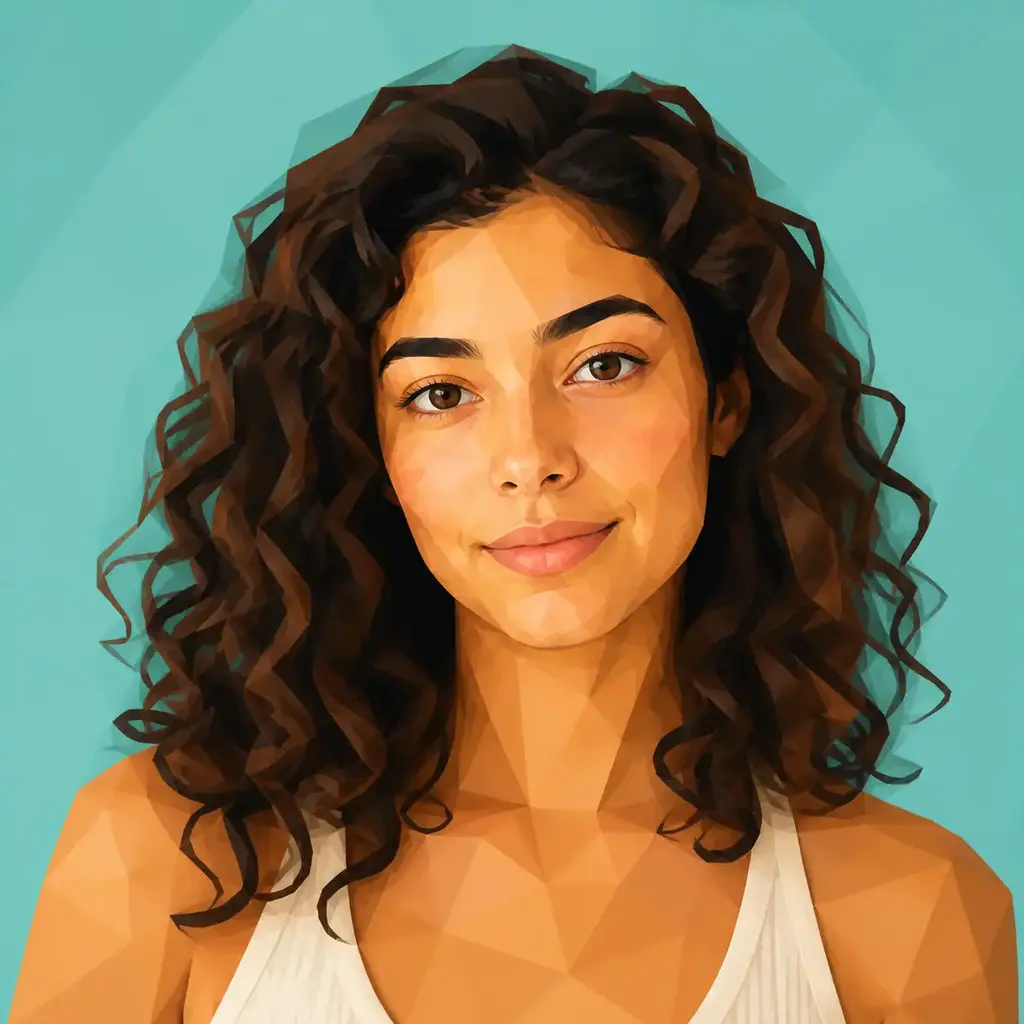
Geometric stylization often wrecks the subject—your dog becomes a blob, your face loses all resemblance. Pixlio's low poly art generator includes a Source Likeness control with three levels: Preserve Original keeps facial features and silhouette intact, Balanced opens up stronger styling while retaining identity, and Creative hands the AI more reinterpretation room. You pick how much of the original carries through.
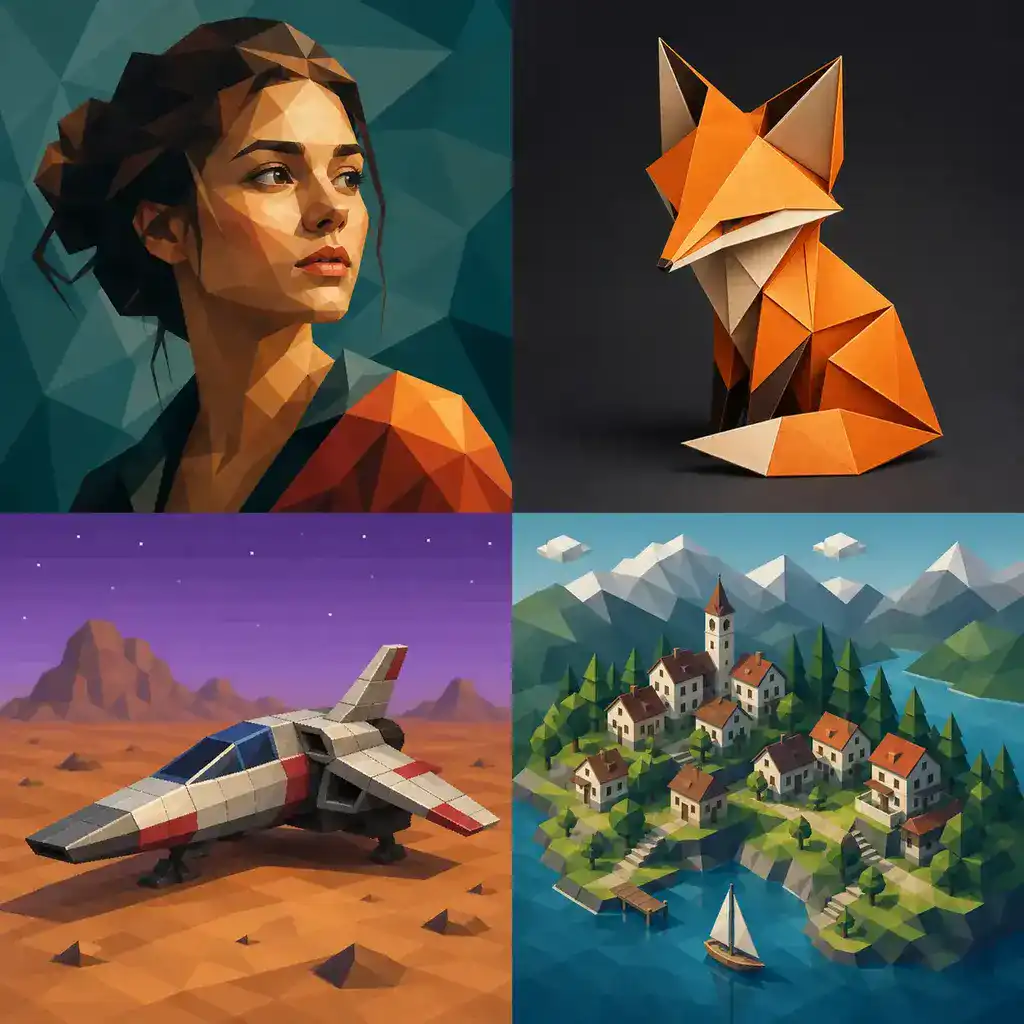
Six Style Presets for Every Low Poly Art Direction
Low poly covers a wide range—portraits, paper crafts, retro games, architectural scenes. Rather than guessing at text prompts, pick a preset: Classic Polygon for versatile triangular faceting, Low-Poly Portrait for face-aware geometry, Paper Sculpture for folded-paper depth, Faceted 3D Render for dimensional lighting, PS1 Retro for nostalgic game-art looks, and Isometric Low Poly for maps and scene compositions.
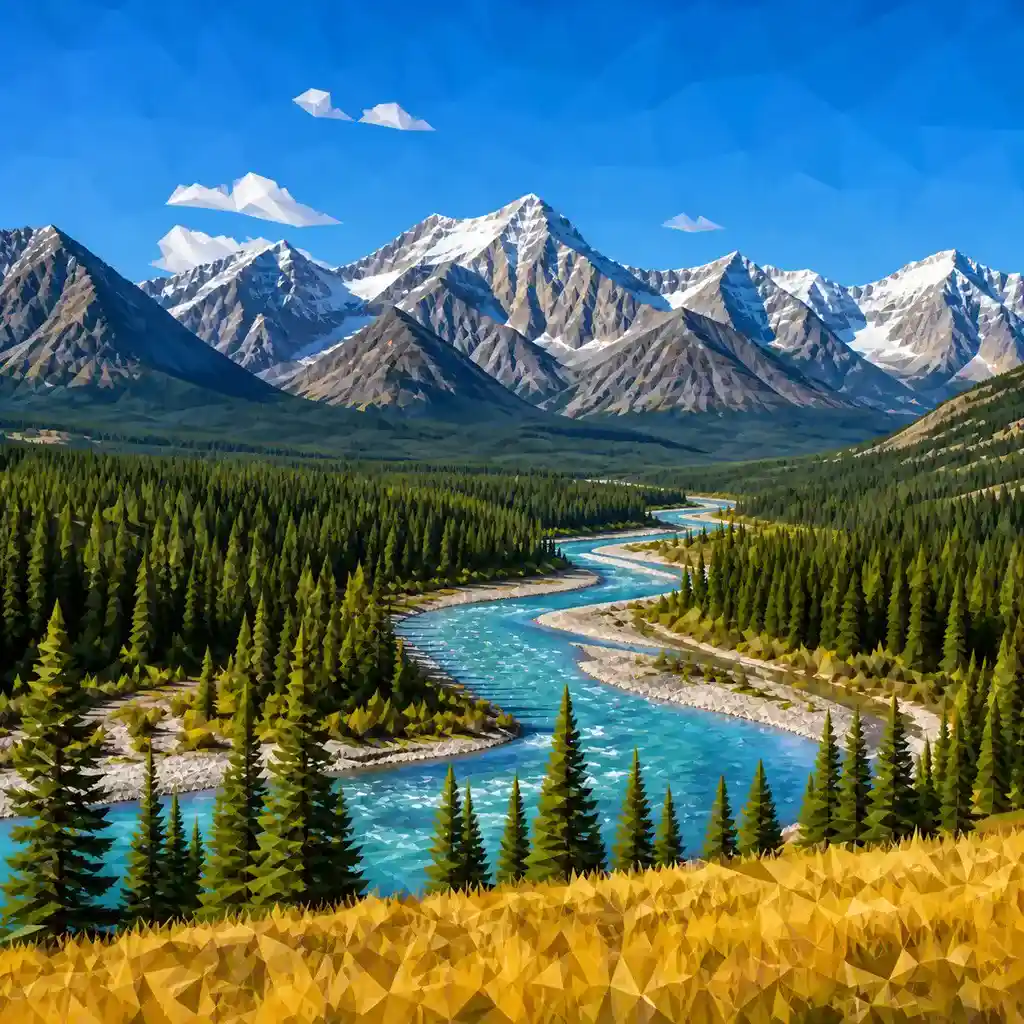
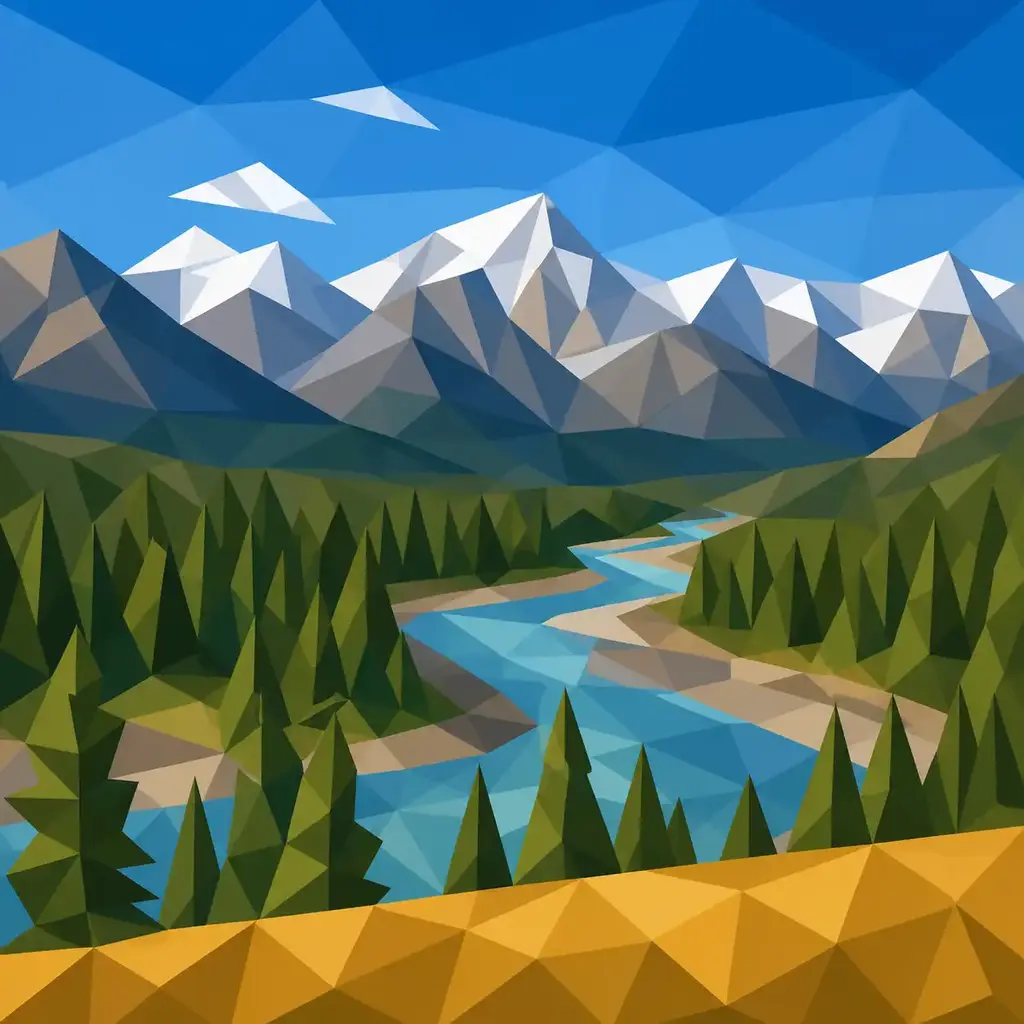
Polygon Detail Control Shapes Your Low Poly Artwork Precisely
Need bold, minimal facets for a poster? Or finer triangulation to keep a face readable? Polygon Detail gives you three choices: Low creates fewer, larger facets for heavy abstraction; Balanced keeps recognizable structure with a clear polygonal look; High packs in smaller facets for portraits and detailed subjects. You see the difference instantly—no prompt rewriting needed.
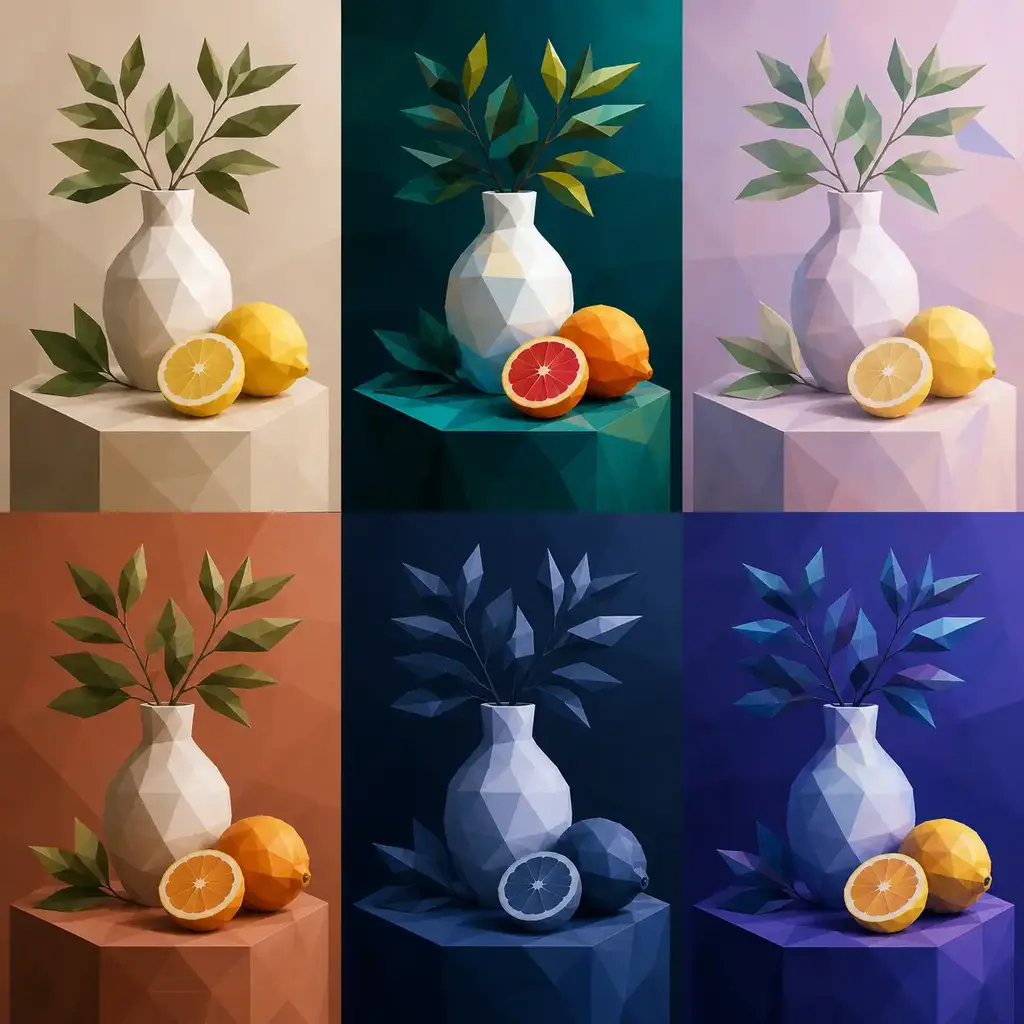
Color Palette Options for Polished Low Poly Artwork
Other converters ignore color and leave you with whatever comes out. Pixlio lets you choose: Source Colors pulls tones from your photo, Vibrant / Pastel / Earthy / Monochrome apply curated schemes, and Custom takes one hex anchor color and builds a harmonious palette around it. Useful when you need low poly artwork that matches a brand or fits a specific mood.
Make Low Poly Artwork in Under a Minute
No design background required. Upload, tweak a few settings, and download—the whole flow takes about 30 seconds.
Low Poly Art Generator for Creators, Designers, and Gamers
Whether you need a social avatar, a campaign asset, or retro concept art, the same tool handles it with consistent controls.
Social Creators Turning Selfies into Shareable Low Poly Artwork
Upload a selfie or pet photo and get a geometric portrait ready for Instagram, TikTok, or your profile picture. Likeness stays intact, the polygonal style is distinctive, and the download is ready to post without extra cropping or editing.
Designers Producing Repeatable Low Poly Art Assets
Need a set of visuals that share the same color language? Set your brand color as the custom anchor, lock in a preset, and run multiple subjects through the tool. Every output matches the same palette and aesthetic.
Friend Groups Creating Matching Low Poly Portraits
Run the same style preset and palette for everyone in the group. Each person's result stays recognizable thanks to Source Likeness, but the shared settings tie the set together—great for group chats, matching avatars, or printed gifts.
Indie Game Artists Generating Low Poly Concept Art
Use PS1 Retro or Isometric presets to get 2D concept art with an authentic retro-game feel. Describe a character, environment, or prop in Text mode and grab a quick visual reference for mood boards or pitch decks. This outputs flat artwork, not 3D models—but for direction-setting, that is exactly what you need.
Low Poly Art Generator FAQ
What is a low poly art generator?
A low poly art generator is an AI tool that converts a photo or text description into geometric, faceted 2D artwork made of visible polygon shapes. Pixlio's version gives you control over style, polygon density, color palette, and source likeness.
Does this tool create 3D models?
No. This tool produces 2D raster low poly artwork—flat images with a geometric, faceted look. It does not generate 3D meshes, topology, textures, or files for game engines. The output is a downloadable PNG or JPEG image.
Can I use both photos and text with this low poly art generator?
Yes. Photo to Low Poly mode lets you upload a JPG, PNG, or WebP image and convert it into geometric art. Text to Low Poly mode lets you describe a scene, object, or character and generate original artwork from scratch.
What style presets are available?
Six presets ship with the tool: Classic Polygon for general-purpose triangular faceting, Low-Poly Portrait for face-aware geometry, Paper Sculpture for folded-paper depth, Faceted 3D Render for dimensional lighting, PS1 Retro for nostalgic game-art styling, and Isometric Low Poly for geometric scenes and maps.
How much does it cost to generate low poly artwork?
Each generation costs 3 credits. Pixlio gives you free credits at signup, so you can try the tool right away. More credits are available through paid plans.
Will my portrait still look like me after processing?
Yes, if you use the Source Likeness control. The default Preserve Original setting prioritizes your facial features, silhouette, and key structure. Balanced allows more stylization, and Creative gives the AI more reinterpretation freedom while keeping broad resemblance.
More AI Image Tools
Explore our collection of AI-powered image tools designed for different creative needs and styles