 Pixlio AI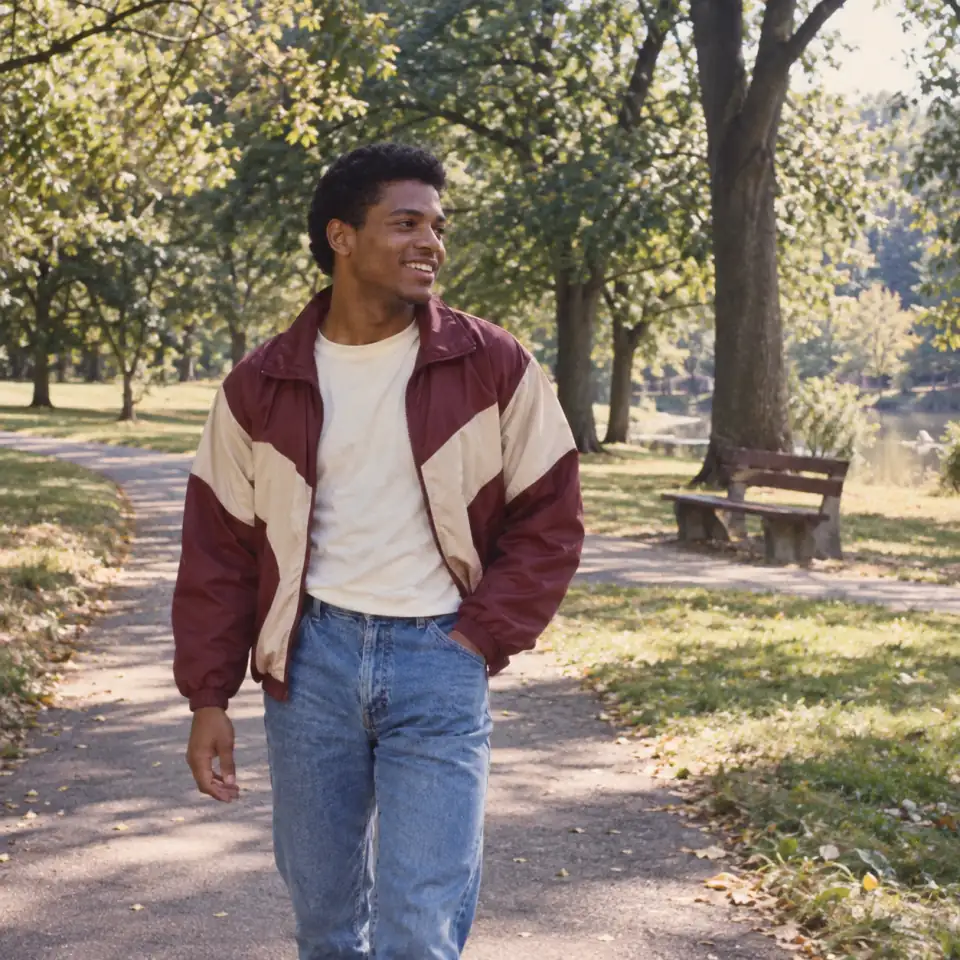
Meet Your Retro Self with the 1980s AI Photo Generator
Give your portrait an 80s-inspired setting, outfit and hairstyle. With just one photo and one look choice, see yourself in the 1980s without building a prompt from scratch.
Find Your Look with the 1980s AI Photo Generator
An 80s portrait can mean a formal studio sitting, a soft glamour photograph or an everyday snapshot. Pick the setting that suits your idea; each look supplies styling directions beyond a simple color tint.
Picture Yourself at a Classic Studio Sitting
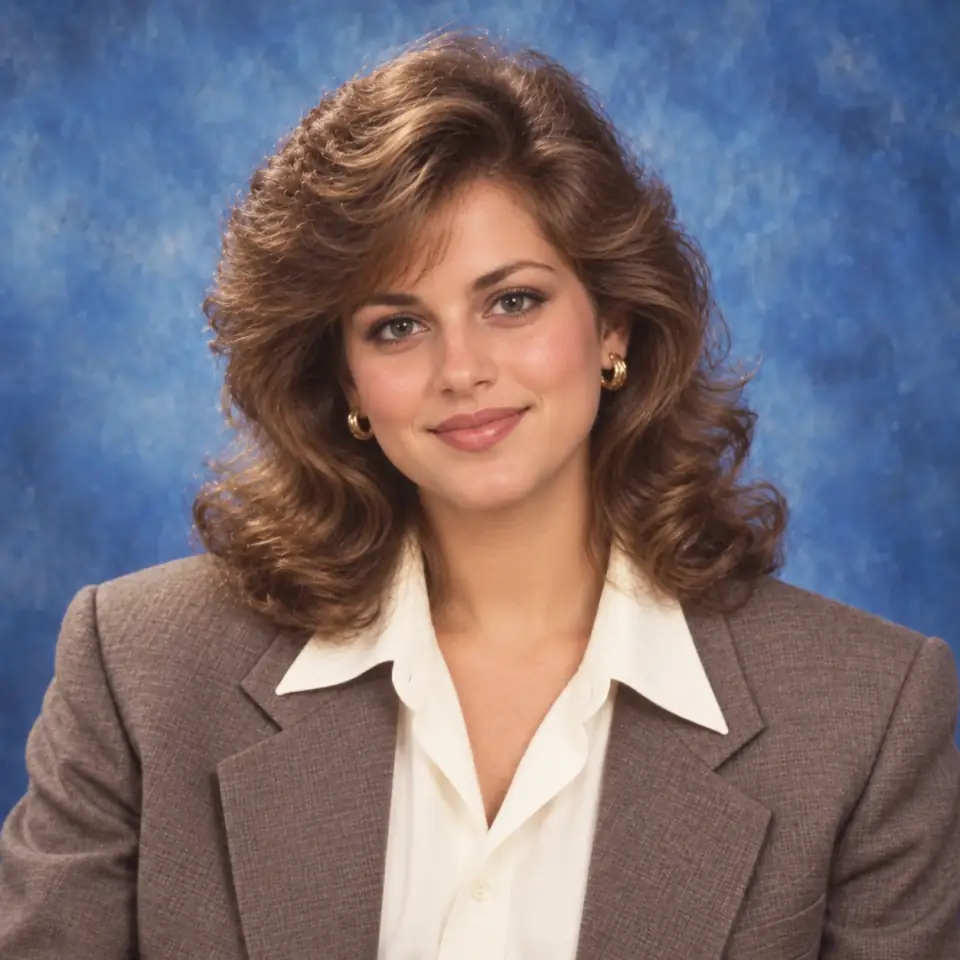
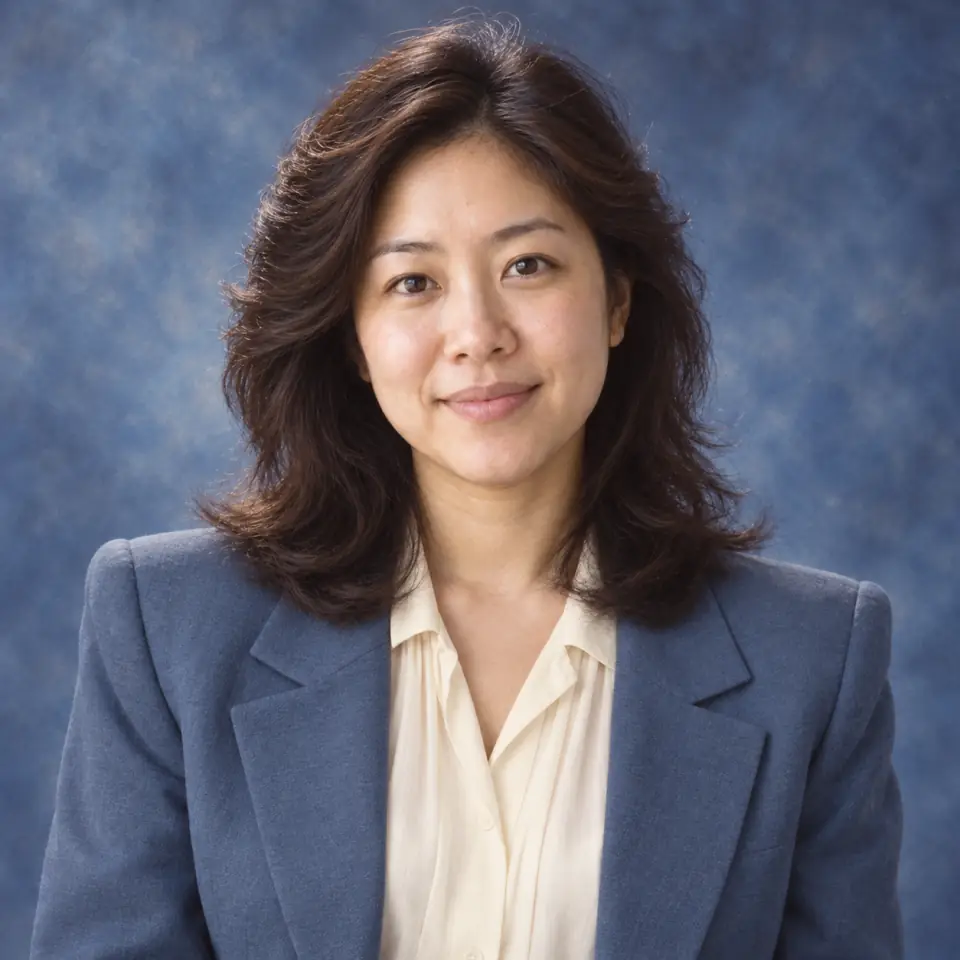
For a portrait with an old photo-album feel, start with Classic studio. With a mottled blue backdrop, soft light and structured clothing, this default look can change your hairstyle to a feathered or voluminous style appropriate to the subject. The 1980s AI photo generator asks for an upper-body composition while retaining recognizable facial features and natural hair texture. Leave the prompt empty or add a clothing preference. The intended result combines period styling with the feel of a photographic portrait.
Dress Up for a Mall Glamour Portrait
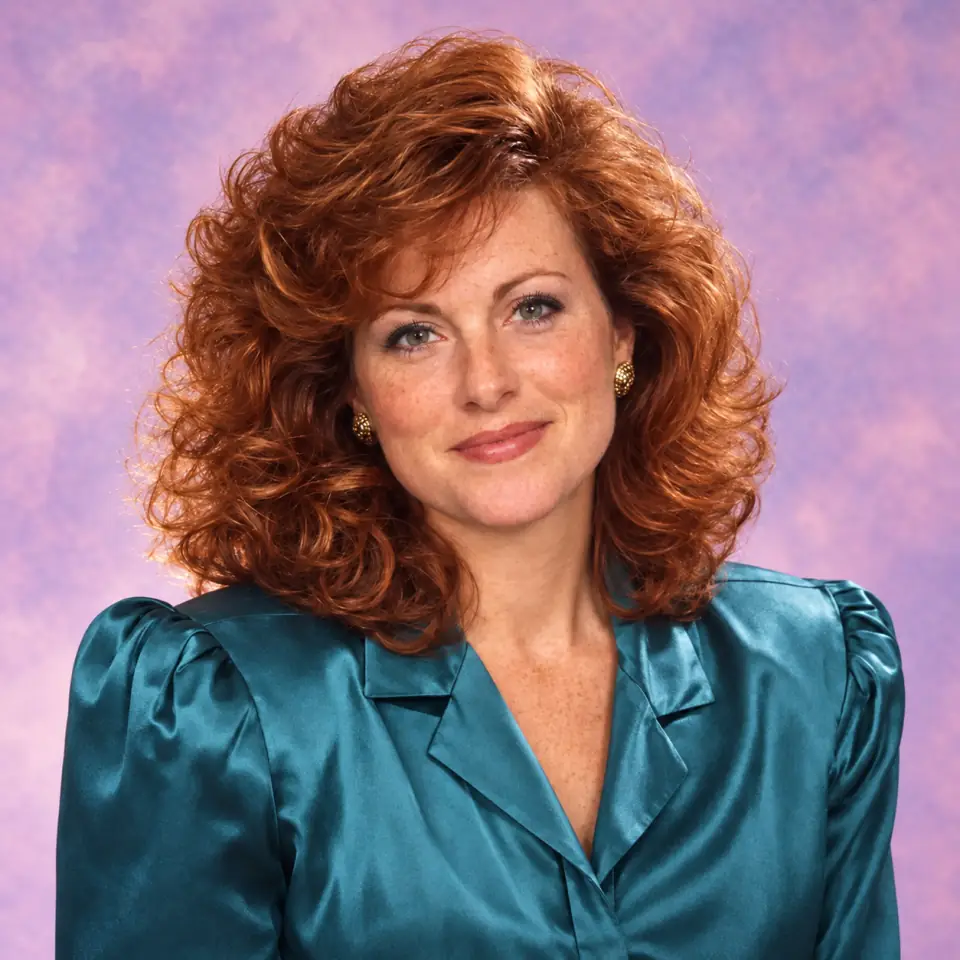
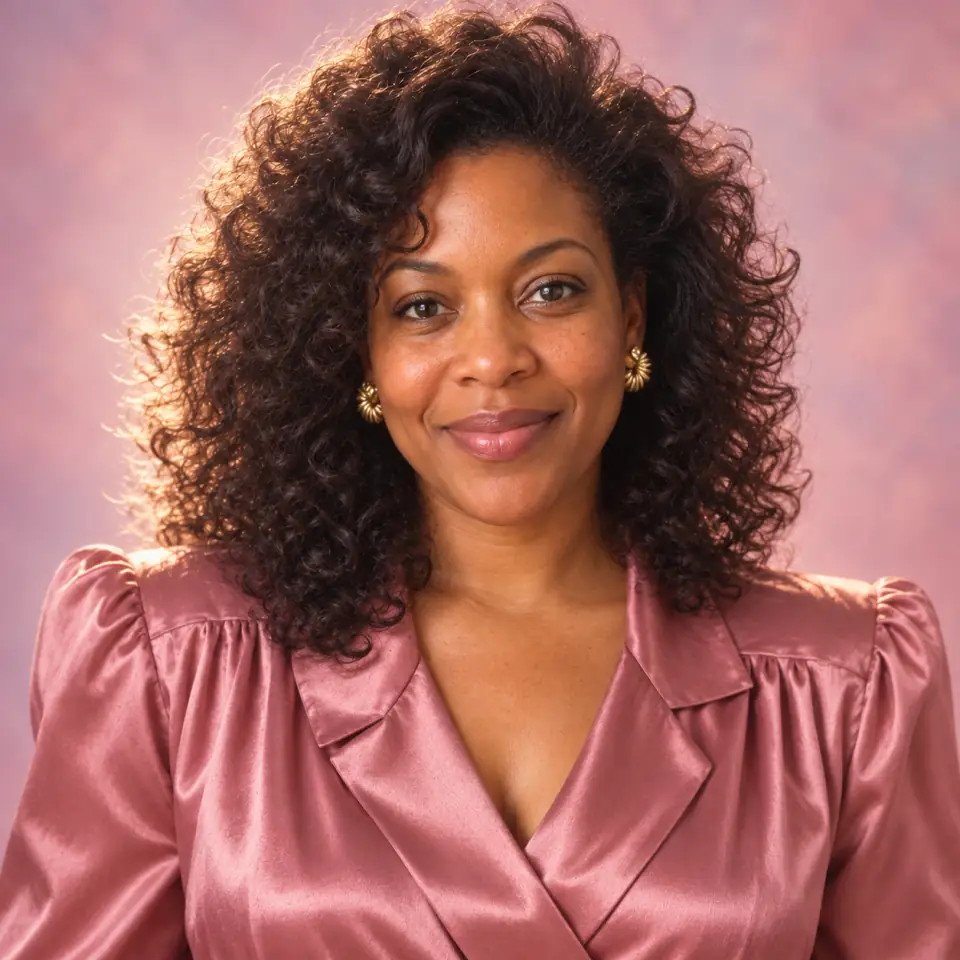
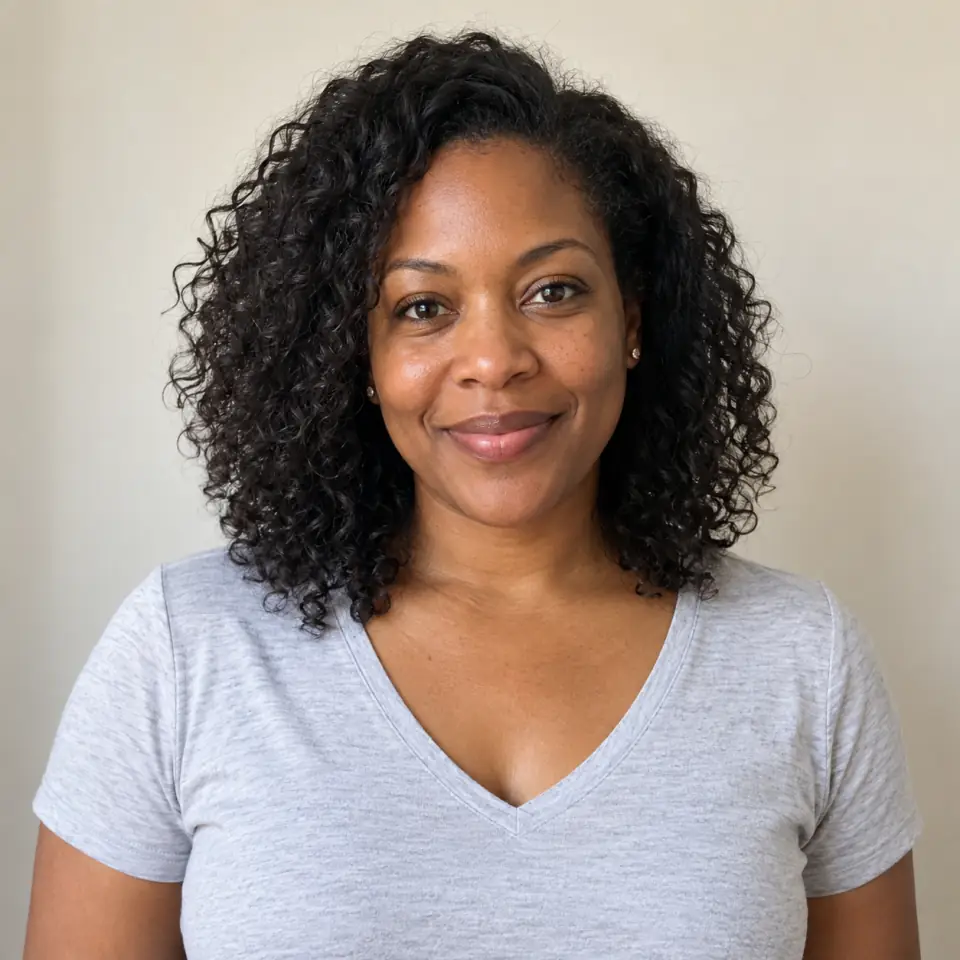
If your nostalgia runs toward dressier portraits and pastel backgrounds, choose Mall glamour. Its directions draw on late-1980s mall photography: fuller hair, period occasionwear and soft optical diffusion, with eyes and facial details kept readable as a prompting goal. It offers a different mood from the more restrained studio look without asking you to describe every part of a photo session. Add an optional styling preference when you have a particular outfit in mind. Review the generated interpretation to decide whether that softer, dressed-up treatment fits your idea.
Give an Everyday Moment an 80s Photo-Album Feel
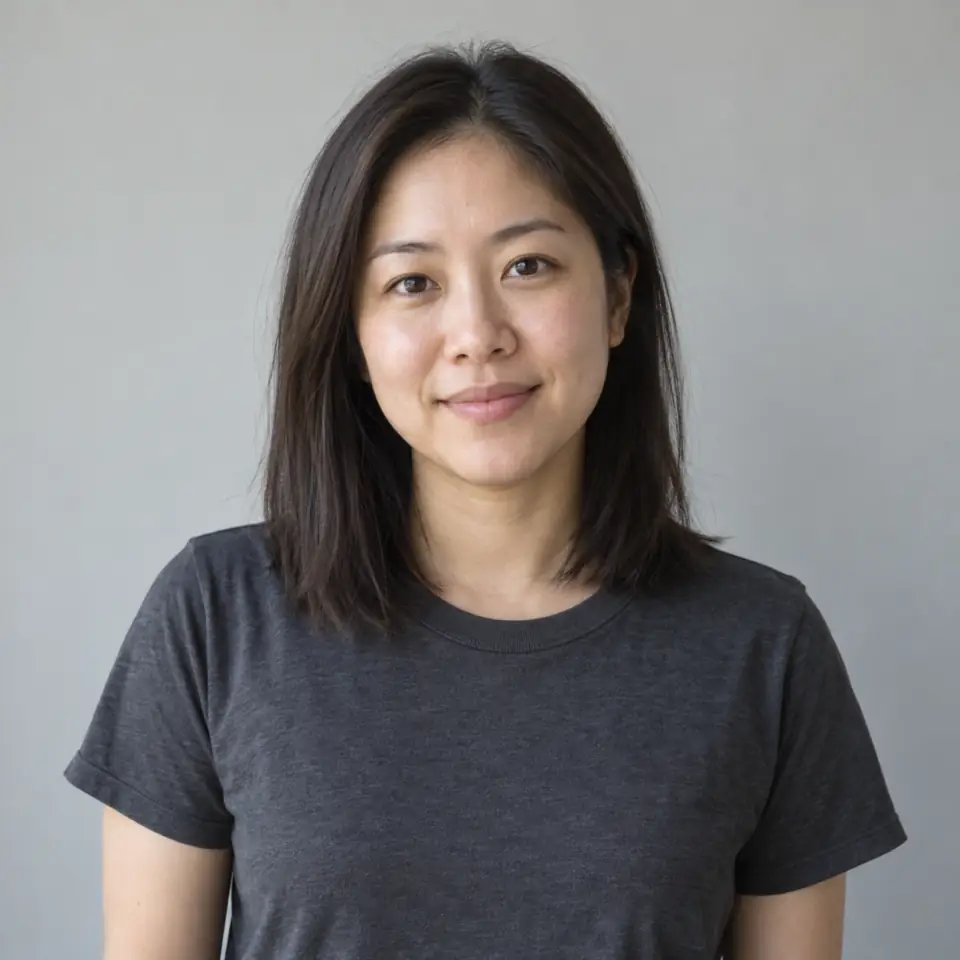
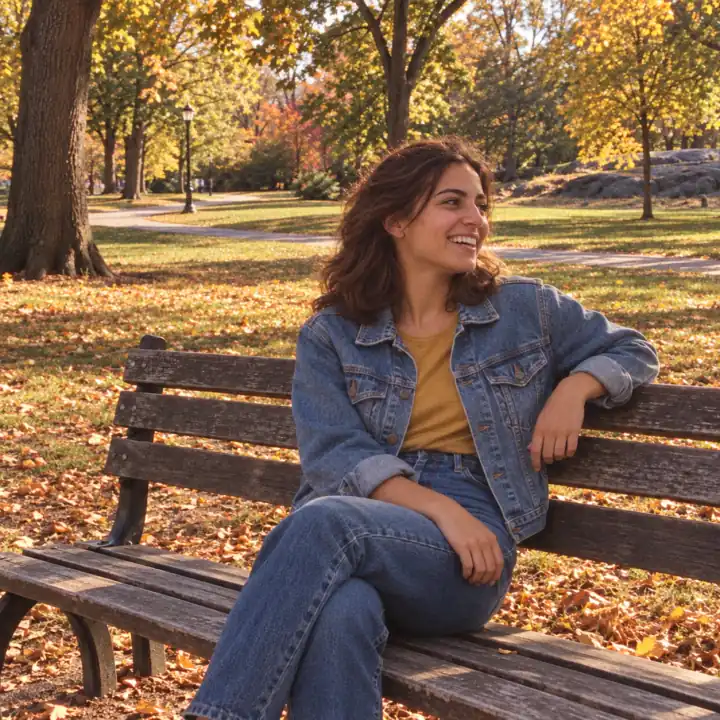
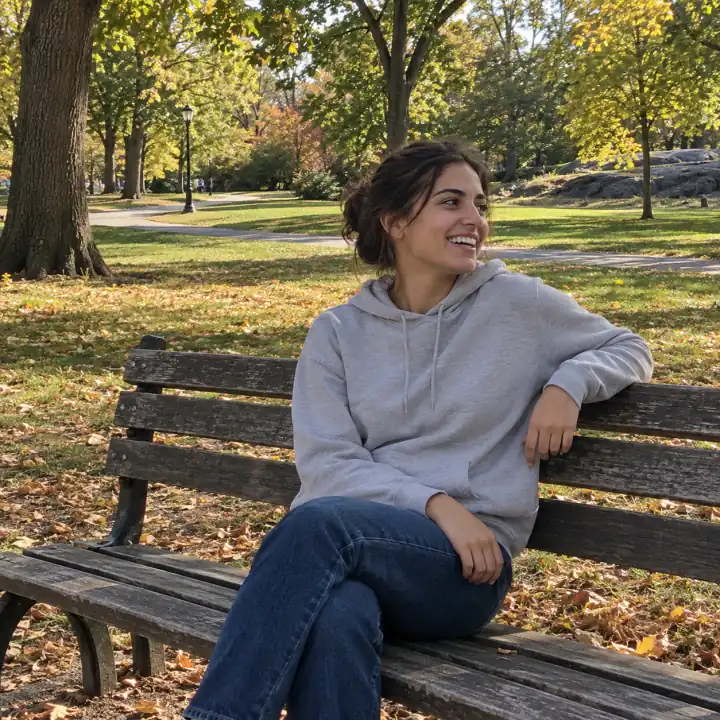
An everyday moment can carry nostalgia without a formal pose. Candid snapshot starts with instructions for casual period clothes, a home setting, direct flash and gently faded warm colors. The outdoor example shown here illustrates a different direction you can request in the optional prompt: an autumn park snapshot with denim styling. Use the 1980s AI photo generator to explore your own preferences within the selected look.
From Your Portrait to an 80s-Inspired Photo
Our 1980s AI photo generator only requires a source photo. Keep the defaults for a straightforward start, or adjust the look, optional prompt and aspect ratio before you generate.
Make Room for a Little Personal Nostalgia
Bring an imagined version of your past into personal creative projects. The 1980s AI photo generator works from one person's photo, with framing choices for different places you might share it.
A Retro Profile Picture
Use our 1980s AI photo generator to explore a different mood for your personal avatar with a studio or glamour portrait. Choose a square ratio if that fits your profile layout, then inspect the face and framing before sharing. You can try another look with the same source photo when you want a different interpretation.
Your Photo for an 80s-Themed Occasion
Create a personal portrait to accompany a themed birthday post or reunion message. Pick the look that fits the occasion and add an outfit preference if you have one. This tool generates the portrait itself; invitation lettering, dates and multi-person layouts belong in a separate design workflow.
An Imagined Photo-Album Moment
Share a playful answer to what you might have looked like in the decade. Candid snapshot provides a casual home-photo direction, while Classic studio suggests a more formal sitting. Present the image as an AI-created interpretation when sharing it with family or friends, rather than an actual memory.
Questions About Your 1980s AI Photo Generator Portrait
What photo can I upload?
Upload one JPEG, PNG or WebP image up to 15 MB. Choose a clear portrait of one person with their full head visible, as described in the uploader. You can also select an existing image through Browse My Creations or crop your source using the shared upload controls.
Which 80s looks can I choose?
Classic studio is the default, with instructions for a blue studio backdrop, soft light and structured period clothing. Mall glamour requests fuller hair, dressier clothing, pastel surroundings and optical softness. Candid snapshot requests a domestic setting, casual styling, direct flash and warm, faded colors. Pixlio's 1980s AI photo generator uses these as creative directions; they describe the intended treatment rather than a guarantee that every detail will appear.
Do I need to write a prompt?
No. Upload a photo and keep the default look and aspect ratio to start. The optional prompt accepts up to 3,000 characters for preferences such as a denim jacket, hair color or warm autumn colors. These supplement the selected look; identity, single-person composition and output dimensions take priority when preferences conflict. There are no separate hair, outfit or background sliders.
Will the result look exactly like me?
The 1980s AI photo generator asks the model to preserve recognizable facial structure, apparent age, skin tone, expression and natural skin texture while changing period styling. Facial details, framing and other elements can vary. Review the preview before choosing an image to share. The tool creates a new interpretation of your portrait.
Can I edit the photo after generating it?
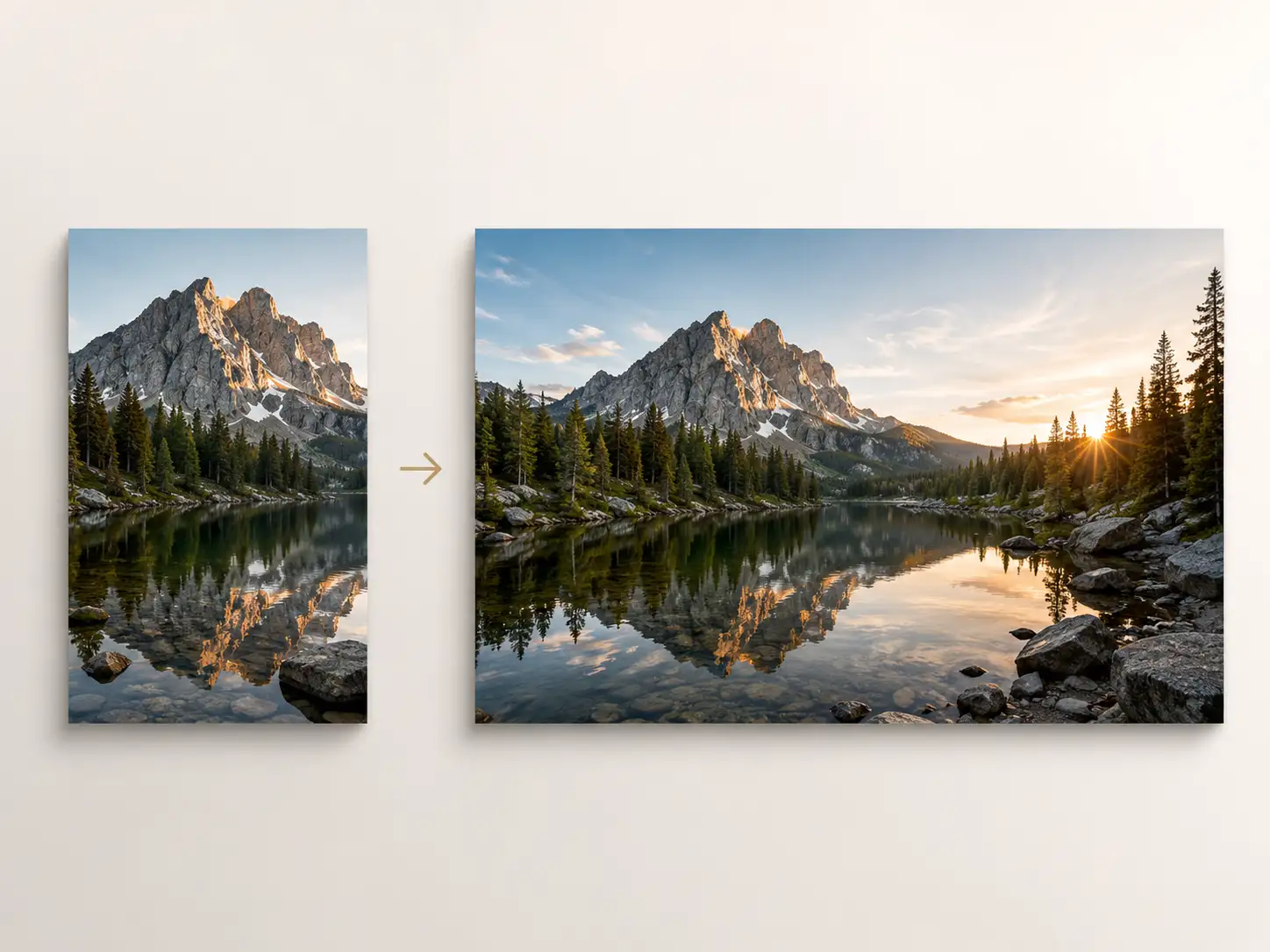
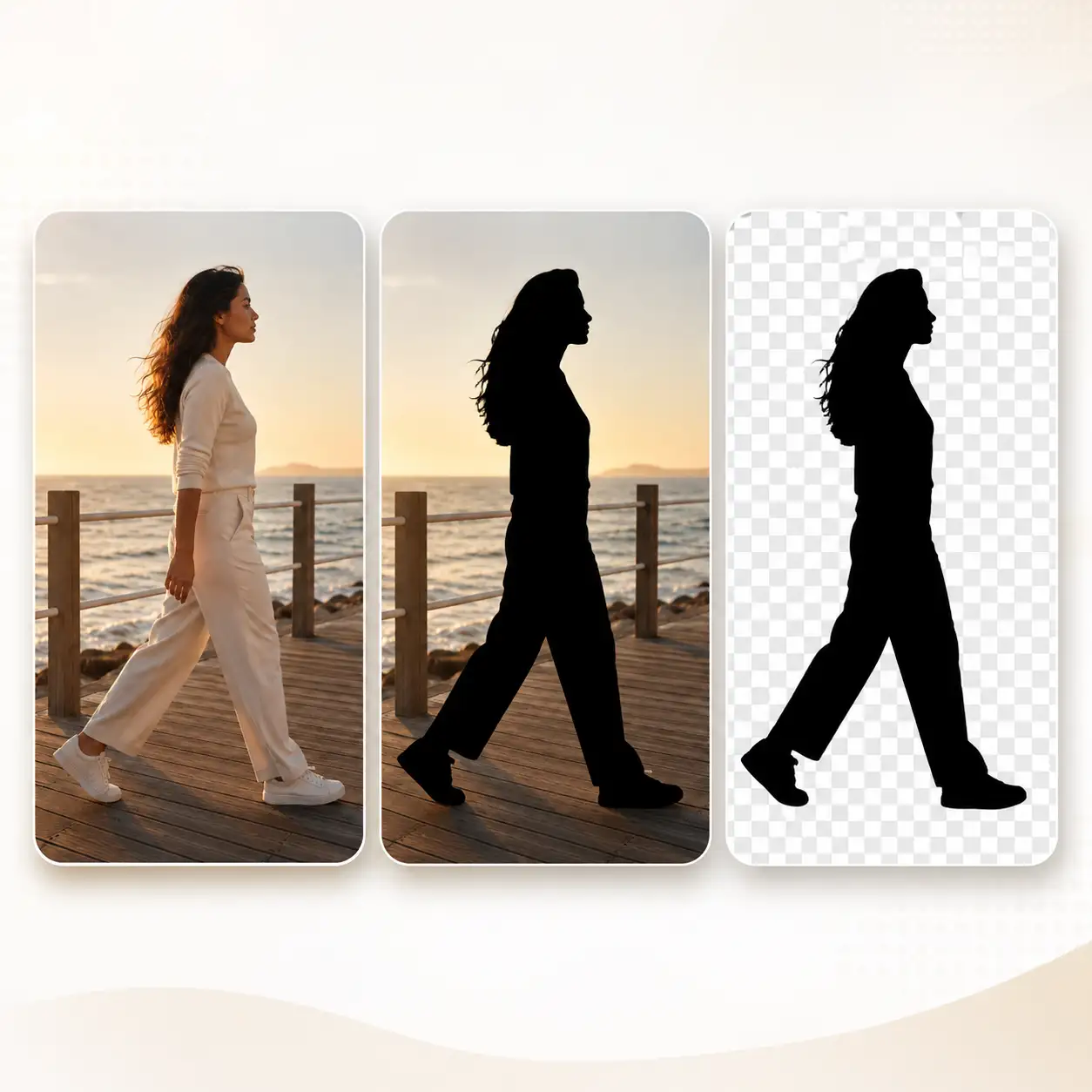
Yes. The result toolbar offers Edit, Upscale, Remove Background, Extend and Create Video alongside Download and My Creations. These actions pass the selected image into existing Pixlio tools rather than adding changes to the original generation request. You can inspect the result with zoom and fullscreen controls first.
More AI Image Tools
Explore our collection of AI-powered image tools designed for different creative needs and styles