 Pixlio AI
Result
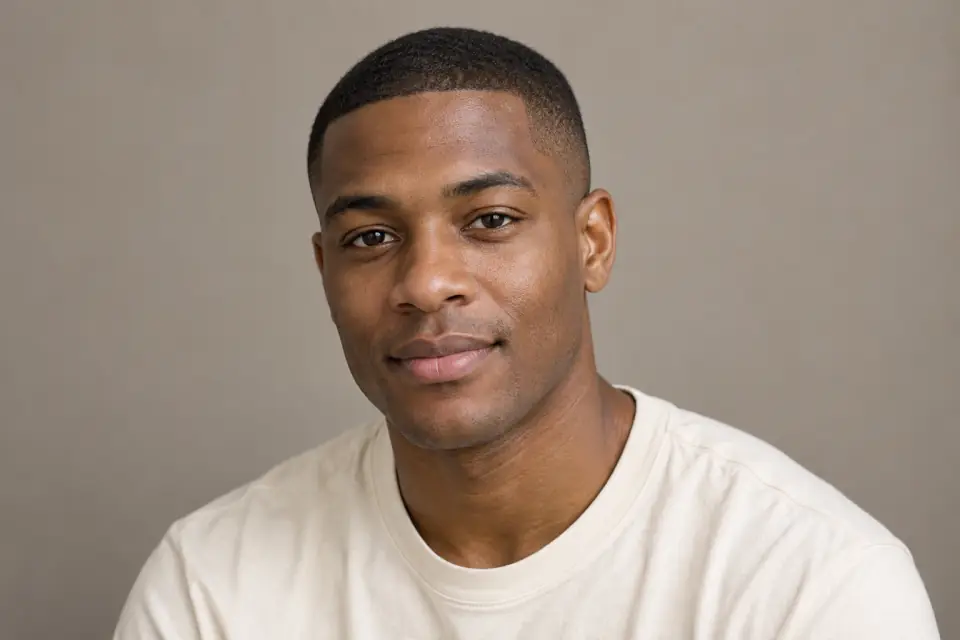
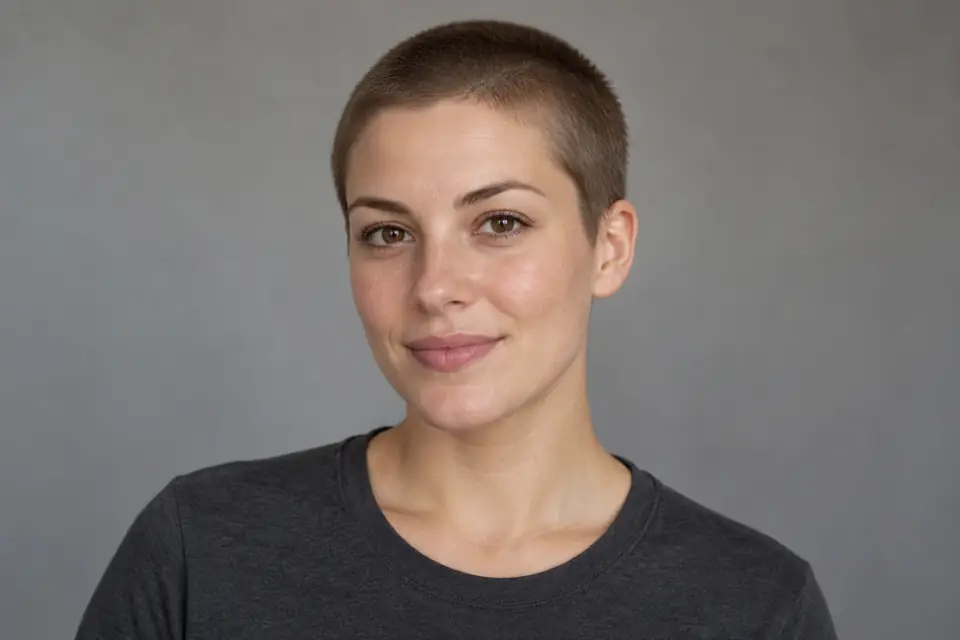
See Yourself with Shorter Hair Using a Buzz Cut Filter
Wondering how short hair might look on you? Explore different visual lengths with your own photo, and download an AI preview to review before your next haircut. No written prompt needed.
Find a Starting Point for Your Next Haircut
A buzz cut filter turns an abstract haircut idea into something you can look over. Start with your own photo, choose a visual length, and examine the result with the limits of an AI preview in mind.

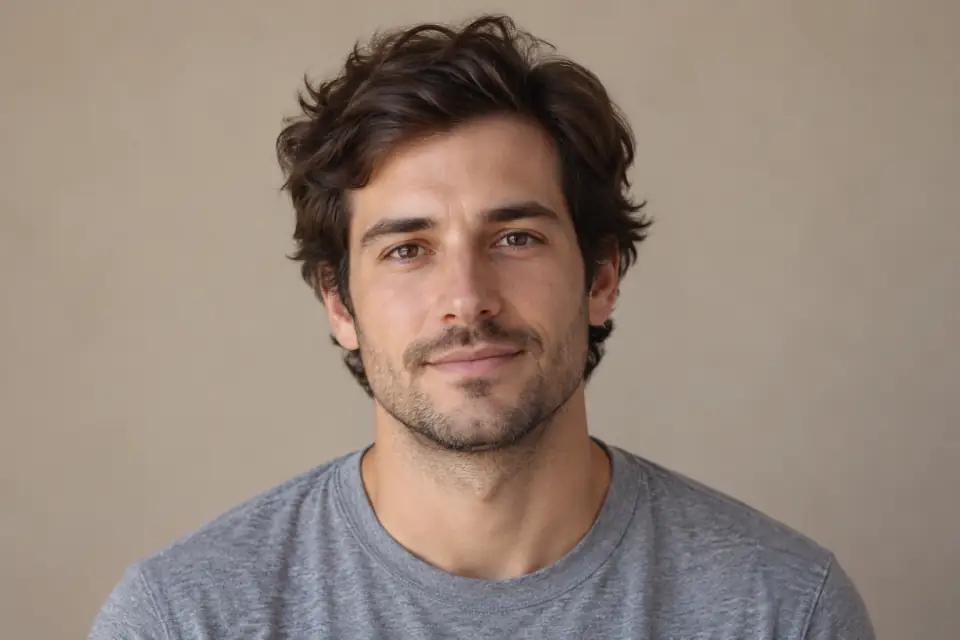
Picture a classic buzz cut on your own portrait
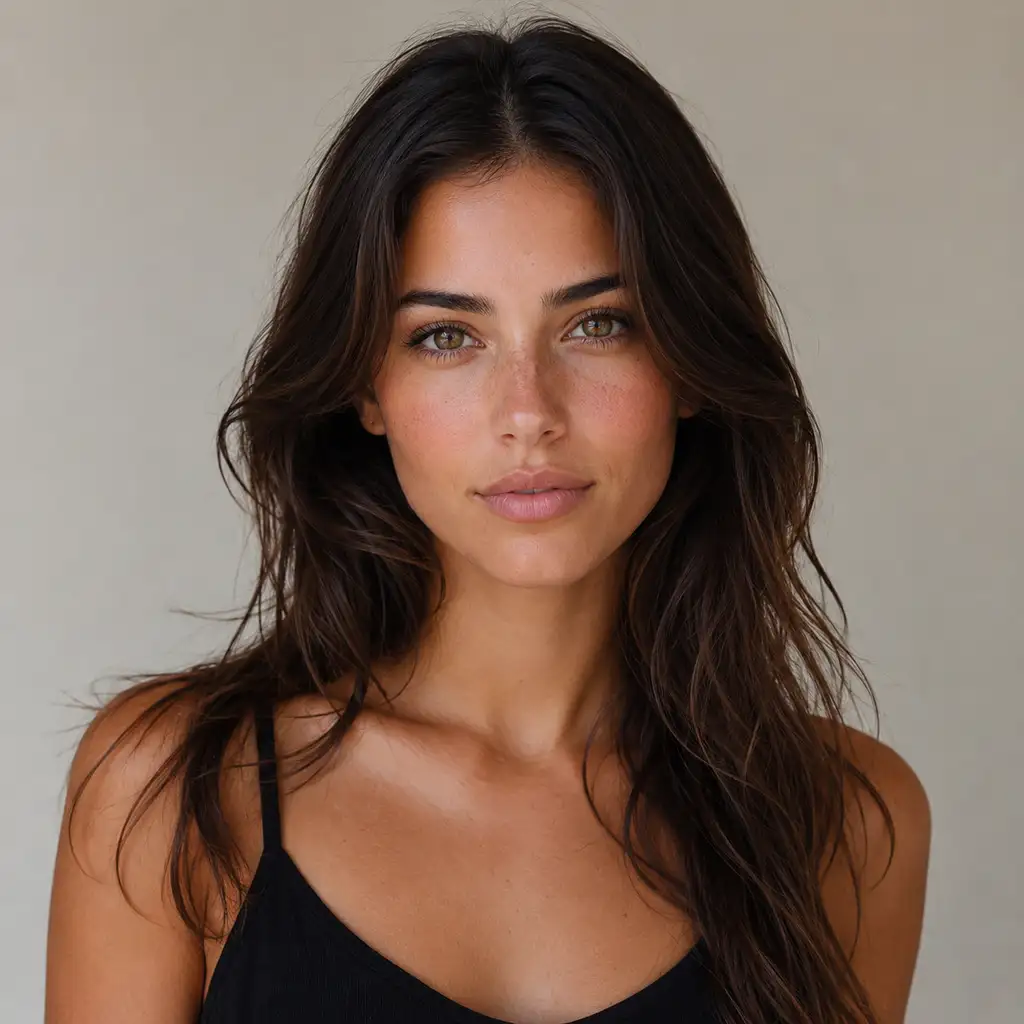
A hairstyle reference on someone else can leave you wondering how shorter hair might look around your own face. Pixlio's buzz cut filter starts with your portrait and asks the AI to shorten scalp hair while retaining your facial features, expression, facial hair, and surroundings. Classic requests short, even coverage with visible hair. The edit aims to keep your natural hairline and color, giving you a personal reference to inspect.
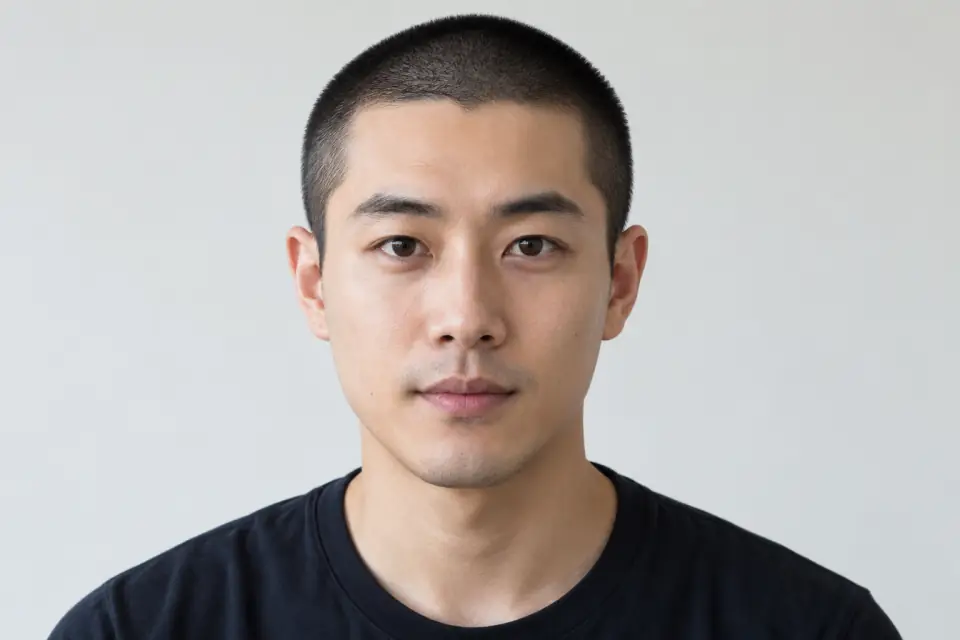
Explore how close you want to go
If you are torn between close stubble and a little more coverage, the buzz cut filter offers three visual directions without a written prompt. Very short requests close, even stubble with hair remaining. Classic sits between that and Longer, which requests a denser, slightly longer crop without bangs or a styled long top. Generate one option, then change the length for another preview. Each request uses your current source photo, so you can explore alternatives from the same starting point.
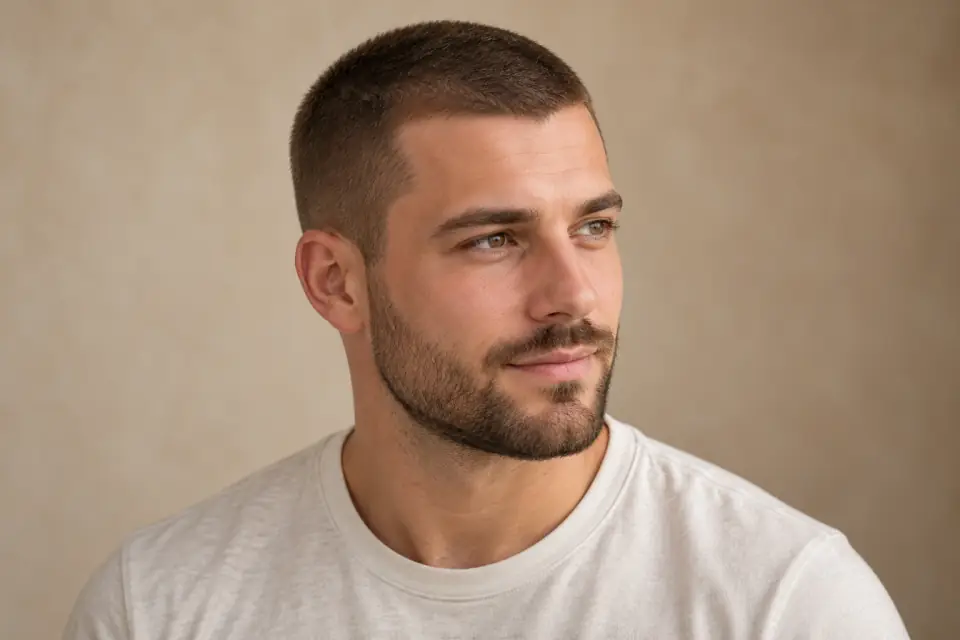
Keep a reference you can look over later
Your haircut decision may need more than a glance at the result. The buzz cut filter lets you inspect the generated portrait with zoom and fullscreen controls, then download it for personal review or a barber conversation. Auto targets the source framing; square, portrait, and landscape choices request a different composition. Selecting a new ratio may change the surrounding framing or background.
From Portrait to Short-Hair Preview in Four Steps
The buzz cut filter has two generation choices: hair length and output proportions. Prepare your photo, make your selections, and review the estimated cost before you submit.
Give Your Haircut Ideas a Visual Reference
Whether you are exploring a first buzz cut or deciding how much coverage to keep, the buzz cut filter gives you a personal preview to consider before your next appointment.
Explore a shorter look before booking
Thinking about a big change but struggling to picture it? Use the buzz cut filter to create a visual starting point on your own photo. If you are still considering other haircuts, explore more looks with Pixlio's AI hairstyle changer before narrowing your choice. You can reflect on the shorter silhouette before deciding what to discuss at an appointment.
Find how short you want to go
Not sure whether you prefer close stubble or a little more coverage? Start with Classic, then try Very short or Longer using the same source photo. The buzz cut filter creates one preview per generation, so you can download each option and review the looks before choosing a direction for your haircut.
Make the barber conversation more concrete
Bring a downloaded preview to explain the general amount of coverage you have in mind. Your barber can discuss practical details that an image cannot settle, including guard choice, growth patterns, and the shape hidden beneath existing hair. Treat the buzz cut filter result as a conversation reference rather than a precise cutting instruction.
Questions About Your Buzz Cut Preview
What does a buzz cut filter do?
It uses AI to edit an uploaded portrait into a short-hair preview. Pixlio offers three visual lengths and a choice of output proportions. Pixlio's buzz cut filter aims to help you explore a haircut on your own photo.
Which photos can I upload?
Pixlio's buzz cut filter accepts one JPG, PNG, or WebP file up to 15 MB. Use a clear portrait of one person with the full head visible. The uploader includes a crop control, and you can also choose a saved creation as their source image.
Do the lengths match clipper guard numbers?
No. The buzz cut filter uses Very short, Classic, and Longer to describe visual coverage, not guard numbers or millimeters. Very short still requests visible stubble rather than a bald head. Ask your barber how to translate your preferred preview into an actual cut.
Can I try other hairstyles or a different hair color?
Yes. To explore haircuts beyond a buzz cut, try Pixlio's AI hairstyle changer. If you want to experiment with a new shade, use the AI hair color changer. These separate tools let you explore more options for your next look.
More AI Image Tools
Explore our collection of AI-powered image tools designed for different creative needs and styles