 Pixlio AI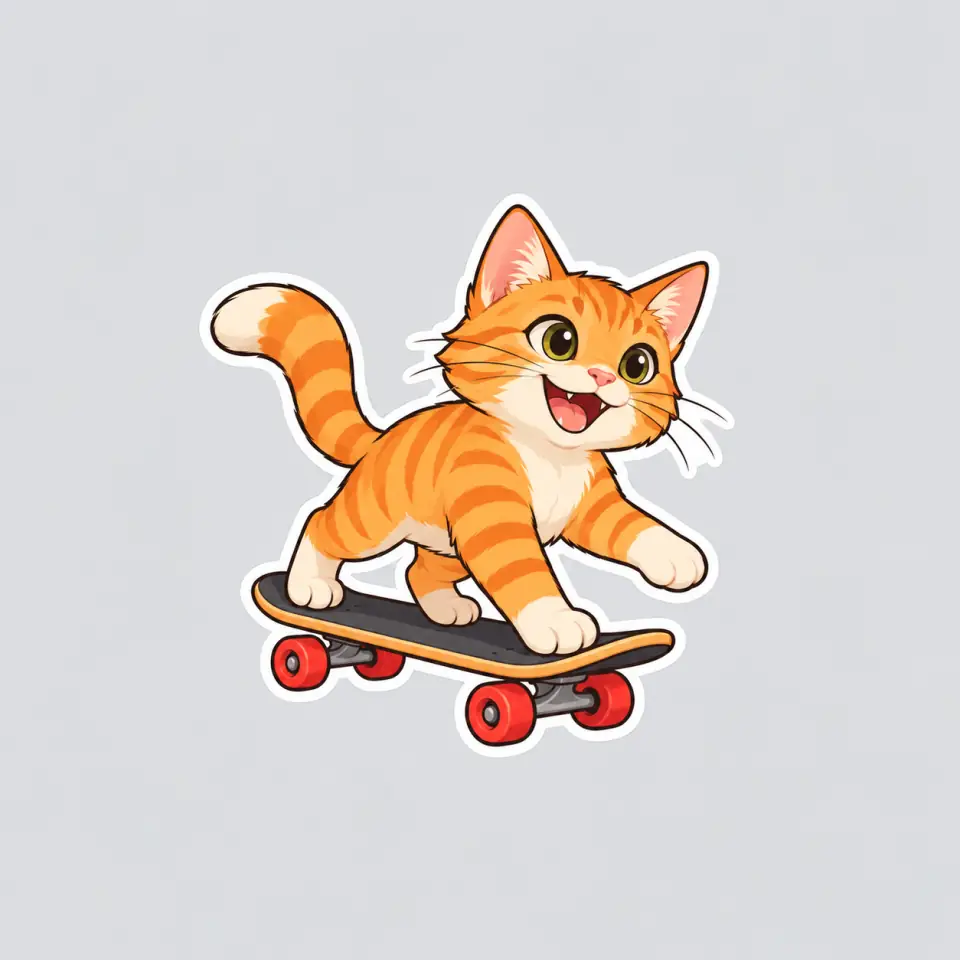
Disco Jellyfish
Flowing tentacles and tiny sparkles bring a dance-floor mood.
The prompt
A lavender jellyfish wearing disco headphones, with sparkling tentacles and a white sticker border.
Turn pet photos, favorite characters, and creative ideas into personalized AI stickers. Choose Cartoon, Kawaii, Hand-drawn, or 3D styles, customize your design, and generate stickers online.
Flowing tentacles and tiny sparkles bring a dance-floor mood.
A lavender jellyfish wearing disco headphones, with sparkling tentacles and a white sticker border.
Explore a different idea
Picture a playful pet, a cute everyday object, or a character for your journal. Pixlio's AI sticker generator lets you choose how it looks and where it fits, from the first reference to a downloadable illustration.
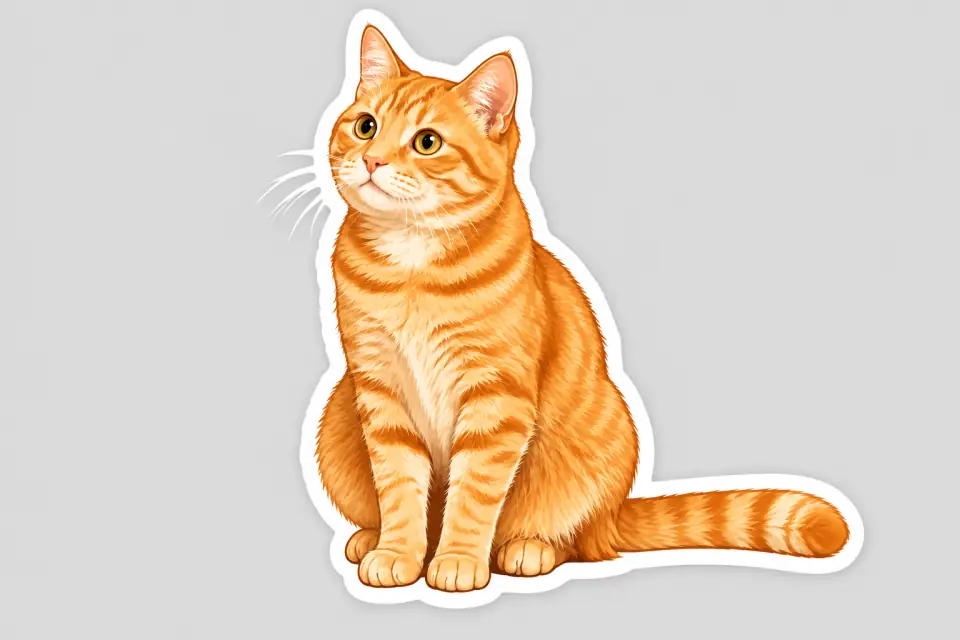
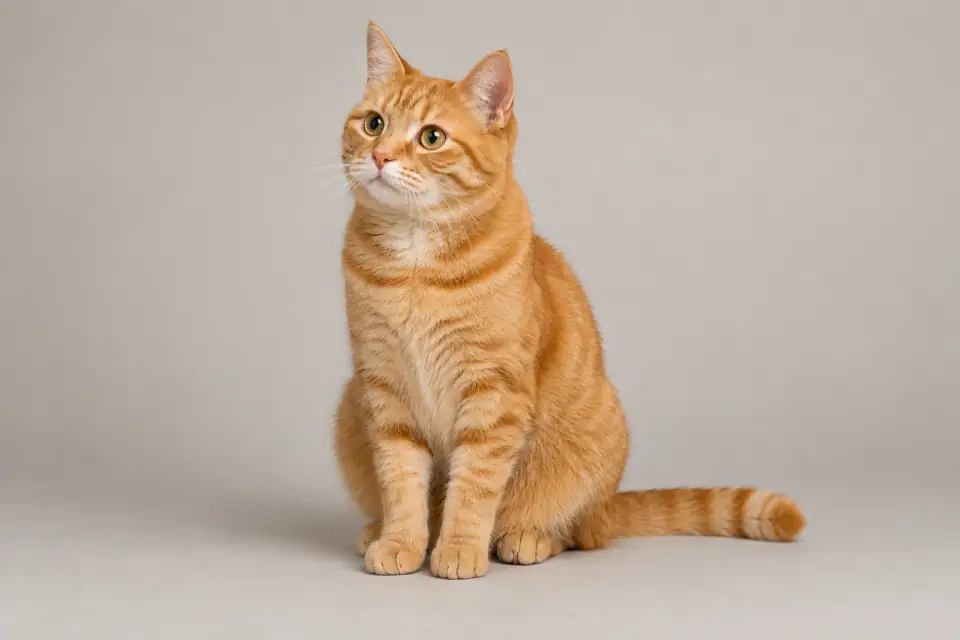
Some ideas start with a sentence; others start with a favorite photo. Use the AI sticker generator to imagine a skateboarding cat from scratch or reinterpret a pet picture as a cartoon character. Describe the action, colors, and props you want, or upload one reference and add optional changes. Reference mode aims to keep the main subject recognizable while restyling it and replacing the original background. You get a new sticker interpretation to preview, with room for creative variation rather than an exact copy of the photo.
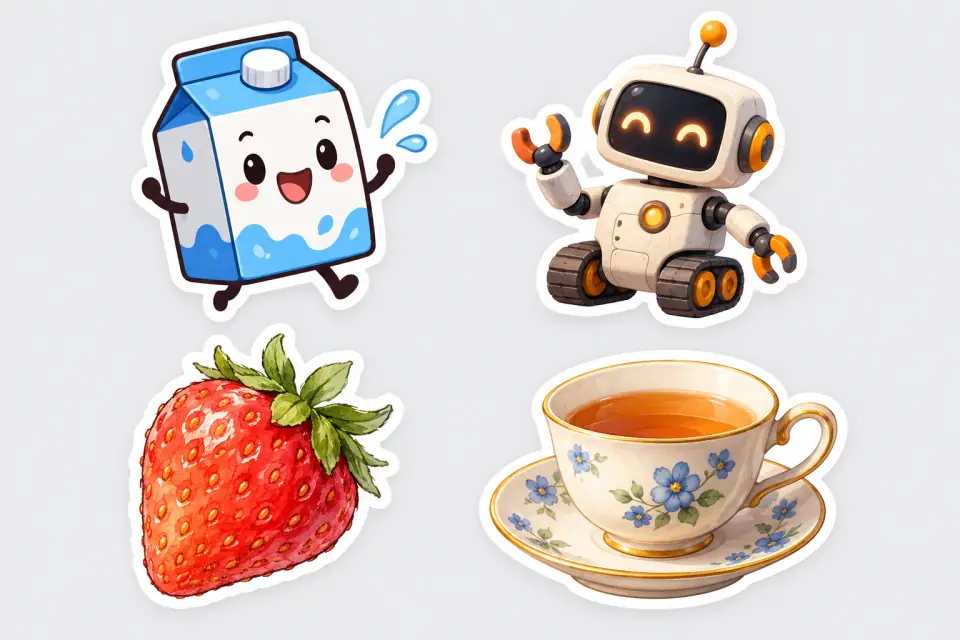
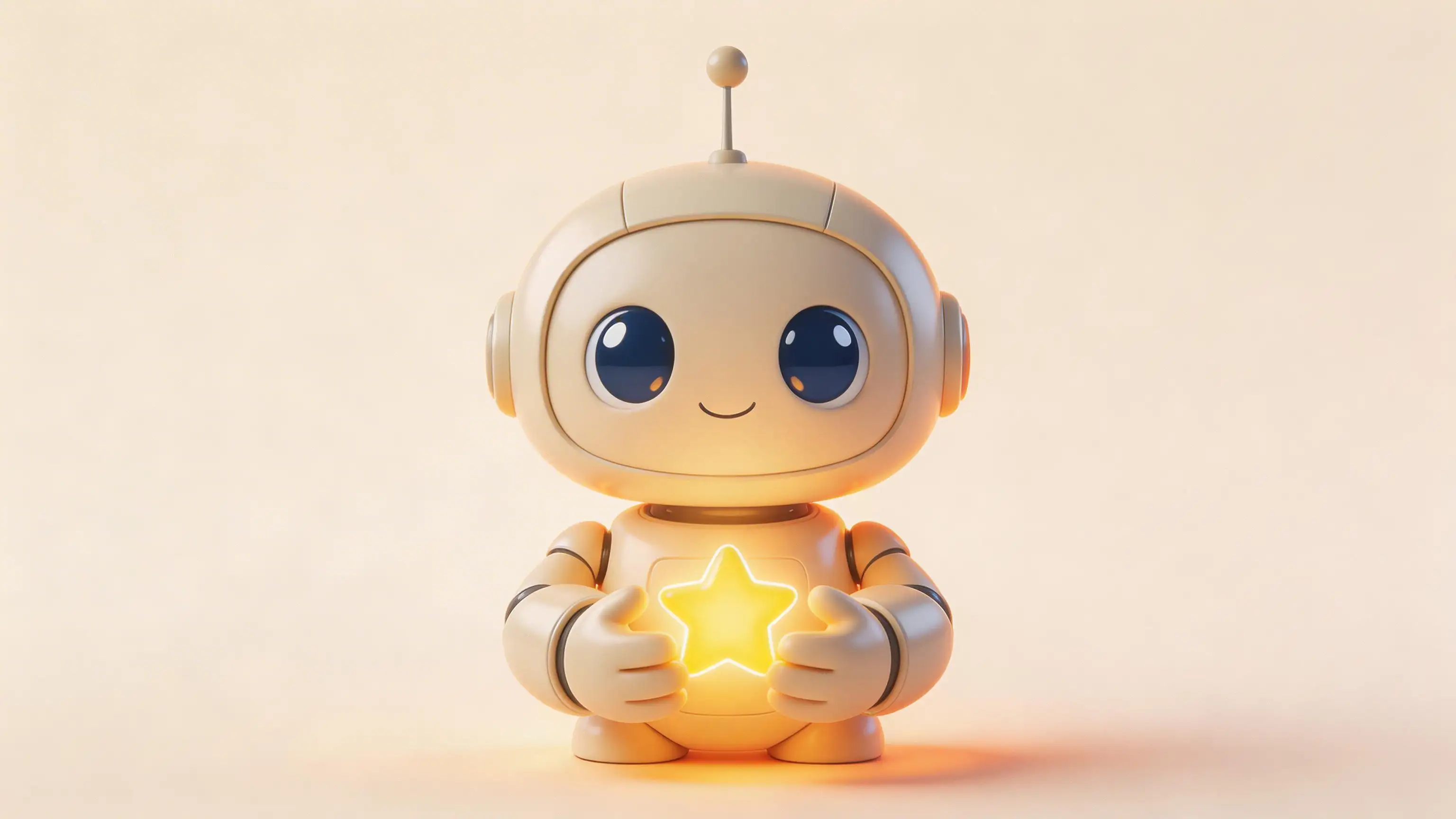
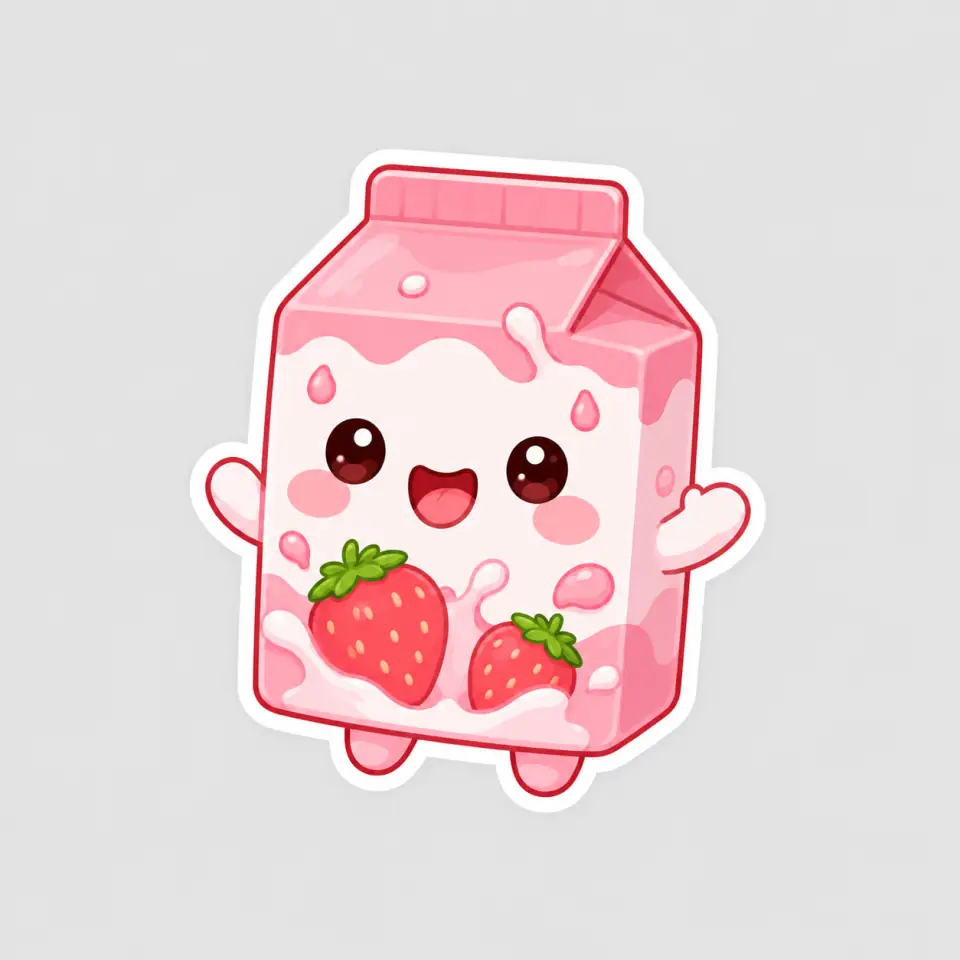
A strawberry milk carton can feel playful in Kawaii, while a friendly robot might suit a softly shaded 3D look. Choose Cartoon for flat colors and bold contours, Kawaii for rounded forms and cute expressions, Hand-drawn for sketch-like character, or 3D for dimensional shading. The AI sticker generator applies your chosen style whether you start with words or a picture, so you can focus your description on the subject. Want to explore another visual direction? Keep the idea, change the preset, and generate a fresh interpretation.
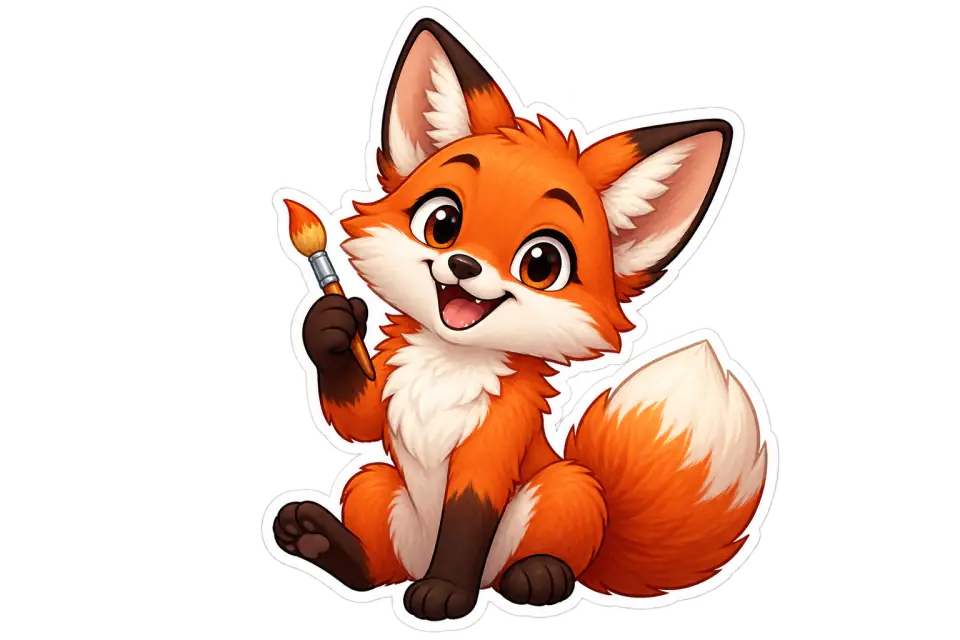
Making a collage or decorating a journal page? A transparent background lets the illustration sit over your own layout without a surrounding rectangle. Unlock transparent PNG generation in the AI sticker generator with an active plan or a qualifying purchased credit balance. Choose transparency before generating; the tool aims for an isolated sticker with a white border. Download the PNG for a compatible editor, then arrange it alongside your other elements. Check the resulting edges and transparency before finishing your design, since generated cutouts can vary.
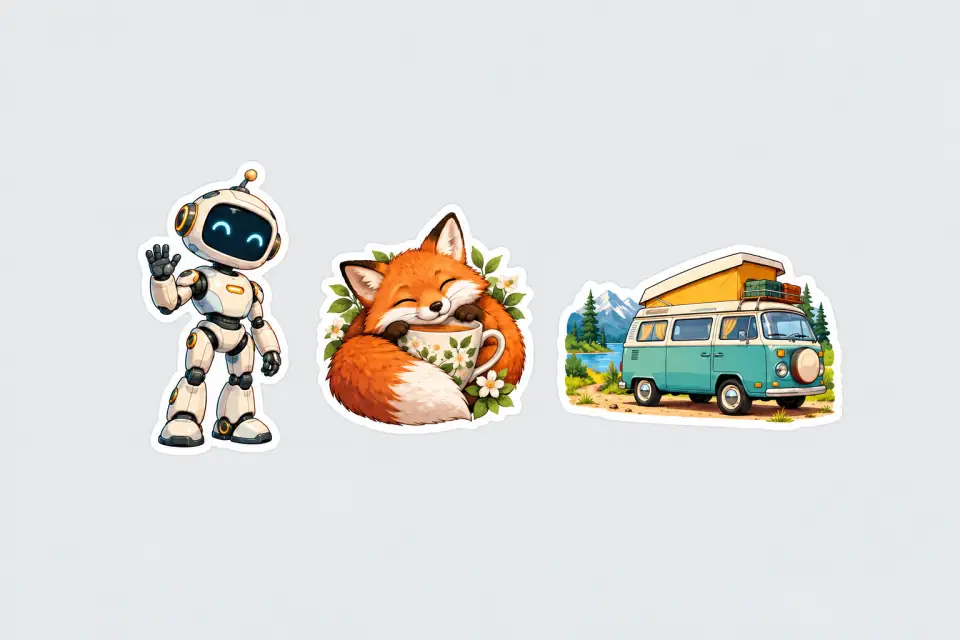
A robot holding a star calls for a different composition than a fox curled around a teacup. Start with a square canvas for a compact illustration, choose portrait for a standing character, or use landscape for a wider subject. The AI sticker generator offers presets for each direction, plus Auto in reference mode to follow your picture's shape. Its framing guidance asks for the subject and white border to fit inside the canvas. Preview how the composition uses that space before saving your chosen result.
Start with a written idea or one reference image in the AI sticker generator. Our AI sticker maker lets you choose the look, generate an illustration, and save the result that suits your project.
Use the AI sticker generator to add personality to personal digital projects. Explore these ideas with the AI sticker maker, bringing your own subjects, colors, and details.
Give a personal project a character of its own: a robot celebrating a small win, a cat riding a skateboard, or a pet reimagined with a favorite accessory. The AI sticker generator lets you bring together a subject, expression, and action in one illustration. Use words for an original chibi character or a reference picture when you already have a subject in mind.
Make everyday objects part of your page's personality. Imagine a smiling strawberry milk carton for a food diary or a sleepy teacup for a quiet weekend mood board. Create a decorative PNG with the AI sticker generator, then bring it into a compatible journal or collage editor. Your subject, palette, and chosen illustration style give the decoration a connection to the page around it.
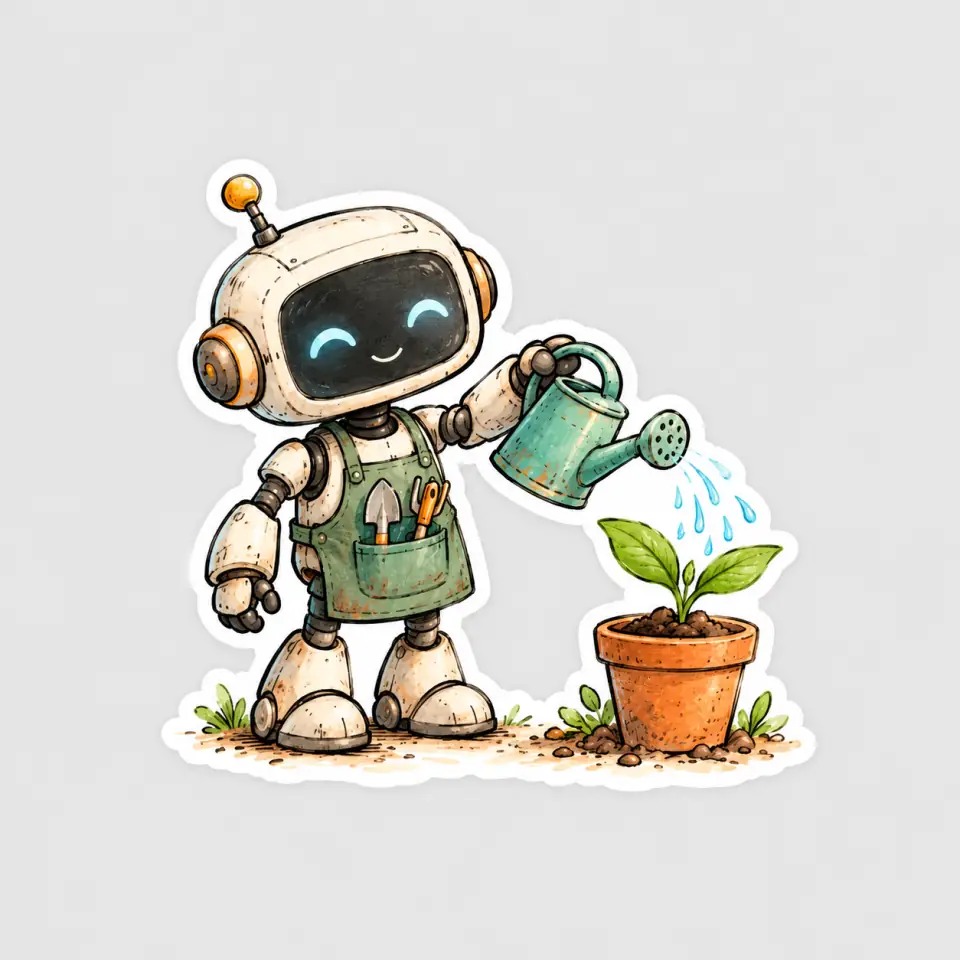
Add a visual accent to a reading list, gardening journal, or weekend project. A fox hugging a book or a robot carrying a watering can can express the theme without becoming a full scene. The AI sticker generator creates one composition at a time, so each illustration can have its own subject and purpose. Reuse your chosen preset when exploring related ideas, while allowing for variation between generations.
Choose 'From reference' in our AI sticker generator, upload one pet photo, and select Cartoon. Add optional instructions for an accessory or a different pose, then generate and download your sticker image file.
Yes. Choose 'From description' in our AI sticker maker, describe a subject such as a smiling strawberry milk carton, and select Kawaii. The preset guides generation toward rounded shapes, simple cute expressions, and cheerful colors. You can also start with a reference picture. No drawing is required.
For a sticker you can layer over your own design, enable Transparent background in the AI sticker generator before generating. Unlock this option with an active plan or remaining qualifying purchased credits. Our AI sticker maker aims to leave transparency outside the white sticker border. Download the generated image and check its edges before placing it in your project.
Download your sticker image from the AI sticker maker, then prepare it for your chosen app's sticker-import workflow. You may need to resize or convert it to meet that app's requirements. Pixlio creates the artwork; importing it as a WhatsApp or Telegram sticker may require a separate step.
Create a decorative PNG image with the AI sticker generator, then import it into a digital planner that accepts images. For Goodnotes, use the image-import options available in your version. A transparent background is useful for placing artwork over a planner page and is available to eligible paid accounts.
Yes, one at a time. Use the same character picture in From reference, choose the same style, and request a new pose or activity in the optional instructions. The AI sticker generator aims to retain recognizable features, though details can vary between results.
Yes, users with a paid plan can use sticker images generated with our AI sticker maker commercially, including in products, packaging, and other commercial projects. Free users may use generated stickers for personal, non-commercial purposes only. Commercial use still requires any necessary permissions for third-party characters, logos, or reference images included in your artwork. See Pixlio's Terms of Service for general usage terms.
Choose Cartoon for bold contours, Kawaii for rounded forms and cute expressions, Hand-drawn for sketch-like lines, or 3D for softly shaded shapes. Both input modes offer square, portrait, and landscape presets, including Square HD. Reference mode also has Auto to follow your picture's shape. Choose the style and proportions that suit the illustration you have in mind.
To request lettering, include the words in your description or optional reference instructions, then review the result for spelling and layout. For changes after generation, choose Edit above the preview to open your image in Pixlio's separate image editor. Upscaling and background removal are also available through the toolbar. Each destination tool has its own settings and credit rules.
More Ways to Work with Your Images
Find another Pixlio tool for the next step in your creative project.