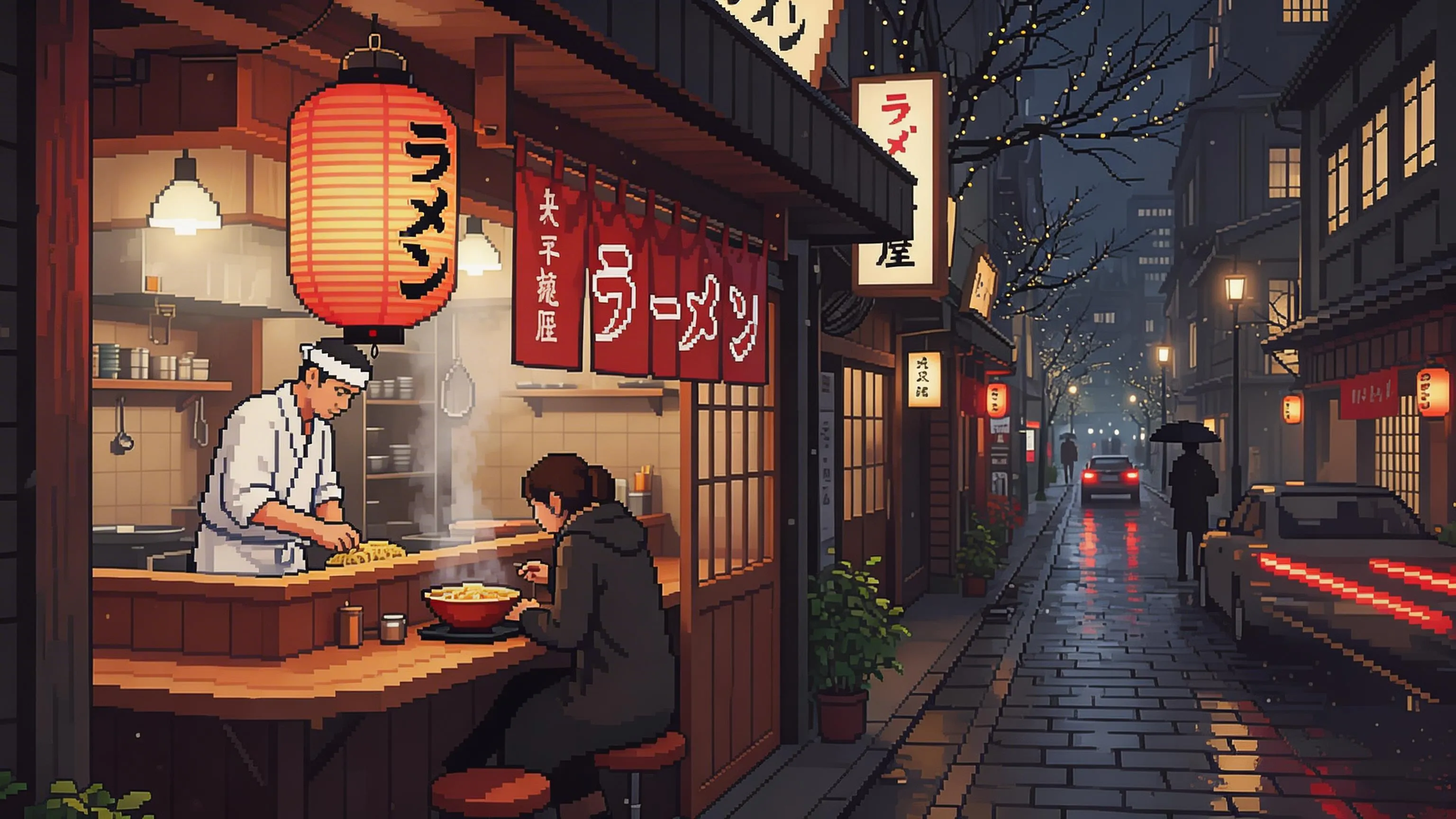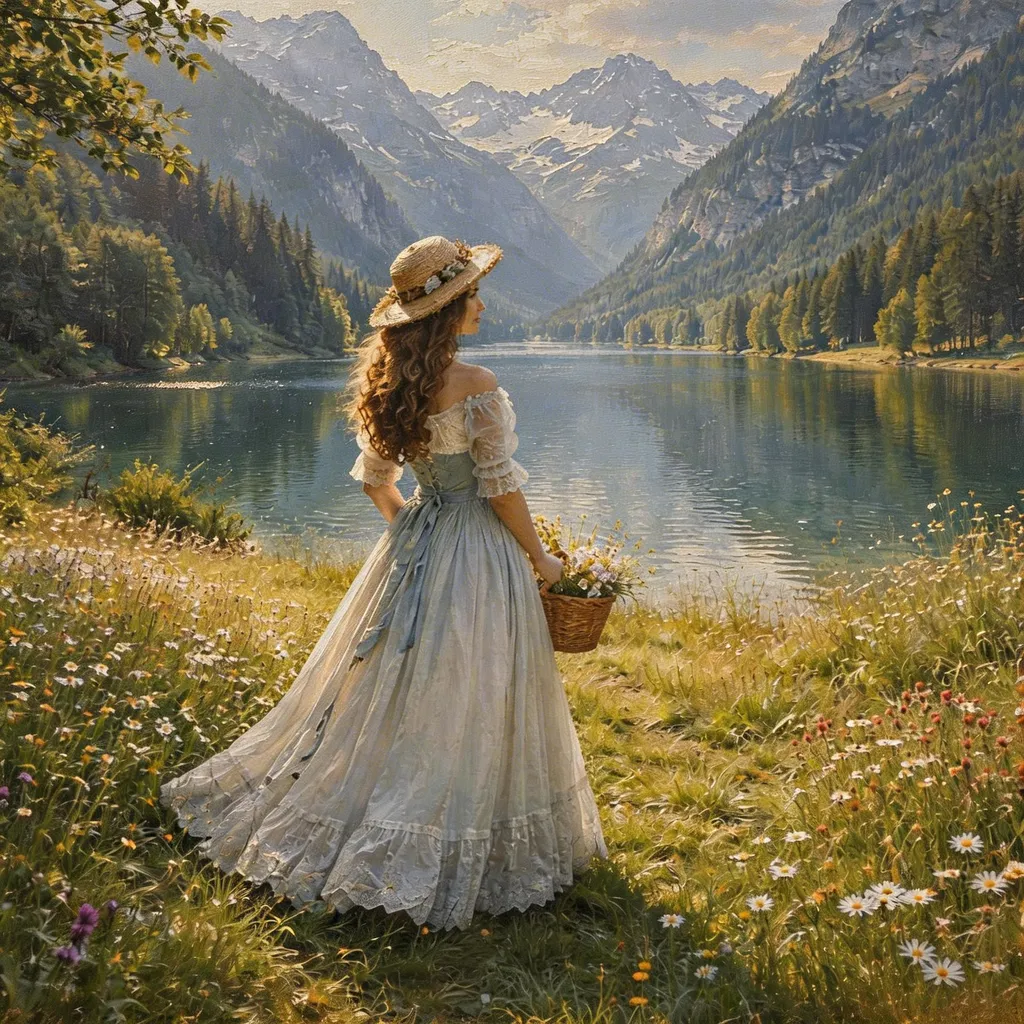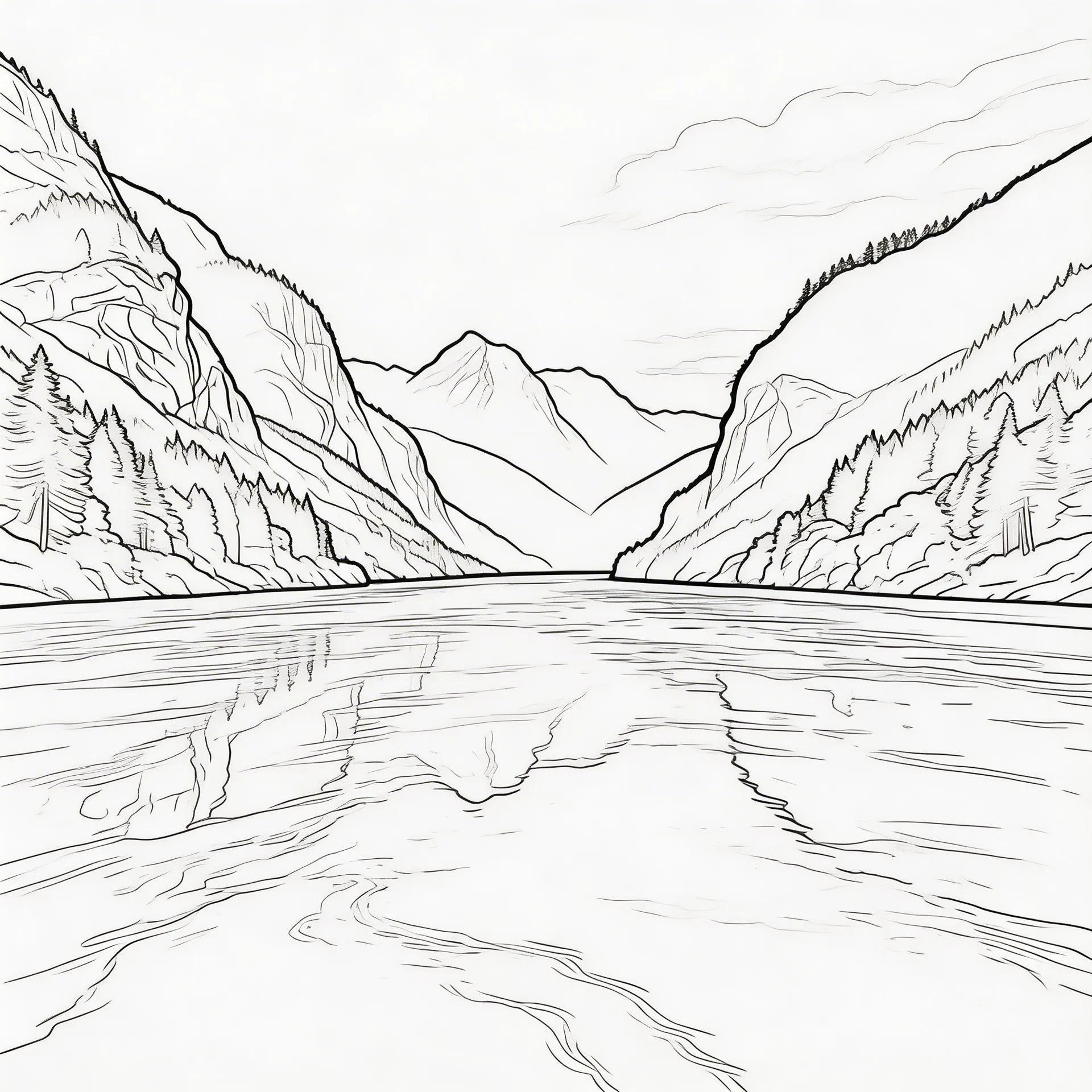

Result

Minimal mountain and sun shirt graphic on white
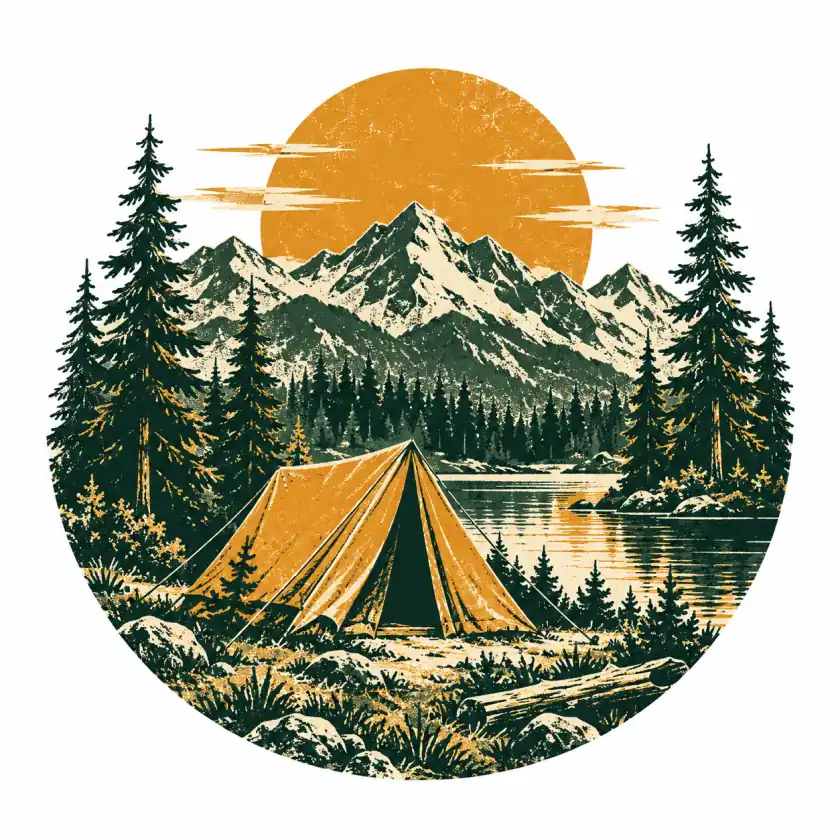
Vintage tent and pine tree camping emblem on white
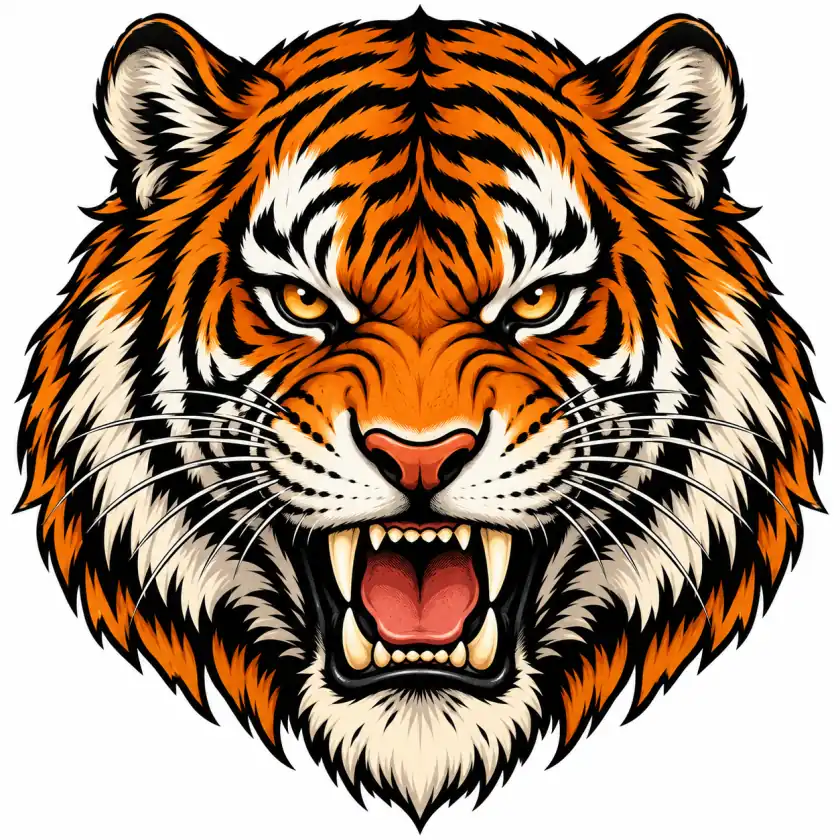
Bold tiger shirt illustration with orange accents on white

Create Your Next Shirt Graphic with an AI Shirt Design Maker

Turn a description or up to four reference images into a standalone shirt graphic. Explore styles, choose your canvas, and download a PNG, with transparent backgrounds, to develop your idea for a personal tee, club, or event.

Shirt Design Prompts to Start with

1 of 6 : Cosmic Cat

Cosmic Cat

A playful space explorer with a colorful illustrated twist.

The prompt

Create a standalone shirt graphic of a curious cat wearing an astronaut helmet, surrounded by small planets and stars, bold illustration with dark purple, teal, and coral accents, centered composition, no text. Flat artwork only, no shirt or mockup.
Explore a different idea

Features

Give Your Shirt Idea a Visual Starting Point

An idea can begin as a few words, a familiar illustration, or a club theme. Pixlio's AI shirt design maker gives you different ways to explore that starting point without drawing the artwork yourself.

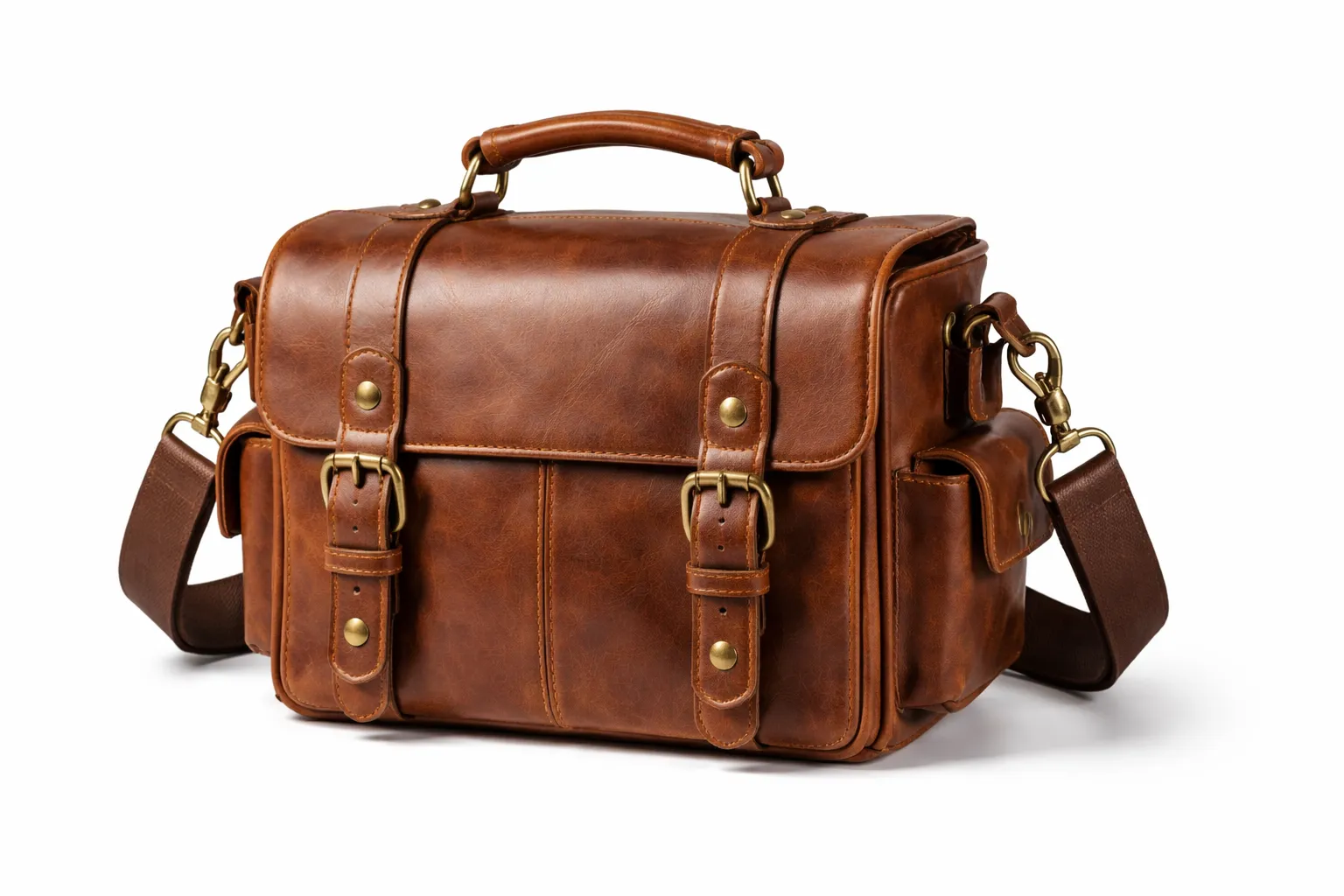
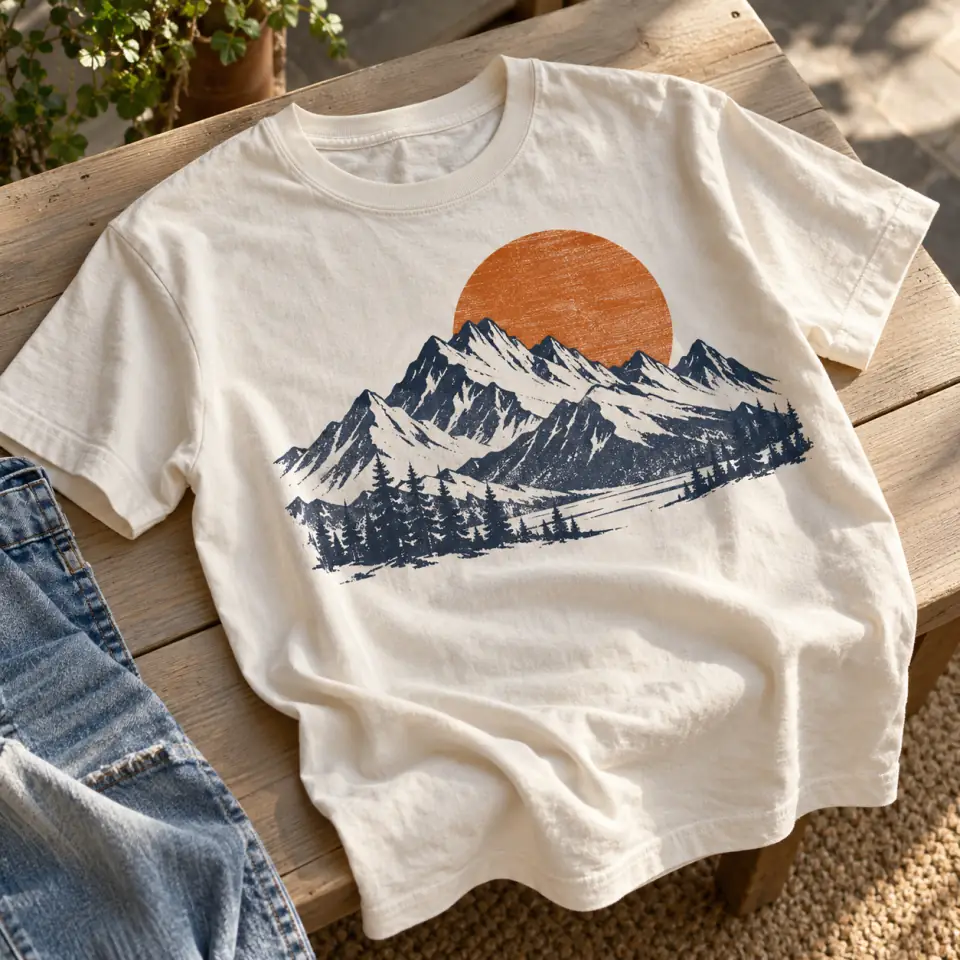
Casually laid cotton shirt with a navy mountain and orange sunrise print

Start with the picture in your head

Have an idea for a mountain tee but no artwork to upload? Describe the peaks, a rising sun, and a navy-and-orange palette. The AI shirt design maker uses your description to create a standalone graphic concept. Include the composition you want, or begin with an editable example in the tool. You get an image to evaluate instead of keeping the idea in words, with no reference photo required.

Explore Your Shirt Graphic
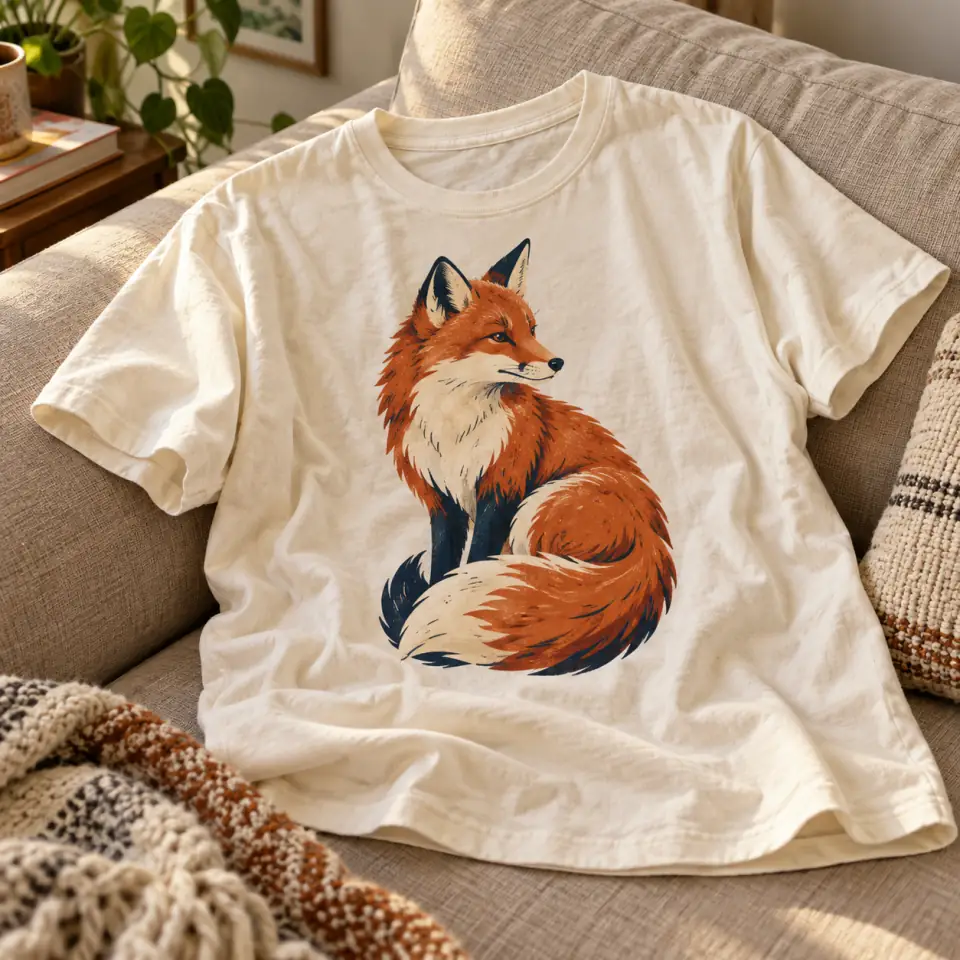
Casually placed cream shirt with an orange and navy fox print

Bring your references together in one shirt concept

Have a subject illustration and a separate color reference? Choose From My Images and upload one to four images. The first is your main reference; others can guide supporting subjects, colors, or details. Optionally explain each image's role in Extra Instructions. The AI shirt design maker aims to bring relevant details into one cohesive graphic. Review the result for changes to shapes, colors, and lettering; reference matching is not guaranteed.

Explore Your Shirt Graphic
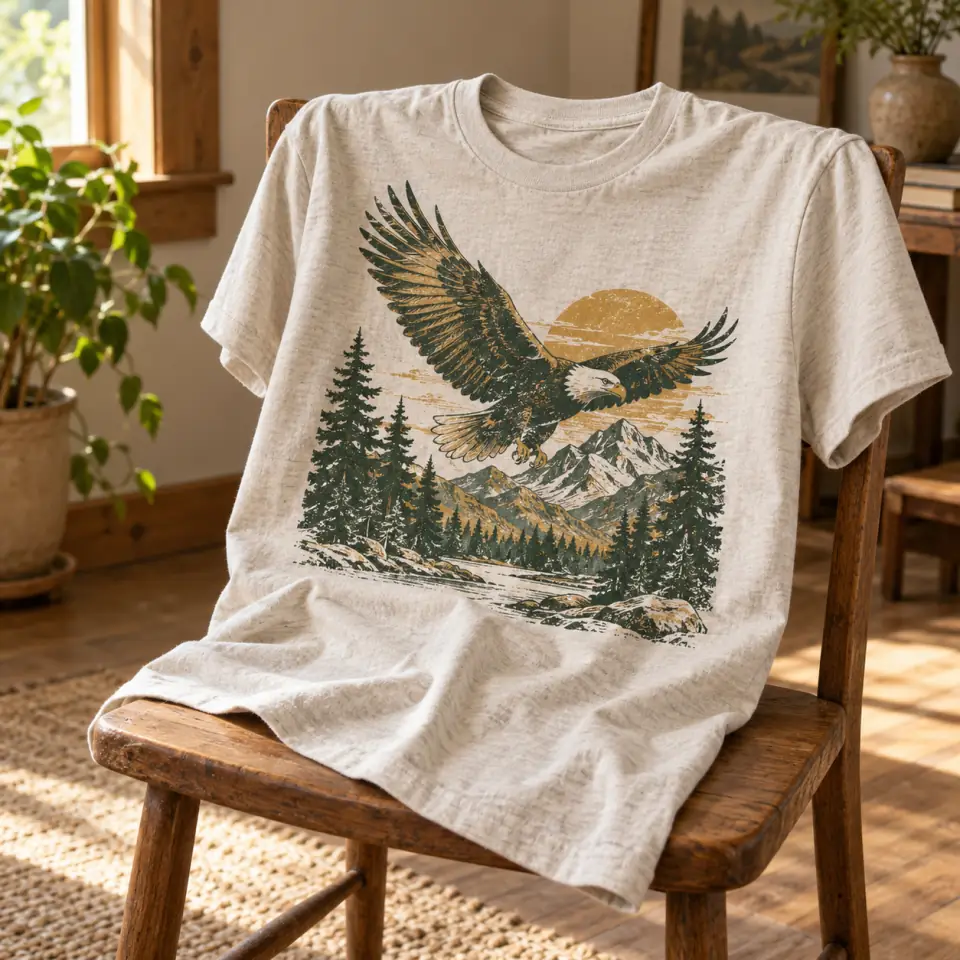
Casually draped shirt with a vintage eagle and mountain print

Find a visual treatment that fits the occasion

A quiet personal tee and a lively club graphic may call for different treatments. Choose Minimal for simple shapes, Vintage for a retro direction, Bold illustration for strong outlines, or Typography to emphasize supplied wording. Auto follows the direction in your description or reference where possible. The same five choices work with either input mode, so you can explore another treatment while keeping your subject and requested colors in the brief.

Explore Your Shirt Graphic
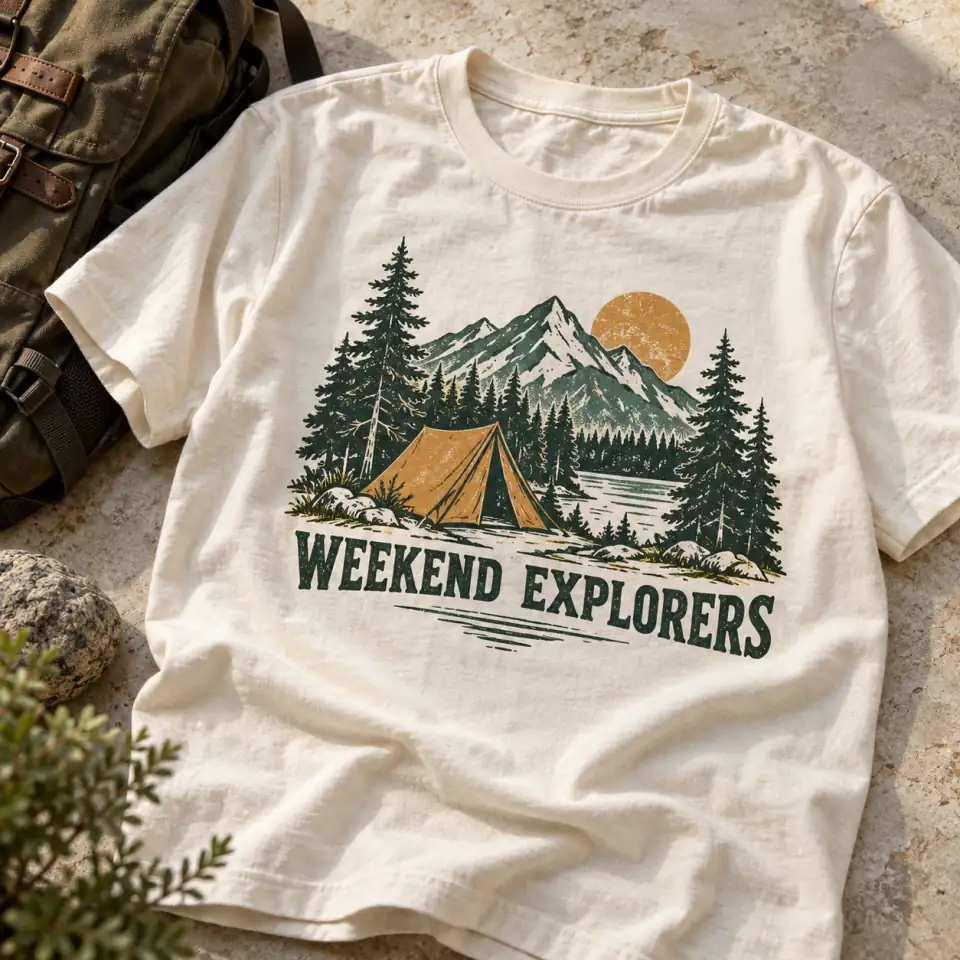
Casually laid shirt with a WEEKEND EXPLORERS camping emblem

Shape the composition around your graphic and wording

A compact camping emblem and a tall illustration need different compositions. Choose a square, portrait, or landscape canvas to guide the layout. If your club graphic needs a name, include exact words such as "WEEKEND EXPLORERS" in quotes. The AI shirt design maker requests that wording within the artwork. Inspect spelling and spacing in the preview before downloading; this is generated lettering rather than an editable typesetting layout.

Explore Your Shirt Graphic

From an Idea to a Downloadable Graphic

Use the AI shirt design maker to work through one concept at a time. The default style and square canvas let you begin with just your required input.

Use Cases

Shirt Graphics for the People and Projects You Care About

Use an AI shirt design maker to explore the artwork behind a shirt idea, whether you are making something personal or discussing a shared design with others.

A personal tee built around your interests

Turn a favorite outdoor theme, animal, or hobby into a graphic direction for your own tee. Describe the subject and colors that matter to you, then choose a treatment. The result gives you standalone artwork to consider before deciding how it should appear on clothing.

Start Your Design Concept

A shared idea for an upcoming event

Explore a reunion, camping weekend, or celebration graphic before discussing production. Add the event wording to your brief and use the downloaded concept to explain the direction to others. Check names and dates carefully, and arrange garment placement and printing separately once the artwork is ready.

Start Your Design Concept

A club emblem people can discuss together

Give a walking group, hobby club, or informal team a visual concept to react to. Start with its theme or an existing reference, and request the group's name if needed. Pixlio's AI shirt design maker helps you explore the graphic; it does not supply a complete identity system.

Start Your Design Concept

An early direction for a small merch project

Explore an illustration direction before investing in production preparation for a small merch idea. Download a concept to review with a designer or printer. You remain responsible for checking rights to uploaded material and generated artwork; the tool does not provide licensing clearance, print ordering, or fulfillment.

Start Your Design Concept
FAQ

Questions About the AI Shirt Design Maker

What does an AI shirt design maker create?

It creates a standalone graphic concept for a shirt from your description or up to four reference images. Pixlio produces flat artwork, with transparent backgrounds available to paid users, rather than a picture of someone wearing a tee. Use the result to explore a visual direction before moving into garment layout or production preparation elsewhere.

Do I need an image to get started?

No. From description starts with text alone: describe your subject, colors, composition, and any wording you want. From My Images accepts one to four uploaded images, while Extra Instructions are optional. You can use an existing illustration as a starting point and describe changes without having to write a complete design brief.

Which reference files can I upload?

Upload one to four JPG, PNG, or WebP images, up to 15 MB each. The first is your main reference; others can guide subjects, colors, or details. For artwork photographed on clothing, generation is instructed to extract the graphic. Inspect the result: extraction and reference matching are not guaranteed.

Which styles and canvas shapes can I choose?

The AI shirt design maker offers Auto, Minimal, Vintage, Bold illustration, and Typography. Both input modes offer square, portrait, and landscape presets, including Square HD. Reference mode also offers Auto canvas selection. Square HD is a separate canvas preset, not an upscaling feature or a guarantee of print resolution.

Can I include a club name or slogan?

Yes. Put your exact wording in quotes within the description or Extra Instructions. Typography emphasizes supplied wording or lettering in the reference; it does not provide editable fonts or text layers. AI lettering can contain errors, so inspect every word and its readability before sharing or preparing the graphic for a shirt.

Is the downloaded image ready for printing?

Each generation produces one raster PNG. Paid users default to transparent backgrounds and can switch to opaque white; free accounts generate on white. It is a design concept, not a guaranteed print-ready file. Your printer may need background cleanup, resizing, or other preparation. SVG and layered exports are not included. Download access and watermark treatment follow your account's existing entitlements.

Does the AI shirt design maker require an account or credits?

Sign in to generate a design. Generation uses Pixlio credits, with the current estimate shown in the tool before you generate. Available use depends on your account's credit balance; this is not an unlimited generation service. Check your account and pricing options if you need credits to explore more concepts.

Are my shirt designs public or private?

Creations made with a free account are public and may be selected for Pixlio's public gallery. Private generation is available with an active paid subscription or a qualifying positive top-up balance. Eligible paid users default to private and can choose public visibility. Review Public Visibility before generating work you do not want public.

More AI Image Tools

Explore our collection of AI-powered image tools designed for different creative needs and styles

Put Your Next Shirt Idea into Pictures

Bring a description or up to four reference images to Pixlio's AI shirt design maker. Choose a visual direction, inspect your graphic, and download a concept you can develop further.